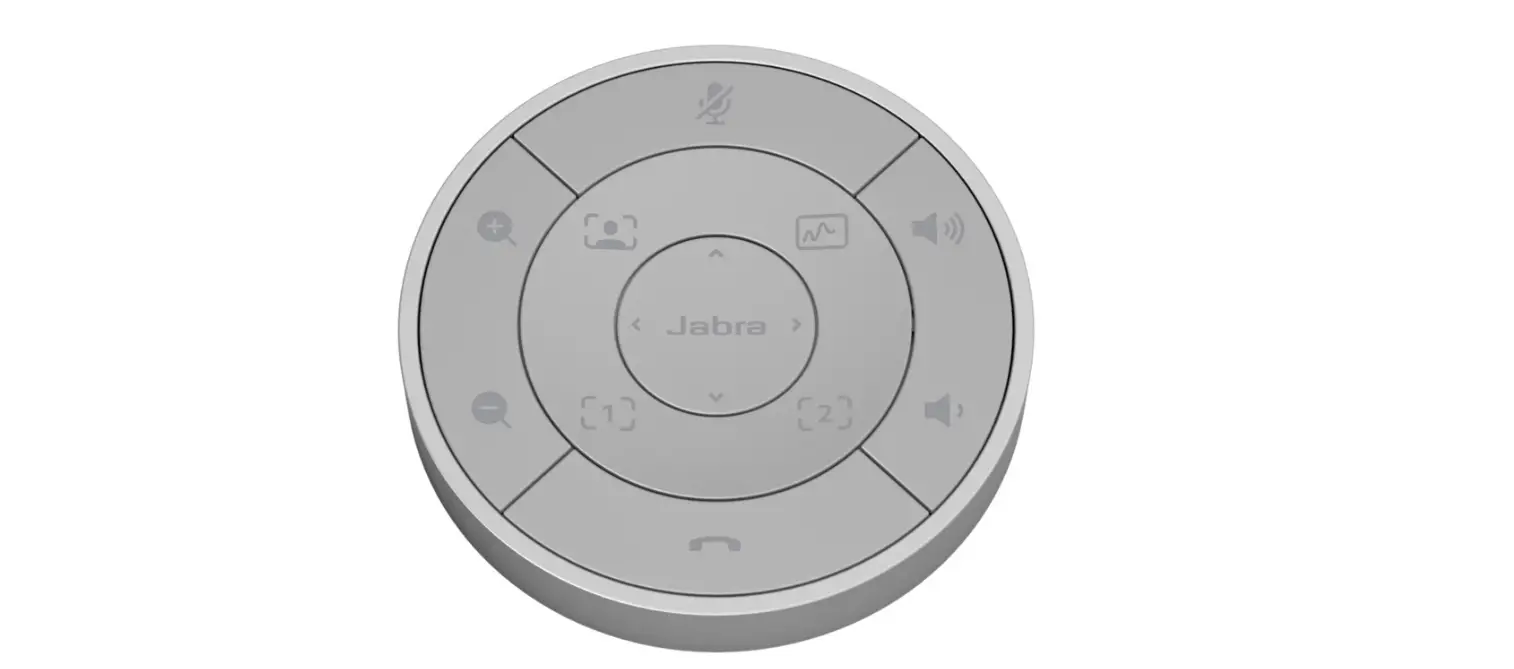

Jabra 8211-209 PanaCast 50 Remote Control
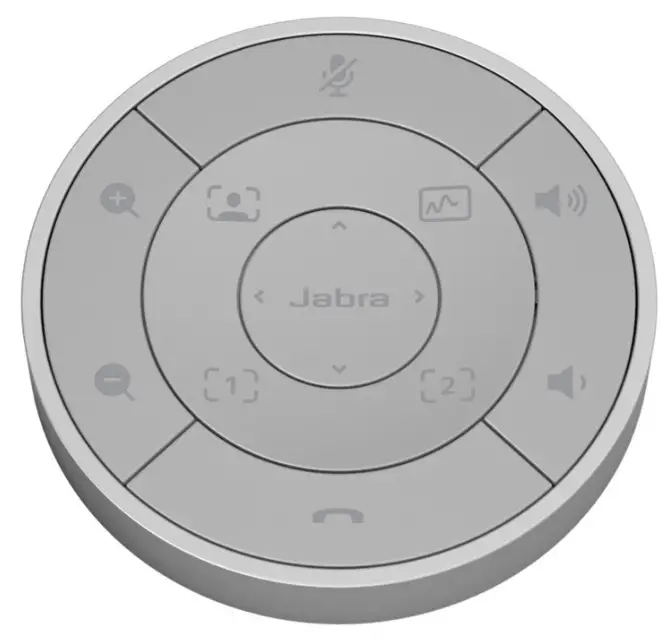
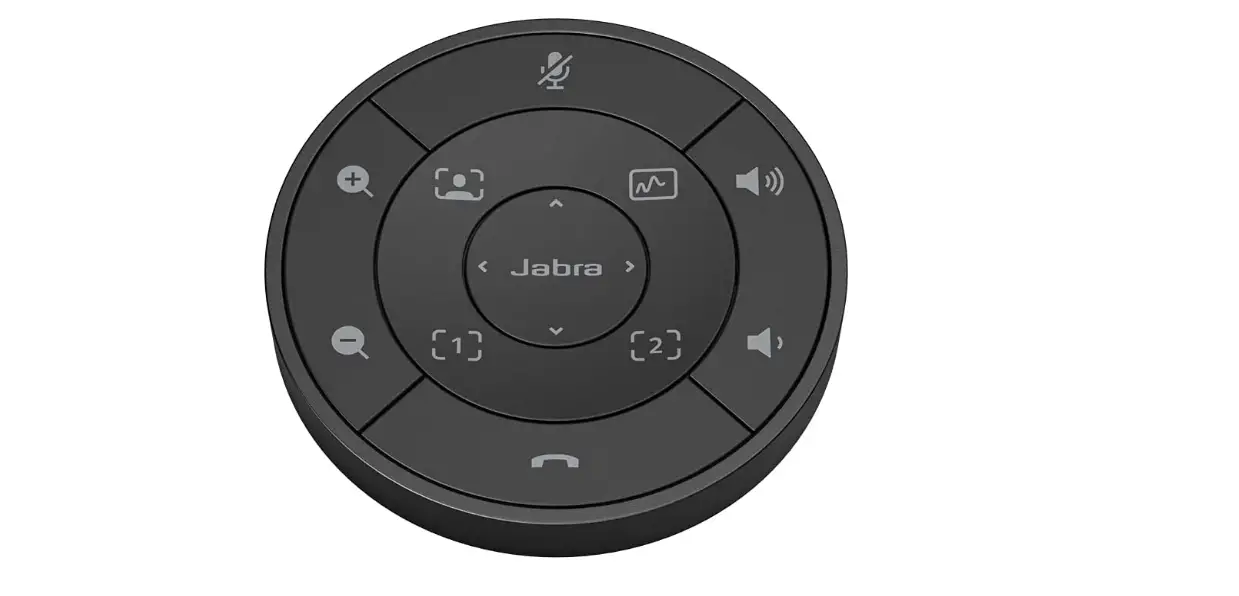
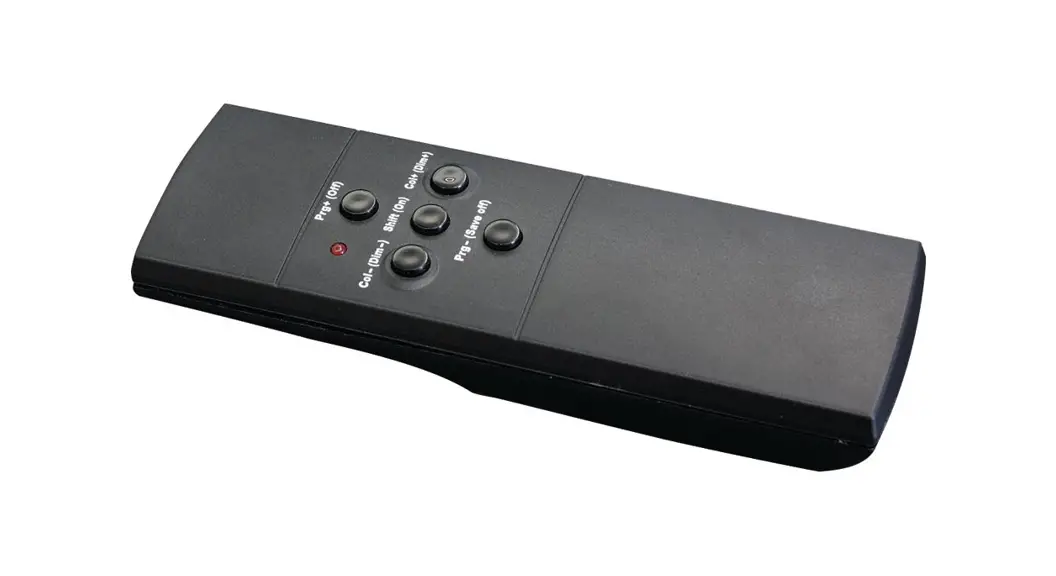
PanaCast 50 Remote Control
- Mute
- Answer/end call

- Volume up/down
- Recall a saved preset.

- Hold the button down to save the current view as a preset.
- Zoom in/out

- Adjust camera view
- Share whiteboard
- Toggle between Virtual Director, Intelligent Zoom, and full room view





USER INSTRUCTIONS IN REGIONAL LANGUAGES
Go to Jabra.com/manuals for user instructions
 Wireless Headsets and Headphones for Office, Music & Sport | Jabra
 Wireless Headsets and Headphones for Office, Music & Sport | Jabra