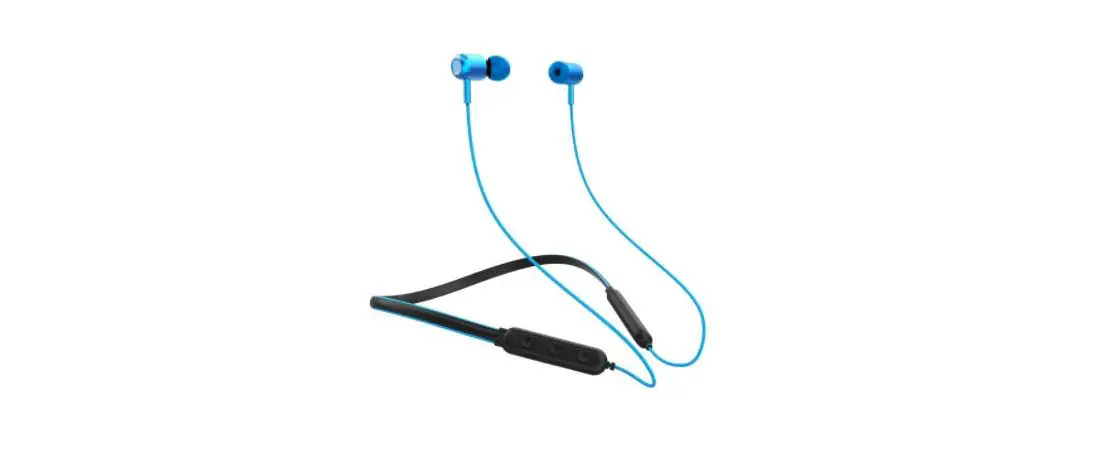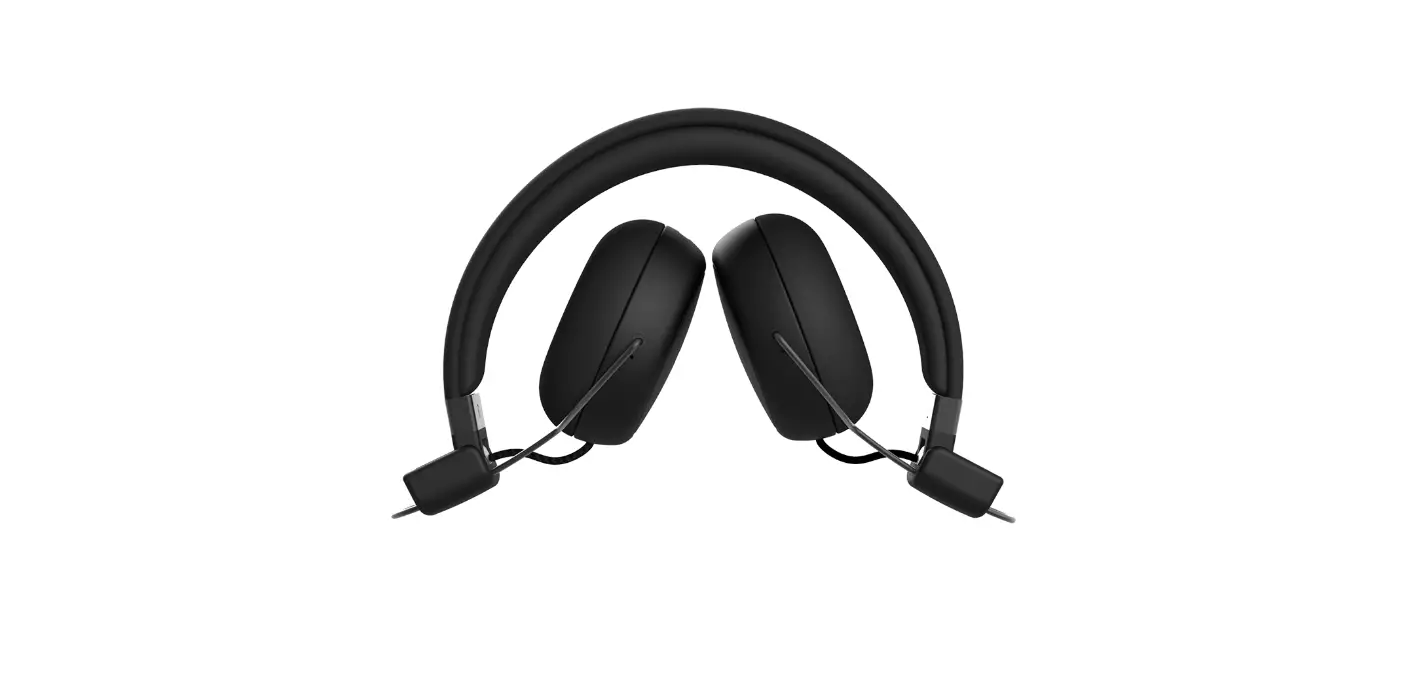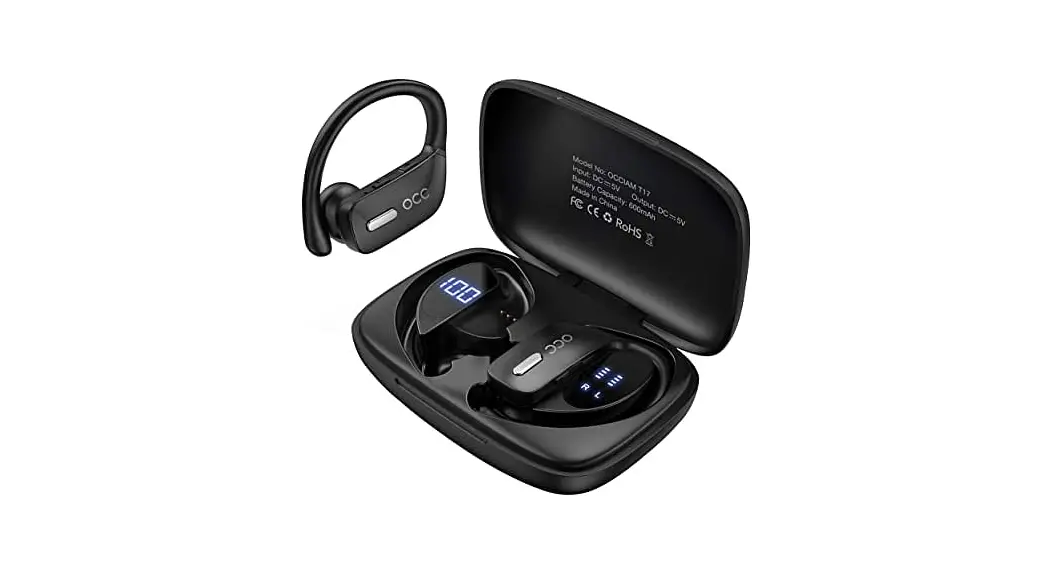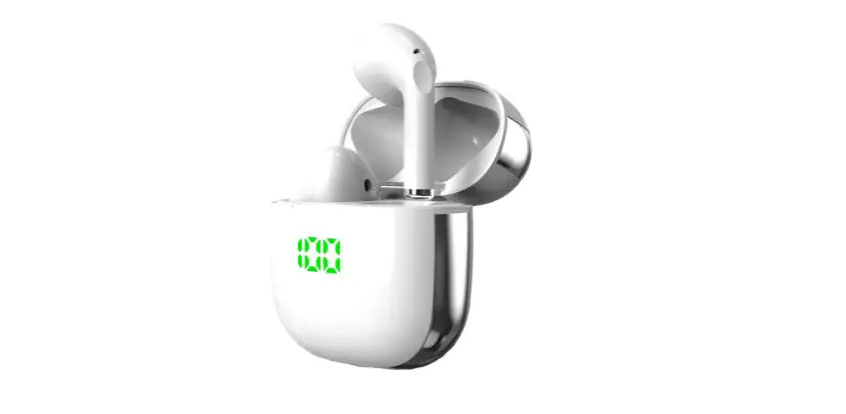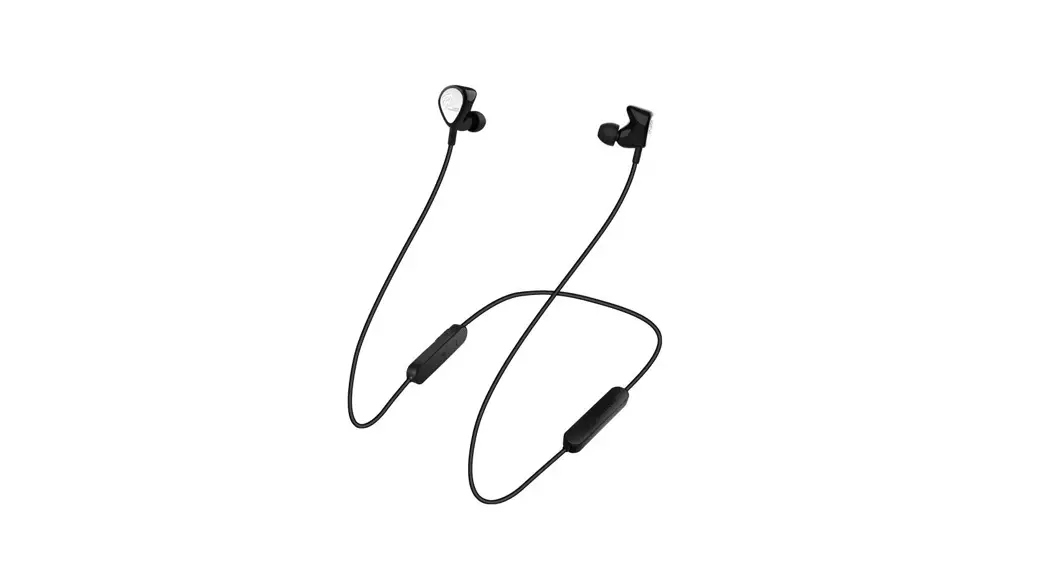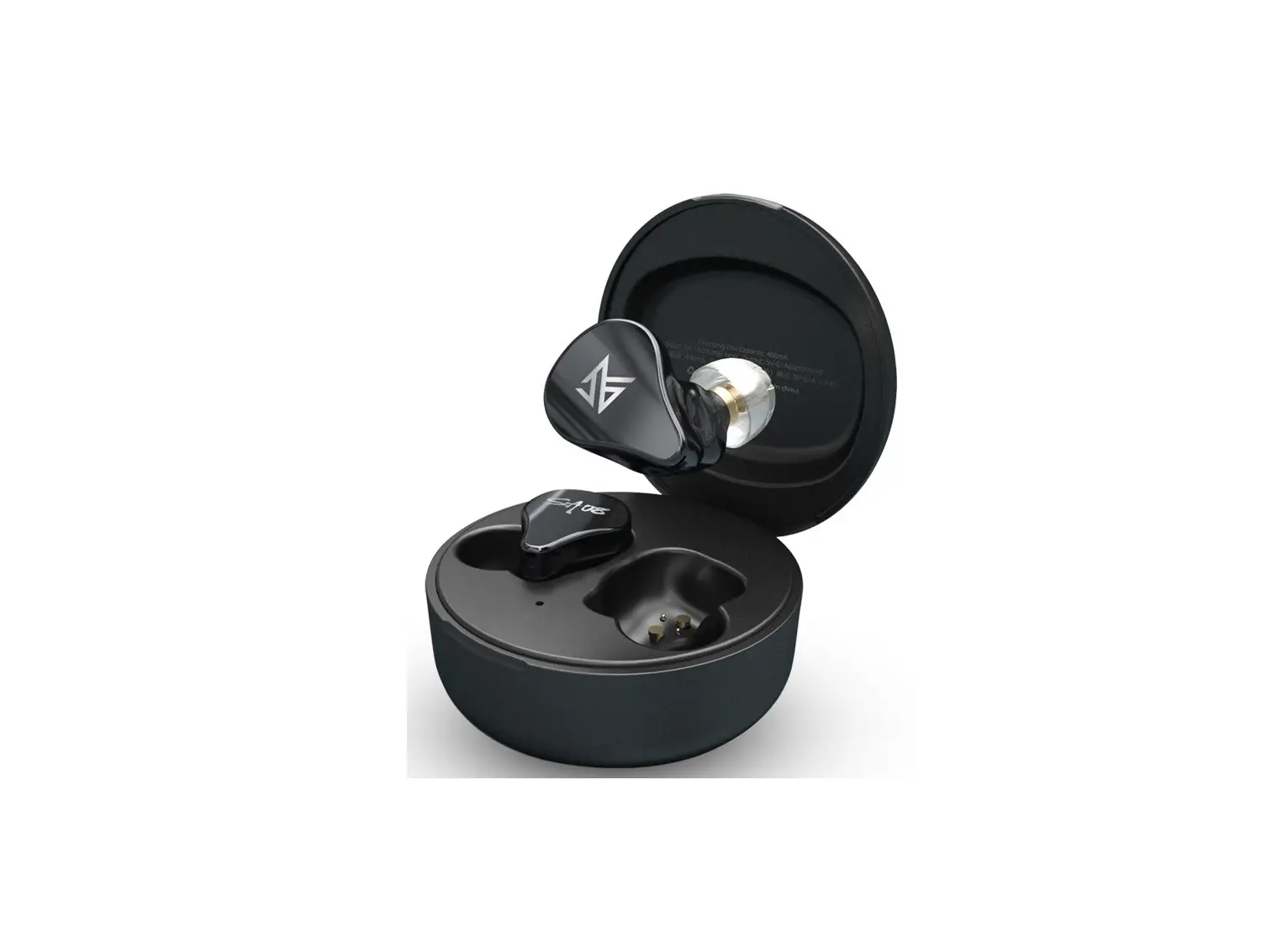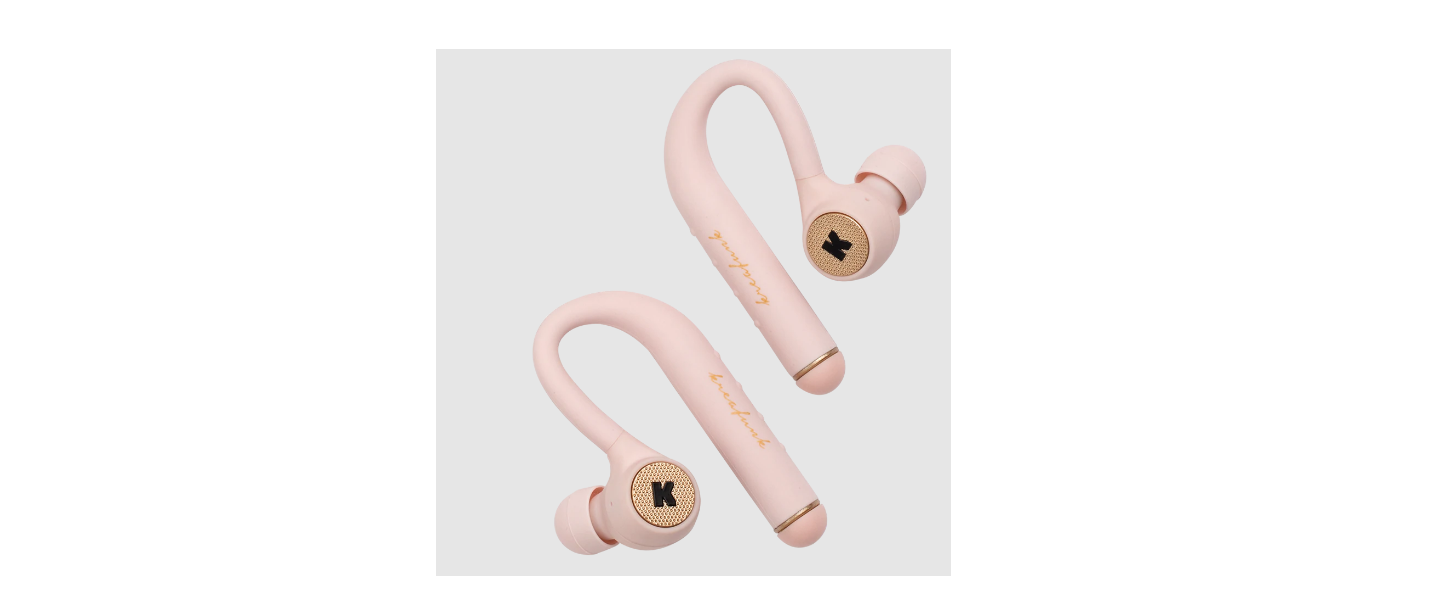

KREAFUNK aVIBE Wireless Bluetooth Earphones

SAFETY AND MAINTENANCE INSTRUCTIONS
- Please read this operation manual carefully before use.
- The safety and maintenance instructions in this operation manual should be retained for future reference and must be followed at all times.
- Keep the product away from heat sources such as radiators, heaters or other appliances that produce heat.
- Do not expose the product to direct sunlight for longer periods. High temperatures will shorten the life of the product, destroy the battery and distort certain plastic parts.
- Do not expose the product to extreme cold as it may damage the internal circuit board.
- Avoid liquids getting into the product.
- Do not throw with or stamp on the product. This may damage the internal circuit board.
- Do not try to disassemble the product. This must only be done by a professional.
- o not use concentrated chemical products or detergent to clean the product.
- Keep the surface away from sharp things, as these may cause damage to the plastic parts.
- Use 5V / 1A power supplies only. The connection of power supplies with higher voltage may lead to severe damage.
If you do experience any problems with your product please contact the retailer you purchased the product from. The retailer will provide you with guidance and if that does not solve the problem the retailer will handle the claim directly with KREAFUNK.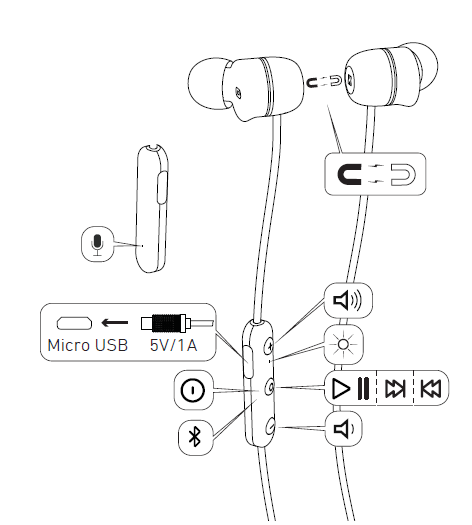
BLUETOOTH® PAIRING
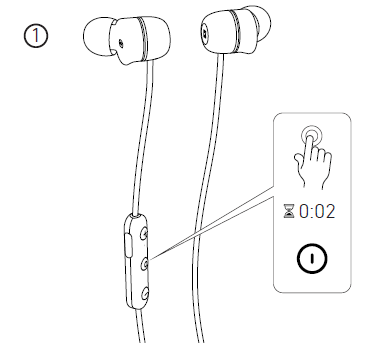
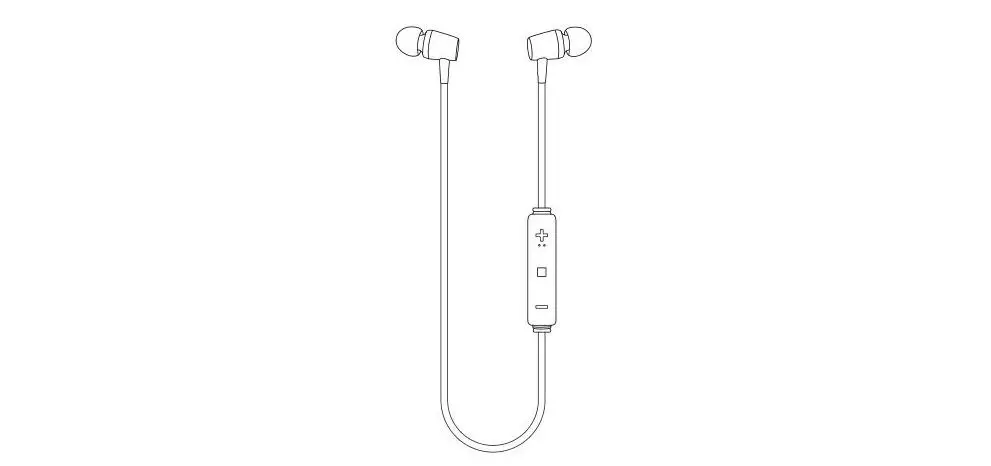
Press and hold the multi-function button for 2 seconds to turn aVIBE on. The LED indicator will light up white and a sound prompt is heard.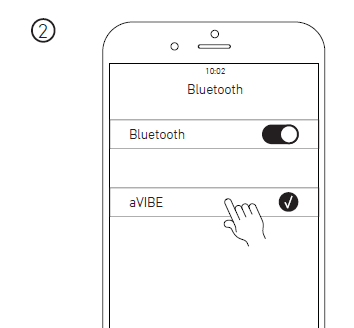
Find the list of visible / connected units on your device and select “aVIBE”. The LED indicator will turn solid white, a sound prompt is heard and aVIBE is ready to play.
MANUAL BLUETOOTH® PAIRING MODE
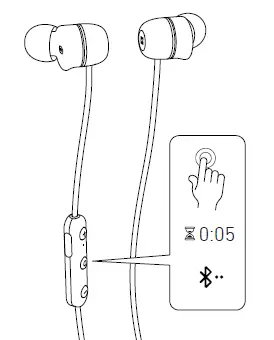
aVIBE will always re-connect to last connected device, when turned on. If you wish to connect a new device, you can manually activate Bluetooth® pairing mode :for 5 seconds (until a second sound prompt is heard) to activate Bluetooth® with a new device.
MULTI-FUNCTIONS
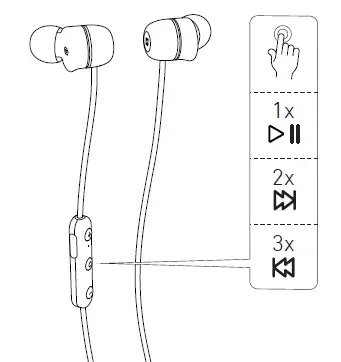
BATTERY AND CHARGING
CHARGING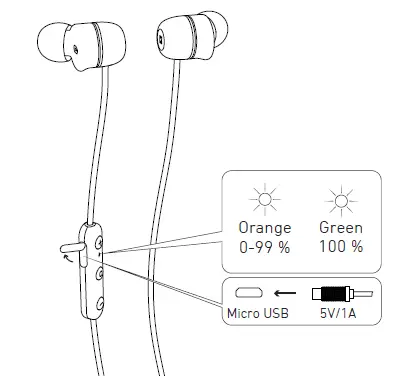
Charging time is approximately 2 hours using the included USB cable. The LED indicator turns solid orange when charging. The LED indicator turns solid green when the battery is fully charged.
BATTERY STATUS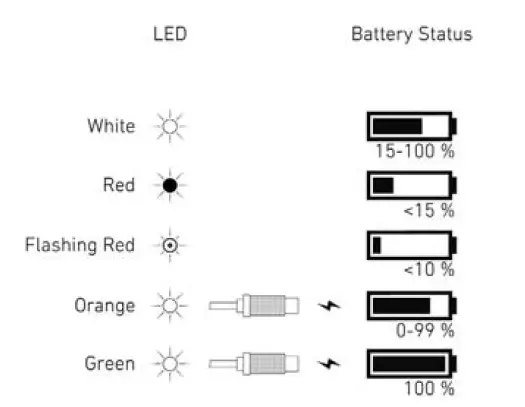
When the battery level is below 15%, the LED indicator turns solid red.