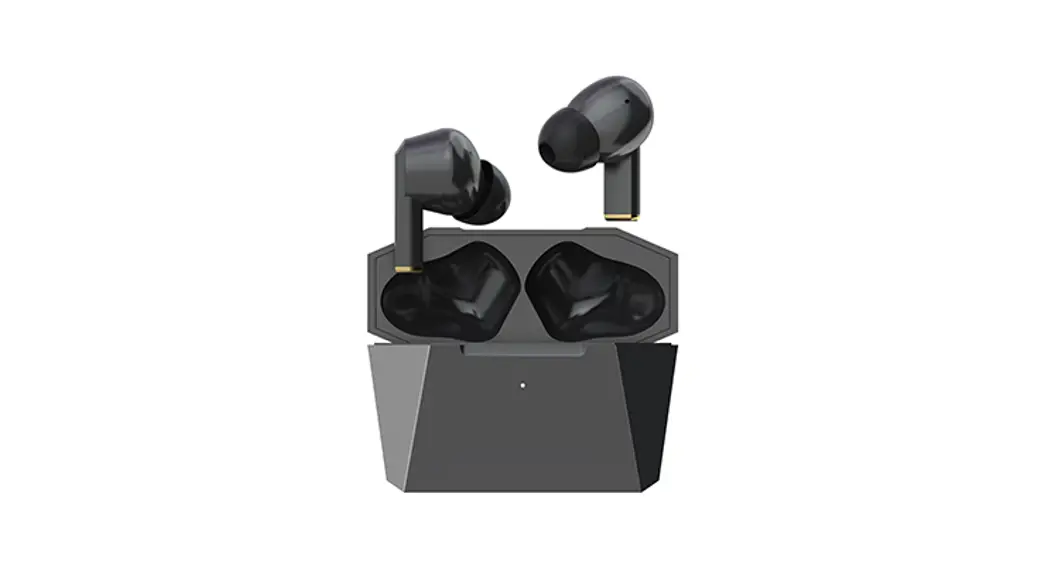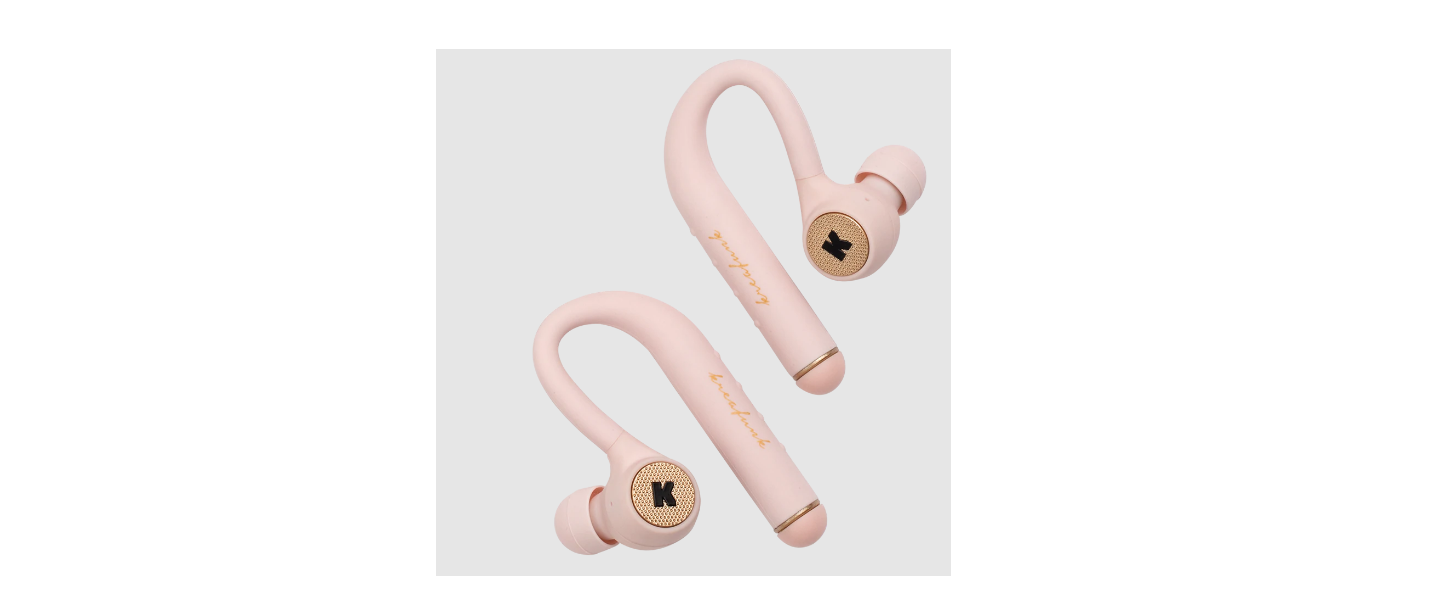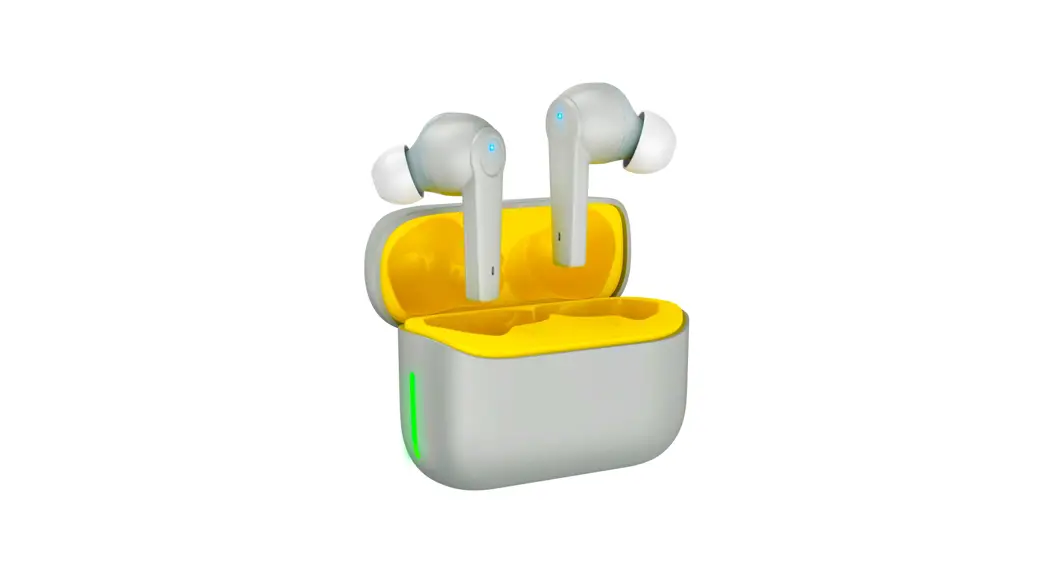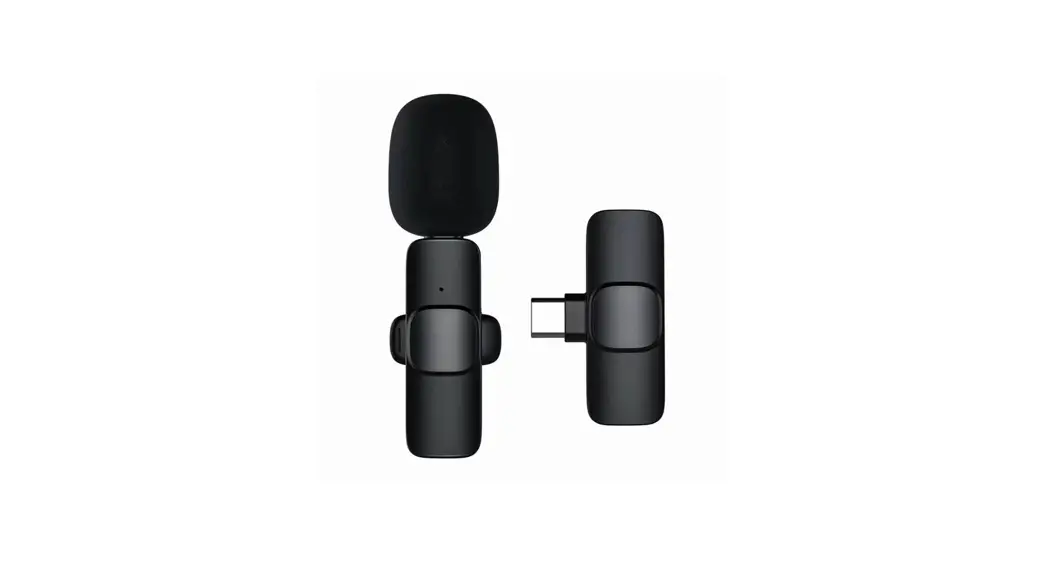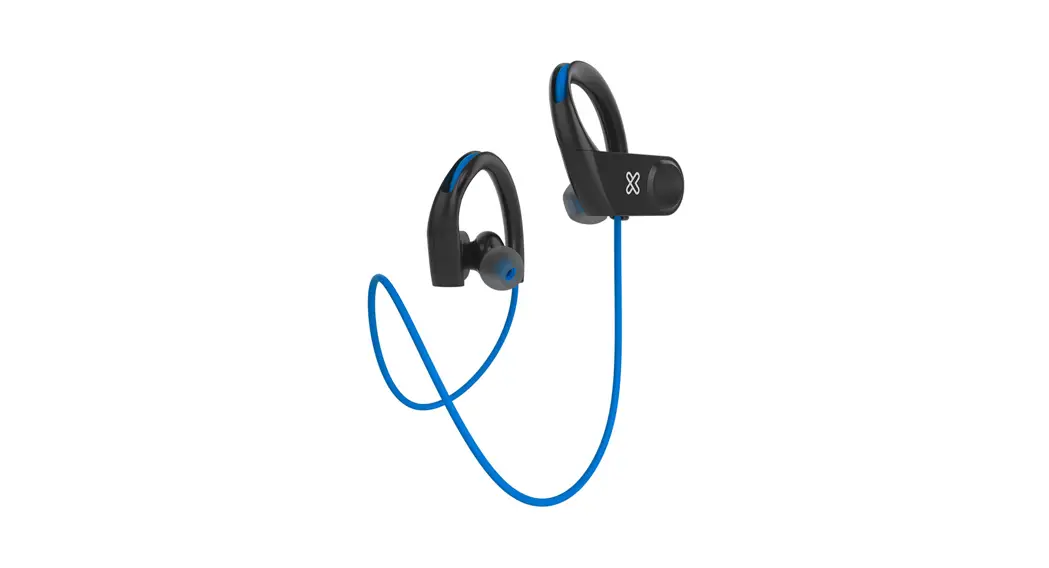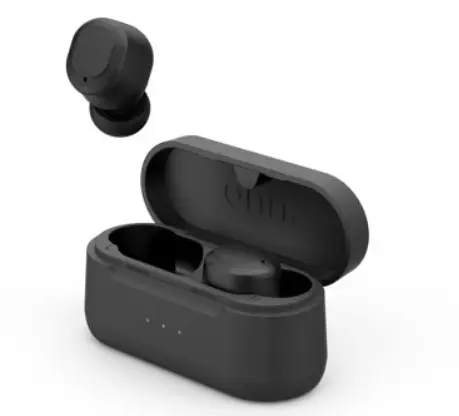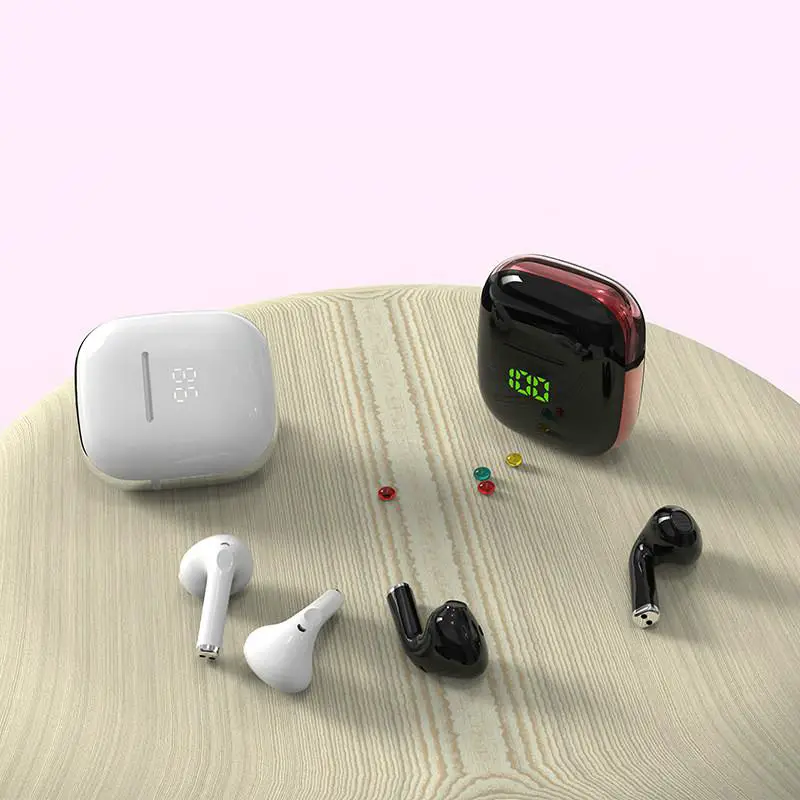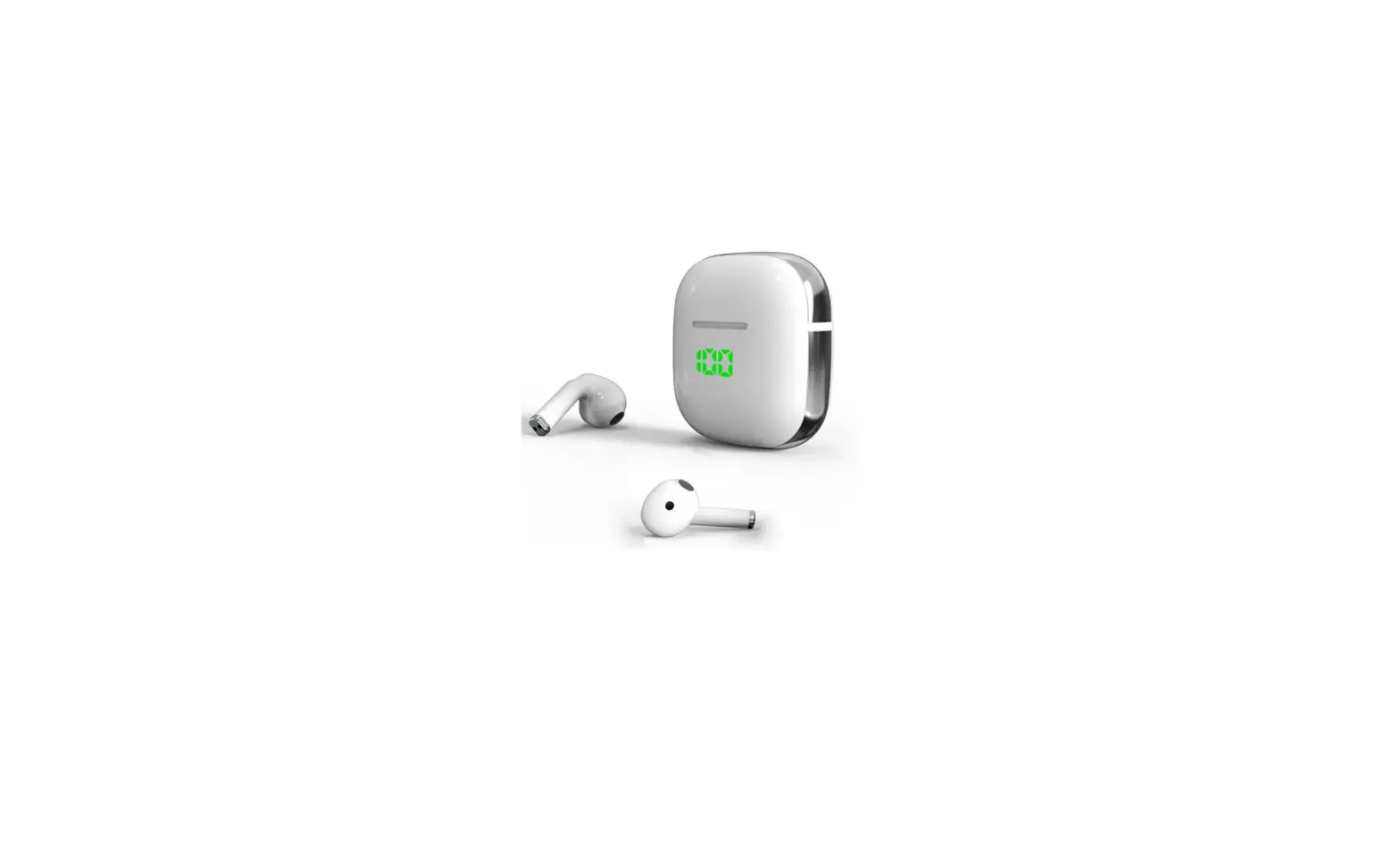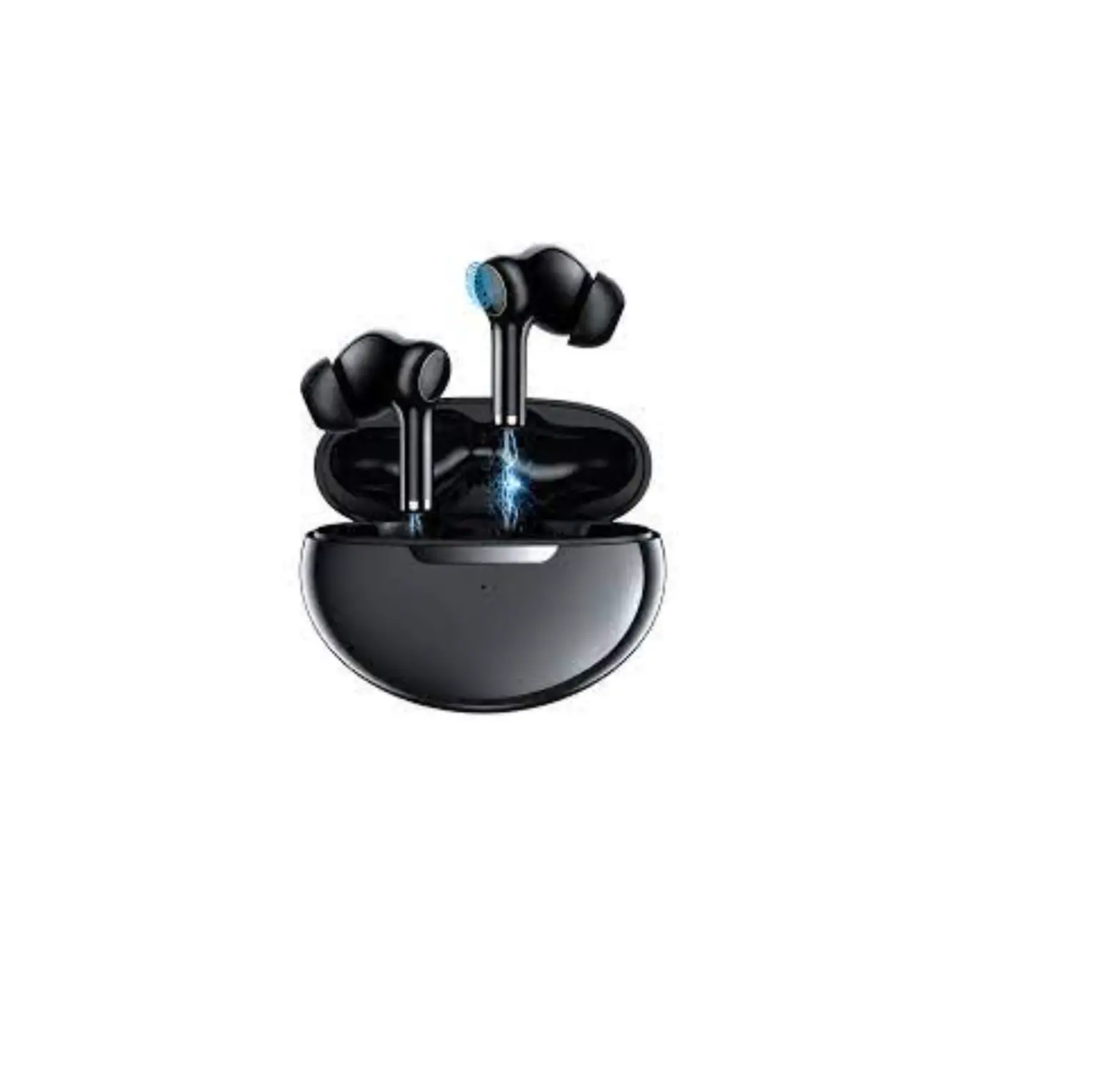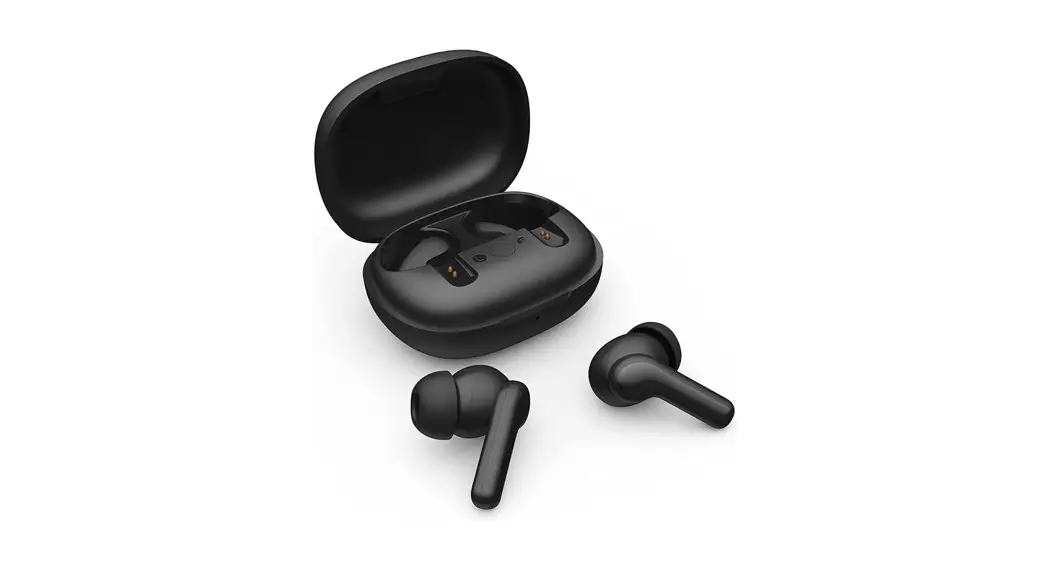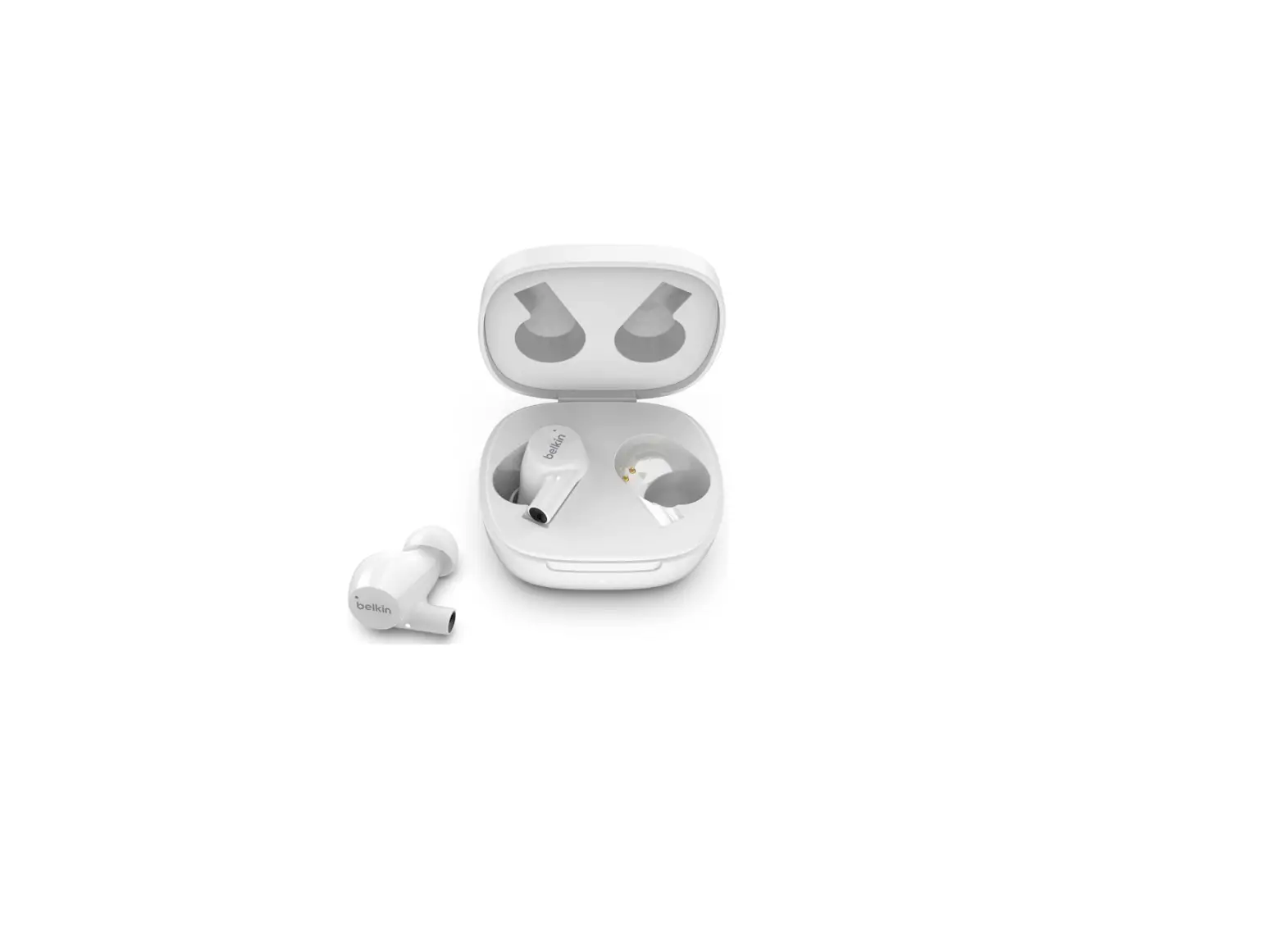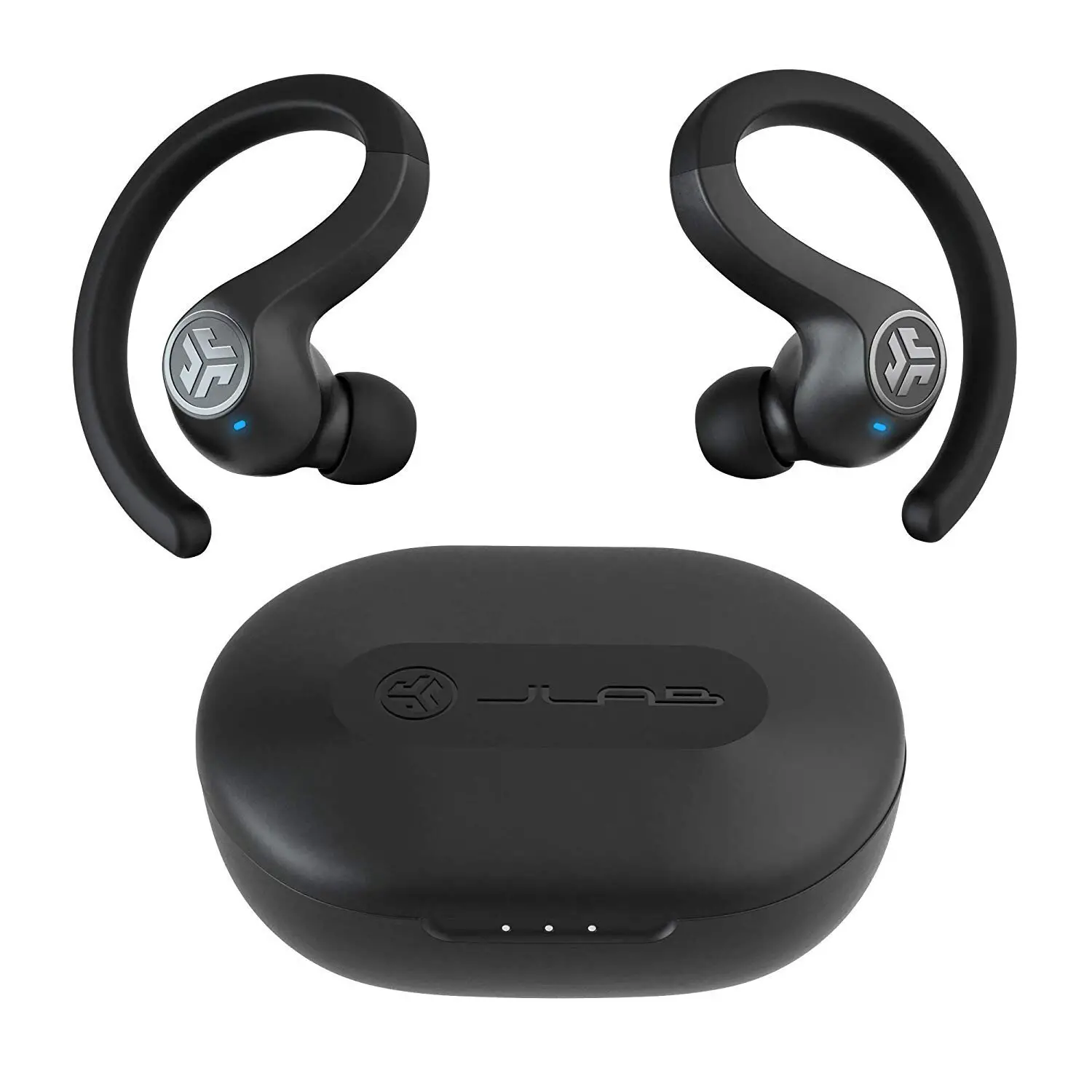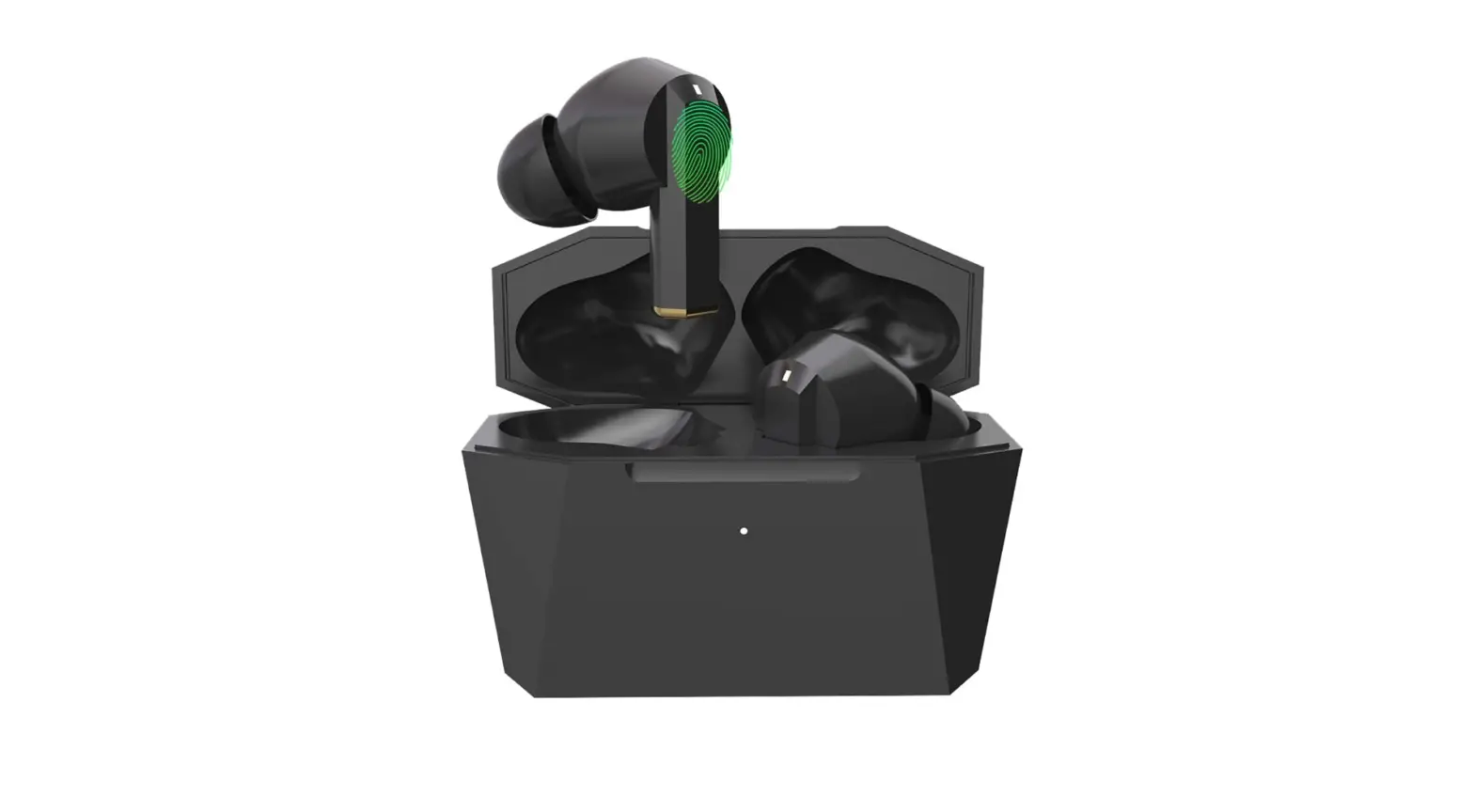

Konnek ePRO-AE05-BK-KS-US Wireless Earbuds Bluetooth
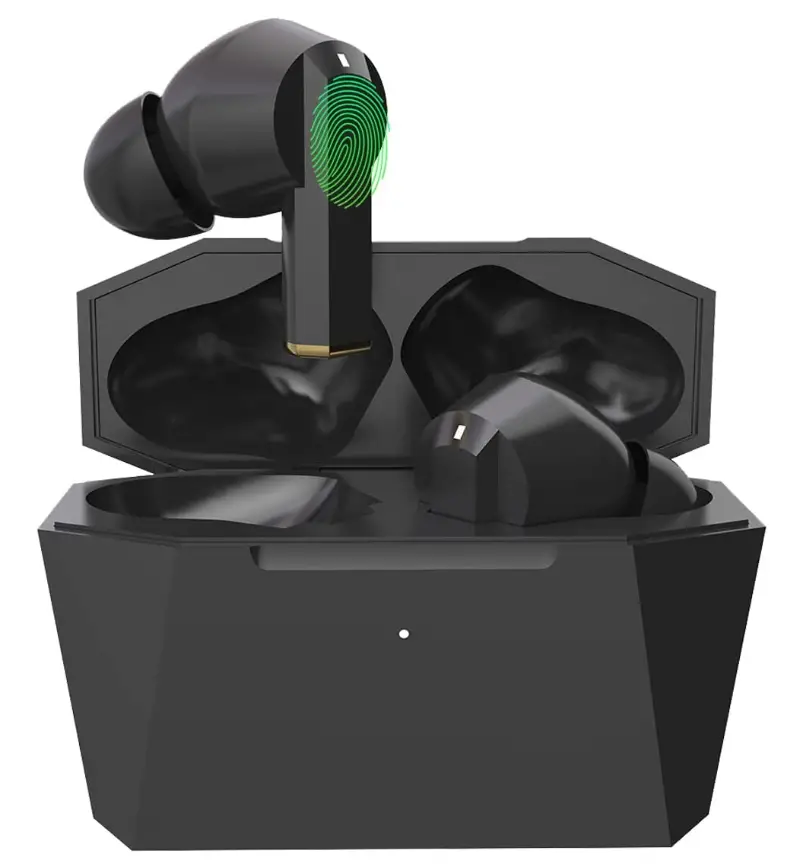
Specifications
- PRODUCT DIMENSIONS: 42 x 1.02 x 1.72 inches
- ITEM WEIGHT: 58 ounces
- FORM FACTOR: In Ear
- CONNECTIVITY TECHNOLOGY: Wireless
- BLUETOOTH0
- BLUETOOTH DISTANCE >10m
- BATTERY CAPACITY: 40mAh*2(earbuds), 320mAh Charging case
- TOTAL PLAY TIME: 12H(ANC on), 16H (ANC off)
- BRAND: Konnek Stein
Introduction
Konnek Stein is Wireless headphones are those that connect to a device without the use of a wire or connection, such as a smartphone, stereo speaker, television, gaming console, computer, or other electronic device.
What’s In the Box?
- Earbuds Ear-tips
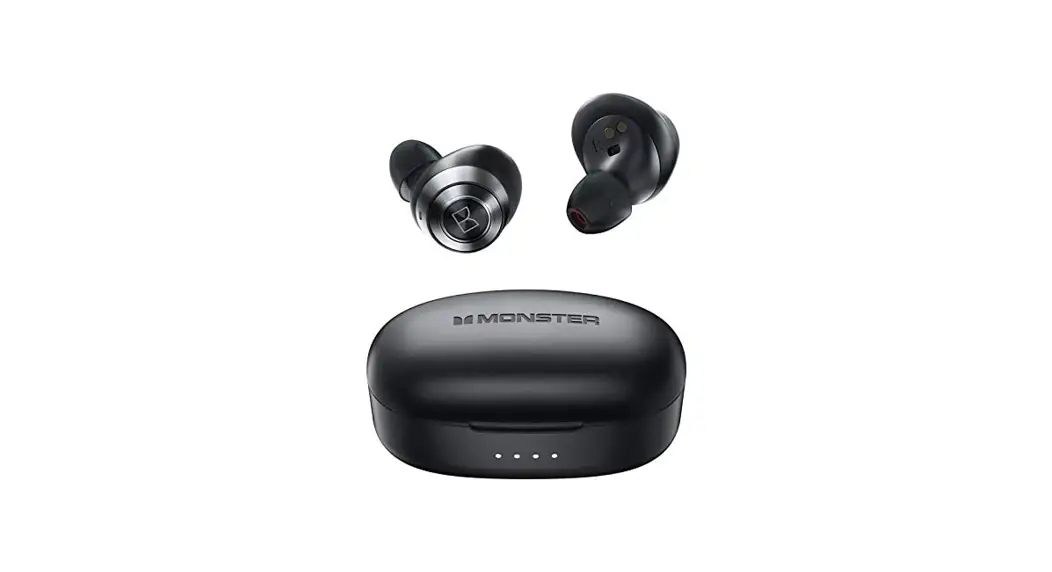
- Charging Case
- Type-C charging cable
- User manual
- Ear-tips
- Service Card
True Wireless Experience with ANC
With the help of modern ANC technology, you can tune out annoying noises and fully immerse yourself in the music, movies, audiobooks, or videos of your choice. Now that you can focus on yourself, you can listen to what you want to hear.
Simple Pairing
When partnering with any Bluetooth-enabled Android, iOS, or Windows device, you can count on solid connections for crucial conversations and video conferences thanks to advanced Bluetooth 5.0 technology.
Suitable for Wearing
An ergonomic 30° angle has been added for all-day comfort when wearing. comes with a variety of silicone ear tips in sizes S, M, and L that fit most ear types. By picking the proper size, you may wear it comfortably all day long and move around freely when playing sports or just hanging out.
Long-Lasting Battery
The Bluetooth earbuds have a battery capacity of 40mAh*2 (earbuds), 320mAh (charging case), and may be used for a total of 12 ACN on time (with case). After a single full charge, the portable charging case may recharge the earphones four times.
Touch Control and Quick Pairing
The earbuds pair automatically the second time you use them, allowing you to freely switch tunes, use the control button on wireless headphones to accept or reject calls, and activate Siri. This makes them ideal for workouts, home offices, running, and other activities.
Note
Products with electrical plugs are made with American consumers in mind. Because outlets and voltage vary from country to country, this device might need an adapter or converter to be used where you are travelling. Before buying, kindly verify compatibility.
Frequently Asked Questions
To put Bluetooth headphones into pairing mode, you typically just need to hold down the power button. Check the instruction manual that comes with your headphones if that doesn’t work. When they’re prepared to go, an LED indicator usually glows blue and red or you’ll hear noise over the headphones.
While simultaneously removing both earbuds from the charging case, wait a short while for them to switch on and establish a connection. If they don’t instantly pair with one another, put them back in the charging case and remove them again at the same time.
You may utilize one at a time, yes. Sometimes I’ll use the other and leave the first in the case. Yes, your music or video will cease if you remove one, but you can resume it by double tapping the earbud that is still in your ear.
Close the charging case’s cover after putting the earbuds inside. The battery LED within the charging case is red, yellow, or green when the lid is open to show the earbuds’ current battery state. The earphones need about two hours to fully recharge.
When your earbuds are plugged in and charging, the charging case will blink red. The light will cease flickering and remain a solid red colour when it is completely charged.
The charging case’s front has an LED indicator that flashes red during charging and stays red when fully charged. NOTE: In order to prevent the problem of losing the earbuds’ “auto power on and off” features, it is crucial to keep the case charged at all times.
It’s outside of the left transducer on your headphones. Your personal assistant is effectively housed inside your headphones’ multi-function button.
Your device’s Bluetooth setting should be disabled. Earbuds will automatically turn on when you remove them from the case. To manually sync them, double-press the left and right earbuds at the same time. NOTE: Give it another shot if it doesn’t work the first time.
If an earbud still has juice, you can use it while charging it independently in the charging case.
True wireless earbuds still use Bluetooth technology for connectivity; however, instead of being integrated into a wire, the Bluetooth connection is incorporated directly into each earbud. You may use each earbud separately or combine them together for more immersive audio because the earbuds are separated.