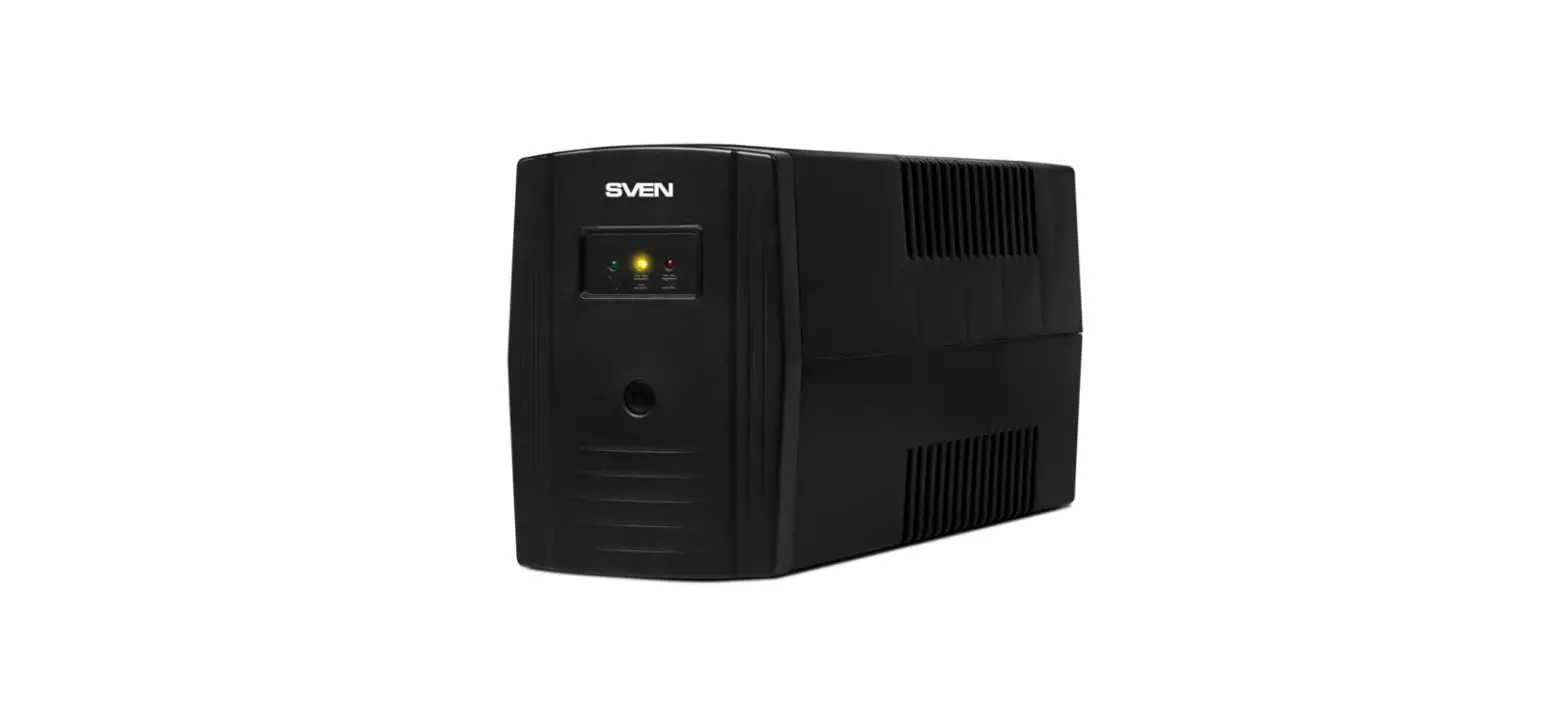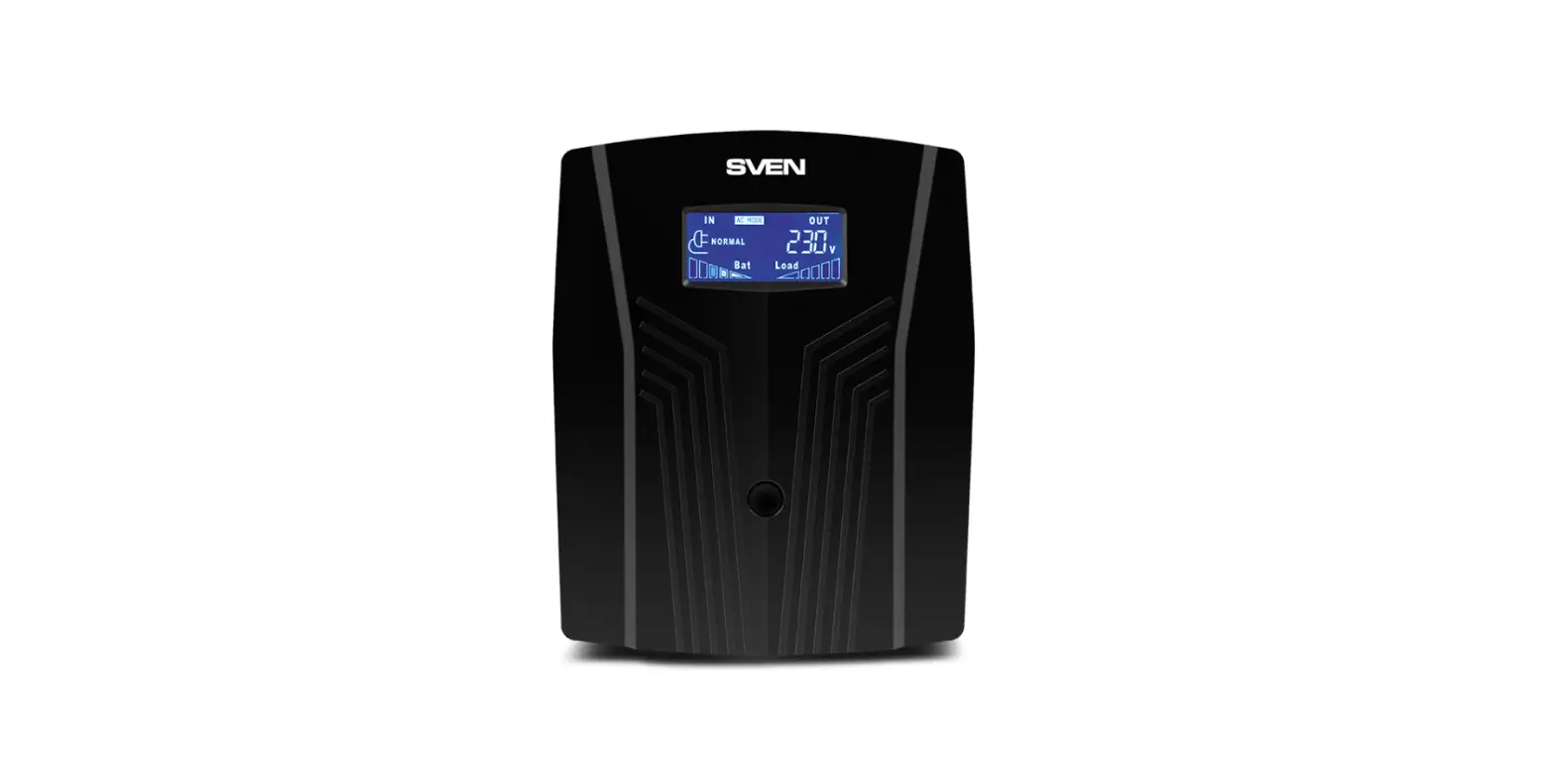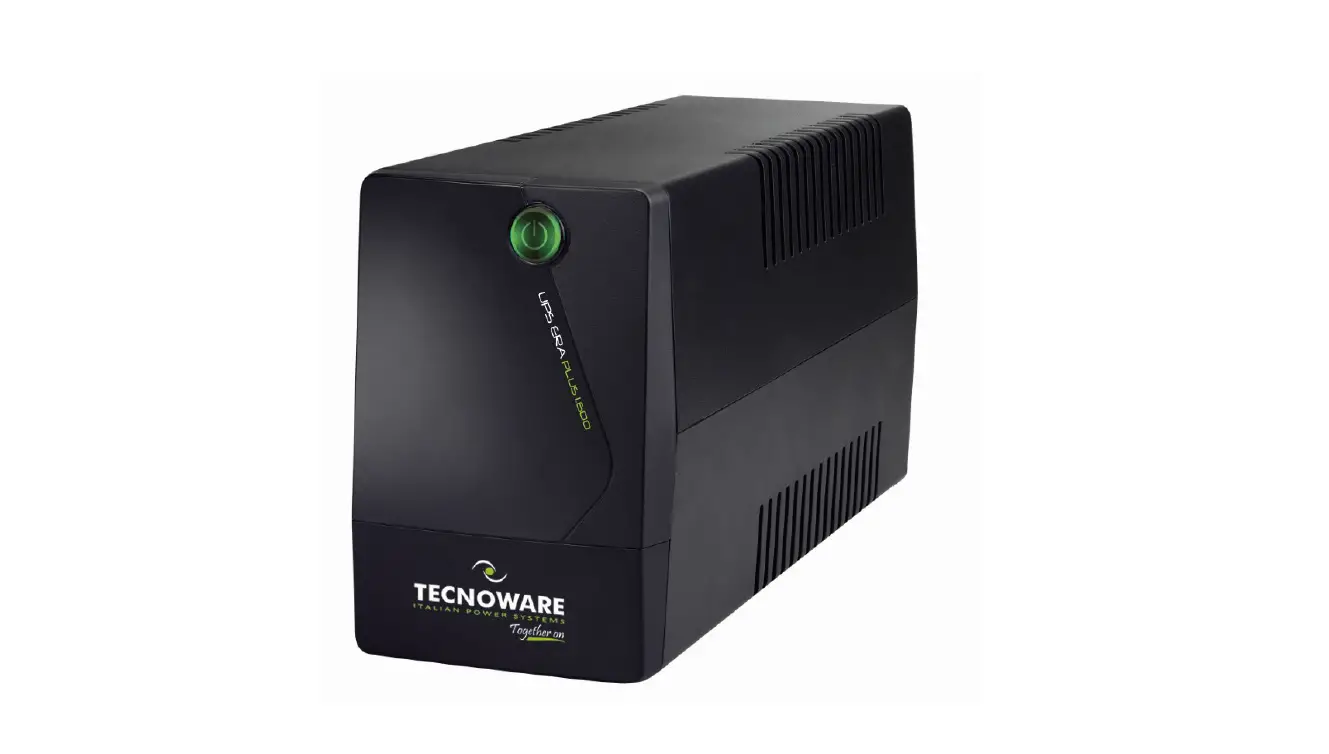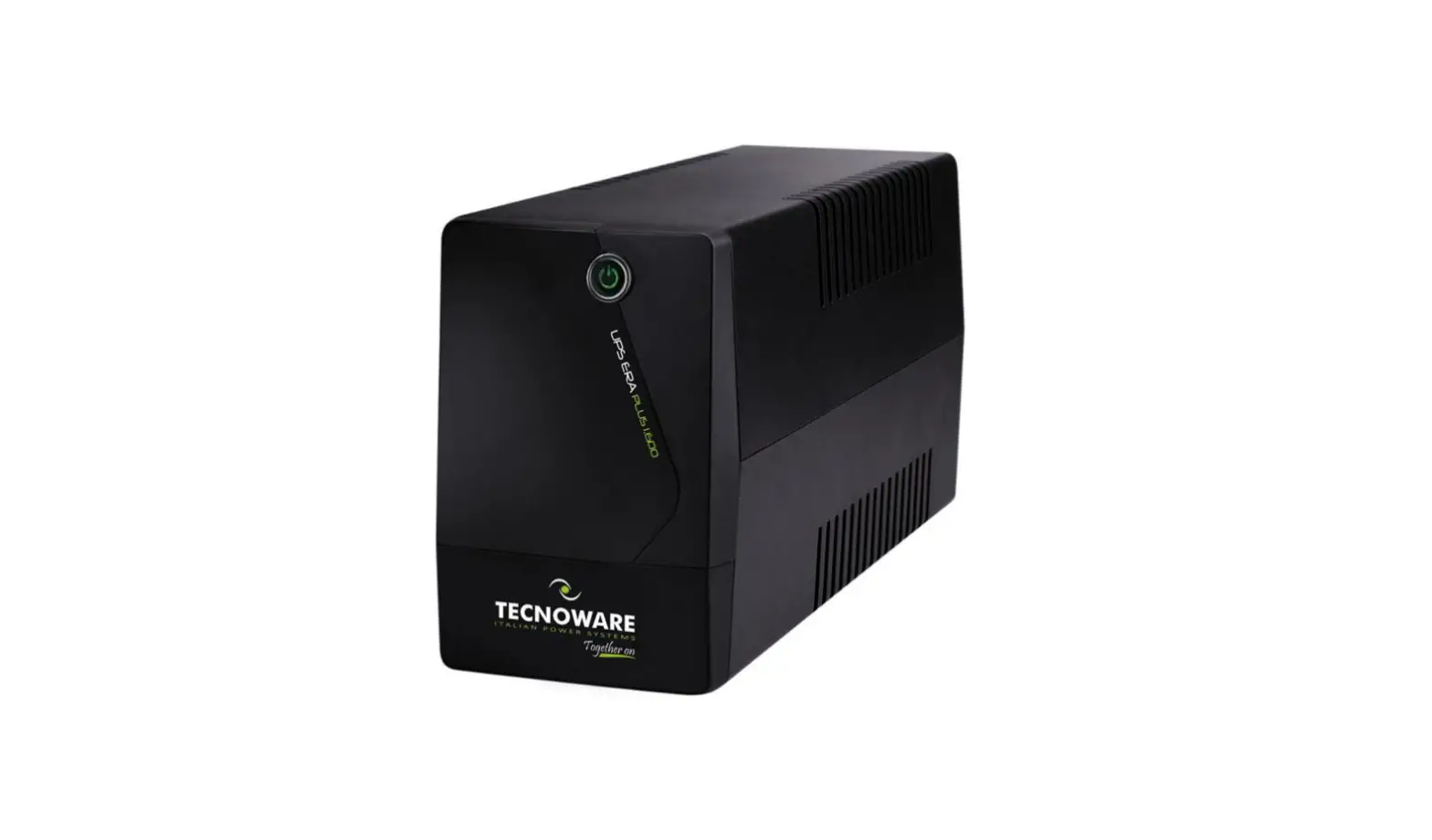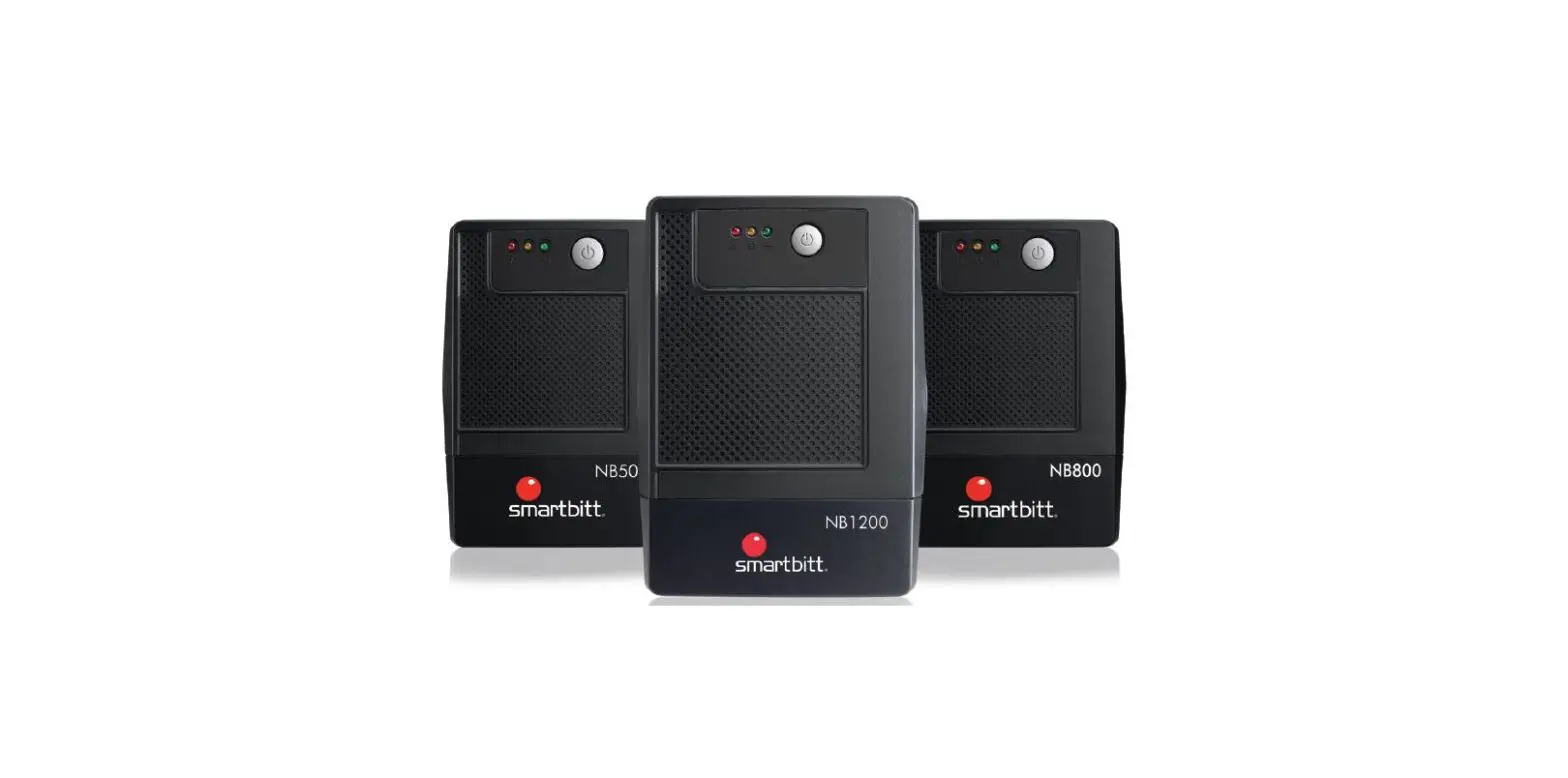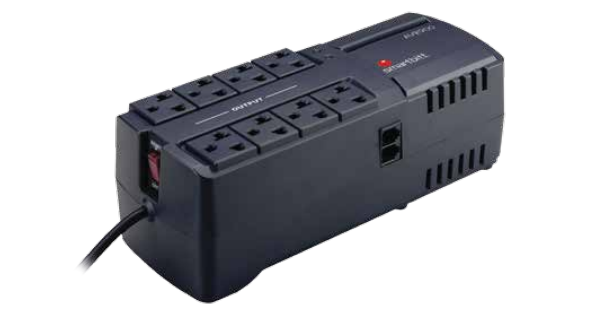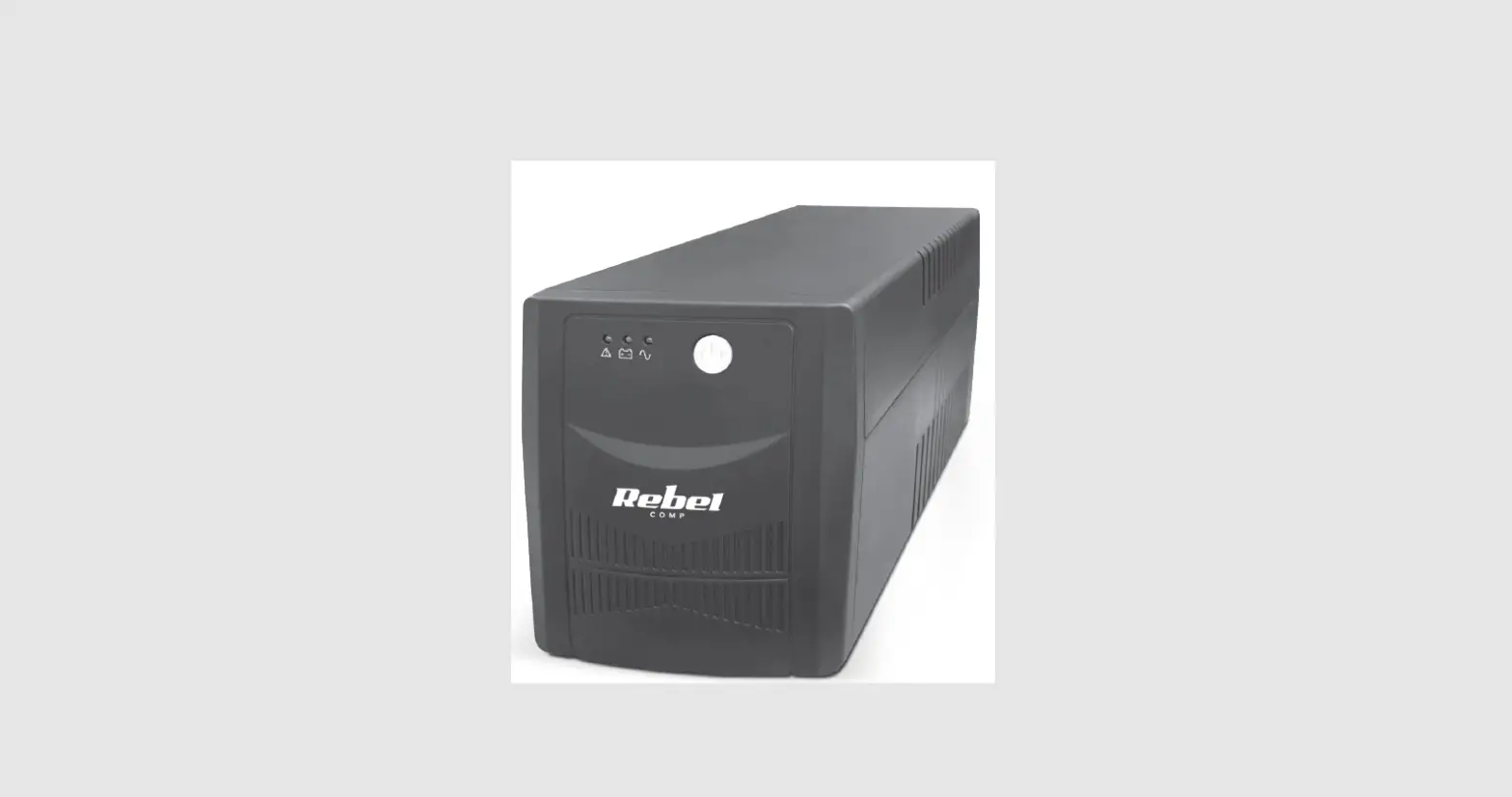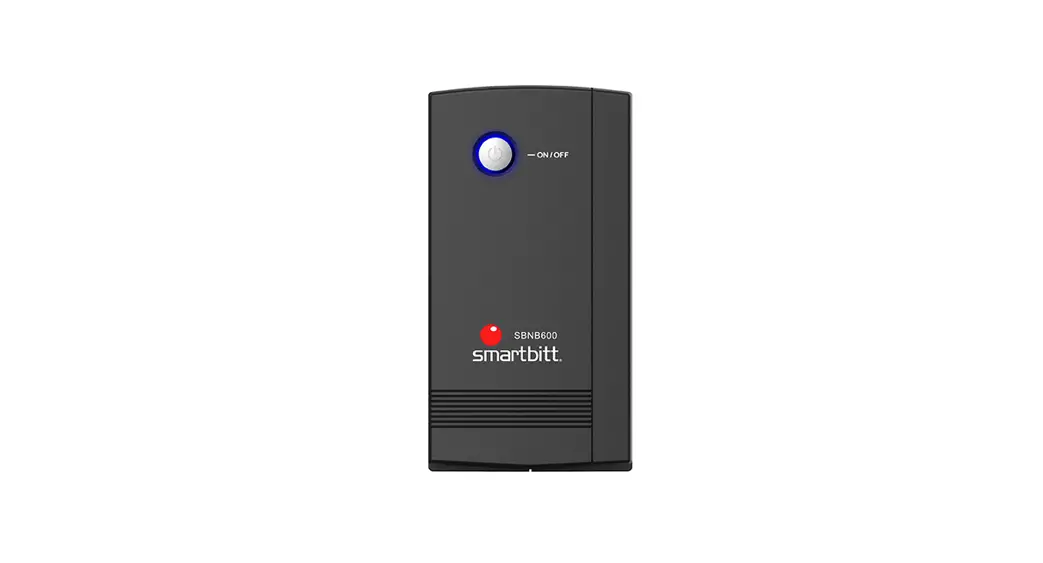
 No Break, Regulador de Voltaje y Supresor de picos
Uninterruptible Power Supply
Models: 600VA/800VA/1000VA/1200VA/1800VA/2400VA
User Manual
Read all the safety instructions carefully to correctly and safely use and operate Smartbitt UPS
To avoid electric shock hazards or fire risks, place your UPS in an area where temperature and humidity don’t exceed the operative parameters of your UPS and make sure the environment is free of conductive or combustible contaminants.
To reduce overheating risk of your UPS, do not cover the ventilation slots, avoid continuous exposure to direct sunlight, and don’t place it near appliances that produce heat like heaters or boilers.
Do not connect devices or appliances functioning with alternating current motors, like drills, chainsaws, microwaves, vacuum cleaners, refrigerators, or medical, vital support or industrial equipment.
Do not connect your UPS to a surge protector, power strip, or AVR. Do not power on your UPS with its power cord connected to its own power outlets. Do not expose yourself to liquids that may leak inside the device. In case of emergency, press the power button making sure that the UPS shuts down, then disconnect its power cord from the AC outlet. Disconnect the UPS before cleaning it, do not use liquid detergent or scouring powder. Do not try to replace batteries, please contact Smartbitt Technical Support to get information about battery replacement. Only qualified personnel should replace batteries in case it is required. Replacement must be done with caution. The same kind and capacity of batteries shall be used. Non-authorized personnel should abstain from making the replacement. Batteries must not be exposed to fire and have to be disposed of properly. Mistreat of the batteries can cause them to explode. The materials contained inside the batteries is dangerous for the eyes and skin, in case of contact with this material, rinse thoroughly and consult your doctor immediately

CAUTION
ELECTRIC SHOCK HAZARD DURING BATTERIES REPLACEMENT
In case of requiring battery replacement, please contact our Technical Support where you will be advised on the issue. This product meets the actual European Union environmental and security regulations.
If you need any further information about this or any other issue, do not hesitate to contact us, an expert will provide the necessary care
WHAT’S IN THE BOX?
The box should include the following elements:
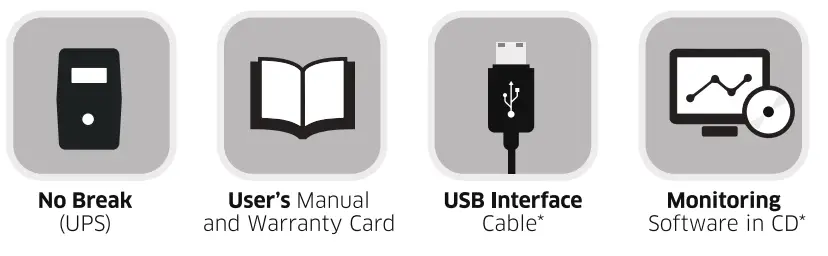 *USB cable and monitoring software CD only included in devices with USB capabilities.
Thanks for purchasing Smartbitt Products
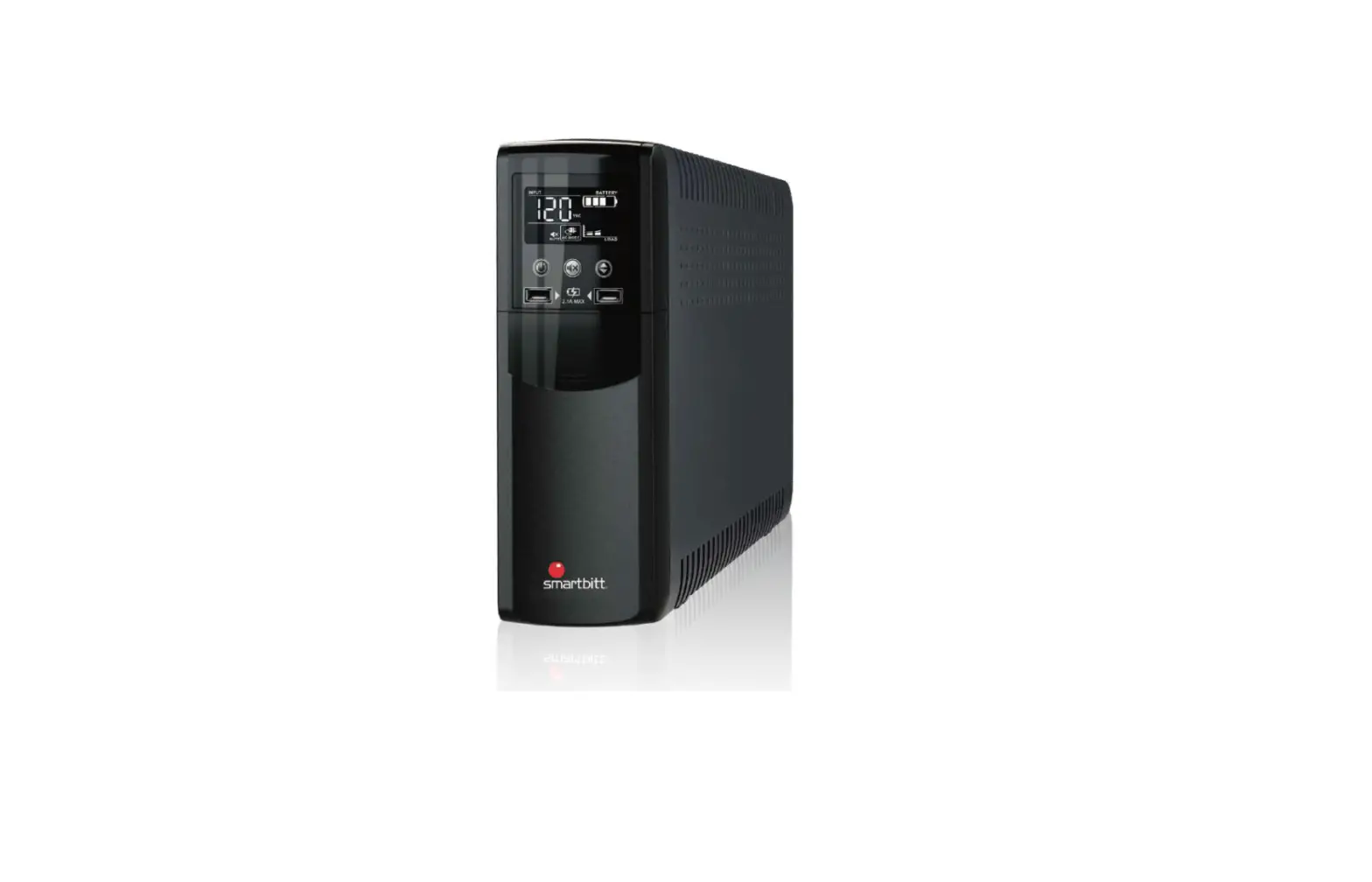
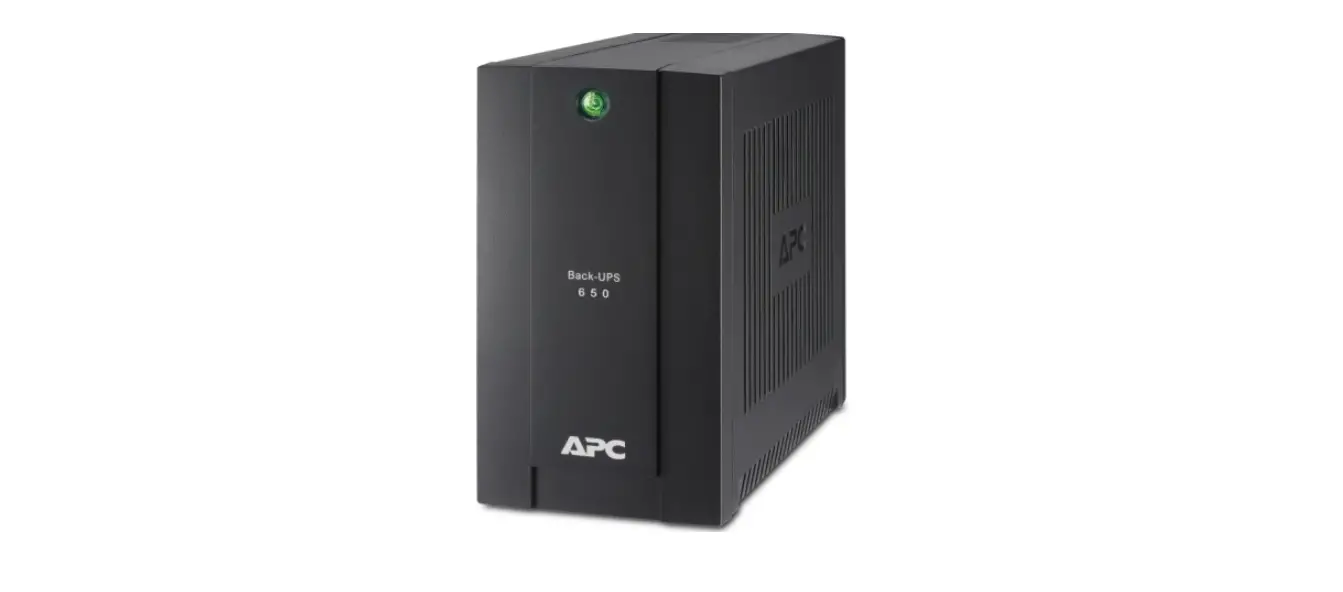
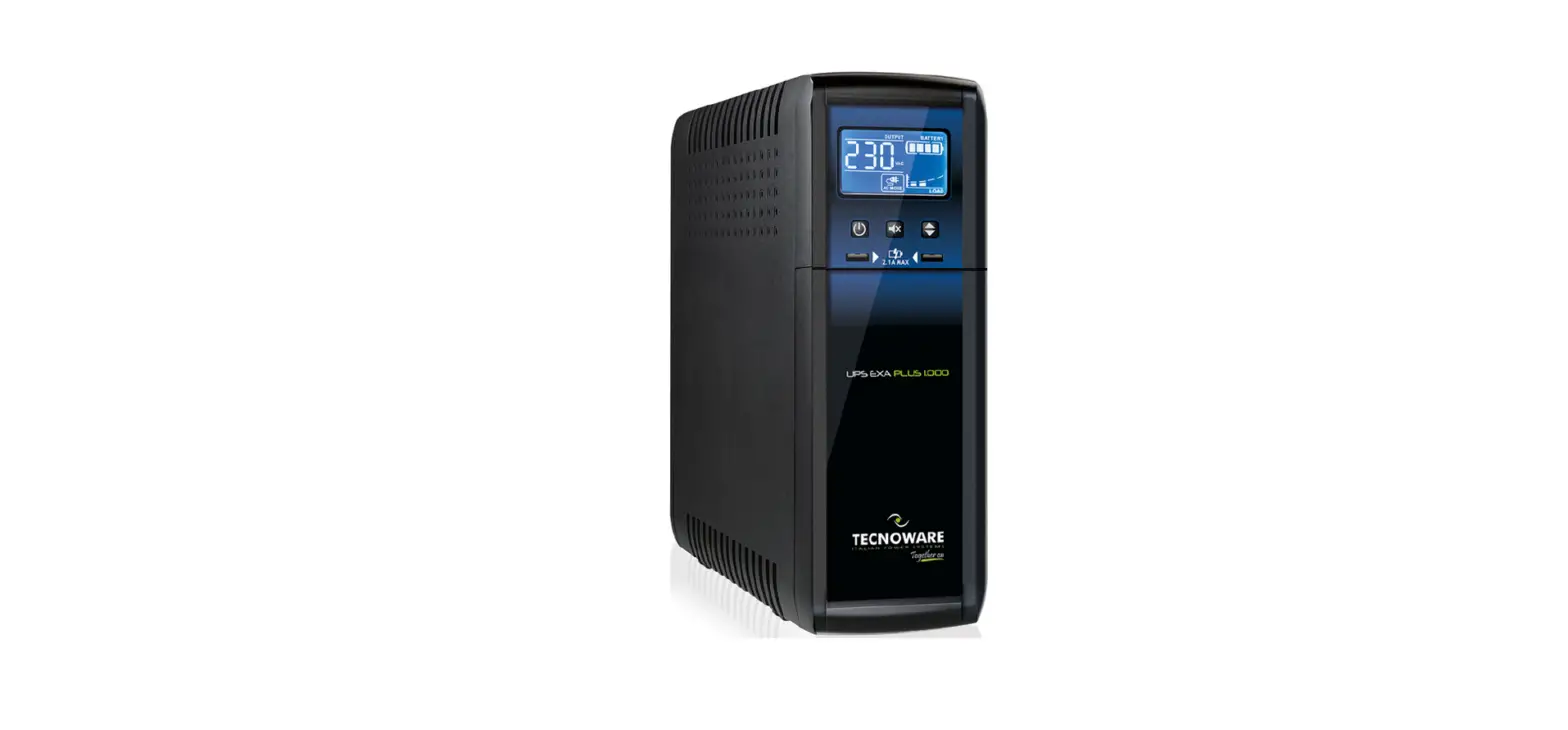
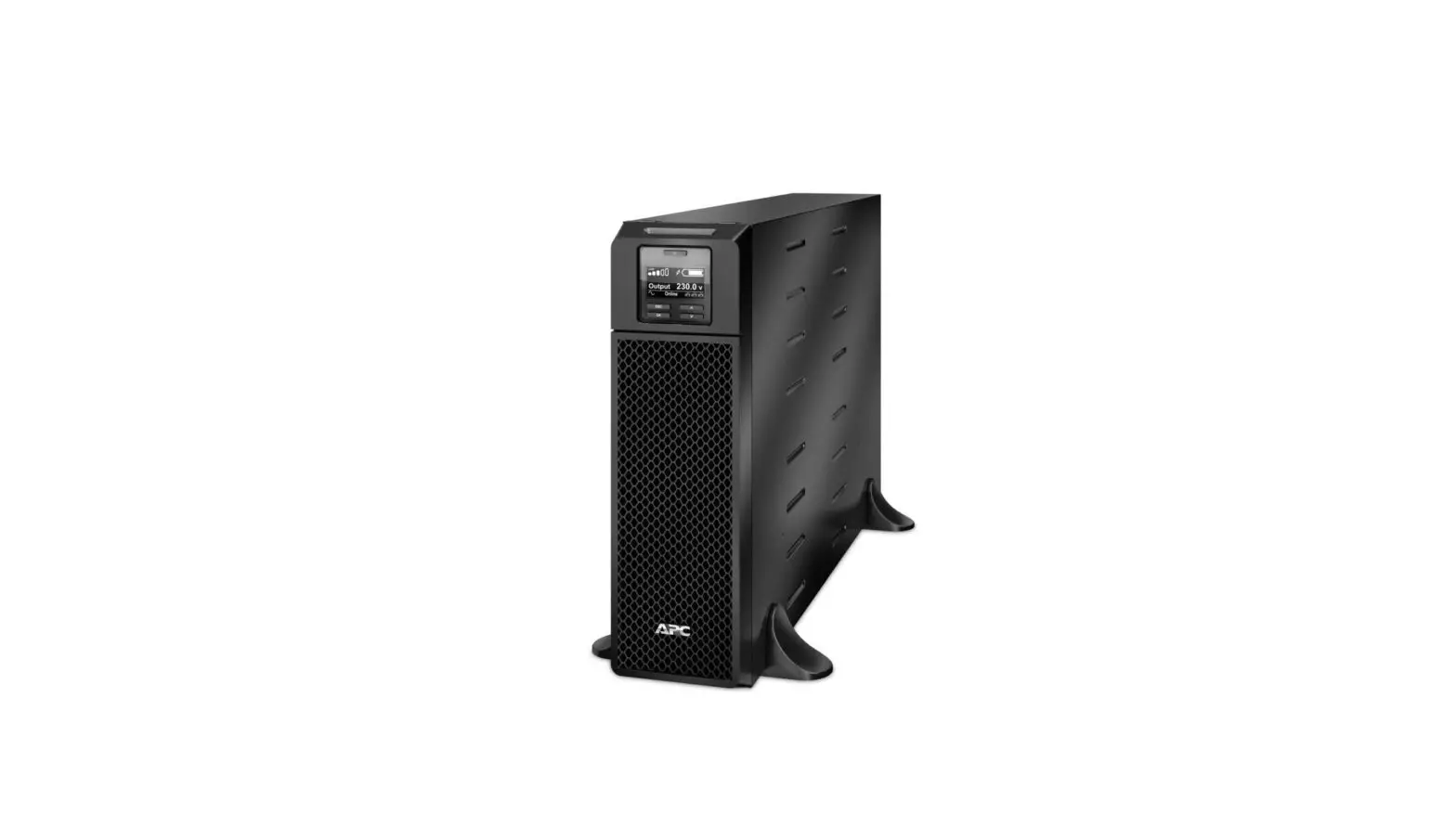
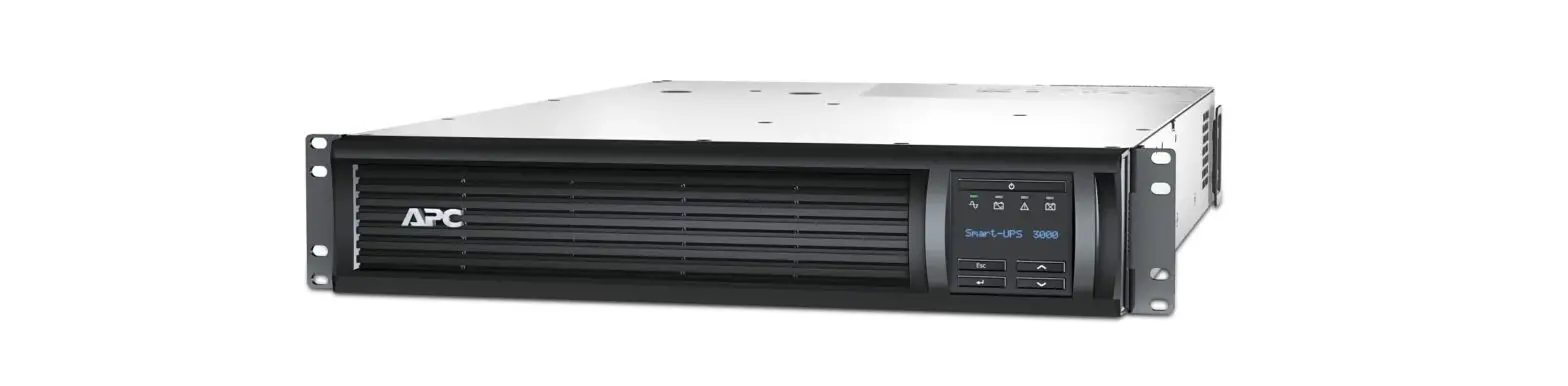
Your UPS is an uninterruptible power supply system with interactive technology. It is a device designed to protect your electronic devices and appliances which are sensitive to different power faults and interferences, including total power failure. This device is equipped with various technologies capable of making your electric devices to work properly for extra time
It gives you time to finish working and save your information in case of total power failure, also this way you will always shut down your devices properly
Three devices in one.
Suppresses and regulates voltage spikes and electric noise which causes interference and malfunctioning.
Its interactive technology regulates the voltage variations, giving an optimal power output to your devices. Important Note. Before installation, inspect the unit. Make sure that none of the elements in the box is damaged. In case you find any damaged part, please contact your vendor.
Knowing your UPS
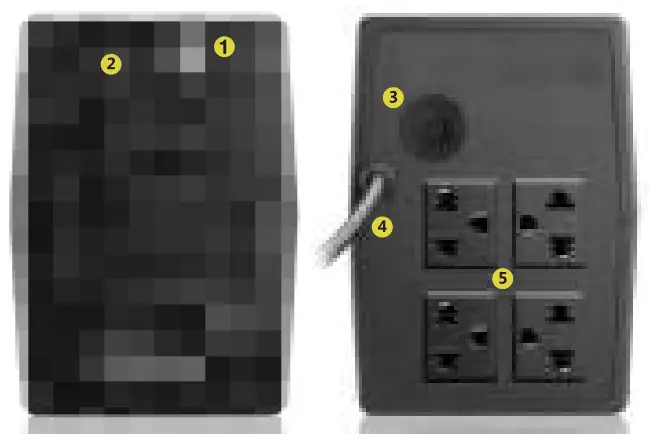
SBNB802
- Switch On / Off Button
- LED’s Status indicator
- Electronic Breaker
- Power Cord
- Four Outlets (With Backup)
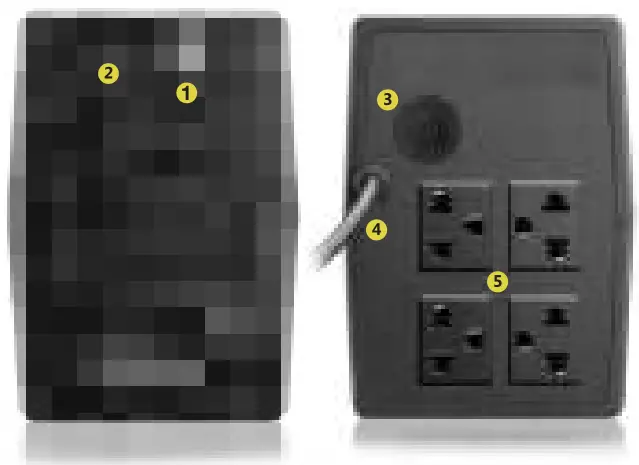 SBNB602
- Switch On / Off Button
- LED’s Status indicator
- Electronic Breaker
- Power Cord
- Four Outlets (With Backup)
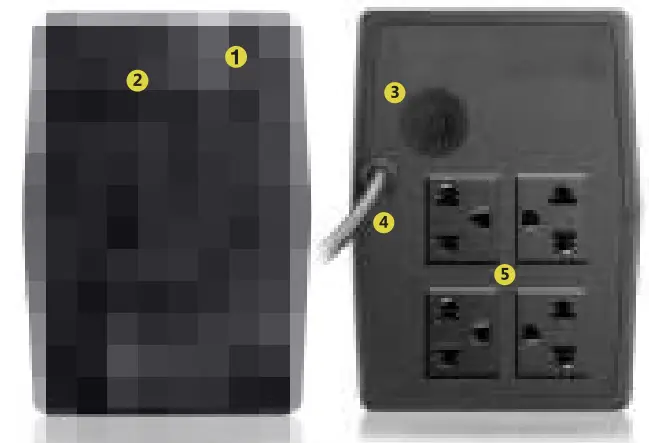
SBNB1002
- Switch On / Off Button
- LED’s Status indicator
- Electronic Breaker
- Power Cord
- Four Outlets (With Backup
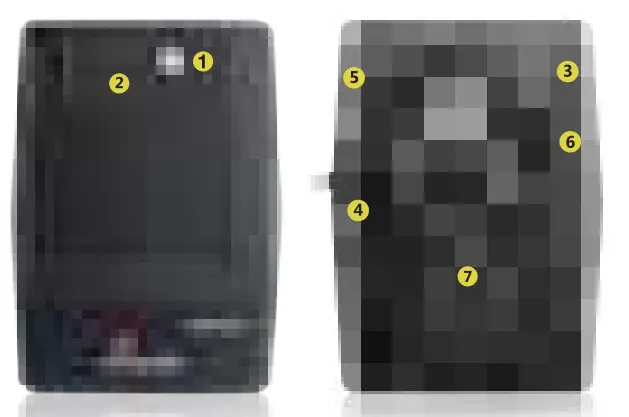
SBNB1802
- Switch On / Off Button
- LED’s Status Indicator
- USB Port for Monitoring Software
- Power Cord
- Electronic Breaker
- Phone Line Protector
- Four Outlets with backup
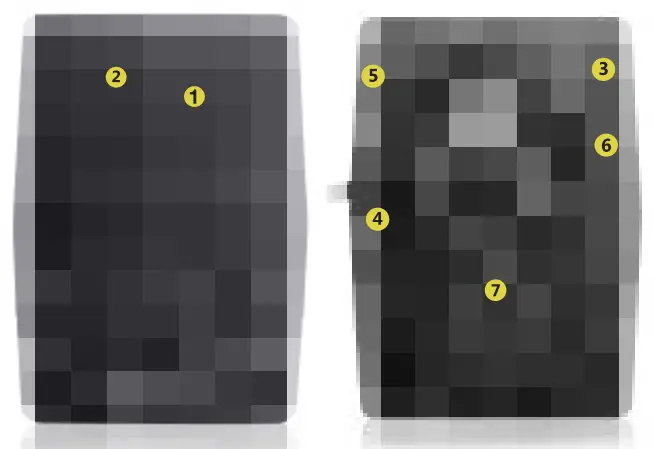
SBNB1202
- Switch On / Off Button
- LED’s Status Indicator
- USB Port for Monitoring Software
- Power Cord
- Electronic Breaker
- Phone Line Protector
- Four Outlets with backup
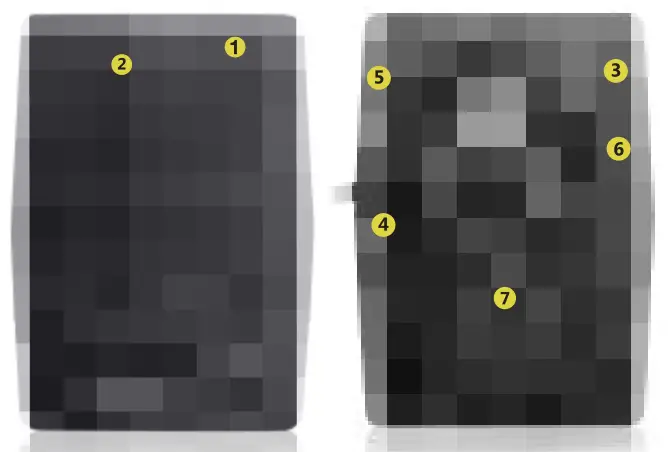
SBNB2402
- Switch On / Off Button
- LED’s Status Indicator
- USB Port for Monitoring Software
- Power Cord
- Electronic Breaker
- Phone Line Protector
- Four Outlets with backup
Installation and Operation.
Installation and Storage Conditions.
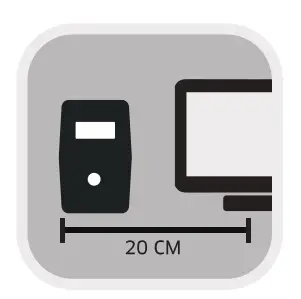
Place your UPS in a protected area, free from excessive dust and adequate ventilation. To avoid any interference, do not place your UPS less than 20 cm away from other devices. Do not power on your UPS where the temperature exceeds 40°C degrees or relative humidity is above 90%.

Connection to a power outlet and first battery charge.
Connect the plug of your UPS to the power cutlet. To get the best performance of the battery, we suggest charging it for 8 hours before its first use, afterwards, the UPS will charge its battery automatically while it’s connected to the electrical network.

Power on/off of the UPS
Hold the power button for 3 seconds to either power on or shut down your UPS.
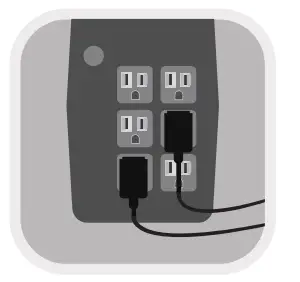
Connection of your devices to the UPS
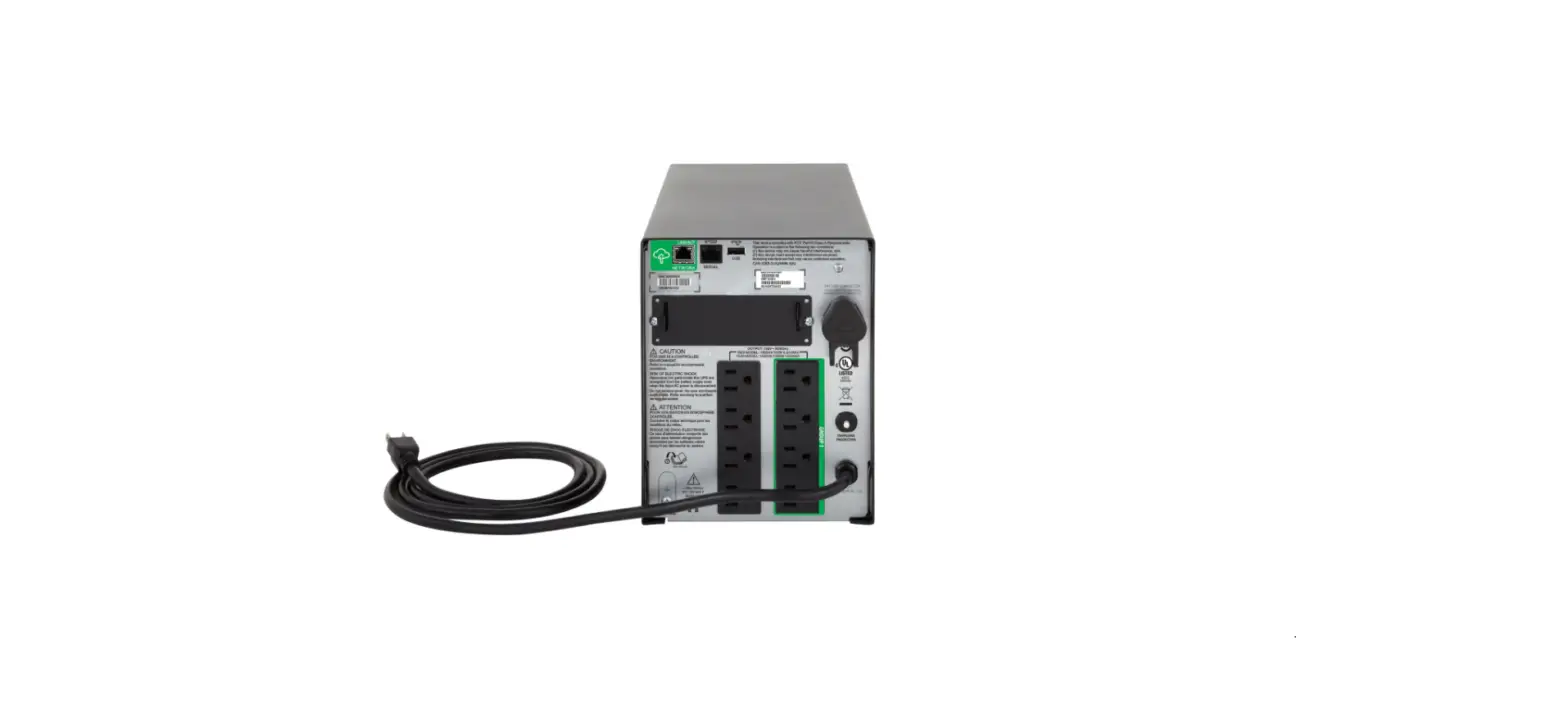
Connect your devices to the power outlets on the rear panel of your UPS. After this, when you power on your UPS your devices will be protected. DO NOT CONNECT A POWER STRIP, SURGE PROTECTOR OR AVR TO THE UPS OUTLETS.
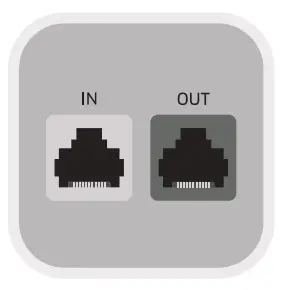
Connection of the telephone line protector.
Connect the telephone line to one of the connectors in the rear panel of your UPS. Connect a telephone cable to the remaining connector available and to the device you are willing to protect.
*THIS DOES NOT APPLY FOR MODELS WITHOUT TELEPHONE LINE PROTECTION
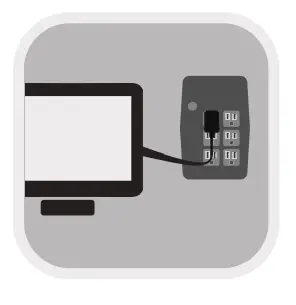 Connection of the USB interface cable.
This function allows you to control and monitor your UPS through the included software. Connect the USB cable to the USB port of your computer.
*APPLIES ONLY WITH USB-COMPATIBLE MODELS
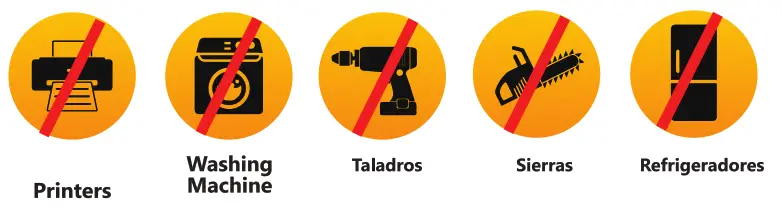
 IMPORTANT. Never connect a laser printer to your UPS, input current generated from this kind of device could damage your UPS. Do not connect either appliance with alternating current motors such as drills, chainsaws, etc…
Audibles Alarms.
AUDIBLE ALAMARS TO HELP YOU TO IDENTIFY COMMON UPS PROBLEMS.
The UPS features an audible alarm which indicates when it is in a different status than a normal, description of the audible alarms is as follows:
| ALARM | MEANING |
| A tone every 10 Seconds | Main power outage. UPS is now on backup battery mode. |
| A tone every 2 Seconds | Battery Fault. The battery of the UPS has failed. |
| A tone every Second | Low Battery. |The UPS will shut down shortly when it runs out of battery. |
| A tone every 0.5 Seconds | UPS Overload. The connected devices’ load exceeds UPS capacity. |
| A continuous tone | Other Failures. The UPS has detected one or several different faults. |
| PROBLEM | POSSIBLE CAUSE | ACTION |
| LED status indicators not turning on | Low Battery | Charge the UPS for at least 8 hours without any connected devices. |
| Battery Failure | Replace the battery, please contact Technical Support. | |
| UPS is not turned on | Press the power on button, and make sure that the UPS is correctly | |
| Alarm continuously active | A tone every 10 seconds. Power outage | If there’s not a power outage, make sure the UPS is correctly connected to the power source. |
| A tone every second. Low Battery | Charge the UPS for at least 8 hours without any connected devices. If after this, the problem continues, contact Technical Support for battery diagnosis and replacement. | |
| A tone every 0.5 seconds. Overload | Disconnect devices from your UPS until a total load of connected devices is below the UPS maximum capacity. Make sure your devices do not exceed the maximum capacity. | |
| A tone every 2 seconds. Battery fail. | Contact Technical support for diagnosis and possible battery replacement. | |
| A continuous tone. Unknown failure | Contact Technical Support |
| During a power outage, the battery lasts too little. | UPS Overload | Disconnect some devices and verify the load of the connected device does not exceed the UPS capacity. |
| The battery voltage is too low | Charge the UPS for 8 hours without any devices connected. | |
| Battery life is depleted | Replace battery. Contact Technical Support. | |
| UPS functioning in a backup mode without a power outage | The power cord is not correctly connected or it’s broken. | Make sure the power cord is correctly connected to the power source, if this is not the problem, contact Technical Support. |
Technical Specifications
| MODEL | SBN B602 S | SBN B802 | BN B1002 | |||
| Capacity | 600VA / 300W | 800VA / 400W | 1000VA/500W | |||
| Voltage Input | 220 Vca | |||||
| Input Voltage Range | 168 – 268 Vca | |||||
| Output Voltage Range | 220 Vca +/- 10% | |||||
| Frequency | 50/60 Hz (Autosense) | |||||
| S Range | +/- 10% | |||||
| Transfer Time | 2-6 ms | |||||
| Waveform Type | Stepped approximation to a sinewave | |||||
| S Protection | Shortcircuit and Overload | |||||
| Battery Type | Maintenance-free sealed lead-acid battery | |||||
| Charging Time | Recuperation at 90% of capacity: 4-6 hours | |||||
| Weight (Kg) | 3.55 | 4.2 | 4.9 | |||
| Dimensions (mm) | 279 x 101 x 142 | |||||
| Operating Environment | 0-90 % Relative Humidity to 0-40° C (noncondensed) | |||||
| Audible Noise | Less 40 dB | |||||
| Outlets | 4 Outlets | |||||
| Backup Time | 25 Minutes* | 35 Minutes* | ||||
* The backup time may vary depending on the load connected to UPS.
| MODEL | SBNB1202 | SBNB1802 | SBNB2402 | |||
| Capacity | 1200VA / 600W | 1800VA / 900W | 2400VA/1200W | |||
| Voltage Input | 220 Vca | |||||
| Input Voltage Range | 168 – 268 Vca | |||||
| Output Voltage Range | 220 Vca +/- 10% | |||||
| Frequency | 50/60 Hz (Autosense) | |||||
| Range | +/- 10% | |||||
| Transfer Time | 2-6 ms | |||||
| Waveform Type | Stepped approximation to a sinewave | |||||
| Protection | Shortcircuit and Overload | |||||
| Battery Type | Maintenance-free sealed lead-acid battery | |||||
| Charging Time | Recuperation at 90% of capacity: 4-6 hours | |||||
| Weight (Kg) | 8.2 | 10.4 | 11.0 | |||
| Dimensions (mm) | 320 x 130 x 182 | |||||
| Operating Environment C-90 | % Relative Humidity to 0-40° C (noncondensed) | |||||
| Audible Noise | Less 40 dB | |||||
| Outlets | 4 Outlets | |||||
| Backup Time | 35 Minutes* | 55 Minutes* | ||||
Consumption Table
| Phone Mobil Charger | average consumption | SW |
| Multichannel Amplificator | average consumption | 120W |
| Audio Mini component | average consumption | 60W |
| Scanner | average consumption | 150W |
| Printer | Inkjet Printers | 27W |
| PC (monitor) | CRT promedio 17 inches | 70W |
| PC (monitor) | LCD, 19 inches | 100W |
| PC (monitor) | LCD, 21 inches | 120W |
| PC Netbook | 10.1 inches | 40W |
| PC LapTop | 15 inches | 65W |
| PC Desktop (CPU) | average consumption | 170W |
| PC Tower | average consumption | 220W |
| PC iMac (CPU) | Apple | 365W |
| Radio | average consumption | 15W |
| Radio | average consumption Old models | 40W |
| Digital Clock | average consumption | 5W |
| DVD Player | average consumption | 35W |
| VHS Player | average consumption | 100W |
| Blu-Ray | average consumption | 60W |
| Switch/HUB | 8 Ports | 8W |
| Inalambric Phone (Dock) | average consumption | 25W |
| TV TV TV TV TV TV TV TV TV TV TV TV TV TV TV TV TV Video game Console | CRT Color, 21″, average consumption DLP, 50-56 inches LED, 32 inches LED, 40 inches LED, 55 inches LED, 60 inches LED, 80 inches LCD, 19 inches LCD, 21 inches LCD, 32 inches LCD, 34 inches LCD 37 inches LCD, 42 inches LCD, 50 inches Plasma, 42 inches Plasma, 50-56 inches Nintendo Wii Nintendo Wii U | 200W 206W 60W 100W 190W 230W 280W 35W 115W 156W 200W 236W 322W 464W 474W 18W 34W 23W |
| Video game Console | Playstation | 30W |
| Video game Console | PS2 | 194W |
| Video game Console | PS3 | 137W |
| Video game Console | PS4 | 70W |
| Video game Console | Xbox | 185W |
| Video game Console | Xbox 360 | 112W |
| Video game Console | Xbox ONE | 15W |
| Video game Console | average consumption | 12W |






Scan QR code to download datasheet product
www.smartbitt.com