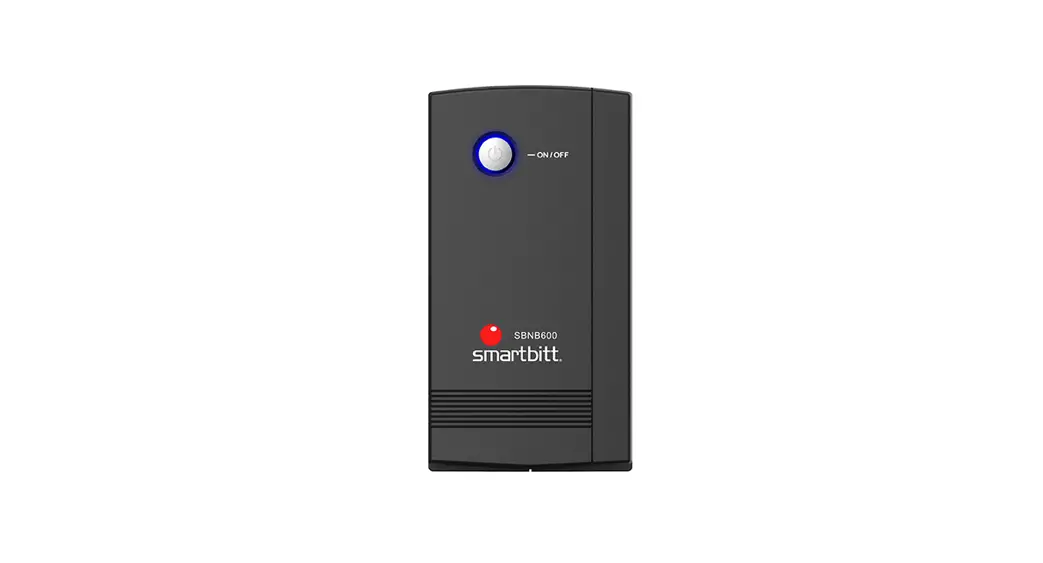
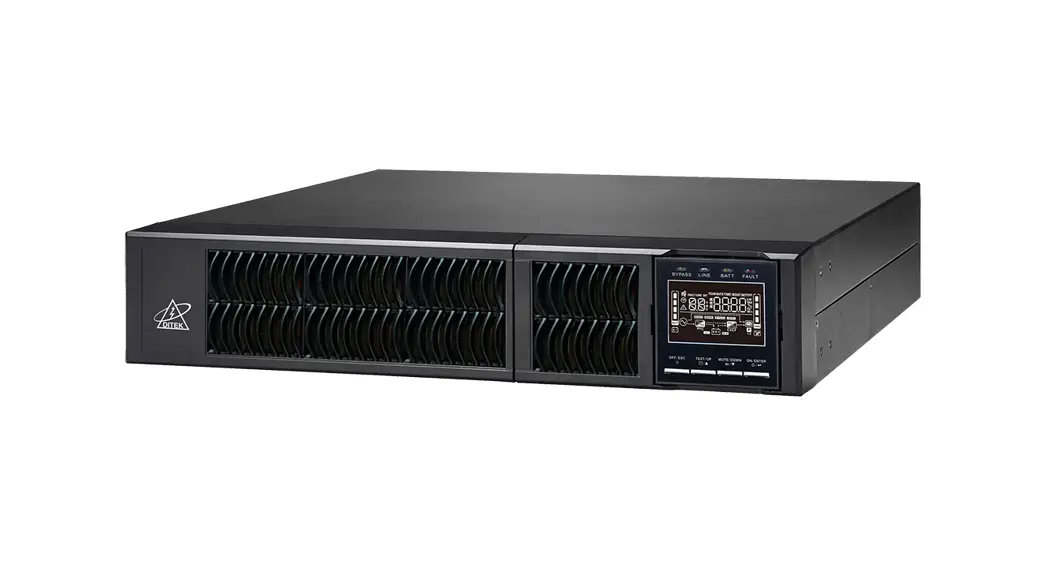
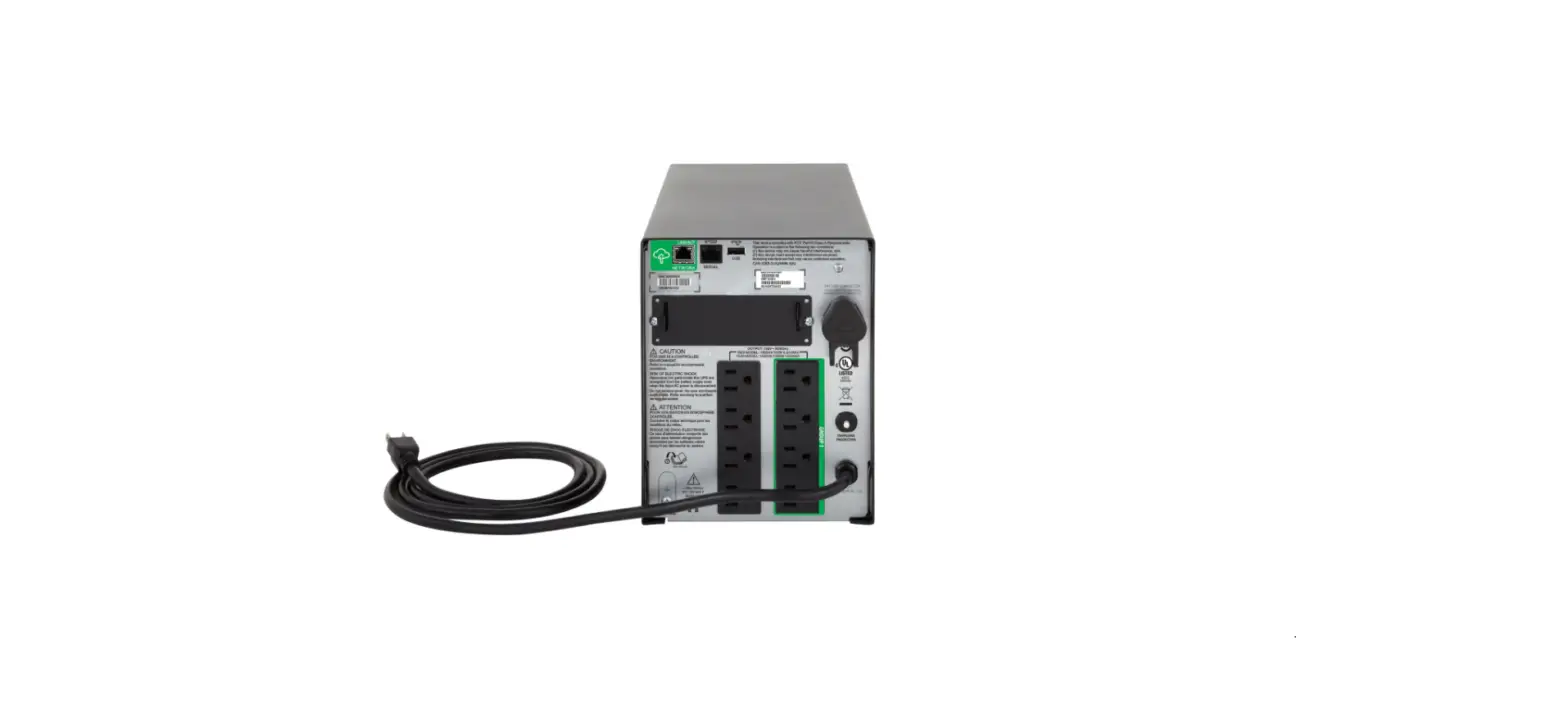
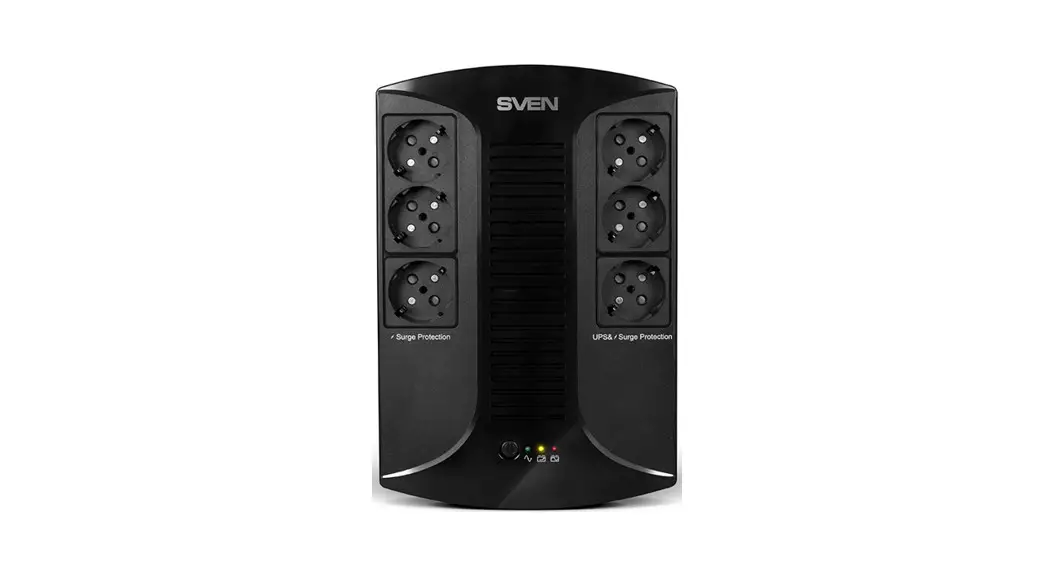
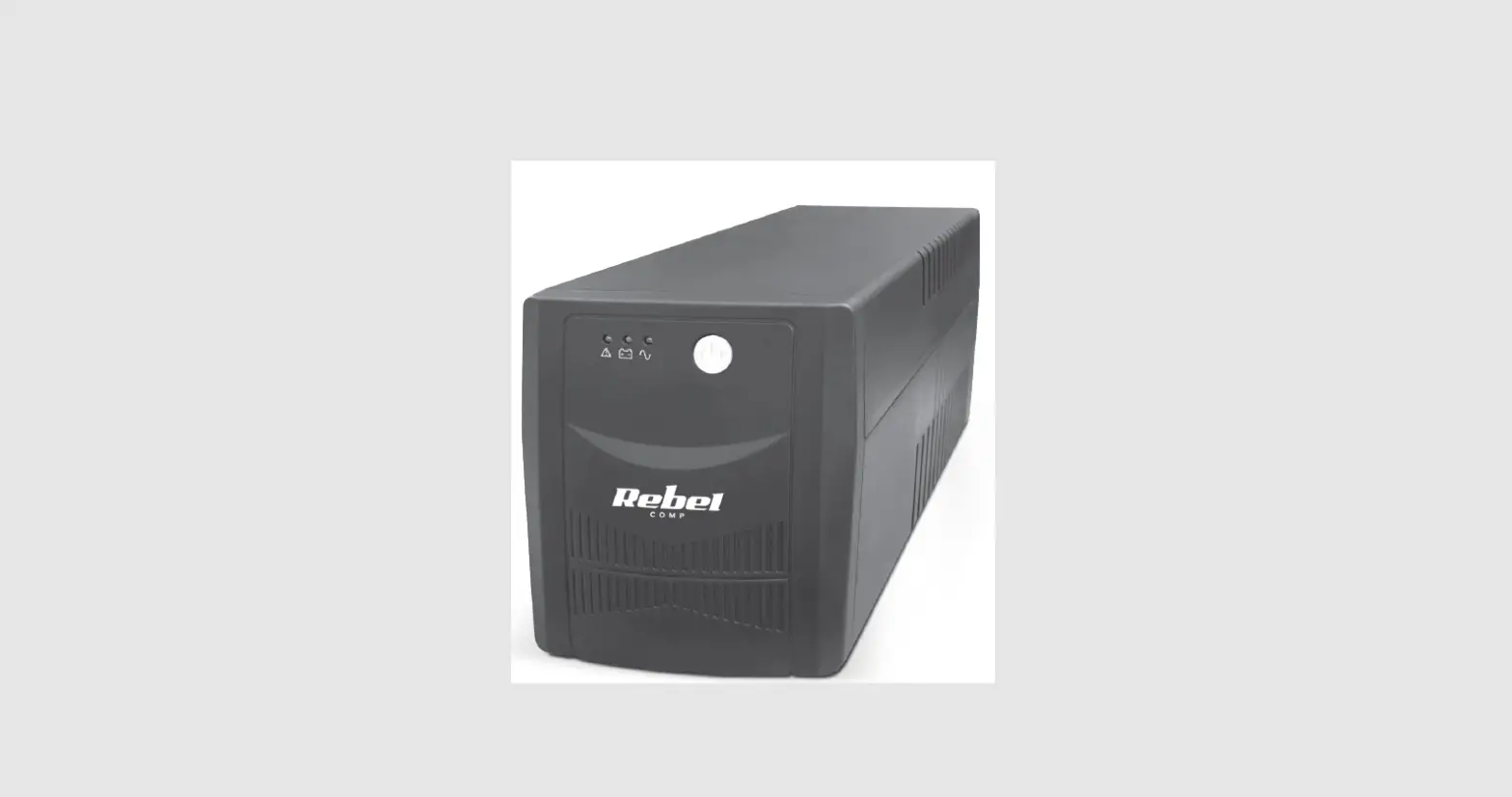
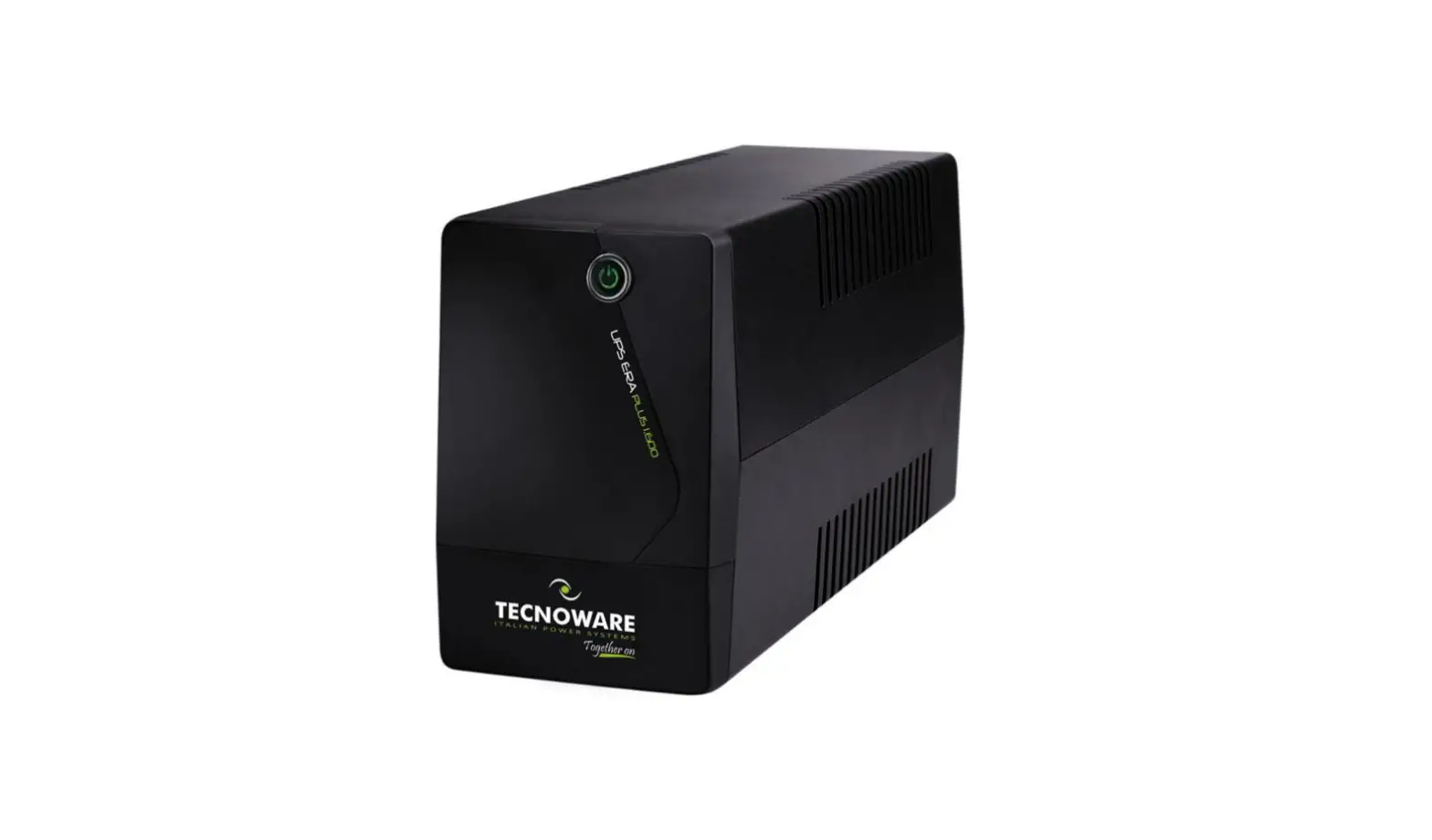
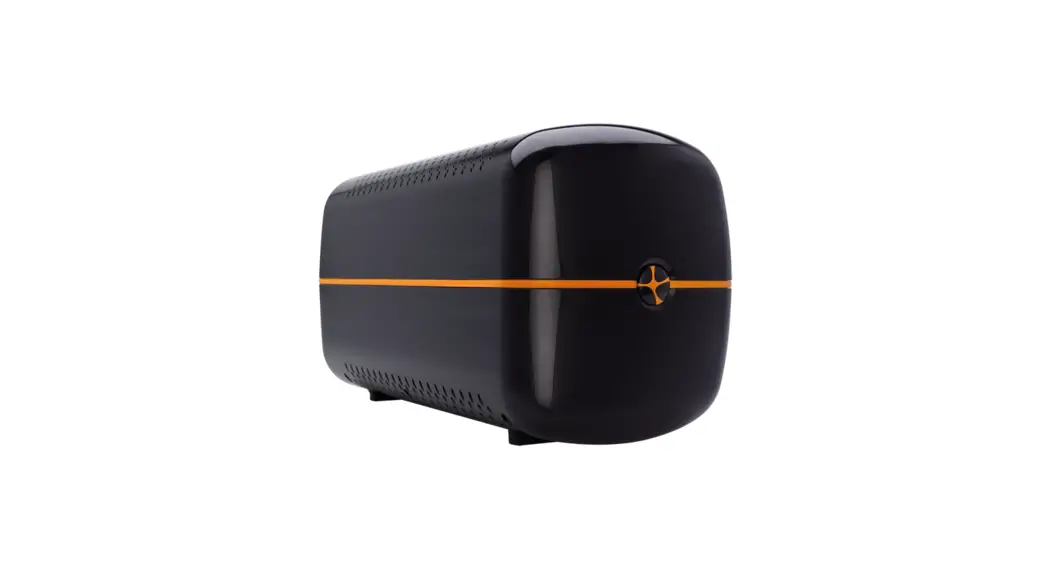
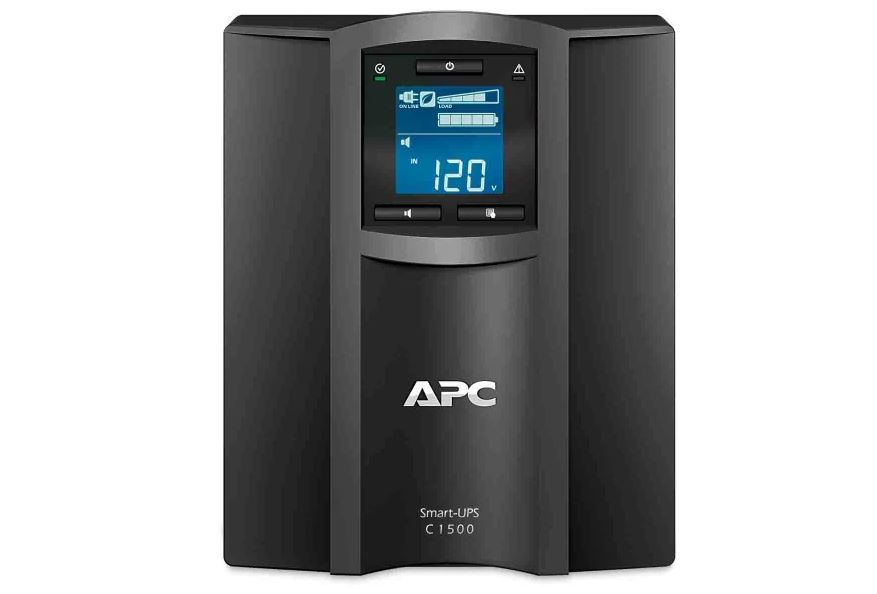
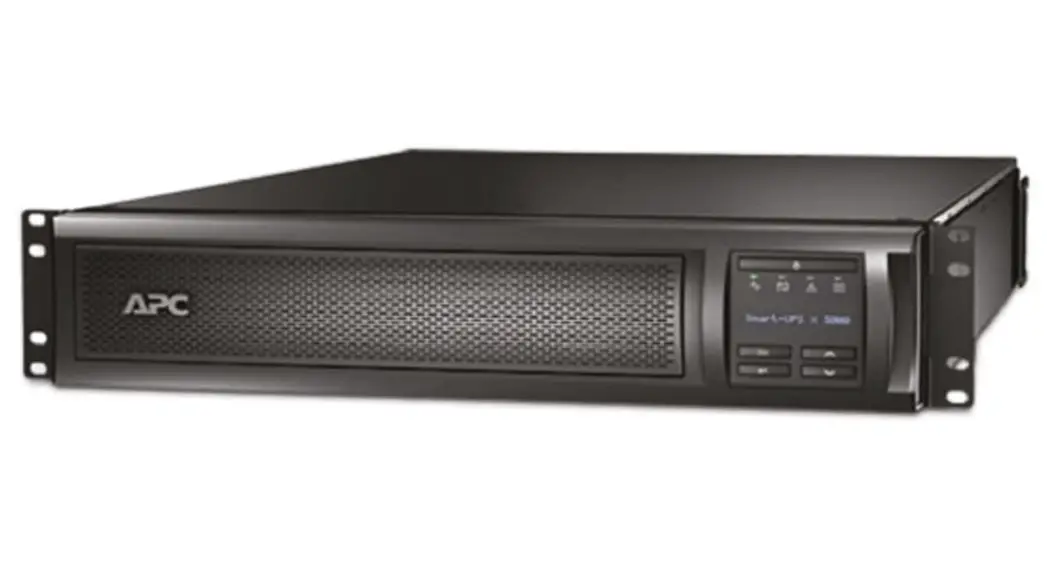
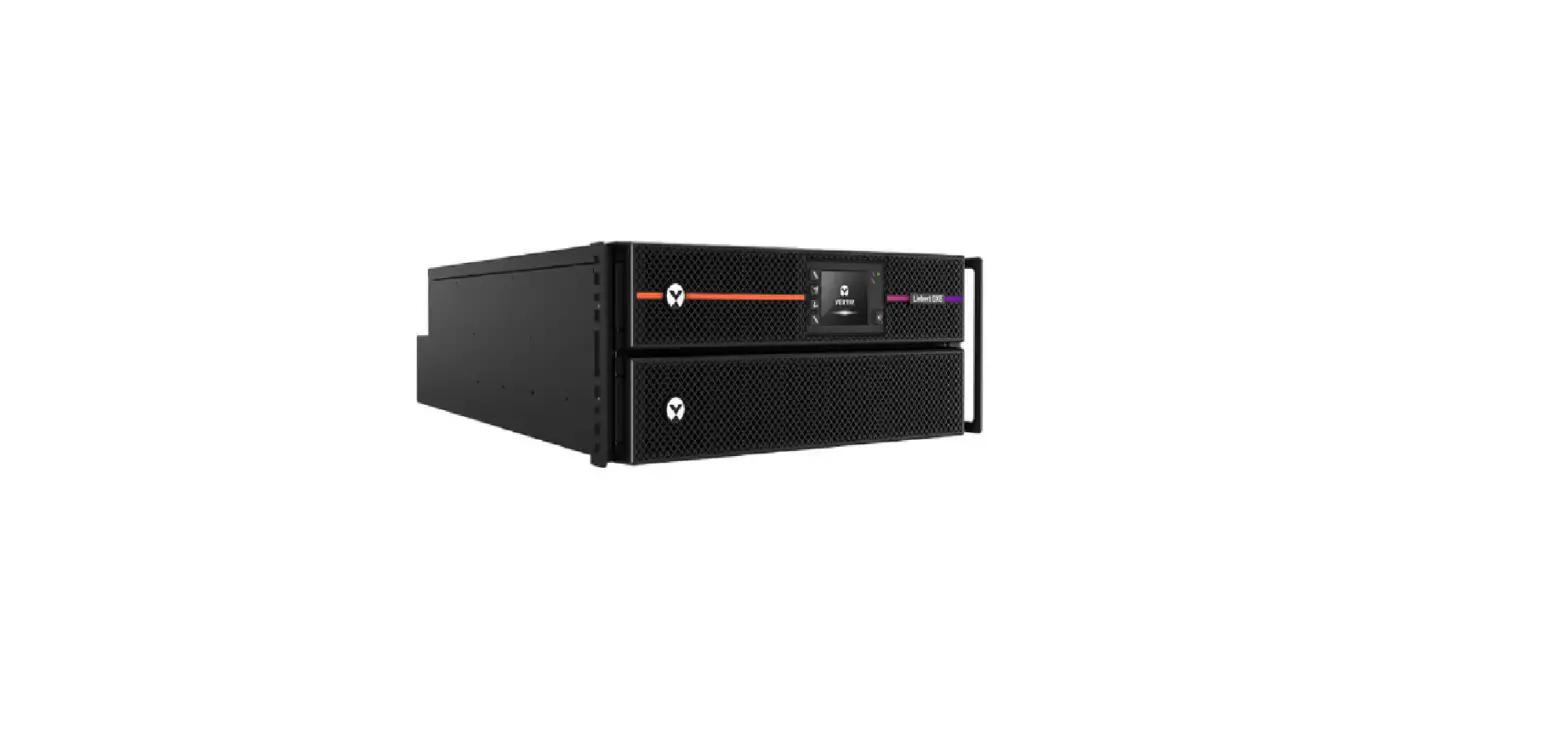
PDU 600 Uninterruptible Power Supply
Product Information: – Product Name: Info PDU 600/800/1000
Uninterruptible Power Supply – Model Variants: INFOPDU600 /
INFOPDU600PL / INFOPDU600LCD, INFOPDU800 / INFOPDU800PL /
INFOPDU800LCD, INFOPDU1000PL / INFOPDU1000LCD – VA Capacity: 600
VA, 800 VA, 1000 VA – User’s Manual: Available in multiple
languages including English, Italian (Manuale d’uso), and Russian –
Input Voltage: 360 V – 600 V – Output Voltage: 480 V – 1000 V –
Battery Type: AGM VRLA (Absorbent Glass Mat Valve Regulated Lead
Acid) – Battery Backup Time: 8-10 minutes at full load, 6-10
minutes at half load, 2 minutes at full load with LCD display –
LED/LCD Display: LED- only or LED-/LCD-display options available –
Outlet Type: Schuko outlets with options for 6 outlets (3 without
LCD) or 8 outlets (4 without LCD) – Protection Rating: IP20
(Ingress Protection Rating 20) Product Usage Instructions:
1. Initial Setup: – Ensure the product is placed on a stable
surface. – Connect the power supply cable to the input port of the
Info PDU. – Connect the load devices to the output ports of the
Info PDU. – Connect the communication cables (USB, RJ11, RS232) if
required. – Turn on the Info PDU using the power switch. 2. Basic
Operation: 2.1 Power Supply: – The Info PDU provides uninterrupted
power supply to connected devices. – In case of a power outage, the
Info PDU will automatically switch to battery power. – The battery
backup time depends on the load and battery capacity. – When the
power is restored, the Info PDU will switch back to the main power
source. 2.2 Load Management: – Monitor the load status of the Info
PDU to ensure it does not exceed the maximum capacity. – Use the
Info PDU’s LCD display or LED indicators to check the load status.
– If necessary, disconnect non-essential devices to reduce the
load. – Avoid overloading the Info PDU to prevent damage. 2.3
Communication and Control: – The Info PDU supports USB, RJ11, and
RS232 communication interfaces. – These interfaces allow for remote
monitoring, control, and configuration of the Info PDU. – Use
appropriate software or devices to communicate with the Info PDU
through these interfaces. 3. Safety Precautions: 1. Electrical
Safety: – Do not expose the Info PDU to water or moisture. – Do not
touch the Info PDU with wet hands or when standing on wet surfaces.
– Ensure proper grounding of the Info PDU and connected devices. –
Do not open the Info PDU without proper training or authorization.
2. Battery Safety: – Follow proper battery handling procedures. –
Dispose of batteries according to local regulations. – Do not
short-circuit or expose batteries to high temperatures. 4.
Troubleshooting: 4.1 Common Issues: – If the Info PDU does not
power on, check the power supply and connections. – If there is no
output power, check the load devices and connections. 4.2
Communication Issues: – Ensure the communication cables (USB, RJ11,
RS232) are properly connected. – Check the settings and
compatibility of the communication software or devices. 4.3 Error
Codes and Alerts: – Refer to the user manual for specific error
codes and troubleshooting steps. – Contact customer support if the
issue persists. 5. Additional Information: 5.1 Product Variants: –
The Info PDU is available in different variants with varying VA
capacity and features. – Refer to the product name and model
variants mentioned above for specific details. Note: This response
is based on the provided text-extract from the user manual. For
complete and accurate information, refer to the official user
manual or contact the manufacturer’s customer support.
Info PDU 600/800/1000
Uninterruptible Power Supply
Info PDU 600/800/1000 VA
Manuale d’ uso User’s Manual
ru
1. …………………………………………………………………………………………………………………………………………………………………………………………………………………………………………………………………………………….2 2. ……………………………………………………………………………………………………………………………………………………………………………………………………………………………………………2
2.1 ………………………………………………………………………………………………………………………………………………………………………………………………………………………………………………………………………….2 2.2 ……………………………………………………………………………………………………………………………………………………………………………………………………………………..2 2.3 …………………………………………………………………………………………………………………………………………………………………………………………………………………………………..2 3. , , , …………………………………………………………………………………………………………………………………………………………2 4. ………………………………………………………………………………………………………………………………………………………………………………………………………………………………………2 4.1 ……………………………………………………………………………………………………………………………………………………………………………………………………………………………………………………………….2 4.2 ……………………………………………………………………………………………………………………………………………………………………………………………………………………4 4.3 ……………………………………………………………………………………………………………………………………………………………………………………………………………………………….4 5. ………………………………………………………………………………………………………………………………………………………………………………………………………………………………………………………5 5.1 …………………………………………………………………………………………………………………………………………………………………………………………………………………………………..5 5.2 ……………………………………………………………………………………………………………………………………………………………………………………………………………………………………….5 6. …………………………………………………………………………………………………………………………………………………………………………………………………………………………………………………………………………….7 7. ……………………………………………………………………………………………………………………………………………………………………………………………………………………………………………..7 8. ………………………………………………………………………………………………………………………………………………………………………………………………………………………………………………….7 8.1 ………………………………………………………………………………………………………………………………………………………………………………………………………………………………………………………………..7 8.2 …………………………………………………………………………………………………………………………………………………………………………………………………………………………………………………………7 8.3 ……………………………………………………………………………………………………………………………………………………………………………………………………………………………………………7 9. ……………………………………………………………………………………………………………………………………………………………………………8
1
. .
1.
() , , , .
. . , , “”. , , . , , , .
2.
2.1
1. .
2. . 3. , , . 4. , , . 5. . (
3). 6. . 7. , .
2.2
1. , , . 2. . 3. Info PDU , ,
. . 4. . 5. 10 . 6. .
2.3
1. , , . 2. – , .
. .
3. , , ,
1. , , / . 2. , , 5
” “. 3. .
, , / . 4. . 5. .
. , , . .
4.
4.1
1. : · ; · 1,2 ; · USB- 1,2 ( INFOPDU600, INFOPDU800); · – ( INFOPDU600, INFOPDU800); · ; · . 2. , , . ,
.
2
ru
3. , . 4. 040 °C. 20
.
1.
2. . , 1. ()
2. () 3. ()
4. / 5. USB ( 6 )
3. . , 1. USB () 2. RJ11 ()
3. RS232 () 4. AC
5. ( , , )
6. ( , , )
3
. 3.1 INFO PDU c 8
RJ-11 , . “IN”, , , “OUT”. RS232/USB / . USB/RS232 , . 50 60 .
4.2
1. . 10 . , .
2. . 3. / / ( RJ-11).
“in” . / / “out”. 4. ( USB / RS232) . . / , .
4.3
1. . 2. . 3. . ,
. , . , , . , . , . 4. . ! ( ” “). , ( , , ), – .
4
ru
5.
5.1
1.
, , (××), (××),
INFOPDU600 / INFOPDU600PL / INFOPDU600LCD
INFOPDU800 / INFOPDU800PL / INFOPDU800LCD
INFOPDU1000PL / INFOPDU1000LCD
600
800
1000
360
480
600
162295
50 / 60 ±10%
220 . ±10%
2-10
/
– (AGM VRLA)
12 / 7 × 1
12 / 8 × 1
12 / 9 × 1
8-10
, , 6
, , 2
LED- / LED- / LCD-
LED- / LCD-
Schuko 6 . (3 . – ) / Schuko 8 . (4 . – )/ Schuko 8 . (4 . – )
IP20
040 °
<45 (1 )
4,5
5,5
4,8
5,8
280×185×95 / 285×205×94 / 285×205×94
Schuko 8 . (4 . – )
5,8 6,2 285×205×94
333×238×145 / 350×255×144 / 350×255×144
350×255×144
: .
5.2
Info PDU , : · INFOPDU600 / INFOPDU600PL / INFOPDU600LCD 1 × 7 · INFOPDU800 / INFOPDU800PL/ INFOPDU800LCD 1 × 8 · INFOPDU1000PL / INFOPDU1000LCD 1 × 9
, .
10,0
1,0 0
50
100
150
200
250
300
350
400
4. INFOPDU600 / INFOPDU600PL / INFOPDU600LCD
5
2. INFOPDU600 / INFOPDU600PL / INFOPDU600LCD
, % , , .
100%** 90%**
80%
70%
60%
50%
40%
30%
20%
10%
360
324
288
252
216
180
144
108
72
36
3,1
3,6
4,1
4,7
5,6
6,8
8,5
11,2
15,7
25,1
* – , , , 2025 °. +/- 10% ** – 80%
10,0
1,0 0
50
100
150
200
250
300
350
400
450
500
5. INFOPDU800 / INFOPDU800PL / INFOPDU800LCD
3. INFOPDU800 / INFOPDU800PL / INFOPDU800LCD
, % , , .
100%** 90%**
80%
70%
60%
50%
40%
30%
20%
10%
480
432
384
336
288
240
192
144
96
48
2,9
3,3
3,8
4,4
5,3
6,4
8,2
10,9
15,8
26,7
* – , , , 2025 °. +/- 10% ** – 80%
10
1
0 50 100 150 200 250 300 350 400 450 500 550 600 650
6. INFOPDU1000PL / INFOPDU1000LCD
4. INFOPDU1000PL / INFOPDU1000LCD
, % , , .
100%** 90%**
80%
70%
60%
50%
40%
30%
20%
10%
600
540
480
420
360
300
240
180
120
60
2,7
3,1
3,6
4,2
5,0
6,2
7,9
10,7
15,8
27,9
* – , , , 2025 °. +/- 10% ** – 80%
6
ru
6.
Info PDU : · 4 Schuko (INFOPDU600PL, INFOPDU600LCD, INFOPDU800PL, INFOPDU800LCD, INFOPDU1000LCD),
3 Schuko (INFOPDU600, INFOPDU800) · – 4 Schuko (INFOPDU600PL, INFOPDU600LCD, INFOPDU800PL, INFOPDU800LCD, INFOPDU1000LCD), 3 Schuko
( INFOPDU600, INFOPDU800) · 2 USB ( INFOPDU600, INFOPDU800) · 1 USB · 1 RJ-11
7.
. , .
5.
.
: , , . :
. 8-10 . , ,
. . :
8. .
8.1
1. , . 2. , . 3. , . 4. 8.3.
8.2
, 810 . , . , , .
6.
10 25 °C 25 40 °C
6 3
0 +40 °.
8-10 8-10
8.3
. , . . 1. +15 +25 °C. 2. 6 . 3. . 4. 5 . , ,
, .
( , , 6 ): 1. 8-10 . 2. , . 3. , . 4. , , 45. 50%,
.
– V.R.L.A., .
7
: 1. , . 2. , . 3. . 4. . 5. – . 6. . ! 7. .
9.
“” , , , . 2 . , (). . , , , . www.batt.dkc.ru [email protected]. , , , , – . , (, ), , , , “”. , , “” , , , , . , “” , , , , , .
: 8-800-250-52-63 www.dkc.ru
8
Lingua Italiana
ita
Indice
Lingua Italiana
1. Contenuto …………………………………………………………………………………………………………………………………………………………………………………………………………………………………………………………………………………12 2. Istruzioni di Sicurezza ……………………………………………………………………………………………………………………………………………………………………………………………………………………………………………………………12
2.1 Operazioni ……………………………………………………………………………………………………………………………………………………………………………………………………………………………………………………………………….12 2.2 Sicurezza elettrica ………………………………………………………………………………………………………………………………………………………………………………………………………………………………………………………..12 2.3 Sicurezza delle batterie ………………………………………………………………………………………………………………………………………………………………………………………………………………………………………………12 3. Norme e condizioni per Installazione, Deposito, Trasporto e Vendita …………………………………………………………………………………………………………………………………………………………………..12 4. Procedura di Installazione e Avviamento ……………………………………………………………………………………………………………………………………………………………………………………………………………………….12 4.1 Installazione UPS…………………………………………………………………………………………………………………………………………………………………………………………………………………………………………………………..12 4.2 Collegamento dell’UPS alla rete e al carico …………………………………………………………………………………………………………………………………………………………………………………………………………14 4.3 Accensione e spegnimento dell’UPS………………………………………………………………………………………………………………………………………………………………………………………………………………………14 5. Specifiche Tecniche……………………………………………………………………………………………………………………………………………………………………………………………………………………………………………………………….15 5.1 Specifiche tecniche ……………………………………………………………………………………………………………………………………………………………………………………………………………………………………………………..15 5.2 Durata della batteria…………………………………………………………………………………………………………………………………………………………………………………………………………………………………………………….15 6. Connettori dell’UPS……………………………………………………………………………………………………………………………………………………………………………………………………………………………………………………………….. 17 7. Risoluzione dei Problemi……………………………………………………………………………………………………………………………………………………………………………………………………………………………………………………… 17 8. Stoccaggio e Manutenzione ………………………………………………………………………………………………………………………………………………………………………………………………………………………………………………. 17 8.1 Manutenzione ……………………………………………………………………………………………………………………………………………………………………………………………………………………………………………………………….. 17 8.2 Stoccaggio ………………………………………………………………………………………………………………………………………………………………………………………………………………………………………………………………………17 8.3 Controllo delle batterie………………………………………………………………………………………………………………………………………………………………………………………………………………………………………………. 17 9. Garanzia e Assistenza Tecnica……………………………………………………………………………………………………………………………………………………………………………………………………………………………………………18
11
Grazie per aver acquistato un UPS DKC. Prima dell’utilizzo la invitiamo a consultare il presente Manuale d’uso.
1. Contenuto
Un gruppo di continuità (UPS) è un dispositivo progettato per proteggere computer e altri dispositivi da interruzioni di energia elettrica, discesa di tensione nella rete, buchi e sbalzi di tensione brevi. In condizioni normali, l’UPS alimenta i dispositivi collegati direttamente dall’alimentazione di rete. Durante il funzionamento a rete, le batterie dell’UPS vengono mantenute cariche. In caso di mancanza di rete, l’UPS alimenta gli utenti da una batteria la cui corrente continua viene convertita in corrente alternata da un circuito speciale chiamato “inverter”. L’alimentazione da batteria al carico continua fino al ripristino della tensione di rete con caratteristiche accettabili, oppure fino alla completa scarica della batteria. Quando si passa alla batteria, si verifica una breve interruzione di corrente nel carico, che, tuttavia, non causa problemi agli utenti.
2. Istruzioni di Sicurezza
2.1 Operazioni
1. Leggere con attenzione le istruzioni di sicurezza prima di usare l’UPS e conservare il presente manuale per future necessità. 2. Prestare attenzione a tutte le etichette di allarme e seguirne le indicazioni. 3. Non usare l’UPS in un luogo in cui potrebbe essere esposto alla luce solare diretta, precipitazioni atmosferiche o altre condizioni di pericolo. 4. L’UPS non deve essere installato in prossimità di fonti di calore come stufe elettriche. 5. Non posizionare l’UPS attaccato a tramezzi o muri. Seguire le instruzioni riportate nel manuale tecnico per l’installazione dell’UPS (Vedi Sezione 3). 6. Utilizzare un panno asciutto per pulire l’UPS. 7. In caso di incendio usare estintori a secco poiché gli estintori liquidi possono danneggiare l’UPS.
2.2 Sicurezza elettrica
1. Non connettere il cavo di uscita dell’UPS all’ingresso dello stesso UPS. 2. Non collegare prolunghe all’UPS. 3. Gli UPS INFO PDU sono progettati per alimentare computer e piccole reti informatiche, stazioni di lavoro e altri computer attrezzatura. É vietato utilizzare
l’UPS per alimentare dispositivi elettromedicali o altre utenze critiche. 4. Non collegare all’ UPS dispositive di potenza eccessiva. 5. La lunghezza del cavo di alimentazione non deve superare i 10 metri. 6. In caso di emergenza premere il pulsante di spegnimento e disconnettere il cavo di alimentazione delll’ UPS dalla rete elettrica.
2.3 Sicurezza delle batterie
1. Assicurarsi che l’UPS non sia esposto a fiamme libera poiché ció potrebbe causare esplosione e danni a cose e persone. 2. É vietato eseguire qualsiasi operazioni con le batterie da parte di personale che non disponga dell’apposito gruppo di accesso. Le sostanze in esso contenute
possono causare danni a pelle e ochhi. In caso di contatto con l’elettrolita risciacquare immediatamente la zona interessata con acqua abbondante e recarsi al piú vicino ospedale.
3. Norme e condizioni per Installazione, Deposito, Trasporto e Vendita
1. Il dispositivo é installato su qualsiasi superficie piana, stabile e asciutta e non richiede montaggo/rinforzo aggiuntivo. 2. Il deposito del dispositivo è consentito solo in luoghi dove la temperatura e l’umidità non superino i valori specificati nella sezione 5 “Parametri tecnici”. 3. Le condizioni di trasporto del dispositivo sono identiche alle condizioni di deposito. Si esenta da trasporto del dispositivo insieme a potenti fonti di calore,
contenotori di liquidi ma anche in luoghi con grandi accumuli di polvere/sporco. 4. La utilizzazione del dispositivo deve essere effettuato in conformità con la legislazione vigente della Federazione Russa. 5. Alla fine della vita utile del prodotto non deve essere smaltito con i normali rifiuti domestici. Deve invece essere consegnato per smaltimento ad un punto
di raccolta delle apparecchiature elettriche ed elettroniche appropriato per il riciclaggio e smatimento succesivo in conformità con le leggi federali o locali. Garantendo che questo prodotto venga smaltito correttamente, si contribuisce a preservare le risorse naturali ed a prevenire danni all’ambiente ed alla salute umana che potrebbero essere altrimenti causati da una manipolazione inappropriata. Per ulteriori informazioni sui punti di raccolta e riciclaggio di questo prodotto, contattare il comune locale o l’azienda di smaltimento dei rifiuti domestici.
4. Procedura di Installazione e Avviamento
4.1 Installazione UPS
1. Contenuto della confezione: · UPS · Cavo di collegamento · Cavo USB (solo per I modelli con USB) · Manuale d’uso · Passaporto 2. Alla ricezione della merce verificare che il carico non presenti danni eventualmente occorsi durante il trasporto. Conservare l’imballo e in caso di
danneggiamento contattare lo spedizioniere o il distributore. 3. Posizionare il dispositivo in un luogo adatto con ventilazione adeguata e lontano da acqua, gas infiammabili e corrosivi. 4. La temperature ambiente di esercizio deve essere nel range 040 °C.
Lasciare almeno 20 cm da ogni lato dell’UPS per assicurare una sufficiente ventilazione.
12
ita
Figure 1. Posizionamento dell’ UPS
Figure 2. Vista Frontale. Pulsanti e Led sulla fonte dell’ UPS 1. Funzionamento normale LED (verde) 2. Ricarica batteria LED (giallo)
3. Funzionamento da Batteria LED (rosso) 4. On/off Pulsante
5. Ingressi per USB caricabatteria (solo nei modelli con 6 prese)
Figure 3. Vista laterale. Pulsanti, LED e connettori a lato dell’UPS 1. Connettore USB (optional) 2. Connettore RJ11 (optional)
3. Connettore RS232 (optional) 4. Ingresso AC
5. Connettore di uscita ridondante (in caso di guasto all’ingresso dell’UPS, il carico collegato a questa uscita sarà alimentato dalle batterie dell’UPS) 6. Connettore di uscita non ridondante (se non c’è tensione all’ingresso dell’UPS,
il carico collegato a questa uscita verrà scollegato)
13
Figure 3.1. Modello INFO PDU con 8 prese
Il connettore RJ11 è usato per proteggere telefoni, modem o fax da sbalzi di tensione. Un’estremità del cavo deve essere collegata all’ingresso “IN”, l’altra estremità proveniente dal carico deve essere collegata all’uscita “OUT”. Il connettore RS232 / USB è usato per lo spegnimento/accensione automatica e il monitoraggio dello stato dell’UPS. Per effettuare la connessione, è necessario collegare un’estremità del cavo con un connettore USB/RS232 all’UPS e collegare l’altra estremità del cavo al computer. Durante il funzionamento da rete, l’UPS monitora la frequenza di ingresso e imposta il valore su 50 o 60 Hz durante il funzionamento dell’inverter.
4.2 Collegamento dell’UPS alla rete e al carico
1. Collegare il cavo di alimentazione dell’UPS a una presa. Prima di utilizzare il dispositivo si raccomanda di caricare la batteria per 10 ore per garantire un corretto stato delle batterie. La batteria si ricarica automaticamente mentre l’UPS è collegato alla rete elettrica.
2. Collegare i consumatori all’uscita dell’ UPS 3. Connessione di Telefono/Modem/Fax (solo dispositivi con RJ-11) La coppia di telefoni deve essere collegata al connettore “in” sul pannello posterior del
dispositivo. La connessione di telefono/modem/fax viene effettuata al connettore “out”. 4. Collegamento del cavo di comunicazione (solo per modelli con USB / RS232) Il cavo di comunicazione permette di controllare da remoto il funzionamento
dell’UPS. Collegare il dispositivo al computer con un cavo. Utilizzando il software, è possibile programmare l’accensione/spegnimento dell’UPS, nonché monitorarne lo stato da un computer.
4.3 Accensione e spegnimento dell’UPS
1. Premere il pulsante di avviamento e verificare che non ci siano allarmi. 2. Accendere i dispositive utente collegati. 3. In caso di interruzione di corrente o sbalzo di tensione dell’UPS, passare alla modalità batteria. Il LED rosso si accenderà e verrà emesso un segnale acustico.
In questo caso, l’UPS fornisce alimentazione agli utenti collegati alle prese di uscita ridondanti. Gli utenti collegati a prese di uscita non ridondanti non riceveranno più alimentazione. E’ consigliato di scollegare i dispositivi con bassa priorità per allungare il tempo di autonomia da batteria. Quando le batterie terminano la loro carica l’UPS si spegnerà disalimentando i carichi e al ritorno della rete elettrica si riaccenderà autonomamente. 4. Premere il pulsante di spegnimento per spegnere il sistema. ATTENZIONE! In assenza di rete, l’utente può accendere l’UPS per alimentare il carico (funzione “cold start”). É vietato collegare i stampanti Laser e scanner, nonché apparecchiature non informatiche (dispositivi elettromedicali, forni micoroonde, aspirapolvere) ai connettori di uscita ridondanti per non creare sovraccarichi dovuti alla corrente di spunto troppo elevata.
14
ita
5. Specifiche Tecniche
5.1 Specifiche tecniche
Tabella 1. Caratteristiche tecniche dell’ UPS
Potenza Ingresso Uscita Batterie Allarmi
Caratteristiche
Modello
Tensione Frequenza Tensione Tempo intervento Forma onda Protezioni Tipo Capacità Tempo ricarica
Funzionamento a batteria
Batterie scariche Tipo indicazione Regolatore tensione
Connettori di uscita
Classe protezione della calotta temperatura funzionamento Disturbi Peso netto Peso brutto Dimensioni (Lung×Larg×Alt) Dimensioni imballate (Lung×Larg×Alt)
INFOPDU600 / INFOPDU600PL / INFOPDU600LCD
INFOPDU800 / INFOPDU800PL / INFOPDU800LCD
INFOPDU1000PL / INFOPDU1000LCD
600 VA
800 VA
1000 VA
360 W
480 W
600 W
162295 V
50 / 60 Hz ±10%
220 V AC. ±10%
2-10
Sinusoidale da rete / Pseudo-Sinusoide da batterie
Fusibili e protezione da cortocircuito
Piombo Acido privo di manutenzione (AGM VRLA)
12 V / 7 Ah × 1
12 V / 8 Ah × 1
12 V / 9 Ah × 1
8-10 ore
Capacità sufficiente, LED rosso accesso e allarme sonoro ogni 6 secondi
Capacità insufficiente LED rosso accesso e allarme sonoro ogni 2 secondi
Allarme sonoro continuo
Indicatori LED / Indicatori LED / display LCD
Indicatori LED / display LCD
sì
Schuko 6 pz. (3 pezzi alimentati a batteria)/ Schuko 8 pz. (4 pz. alimentati a batteria)/ Schuko 8 pz. (4 pz. alimentati a batteria)
Schuko 8 pz. (4 pz. alimentati a batteria)
IP20
040 °
<45dB (1 metro)
4,5 kg
5,5 kg
4,8 kg
5,8 kg
280×185×95 mm / 285×205×94 / 285×205×94
333×238×145 / 350×255×144 / 350×255×144
5,8 kg 6,2 kg 285×205×94
350×255×144
Note: Le caratteristiche possono cambiare senza preavviso.
5.2 Durata della batteria
Ogni UPS della serie Info PDU ha una batteria incorporata, la cui capacità e quantità varia a seconda del modello:
· INFOPDU600 / INFOPDU600PL / INFOPDU600LCD 1 × 7 h · INFOPDU800 / INFOPDU800PL/ INFOPDU800LCD 1 × 8 h · INFOPDU1000PL / INFOPDU1000LCD 1 × 9 h
Di seguito sono riportati i grafici che mostrano la dipendenza della durata della batteria dalla potenza del carico.
10,0
1,0 0
50
100
150
200
250
300
350
400
Figura 4. Grafico della durata della batteria INFOPDU600 / INFOPDU600PL / INFOPDU600LCD
15
Tabella 2. Durata della batteria INFOPDU600 / INFOPDU600PL / INFOPDU600LCD
Livello di caricamento, % Potenza di carico, W min.
100%** 90%**
80%
70%
60%
50%
40%
30%
20%
10%
360
324
288
252
216
180
144
108
72
36
3,1
3,6
4,1
4,7
5,6
6,8
8,5
11,2
15,7
25,1
* – il tempo di autonomia è approssimativo, dipende dall’età delle batterie, dallo stato delle batterie, soggetto a una temperatura ambiente di 20-25 gradi Celsius. Questi valori possono variare nell’intervallo + / – 10% ** – il livello di carico consigliato DELL’UPS non deve superare l ‘ 80%
min
10,0
1,0 0
50
100
150
200
250
300
350
400
450
500
W
Figura 5. Grafico della durata della batteria INFOPDU800 / INFOPDU800PL / INFOPDU800LCD
3. INFOPDU800 / INFOPDU800PL / INFOPDU800LCD
Livello di caricamento, % Potenza di carico, W min.
100%** 90%**
80%
70%
60%
50%
40%
30%
20%
10%
480
432
384
336
288
240
192
144
96
48
2,9
3,3
3,8
4,4
5,3
6,4
8,2
10,9
15,8
26,7
* – il tempo di autonomia è approssimativo, dipende dall’età delle batterie, dallo stato delle batterie, soggetto a una temperatura ambiente di 20-25 gradi Celsius. Questi valori possono variare nell’intervallo + / – 10% ** – il livello di carico consigliato DELL’UPS non deve superare l ‘ 80%
min
10
1
0 50 100 150 200 250 300 350 400 450 500 550 600 650
W
Figura 6. Grafico della durata della batteria INFOPDU1000PL / INFOPDU1000LCD
Tabella 4. Durata della batteria INFOPDU1000PL / INFOPDU1000LCD
Livello di caricamento, % Potenza di carico, W min.
100%** 90%**
80%
70%
60%
50%
40%
30%
20%
10%
600
540
480
420
360
300
240
180
120
60
2,7
3,1
3,6
4,2
5,0
6,2
7,9
10,7
15,8
27,9
* – il tempo di autonomia è approssimativo, dipende dall’età delle batterie, dallo stato delle batterie, soggetto a una temperatura ambiente di 20-25 gradi Celsius. Questi valori possono variare nell’intervallo + / – 10% ** – il livello di carico consigliato DELL’UPS non deve superare l ‘ 80%
16
ita
6. Connettori dell’UPS
UPS della serie Info PDU dispone dei seguenti connettori di uscita: · con ridondanza dalla batteria 4 connettori Schuko (INFOPDU600PL, INFOPDU600LCD, INFOPDU800PL, INFOPDU800LCD, INFOPDU1000LCD),
3 connettori Schuko (INFOPDU600, INFOPDU800) · senza ridondanza – 4 Schuko (INFOPDU600PL, INFOPDU600LCD, INFOPDU800PL, INFOPDU800LCD, INFOPDU1000LCD), 3 Schuko (solo INFOPDU600,
INFOPDU800) · 2 connettori USB per la ricarica di dispositivi mobili (solo INFOPDU600, INFOPDU800) · 1 porta di comunicazione USB · 1 porta di comunicazione RJ11
7. Risoluzione dei Problemi
Se l’ UPS ha un avaria riferirsi alla tabella di sotto per cercare di risolvere il problema. Se le indicazioni sotto non aiutano a risolvere, spegnere immediatamente l’ UPS e contattare il centro di assistenza tecnica.
Tabella 5. Risoluzione dei problemi dell’UPS
Situazione L’ UPS non funziona da rete
Nessuna tensione di uscita in modalità batteria. Quando la rete si guasta, il carico viene disattivato
Probabile causa e soluzione
Problema di rete: controllare il cavo di alimentazione e misurare la tensione di rete per verificare che sia nei valori accettati.
Se il fusibile di ingresso è aperto sostituirlo.
Le batterie potrebbero essere scariche o danneggiate. AL ritorno da rete ricaricare le batterie per 8-10 ore. Se il problema persiste contattare il centro assistenza in quanto le
batterie potrebbero essere da sostituire o il carica batterie potrebbe non funzionare. UPS sovraccarico: disattivare alcuni utenti.
8. Stoccaggio e Manutenzione
8.1 Manutenzione
1. Assicurarsi che le feritoie ventole non siano ostruite. 2. Verificare che non ci siano accumuli di polvere. 3. Verificare che non ci siano trace di umidità. 4. Fare un test batterie come indicato in sezione 8.3.
8.2 Stoccaggio
Collegare l’UPS alla rete per caricare l’UPS per almeno 8-10 ore prima di immagazzinarlo. Disconnettere e spegnere l’UPS quindi riporlo in luogo asciutto e pulito.
Tabella 6. Raccomandazioni per ricarica batterie
Temperature Da 10 a 25 ° Da 25 a 40 °
Ricarica necessaria Entro 6 mesi Entro 3 mesi
L’UPS può essere immagazzinato in ambianti con temperatura da 0 a +40 °.
Tempo ricarica 8-10 ore 8-10 ore
8.3 Controllo delle batterie
Le batterie sono i principali componenti dell’UPS. La durata delle batterie dipende dalla temperatura e dal tempo di carica e scarica. Temperature elevate e una scarica eccessiva possono ridurre la durata della batteria.
1. Mantenere la temperatura ambiente tra 1525 °C. 2. Nel caso in cui l’UPS non venga utilizzato per lungo tempo, è necessario di caricare completamente le batterie ogni 6 mesi. 3. Le batterie non devono essere sostituite singolarmente. 4. In normali condizioni di funzionamento, la durata della batteria è di circa 5 anni. Se le batterie vengono conservate in un ambiente umido, polveroso o in
condizioni di bassa temperatura, la loro durata di vita sarà ridotta.
Gli algoritmi del test della batteria sono descritti di seguito (le prestazioni della batteria possono diminuire drasticamente con l’avvicinarsi del termine della sua vita utile; si raccomanda di controllarla almeno una volta ogni 6 mesi): 1. Collegare l’ UPS alla rete e ricaricare le batterie per 8-10 ore. 2. Accendere l’ UPS, collegare I dispositive e misurare che il consumo si entro i limiti. 3. Disconnettere la rete così che l’UPS vada da batteria e controllare il tempo di scarica prima di spegnersi. 4. Verificare se il tempo di scarica rientra nei valori riportati nelle figure da 4 a 5. Se il tempo di scarica si riduce di oltre il 50%, sostituire le batterie.
L’ UPS lavora con batterie V.R.L.A. al piombo, che sono tenute sotto carica in presenza di rete elettrica.
17
Note: 1. Prima di intervenire sulle batterie, assicurarsi che l’UPS sia spento e scollegato. 2. Rimuovere anelli, orologi e altri materiali conduttivi prima di eseguire qualunque operazione. 3. Utilizzare un utensile con impugnatura isolata e non appoggiare oggetti metallici sulle batterie. 4. È severamente vietato cortocircuitare i due terminali positivo e negativo delle batterie. 5. Non aprire le batterie a causa del rischio di danni. 6. Non gettare mai le batterie nel fuoco. La batteria potrebbe esplodere! 7. Non gettare mai le batterie usate nell’ambiente.
9. Garanzia e Assistenza Tecnica
DKC garantisce che il prodotto è privo di difetti di Produzione e imballo per un periodo di 2 anni dalla data di vendita. Il produttore fornisce il servizio di garanzia, anche tramite centri di assistenza autorizzati. Il caso di garanzia è la perdita di prestazioni dell’apparecchiatura in condizioni di corretto funzionamento e manutenzione durante il periodo di garanzia. Se l’UPS si guasta per un motivo coperto dalla garanzia, l’UPS deve essere consegnato a un centro di assistenza insieme al passaporto incluso nella consegna. Indirizzi e numeri di telefono dei centri di assistenza autorizzati del produttore sono disponibili sul sito Web www.batt.dkc.ru o tramite e-mail [email protected]. Questa garanzia non si applica alle apparecchiature danneggiate per incidente, negligenza o applicazione errata, o alle apparecchiature alterate o modificate in qualsiasi modo. Se l’apparecchiatura contiene componenti aggiuntivi non previsti dalla configurazione (ad esempio, adattatori di rete o altri), le richieste di garanzia sono accettate solo in caso di difetto che non sia una conseguenza diretta dell’uso di tali componenti, e solo per componenti venduti da DKC. Ad eccezione degli obblighi sopra specificati, DKC non è responsabile per danni diretti, indiretti, reali, incidentali o secondari associati all’uso di questo prodotto. In particolare, DKC non sarà responsabile nei confronti dell’acquirente per qualsiasi danno reale o perdita di profitti associati all’uso o all’impossibilità di utilizzare apparecchiature, perdita di dati, perdita di software, costi di sostituzione di apparecchiature e software, costi di soddisfacimento pretese di terzi, persone e altre spese.
Per tutte le ulteriori domande, è possibile contattare il servizio di supporto tecnico unificato al seguente numero: 8-800-250-52-63
18
English language
eng
Index
English language
1. Introduction……………………………………………………………………………………………………………………………………………………………………………………………………………………………………………………………………………..22 2. Safety Instructions ………………………………………………………………………………………………………………………………………………………………………………………………………………………………………………………………..22
2.1 Operations………………………………………………………………………………………………………………………………………………………………………………………………………………………………………………………………………22 2.2 Electrical safety ……………………………………………………………………………………………………………………………………………………………………………………………………………………………………………………………22 2.3 Battery safety………………………………………………………………………………………………………………………………………………………………………………………………………………………………………………………………..22 3. Terms and Conditions of Installation, Storage, Transportation, Implementation……………………………………………………………………………………………………………………………………………..22 4. Installation and Start-up Procedure………………………………………………………………………………………………………………………………………………………………………………………………………………………………..22 4.1 UPS installation …………………………………………………………………………………………………………………………………………………………………………………………………………………………………………………………….22 4.2 Connection of the UPS to the mains and the load ………………………………………………………………………………………………………………………………………………………………………………………….. 24 4.3 Turning the UPS on and off ………………………………………………………………………………………………………………………………………………………………………………………………………………………………………24 5. Technical Specifications ……………………………………………………………………………………………………………………………………………………………………………………………………………………………………………………..25 5.1 echnical specifications…………………………………………………………………………………………………………………………………………………………………………………………………………………………………………….25 5.2 Battery life………………………………………………………………………………………………………………………………………………………………………………………………………………………………………………………………………25 6. UPS connectors……………………………………………………………………………………………………………………………………………………………………………………………………………………………………………………………………… 27 7. Troubleshooting…………………………………………………………………………………………………………………………………………………………………………………………………………………………………………………………………….. 27 8. Storage and Maintenance………………………………………………………………………………………………………………………………………………………………………………………………………………………………………………….. 27 8.1 Maintenance…………………………………………………………………………………………………………………………………………………………………………………………………………………………………………………………………. 27 8.2 Storage……………………………………………………………………………………………………………………………………………………………………………………………………………………………………………………………………………. 27 8.3 Battery monitoring………………………………………………………………………………………………………………………………………………………………………………………………………………………………………………………. 27 9. Warranty and Service Information……………………………………………………………………………………………………………………………………………………………………………………………………………………………………28
21
Thank you for purchasing our UPS. Before using the device, please read this manual.
1. Introduction
UPS (uninterruptible power supply) is a device designed to protect computer or other equipment from interruptions in power supply, reduction of mains voltage, short-term dips and voltage and current surges.
Under normal conditions, the UPS supplies the connected devices directly from the mains. When operating from the mains, the UPS batteries are maintained in a charged state. In case of mains failure, the UPS supplies the user from the battery, the direct current of which is converted into alternating using a special device called an “inverter”. The battery supplies the load until the mains supply with acceptable characteristics is restored, or until the battery is completely discharged. When switching to the battery, there is a short failure in the power supply of the load, which, however, does not create problems for users.
2. Safety Instructions
2.1 Operations
1. Read the safety instructions carefully before using the UPS and keep this manual for the future use. 2. Pay attention to all warning labels and follow instructions. 3. Do not use the UPS in places with direct sun exposure and exposure to rain and other hazards. 4. The UPS must not be installed near heat sources, such as electric stoves. 5. Do not place the UPS closely to partitions and walls. Follow the instructions in the technical manual to install the UPS (see section 3). 6. Clean the UPS with a dry cloth. 7. In case of fire, use powder fire extinguishers, since wetting agent fire extinguisher can damage the UPS.
2.2 Electrical safety
1. Do not connect the cable from the output of the UPS to the input of the UPS. 2. Do not connect extension cords to the UPS. 3. Info PDU UPS are designed to power computers, small information networks, workstations and other computer equipment.
Do not use the UPS to power medical devices or other critical devices. 4. It is forbidden to connect devices of a very high power. 5. The length of the power cable must not exceed 10 meters. 6. In case of emergency, press the power key and unplug the UPS power cord from the mains.
2.3 Battery safety
1. Ensure that the UPS is not exposed to open flame, since it may cause an explosion and damage to property and people. 2. It is forbidden to perform any operations with the battery to personnel who do not have the appropriate access level. The substances contained in it can
cause injury to the skin and eyes. In case of contact with electrolyte, immediately wash the affected area with plenty of water and contact the nearest hospital.
3. Terms and Conditions of Installation, Storage, Transportation, Implementation
1. The device is installed on any flat, stable, dry surfaces and does not require additional mounting / reinforcement. 2. Storage is allowed only in places where the temperature and humidity do not exceed the values specified in section 5 “Technical parameters”. 3. The transportation conditions of the device are identical to the conditions of its storage. Do not transport the device together with power heat sources,
containers with liquids, or in places with large accumulations of dust / dirt. 4. The operation of the device must be carried out in accordance with the current legislation of the Russian Federation. 5. After the end of the product’s service life, it must not be disposed of together with ordinary household garbage. Instead, it is subject to disposal at the
appropriate collection station of electrical and electronic equipment for further processing and disposal in accordance with federal or local law. By ensuring proper disposal of this product, you help to save natural resources and prevent damage to the environment and human health, which is possible in case of improper handling. More detailed information about collection and utilization points of this product can be obtained from local municipal authorities or at the enterprise for the removal of household waste.
4. Installation and Start-up Procedure
4.1 UPS installation
1. Delivery kit: · UPS · Power cable · USB cable (only for models with USB) · User manual · Product certificate 2. Upon receipt of the product, check that all contents have no damage that may have occurred during transportation. Retain the packaging and, in the event
of damage, contact the transport company or distributor. 3. Place the device in an appropriate place with sufficient ventilation and away from water, combustible and corrosive gases. 4. The ambient operating temperature must be in the range of 0-40 °C. Leave at least 20 cm from all the UPS sides to ensure sufficient ventilation.
22
Figure 1. UPS location
Figure 2. Top view. Buttons and LEDs on the front side of the UPS 1. Network led (green)
2. Battery charge led (yellow) 3. Battery mode led (red) 4. On/off button 5. USB – memory inputs
eng
Figure 3. Side view. Buttons, LEDs and connectors on the side of the UPS 1. USB (optional) 2. RJ11 (optional)
3. RS232 (optional) 4. AC input
5. Redundant output connector (if there is no voltage at the UPS input, the load connected to this output will receive power supply from the UPS batteries)
6. Output connector without redundancy (if there is no voltage at the UPS input, the load connected to this output will be disconnected)
23
Figure 3.1 INFO PDU model with 8 sockets
The RJ11 connector is used to protect the phone, modem or fax from power surges. One end of the cable must be connected to the “IN” input; the other, coming from the load, must be connected to the “OUT” output. The RS232 / USB connector is used to automatically turn off / on and monitor the UPS status. It’s necessary to connect one end of the cable with a USB / RS232 connector to the UPS, and connect the other end of the cable to the computer. During mains operation, the UPS monitors the input frequency and sets the value at 50 or 60 Hz when operating from an inverter.
4.2 Connection of the UPS to the mains and the load
1. Plug the UPS power cable into a mains socket. Before use, it is recommended to charge the battery for 10 hours. The battery automatically recharges while the UPS is connected to the mains.
2. Connect the consumers to the UPS output. 3. Phone/modem/fax connection (only for devices with RJ-11).
The telephone pair must be connected to the “in” connector on the rear panel of the device. The phone / modem / fax is connected to the “out” connector. 4. Connecting the communication cable (only for models with USB / RS232).
It allows remote monitoring of the UPS. Connect the device to the computer with the cable. Using the software, it’s possible to turn on / off the UPS, as well as monitor its status from a computer.
4.3 Turning the UPS on and off
1. Press the power button and make sure there are no alarms. 2. Turn on connected user devices. 3. In case of a mains failure or a power surge of the UPS, switch to battery power mode. The red LED will light up and a beep will be given. In this case, the UPS
supplies electric power to those users who are connected to redundant output connectors. Users connected to the output connectors without redundancy stop receiving electric power. It is recommended to disconnect non-priority devices to extend battery life. When the battery is completely discharged, the UPS turns off, and when the mains voltage is restored, it automatically starts again. 4. Press the “off” button to stop the system. ATTENTION! In case of the mains failure, the user can turn on the UPS to supply the load (the “cold start” function). Laser printers and scanners, as well as non-computer equipment (medical equipment, microwave ovens, vacuum cleaners) must not be connected to the output sockets with redundancy, because it can lead to overload due to high value of starting current.
24
eng
5. Technical Specifications
5.1 echnical specifications
Table 1. UPS technical specifications
Power Input Output Batteries Audible alarm
Optional
Model
Voltage Frequency Voltage Switching time Waveform Protective devices Type Capacity Charging time
Battery mode
Low batteries Type of indication Surge protector
Output connectors
Enclosure protection class Operating temperature Noise Net weight Gross weight Dimensions (L×W×H) Package dimensions (L×W×H)
INFOPDU600 / INFOPDU600PL / INFOPDU600LCD
INFOPDU800 / INFOPDU800PL / INFOPDU800LCD
INFOPDU1000PL / INFOPDU1000LCD
600 VA
800 VA
1000 VA
360 W
480 W
600 W
162295 V
50 / 60 Hz ±10%
220 V AC ±10%
2-10 ms
Sinusoidal from the mains / Approximated sine from batteries
Fuses and short circuit protection
Lead-acid maintenance-free battery (AGM VRLA)
12 V / 7 Ah × 1
12 V / 8 Ah × 1
12 V / 9 Ah × 1
8-10 hours
The battery capacity is sufficient, the red LED is on, sound signal every 6 seconds
The battery capacity is insufficient, the red LED is on, the sound signal is 2 times per second
Continuous sound signal
LED indicators / LED indicators / LCD display
LED indicators / LCD display
yes
Schuko 6 pcs. (3 pcs battery powered) / Schuko 8 pcs. (4 pcs – battery powered)/ Schuko 8 pcs. (4 pcs – battery powered)
Schuko 8 pcs. (4 pcs – battery powered)
IP20
040 °
<45 dB (1 meter)
4,5 kg
5,5 kg
5,8 kg
4,8 kg
5,8 kg
6,2 kg
280×185×95 mm / 285×205×94 / 285×205×94
285×205×94
333×238×145 / 350×255×144 / 350×255×144
350×255×144
Note: The specifications given are subject to change without prior notice.
5.2 Battery life
Each UPS of the Info PDU series has a built-in battery, the capacity and quantity of which varies depending on the model: · INFOPDU600 / INFOPDU600PL / INFOPDU600LCD 1 × 7 h · INFOPDU800 / INFOPDU800PL/ INFOPDU800LCD 1 × 8 h · INFOPDU1000PL / INFOPDU1000LCD 1 × 9 h
Below are graphs showing the dependence of battery life on load power.
min
10,0
1,0 0
50
100
150
200
250
300
350
400 watt
Figure 4. Runtime Graph INFOPDU600 / INFOPDU600PL / INFOPDU600LCD
25
Table 2. Runtime INFOPDU600 / INFOPDU600PL / INFOPDU600LCD
Loading level, % Load power, W min
100%** 90%**
80%
70%
60%
50%
40%
30%
20%
10%
360
324
288
252
216
180
144
108
72
36
3,1
3,6
4,1
4,7
5,6
6,8
8,5
11,2
15,7
25,1
* – the runtime is approximate, depends on the age of the batteries, the condition of the batteries, provided the ambient temperature is 20-25 degrees Celsius. These values may vary in the range of +/- 10% ** – the recommended load level of the UPS should not exceed 80%
min
10,0
1,0 0
50
100
150
200
250
300
350
400
450
500 watt
Figure 5. Runtime Graph INFOPDU800 / INFOPDU800PL / INFOPDU800LCD
Table 3. Runtime INFOPDU800 / INFOPDU800PL / INFOPDU800LCD
Loading level, % Load power, W min
100%** 90%**
80%
70%
60%
50%
40%
30%
20%
10%
480
432
384
336
288
240
192
144
96
48
2,9
3,3
3,8
4,4
5,3
6,4
8,2
10,9
15,8
26,7
* – the runtime is approximate, depends on the age of the batteries, the condition of the batteries, provided the ambient temperature is 20-25 degrees Celsius. These values may vary in the range of +/- 10% ** – the recommended load level of the UPS should not exceed 80%
min
10
1
0
50 100 150 200 250 300 350 400 450 500 550 600 650
watt
Figure 6. Runtime Graph INFOPDU1000PL / INFOPDU1000LCD
Table 4. Runtime INFOPDU1000PL / INFOPDU1000LCD
Loading level, % Load power, W min
100%** 90%**
80%
70%
60%
50%
40%
30%
20%
10%
600
540
480
420
360
300
240
180
120
60
2,7
3,1
3,6
4,2
5,0
6,2
7,9
10,7
15,8
27,9
* – the runtime is approximate, depends on the age of the batteries, the condition of the batteries, provided the ambient temperature is 20-25 degrees Celsius. These values may vary in the range of +/- 10% ** – the recommended load level of the UPS should not exceed 80%
26
eng
6. UPS connectors
UPS of the Info PDU series has the following output connectors: · with battery backup – 4 Schuko connectors (INFOPDU600PL, INFOPDU600LCD, INFOPDU800PL, INFOPDU800LCD, INFOPDU1000LCD), 3 Schuko
connectors (INFOPDU600, INFOPDU800) · without redundancy – 4 Schuko (INFOPDU600PL, INFOPDU600LCD, INFOPDU800PL, INFOPDU800LCD, INFOPDU1000LCD), 3 Schuko (INFOPDU600,
INFOPDU800 only) · 2 USB connectors for mobile devices charging (INFOPDU600, INFOPDU800 only) · 1 USB communication port · 1 RJ11 communication port
7. Troubleshooting
In case of UPS failures, refer to the table below for troubleshooting. If the following measures do not help, immediately stop using the UPS and contact an authorized service center.
Table 5. UPS troubleshooting
Problem
Possible causes and solution
UPS does not work from mains
Mains failure: check the mains socket and make sure that the voltage is in the acceptable range. The input fuse is out of order: replace the fuse.
The batteries are discharged or damaged.
There is no output voltage in battery mode. In case of mains failure the load stops working
Charge the batteries for 8-10 hours after mains recovery. If the problem persists, it is possible that the batteries are damaged or the charger does not work. Contact the service
center. UPS is overloaded: Disconnect some users.
8. Storage and Maintenance
8.1 Maintenance
1. Make sure that the air vents are not blocked. 2. Make sure that the UPS is not covered with dust. 3. Make sure that there are no traces of moisture on the UPS. 4. Monitor the battery status in accordance with paragraph 8.3.
8.2 Storage
Connect the UPS to the mains to charge the UPS for at least 8-10 hours before storage. Disconnect the UPS, turn it off and place it in a clean and dry place. If the UPS is not supposed to be used for a long period, it is necessary to charge it at the intervals indicated in the table below.
Table 6. Recommended battery charging frequency
Temperature From 10 to 25 ° From 25 to 40 °
Period Every 6 months Every 3 months
The permissible storage temperature is in the range from 0 to +40 ° C.
Charging time 8-10 hours 8-10 hours
8.3 Battery monitoring
Batteries are a key component of the UPS. Their service life depends on the temperature, as well as on the charging and discharging time. High temperature and deep discharge can shorten the battery life. 1. Keep the air temperature in the range from +15 to +25°C. 2. In case of prolonged system downtime, it is need to fully charge the battery once every 6 months. 3. Batteries must not not be replaced separately. 4. Under normal conditions, the battery life is about 5 years. If the batteries were kept in a humid, dusty environment, or in low temperature conditions, their
service life will be shortened.
Battery testing methods are described below (battery performance may decrease dramatically as the end of service life approaches, it is recommended to check it at least once every 6 months): 1. Connect the UPS to the mains and leave it on charge for 8-10 hours. 2. Turn the system on, connect users and measure their power consumption. 3. Disconnect the mains so that the UPS switches to battery mode and control the discharge time before shutting down. 4. Check whether the discharge time corresponds to the values given in figures 4 to 5. If the discharge time decreases by more than 50%, replace the batteries.
UPS works with V.R.L.A. type lead-acid batteries, which are charged in the presence of a mains supply.
27
Note: 1. Before performing operations in the batteries, make sure that the UPS is turned off and disconnected from the mains. 2. Remove rings, watches and other conductive materials before performing operations. 3. Use a tool with an insulated handle and do not put metal objects on batteries. 4. It is strictly forbidden to make a connection between the positive and negative poles of the battery. 5. It is strictly prohibited to open the battery due to risk of damage. 6. It is strictly forbidden to throw batteries into the fire. The battery may explode! 7. Never dispose of the operated-off batteries in the environment.
9. Warranty and Service Information
AO DKC guarantees that its products are free from defects in the production and packaging of materials and finished products. The warranty period is 2 years from the date of product purchase. The manufacturer provides warranty service, including through Authorized Service Centers (ASC). A warranty case is the loss of equipment performance, provided it is properly operated and maintained during the warranty period. In case of UPS failure for a reason covered by the warranty, the UPS must be delivered to the service center together with the product certificate included in the delivery package. Addresses and phone numbers of authorized service centers of the manufacturer can be specified on the www.batt.dkc.ru website or by email [email protected] . These warranty obligations do not apply to equipment damaged by accident, as a result of negligence or as a result of its improper use, as well as to equipment transformed or modified in any way. If there are additional components in the equipment that are not provided for by the configuration (for example, network or other adapters), warranty claims are accepted only in case of a defect that is not a direct consequence of the use of such components, and only for components sold by AO DKC. With the exception of the obligations specified above, AO DKC is not responsible for direct, indirect, actual, accidental or secondary losses associated with the use of these products. In particular, AO DKC is not liable to the buyer for any actual damage or lost benefits related to the use or inability to use the equipment, data loss, software loss, costs of equipment and software replacement, costs of satisfying claims of third parties and other costs.
For all additional questions, you can contact the unified technical support service at: 8-800-250-52-63
www.dkc.ru
 Decisions for uninterrupted work of your industry