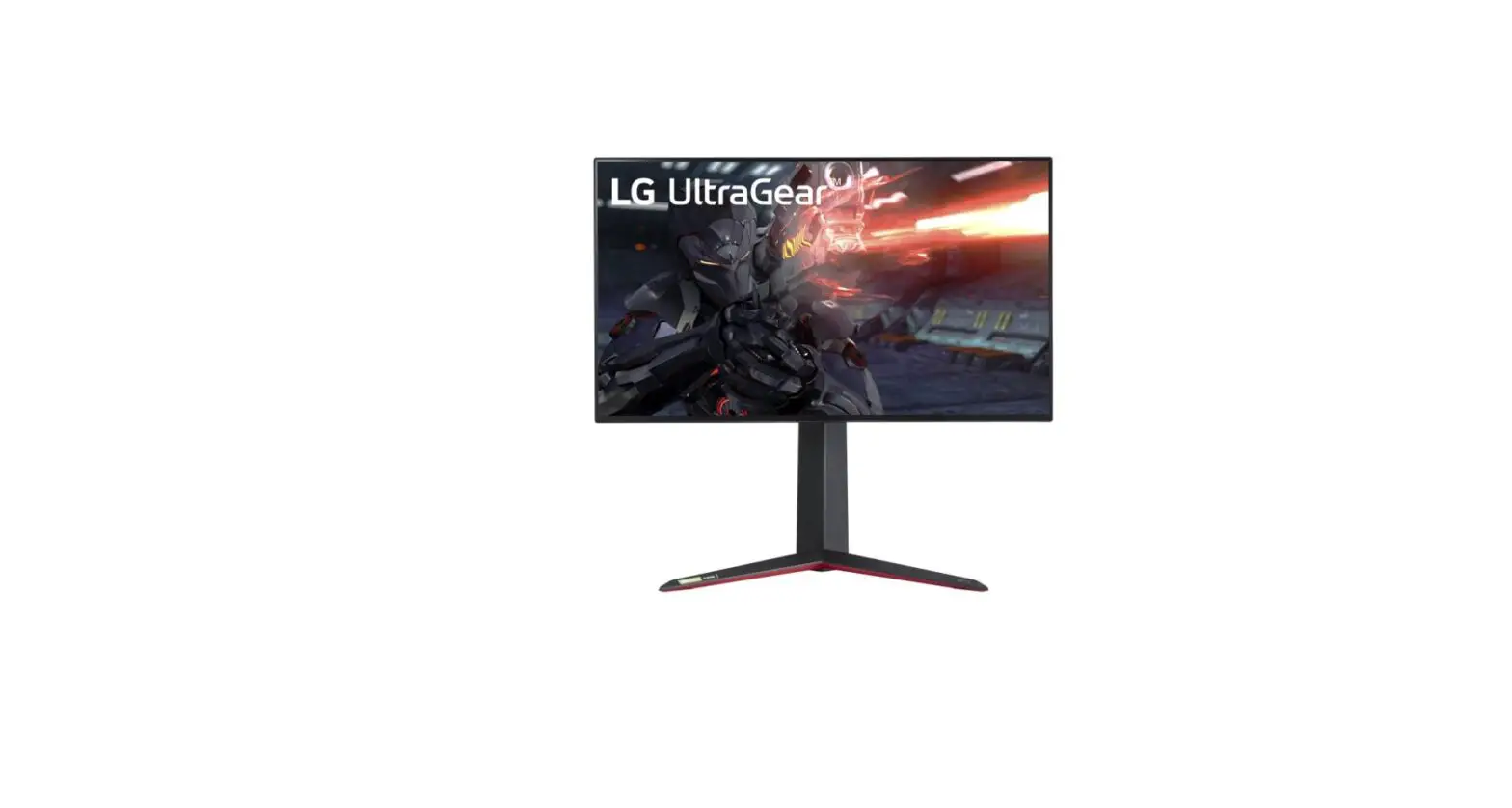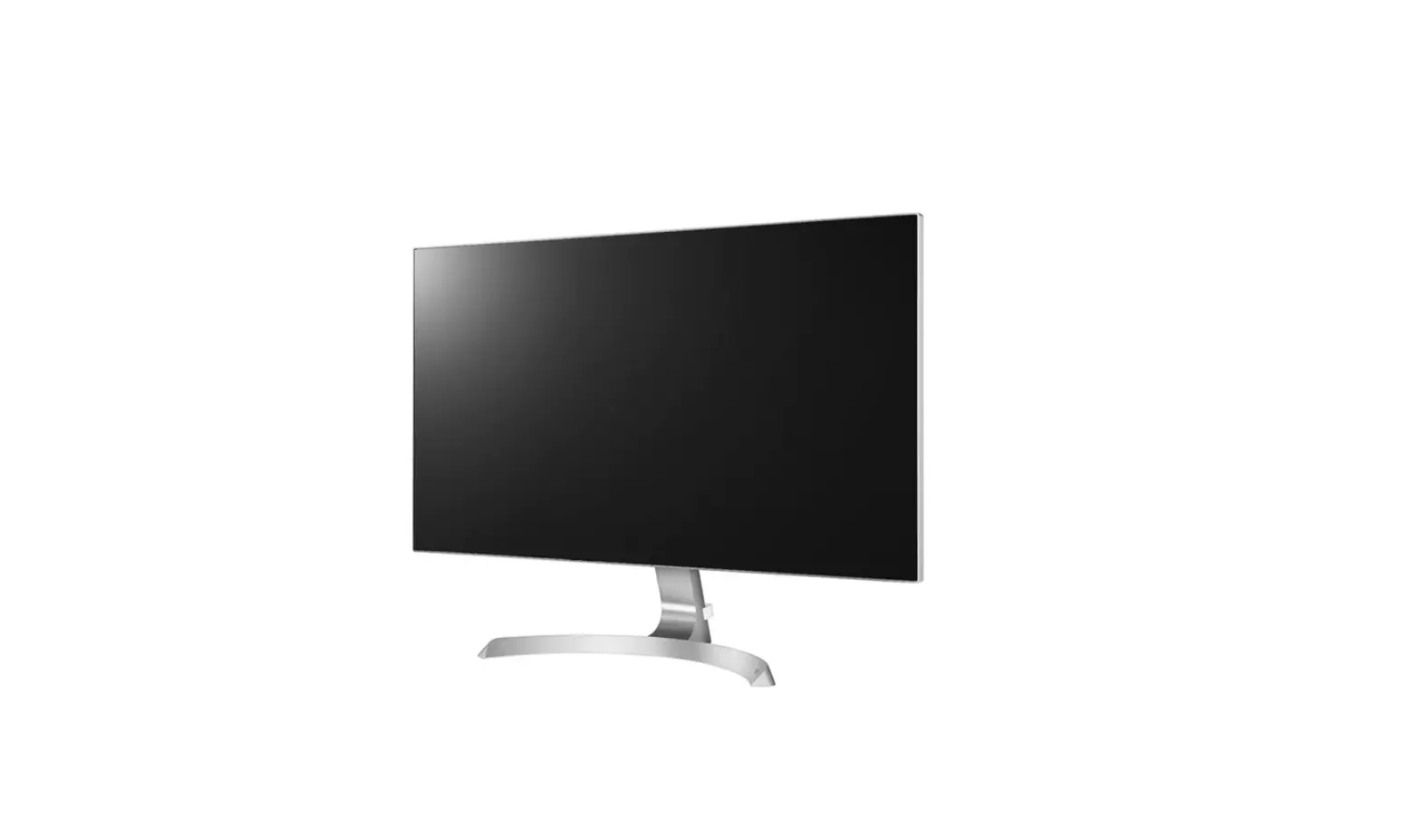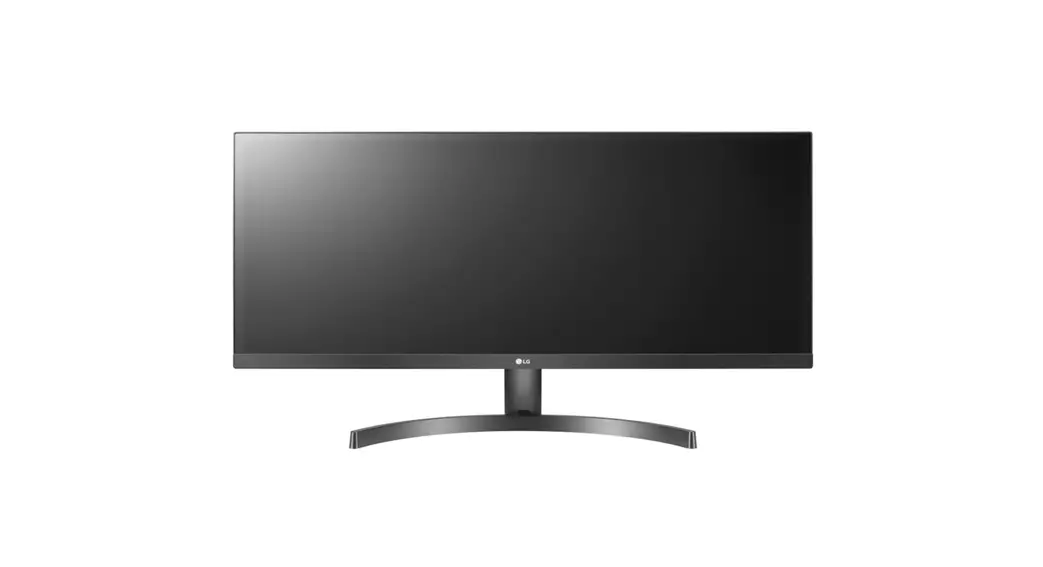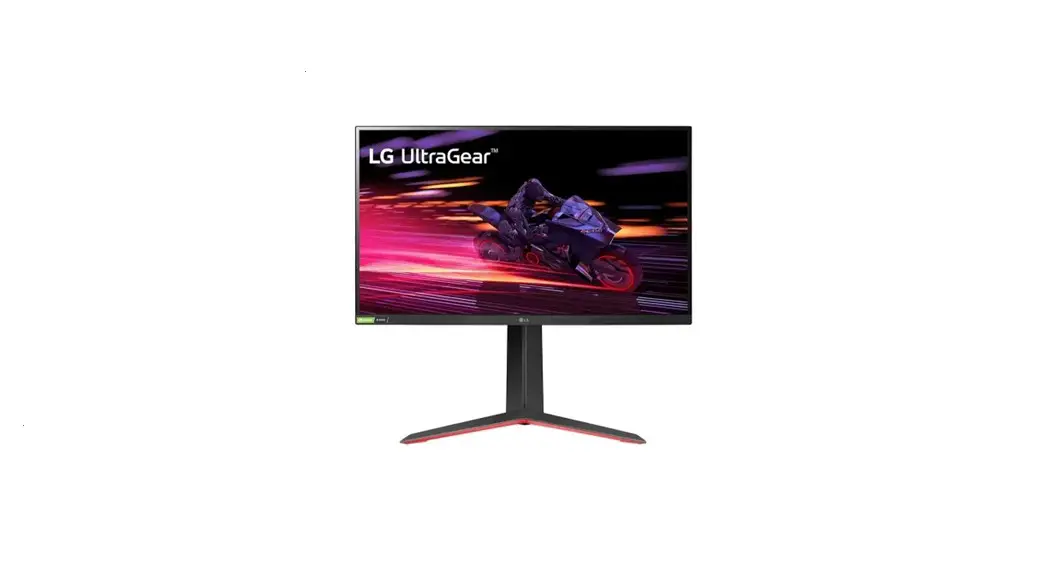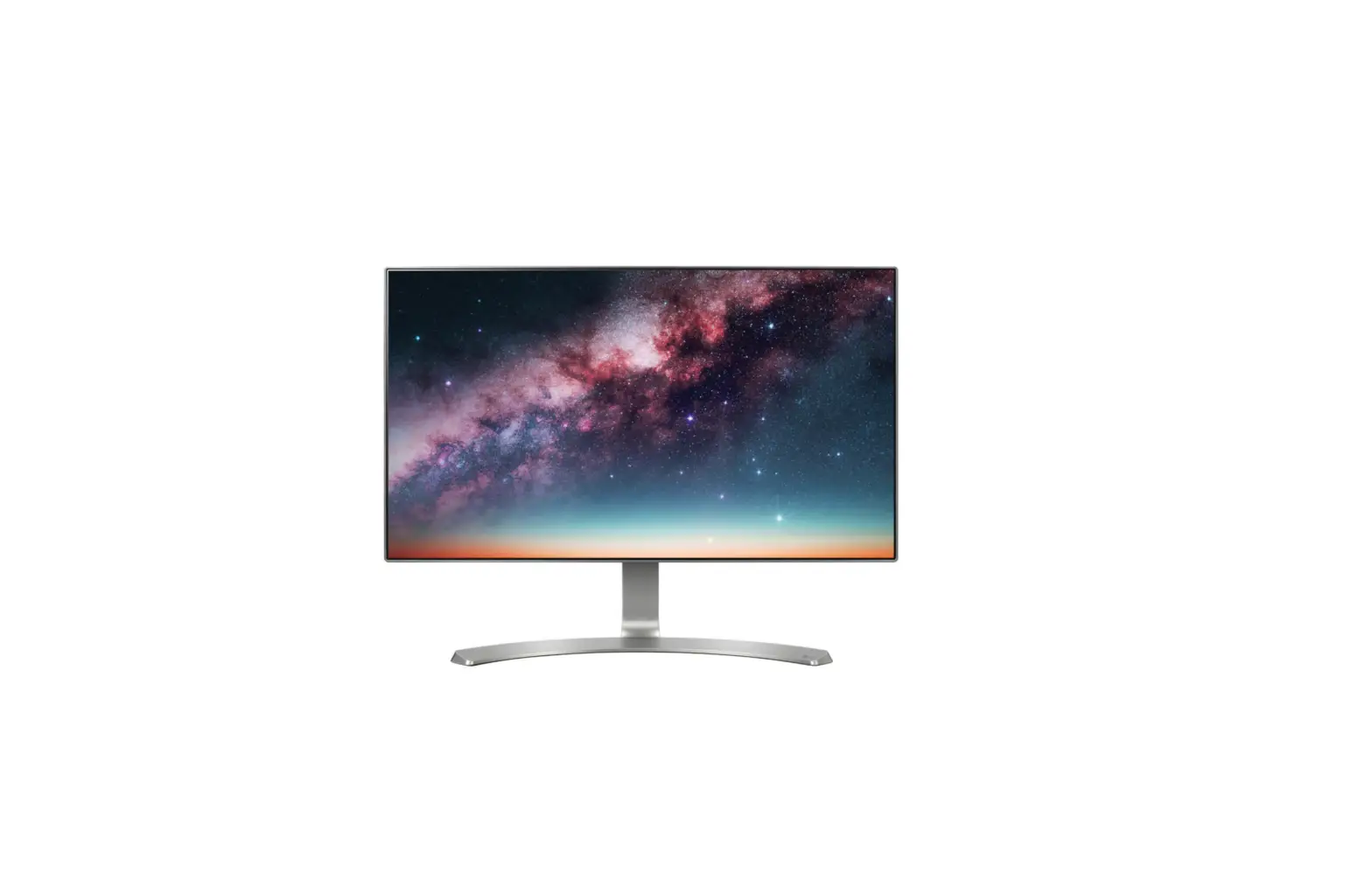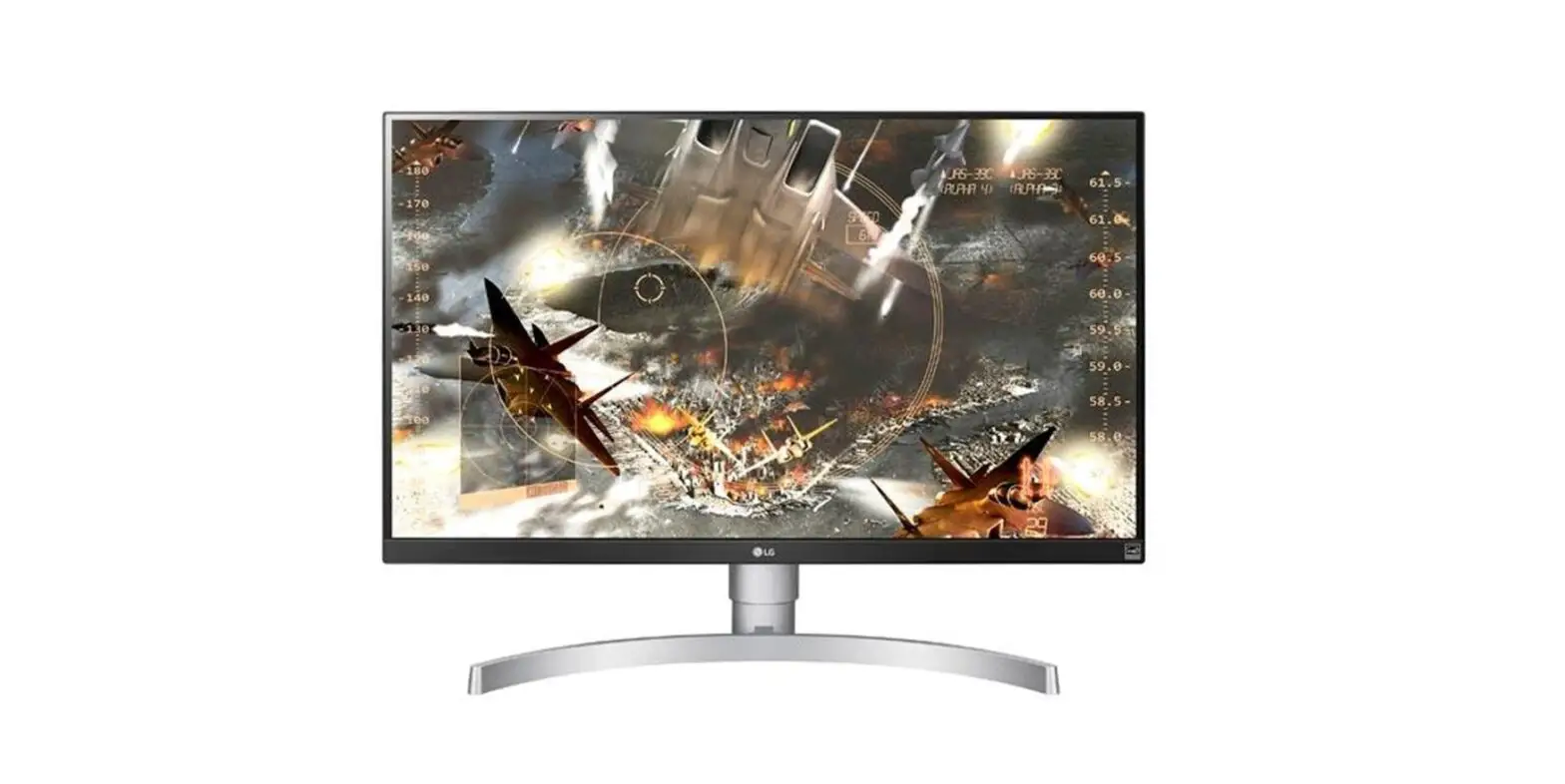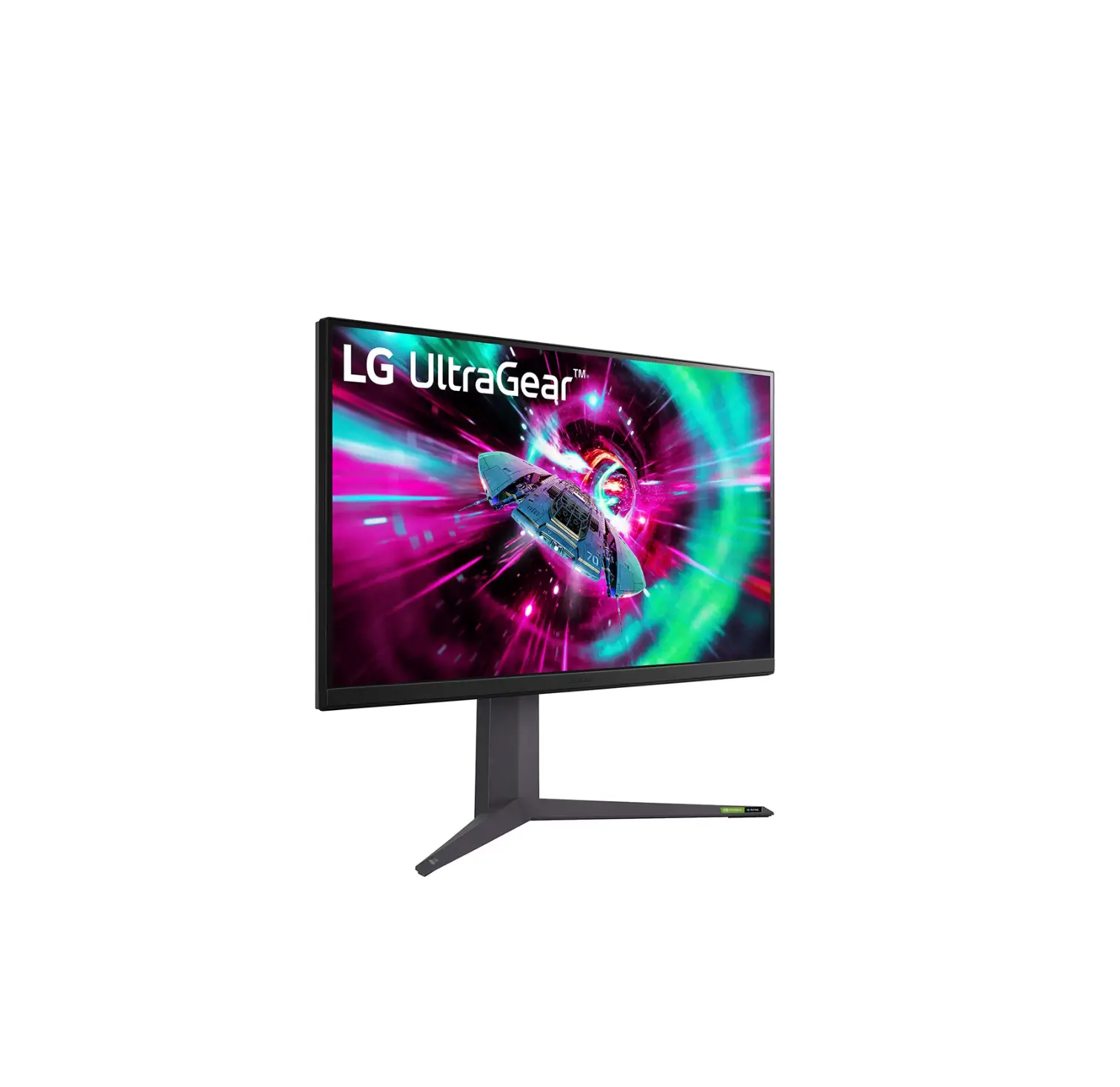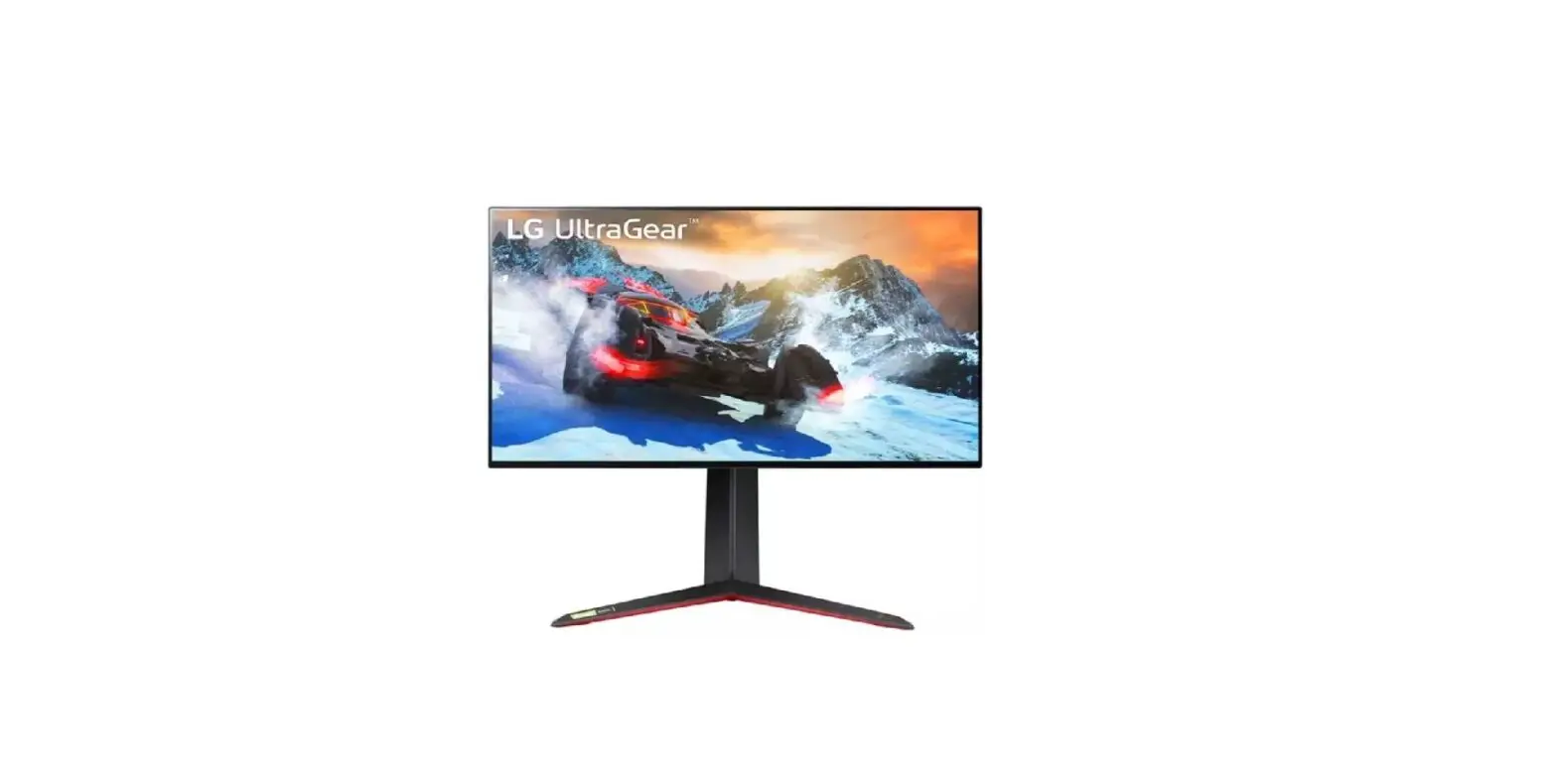

LG 27GP95RB UltraGear UHD Nano IPS 1ms 144Hz HDR 600 Monitor
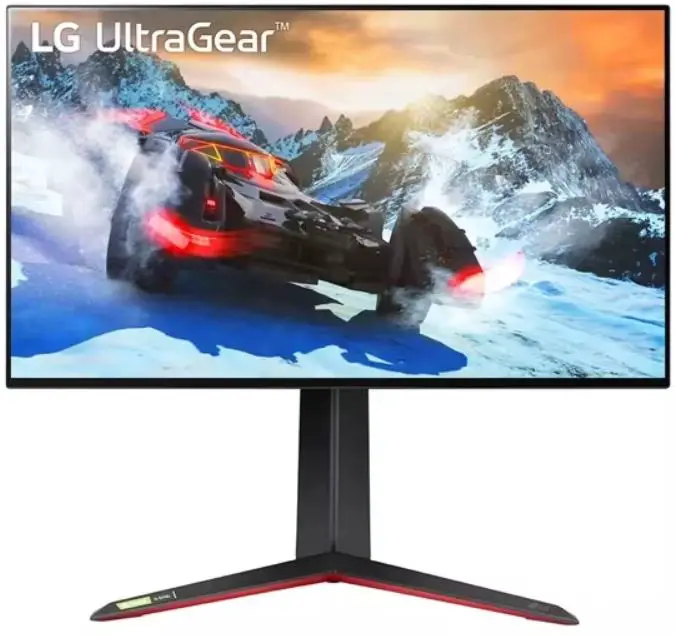
Product Information
- Product Name: LG 27GP95R
- Manufacturer: LG
- Model Number: 27GP95R
- Weight: With Stand – 7.4 kg (16.3 lbs), Without Stand – 5.3 kg (11.6 lbs)
- Dimensions (Width x Height x Depth):
- With Stand: 609.2 x 574.7 x 291.2 mm / 23.9 x 22.6 x 11.4 inches
- Without Stand: 609.2 x 352.9 x 54.3 mm / 23.9 x 13.8 x 2.1 inches
- Recommended Resolution:
- HDMI: 3840 x 2160
- DisplayPort: 3840 x 2160
- Vertical Frequency:
- HDMI: 144 Hz
- DisplayPort: 144 Hz
- Power Adapter Specifications:
- Output: 19 V, 5.0 A (With Stand), 19 V, 5.79 A (Without Stand)
- Input: 100-240 V ~ 50/60 Hz, 1.5 A (With Stand), 100-240 V ~ 50/60 Hz, 1.6 A (Without Stand)
Product Usage Instructions
- Before operating the set, please read the English Quick Setup Guide provided in the manual carefully.
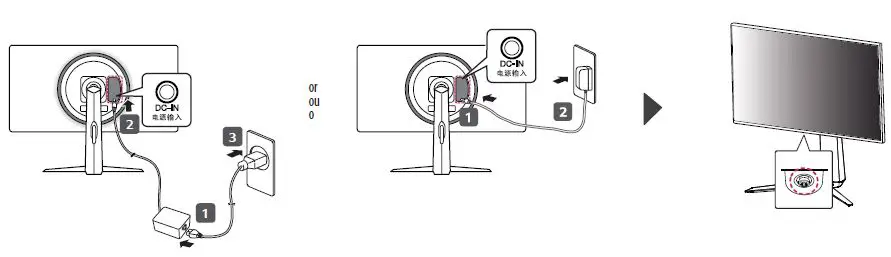
- Ensure that the product is connected to a power source using the included power adapter.
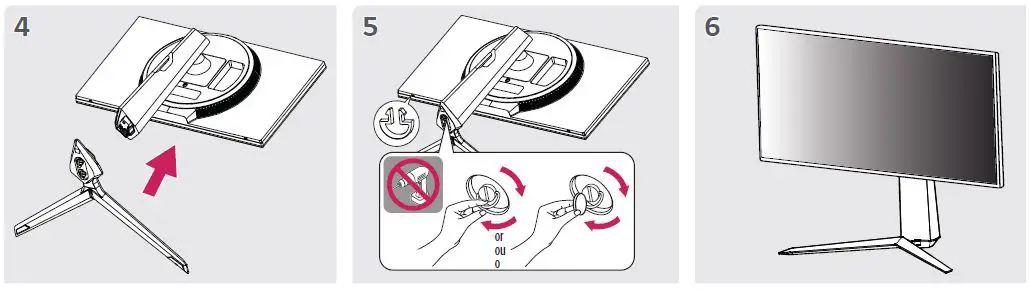
- If using the stand, assemble it according to the instructions provided in the manual.
- Place the product on a stable surface.
- Connect the product to a computer or other compatible devices using either HDMI or DisplayPort cables.
- Adjust the resolution and vertical frequency settings on your computer or device to match the recommended settings of the LG 27GP95R.
What In The Box
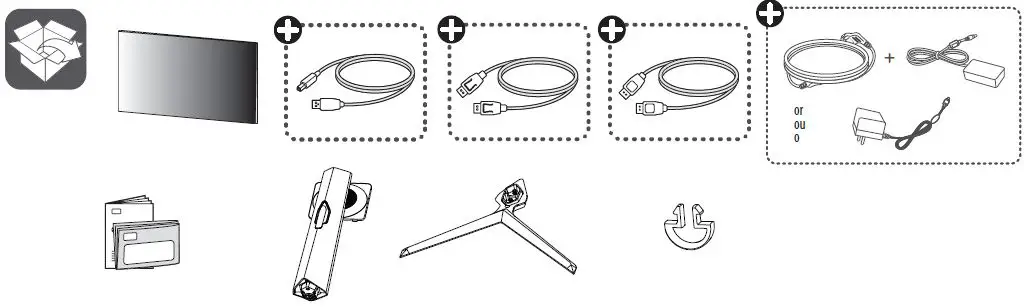
- + Depending on country
Quick Setup Guide
- Please read this manual carefully before operating your set and retain it for future reference.
- It is recommended that use the supplied components.
Precautions

Installation Instructrions
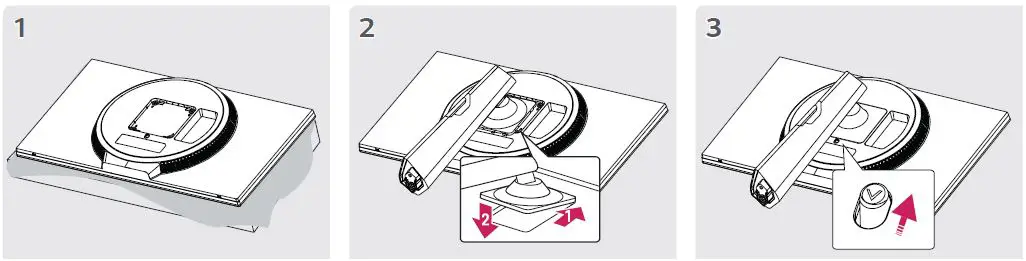
Warning
Plugin
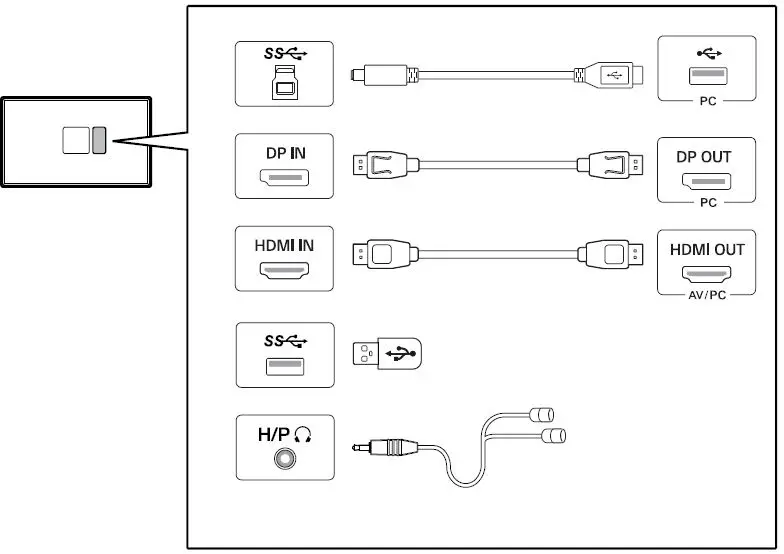
- Using a DVI to HDMI / DP (DisplayPort) to HDMI cable may cause compatibility issues.
- The USB port on the product functions as a USB hub.
- Make sure to use the supplied cable. Otherwise, this may cause the device to malfunction.
Power
Dimension
| Dimensions (Width x Height x Depth) | Weight | Recommended Resolution | Vertical Frequency | ||
| With Stand 609.2 x 574.7 x 291.2 (mm) 23.9 x 22.6 x 11.4 (inches) | Without Stand 609.2 x 352.9 x 54.3 (mm) 23.9 x 13.8 x 2.1 (inches) | With Stand 7.4 kg (16.3 lbs) | Without Stand 5.3 kg (11.6 lbs) | HDMI: 3840 x 2160 DisplayPort: 3840 x 2160 | HDMI: 144 Hz DisplayPort: 144 Hz |
You can download manuals from the LGE website: www.lg.com
Printed in China
 LG Electronics & Home Appliances | Shop Now | LG USA