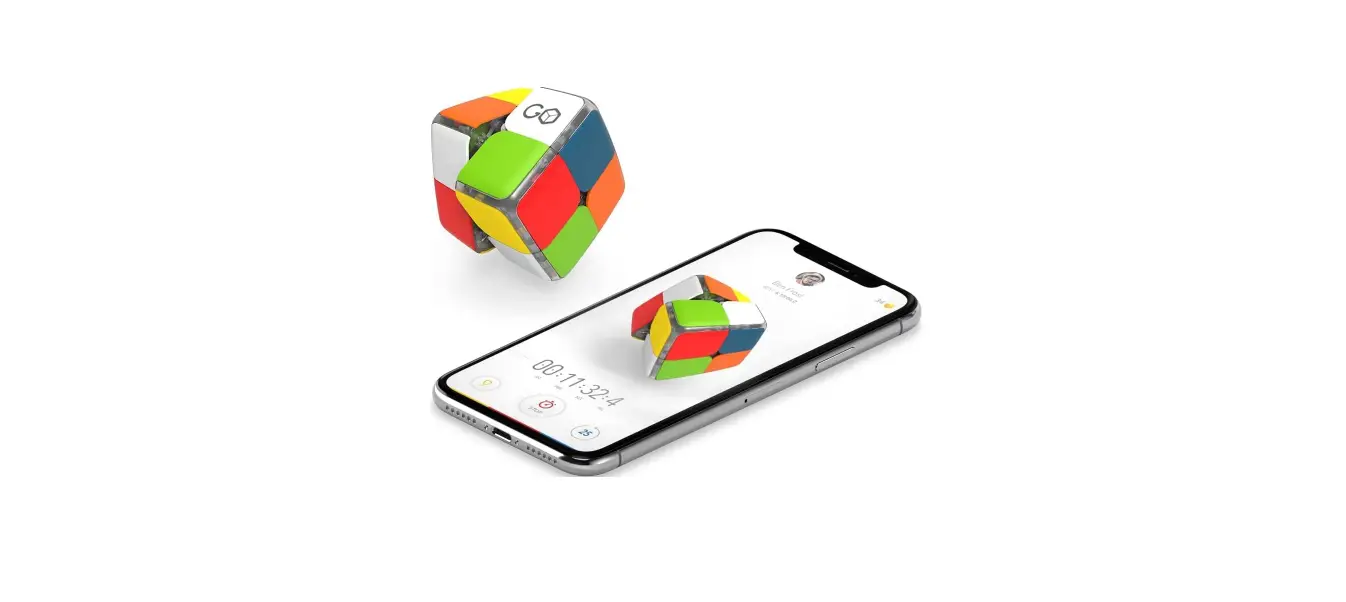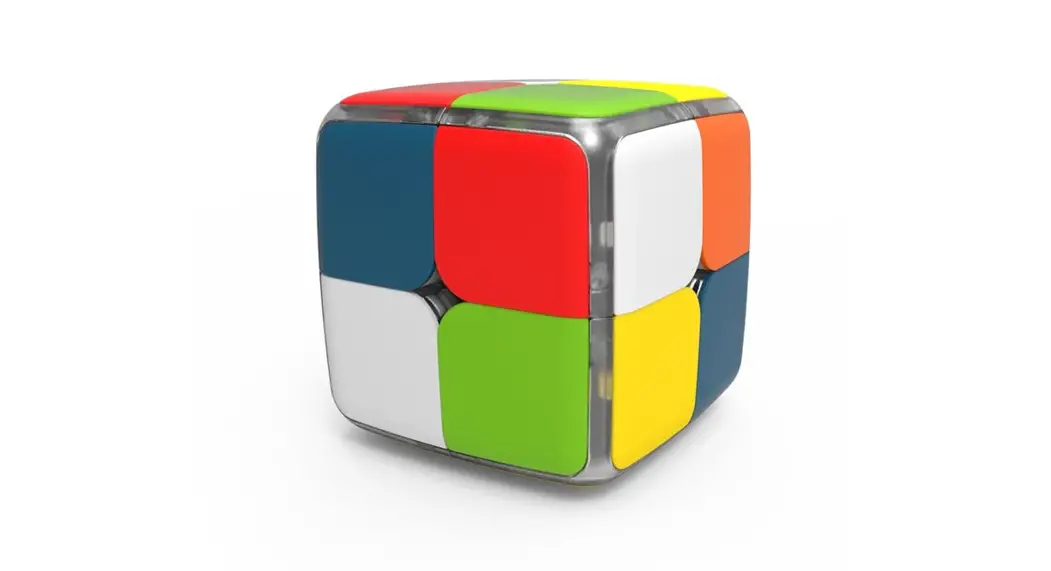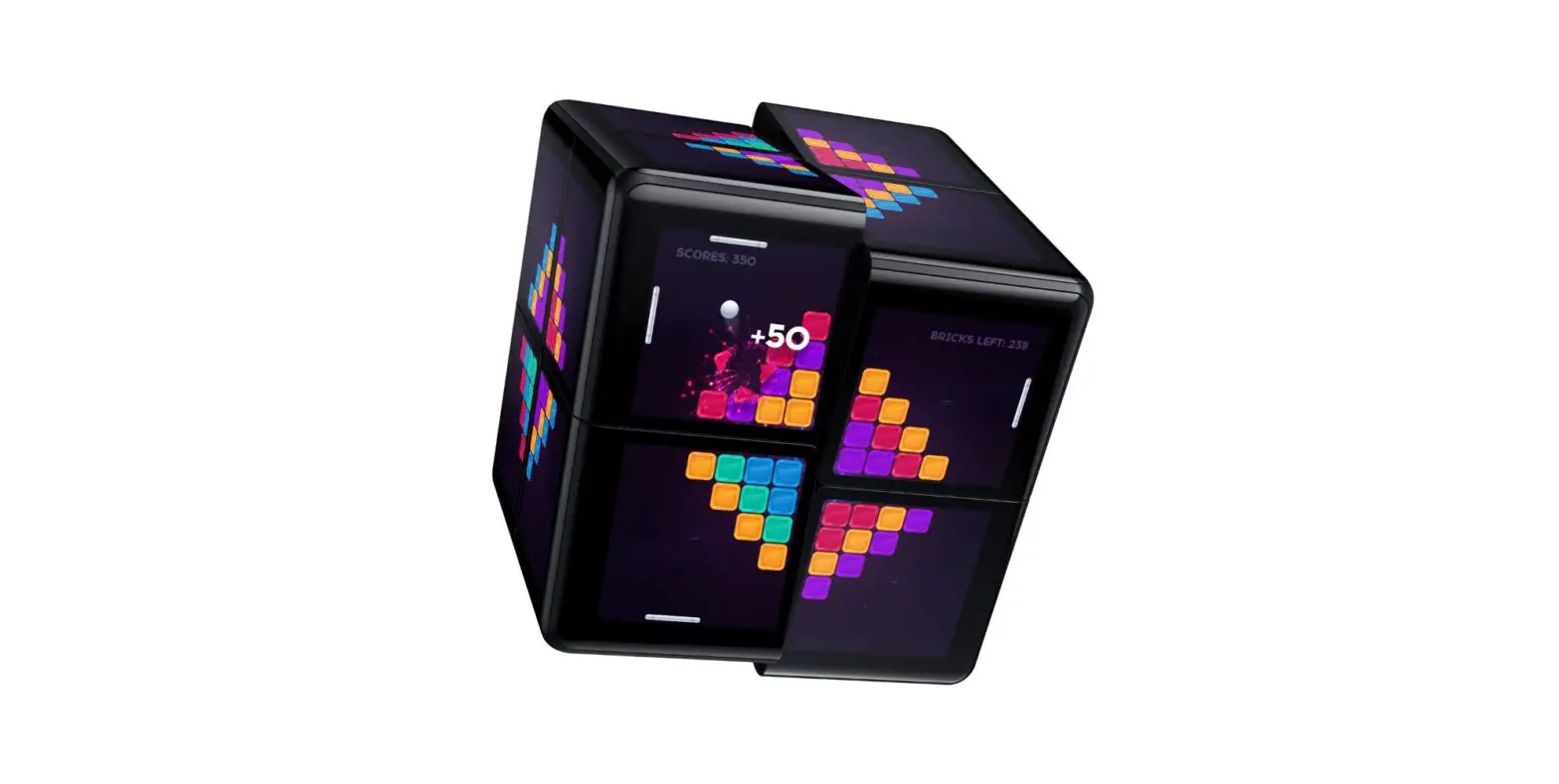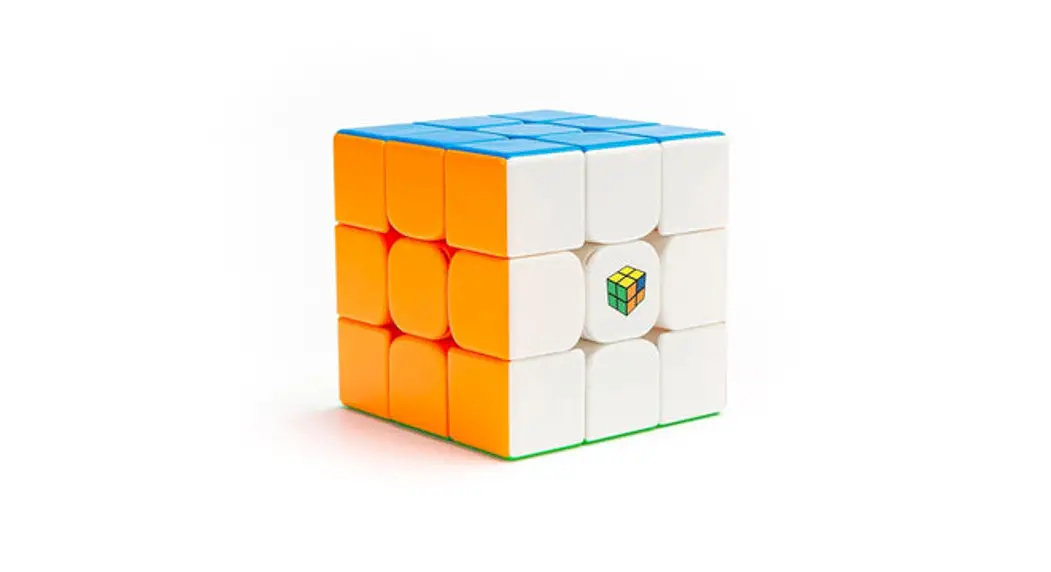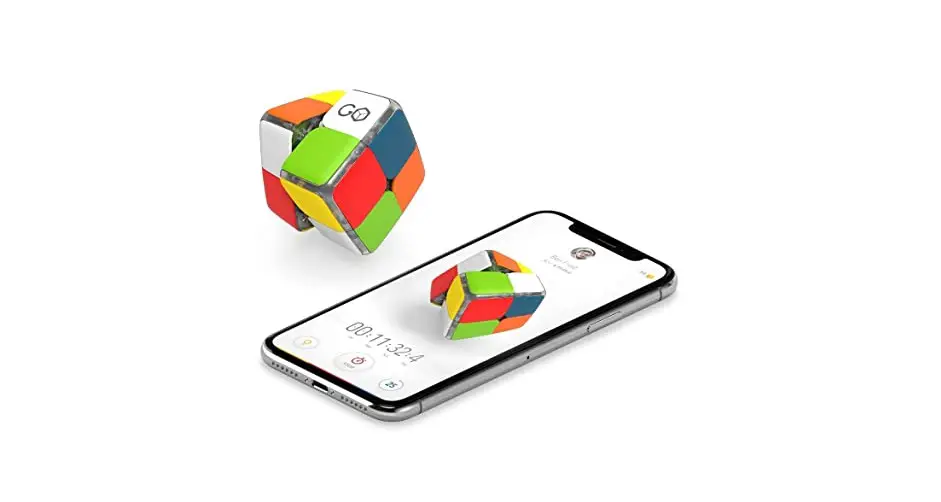
Gocube GC22 The First Ever 2×2 Connected Cube User Guide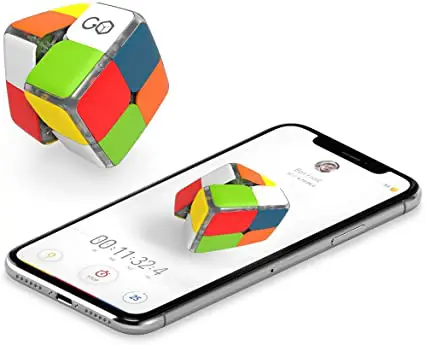
WHAT’S INCLUDED
- GoCUbe 2×2

- POUCH

- USB CHARGER


WHAT YOU NEED
- DEVICE

- USB SOURCE

- INTERNET



POWER UP YOUR GOCUBE
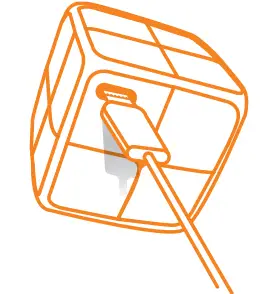
GoCube lights indicate charging
DOWNLOAD & LAUNCH APP
Download the GoCube™ app


CONNECT & ENJOY
Your GoCube will be activated with first connection
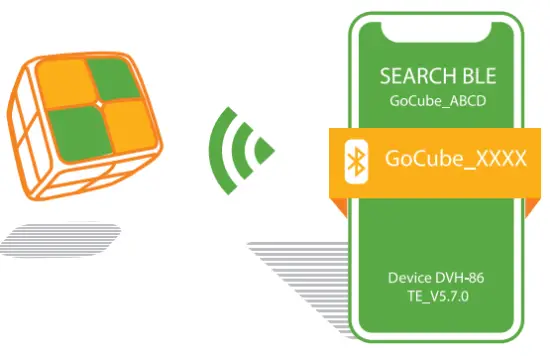
TROUBLESHOOTING
In the settings of your device, ensure Bluetooth is active
Ensure that your GoCube is not scrambled before first connection
Android device may need “Enable Location Service” active (GPS)
Get more helpful information at www.support.getgocube.com
The Classic Puzzle Reinvented
 Get the Best Smart Connected Cube | GoCube
 GoCube
 support.getgocube.com