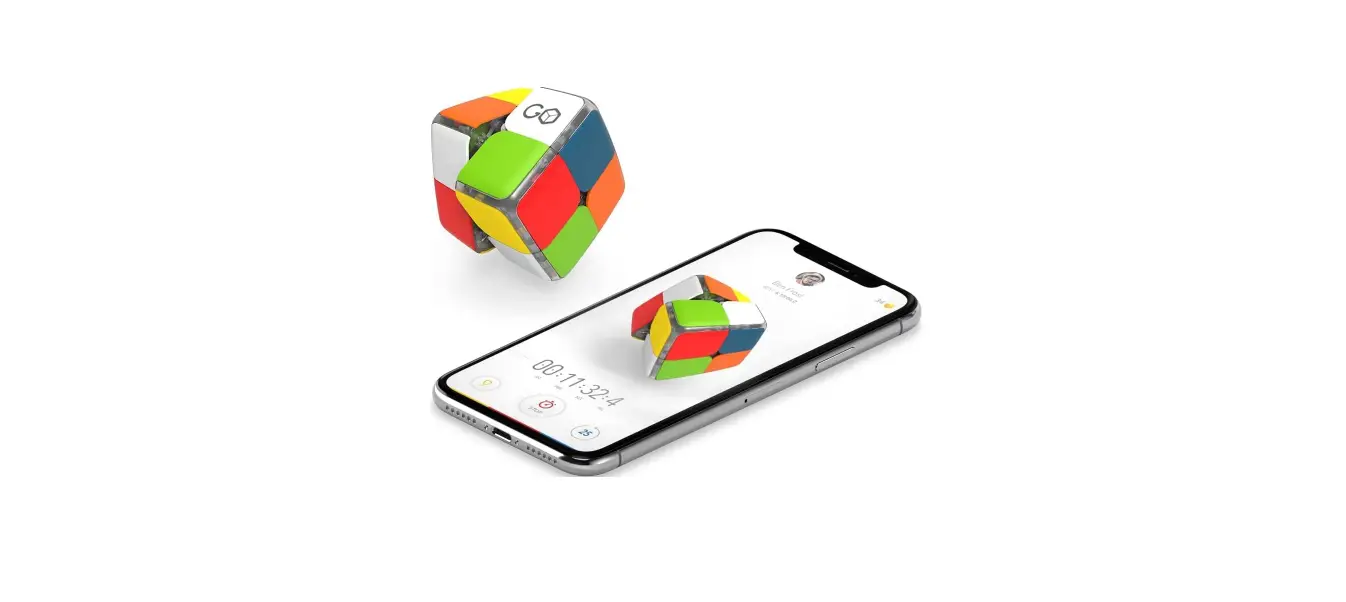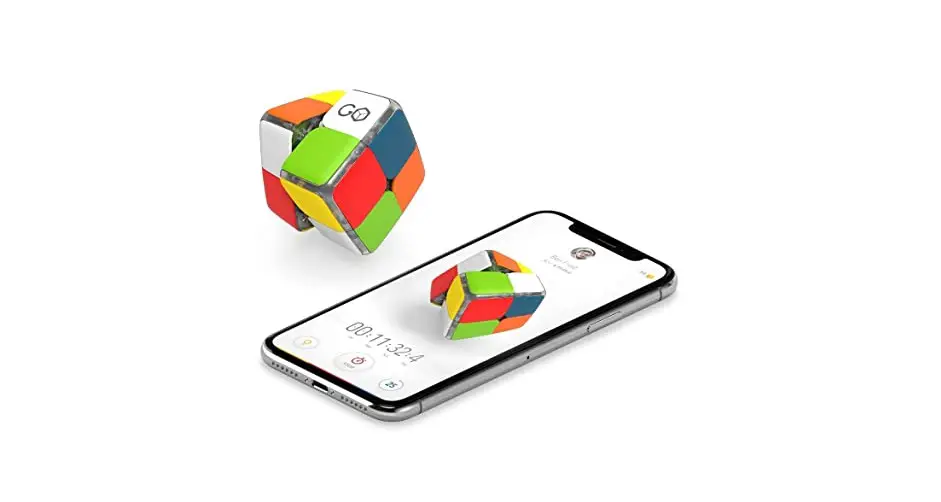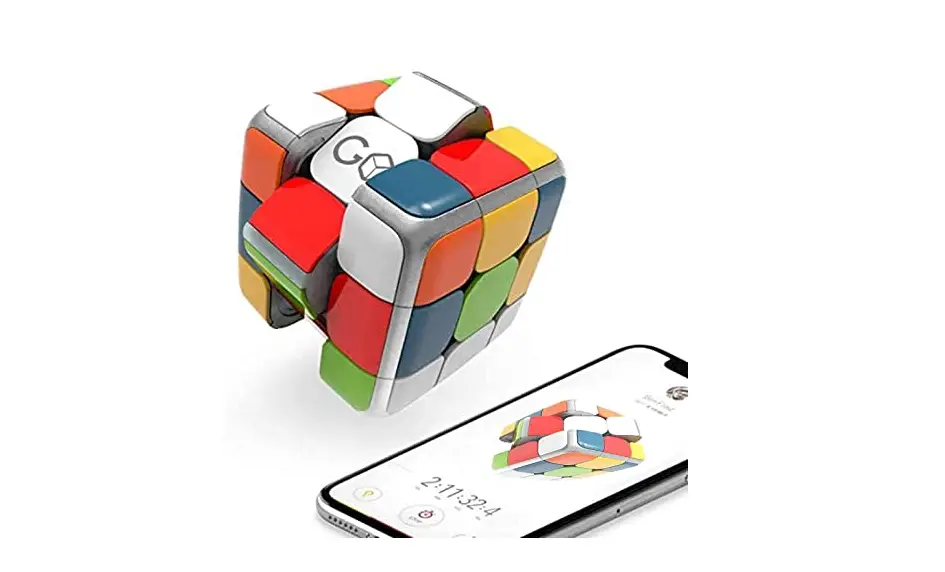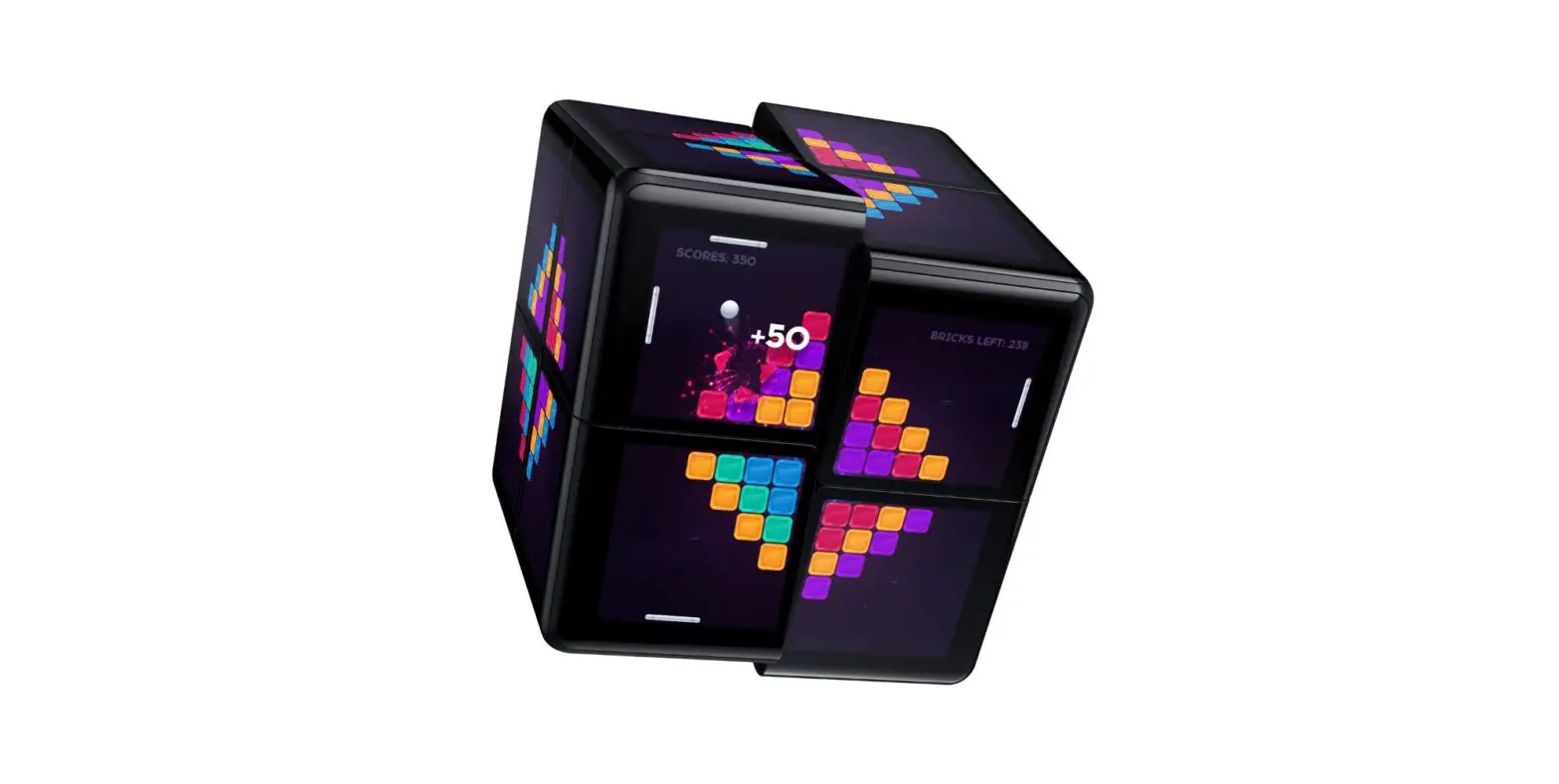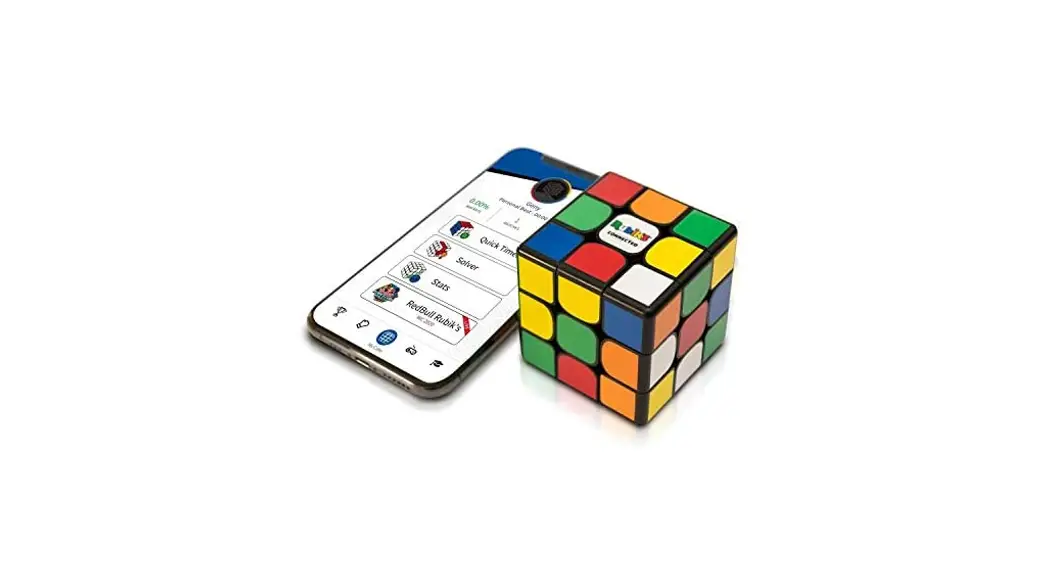
 User Guide
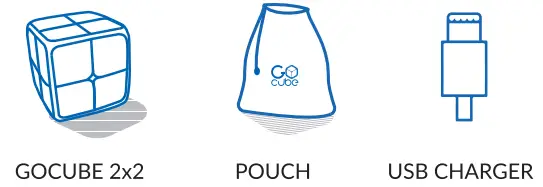
WHAT’S INCLUDED
WHAT YOU NEED
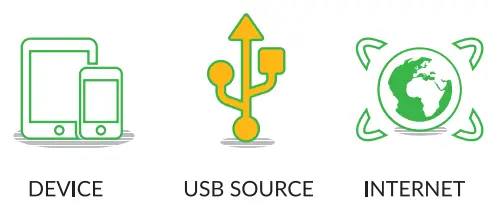
 Check device compatibility at support.getgocube.com
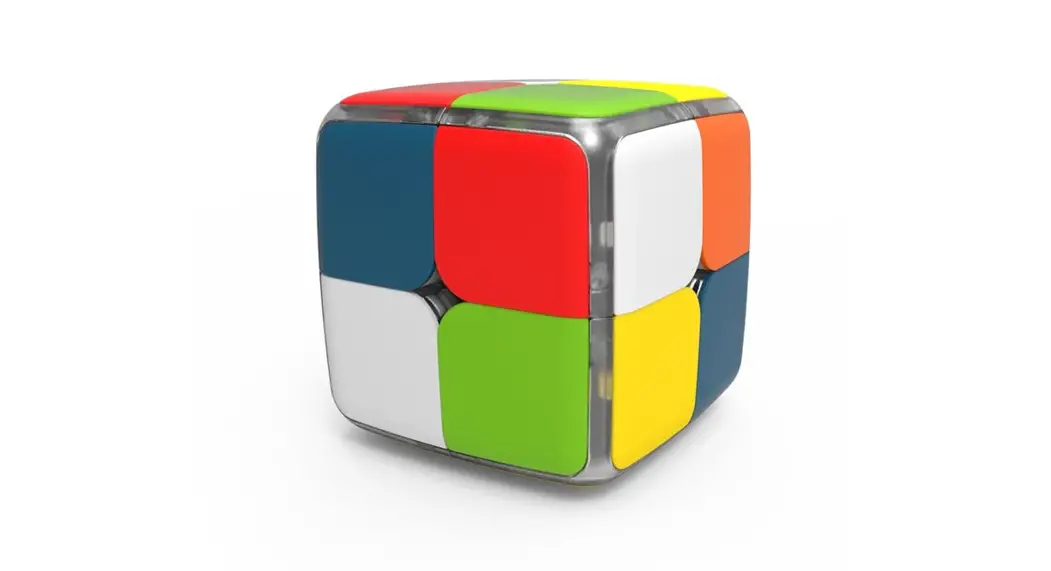
POWER UP YOUR GOCUBE 2×2
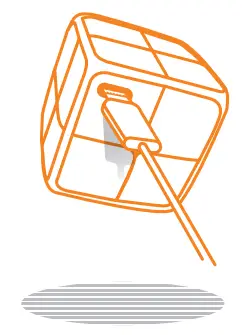
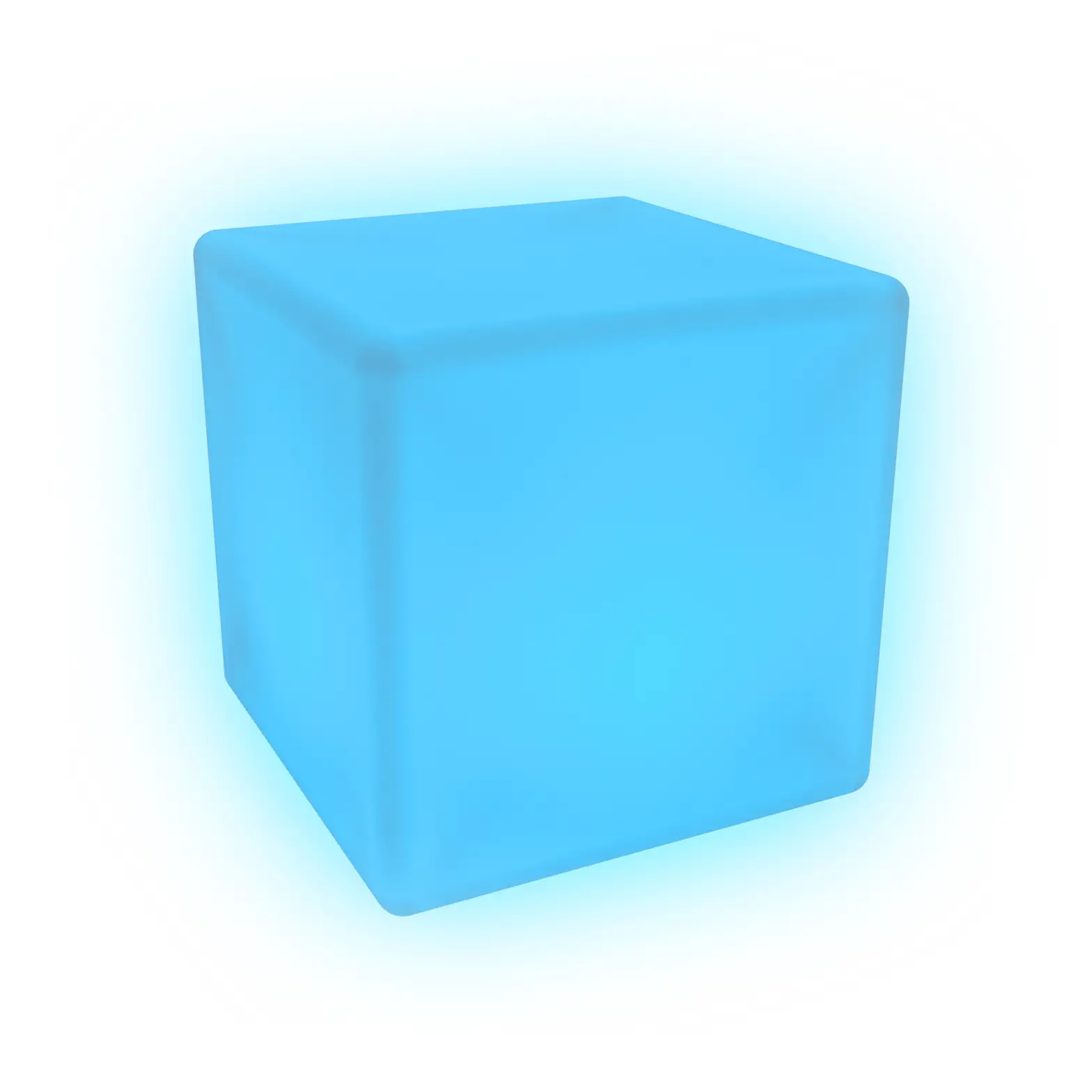
GoCube 2X2 lights indicate charging
DOWNLOAD & LAUNCH THE APP
Download the GoCube2x2TM app
CONNECT & ENJOY
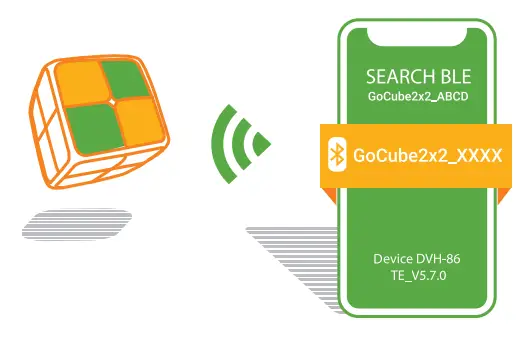 Your GoCube 2×2 will be activated with the first connection
 TROUBLESHOOTING
 TROUBLESHOOTING
In the settings of your device, ensure Bluetooth is active
Ensure that your GoCube 2×2 is not scrambled before the first connection
Android devices may need “Enable Location Service” active (GPS)
Get more helpful information at www.support.getgocube.com
The Classic Puzzle Reinvented
getgocube.com  https://getgocube.com/guides/