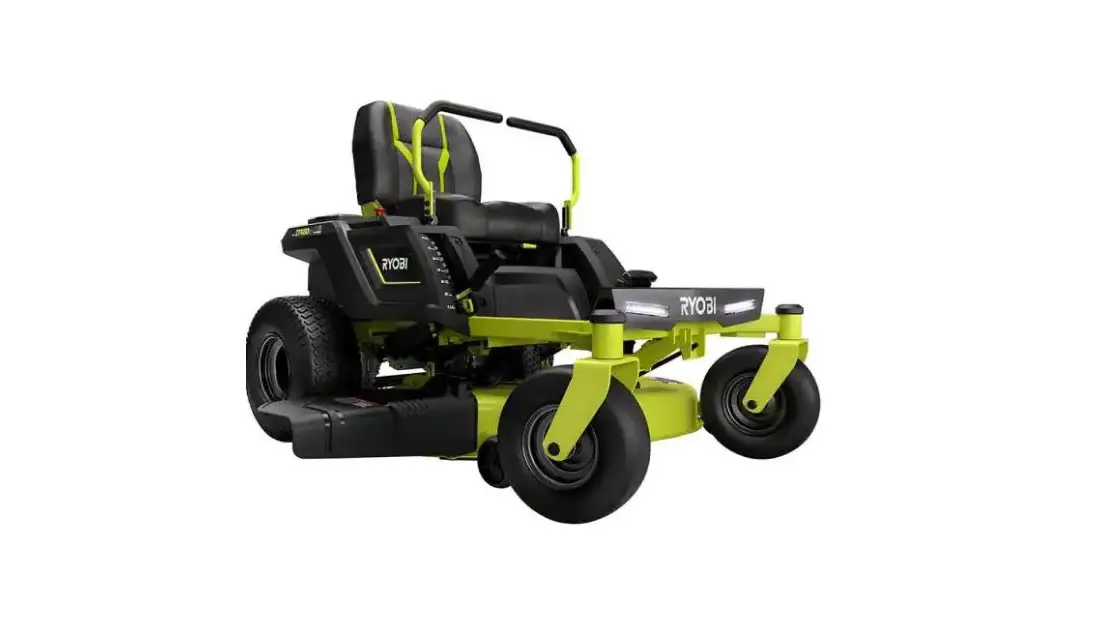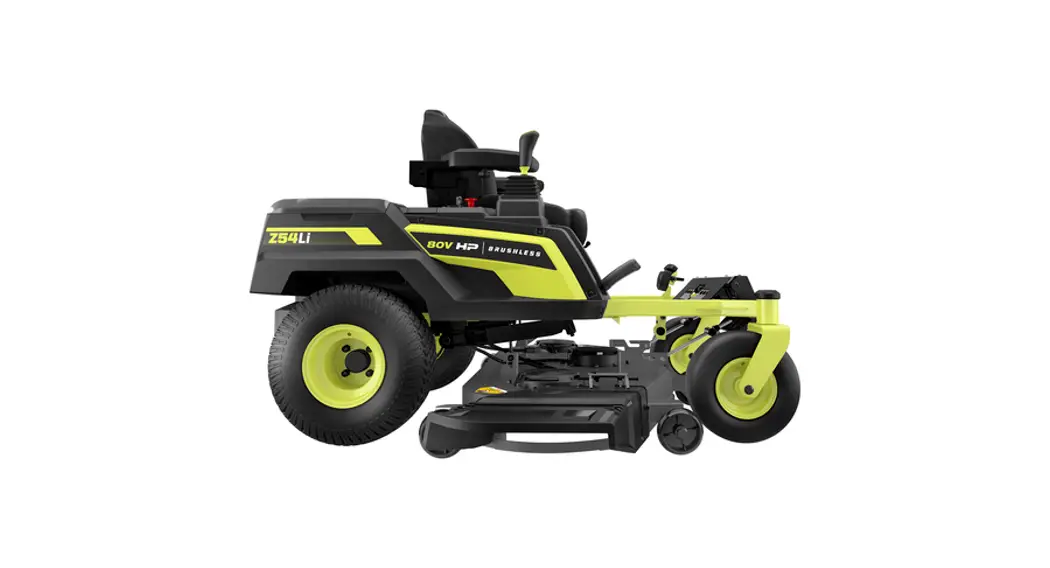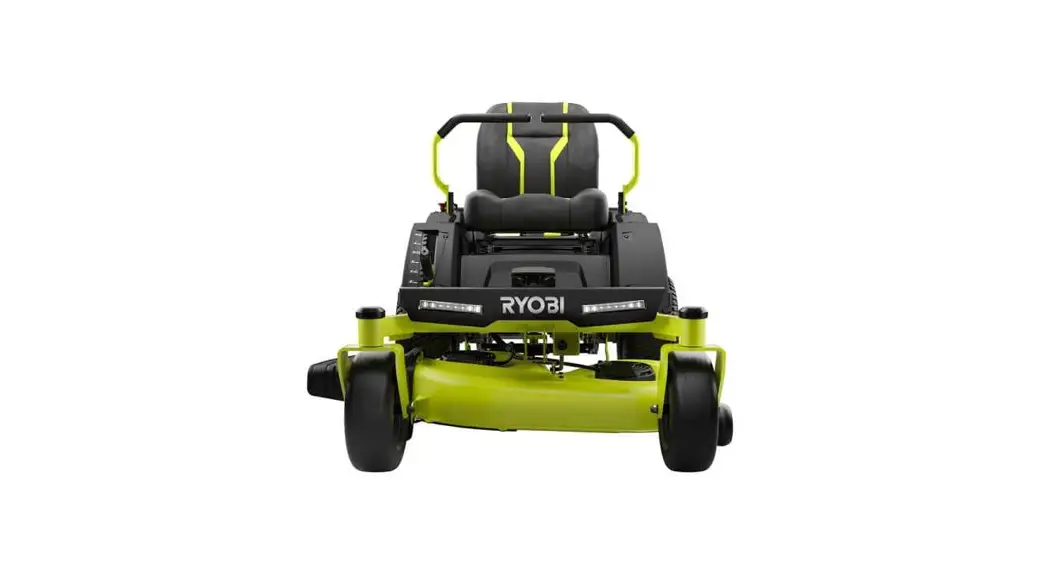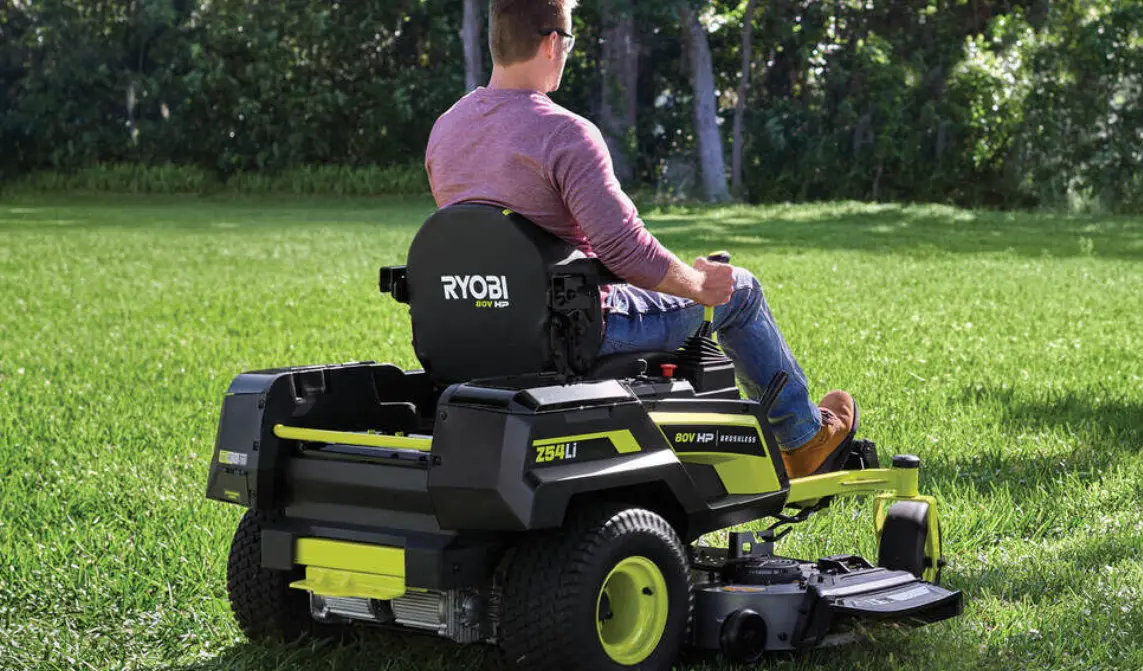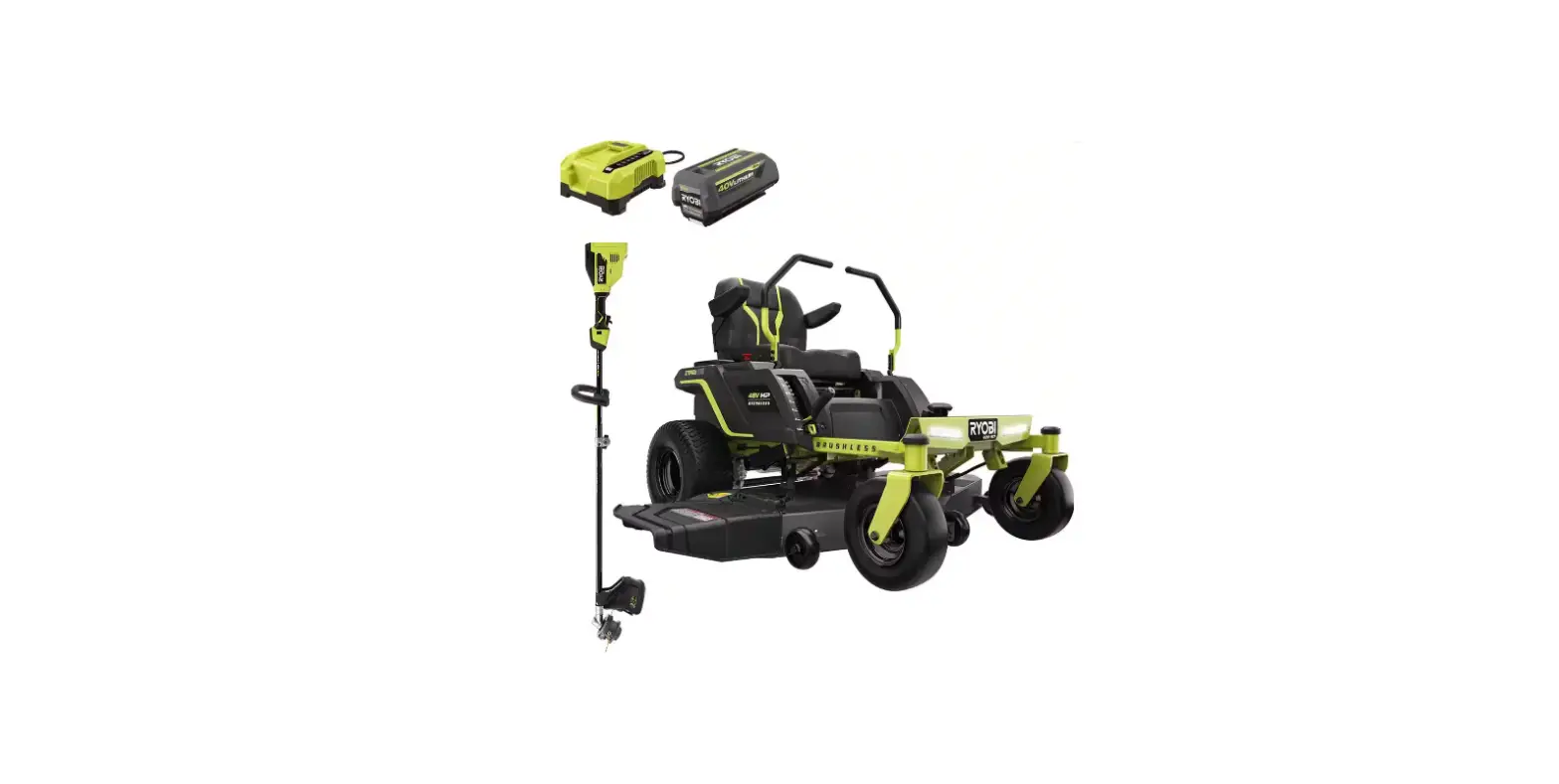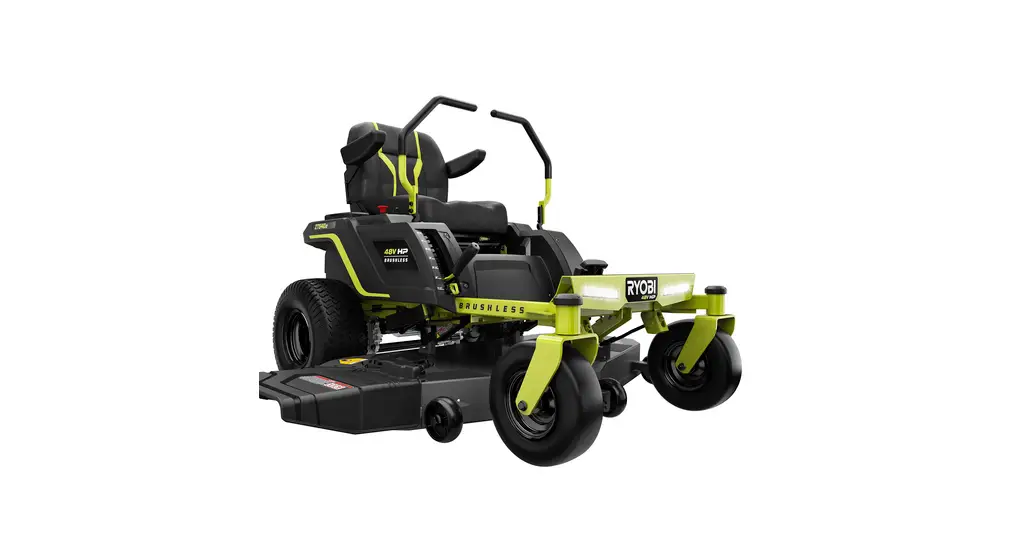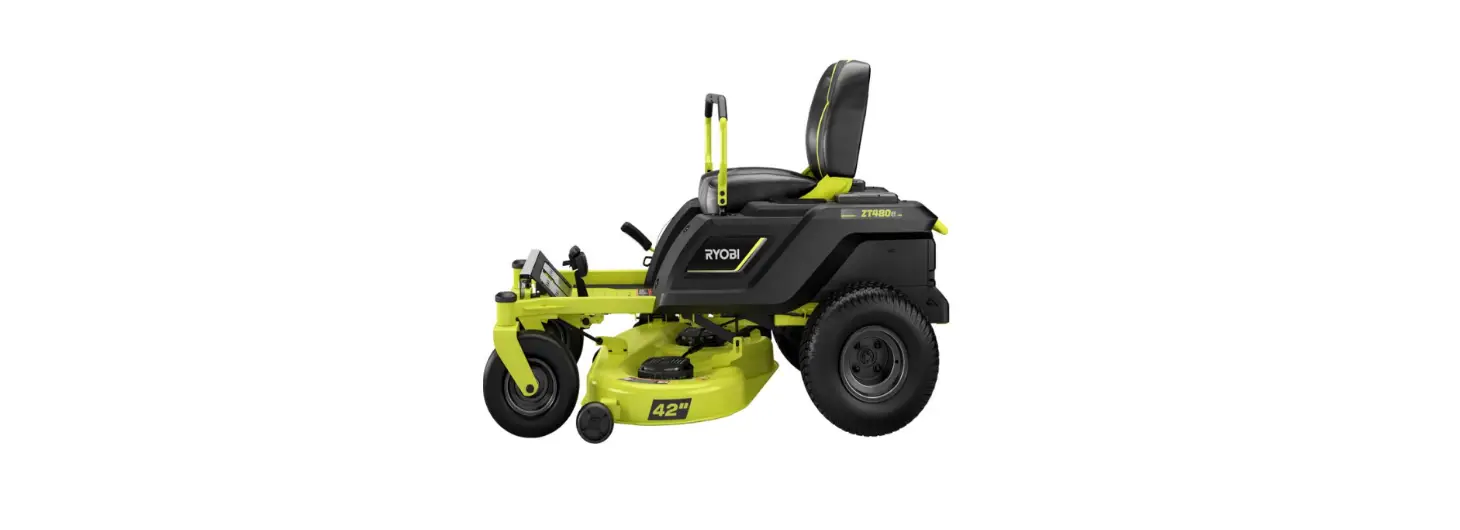

RYOBI RYRM8001 80V HP Brushless 30 Inch Electric Zero Turn Riding Mower
QUICK START GUIDE
Operating the Mower: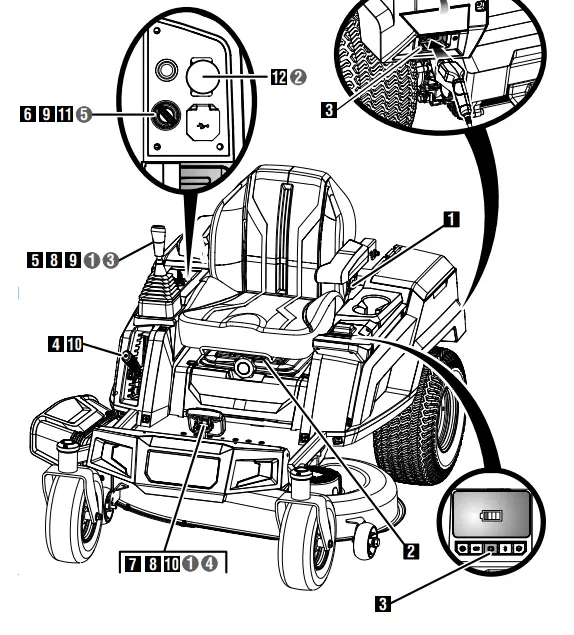
- Test the safety interlock system. See page 17 in the operator’s manual for details.
- Adjust the seat to desired position.
- Verify battery charge level by pressing the mode button on the LCD Screen. Charge if needed.
- Raise the mower deck to its highest position.
- Make sure the joystick is in the locked, neutral position. See page 18 in the operator’s manual
- Insert the start key and turn to ON position.
- Release parking brake.
- Drive to desired mowing location. For detailed driving instructions, see page 18 in the operator’s manual.
- Stop mower, place the joystick in the locked, neutral position, and set the parking brake.
- Lower cutting deck to desired position.
- Turn start key to ON position, raise the joystick from the locked, neutral position, and release parking brake.
- Raise blade engage knob to activate blades and mow as desired.
- When Finished:
1 Stop mower on a flat, level surface. 2 Push blade engage knob down to turn blades off. 3 Place the joystick in the locked, neutral position. 4 Set parking brake. 5 Turn key off.
Go to www.ryobitools.com and register your new tool online.
For any questions about operating or maintaining your product, call the RYOBI Help Line! Your product has been fully tested prior to shipment to ensure your complete satisfaction. Troubleshooting tips are also available in your operator’s manual.
 POWERING YOUR EVERYDAY - RYOBI Tools