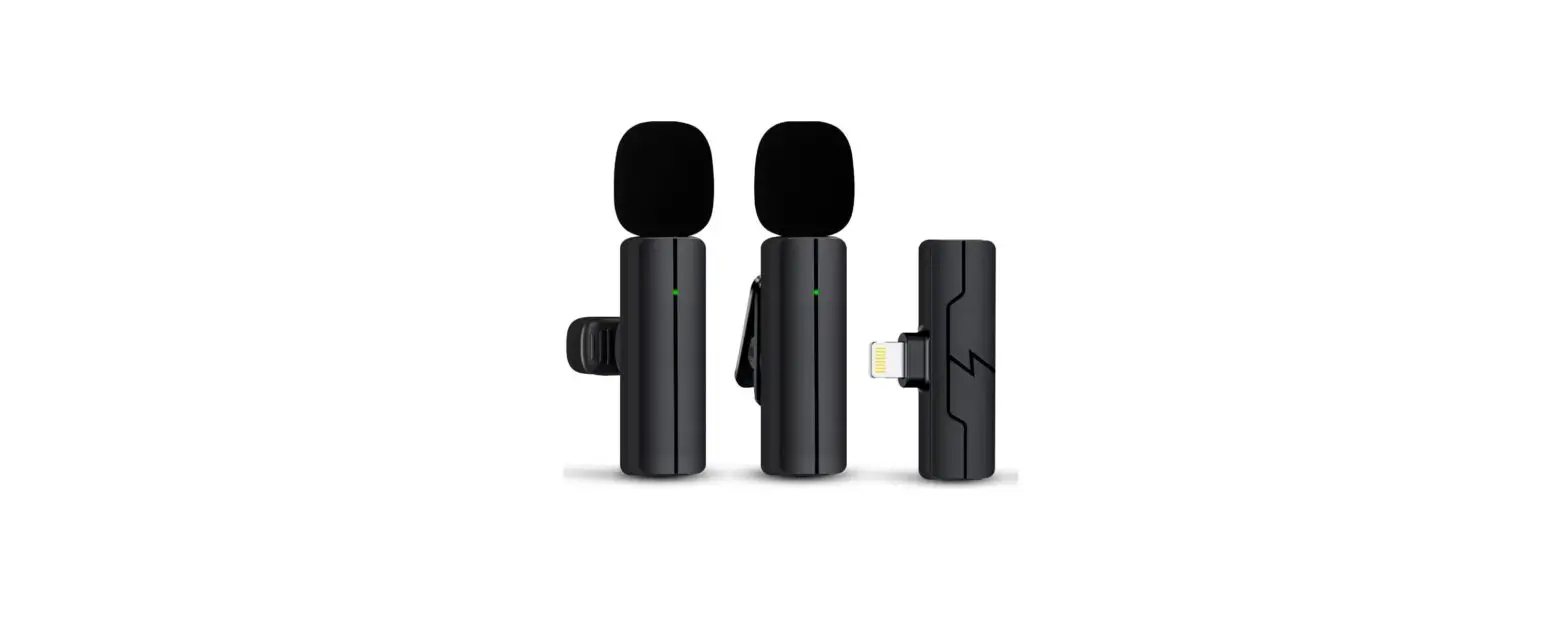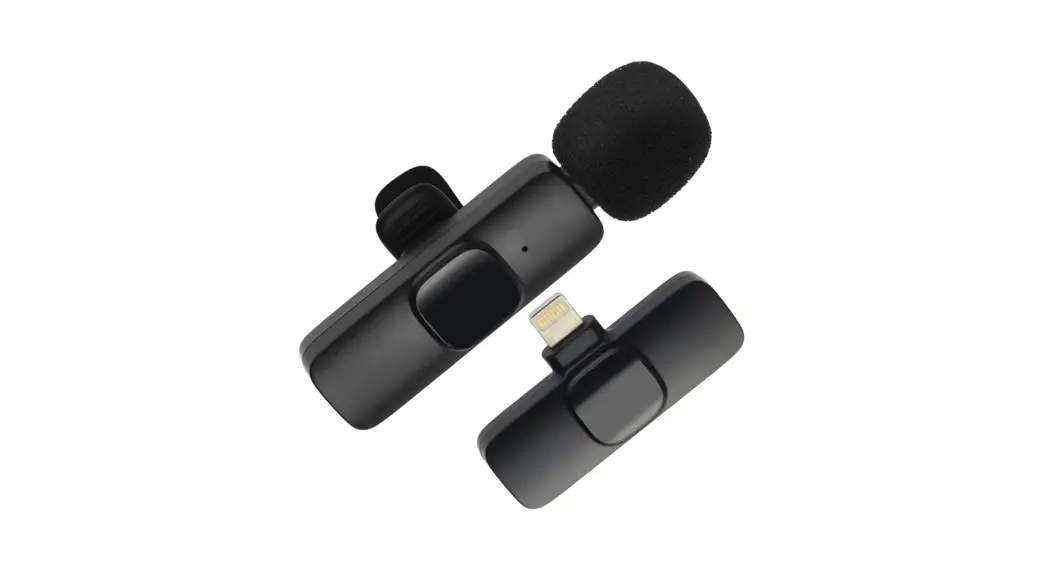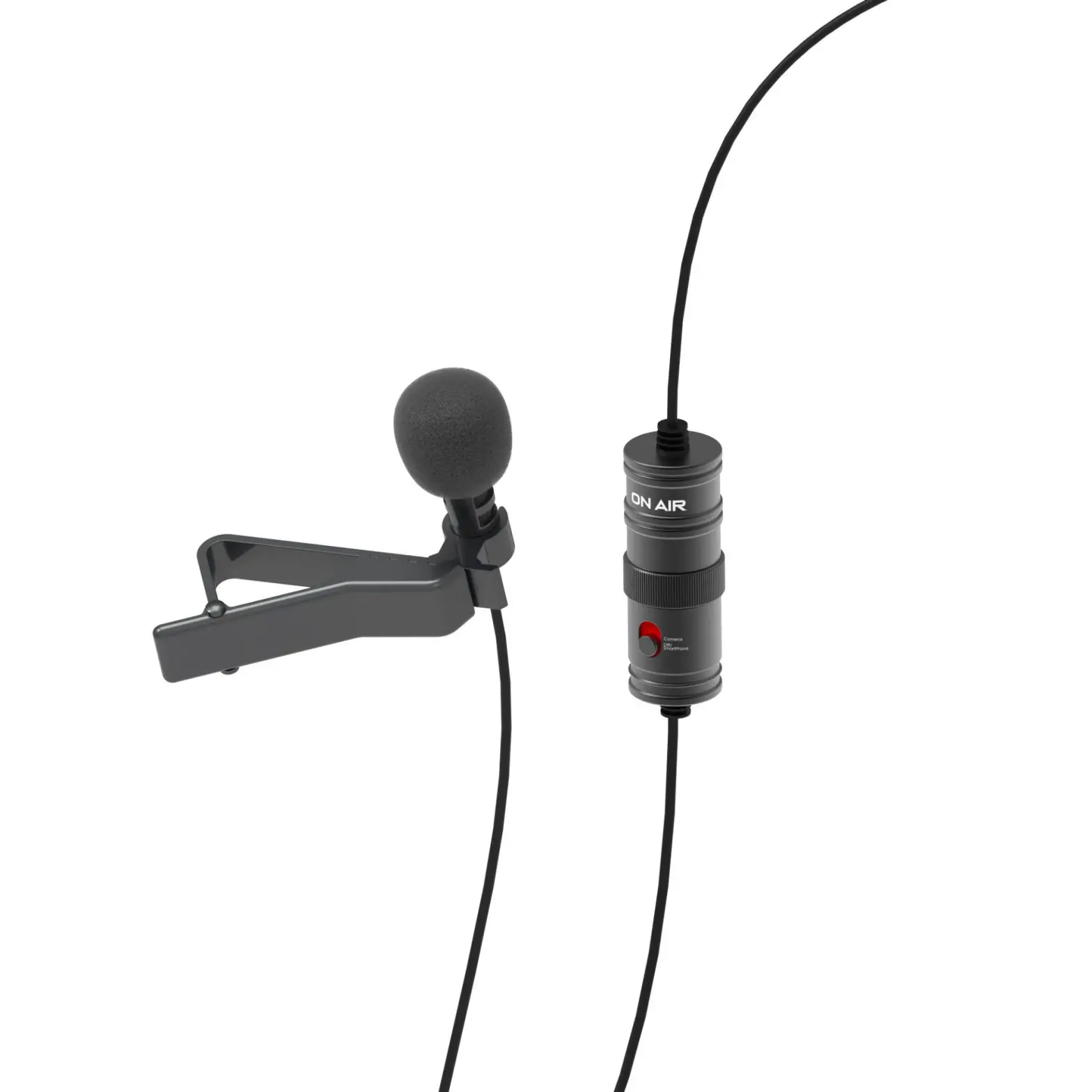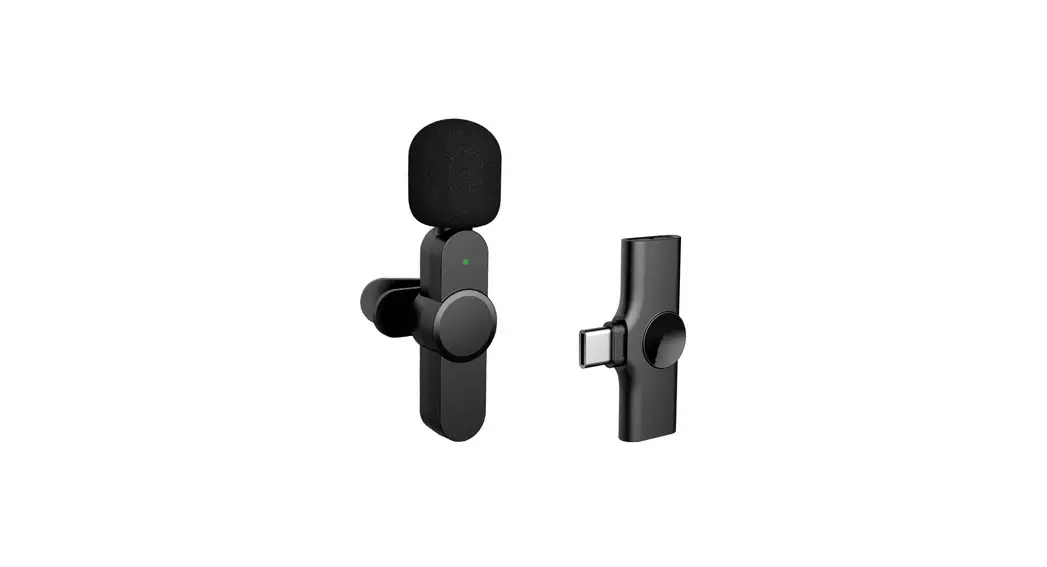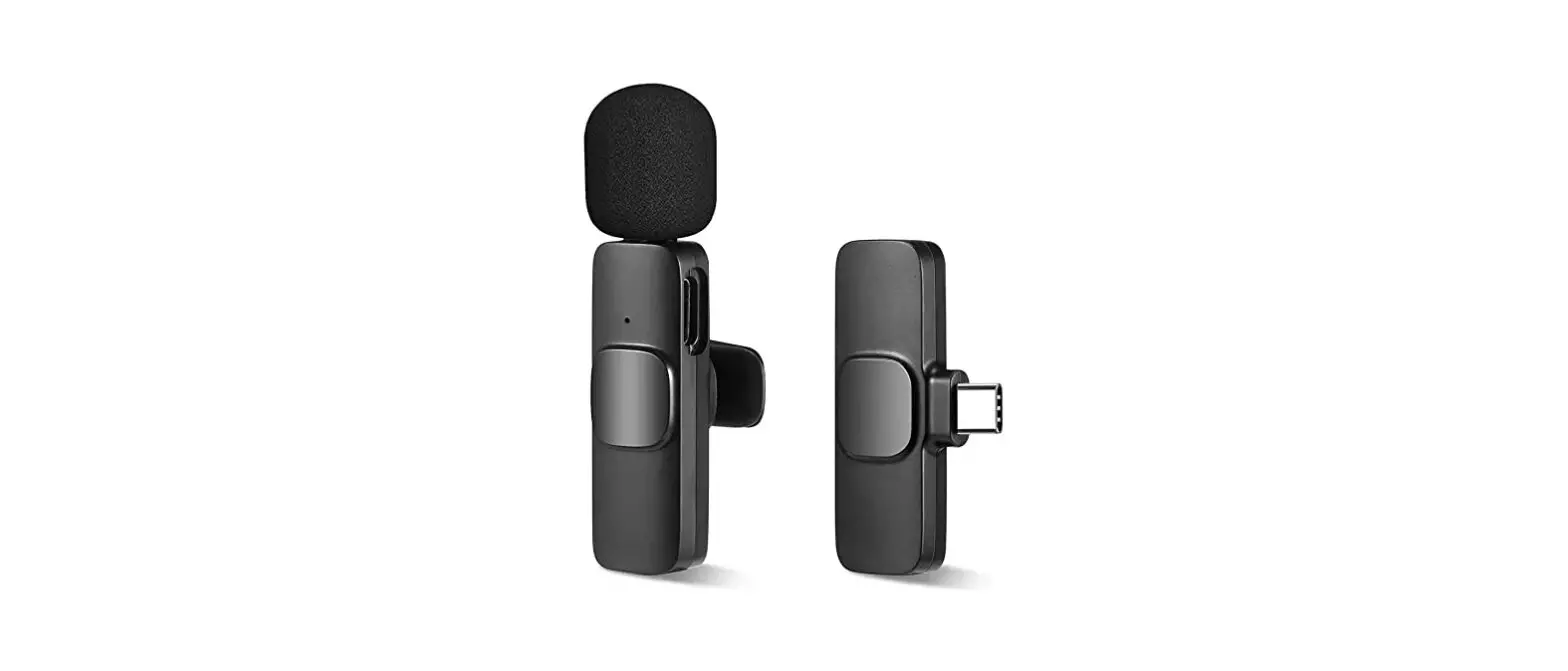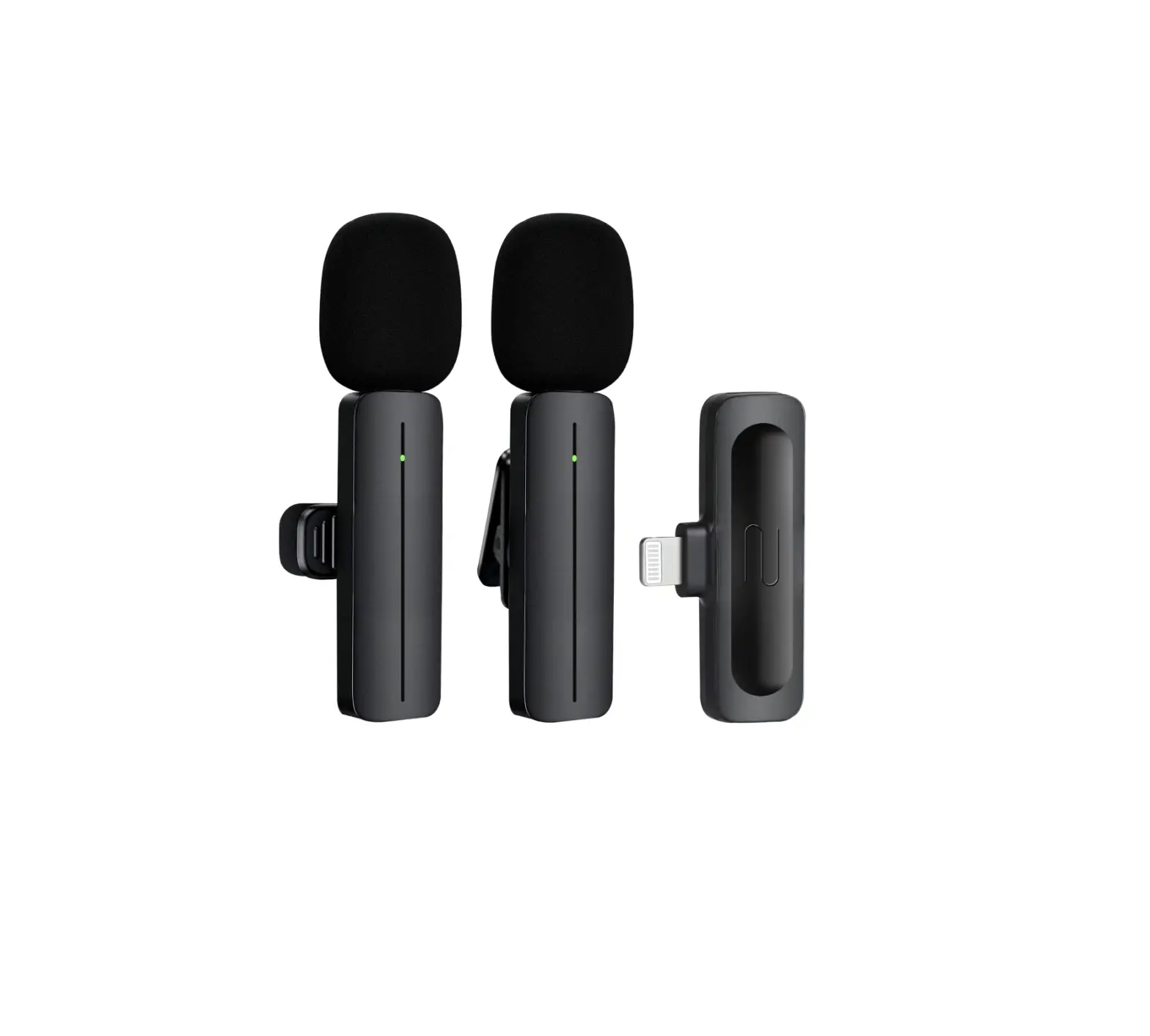
PGDLOF CN800 Wireless Lavalier Lapel Microphones
Safety information
- This device does not have a power adapter. When charging is required, please use a power adapter that has obtained the CCC certificate and complies with relevant standards.
- Please use this equipment within the temperature range of 0℃-40℃, and store the equipment and accessories within the temperature range of -20℃- +45℃. When the ambient temperature is too high or too low, it may cause equipment failure.
- Do not expose the device to high temperatures or around heating devices, such as sunlight, heaters, microwave ovens, ovens or water heaters, etc.
- When charging is complete or not charging, please disconnect the charger from the device and unplug the charger from the power.
- The device is equipped with a non-removable built-in battery, please do not replace the battery yourself to avoid damage to the device.
- Please dispose of this equipment, batteries and related accessories in accordance with local regulations, and do not dispose of them as domestic waste.
Warning: The battery ( battery pack or assembled battery ) must not be exposed to such as sunlight, fire or similar overheating environment;
Notice: If the battery is improperly replaced, there is a danger of explosion. Only the same type or equivalent type of battery can be used to replace it.
Packing list
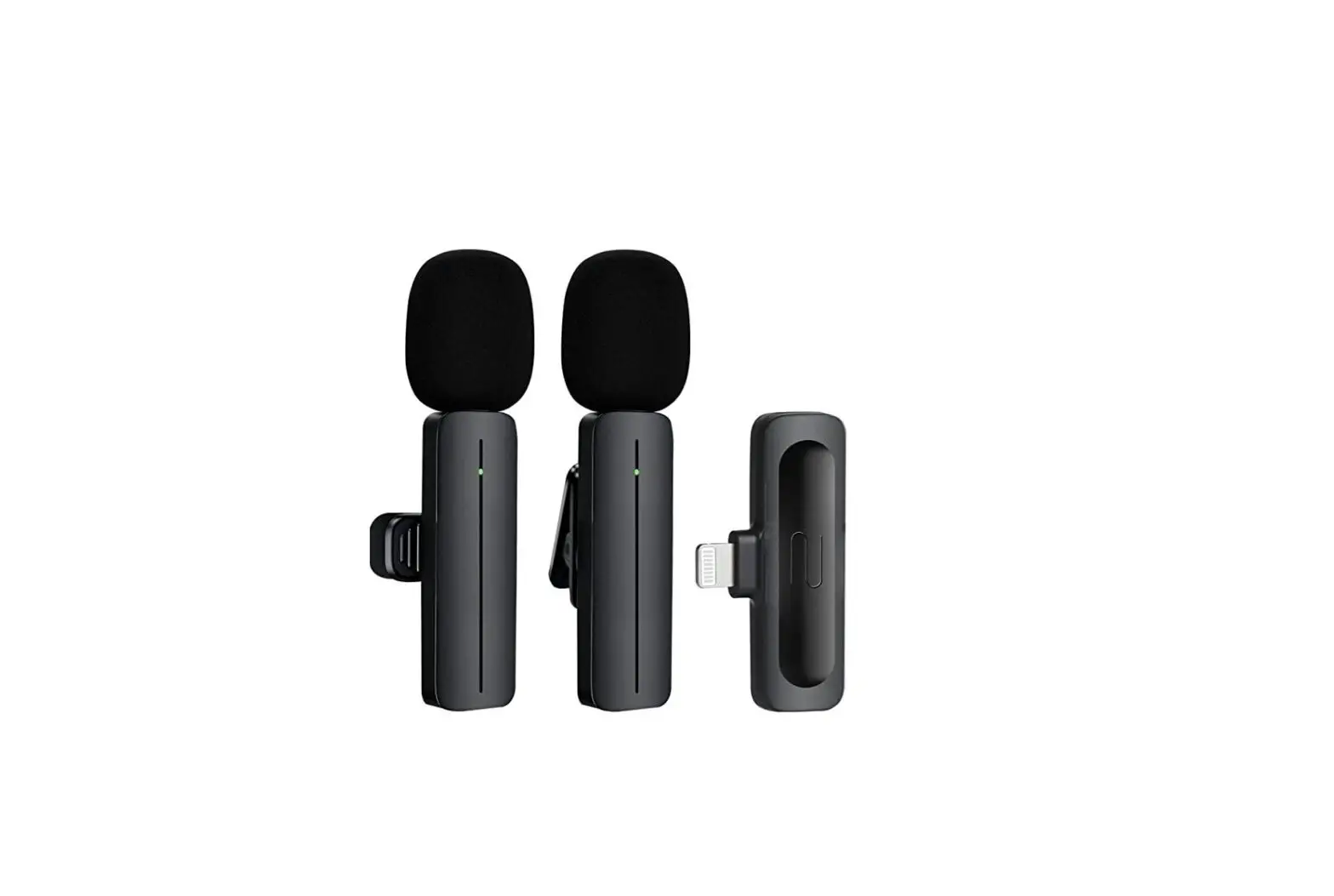
- Wireless microphone transmitter 2pcs
- Wireless microphone receiver 1pcs
- User manual (including warranty card) 1pcs
- USB Charging cable 1pcs
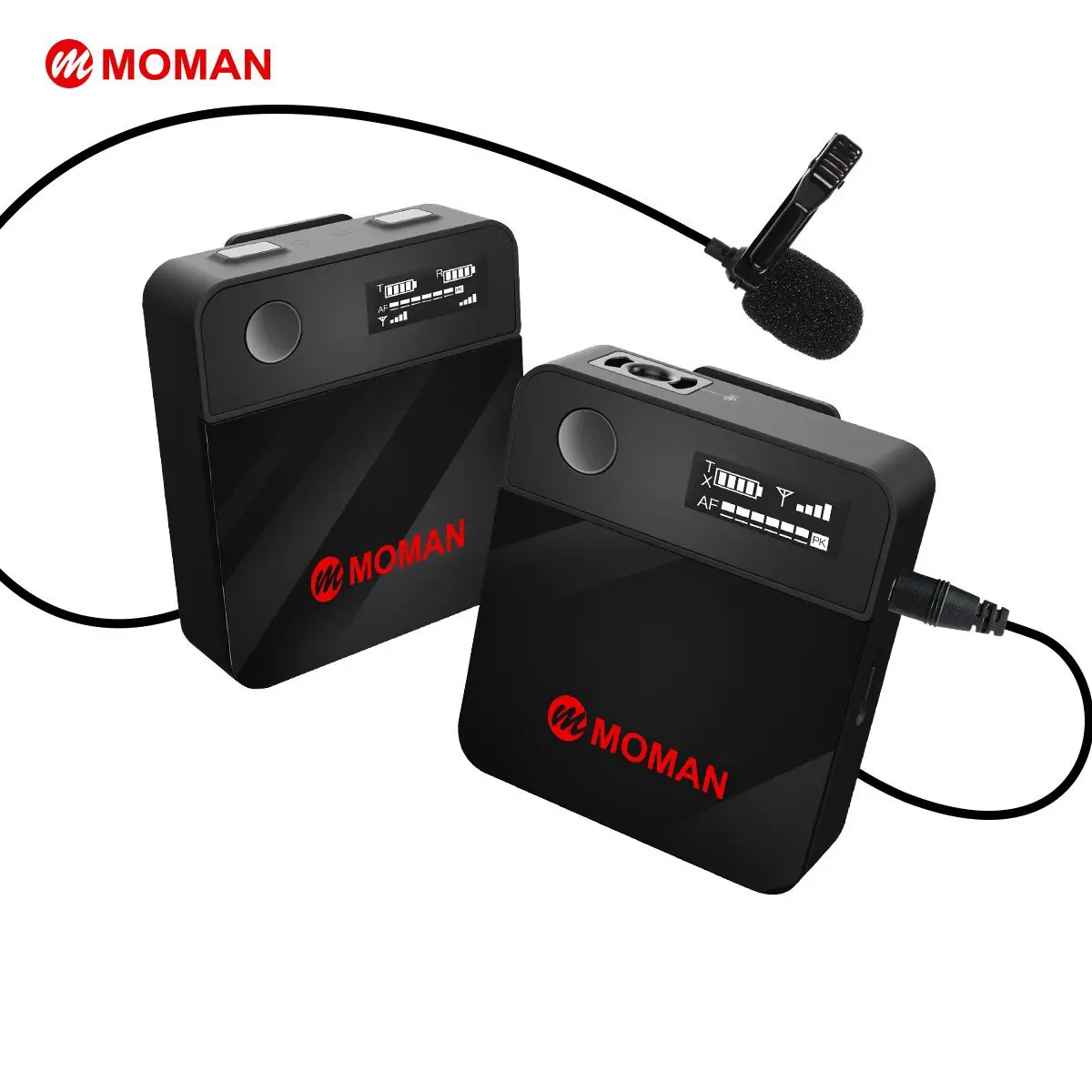
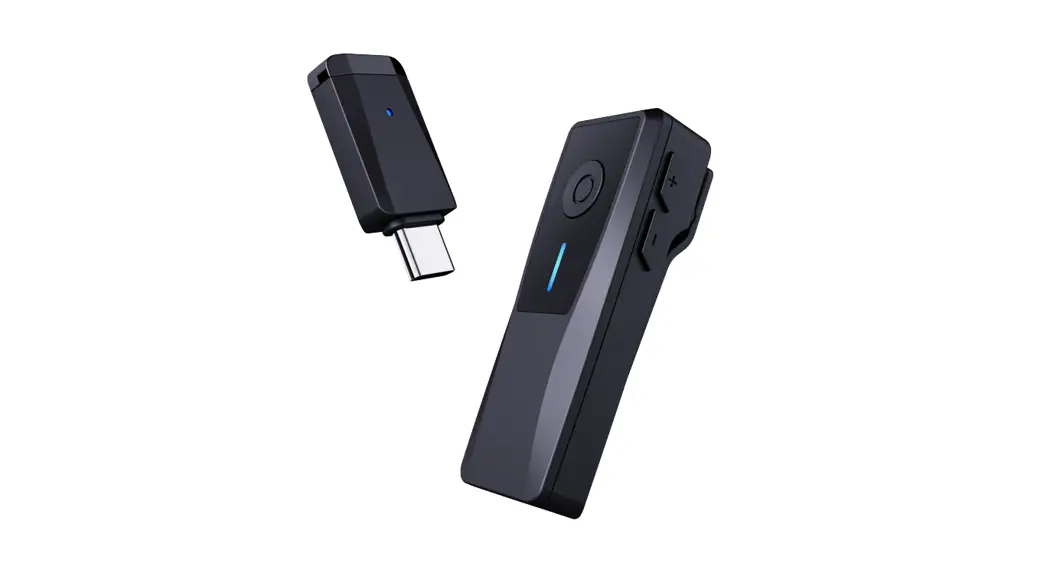
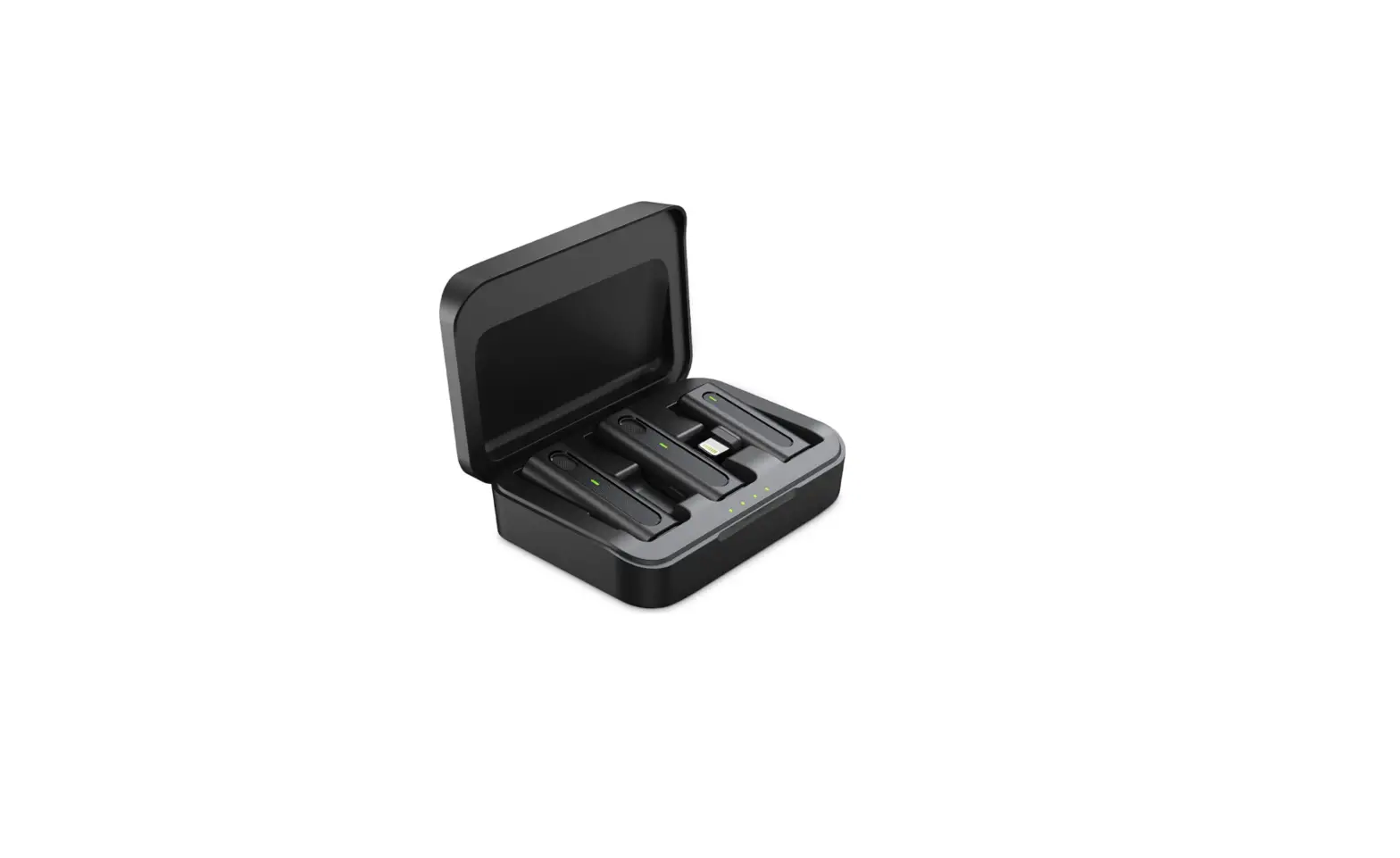
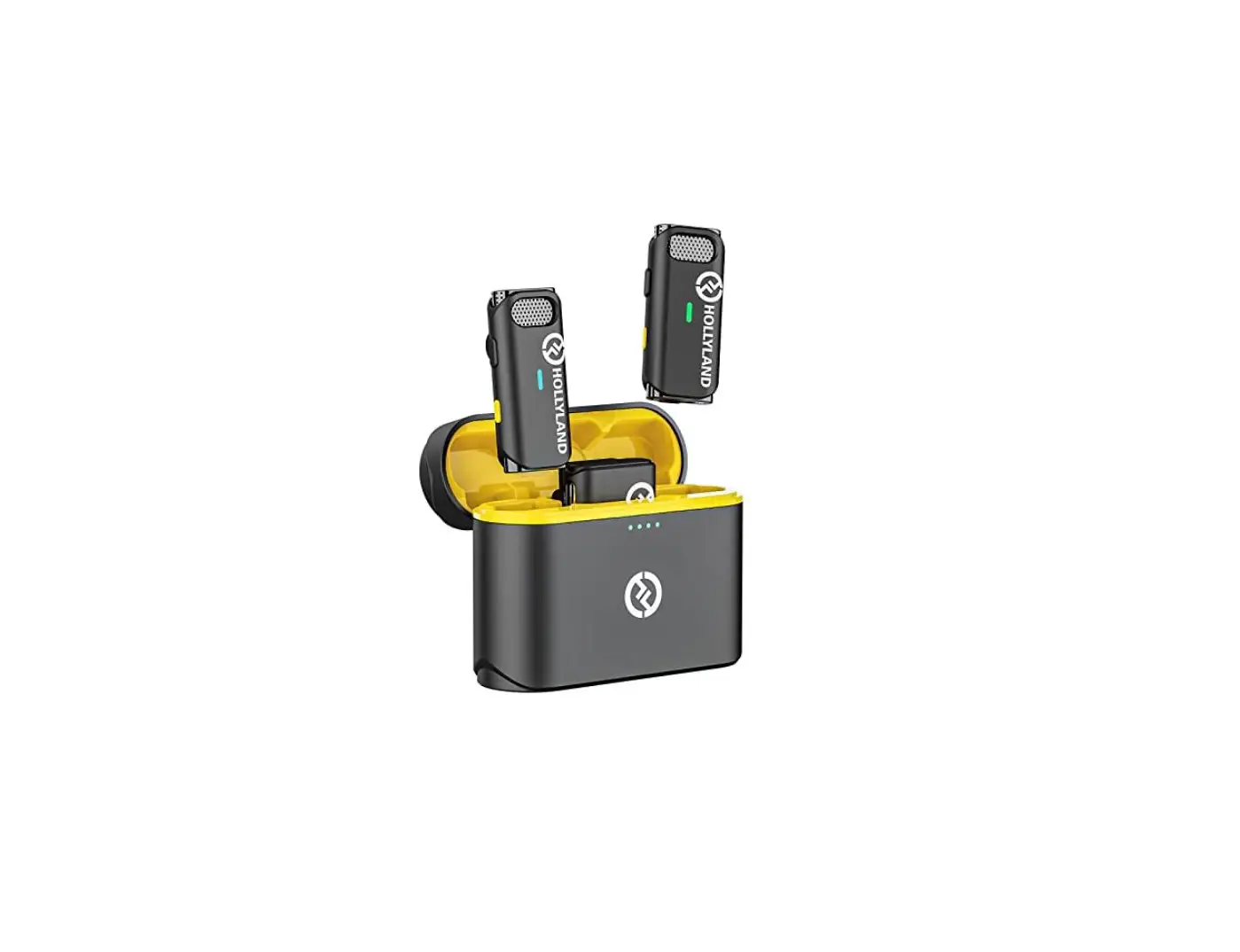
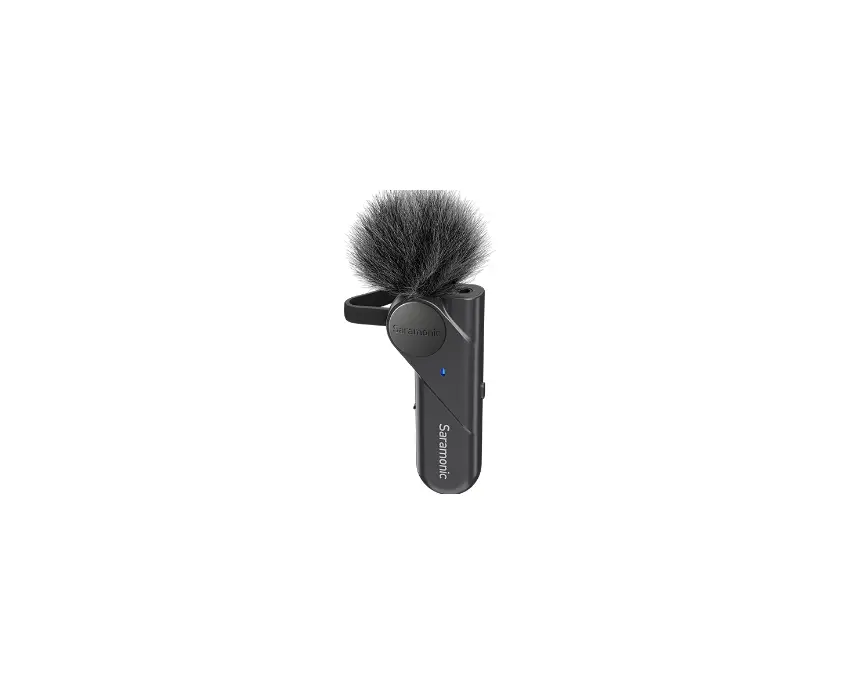
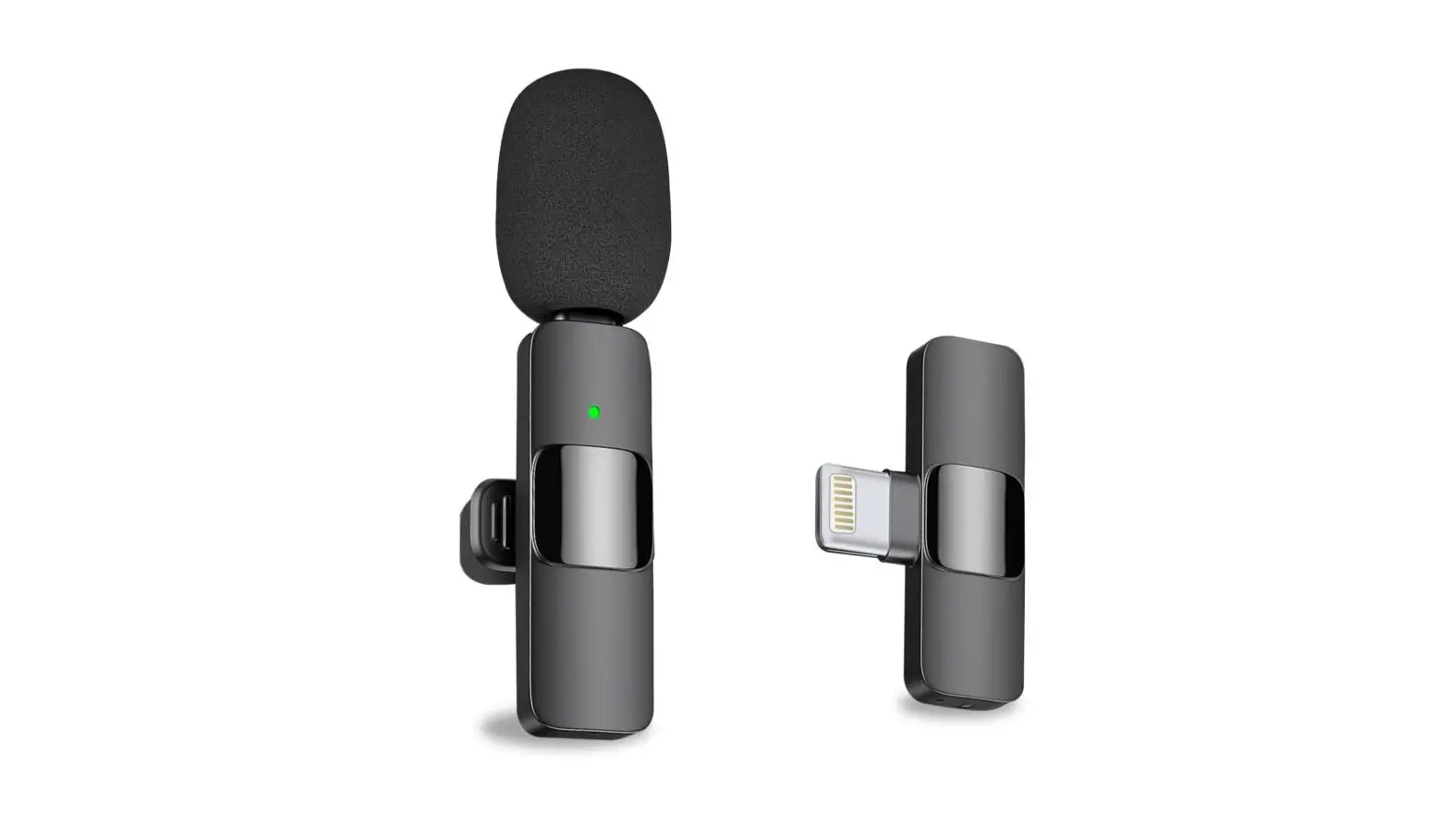
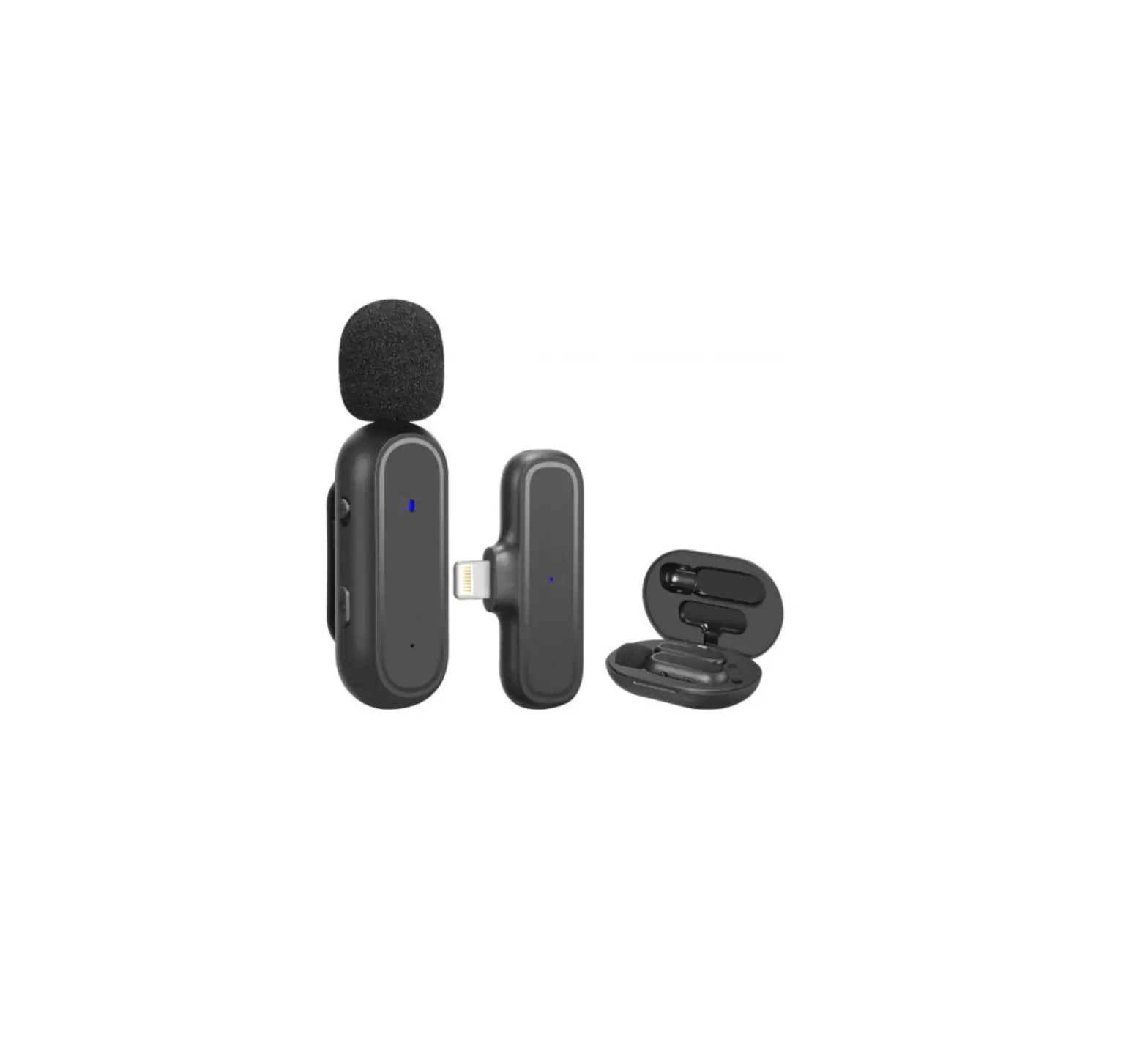
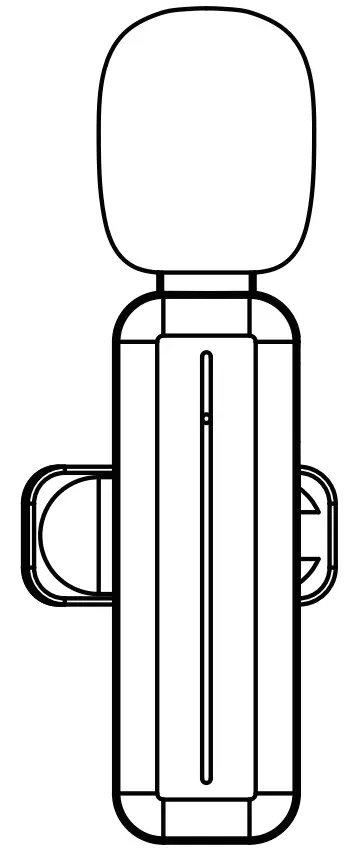
- Outline picture (Note: The outline picture is subject to the actual product!)
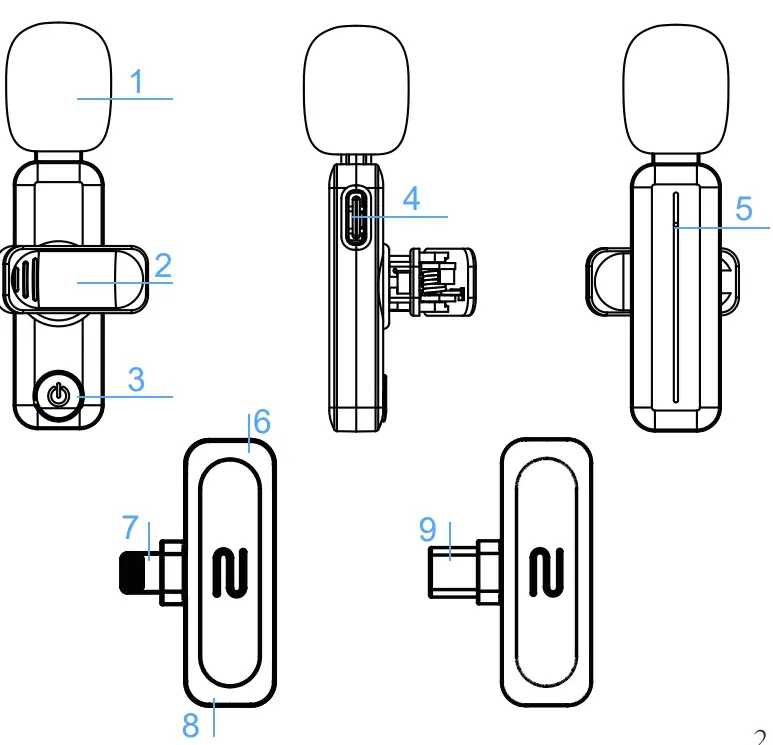
Function Description
- Windbreak
- Microphone clip
- Power Switch
- USB Charging port
- Microphone indicator
- Receiver indicator
- Lightning plug
- Mobile phone charging port
- USB plug
Indicator light description
Microphone transmitter
- Power-on but disconnected state: the red light and green light on the front flash alternately;
- Power-on and connected state: the green light on the front is always on;
- Connected but recording paused: the green light on the front flashes and by pressing the button very softly, it will stop flashing and the recording will continue
- Low battery: red light flashes on the front;
- Charging status: the front red light is always on; the front red light is off when fully charged;
Receiver
- Power-on but disconnected state: green light flashes;
- Power on and connected state: green light is always on
Instructions
- Plug the receiver to your device and you’ll see the green light flashes.

- Press and hold the power switch of the microphone for about 1 second to turn it on and about 3 seconds to turn it off.

- If the green light for both of the receiver and transmitter always keeps on, it means they paired successfully. Then open the phone camera, live App or other Apps to start recording.

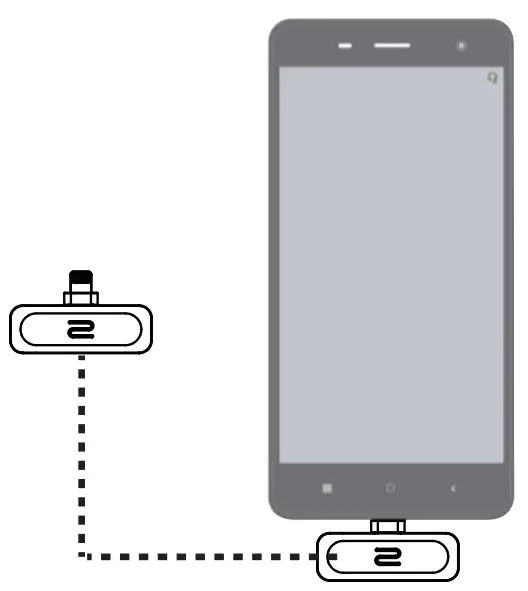
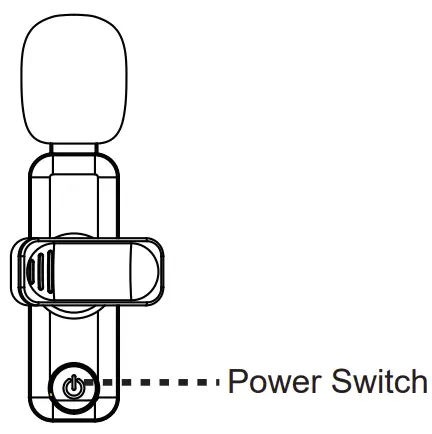
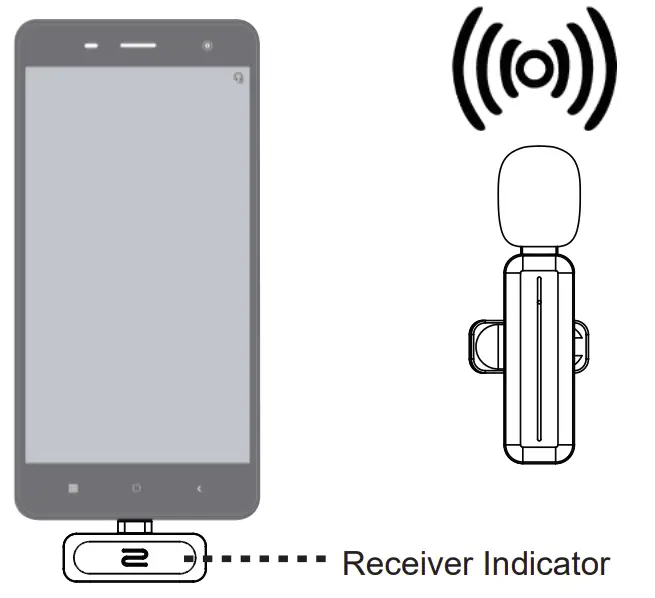
Note: In order to ensure the effective use of the connection, there should be no obstacles between the microphone and the receiver. When wearing the microphone for recording or live video broadcasting, it is recommended to face the receiver, otherwise the signal may be interrupted.
Charging
- For Microphone:
When the red light on the front of the microphone flickers, it is in a low-power status and needs to be charged by using the USB cable. When charging, the front red light on the microphone will be on, and will go off when it is fully charged. - For Receiver:
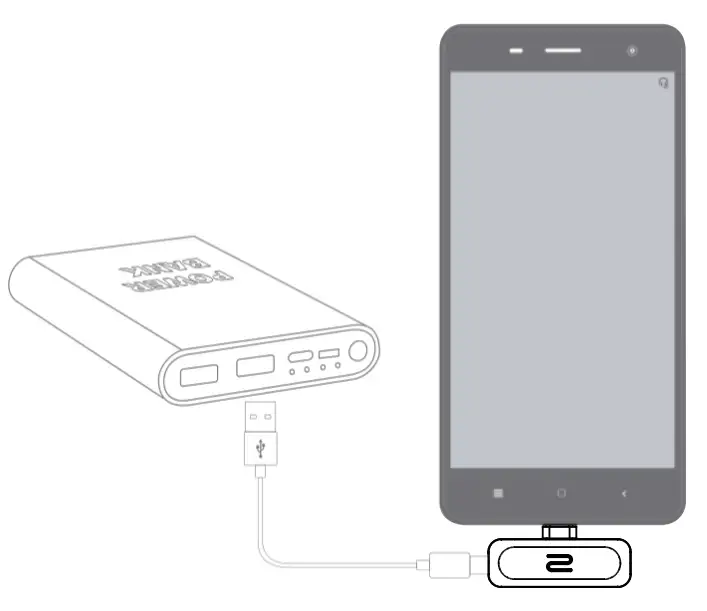
The receiver itself has no need to be charged, but you can charge your smartphone through the receiver while you are recording and the mobile phone is in low- power status. Just plug the charging cable of your phone into the interface port of the receiver, the mobile phone can be charged through the interface.
| Dimensions | Transmitter 64×15×23MM (With back clip) |
| Receiver 44×26×6MM(With USB plug) | |
| USB | Lightning/TYPE C interface |
| Battery | 3.7V/65MAH Lithium Ion Battery |
| Bluetooth | Bluetooth 4.0 |
| Battery life | About 4.5 hours |
| Charging time | About 2 hours |
| Power input | DC5V ⎓ 500mA |
| Phone system | iOS 9.0 or above |
| Bluetooth receiving distance | Effective distance 20 meters (no obstacles in the middle |
| Operating | -5 to 40C° |
| Weight | 20g |
Special Notice to Help Your Recordings
- Please make sure your device is unlocked and the green light flashes after the receiver is plugged to your smart phone.
- Press the power switch of the microphone for about 1 second to turn it on. If the green light for both of the receiver and transmitter always keeps on, it means they paired successfully.
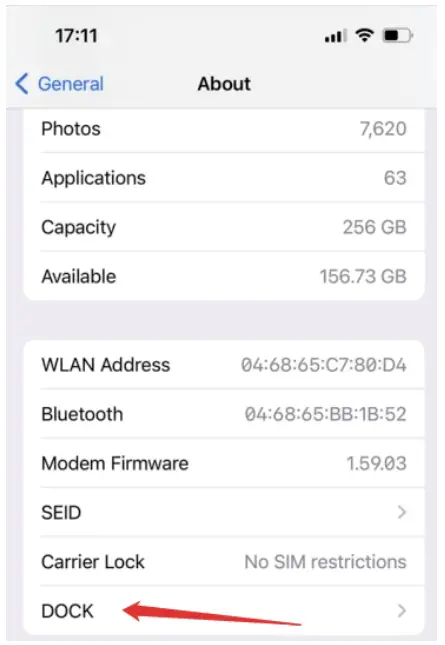
(If it’s paired successfully but recording is failed at the first time , please try to re-plug the receiver as there is a setting named “DOCK” would appear automatically).
- To ensure the sound quality, please put the microphone in a proper distance and do not put it too close to your mouth. If you want to hold the microphone in your hand, please hold the bottom of it and do not cover the windbreak on the top.
- Press the power switch of the microphone very softly, the green light will keep flashing, which means the recording was paused. By pressing the button again, it will stop flashing and the recording will continue.
- Any time when you see the red light & green light flashes alternately, it means the connection is failed and you need to restart.
- Press and hold the power switch for about 3 seconds to power off the microphone.
- Please unplug the receiver before listening to your recordings.
PS: Please follow up the instructions step by step and we will always stand by if you have any problems while recording. Should you have any other question, please feel free to contact us:
Our Customer Service: [email protected]
Our Website: https://pgdlof.com
 PGDLOF – Professional wireless Microphone