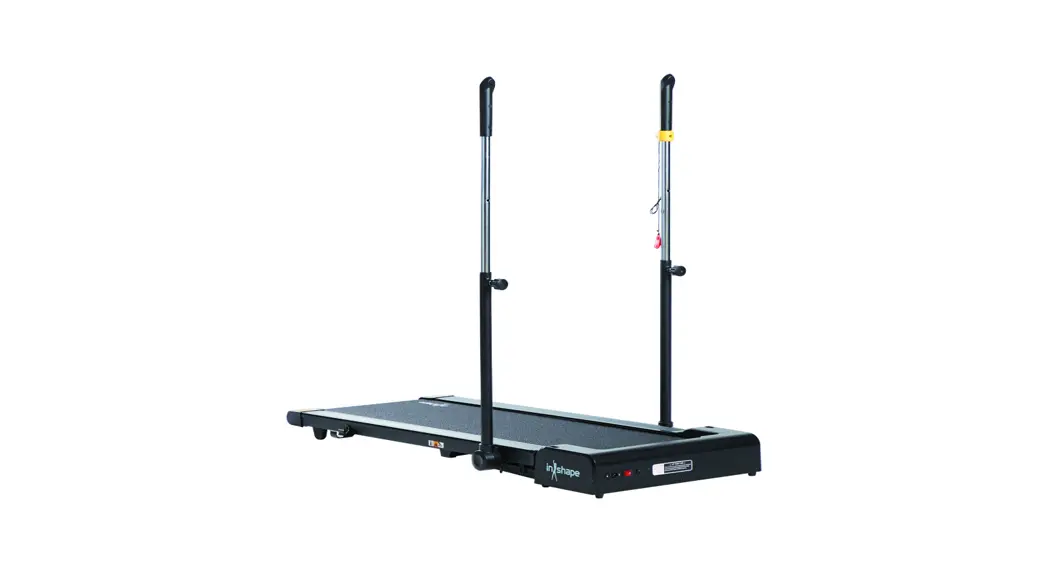
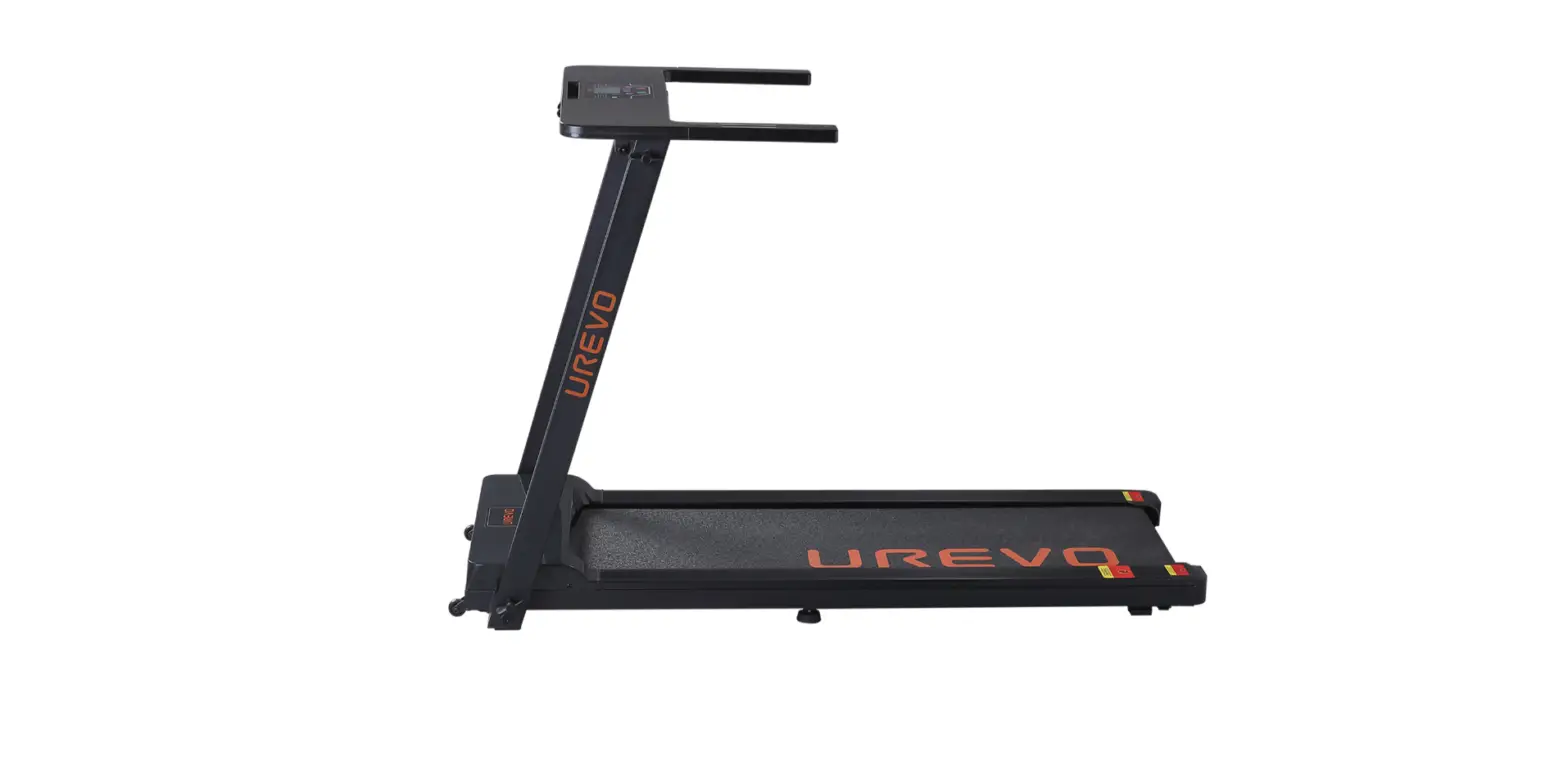
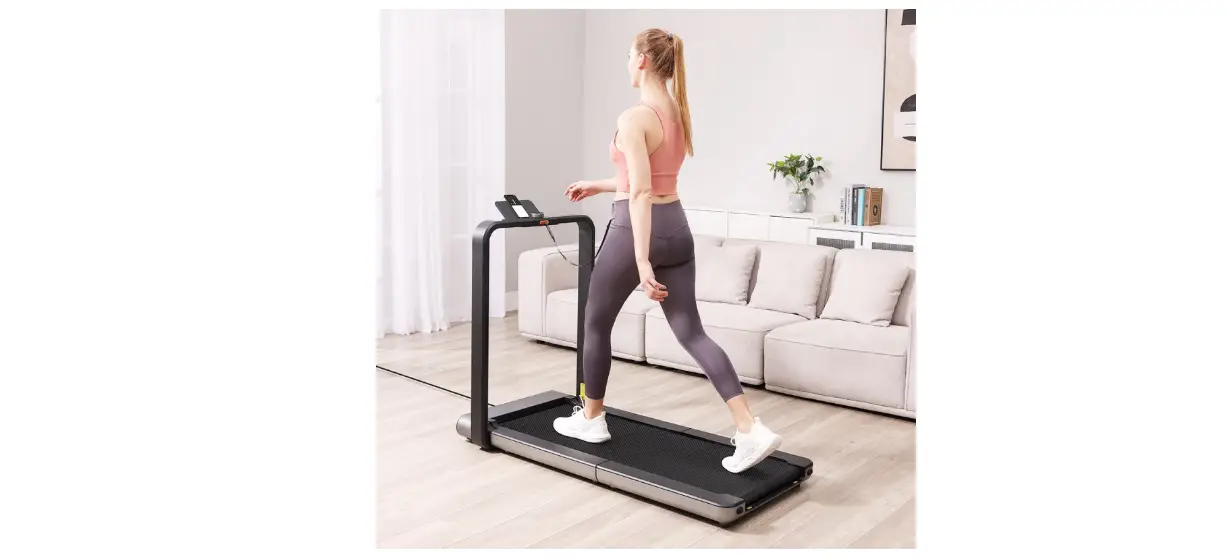
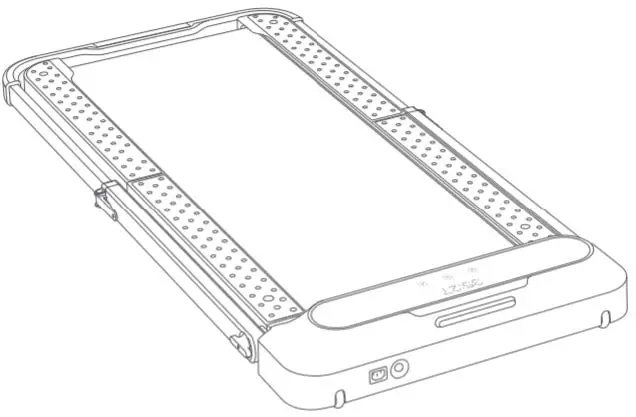
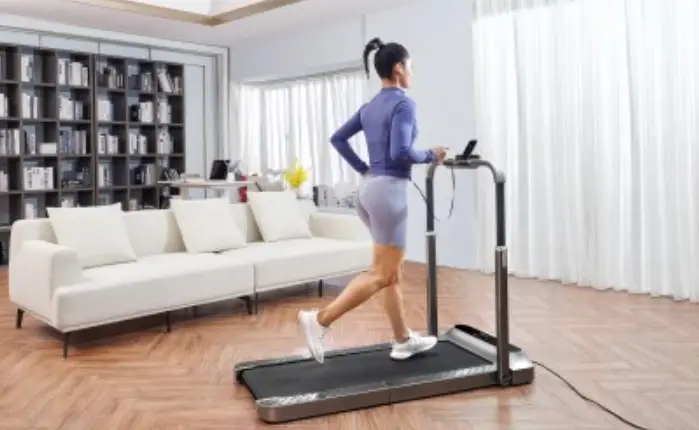
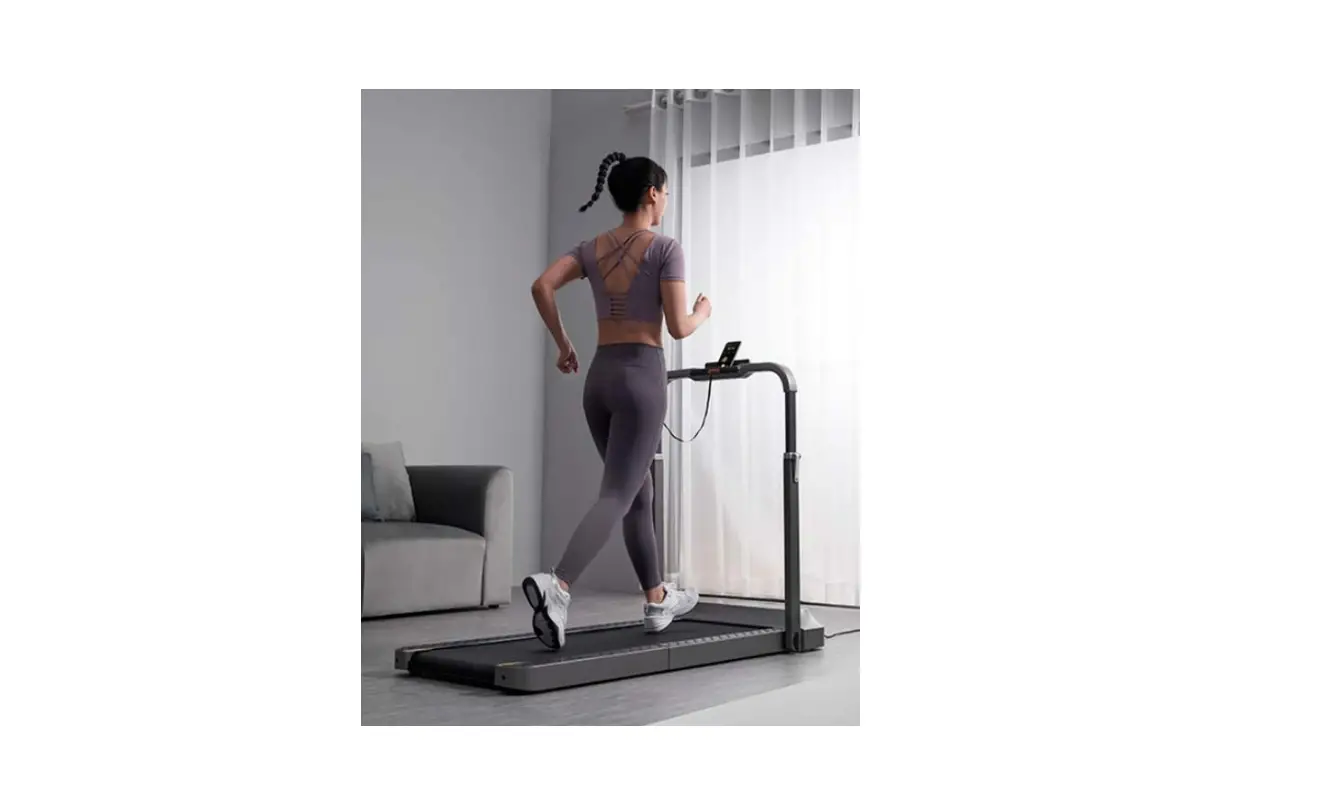
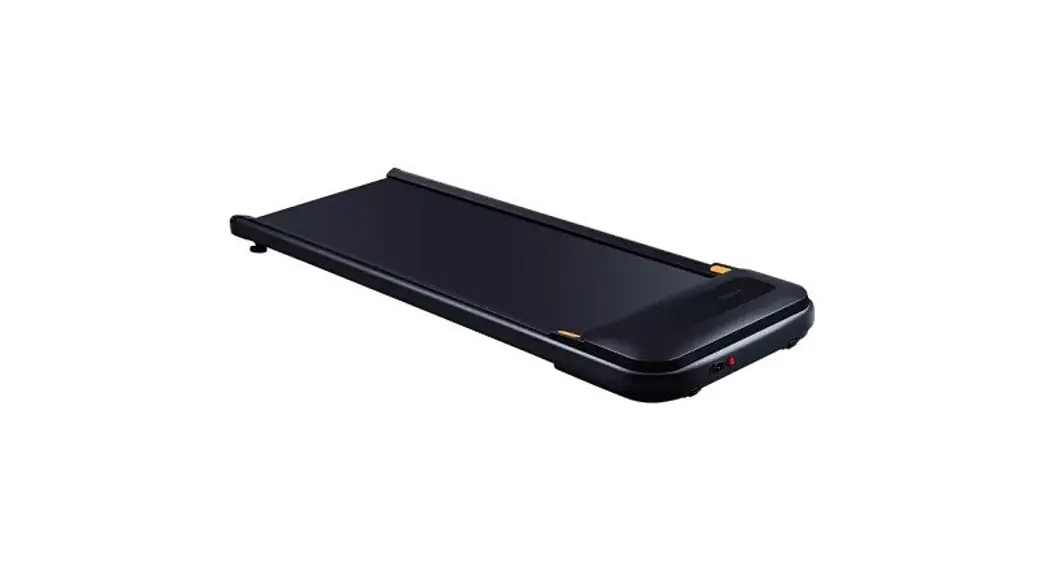
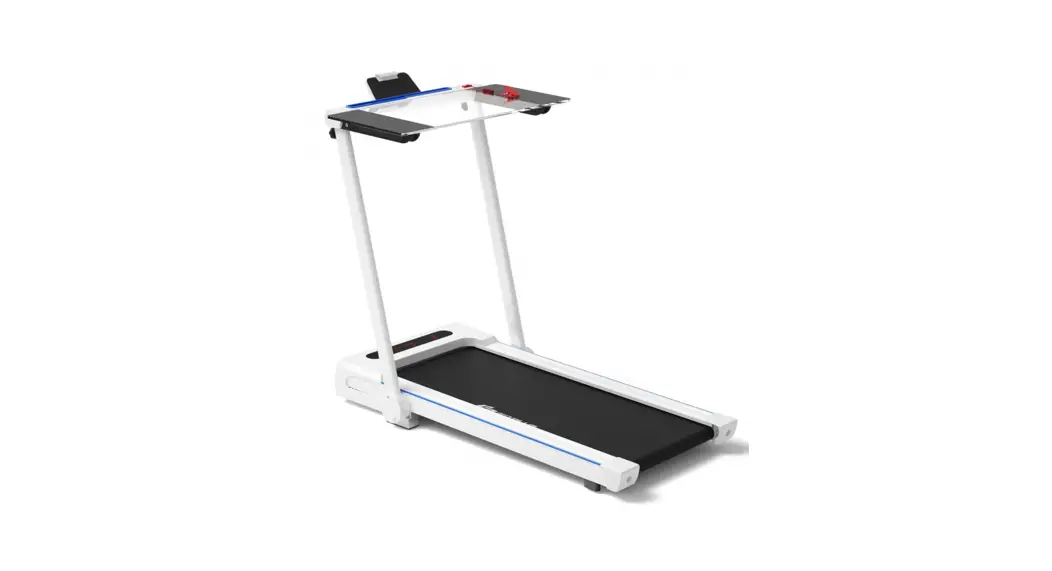
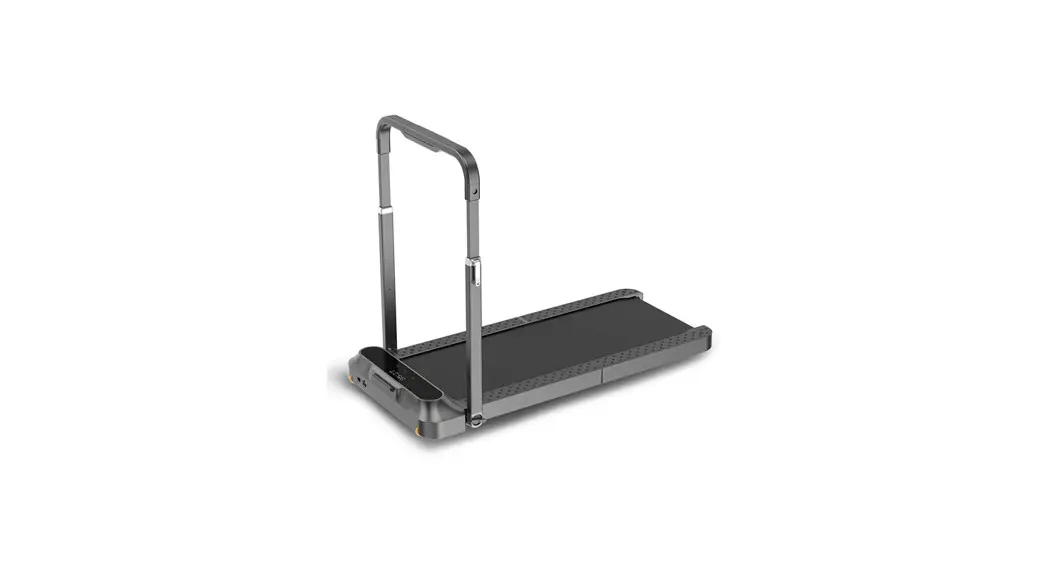
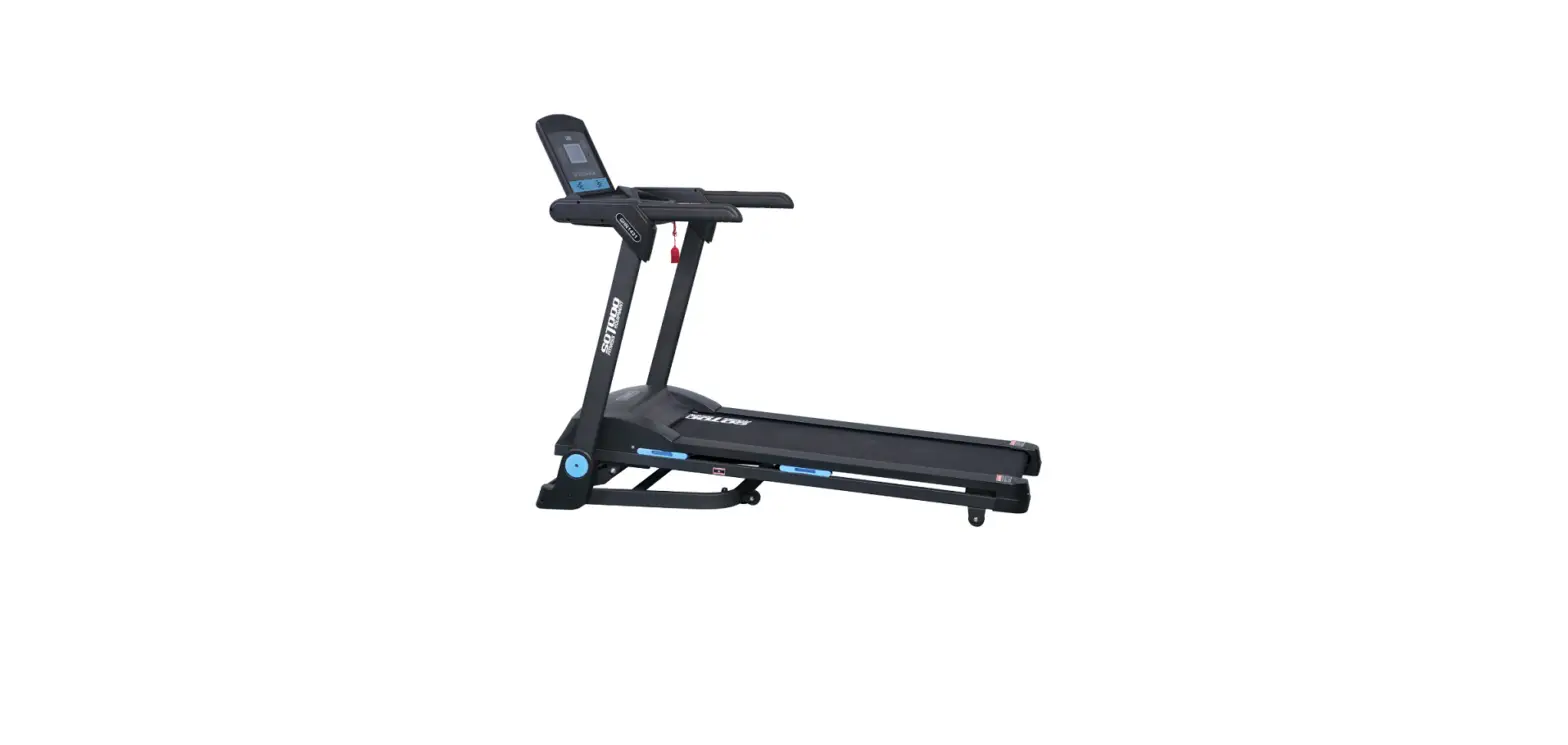
22977 Tyrion Walking Treadmill
Product Information
The product is a motorized treadmill with a console that
displays speed, distance, time, and calories. It has a manual
program mode that can be started by pressing the start button, and
the speed can be adjusted using the + and – buttons. The treadmill
also has a power-saving mode that automatically switches on after
10 minutes of inactivity, and it can be paired with a smart device
using Bluetooth to play music. The product comes with safety
instructions and assembly guidelines.
Product Usage Instructions
- Preparation: If you are over 45 years old or
have health problems and are using the treadmill for the first
time, consult your doctor before exercising. Stand aside and learn
how to start, stop, and adjust the speed before using it.
Familiarize yourself with its functions before standing on the
plastic non-slip side rails and gripping the handrail with both
hands. - Assembly: Remove all parts from the box. Pull
the pins out of the main frame and place them in the plastic frame.
Lift the handles and press the pins on the bars. Pull the handles
to the required height. Fold the handles to the main frame and lift
the running board, securing it with the rear stabilizer. - Console: The console displays SPEED from 1
km/h to 8 km/h, DISTANCE (DIS), TIME and CALORIES (CAL). Press
START to start the treadmill, and press STOP at any time to stop
it. Use the + and – buttons to adjust the speed, with each press
increasing the speed by 0.1 km/h. To replace the battery of the
handle, remove the round battery compartment cover. - Manual Program: After connecting and starting
the treadmill, press START to start the manual mode. The initial
speed is 1 km/h, and other data are calculated from 0. Use the +
and – buttons to adjust the speed. The system automatically shuts
down when the time exceeds 100 minutes. - Power Saving Mode: If the treadmill is not in
operation for more than 10 minutes, it switches to power save mode.
The LED display turns off, pressing the power button restarts the
display and switches to standby mode. - Bluetooth: Pair your smart device with
treadmill Bluetooth. Find SMYK device and pair with smart device.
Play music on the treadmill using your smart device. - Stretching: Before using the treadmill,
stretch your body to prevent injury. Bend your knees slightly and
slowly stretch your body downwards to touch your toes. Keep the
position for 10-15 seconds. Repeat approx. 3 times. For calves and
Achilles tendon stretches, support yourself with two hands on a
wall or a tree with one leg stretched behind you. Keep the leg
straight and the heel on the ground. Keep the position for 10-15
seconds. Repeat 3 times for each leg. For quadriceps stretches,
support yourself with your right hand on the wall or a table and
stretch your left hand backwards to hold your ankle. Pull it
towards your buttocks until you feel tension in your thigh. Keep
the position for 10-15 seconds. Repeat 3 times for each leg.
USER MANUAL EN IN 22977 Treadmill inSPORTline Tyrion
CONTENTS
SAFETY INSTRUCTIONS……………………………………………………………………………………………………….. 3 ASSEMBLY …………………………………………………………………………………………………………………………… 4 CONSOLE …………………………………………………………………………………………………………………………….. 5
PARAMETERS AND DISPLAYS …………………………………………………………………………………………… 5 BUTTONS ………………………………………………………………………………………………………………………….. 5 MANUAL PROGRAM ………………………………………………………………………………………………………….. 6 POWER SAVING MODE ……………………………………………………………………………………………………… 6 BLUETOOTH ……………………………………………………………………………………………………………………… 6 GETTING START …………………………………………………………………………………………………………………… 6 WARM UP EXERCISE …………………………………………………………………………………………………………. 7 IMPORTANT NOTICE …………………………………………………………………………………………………………….. 8 DIAGRAM ……………………………………………………………………………………………………………………………. 11 PARTS LIST ………………………………………………………………………………………………………………………… 12 ERRORS …………………………………………………………………………………………………………………………….. 14 ENVIRONMENT PROTECTION …………………………………………………………………………………………….. 14 TERMS AND CONDITIONS OF WARRANTY, WARRANTY CLAIMS…………………………………………. 14
2
SAFETY INSTRUCTIONS
· Read the manual before assembly and first use and keep it for future reference. · Never insert any foreign objects into the openings. · Place the treadmill on a flat and clean surface. Do not place the treadmill on carpets or
surfaces that could affect ventilation. Do not place the treadmill near water or outdoors. · Never stand on the treadmill during start-up, always stand on the sides. After turning on the
treadmill and setting the speed, there may be a small delay before the treadmill is set in motion. · Always wear appropriate sports clothing and footwear. Do not wear loose clothing that could get caught in the treadmill. · Keep out of reach of children and pets. · There must be at least 0.6 m of free space around the treadmill. · Do not exercise 40 minutes after a meal. · For adults only, teenagers may only use the treadmill under the supervision of an adult. · When starting for the first time, grasp the handles until you are sure of the speed. · For indoor use only. Use the treadmill only in a clean and well-ventilated room. · Do not use extension cords, do not place heavy objects on the power cord, do not place near a heat source, etc. · Unplug the treadmill when not in use. · If the power cord is damaged, replace it. Contact a service center or professional for a replacement. · Category: HC (according to EN 957) for home use. · Weight limit: 100 kg
3
ASSEMBLY
Remove all parts from the box.
WARNING: Do not plug in the treadmill until it is assembled. STEP 1 Pull the pins (11) out of the main frame (1). Then place the pins (11) in the plastic frame (68). Lift the handles (3).
STEP 2 Press the pins (32) on the bars (3) and pull the handles (4) to the required height.
4
STORAGE
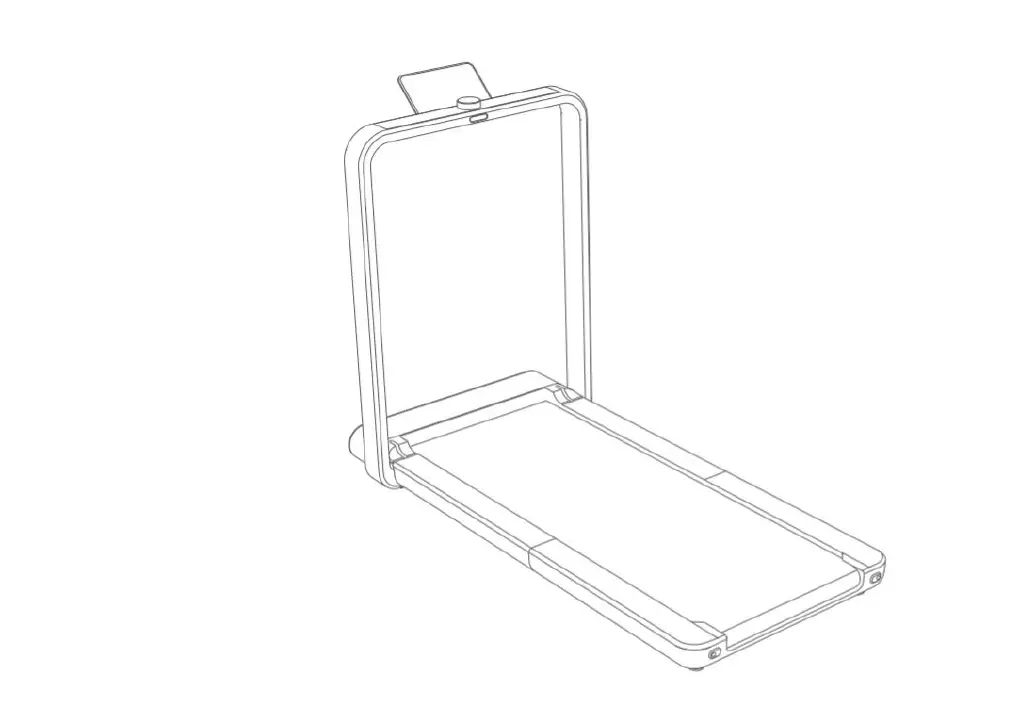
Fold the handles (3) to the main frame (1). Lift the running board and secure with the rear stabilizer (5).
CONSOLE
PARAMETERS AND DISPLAYS
The console displays SPEED from 1 km/h to 8 km/h, DISTANCE (DIS), TIME and CALORIES (CAL).
BUTTONS
Right handle contain buttons: START, STOP, + and 5
START: starts the treadmill, if the console is in standby mode, it starts the treadmill STOP: stops the treadmill, press the button at any time to stop the treadmill + and – buttons: Press to increase or decrease speed, press to increase speed by 0.1 km/h. The handle is powered by a CR2032 battery. To replace the battery, the round battery compartment cover must be removed.
MANUAL PROGRAM
After connecting and starting the treadmill, the treadmill will enter the standby mode, press the START button to start the manual mode. The initial speed is 1 km/h, other data are calculated from 0. You can change the speed using the + and – buttons. When the time exceeds 100 minutes, the system automatically shuts down.
POWER SAVING MODE
If the treadmill is not in operation for more than 10 minutes, it switches to power save mode. The LED display turns off, pressing the power button restarts the display and switches to standby mode.
BLUETOOTH
Pair your smart device with treadmill Bluetooth. Find “SMYK” device and pair with smart device. Play music on the treadmill using your smart device.
GETTING START
PREPARATION If you are more than 45 years old or have health problems and this is your first time using a treadmill, please consult your doctor before exercising. Before you use the motorized treadmill, please stand aside and learn how to use it, e.g. how to start, stop and adjust the speed. You can use it after you familiarize yourself with its functions. Then stand on the plastic non-slip side rails and grip the handrail with both hands. Turn the treadmill on and set a
6
low speed (1.6 3.2 km/h), stand straight, look forward and try to step onto the running belt a few times with one foot. Then step onto the running belt and start exercising. After you are adapted, you can slowly increase the speed to 3 5 km/h and maintain this speed for about 10 minutes. After that, stop the treadmill slowly. EXERCISE Stand aside to learn how to operate the machine (adjusting the speed and inclination). Start exercising after you familiarize yourself with the functions. Walk 1 km in a constant tempo and record the time it takes, which may be about 15 – 25 minutes. Walk 1 km by 4.8 km/h (you need about 12 minutes). After successfully completing this exercise a few times you can adjust to a higher speed and inclination. Have a good 30-minute exercise. When you do walking exercises do not rush. The exercise improves your health. FREQUENCY The optimal exercise frequency is 3 – 5 times per week for 15 60 min. It is better to make a schedule first and not exercise randomly. You can control the intensity of the movement through adjusting the speed and inclination. We suggest not to set the inclination when at the start of the exercise. When you want to increase the intensity of the exercise, change in inclination will be the most effective. HOW TO EXERCISE It is best for each exercise to last 15 20 min. Warm up for 2 minutes by walking 4.8 km/h, then increase the speed to 5.3 km/h, and then 5.8 km/h. Each section should take about 2 minutes. Then add 0.3 km/h per 2 mins, until your breathing quickens (You should have no difficulty though). Keep exercising at this speed. if you feel it is hard to breathe, lower the speed by 0.3 km/h. Finally, leave 4 minutes to reduce the speed at last. If you find increasing the intensity by increasing speed too hard, you can slowly increase the inclination. Just a small adjustment can increase the intensity greatly. BURNING CALORIES – This way allows you to burn calories. Warm up for 5 minutes at 4 4.8 km/h speed, then add 0.3 km/h per every 2 minutes. Keep increasing the speed until you feel it is a challenge to do the exercise continually for 45 minutes. In order to increase intensity, you can try to exercise for 1 hour at this speed. You can exercise while watching TV. Add 0.3 km/h speed every time you see advertisements and return to the former speed by the end of the advertisement so that you increase the intensity only during advertisements. Slow down for at least 4 minutes. CLOTHING All you need is a pair of shoes, which let you stretch your feet fully and at the same time don’t stick to foreign matters under your shoe’s soles, so that you do not carry dirt onto the running belt and running board. The dirt and other foreign matter could damage them both. You should wear comfortable clothes.
WARM UP EXERCISE
It is better to do some warm-up exercises before running. Warmed muscles are easy to stretch, so take the time to do 5 10-minute warm-up. Repeat each exercise shown in the pictures below.
Touch toes
Bend your knees slightly and slowly stretch your body downwards. Relax your back and shoulders. Try to touch the toes. Keep the position for 10 – 15 seconds. Repeat approx. 3 times.
7
Hamstring stretches Sitting on a cushion, stretch one leg straight and fold the other inward. Pull it as close to your body as you can. Try your best to touch the toes and keep the stretch for 10 15 seconds. Repeat 3 times for each leg.
Calves and Achilles tendon stretches Support yourself with two hands on a wall or a tree with one leg stretched behind you. Keep the leg straight and the heel on the ground. Keep the position for 10 – 15 seconds. Repeat 3 times for each leg.
Quadriceps stretches Support yourself with your right hand on the wall or a table and stretch your left hand backwards to hold your ankle. Pull it towards your buttocks until you feel tension in your thigh. Keep the position for 10 – 15 seconds. Repeat 3 times for each leg.
Inner thigh stretches Sit down with your soles touching and knees outward. Pull your feet towards your groin. Keep the position for 10 – 15 seconds. Repeat 3 times.
IMPORTANT NOTICE
· This treadmill comes with standard safety regulations and is only suitable for home use. Any other use is prohibited and may be dangerous to users. We are not responsible for any injury caused by improper and forbidden use of the machine.
· Consult your doctor before starting training on the treadmill. Your doctor should evaluate whether you are physically fit to use the machine and how much effort you are able to undergo. Incorrect exercise or switching of the body can harm your health.
· Carefully read the following tips and exercises. If you experience pain, nausea, breathing, or other health problems during exercise, immediately stop the exercise. If the pain persists, contact your doctor immediately.
8
· This treadmill is not suitable as a professional or medical purpose. It can also not be used for healing purposes.
· The heart rate monitor is not a medical device. It provides only approximate information about your average heart rate, and any suggested pulse rate is not medically binding. Accumulated data may not always be accurate regarding uncontrollable human and environmental factors.
MAINTENANCE
CLEANING
Regularly clean the belt and treadmill from dust and dirt with a damp cloth and a small amount of nonaggressive detergent.
Always clean the machine from sweat after use.
LUBRICATION
Check the belt regularly for lubrication. If necessary, lubricate the belt. It is recommended to monitor the lubricant level every month.
Lift the belt on one side and apply the lubricant evenly and as close to the center as possible. Repeat on the other side. Then walk on the belt for 5 min. Use only a silicone lubricant from your supplier.
Less than 3 hours a week 3 – 5 hours per week
More than 5 hours a week
Once a year Every 6 months Every 3 months
BELT MIDDLE PLACEMENT AND TIGHTNESS ADJUSTMENT
It is necessary to adjust the belt to the best condition for the better use of the treadmill. Put the treadmill running belt at the centre. Put the motorized treadmill on the level ground Observe the deviation of the running belt. If the running belt deviates to the right unplug the power. Turn the right adjusting bolt clockwise by 1/4 turn, plug in the power cord belt starts to run. Watch the running belt deviations. Repeat the above steps until the running belt is in the middle.
· Picture A If the running belt drifts to the left, unplug the treadmill from power. Turn the left adjusting bolt clockwise by 1/4 turn, then plug in the power cord. The belt starts running. Watch if the belt still drifts to the side. Repeat the above steps until the running belt is centred.
9
· Picture B. After the above adjustment or long time use, the running belt could become loose and you will need to adjust it. Pull off the power cord and turn the left and right adjusting bolts clockwise by 1/4 turn. Plug the treadmill back into power the belt starts running. Then stand on the treadmill to confirm its tightness. Repeat the above steps, until the running belt is tightened correctly (picture C).
10
DIAGRAM
11
PARTS LIST
No.
Name
1 Main frame
2 Reinforcing frame
3 Bottom post
4 Top post
5 Rear stabilizer
6 Motor bracket
7 Fasteners
8 Front roller
9 Rear roller
10 Spring
11 Bolt
12 Inner hexagon bolt
13 Running board
14 Running belt
15 Belt
16 Top motor cover
17 Bottom motor cover
18 Rear left cover
19 Rear right cover
20 End cap
21 Castors
22 Washer
23 Clip
24 Sleeves
25 Post base
26 Control buttons
27 Front sleeves
28 Outer right post cover
29 Inner left post cover
30 Outer left post cover
31 Reduction
32 Bolt
33 Sleeve
34 Motherboard
35 Motor
Specifications
Qty.
1
1
1
1
1
1
4
38*430*80*15*500
1
38*420*15*493
1
D2 10/D8/d 1.2/42 mm
2
8* 40 mm
2
M8*40
2
t12*488*860
1
t1.4*390*2060
1
1
846.308×556.21×67.618 450 g
1
550.003×245.005×64.346
1
131.645×80.286×70.506 70 g
1
131.645×80.286×70.506 70 g
1
25*79*910 1070 g
2
54*8.5*22
2
30*40*5
6
1
2
2
1
46*22*22
4
1
1
1
2
6
2
4
220 V
1
0.8hp,3800 r, 22, 83
1
12
36 Power cable
2
37 Switch
250 V/15 A
1
38 Power cable
3*0.75mm2 10/15 A 250 V
1
39 Filter
5 A
1
40 Sensor
4 A
1
41 Printed circuit board
1
42 Grounding cable
1
43 Bolt
M8*40
2
44 Bolt with washer
ST4.2*16
6
45 Bolt with washer
ST4.2*12
8
46 Bolt
M8*50
3
47 Spring washer
4
48 Bolt
M5*12
4
49 Bolt
M6*25
4
50 Bolt
M6*35
2
51 Bolt
M8*25
1
52 Bolt
M8*12
2
53 Bolt
M6*35
2
54 Bolt
ST4.2*12
8
55 Bolt
ST3.0*8
2
56 Bolt
ST3.0*12
6
57 Bolt
M4*25
2
58 Nut
M4 S7
2
59 Washer
9*16*t1.5
8
60 Right inner handle cover
1
61 Right outer handle cover
1
62 Left inner handle cover
1
63 Left outer handle cover
1
64 Bolt
ST4.2*16 9
13
65 Adhesive straps 1
20*2*910
4
66 Adhesive straps 2
20*2*460
2
67 Sticker
300*70
1
68 Plastic sleeve
16*40
1
13
ERRORS
Fault
Cause
Solution
The console is not connected Check the connection properly
Communication error E1
The console connection is Replace the cables damaged
The console is damaged
Replace the console
The driver is damaged
Replace the driver
E2
The sensor does not detect Damage to communication cables motor voltage
Check the condition and connection of the cables
The speed sensor is incorrectly Check the connection
E3
The speed sensor does not connected
detect speed.
The speed sensor is damaged
Replace
Damage to the driver
Replace
Overload E4
Engine damage The voltage is too low
Replace Replace the driver
High current
Overload
Current fluctuations E5
The voltage is low Damaged driver
Check the connection Replace
Treadmill doesn’t work. E6
Operation is not smooth.
The belt slips
No current
Plug in
Short circuit The switch is in the wrong position The belt is not properly lubricated The belt is not tightened correctly The belt is too loose The engine belt is loose
Check sensors and cables Turn on Lubricate Tighten Tighten Replace
ENVIRONMENT PROTECTION
After the product lifespan expired or if the possible repairing is uneconomic, dispose it according to the local laws and environmentally friendly in the nearest scrapyard. By proper disposal you will protect the environment and natural sources. Moreover, you can help protect human health. If you are not sure in correct disposing, ask local authorities to avoid law violation or sanctions. Don’t put the batteries among house waste but hand them in to the recycling place.
TERMS AND CONDITIONS OF WARRANTY, WARRANTY CLAIMS
General Conditions of Warranty and Definition of Terms All Warranty Conditions stated here under determine Warranty Coverage and Warranty Claim Procedure. Conditions of Warranty and Warranty Claims are governed by Act No. 89/2012 Coll. Civil
14
Code, and Act No. 634/1992 Coll., Consumer Protection, as amended, also in cases that are not specified by these Warranty rules.
The seller is SEVEN SPORT s.r.o. with its registered office in Strakonická street 1151/2c, Prague 150 00, Company Registration Number: 26847264, registered in the Trade Register at Regional Court in Prague, Section C, Insert No. 116888.
According to valid legal regulations it depends whether the Buyer is the End Customer or not.
“The Buyer who is the End Customer” or simply the “End Customer” is the legal entity that does not conclude and execute the Contract in order to run or promote his own trade or business activities.
“The Buyer who is not the End Customer” is a Businessman that buys Goods or uses services for the purpose of using the Goods or services for his own business activities. The Buyer conforms to the General Purchase Agreement and business conditions.
These Conditions of Warranty and Warranty Claims are an integral part of every Purchase Agreement made between the Seller and the Buyer. All Warranty Conditions are valid and binding, unless otherwise specified in the Purchase Agreement, in the Amendment to this Contract or in another written agreement.
Warranty Conditions
Warranty Period
The Seller provides the Buyer a 24 months Warranty for Goods Quality, unless otherwise specified in the Certificate of Warranty, Invoice, Bill of Delivery or other documents related to the Goods. The legal warranty period provided to the Consumer is not affected.
By the Warranty for Goods Quality, the Seller guarantees that the delivered Goods shall be, for a certain period of time, suitable for regular or contracted use, and that the Goods shall maintain its regular or contracted features.
The Warranty does not cover defects resulting from (if applicable):
· User’s fault, i.e. product damage caused by unqualified repair work, improper assembly, insufficient insertion of seat post into frame, insufficient tightening of pedals and cranks
· Improper maintenance
· Mechanical damages
· Regular use (e.g. wearing out of rubber and plastic parts, moving mechanisms, joints, wear of brake pads/blocks, chain, tires, cassette/multi wheel etc.)
· Unavoidable event, natural disaster
· Adjustments made by unqualified person
· Improper maintenance, improper placement, damages caused by low or high temperature, water, inappropriate pressure, shocks, intentional changes in design or construction etc.
Warranty Claim Procedure
The Buyer is obliged to check the Goods delivered by the Seller immediately after taking the responsibility for the Goods and its damages, i.e. immediately after its delivery. The Buyer must check the Goods so that he discovers all the defects that can be discovered by such check.
When making a Warranty Claim the Buyer is obliged, on request of the Seller, to prove the purchase and validity of the claim by the Invoice or Bill of Delivery that includes the product’s serial number, or eventually by the documents without the serial number. If the Buyer does not prove the validity of the Warranty Claim by these documents, the Seller has the right to reject the Warranty Claim.
If the Buyer gives notice of a defect that is not covered by the Warranty (e.g. in the case that the Warranty Conditions were not fulfilled or in the case of reporting the defect by mistake etc.), the Seller is eligible to require a compensation for all the costs arising from the repair. The cost shall be calculated according to the valid price list of services and transport costs.
If the Seller finds out (by testing) that the product is not damaged, the Warranty Claim is not accepted. The Seller reserves the right to claim a compensation for costs arising from the false Warranty Claim.
15
In case the Buyer makes a claim about the Goods that is legally covered by the Warranty provided by the Seller, the Seller shall fix the reported defects by means of repair or by the exchange of the damaged part or product for a new one. Based on the agreement of the Buyer, the Seller has the right to exchange the defected Goods for a fully compatible Goods of the same or better technical characteristics. The Seller is entitled to choose the form of the Warranty Claim Procedures described in this paragraph.
The Seller shall settle the Warranty Claim within 30 days after the delivery of the defective Goods, unless a longer period has been agreed upon. The day when the repaired or exchanged Goods is handed over to the Buyer is considered to be the day of the Warranty Claim settlement. When the Seller is not able to settle the Warranty Claim within the agreed period due to the specific nature of the Goods defect, he and the Buyer shall make an agreement about an alternative solution. In case such agreement is not made, the Seller is obliged to provide the Buyer with a financial compensation in the form of a refund.
CZ SEVEN SPORT s.r.o.
Registered Office: Strakonická 1151/2c, Praha 5, 150 00, CR
Headquaters:
Dlnická 957, Vítkov, 749 01
Warranty & Service: Cermenská 486, Vítkov 749 01
CRN: VAT ID:
26847264 CZ26847264
Phone: E-mail:
+420 556 300 970 [email protected] [email protected] [email protected]
Web:
www.inSPORTline.cz
SK inSPORTline s.r.o.
Headquaters, warranty & service center: Elektricná 6471, Trencín 911 01, SK
CRN: VAT ID:
36311723 SK2020177082
Phone: E-mail:
+421(0)326 526 701 [email protected] [email protected] [email protected]
Web:
www.inSPORTline.sk
16
 inSPORTline - největší výrobce a prodejce fitness v ČR
 inSPORTline - najväčší výrobca a predajca fitness v SR