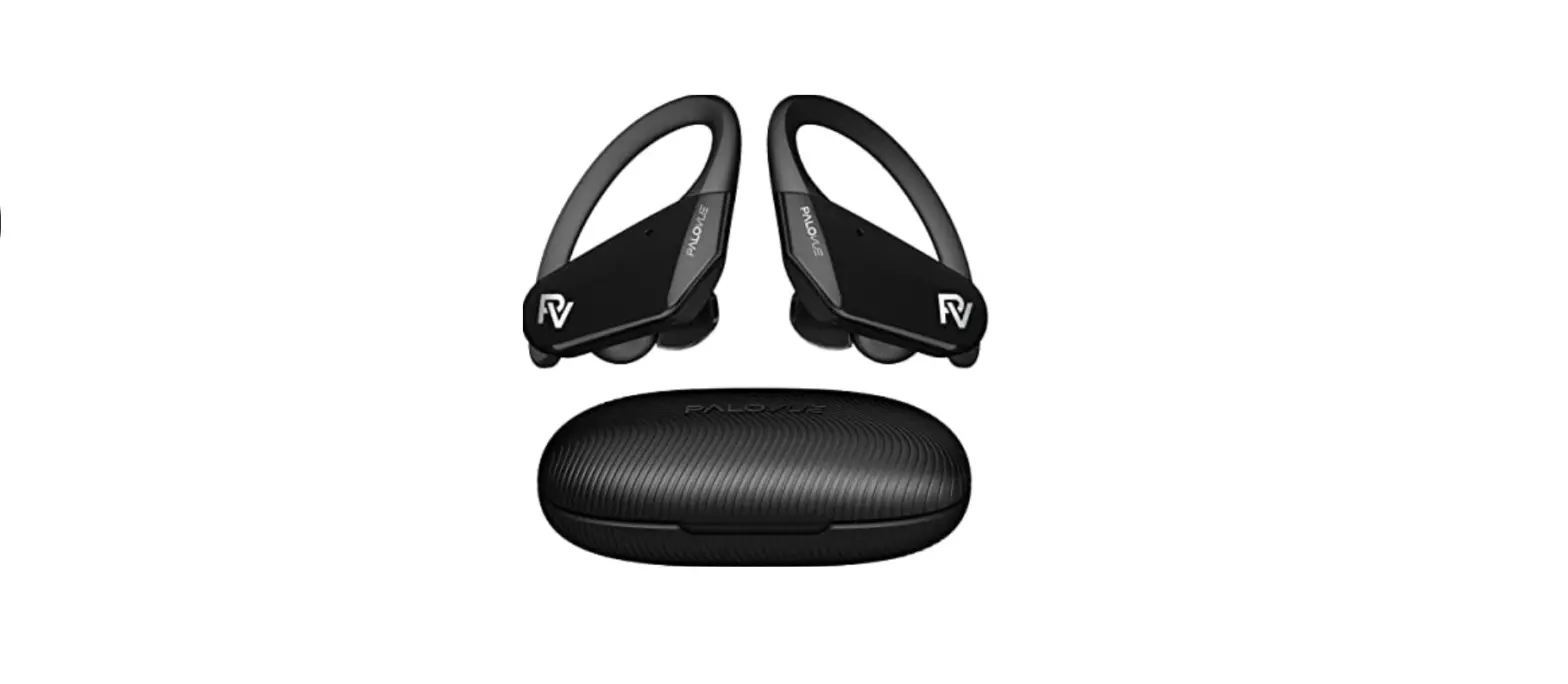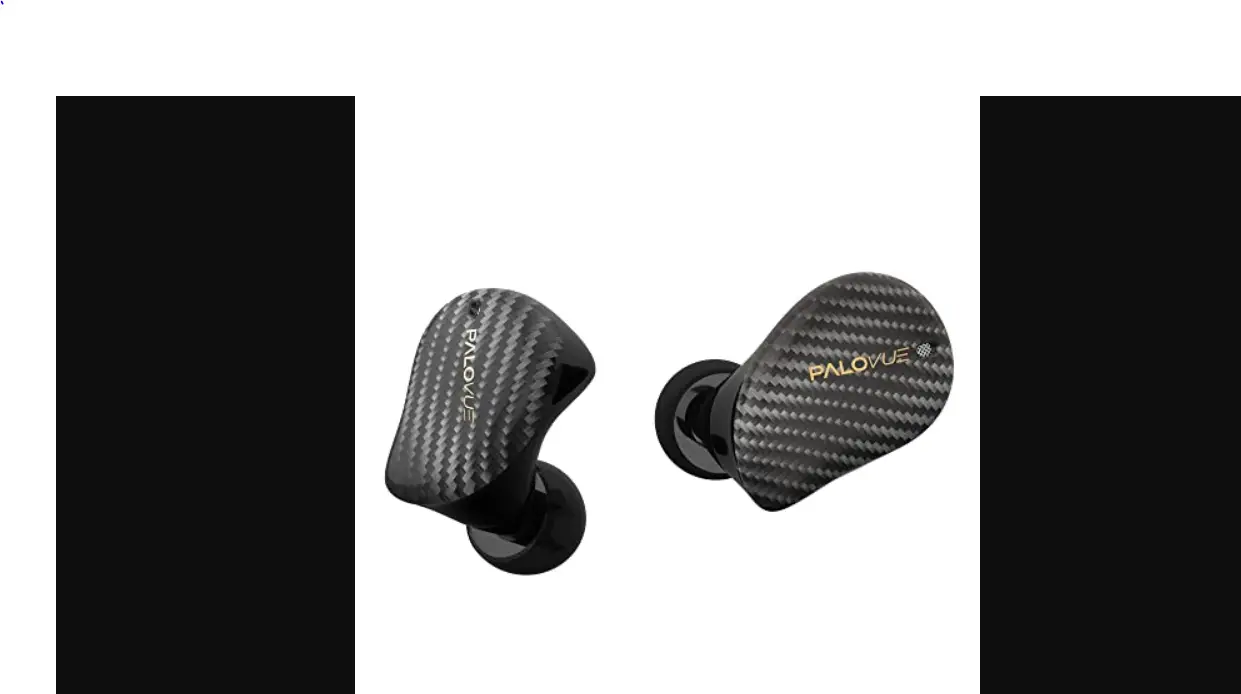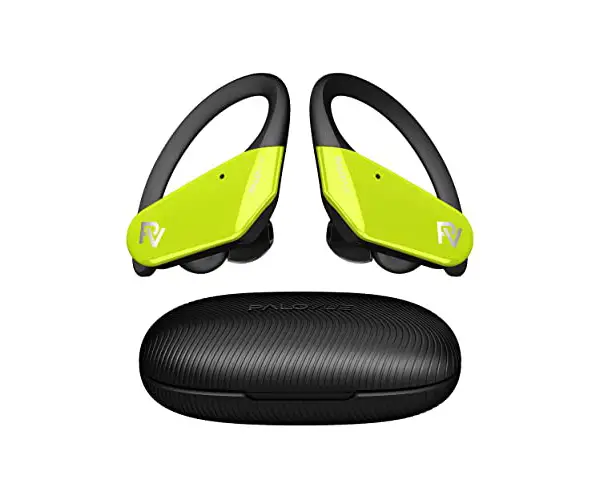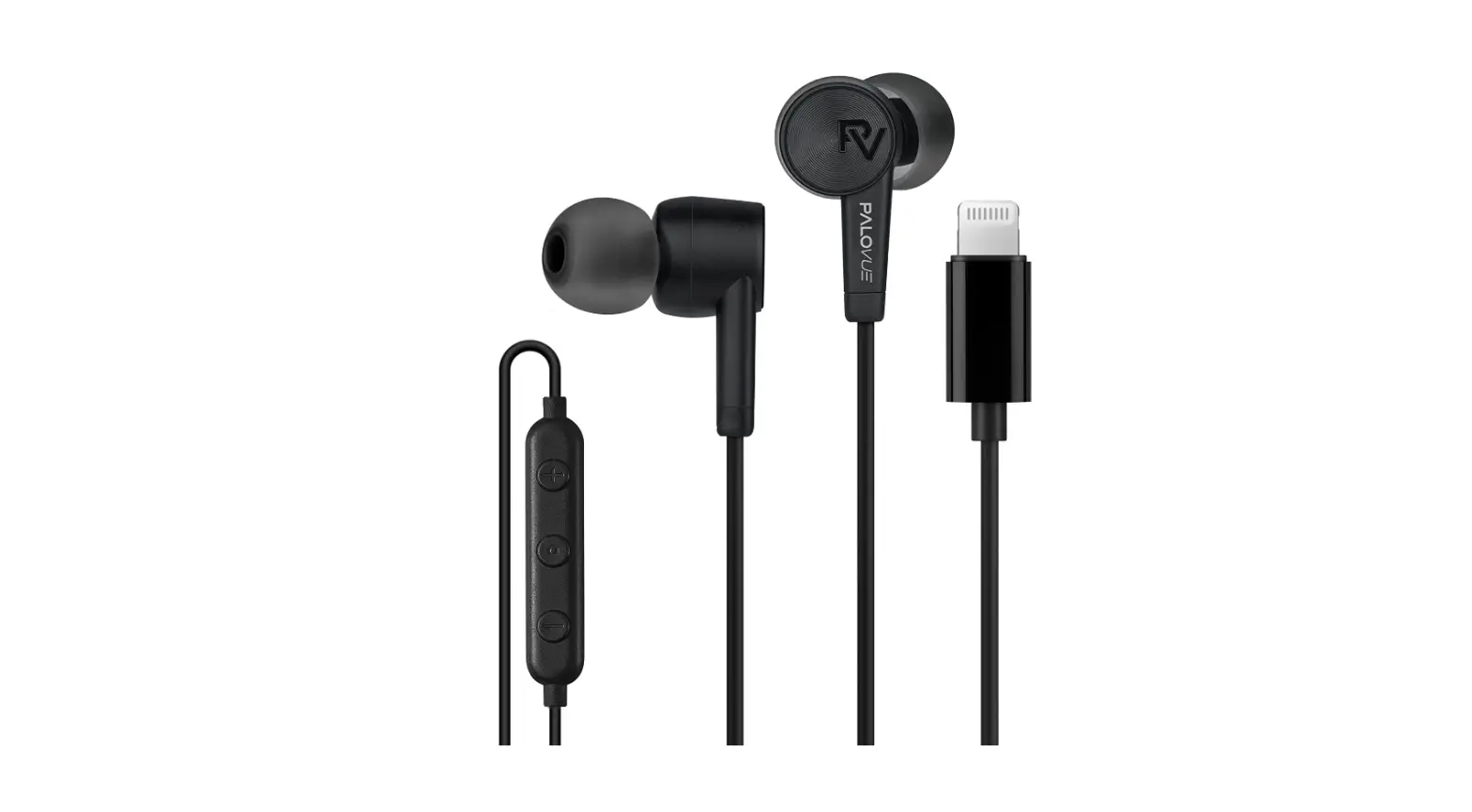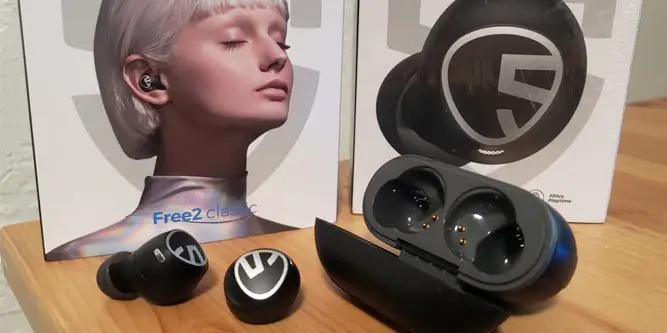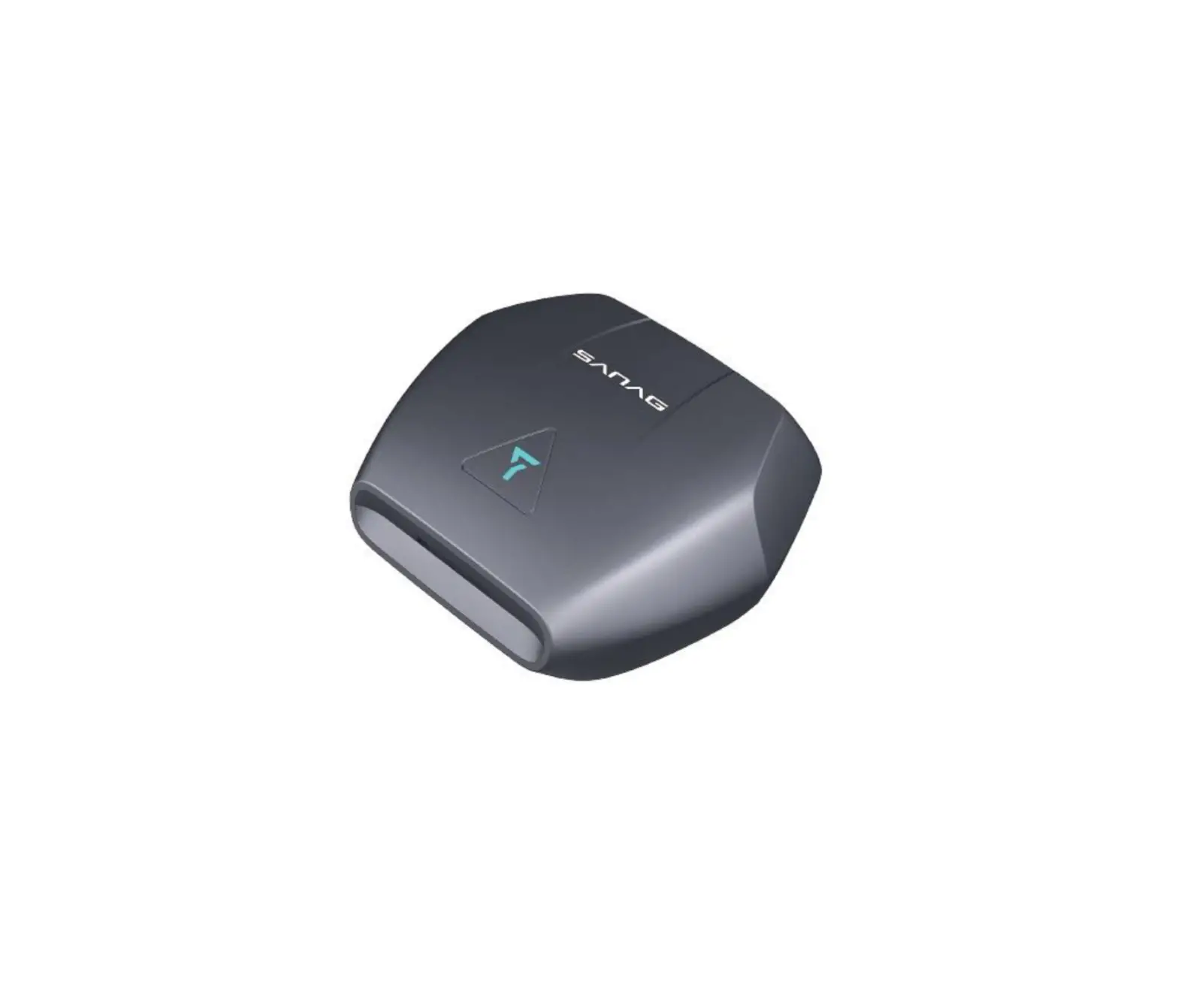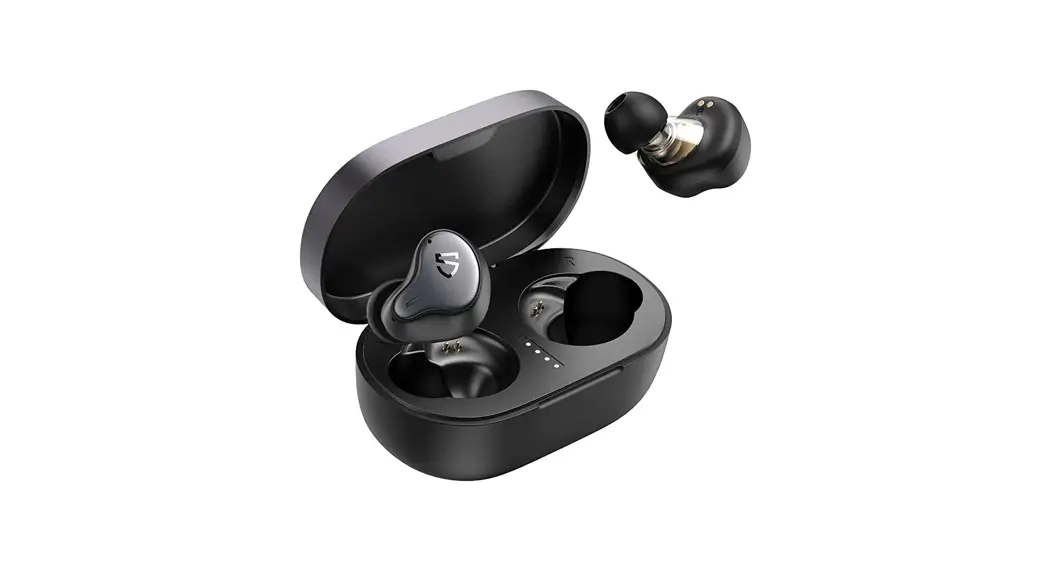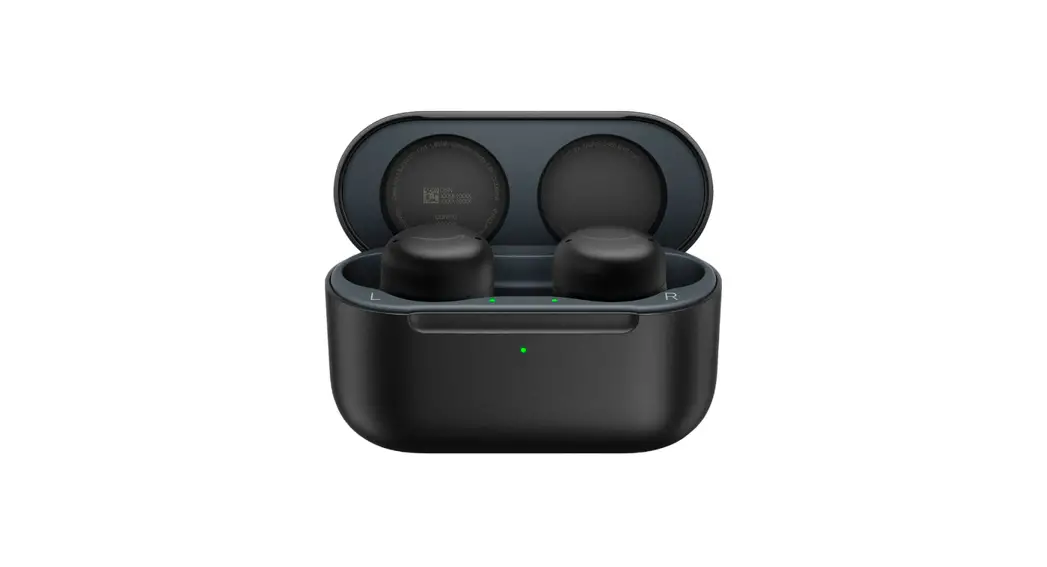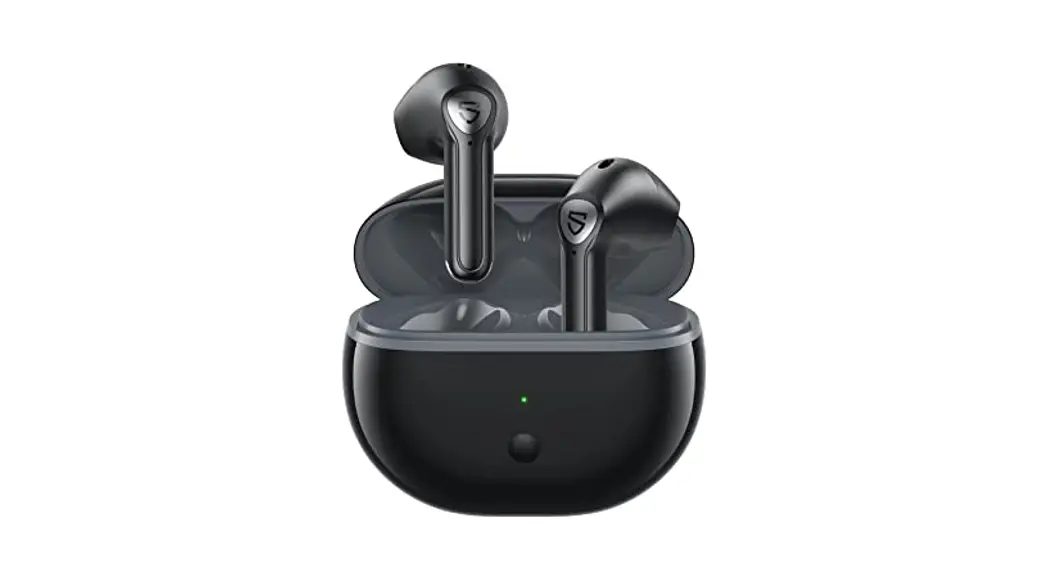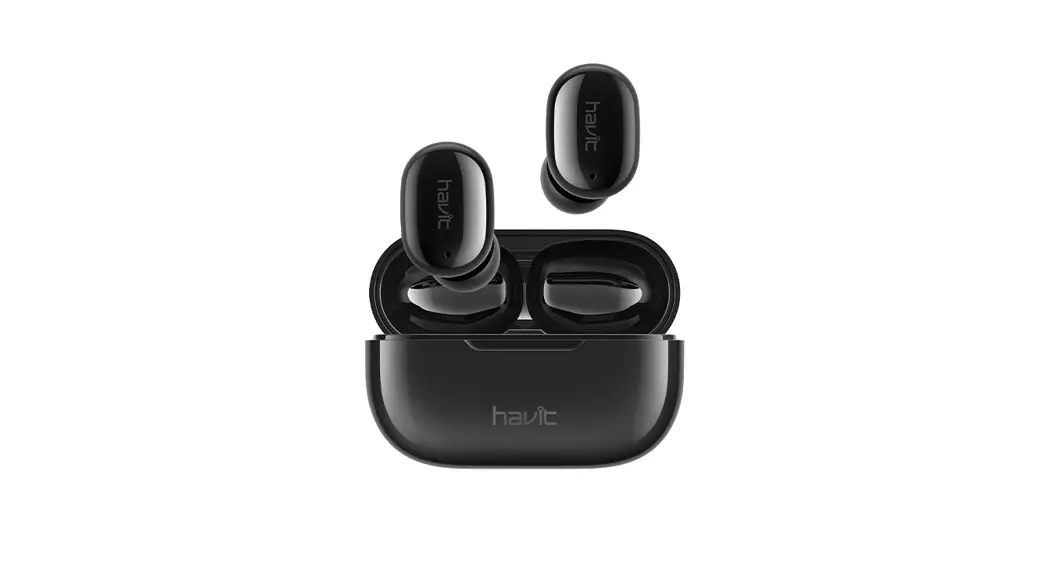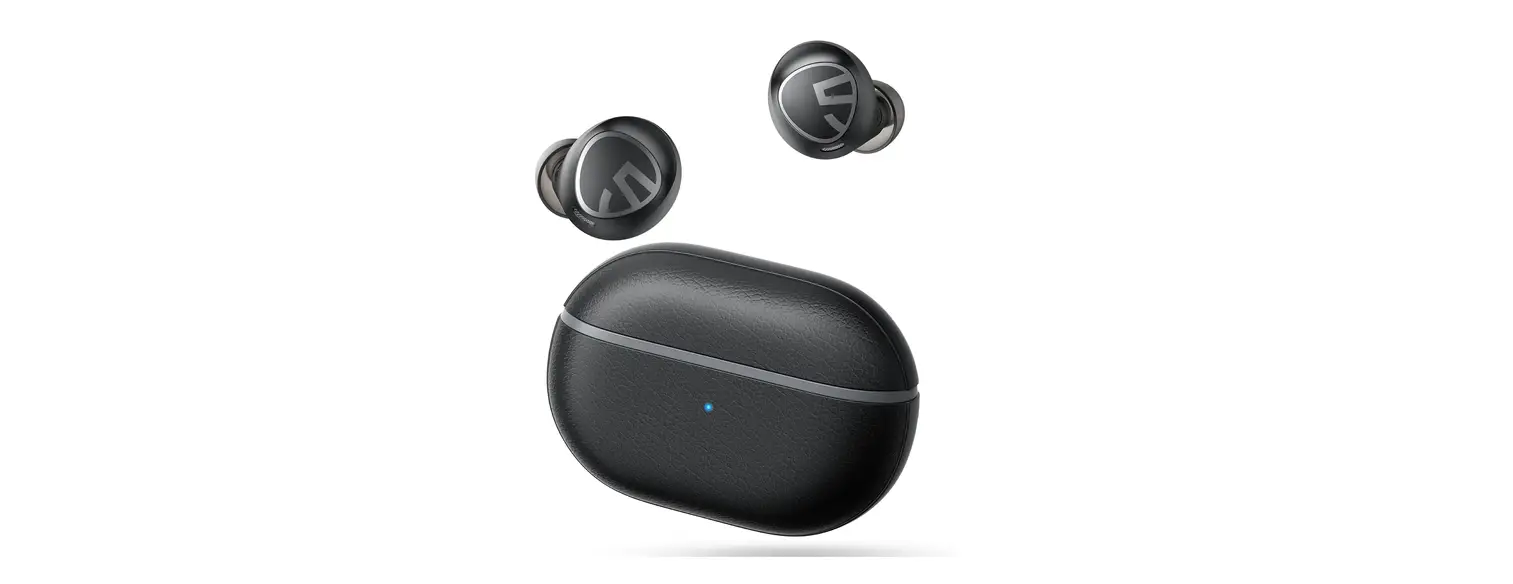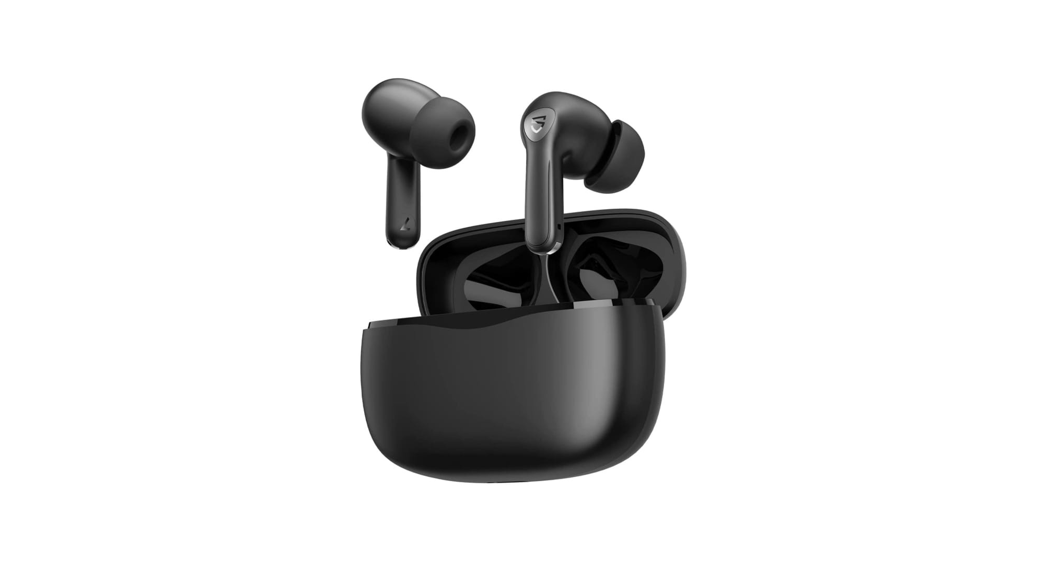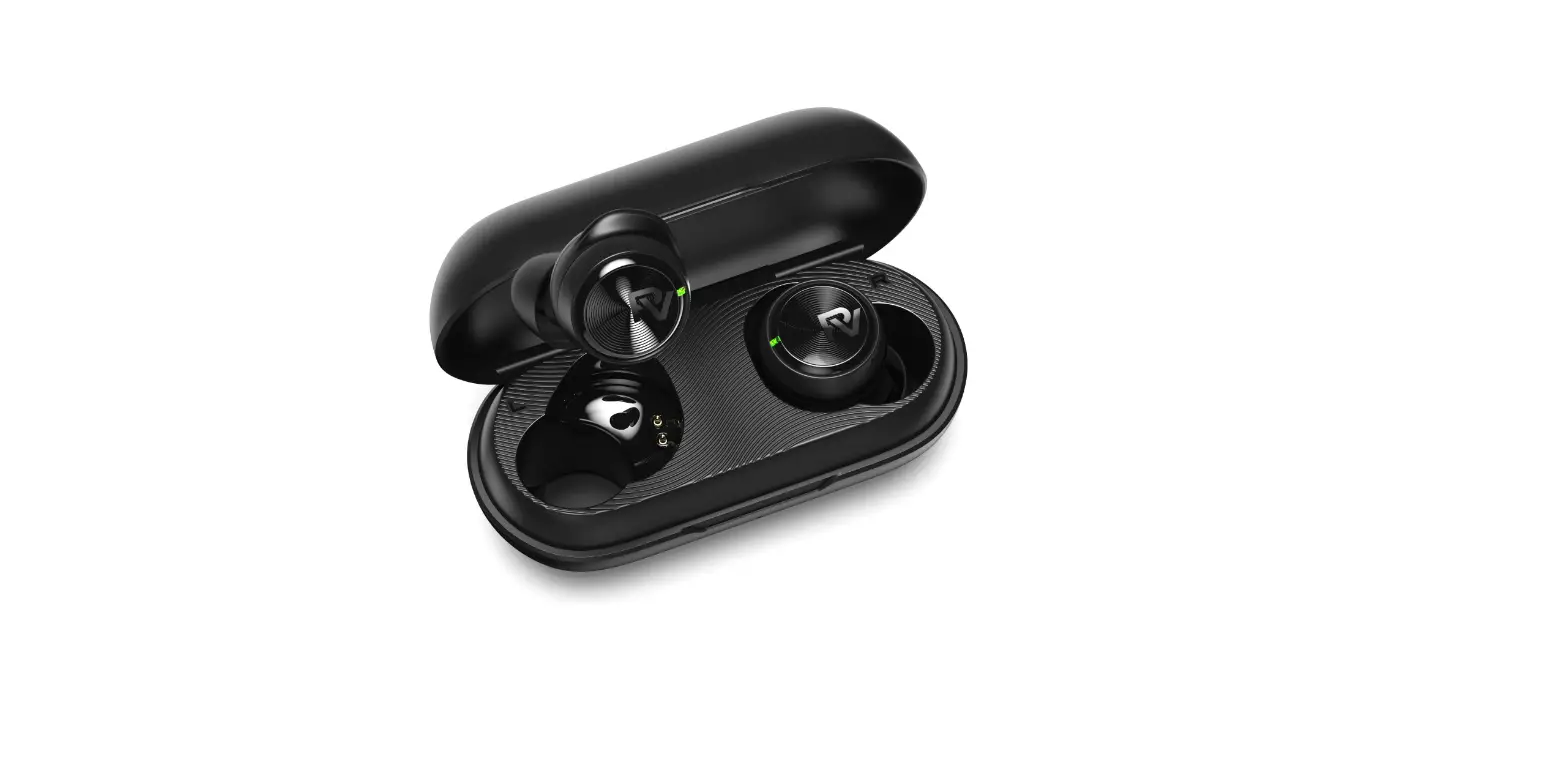

PALOVUE EarSound Wireless Earbuds
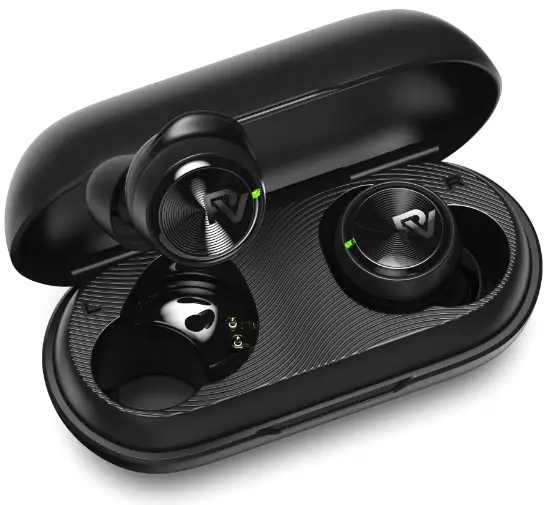
Ear Sound
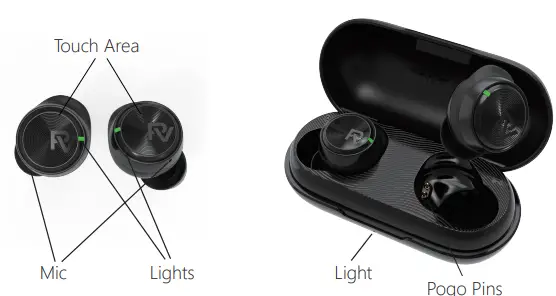
POWER ON GUIDELINES
Method 1: Open the cover of the charging case, take out the earphones and turn it on automatically.
Method 2: Press and hold the left or right earphone touch button for 3 seconds.
SHUTDOWN GUIDELINES
Method 1: Put the earphones back into the charging case and shut down automatically.
Method 2: The earphones automatically shuts down when the battery runs out. Method 3: Disconnect, and will shut down after 5 minutes automatically.
CHARGING GUIDELINES
Earphone charging: Put the earphone into the charging case, the red light on the earphone is always on to indicate that the earphone is successfully connected to the charging case, and the charging case will automatically charge the earphone.
Charging with the charging case: Close the charging case and connect the type-C charging cable to the charging port.
- Blue indicator light of the charging case flashes slowly = Charging
- Blue indicator light of the charging case is always on = Charged Fully
Charging case in a low battery indication: After the earphone is put into the charging box, the red light on the charging box flashes slowly for 4s and then goes out.
Note: The charging case will stop charging the earphone when it is low, the earphone in the charging case will automatically connect back to the last paired device at this time, please charge in time when the charging case has a low battery indication to avoid this phenomenon
PAIRING GUIDELINES
When using it for the fir st time, it needs to be paired and connected with the mobile phone. After using the earphone, open the charging case and take out the earphone, which will automatically connect with the connected mobile phone;
Method: Take out two earphones, put the two earphones back into the charging case, put the cover on the box, open the charging case again and take out the two earphones→ refresh the mobile phone device Bluetooth→ search for the “PALOVUE EarSound” Bluetooth device in the Bluetooth list, click pairing.
Pairing with another device: Turn off the Bluetooth of the original device A, the headset will automatically disconnect and enter the pairing mode→ refresh the Bluetooth device list of another device B→ search for the “PALOVUE EarSound” Bluetooth device in the Bluetooth list, and click pairing.
- The connection is successful or the reconnection is successful, and the earphone prompts: “Connected”.
Note: it is not supported to connect two devices at the same time. The next time you turn on the device, it will be connected to the last paired device by default.
DETAILED GUIDELINES
Play & Call Touch Control
| Play music | Call | Other functions | |
| One tap on the left earphone | Volume “-“ | ||
| One tap on the right earphone | Volume “+“ | ||
| Double-tap on the left/right earphone | Play/Pause | Answer/ Hang up | |
| Triple-tap on the left/right earphone | Voice assistant turn on/ off | ||
| Long press the left earphone for 1.5 seconds | Last song | Reject | |
| Long press the right earphon for 1.5 seconds | Next song | Reject | |
| Long press the left/right earphone for 3 seconds | Power on | ||
SPECIFICATION
| Earphone weight (single): 4g | Charging case weight: 28g |
| Earphone weight with charging case: 36g | Charging case size: 71.98*Ø33.39mm |
| Earphone size: 24.82*17.79*19.9mm | Charging case battery capacity: 380 mAh |
| Earphone battery capacity (single): 43 mAh | Charging case charging time (wired): 2 hours |
| Earphone charging time: 1.5 hours | Quick charge: 15 minutes= 1 hour 30 minutes playback time |
| Playing time single ear full charge: 6 hours | With charging case full charge: 32 hours |
| Speaker impedance: 16Ω | Audio decoding: SBC, AAC |
| Communication distance: 10 meters (in an open environment) | Bluetooth protocol: HFP / A2DP / AVRCP |
| Rated input: 5V 500mA | Operating temperature: 0 ℃ ~ 45 ℃ |
| Frequency response range: 20Hz~20KHz | |
- Please regularly clean the pogo pins of the earphone and the charging port with a dry paper towel to avoid poor contact due to dirt.
- If the other party finds that your voice is too low during the call, please try to adjust the wearing position of the earphone.
- After receiving the product, please put the earphones back into the charging case for charging, which can ensure the effective use of the product.
SUPPORT
If you have any questions, please contact the PALOVUE support team and we will get back to you within 24 hours.
Email: [email protected]
Official website: www.palovue.com
FCC WARNING
Changes or modifications not expressly approved by the party responsible for compliance could void the user’s authority to operate the equipment.
NOTE: This equipment has been tested and found to comply with the limits for a Class B digital device, pursuant to Part 15 of the FCC Rules. These limits are designed to provide reasonable protection against harmful interference in a residential installation. This equipment generates, uses, and can radiate radio frequency energy and, if not installed and used in accordance with the instructions, may cause harmful interference to radio communications. However, there is no guarantee that interference will not occur in a particular installation. If this equipment does cause harmful interference to radio or television reception, which can be determined by turning the equipment off and on, the user is encouraged to try to correct the interference by one more of the following measures:
- Reorient or relocate the receiving antenna.
- Increase the distance between the equipment and receiver.
- Connect the equipment into an outlet on a circuit different from that to which the receiver is connected.
- Consult the dealer or an experienced radio/TV technician for help.
Note: If shielded cables or special accessories are required for compliance,a statement must be included which instructs the user to employ them,for example,shielded cables must be used with this to ensure compliance with the Class B FCC limits.
This device complies with Part 15 of the FCC Rules.Operation is subject to the following two conditions:
- This device may not cause harmful interference,and
- This device must accept any interference received, including interference that may cause undesired operation.
Brand: PALOVUE
Model: PALOVUE EarSound
Name: Wireless Earbuds
FCC ID: 2ARYG-EARSOUND
FONERIC UNITED TECHNOLOGIES Co.,Ltd MADE IN CHINA
 PaloVue - Audio Pioneer