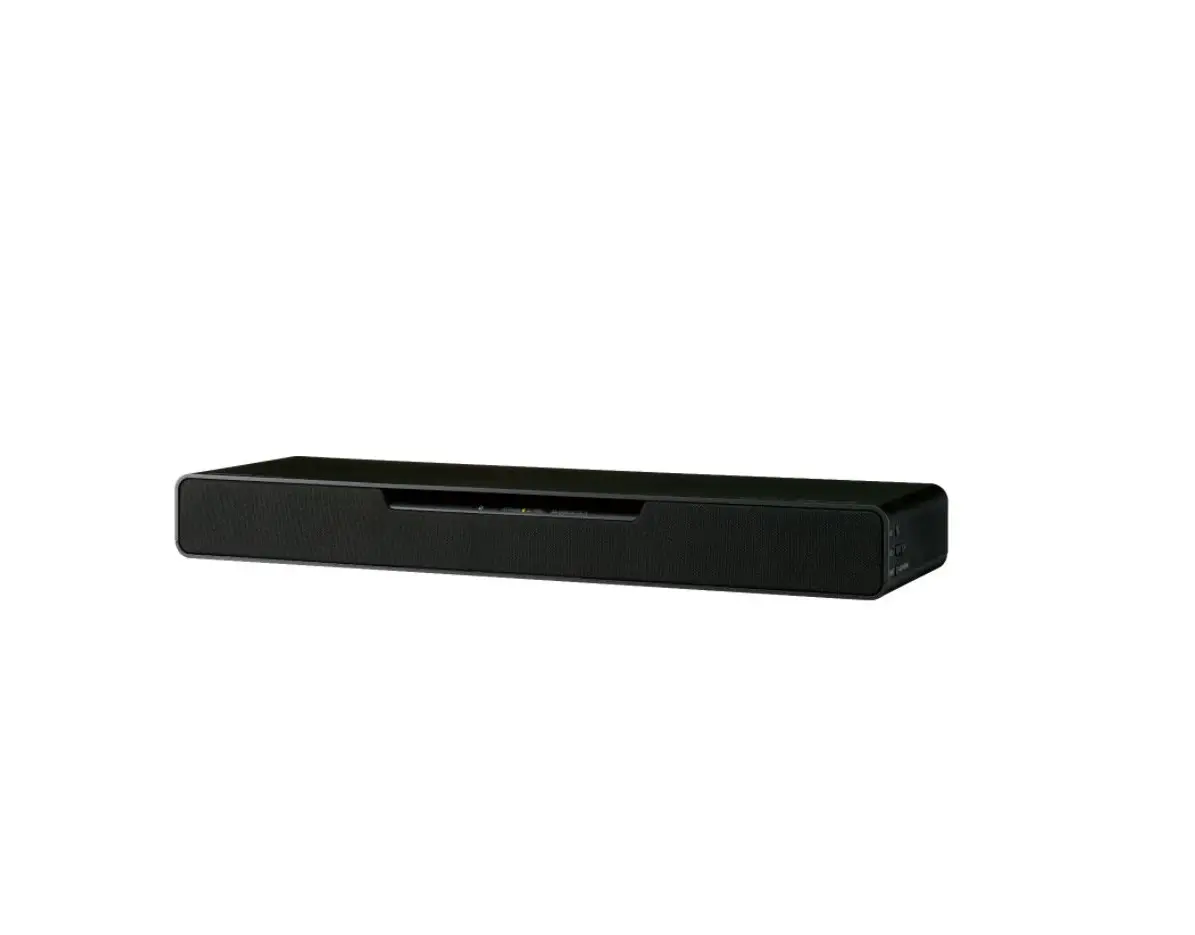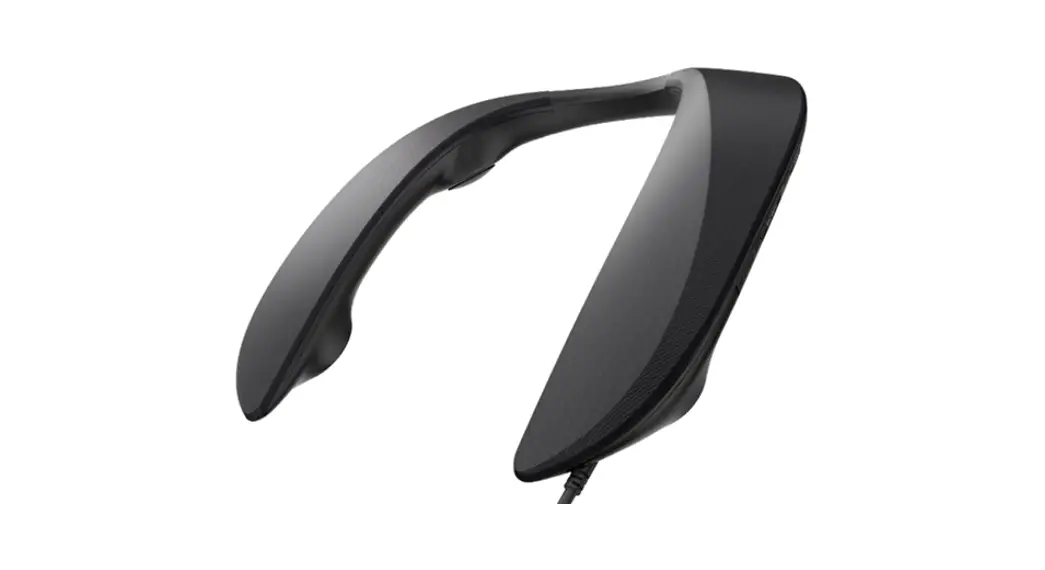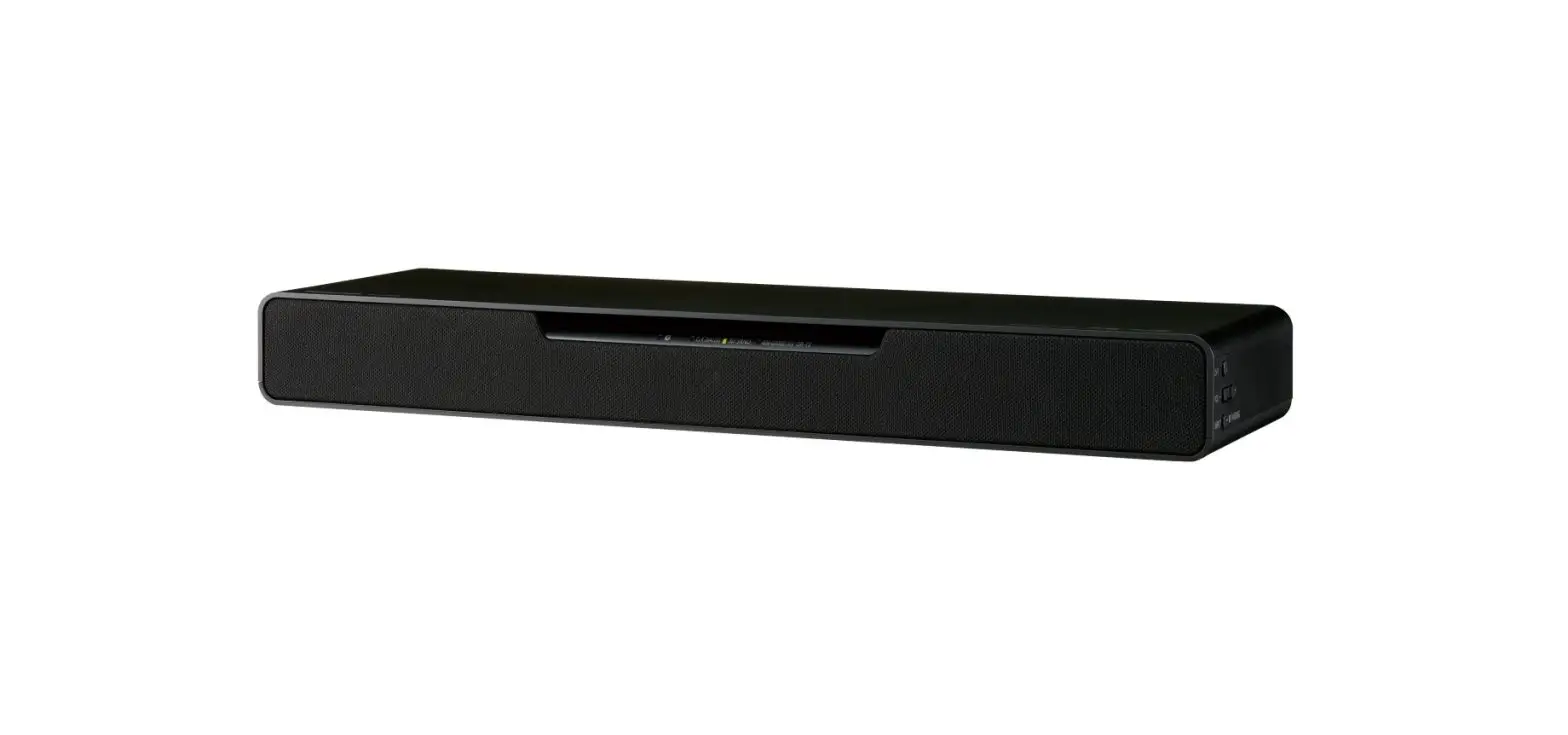


QUICK START GUIDE |
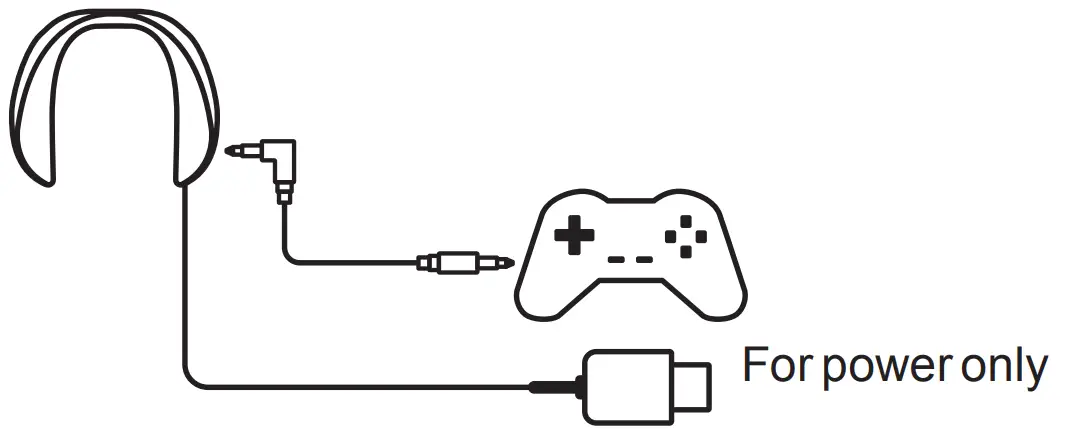
CONNECTING TO A CONSOLE
For PC • PS4 • PS5
Nintendo Switch (TV mode)
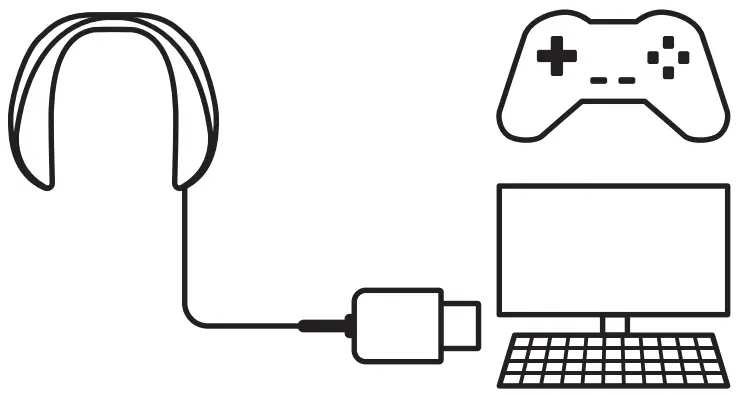
*Connection to USB3.0 port is recommended.
Please note: The audio output For PS4/PS5 must connect to a USB port on the back of the console.
For Xbox One. Series S/X
Nintendo Switch (Tabletop / Handheld mode /Portable)
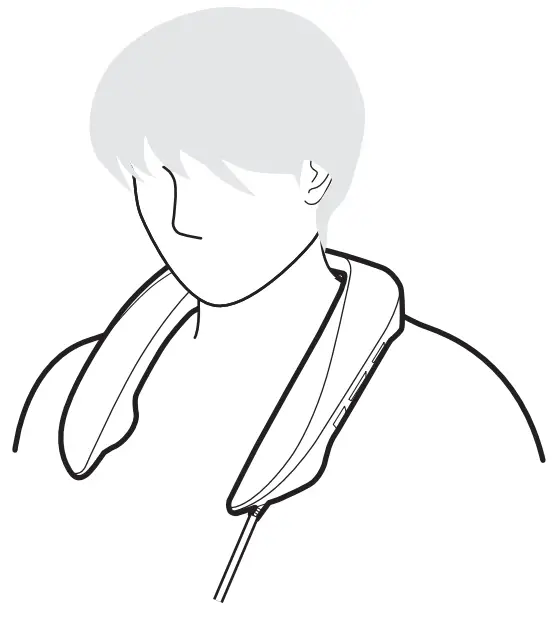
POSITIONING
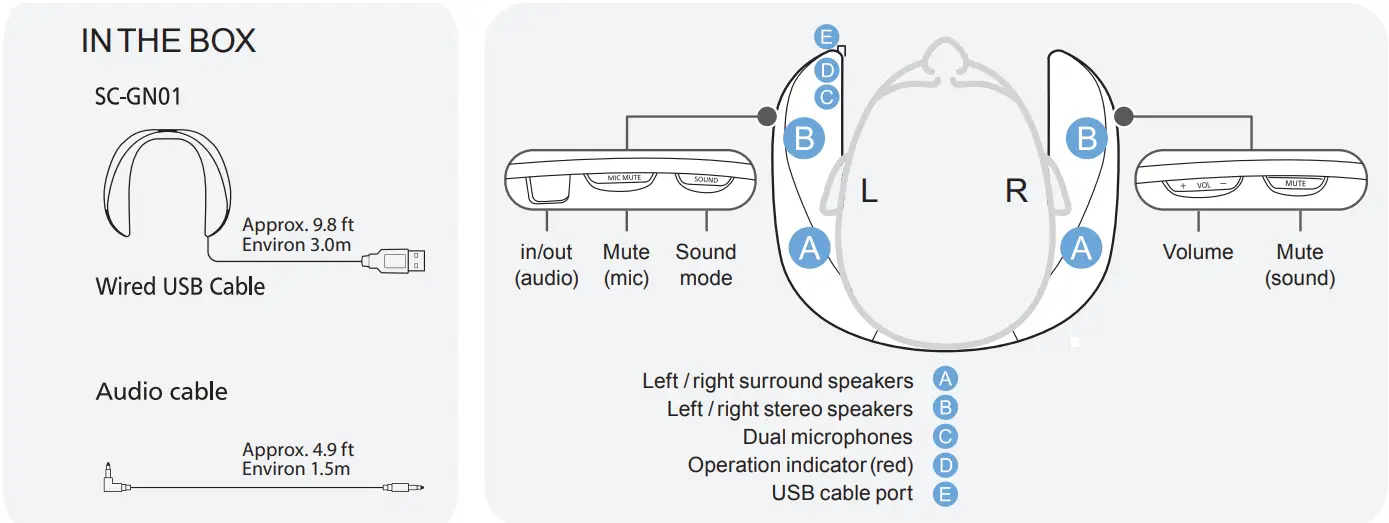
BASIC OPERATION
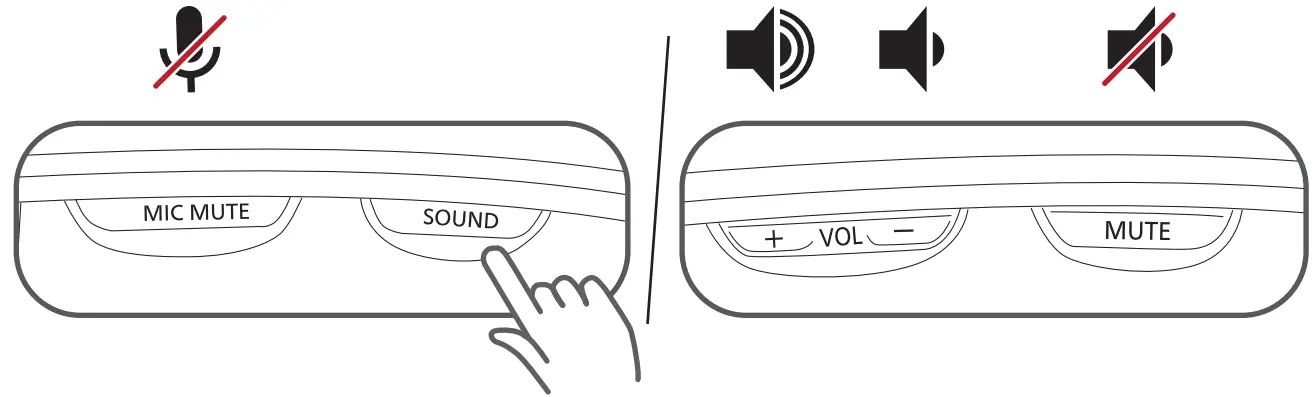
| Role-playing games | RPG x1 |
| First-person shooter games | FPS x2 |
| Enhances voice/easier to hear | Voice x3 |
| 2 channel stereo sound for music | Music x4 |
| Immersive surround sound and power | Cinema x5 |
| Stereo output | STEREO x6 |
WHEN CONNECTING TO A PC (1st time only)
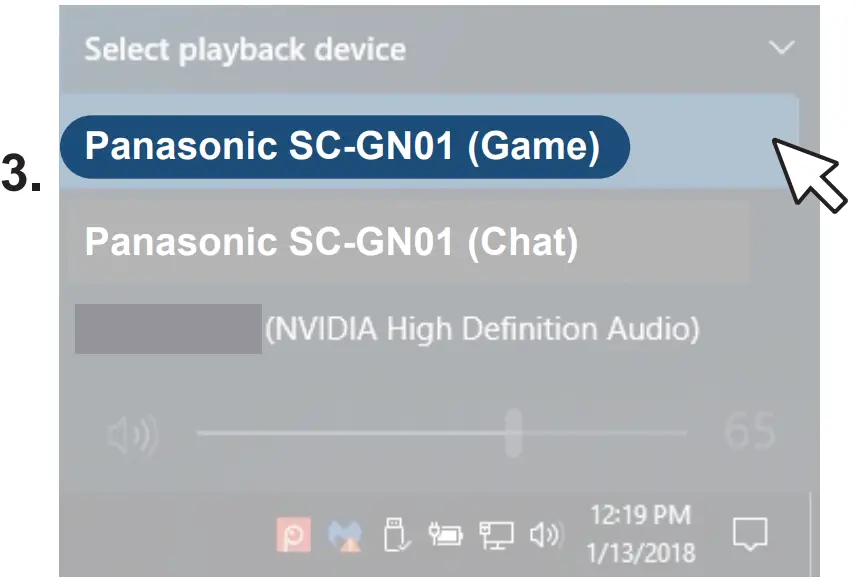
The default Windows setting is SC-GN01 (Chat)*.
In order to experience surround sound, change the setting to “Game”
*SC-GN01 (Chat) setting will optimize voice playback for clear communication during the video calls.
Click the Volume icon on the taskbar notification area.

Click the expansion arrow above the master volume control.
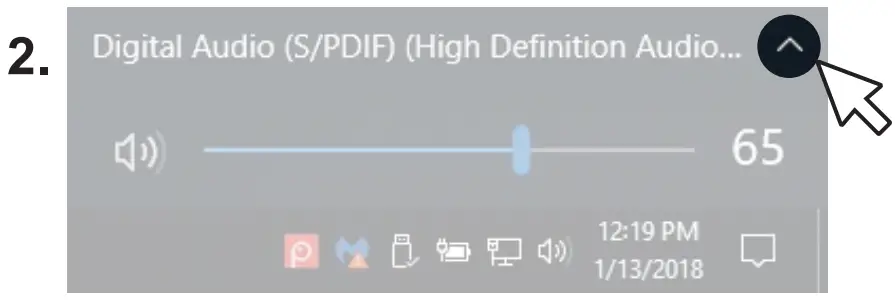
Select Panasonic SC-GN01 (Game).
SPEAKER SOUND ADJUSTMENT
Adjust speaker sound positioning forwards or backward for a custom surround audio experience
- Press the [MIC MUTE] and [MUTE] buttons at the same time
- Press [+ VOL] to set sound position forwards Press [VOL -] to set the sound position backward
- Press any button other than [+ VOL -] to save settings
LOW VOLUME LEVELS
(Console Troubleshooting)
Please ensure you have followed steps 1-3. If volume levels are still low, please check headset volume in the audio settings of your console.