
QUICK START GUIDE
001 WHAT’S IN THE BOX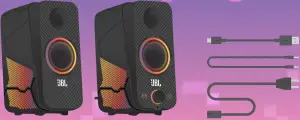
002 Product tour
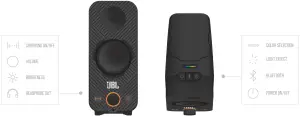
003 SET UP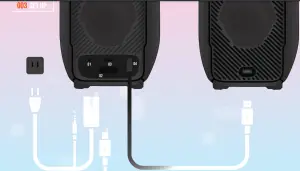
004 connection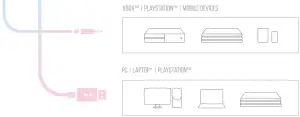
*Compatible OS: Windows 7 or above and MAC OS
• If you are using Windows 10 and software version 1809 or later, no computer software installation is required.
• If you are using Windows 7, Windows 8.1, or Windows 10 with a software version earlier than 1809, the driver cannot be automatically installed. Please visit the JBL.com.support page to download the USB driver for manual installation.
005 PLAY SURROUND SOUND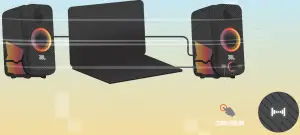
006 color selection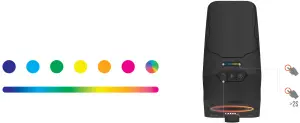
007 Light effect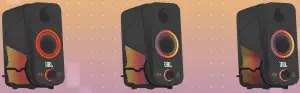
Solid
The lighting is static, it will not sync with audio
wave
The lighting will travel back and forth with the default spectrum of colors, it resonates with music with a breathing effect
FLOW
The lighting will scroll in the direction selected with the default spectrum of colors, it resonates with audio on and out
008 Bluetooth pairing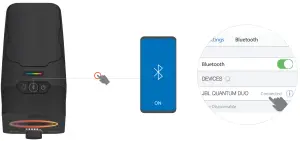 PRESS AND HOLD BLUETOOTH BUTTON > 3s TO PAIR ANOTHER DEVICE
009 Listen via your headphone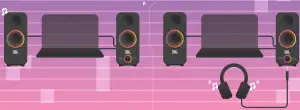
TECH SPEC
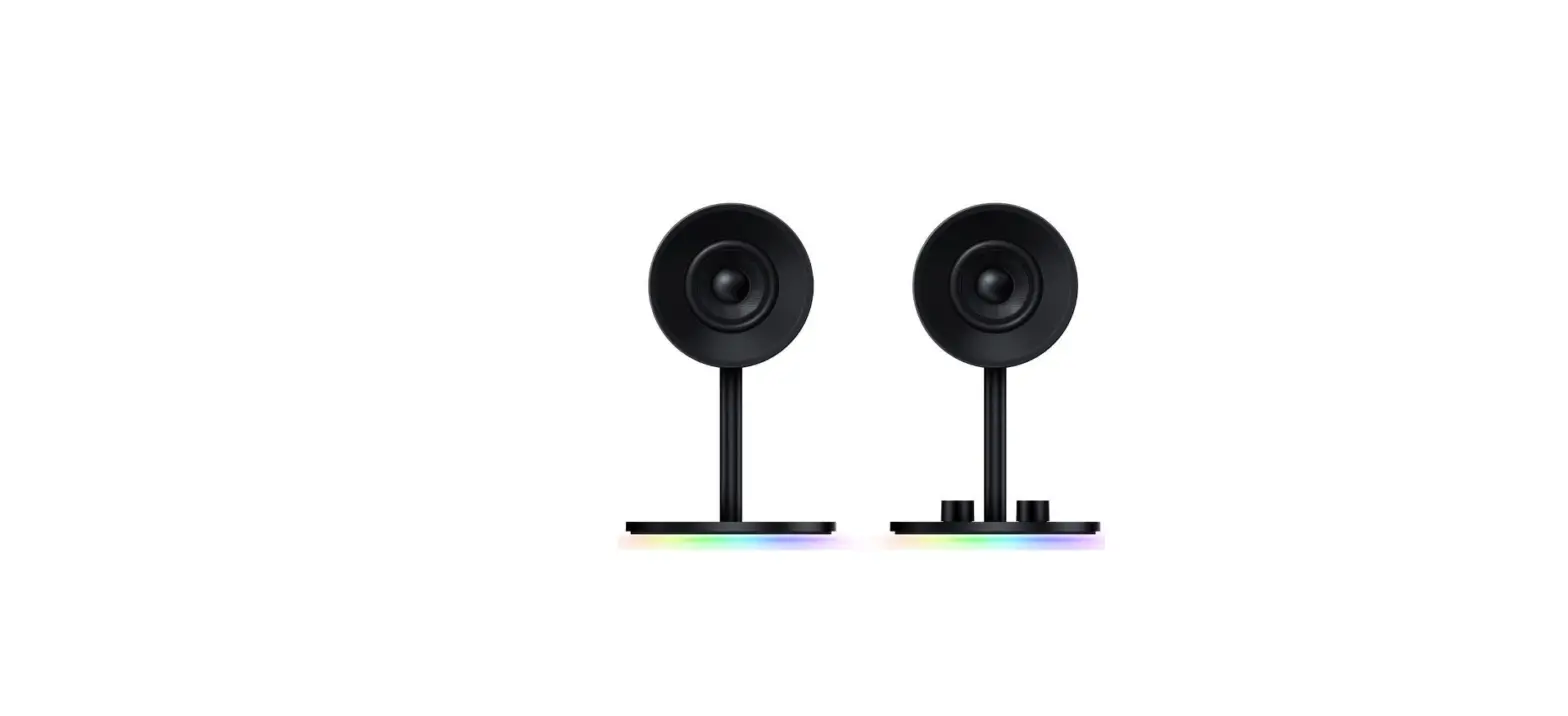
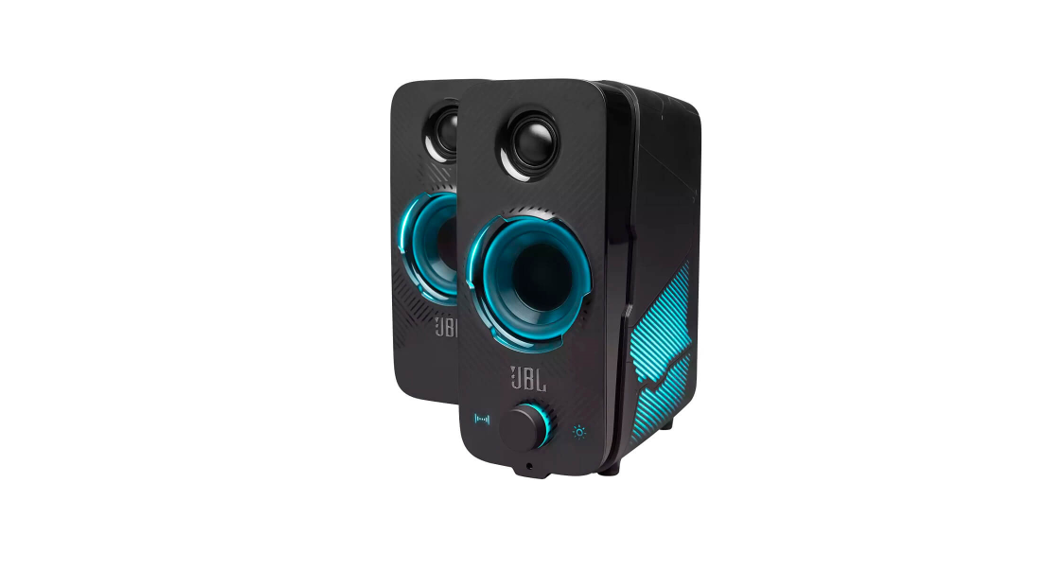
| Model No.: Transducers: Rated output power: Frequency response: Signal-to-noise ratio: Power input: Bluetooth version: Bluetooth profile: Bluetooth transmitter frequency range: Bluetooth transmitter power: Bluetooth transmitter modulation: Dimensions (W x H x D): Weight: | JBL Quantum Duo 2.5” woofer, 0.75” tweeter 20 W RMS 60 Hz – 20 KHz > 80 dB 100 – 240 V AC, 50 / 60 Hz, 26 W 4.2 A2DP V1.3, AVRCP V1.5 2402 MHz – 2480 MHz < 12 dBm GFSK, π/4 DQPSK, 8DPSK 89 x 210 x 176 mm each 2.8 kg |

Manufactured under license from Dolby Laboratories. Dolby, Dolby Audio, and the double-D symbol are trademarks of Dolby Laboratories
The Bluetooth® word mark and logos are registered trademarks owned by Bluetooth SIG, Inc., and any use of such marks by HARMAN International Industries, Incorporated is under license. Other trademarks and trade names are those of their respective owners.
JBL_QUANTUM DUO_QSG_Global_CR_V14