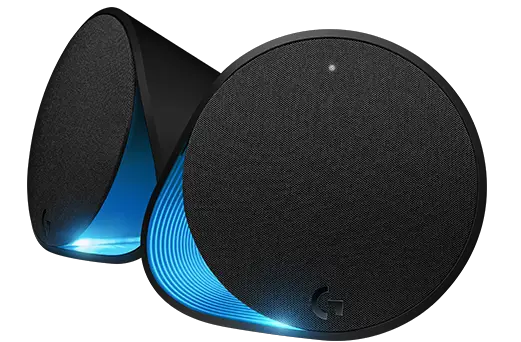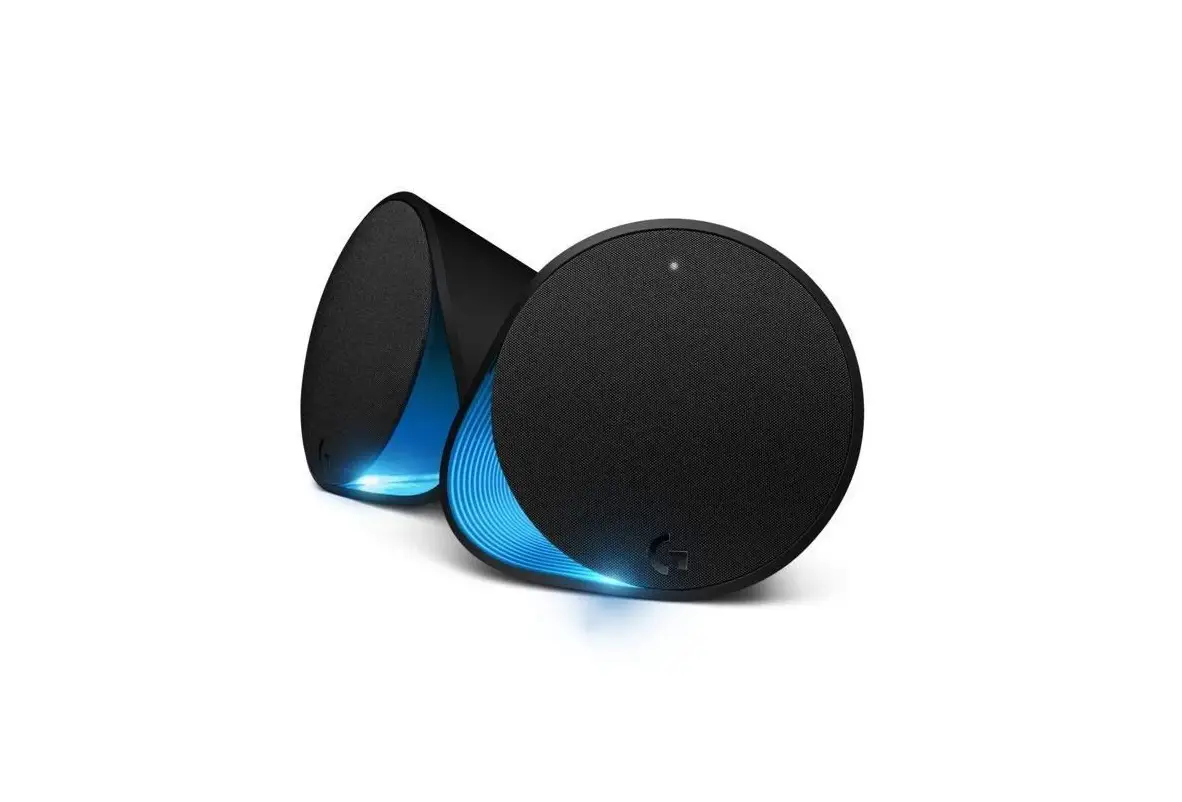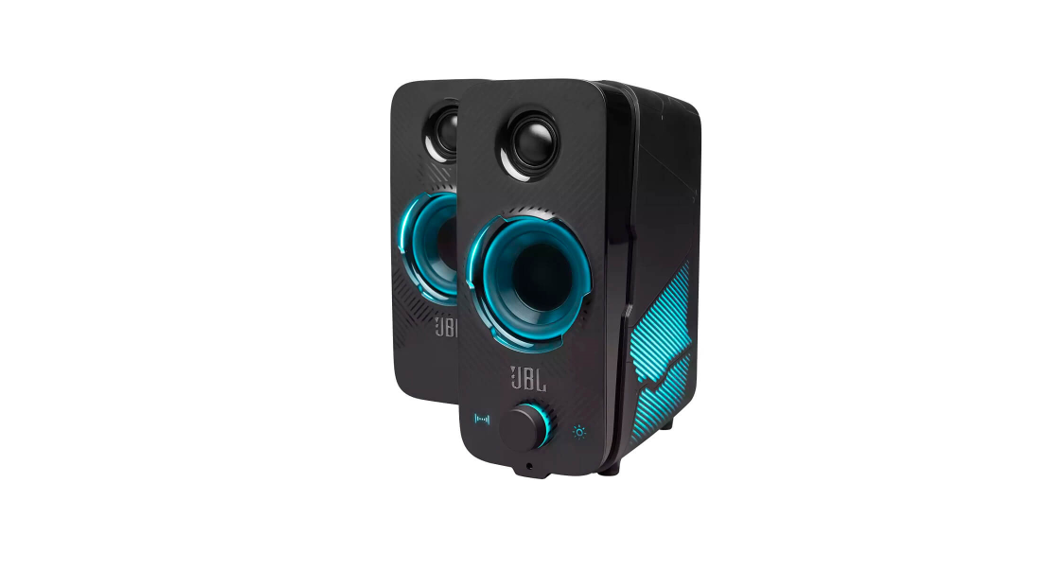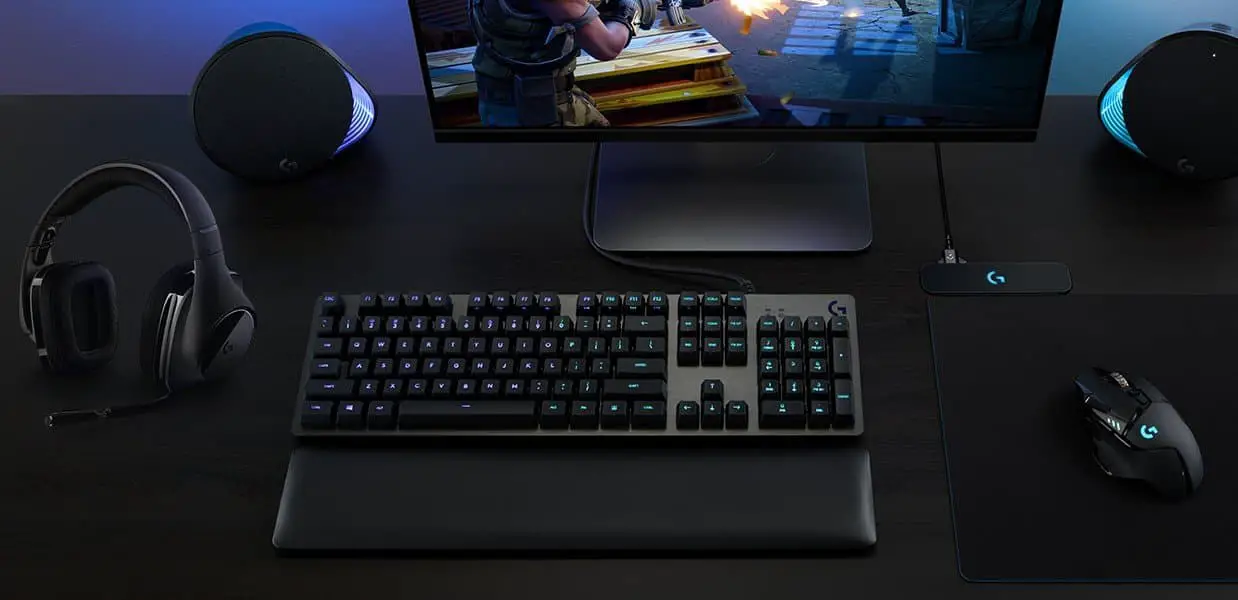

Logitech G560 Gaming Speaker
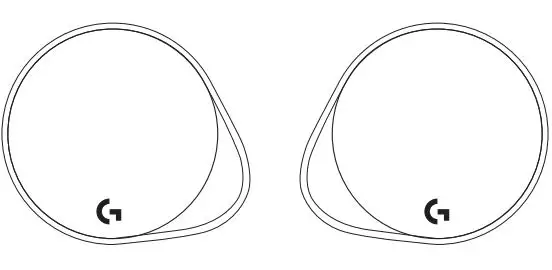
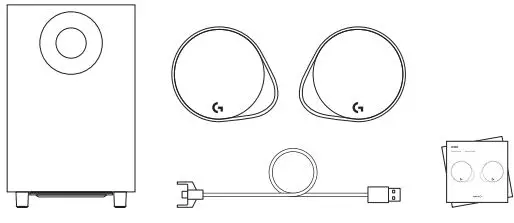
WHAT’S IN THE BOX
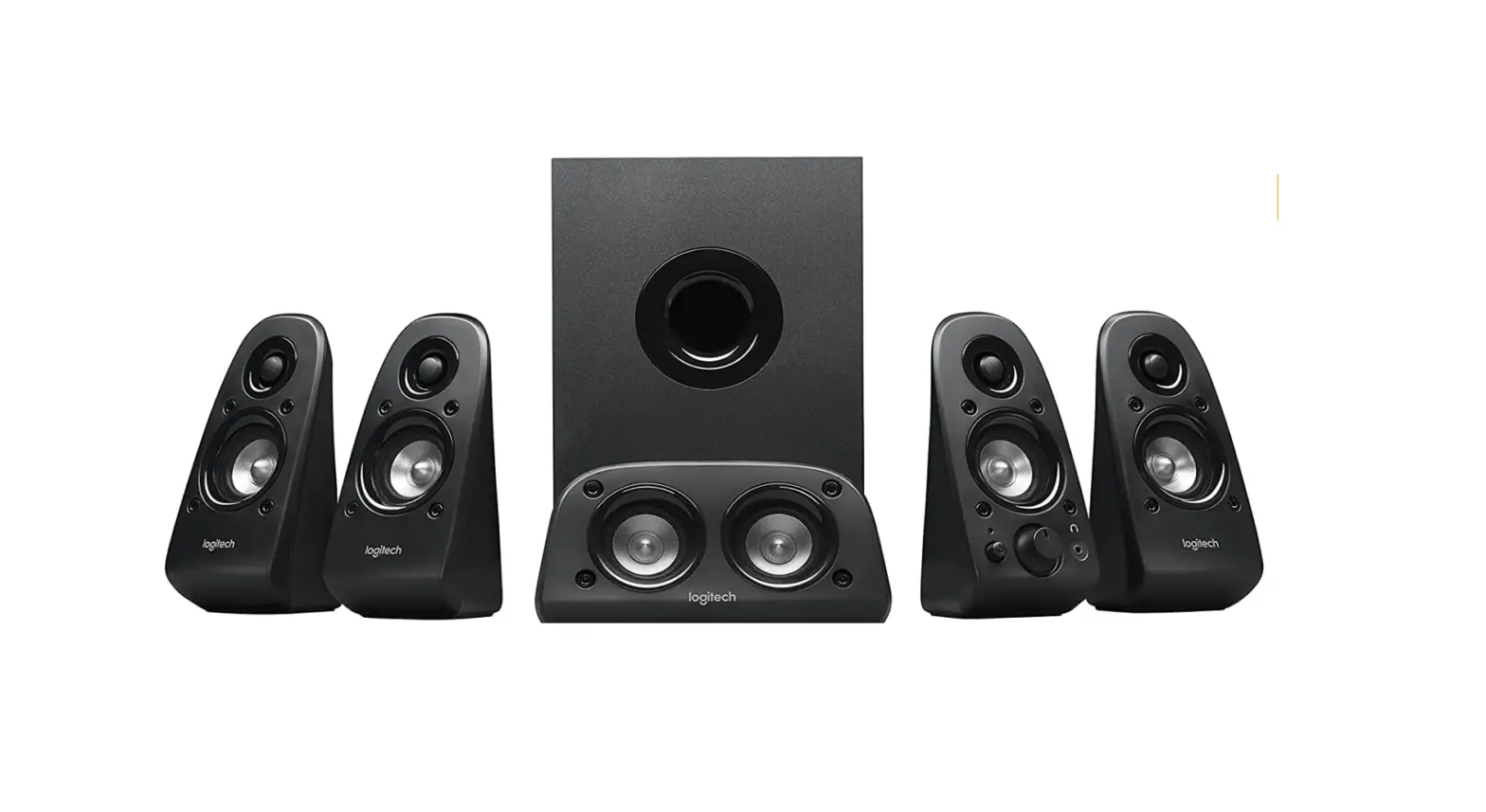
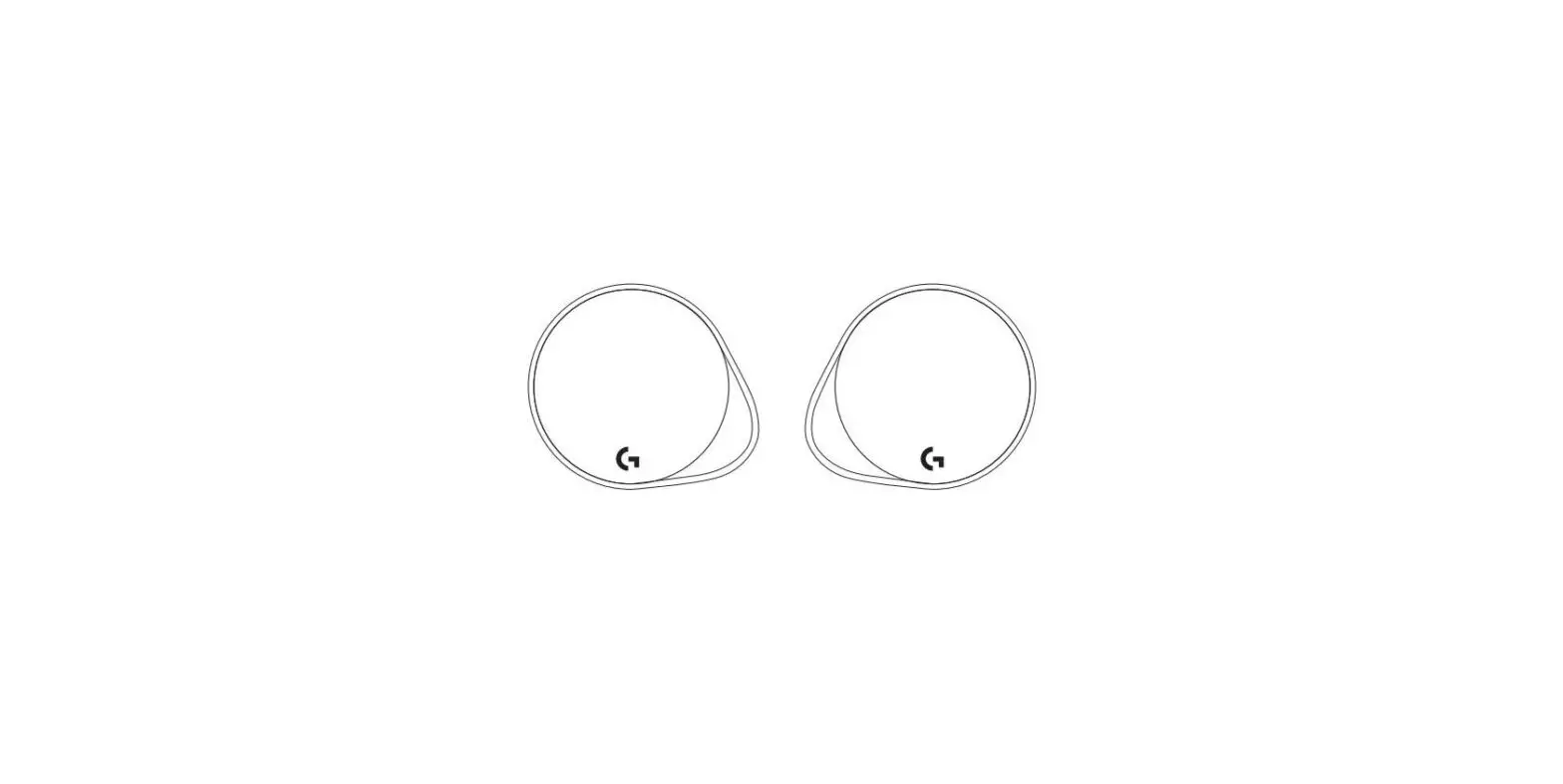
- Two satellite speakers
- One subwoofer with a power cable
- USB cable
- User documentation

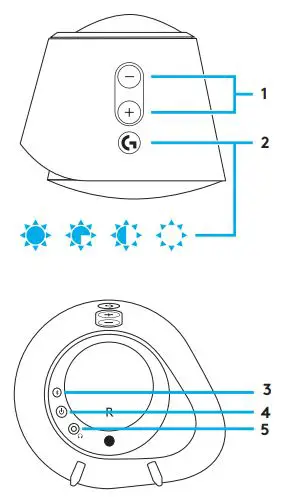
CONTROLS
- Volume
Adjust the volume up and down with the volume key - G-key
Press G-key to dim the brightness of the LED lights from 100% to zero Customize G-key through LGS - Bluetooth
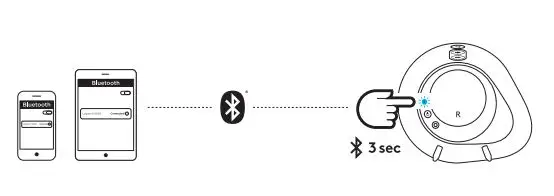
Hold the Bluetooth button down for 3 seconds to pair with your Bluetooth enabled device - Power
Turn speakers on and off - Headphone jackUse the headphone jack on back of right satellite to connect wired headphones to G560

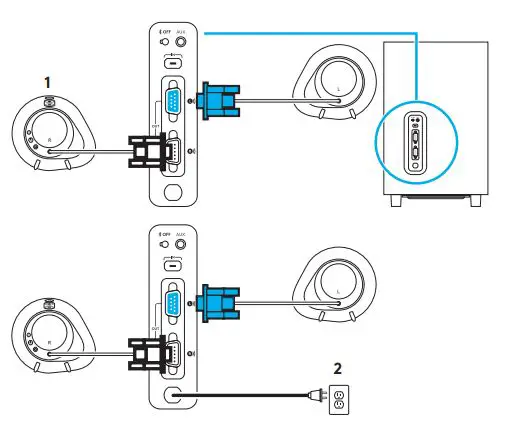
SETUP
- Connect left and right satellites to subwoofer
- Plug power cord in to AC power outlet

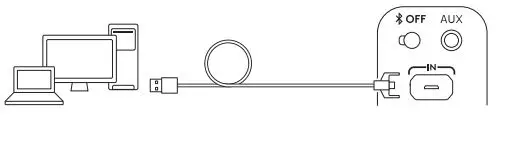
USB CONNECTION
- Connect to PC/laptop with the USB connection to take advantage of full lighting and sound experience with LGS Software
- Go to www Logitech G com/ support/G560 to download the latest LGS software
BLUETOOTH® CONNECTION
For wireless streaming, use the Bluetooth connection
- Press and hold the Bluetooth button located on the back of the right speaker for 3 seconds
- Under Bluetooth settings on your device select G560 Gaming Speaker
5MM CONNECTION
For the 3 5mm connection use the port labeled AUX on the back of the subwoofer (3 5mm cable not included)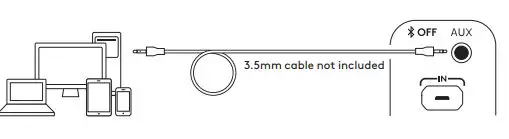
 Logitech G | Advanced Gaming Experiences for All