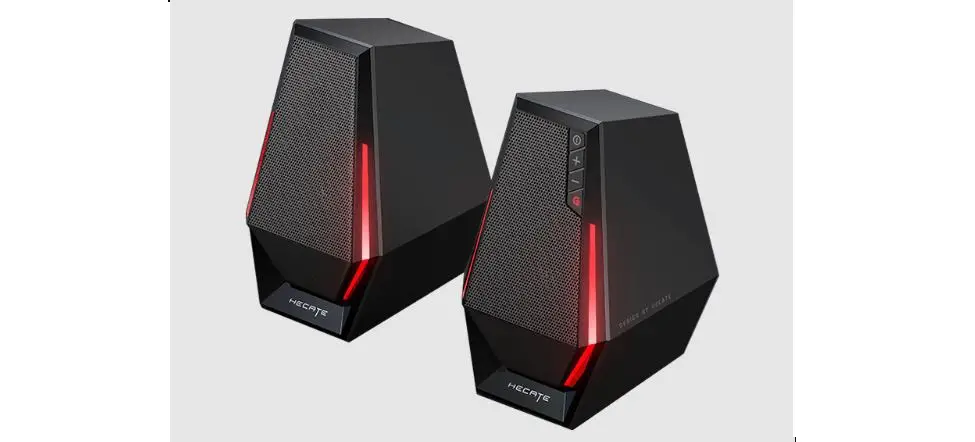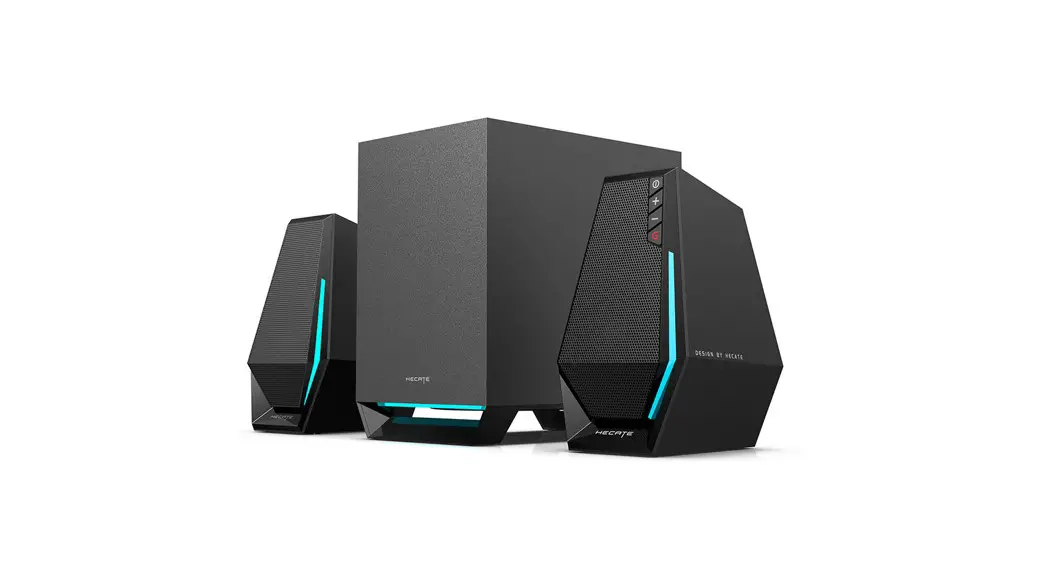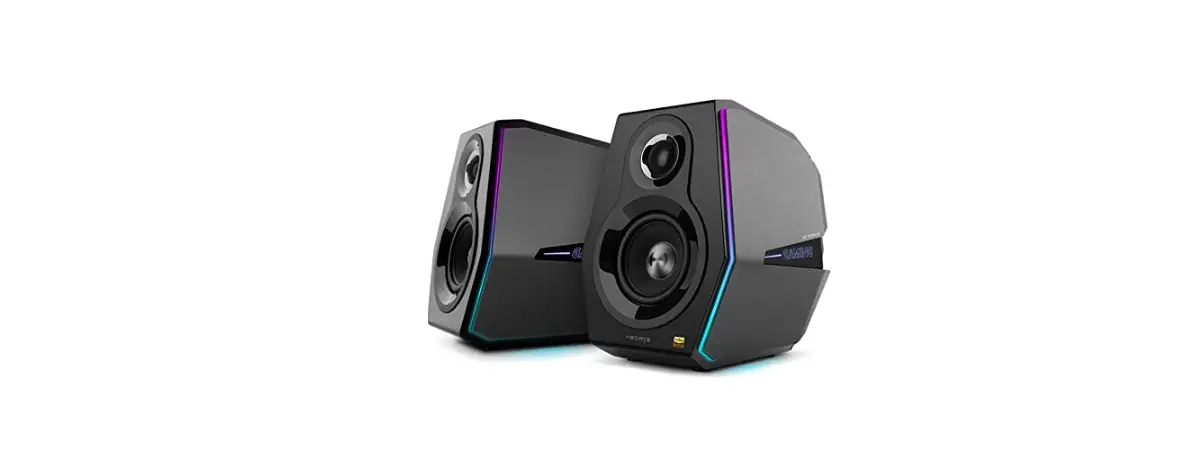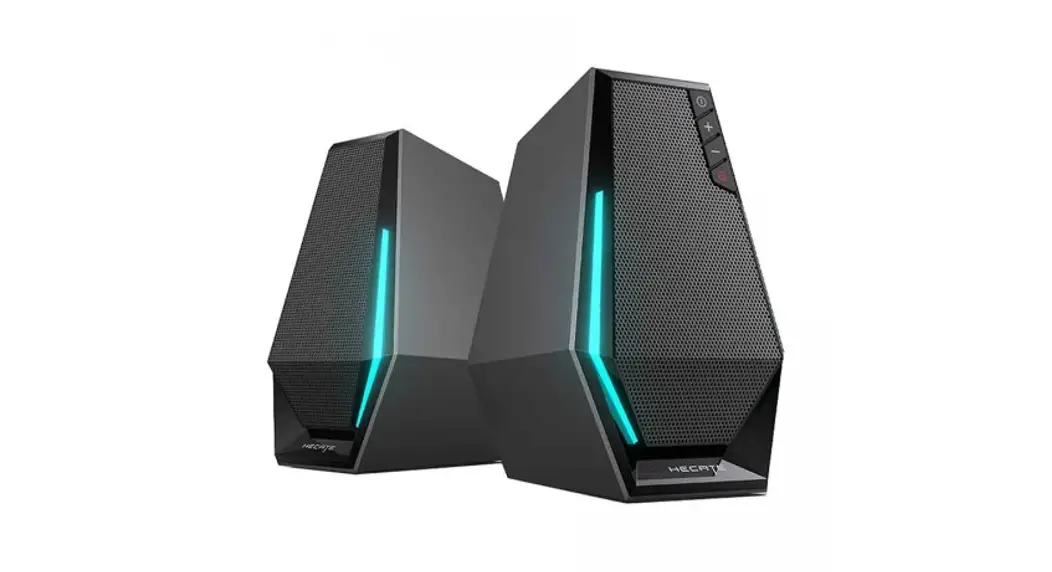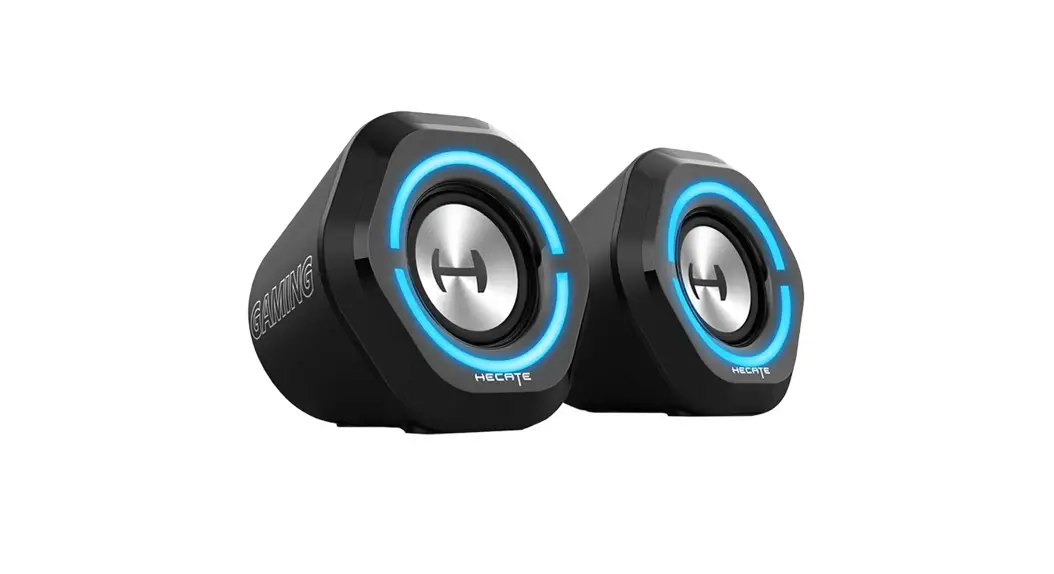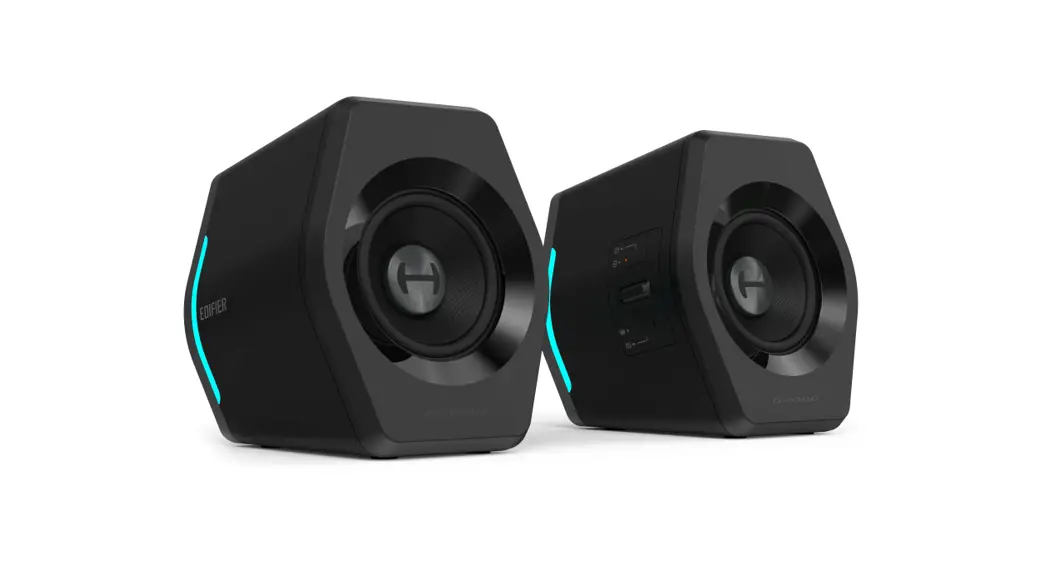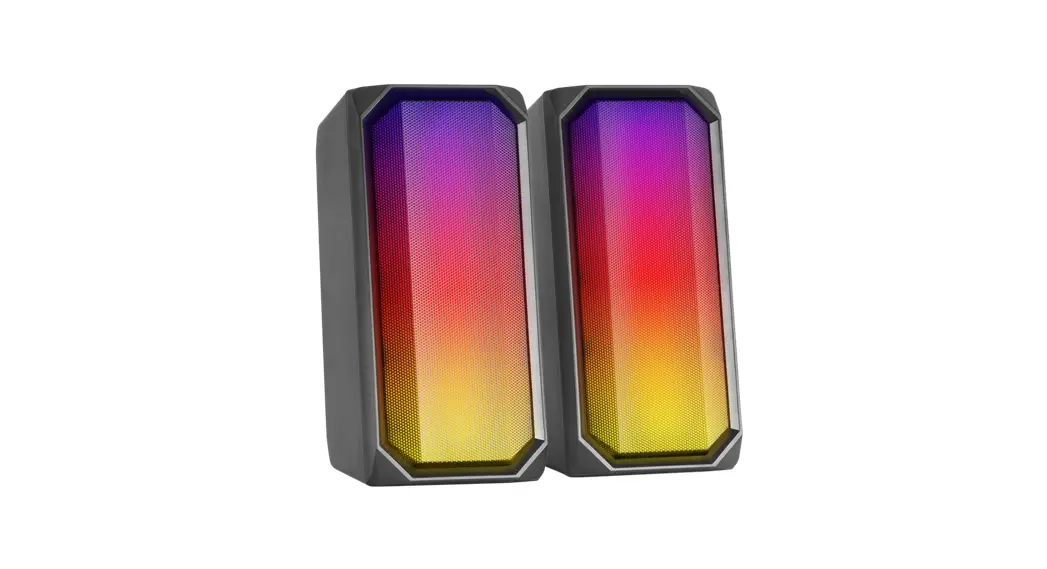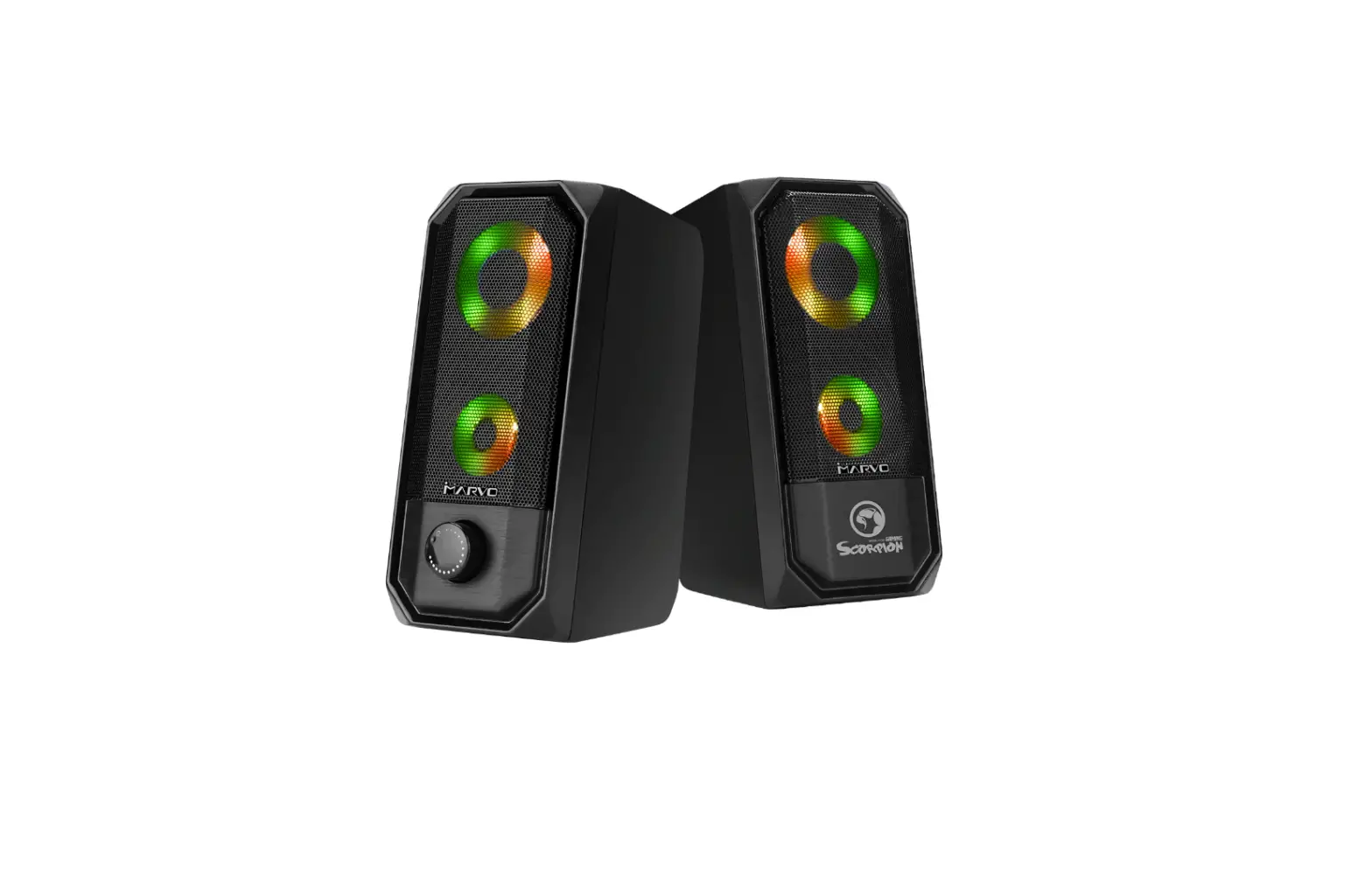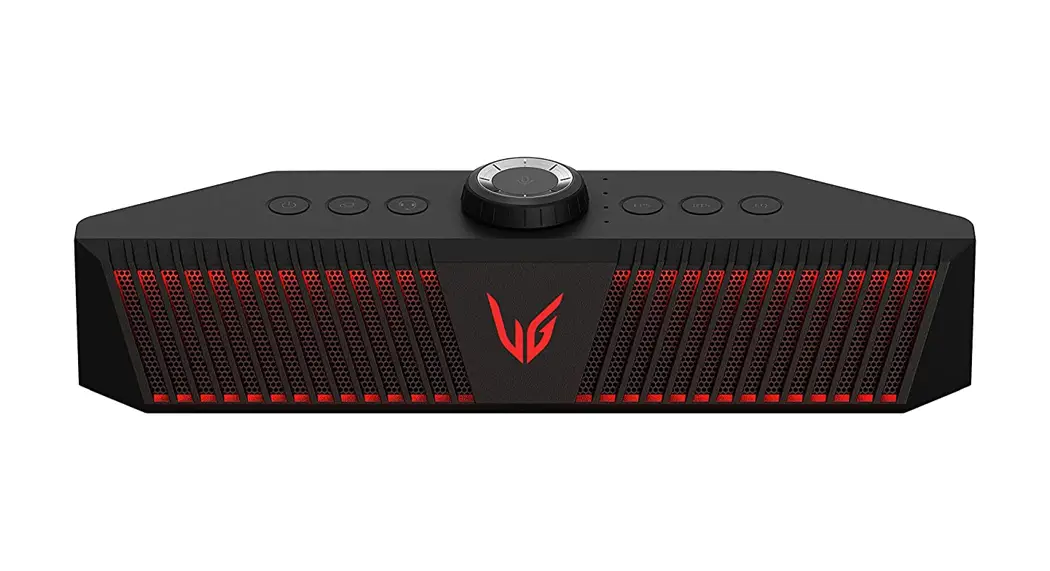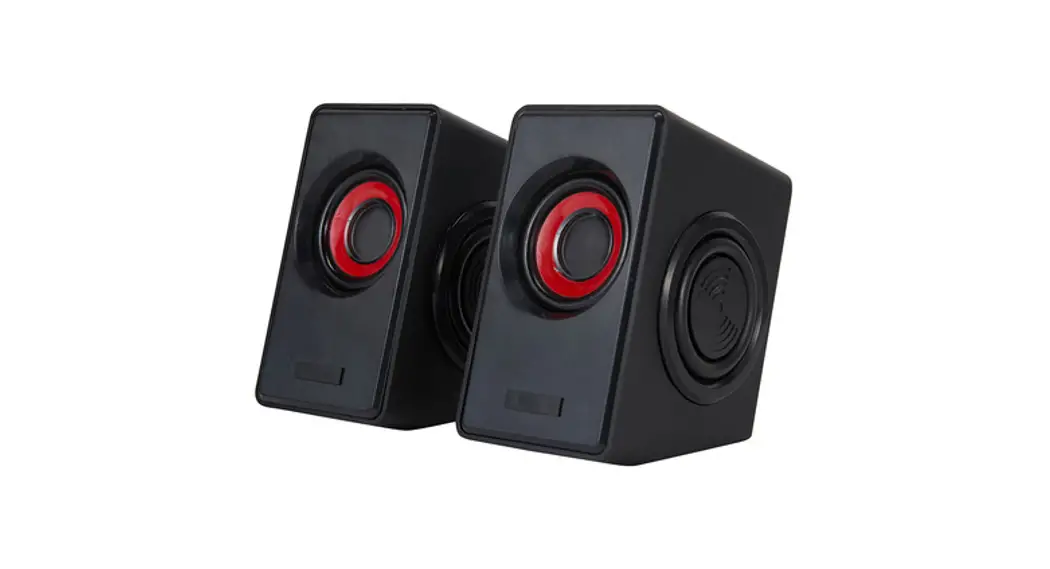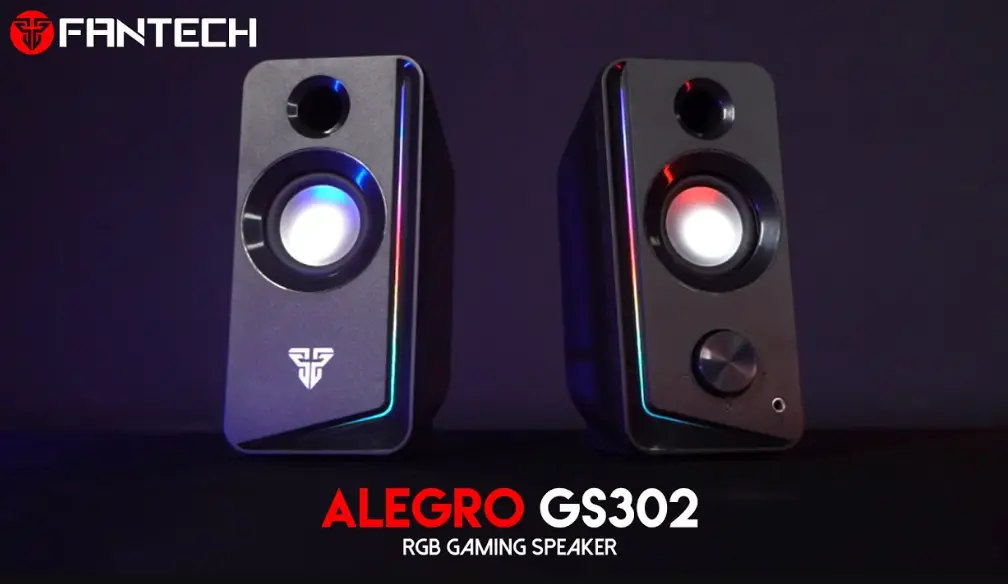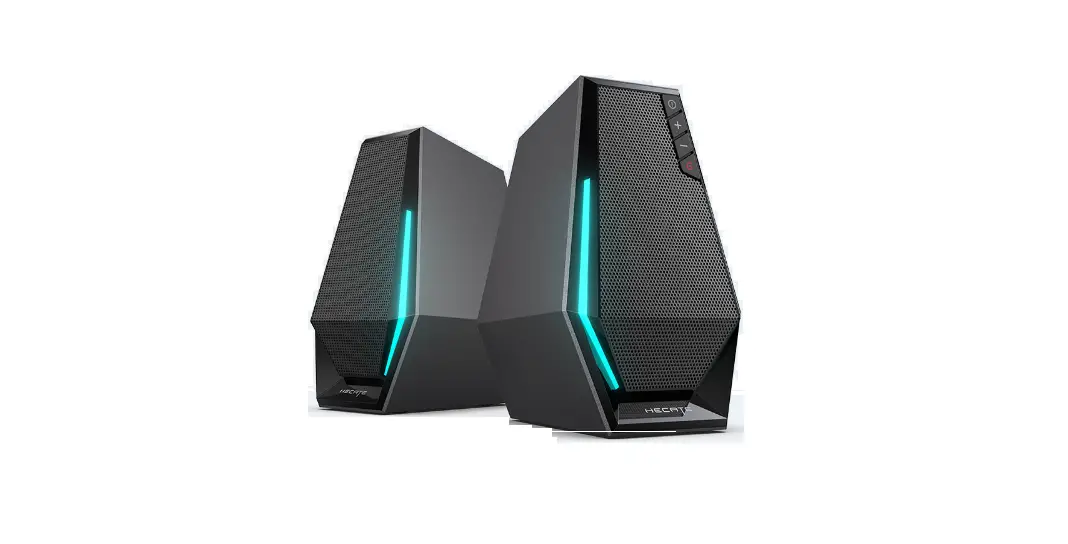

HECATE G1500 Gaming Speakers
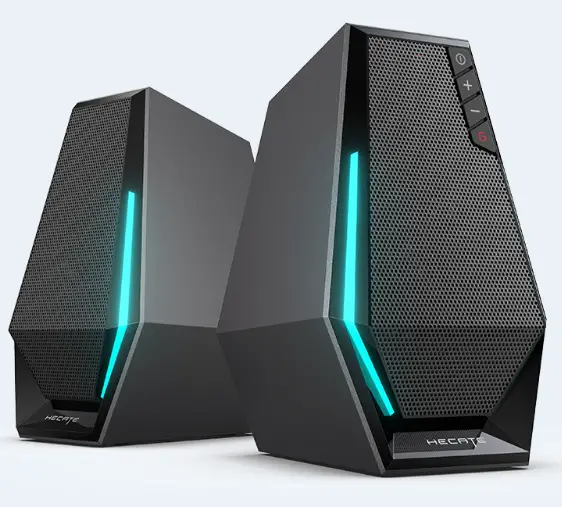
Product Description and Accessories
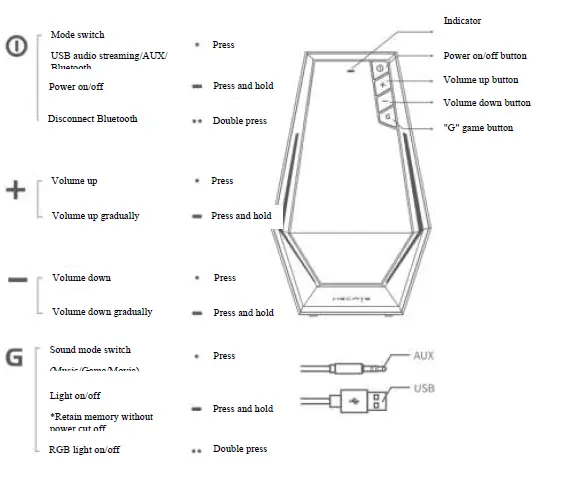
- Bluetooth mode
Blue LED steady lit
(*Bluetooth unconnected: blue LED blinks once in 2s) - AUX mode
Green LED steady lit - USB mode
Red LED steady lit - Volume control
The corresponding indicator blinks once if volume change Note: Images are for illustrative purposes only and may differ from the actual product.
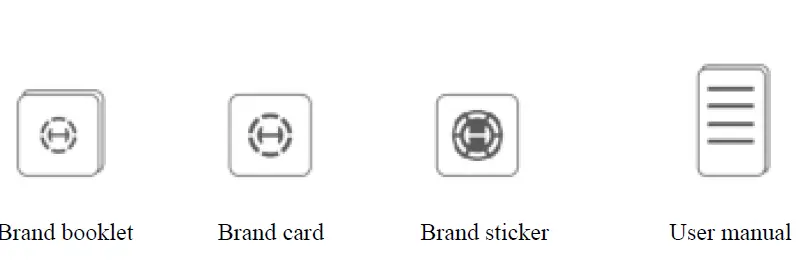 Note: Images are for illustrative purposes only and may differ from the actual product.
Operating Instructions
Connection
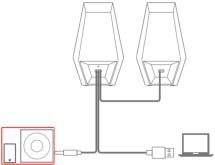 Pairing
- Turn the speakers on and press the ” ❗” button to switch to Bluetooth mode, blue LED will blink.
- Select “HECATE G1500” in your device setting to connect.
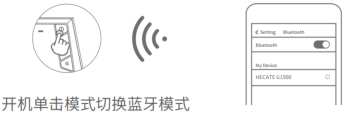 Turn the speakers on and press the ” ❗” to switch to Bluetooth mode ” button
Specifications
- Power output: R/L: 2.5W + 2.5W
- Frequency response: R/L: 93Hz-20KHz
- Driver unit: 2.5 inch full-range unit
- Bluetooth version: V5.3
- Declaration for EU
- Frequency Band: 2.402GHz ~ 2.480GHz
- RF Power output: ≤10 dBm (EIRP)
There is no restriction of use.
- USB
PC/Laptop/PS4/PS4 Pro
Turn the speakers on and press