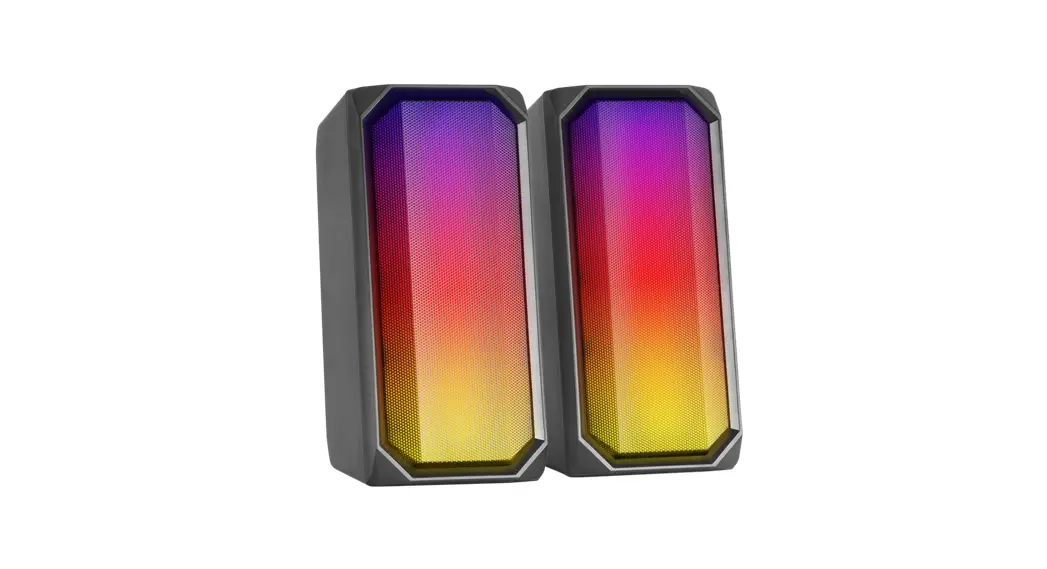

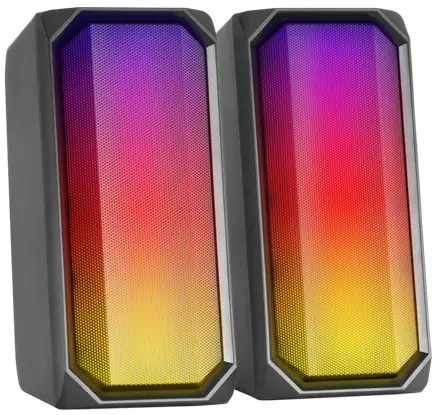
MSRGB Gaming Speaker
User Manual
MSRGB Gaming Speaker
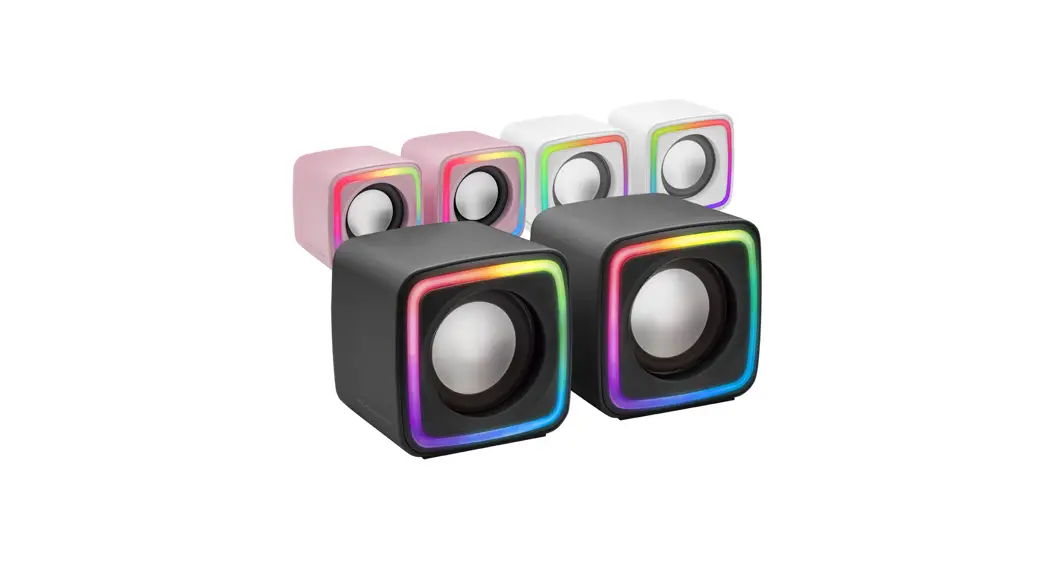
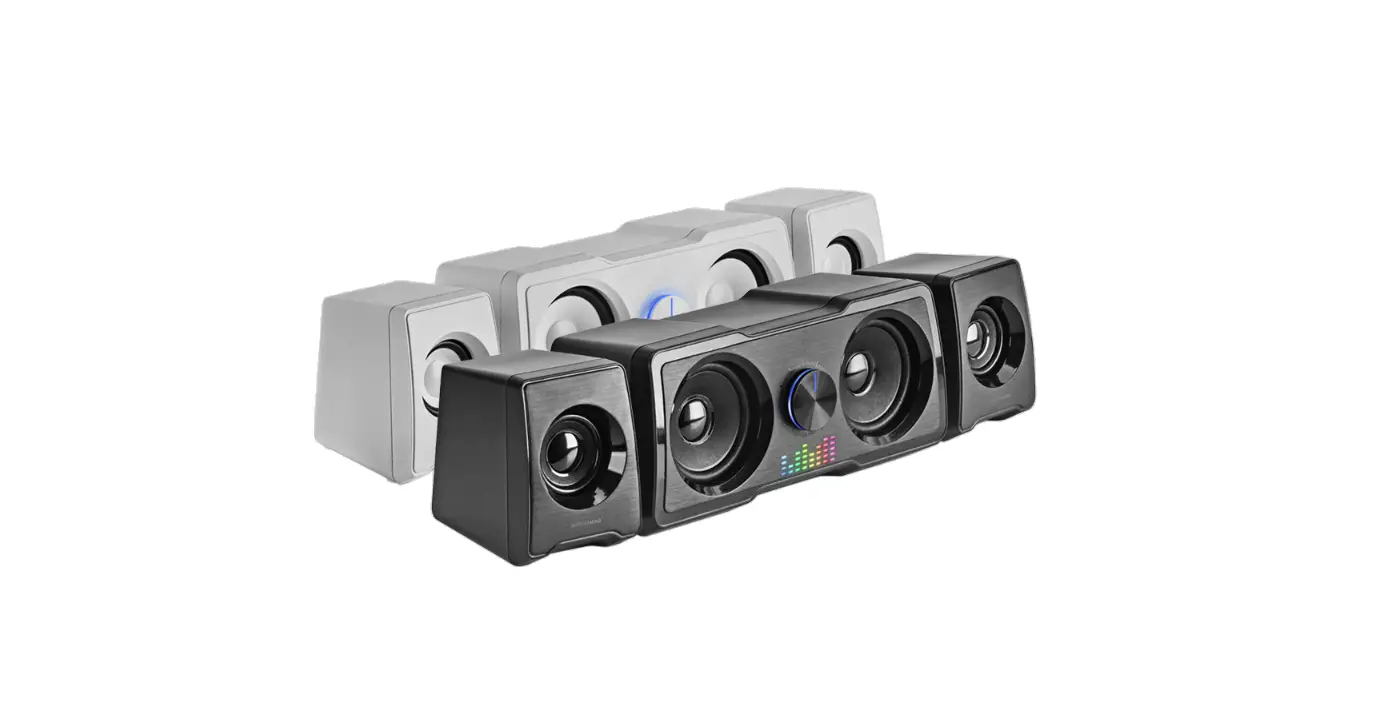
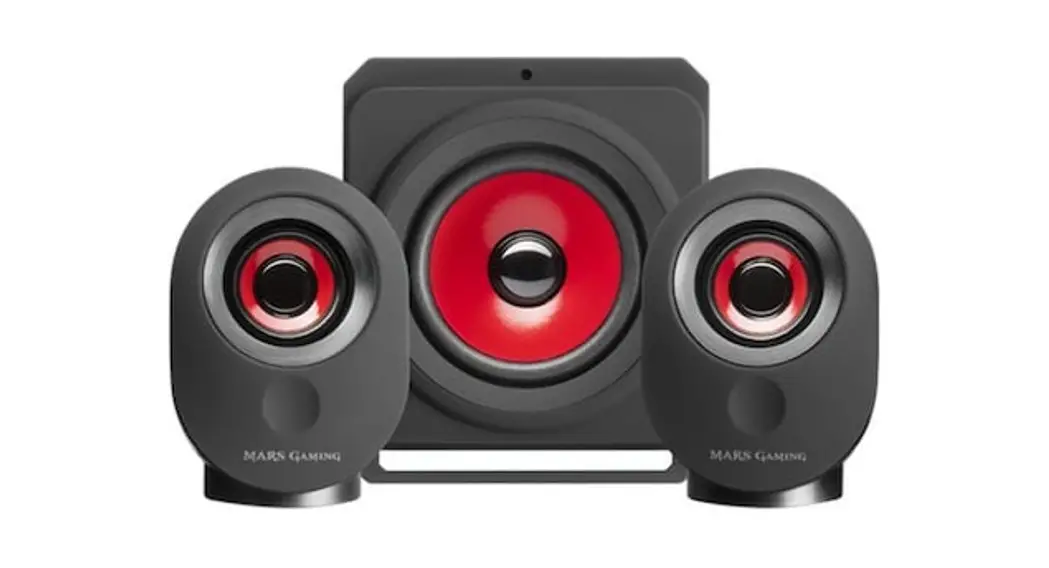
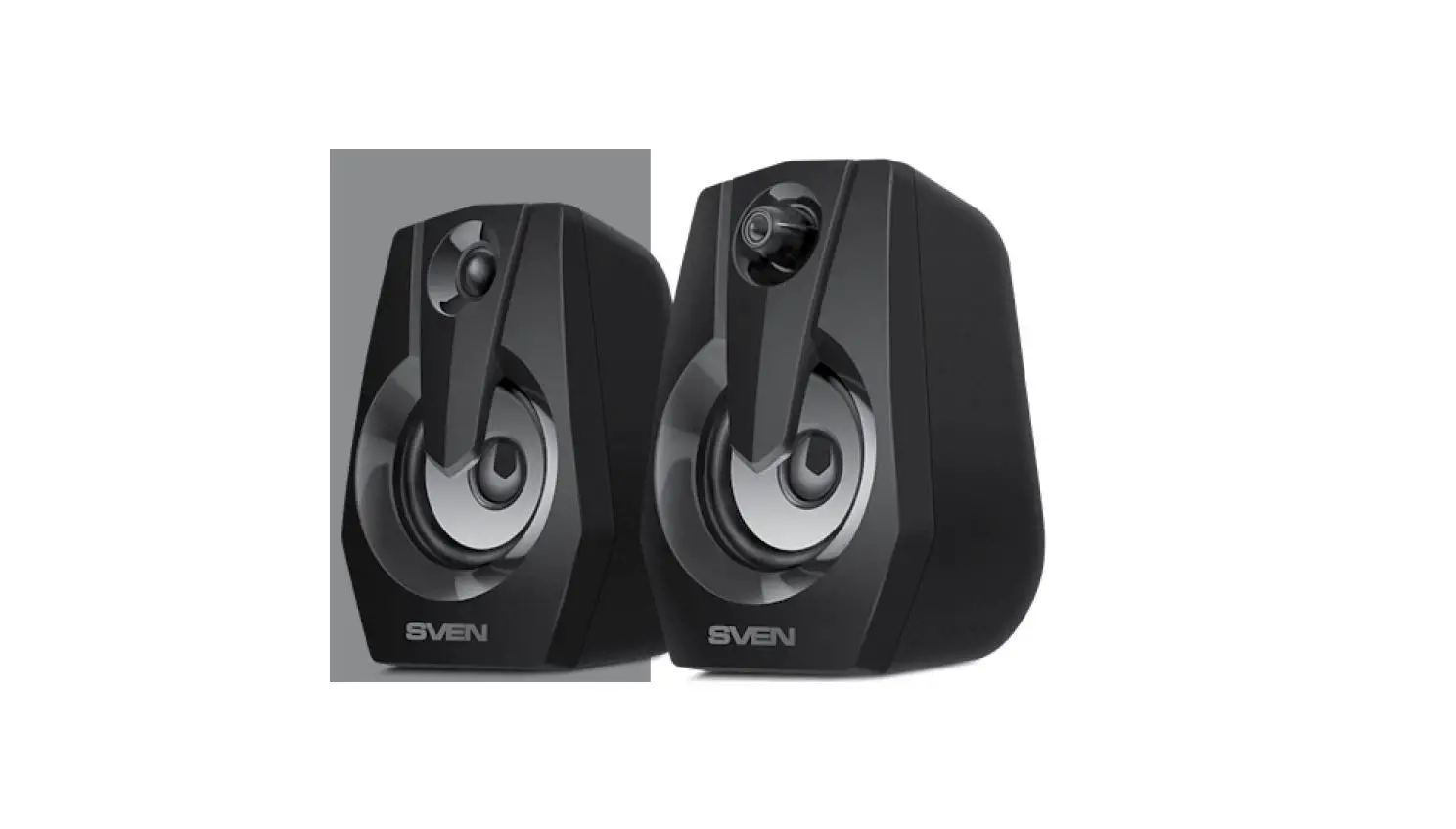
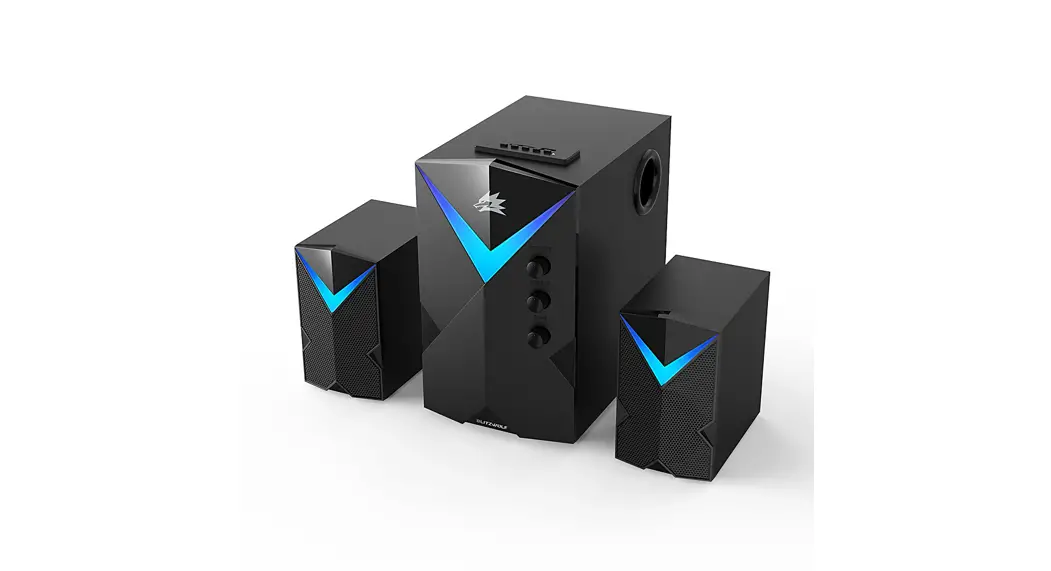
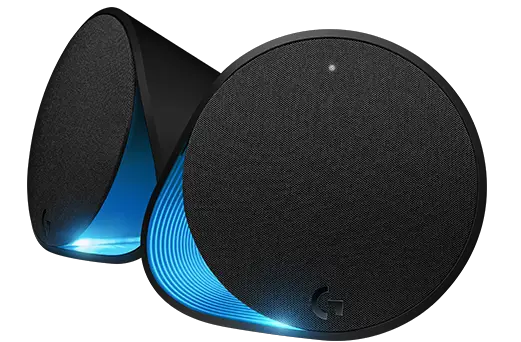
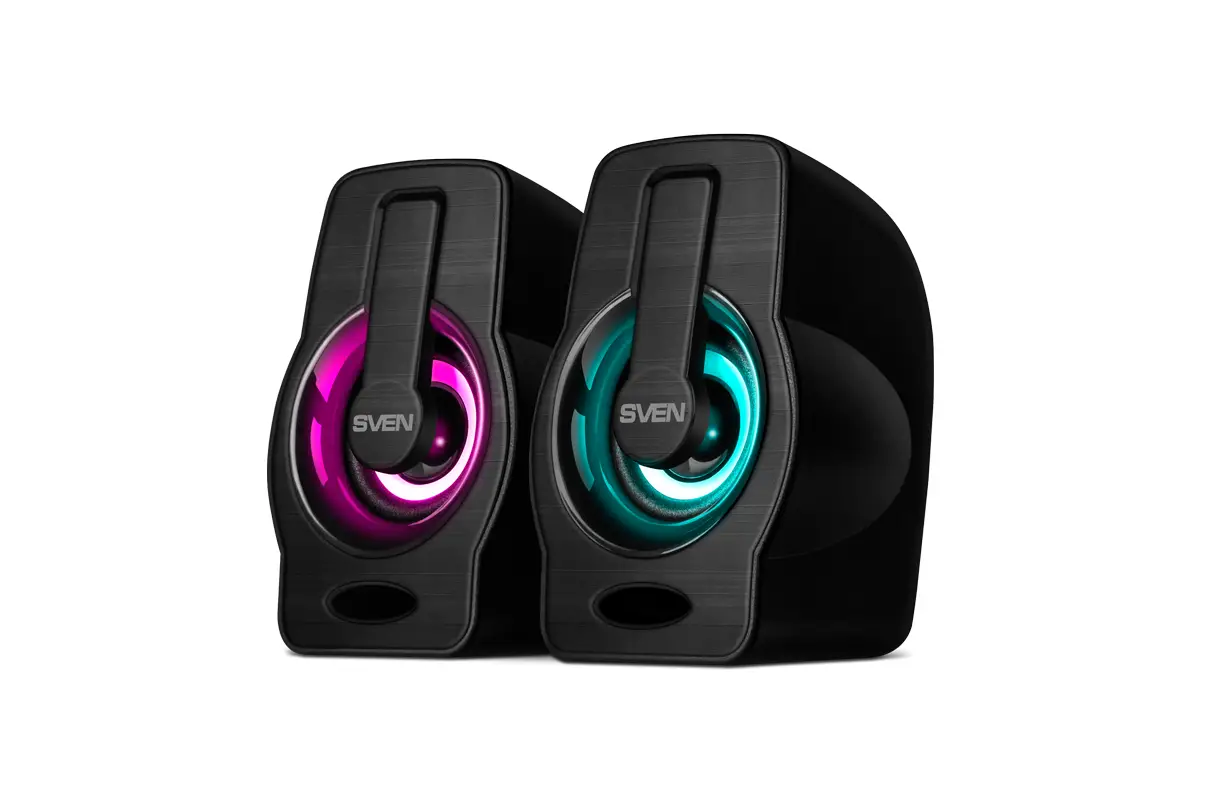
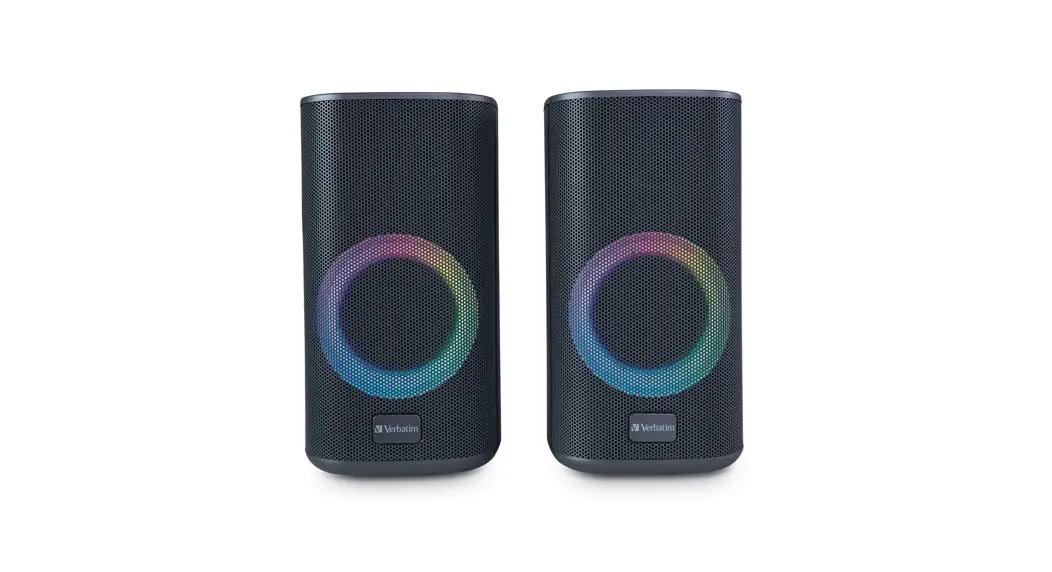
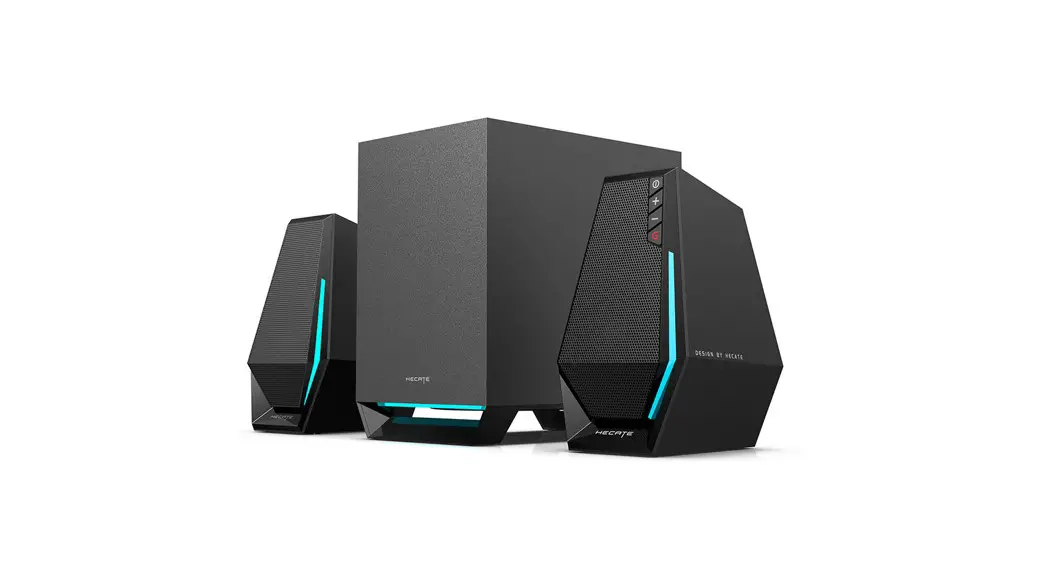
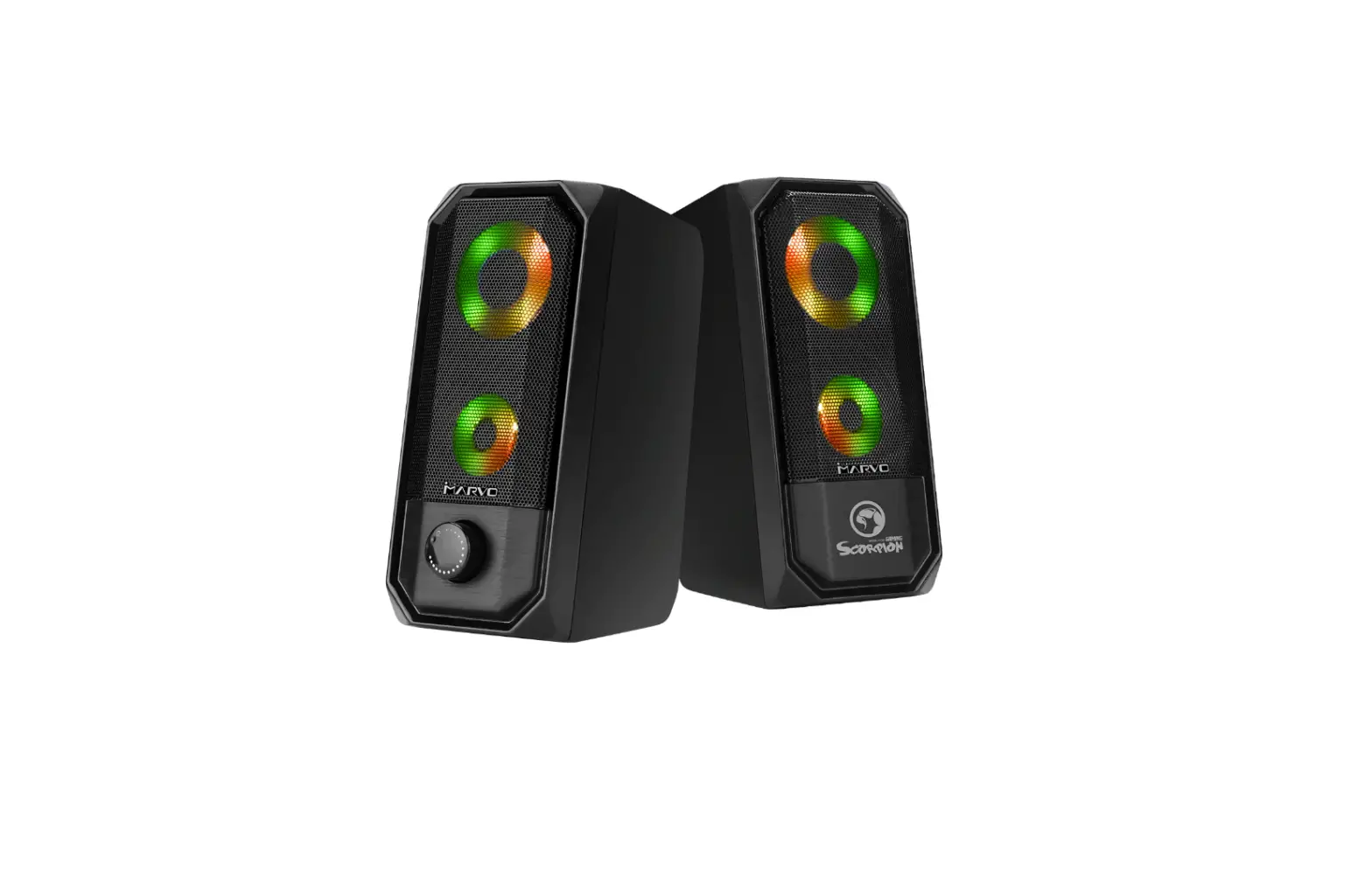
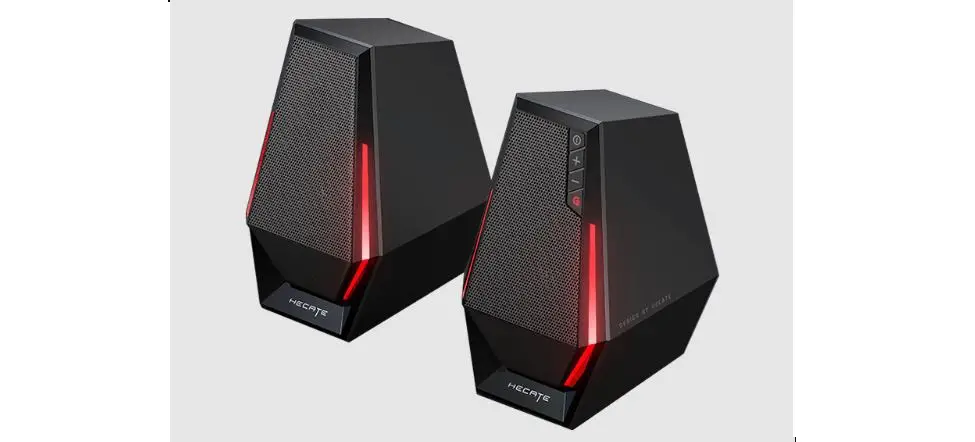
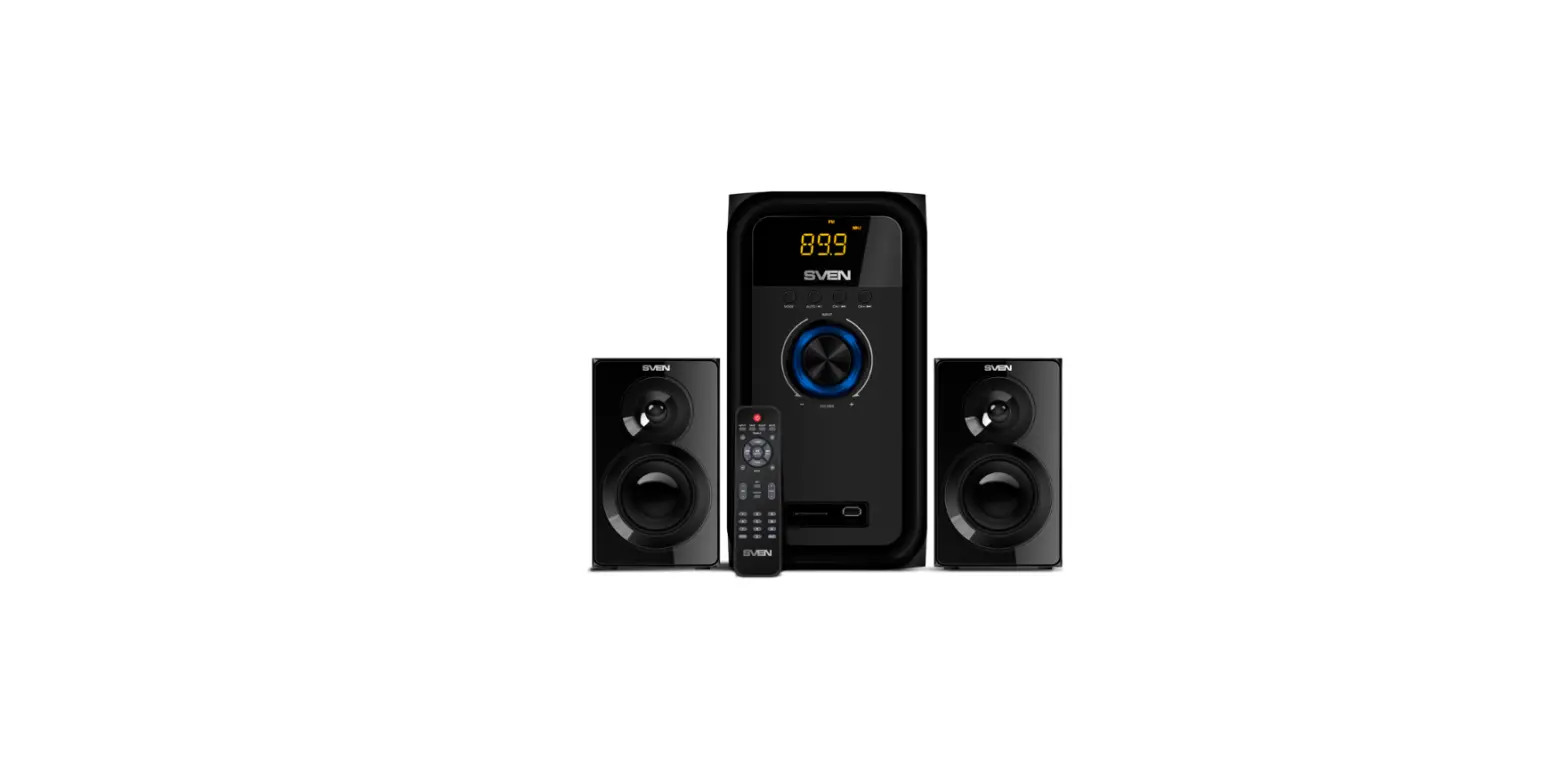
The MSRGB is a 15W speaker system with 5.0 Bluetooth and a 3.5mm Jack connection that gives the best sound experience for your video games, movies, series, and music. This manual shows all the features of the MSRGB: please, keep this sheet for future reference.
A. BUTTONS
Hold the button for 2 seconds to switch ON/OFF the speakers and tap the button to switch between Bluetooth and AUX mode. Tap the
 button to increase/decrease volume Tap the
 tactile icon to switch between lighting effects
B. AUX MODE
Play through 3.5mm Jack connection:
- Connect the USB cable to power the speaker
- Connect the Jack audio connector to the device to play music
C. BLUETOOTH MODE
Once the MSRGB speaker is in Bluetooth mode, it can be connected to any Bluetooth device Follow these steps to connect your device via Bluetooth:
- Tap the power button to select Bluetooth mode. A sound notification will pop up
- Enable the Bluetooth mode on your device and search “MSRGB” in the Bluetooth list
- Play the audio you want to listen
FREQUENTLY ASKED QUESTIONS
– 1. Make sure the speaker is in Bluetooth mode
– 2. Make sure the speaker is not connected to another device
– 3. Check if there are too many Bluetooth devices working in the area, it can interfere with its connection
– 4. Try to restart the Bluetooth of your device and reconnect to the speaker again
– 1. Check the volume of the speaker and the Bluetooth device
– 2. Check if the speaker is properly connected and reconnect it if necessary
1. Check if the device is too far from the Bluetooth device.
2. Check if there is any obstacle between the speaker and the device
Please, keep this sheet for future reference.
Visit www.marsgaming.eu for more info about your product
WWW.MARSGAMING.EU
From the Mars Gaming team: we want to thank you for the purchase of this product!
We try to improve every day to offer the best service and the best quality on our peripherals. Thank you for your trust!
ARE YOU HAPPY WITH YOUR PURCHASE?
| YES | NO |
 |  |
| Rate us in your marketplace and share your experience on your social media | Please contact our technical support service by sending an e-mail to |
|  [email protected] [email protected] |
 @MarsGaming_
 marsgaming
 MarsGamingOfficial