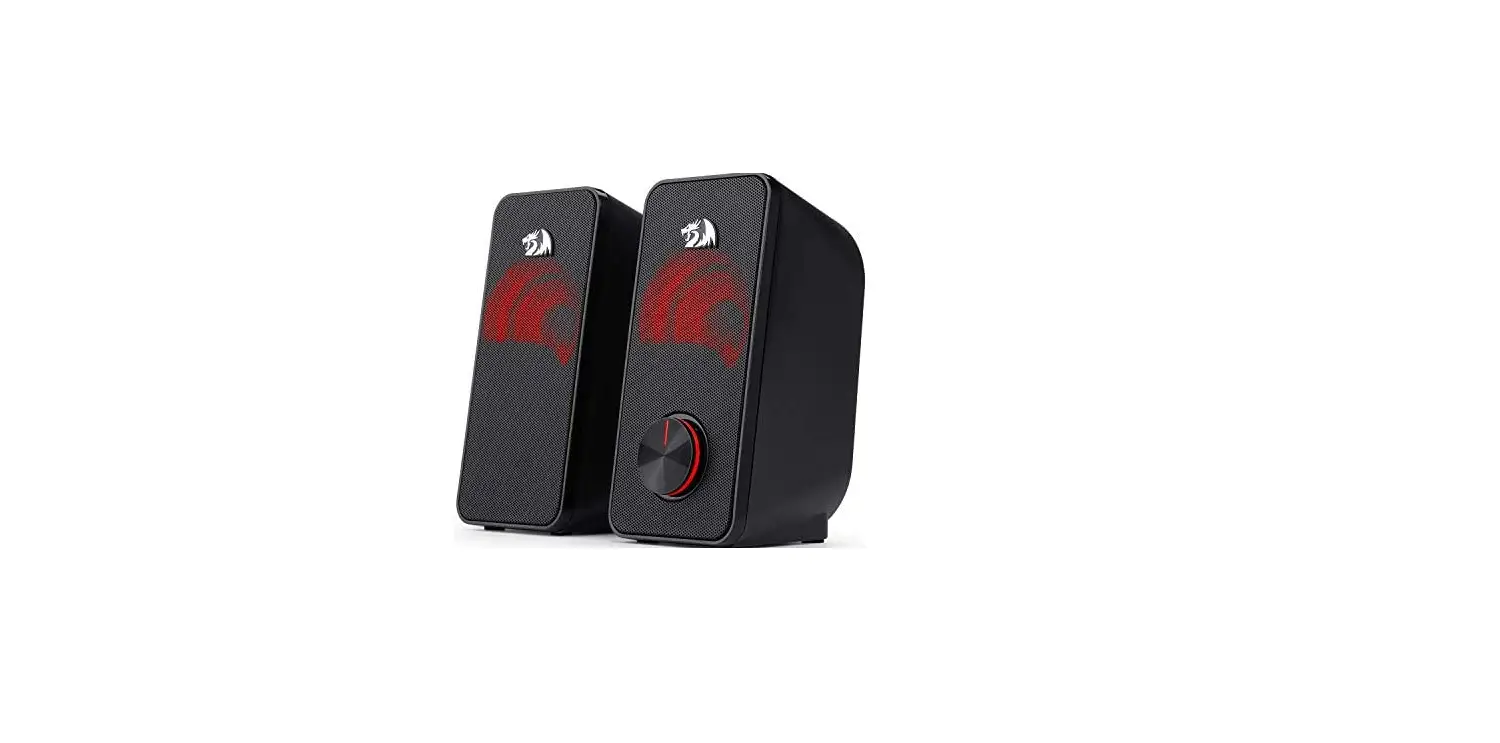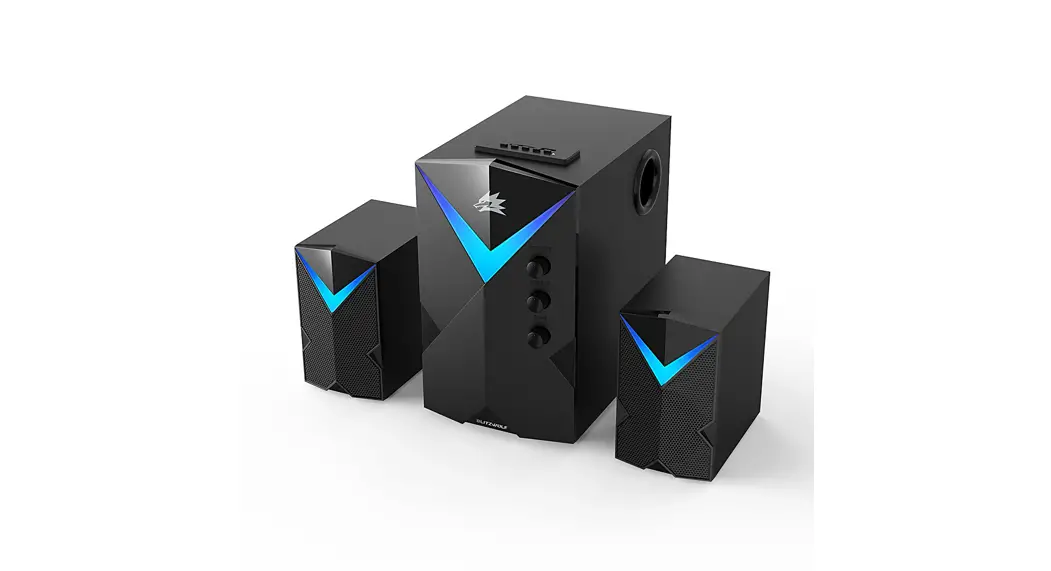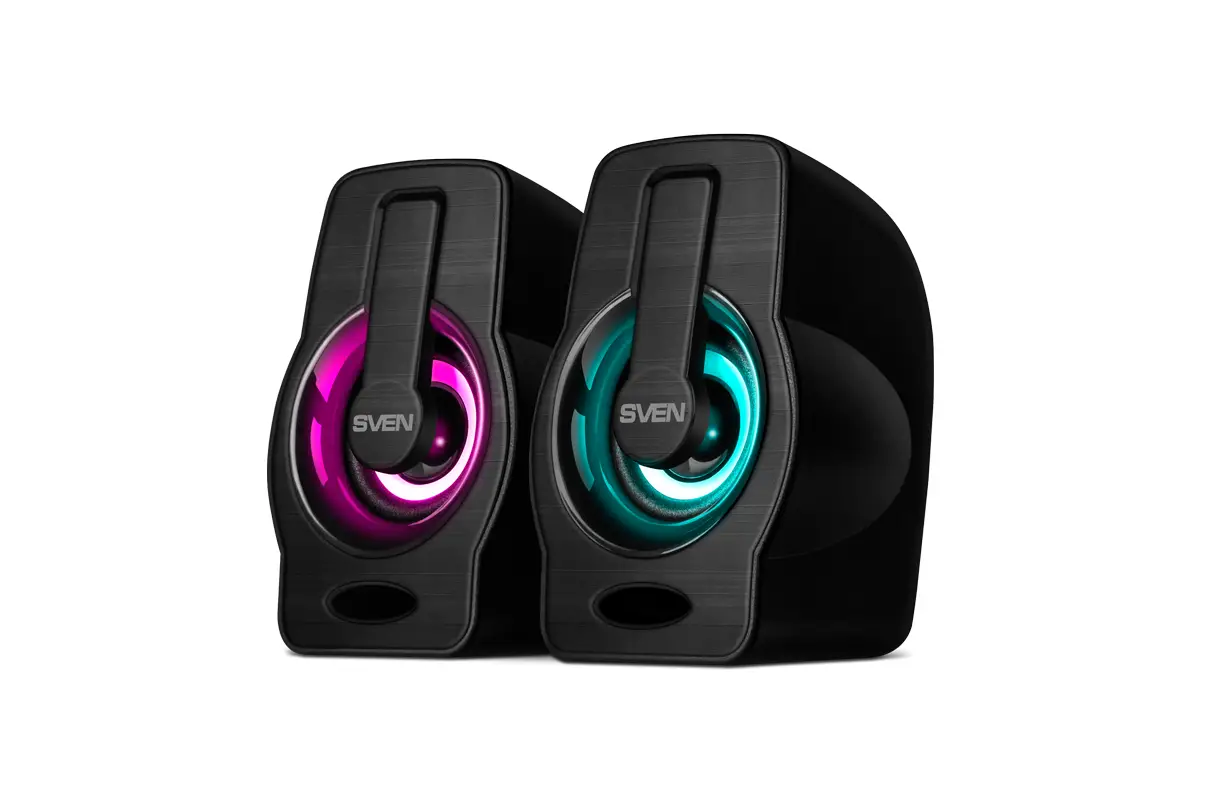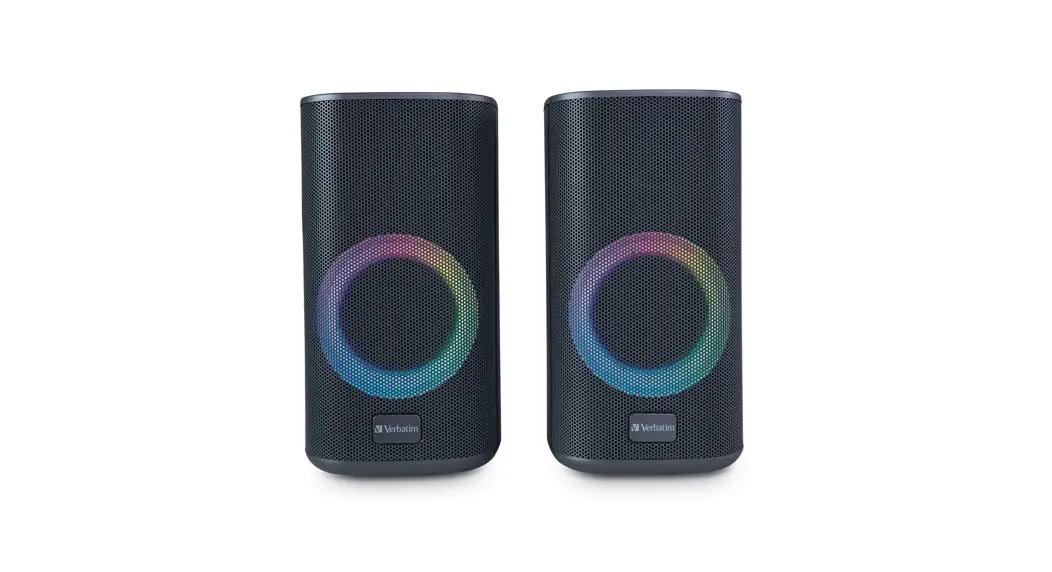
 Stereo RGB Desktop Gaming Speakers
User Manual
Stereo RGB Desktop Gaming Speakers
Bluetooth Mode & Pairing
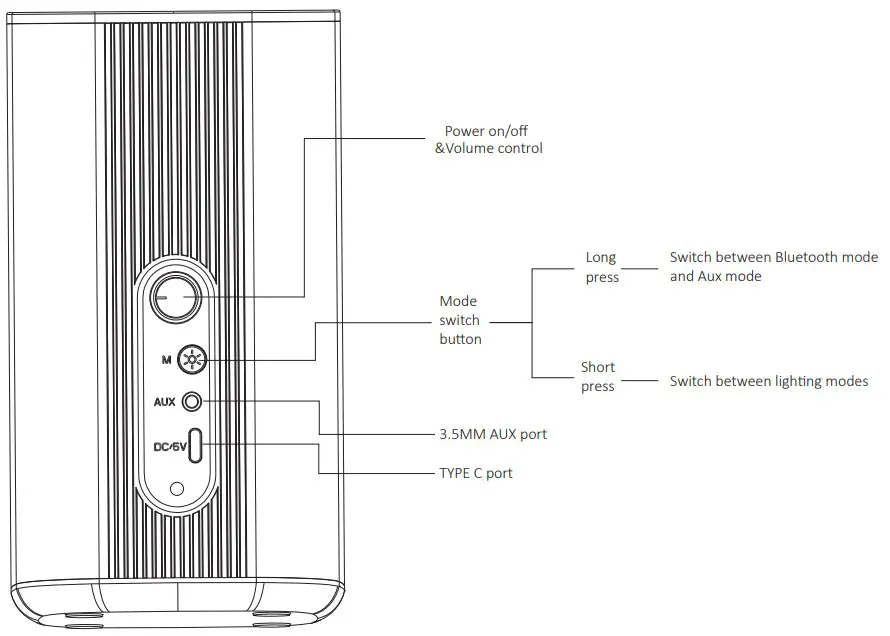
- Connect the USB-C cable to the speaker and the USB-A connection to either a computer or a charging adapter that provides at least 5V/2A.
- Turn on the speaker using the power on/off control.
- Push the mode button for a few seconds until you hear “Bluetooth Mode”. Switch between wireless (Bluetooth) and wired modes by holding the mode button for a few seconds as needed.
- Select “Verbatim RGB Speaker” on the Bluetooth device you are pairing with the speakers.
Wired Mode
- Connect the AUX cable to the speaker and the other end into the computer AUX port.
- Turn on the speaker using the power on/off control.
- Push the mode button for a few seconds until you hear “AUX mode”. Switch between modes by holding the mode button for a few seconds as needed.
Lighting Modes
- Rotate between RGB light modes with a short push of the Mode Switch Button
Speaker Specifications:
| Speaker Output | 10W (5W*2) |
| Bluetooth Version | 5.0 |
| Power Supply | USB 5V/2A |
| Ports | AUX Port, USB-C port |
| Frequency Response Range | 100Hz – 20KHz |
| S/N Ratio | 75dB |
| Sensitivity | 750mV ±50mV |
| Charging Voltage | 5V DC |
| Charging Current | 2A |