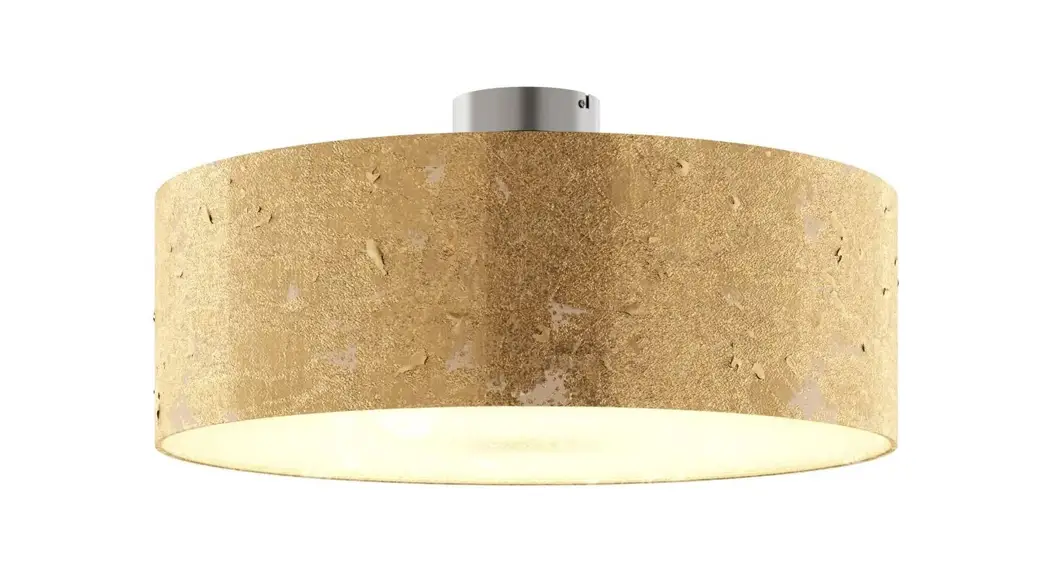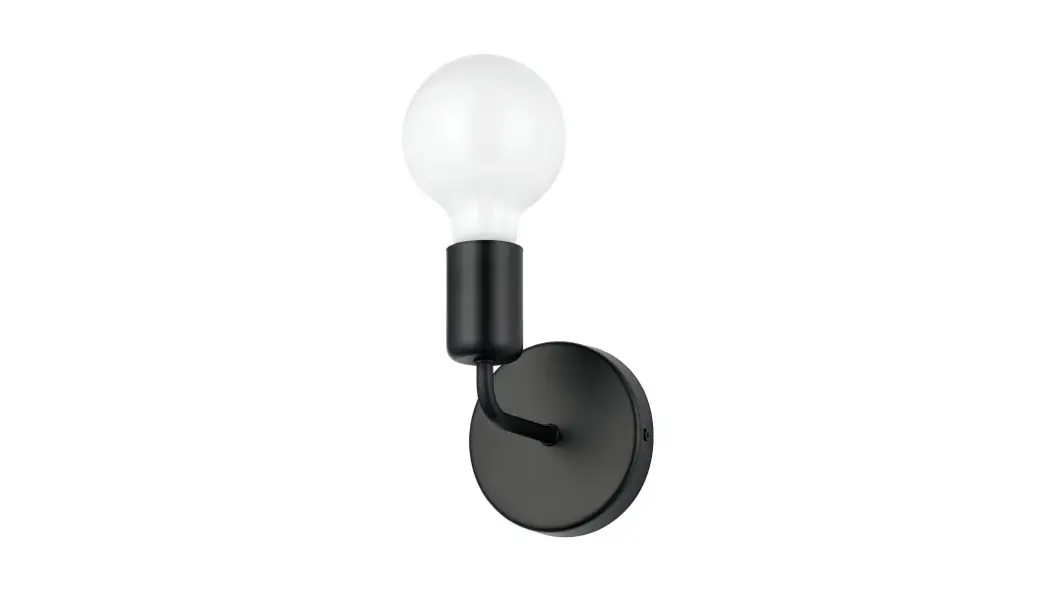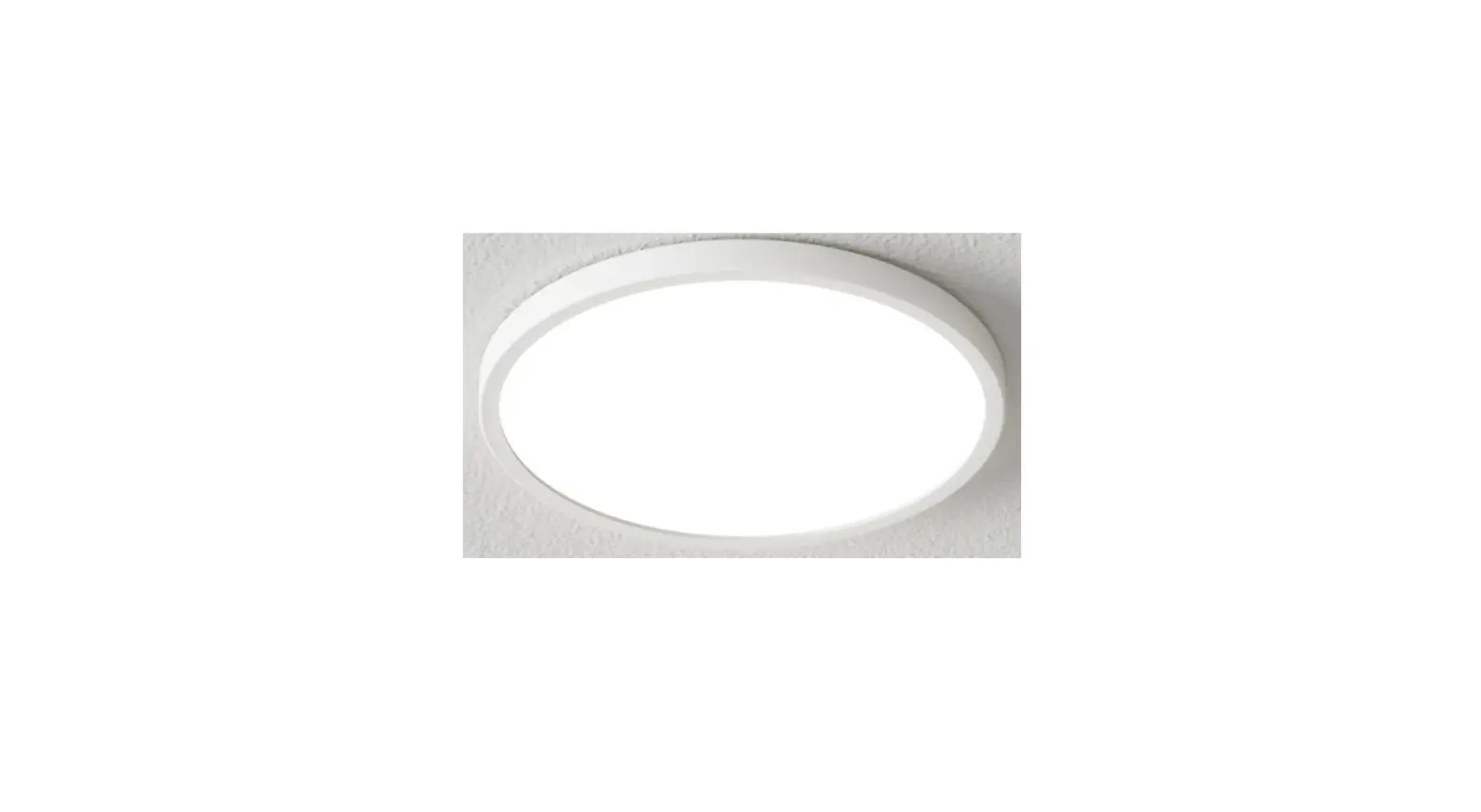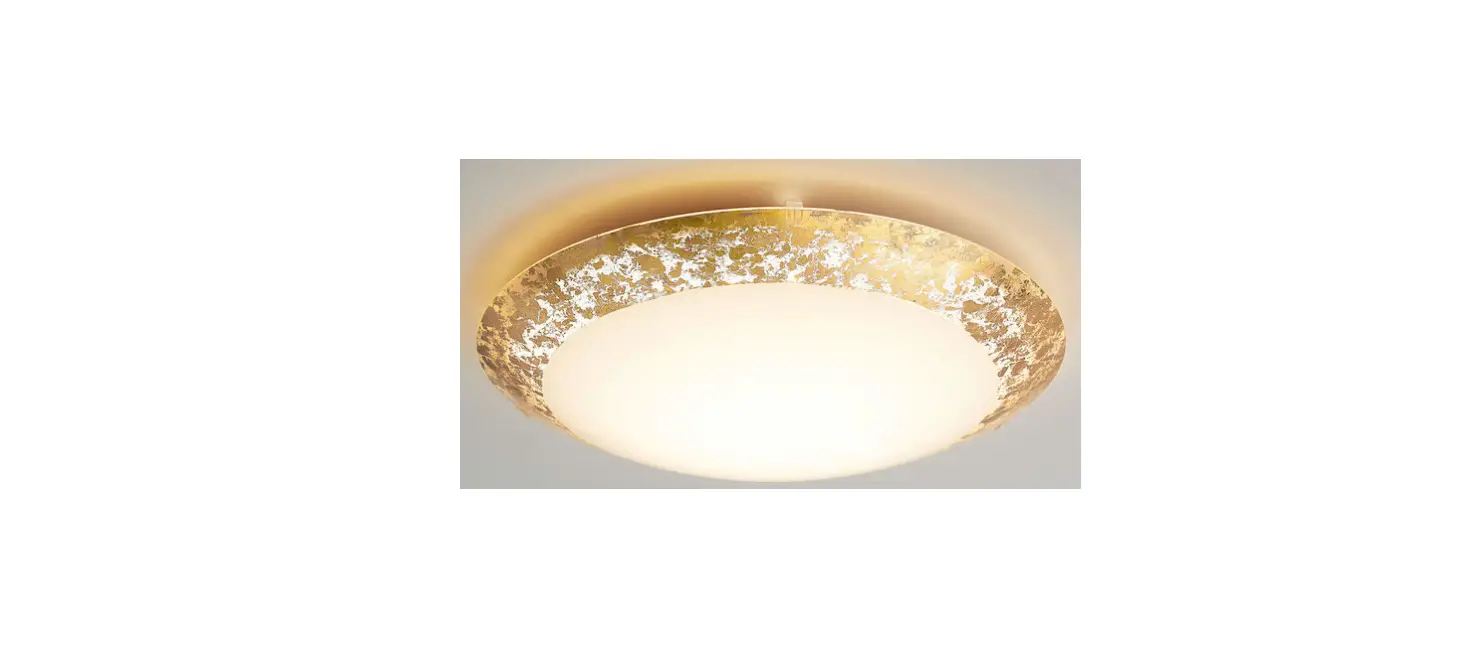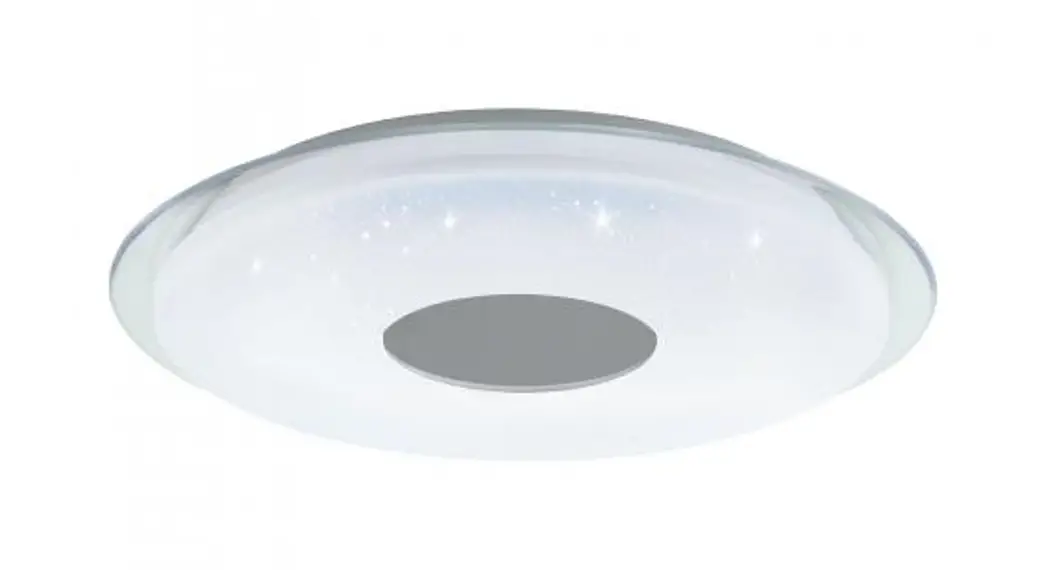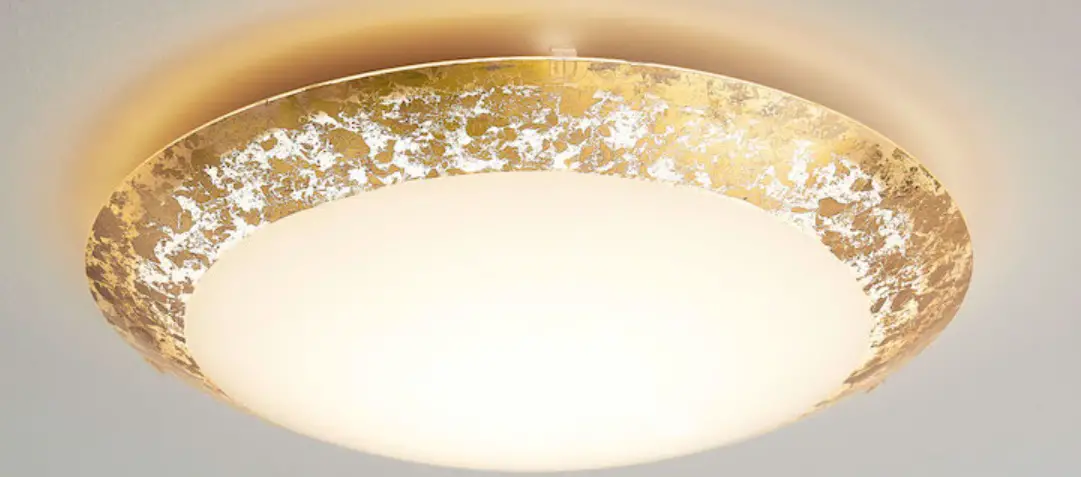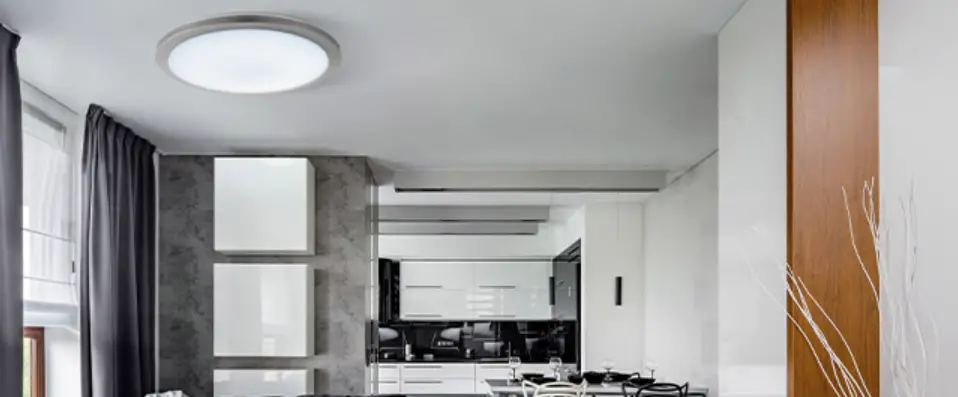

EGLO 75507 GIRON-TW Wall Ceiling Light
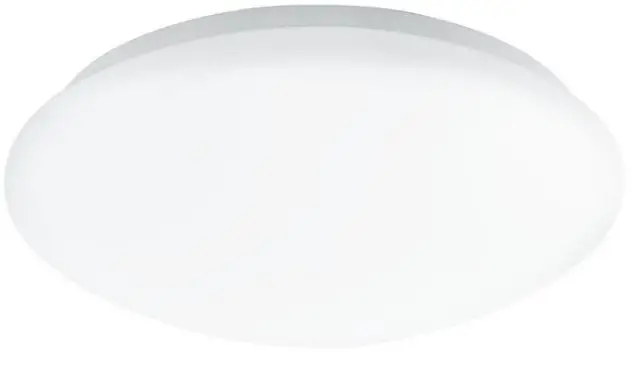
Product Information
- Product Name: ET3386 IR-remote control
- Compatible with: Article no.75507, 31048
- Manufacturer: Eglo
- Color Temperature: 2700K and 6500K
Product Usage Instructions
- To turn ON/OFF the light, press button 1.
- To increase the brightness, press button 2 (10% each time) until it reaches the desired brightness level.
- To decrease the brightness, press button 3 (10% each time) until it reaches the desired brightness level.
- To set the brightness to maximum, press button 4.
- To set the brightness to minimum, press button 5.
- To change the color temperature to 2700K, press button 6.
- To change the color temperature to 6500K, press button 7.
- To set the color temperature to 25%, press button 8.
- To set the color temperature to 50%, press button 9.
- To set the color temperature to 75%, press button 10.
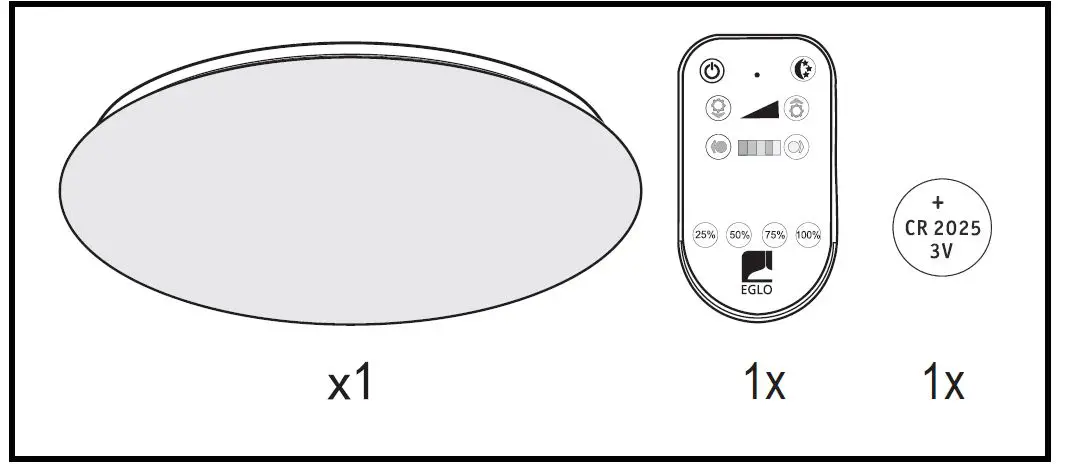
WHAT IN BOX
TOOLS REQUIRED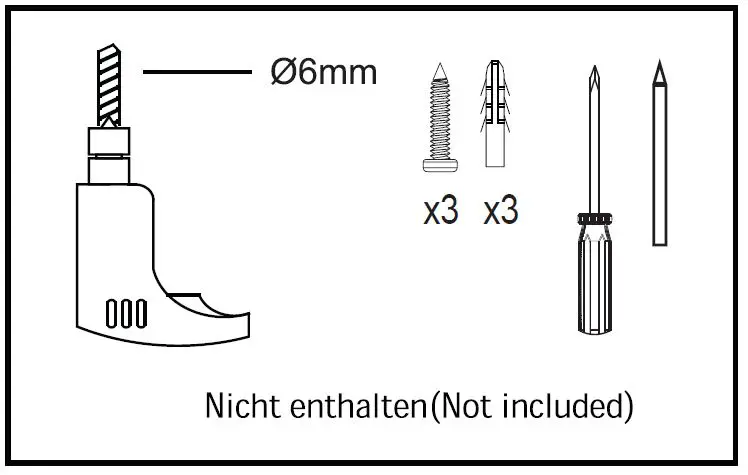
INSTALLATION

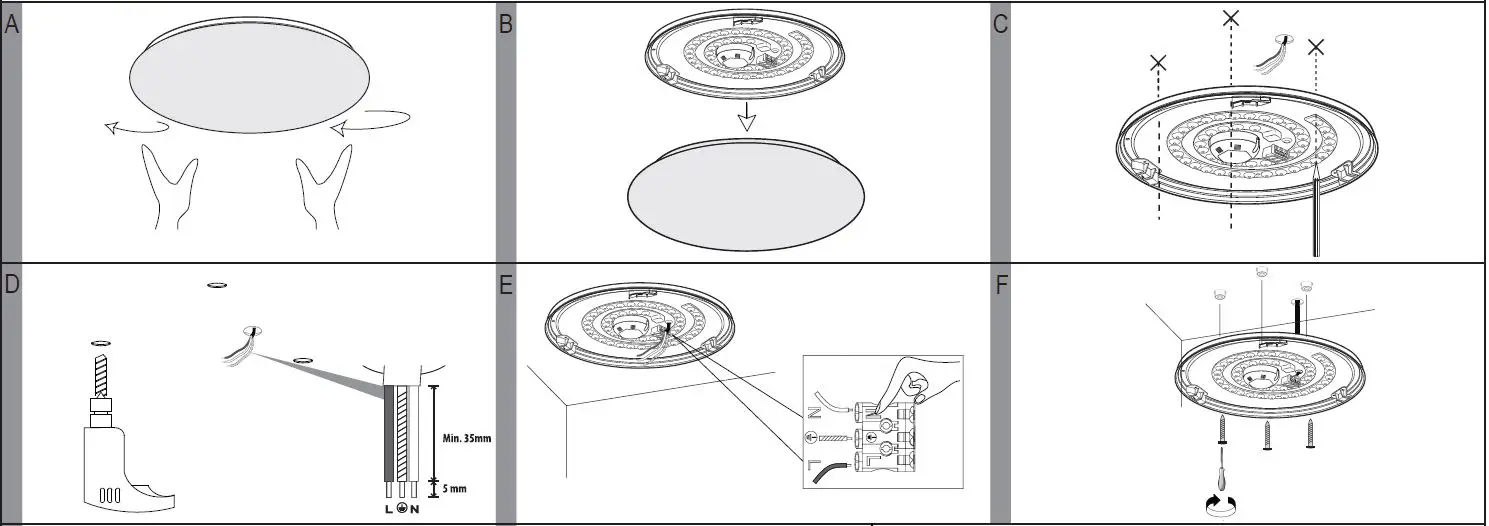

IR-remote control
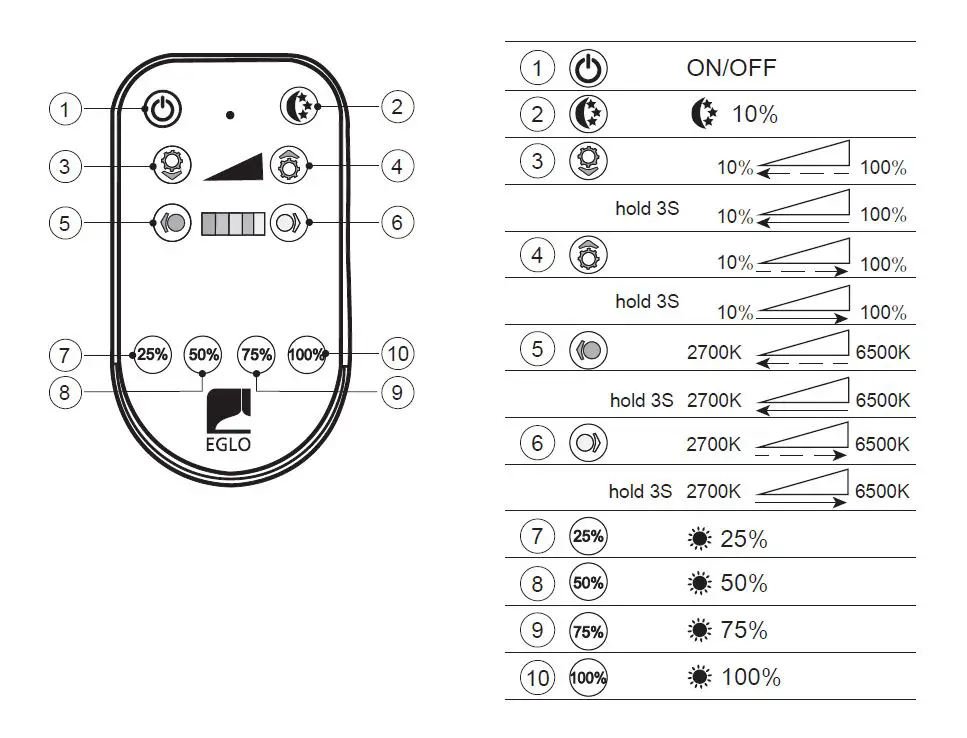
ET3386 IR-remote control for article no.75507, 31048
Art.Nr.: 75507, 31048
www.eglo.com
 EGLO | my light. my style.