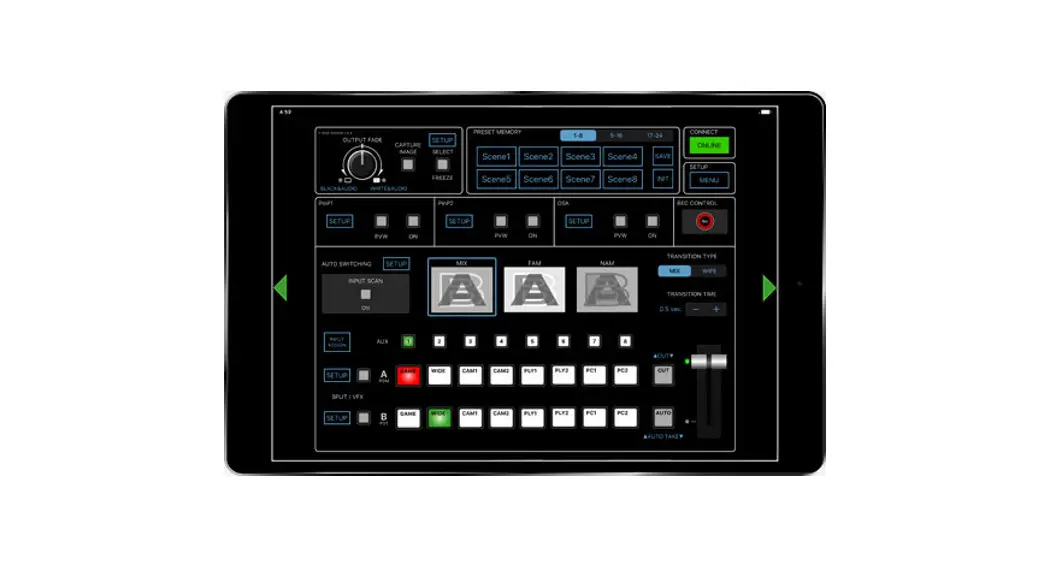
Product Information
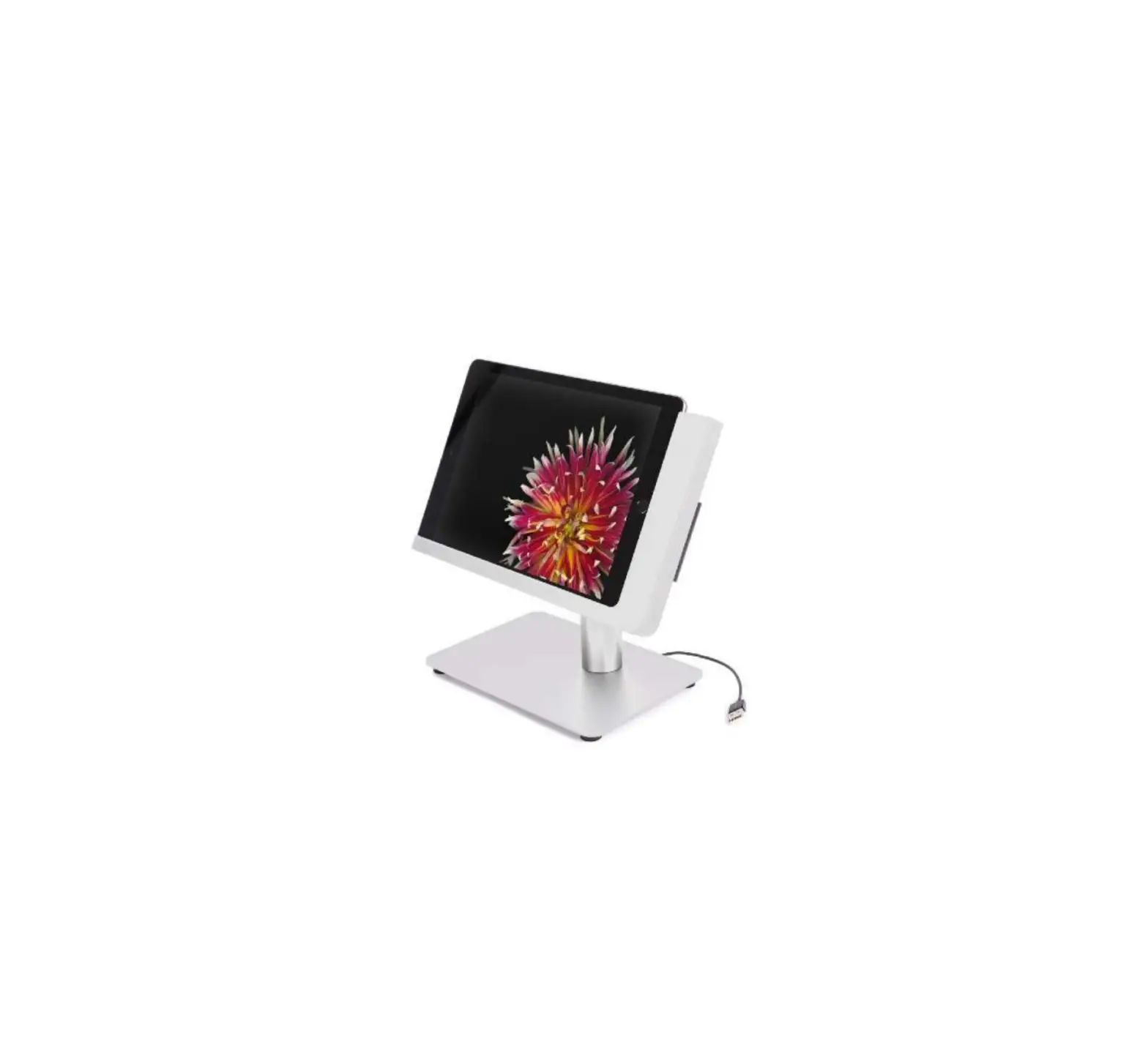
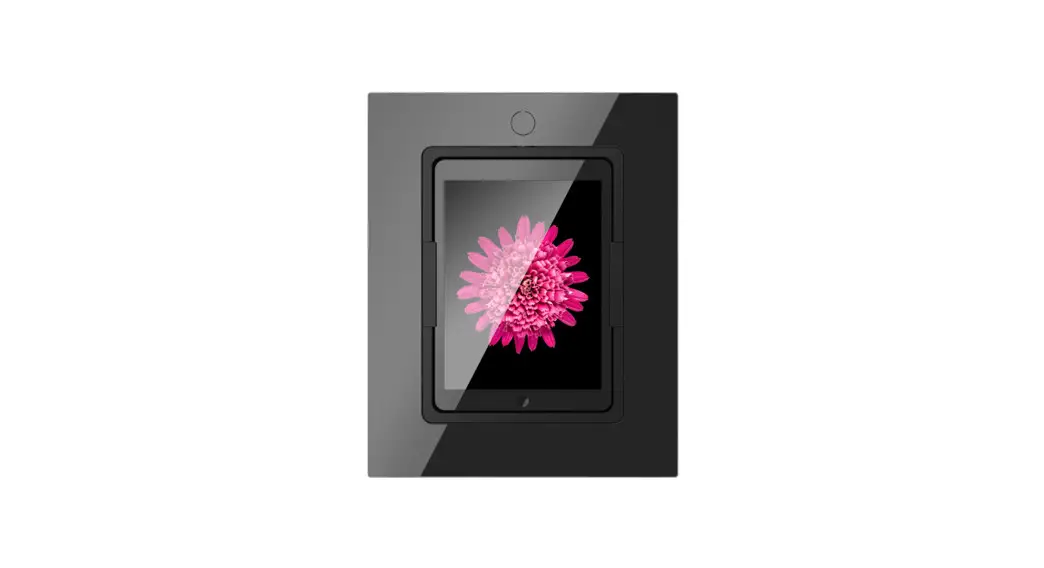
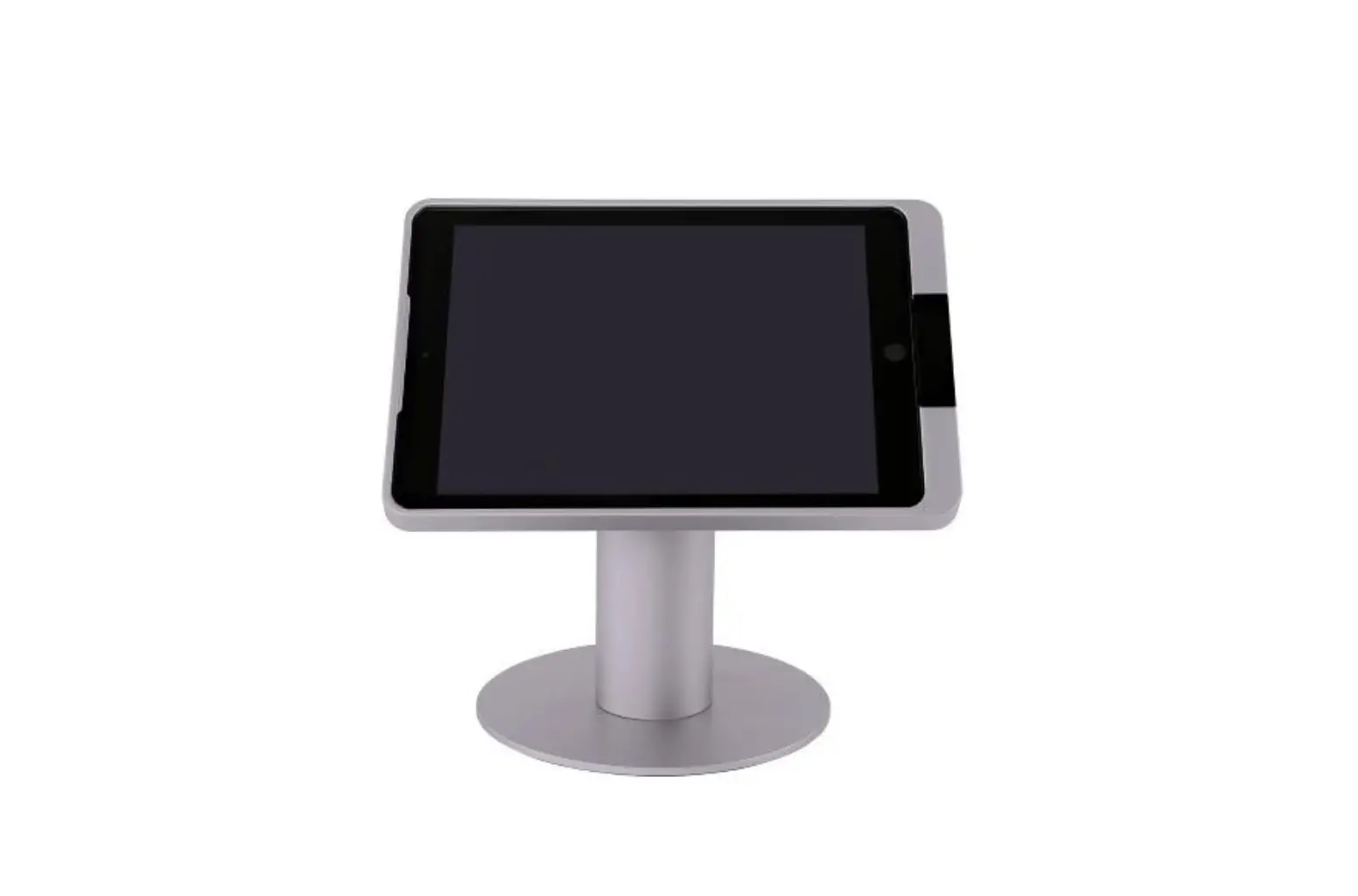
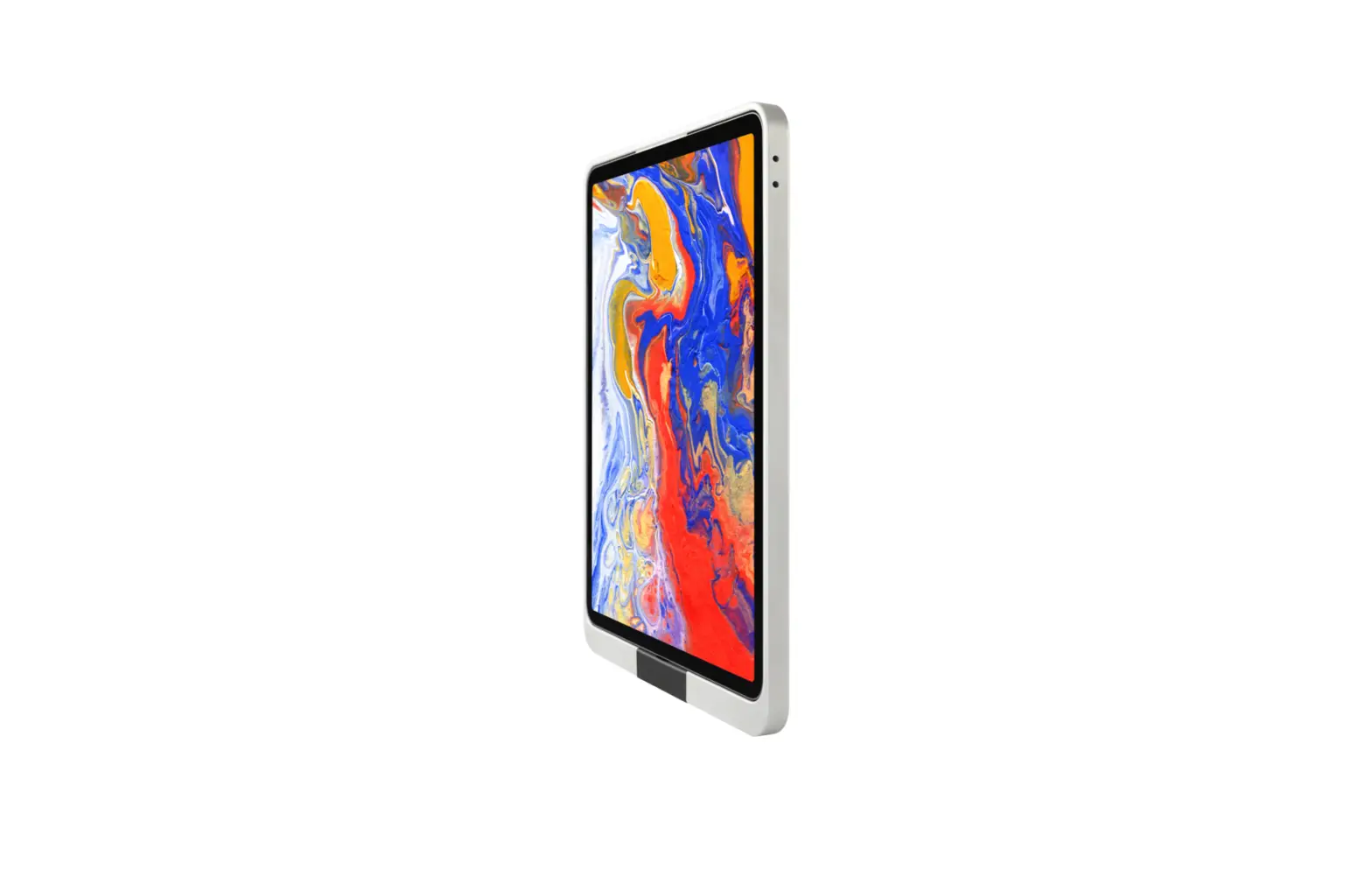
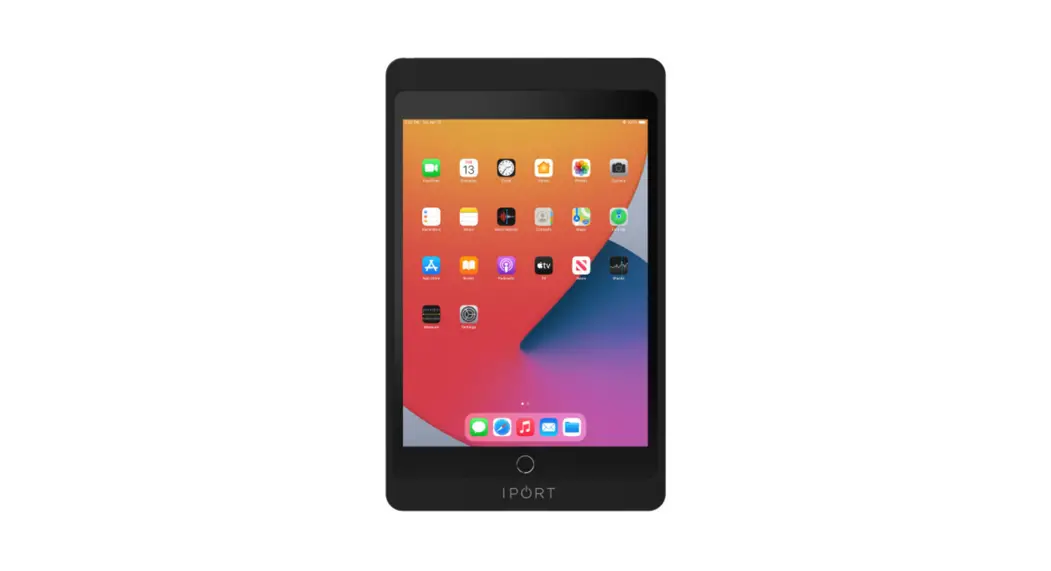
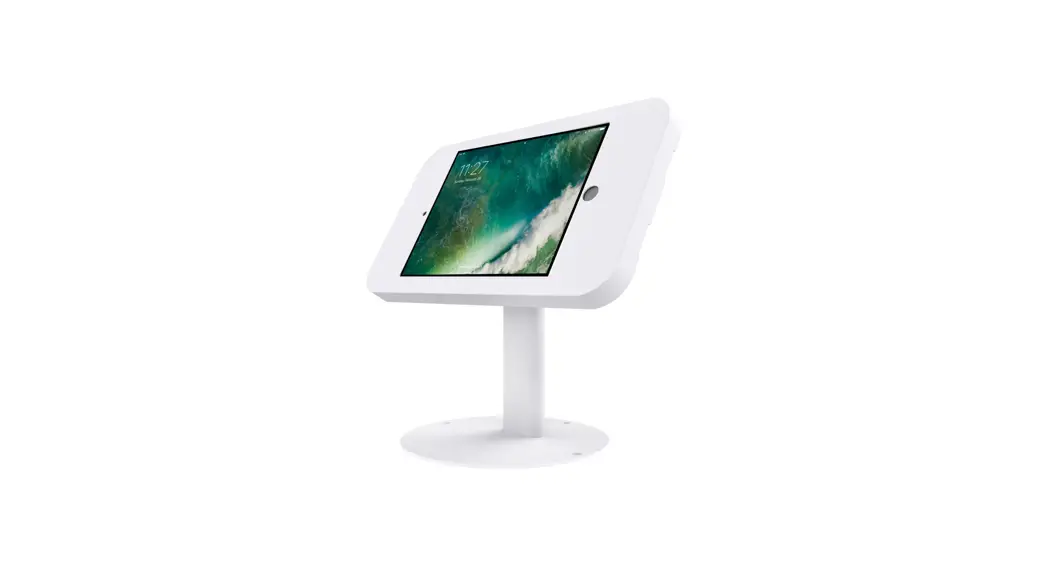
The Viveroo iPad wallmount is designed to securely mount an iPad
in an enclosed and dry living space. The package includes the user
manual, one iPad wallmount, a mounting plate, and a screw set. The
wallmount is compatible with the Viveroo MountingSet and power
supply, which are included in the package. The maximum altitude for
use is 2,000m. All electrical installation work must be conducted
by authorized, trained electricians.
Technical Data
- Product contents: User manual one, one iPad wallmount, mounting
plate, screw set - Compatibility: Viveroo MountingSet and power supply included in
package - Measurements:
- Design cover: 217 x 143mm, 275 x 183mm, 270 x 187mm, 307 x
224mm - Depth one: 15mm
- Mounting plate size of opening (for furniture installation):
round hole 40mm to put the connector through, elongated hole 68 x
139mm - Installation depth (for furniture): 30mm
- Installation depth (for flush-mounted box): 75mm
- Power supply: 100-240Vac, 50-60Hz
- Power consumption: 12.5Watt – 18Watt depending on iPad and
power supply
- Design cover: 217 x 143mm, 275 x 183mm, 270 x 187mm, 307 x
Product Usage Instructions
- Read the assembly instructions and user manual carefully before
using the Viveroo iPad wallmount. - Ensure that the mounting location is appropriate and safe for
installation. This applies to installation in movable parts, such
as doors. - All electrical installation work must be conducted by
authorized, trained electricians, adhering to the general rules and
regulations applying to electrical installation. - Use the corresponding Viveroo MountingSet to install the
wallmount. Follow the specific mounting instructions included in
the set. Illustrations are examples. - The iPad wallmount can be installed in both portrait and
landscape format. Refer to the assembly instructions for the
respective assembly set. - If installing directly to a surface without a flush-mounted
box, continue with Step 2 in the assembly instructions. - If safe operation of the wallmount is not assured, immediately
take it out of service and secure it against potential misuse. If
the wallmount’s functions are limited, blocked, or disabled, or if
an unusual odor is present, if noises such as scratching are
audible, or damage is visible, safe operation can no longer be
guaranteed.
User manual
one
viveroo GmbH Wewelsburger Stra§e 4 33154 Salzkotten Germany www.viveroo.de
REV20211220
Safety information
! Warning
Please read the assembly instructions included carefully. Please read this iPad wallmount user manual completely before using it. Please
Safety
follow the instructions and recommendations to ensure proper use and maximum enjoyment.
All viveroo mounting sets are intended for use in enclosed and dry
!
information
living spaces.
The following conditions must be provided:
– Operating temperature between 0¡ C (32¡ F) and 35¡ C (95¡ F). – Relative humidity (during use): 20 % to 90 %, non-condensing. – No external environmental influences such as oil, chemicals, salt,
extensive dust, etc.
Installation, service or repairs, if necessary, may only be performed by authorized persons.
The maximum altitude is 2.000m.
The installer is responsible for selecting the proper mounting location and safe installation of the one. This also applies to installation in movable parts, such as doors. The installer is responsible for performing and documenting all necessary safety tests.
All electrical installation work may only be conducted by authorized, trained electricians, always adhering to the general rules and regulations applying to electrical installation.
Should it become apparent that safe operation of the one is not assured, then the one must immediately be taken out of service and secured against potential misuse. If the one functions are limited, blocked or disabled, if an unusual odor is present, if noises such as scratching are audible or damage is visible, safe operation can no longer be guaranteed.
User manual one, page 2 of 7
Technical Data
Product contents
– User manual one – one – Mounting plate – screw set
Compatability
Electrical operation of viveroo iPad mounts is permitted only in connection with viveroo MountingSet and power supply and cable included in the MountingSet. Operation of viveroo iPad mounts without a MountingSet will lead to immediate loss of guarantee and warranty.
Measurements Measurements design cover
in millimeter
one for É
É iPad mini É iPad 10.2 inch, Air,
Pro 10.5 inch É iPad Pro 11 inch É iPad 10.9 inch (10 Gen) É iPad Pro 12.9 inch
217 x 143 275 x 183
270 x 187 270 x 187 307 x 224
Depth one Mounting plate Size of opening (for furniture installation)
15 3
Round hole 40mm to put the connector through
Size of opening (for flush-mounted box)
Installation depth (for furniture) Installation depth (for flush-mounted box)
elongated hole 68 x 139
30 75
Weight in gram one for É
Electrical connections
É iPad mini É iPad 10.2 inch, Air,
Pro 10.5 inch É iPad Pro 11 inch É iPad 10.9 inch (10 Gen) É iPad Pro 12.9 inch
Power supply Power consumption
740 866
952 952 1.118
100-240Vac, 50-60Hz 12,5Watt – 18Watt
depending on iPad and power supply
Removal from The one may be removed from the power supply via the circuit breaker power supply in the respective rooms.
Technical changes and mistakes are excepted. Apple, iPad and Lightning are registeres tradem geschYtzte Marken von Apple Inc.
User manual one, page 3 of 7
Installation
Use the corresponding MountingSet to install your one. All MountingSets come with specific mounting instructions. Illustration are examples. Depending on the iPad and USB port, another power adapter and cables can be supplied.
Step 1
The one can be installed in both portrait and landscape format. Please refer to the assembly instructions for the respective assembly set.
! Note: These instructions show the assembly in a cavity wall with a flush-mounted cavity wall socket (Inwall assembly set). The one is installed here in landscape format as an example. If you screwed the one directly to the surface without a flush-mounted box, please continue with Step 2.
Connect the USB connector that will later be used to power the iPad.
For one with PoE (power and data via the network cable): Insert the PoE adapter into the installation socket from your mounting set and attach the adapter plate of the mounting set. For using the one with a PoE Adapter, also see the notes on page 6 of this document.
Step 1
Step 2
2.1 Attach the adapter plate of the one to the assembly set using the holes provided for this purpose. Guide the USB cable through the long hole in the middle of the plate.
Alternatively 2.2 If you want to install the one without the viveroo mounting set or if you want to screw the bracket directly onto the wall, use the four outer holes and the screws provided. See also the notes on page 6 of these instructions.
Step 2.1
User manual one, page 4 of 7
Step 2.2 (Alternativ zu 2.1)
Installation
Step 3
Take the frame of the one and run the USB cable in the middle and fix it in the cable duct. The cable should then protrude about 2 cm from the cable duct.
Step 4
Mount the frame on the adapter plate. The 4 middle holes are used for this. There are several threads for aligning the one.
Step 3
Step 5
Place the iPad in the iPad in the one and connect the USBC or Lightning connector. Warning: In this state, the iPad is not yet secured in the one to prevent it from falling out.
Step 4
Step 6
Secure the iPad with the cap and fix it with the two small screws. Now the iPad is secured and can no longer fall out.
Step 5
User manual one, page 5 of 7
Step 6
Notes on PoE Adapters
PoE Adapter for iPads with Lightning connector.
PoE Adapter for iPads with USB-C connector.
Note: Use the orange wall box and mounting plate to attach the viveroo iPad mount to the wall. Place the PoE Adapter inside the backbox. Please also note the enclosed instructions of the PoE Adapter.
User manual one, page 6 of 7
PoE Adapter USBC/ Lightning
Warranty
Warranty
viveroo products come with a one year warranty from date of purchase by the original end customer, unless the device was repaired or replaced during the warranty period. In this case, the warranty is valid until the end of the regular two year warranty or six months following the repair/replacement, whichever comes first.
Warranty claims and verification
Warranty claims and verification
Should your viveroo product for any reason not perform as expected, please contact your dealer and provide the original invoice with serial number as well as a brief description of your complaint. The following devices are excluded from the warranty Devices with damages caused by:
– acts of nature, – misuse, including but not limited to disregarding the user manual and mounting
instructions, – inappropriate handling, – connection to an incorrect power supply, – repairs or attempted repairs by unauthorized persons, – use of the device in connection with third party products, devices on which the serial number of the producer has been changed, deleted, removed or made illegible.
Apple, iPad and Lightning are registered trademarks of Apple Inc.
User manual one, page 7 of 7
 iPad Halterung - iPad Wandhalterung und iPad Ständer | viveroo