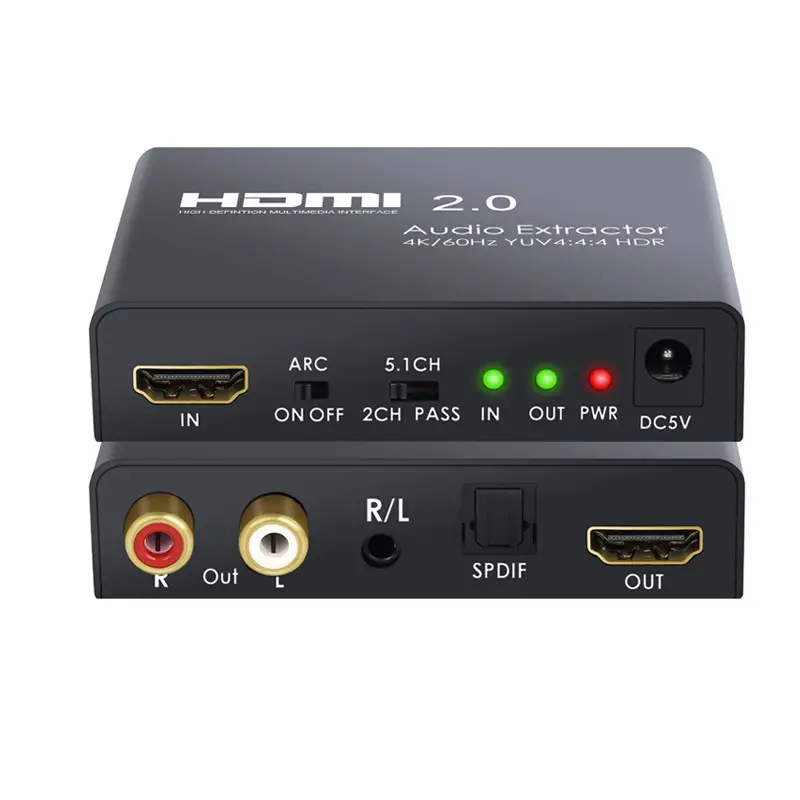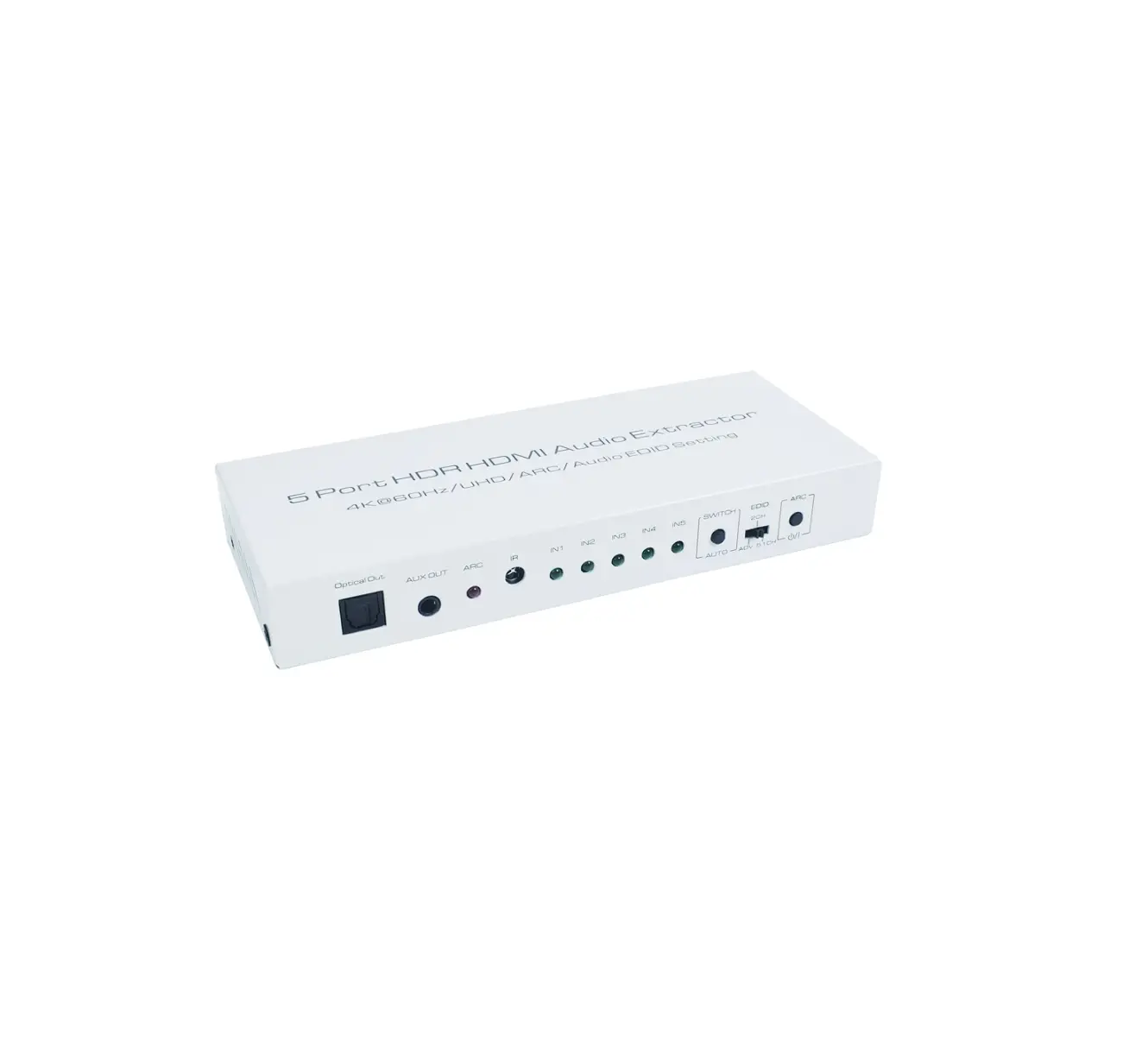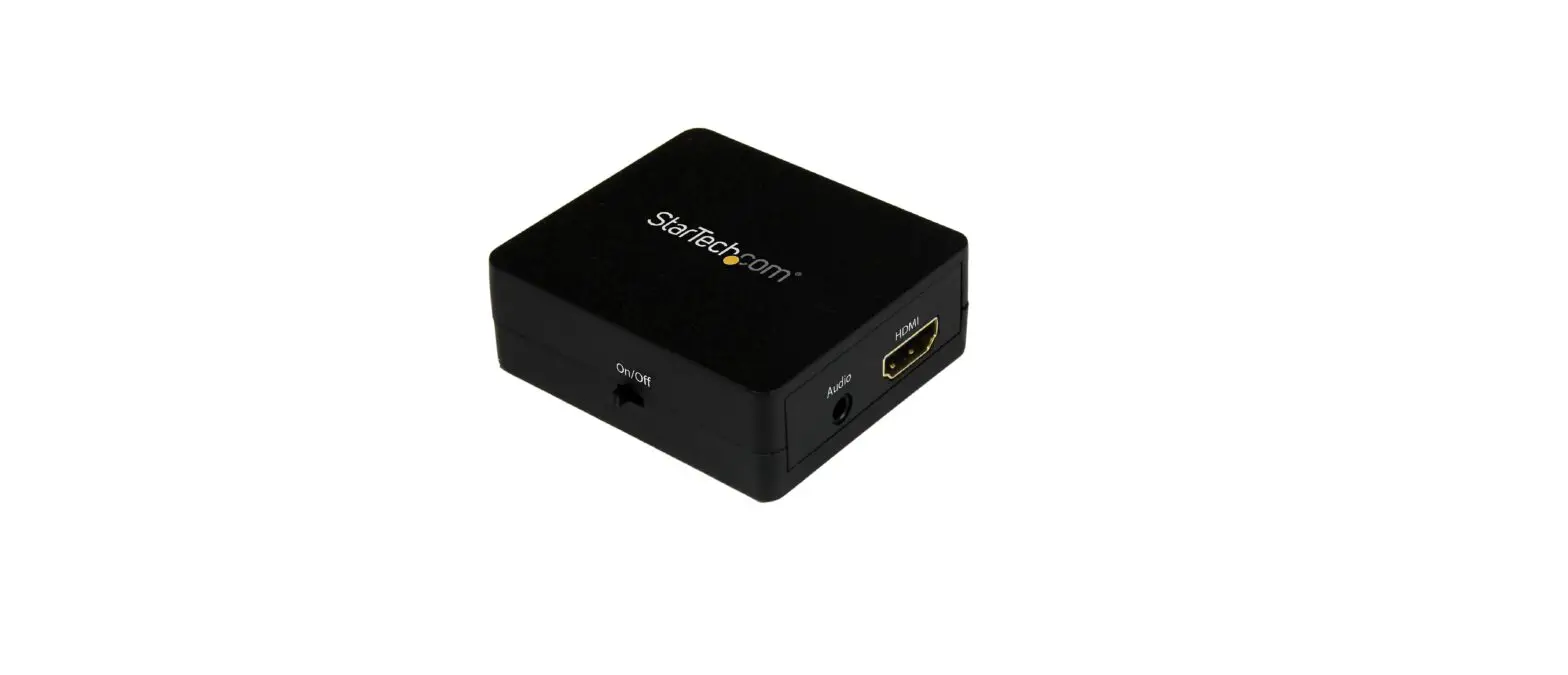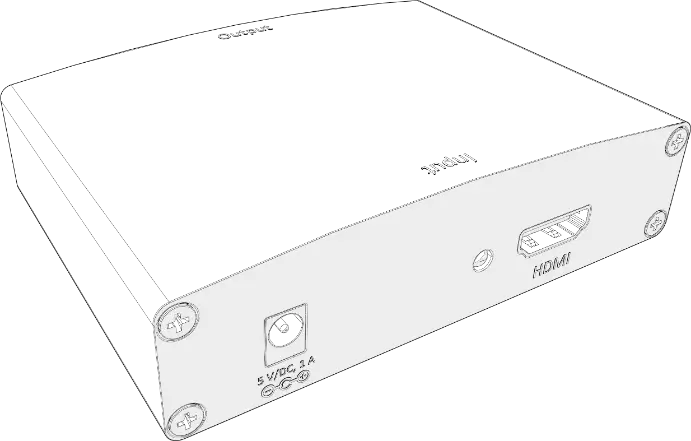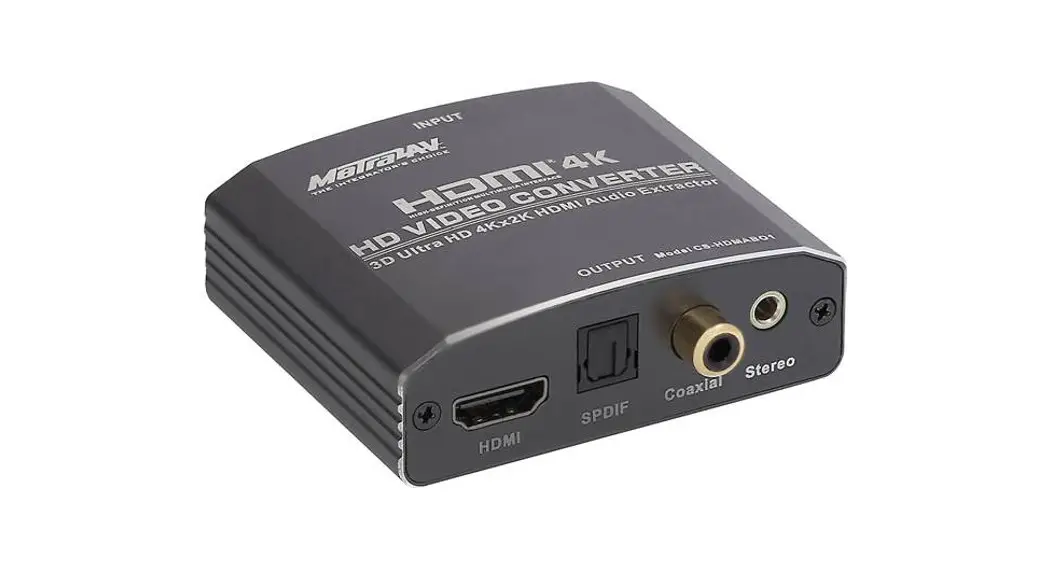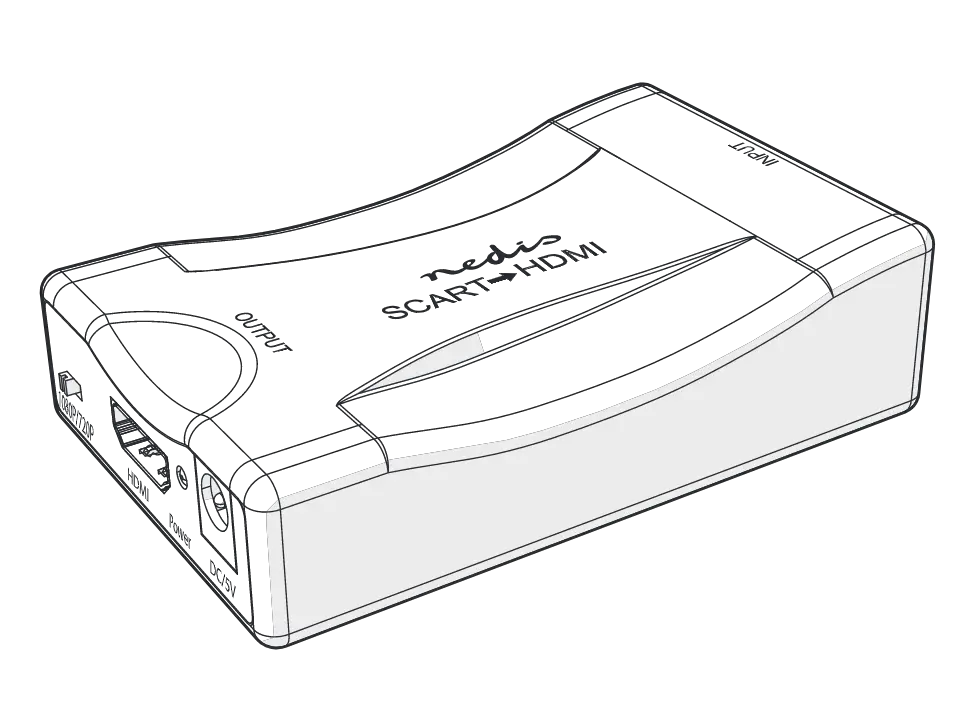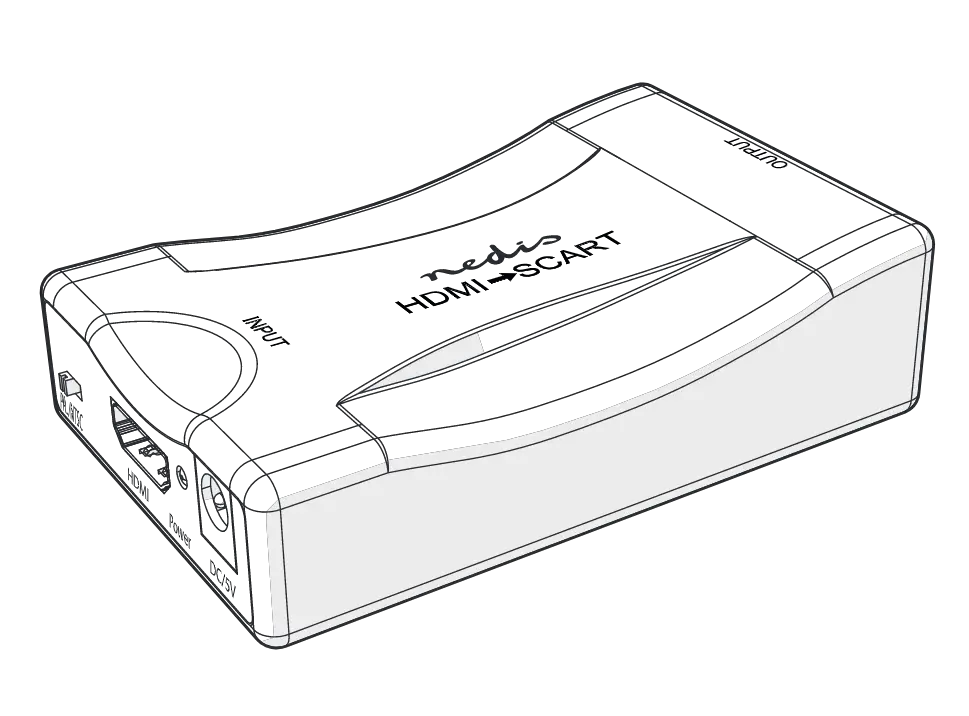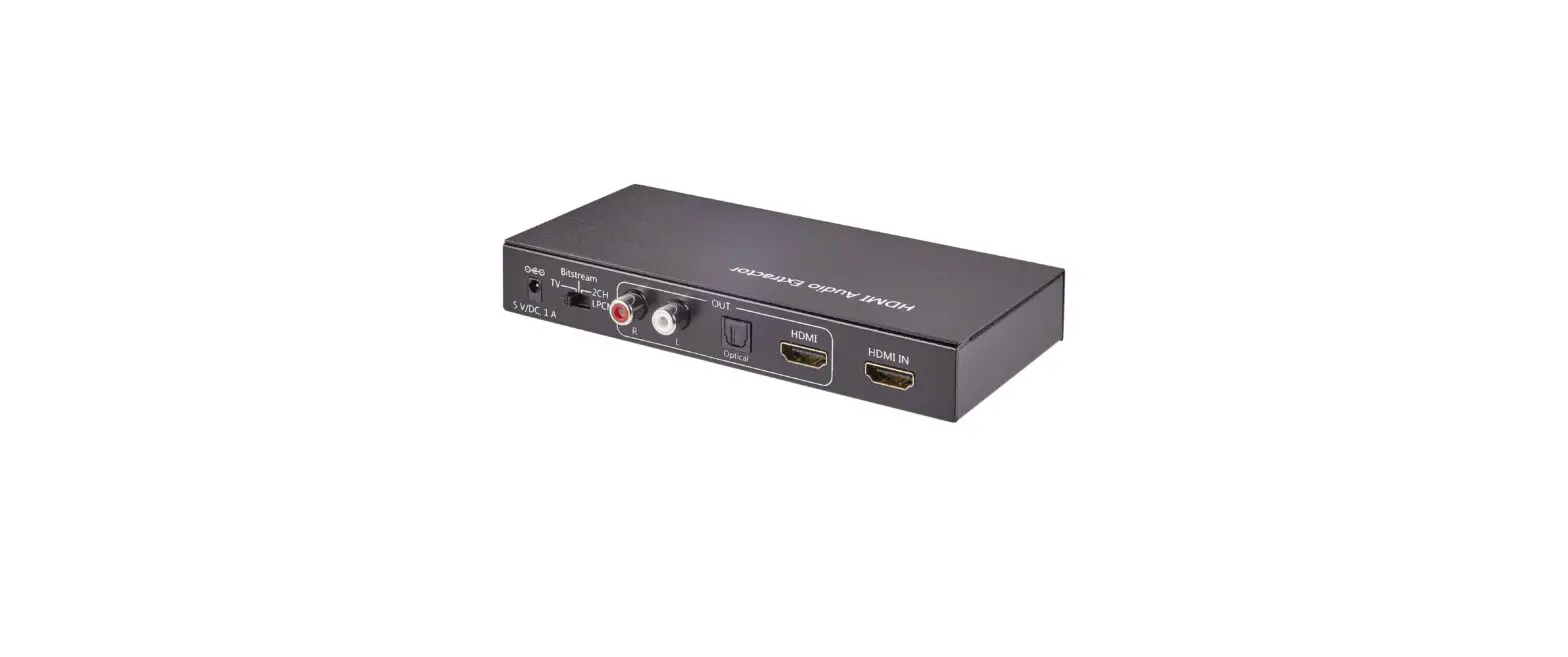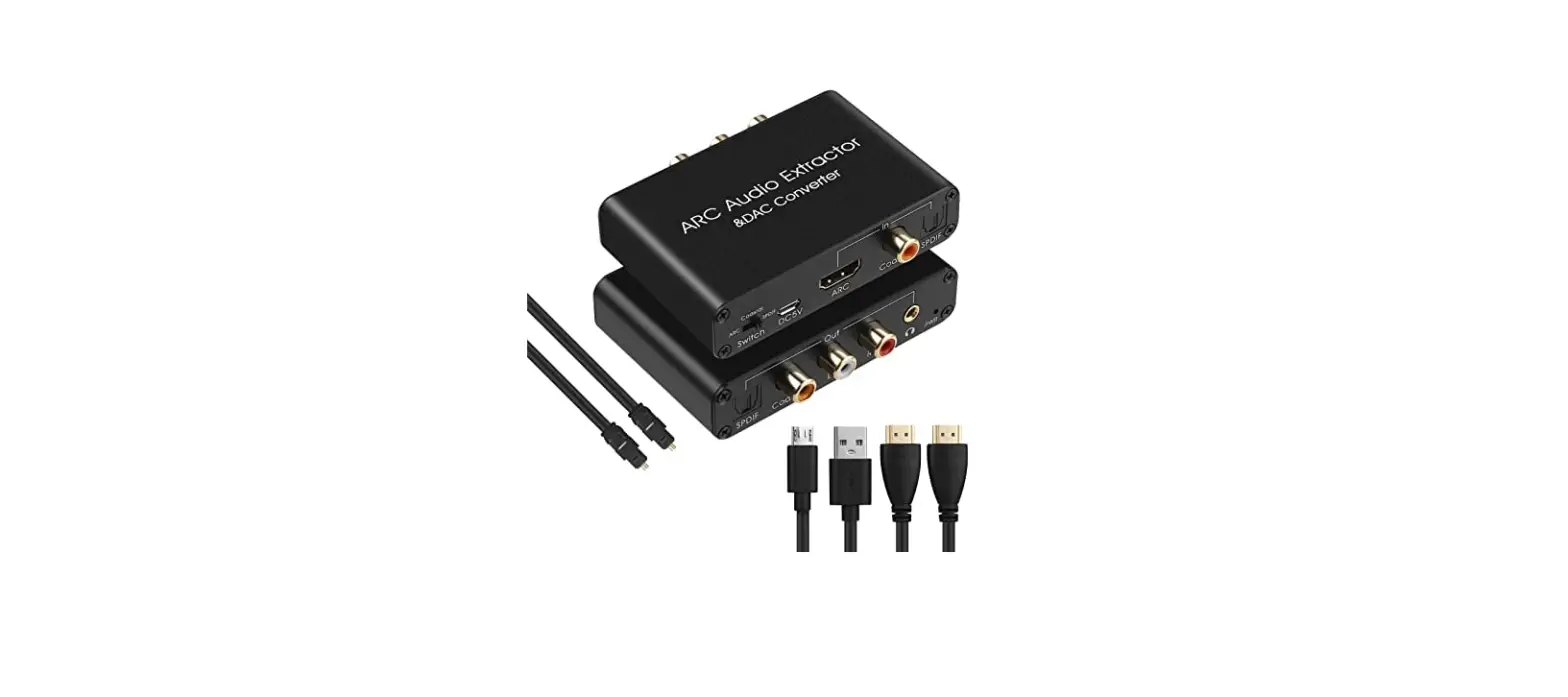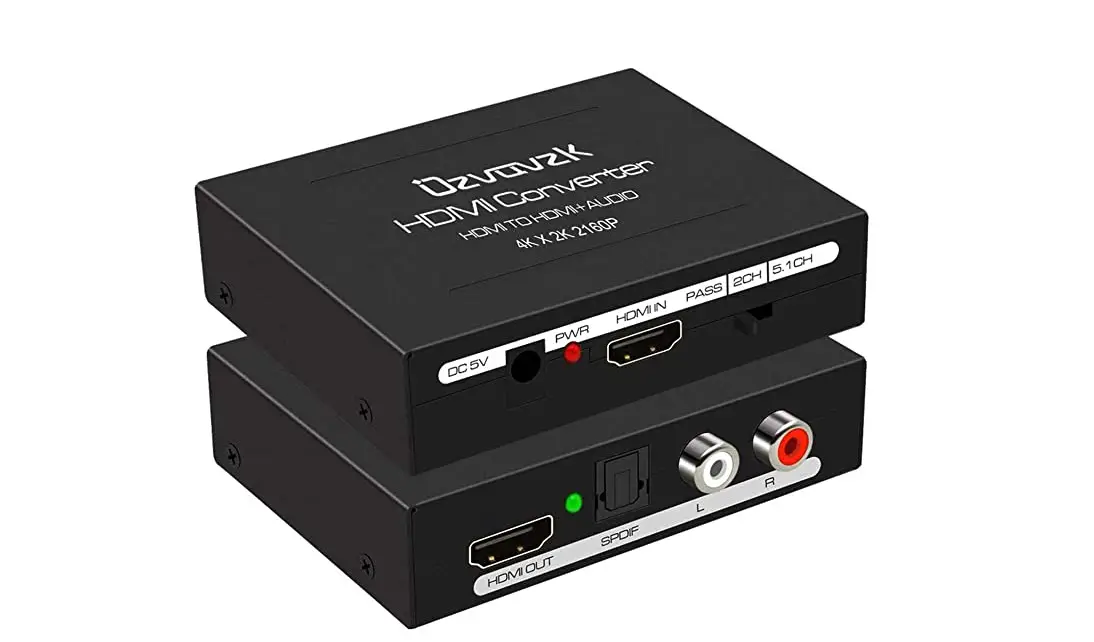

Luxorparts 24059 HDMI Audio Converter
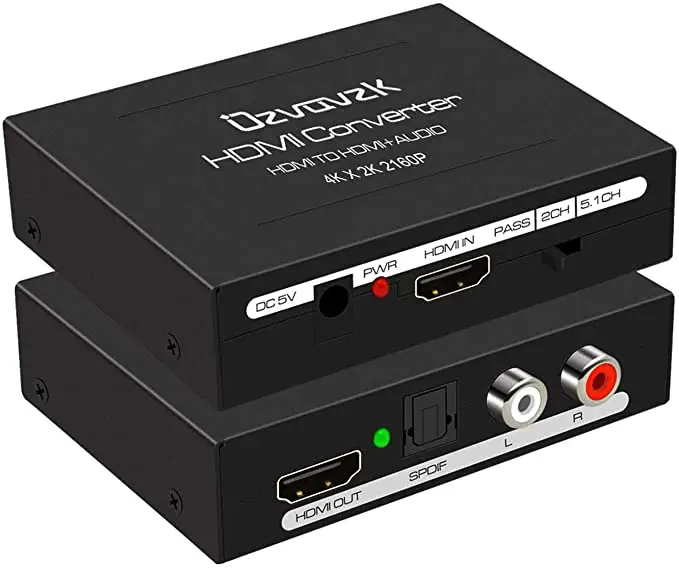
Overview 
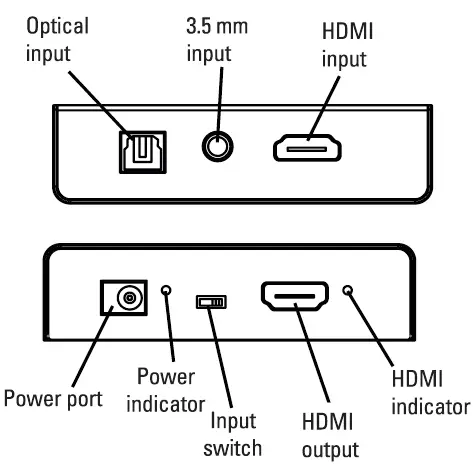
Specifications
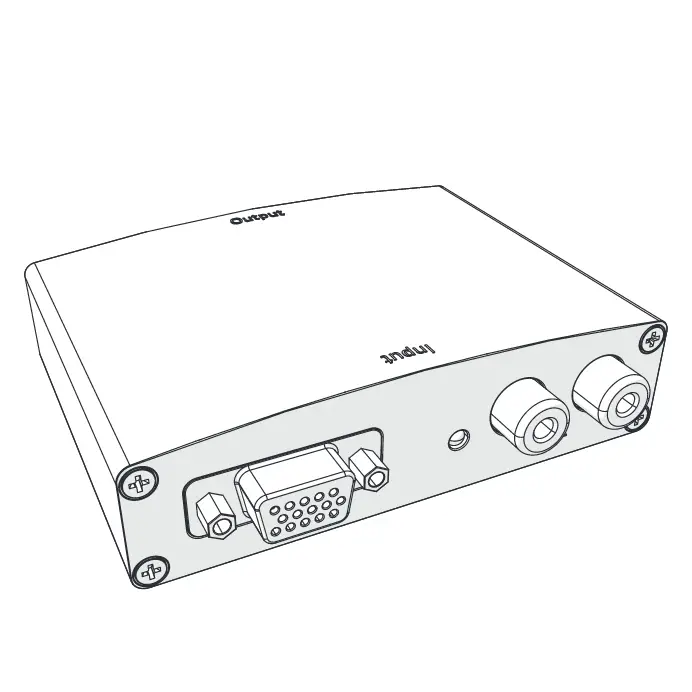
- Input: HDMI, 3.5 mm, optical
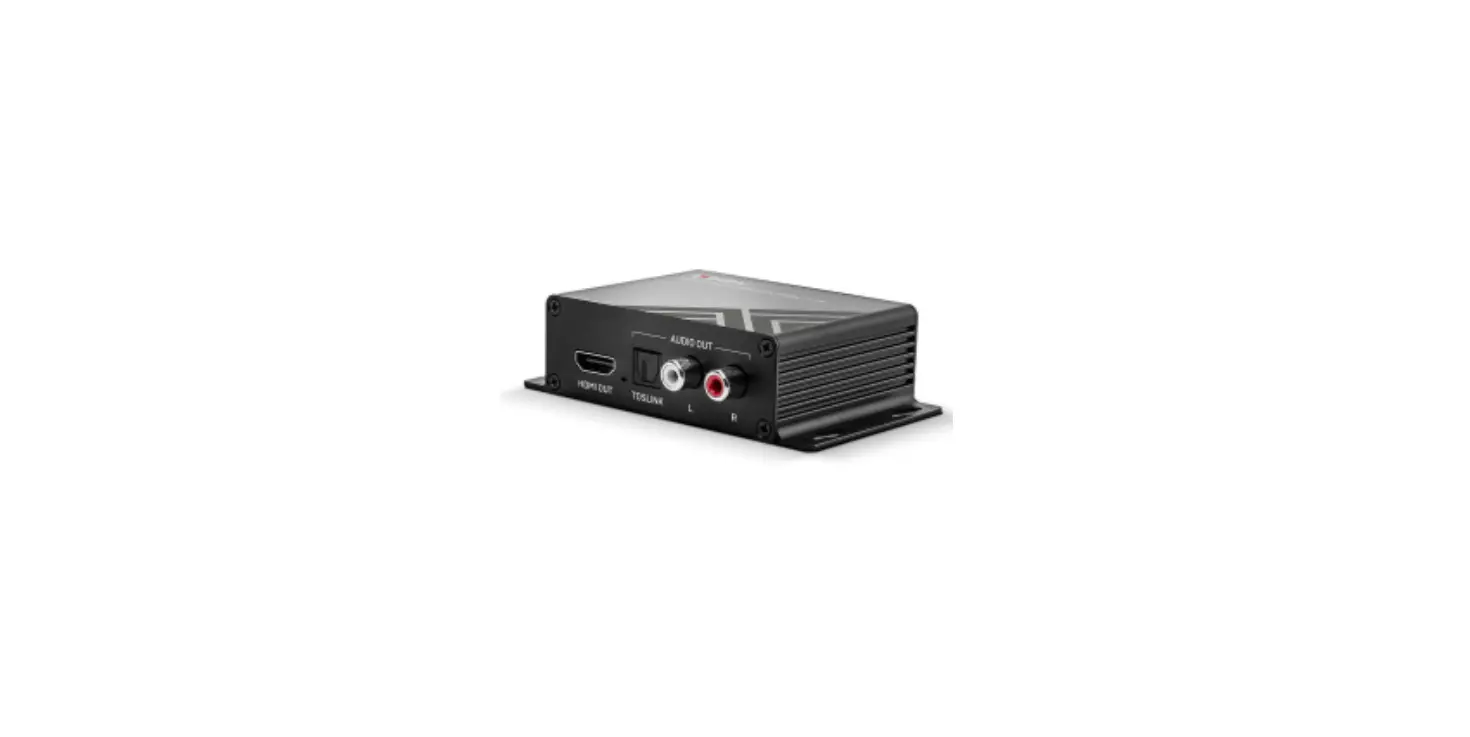
- Output: HDMI
- Max. resolution: 4K@50/60 Hz
- Size: 88×59.5×23 mm
- Weight; 135 g
Use
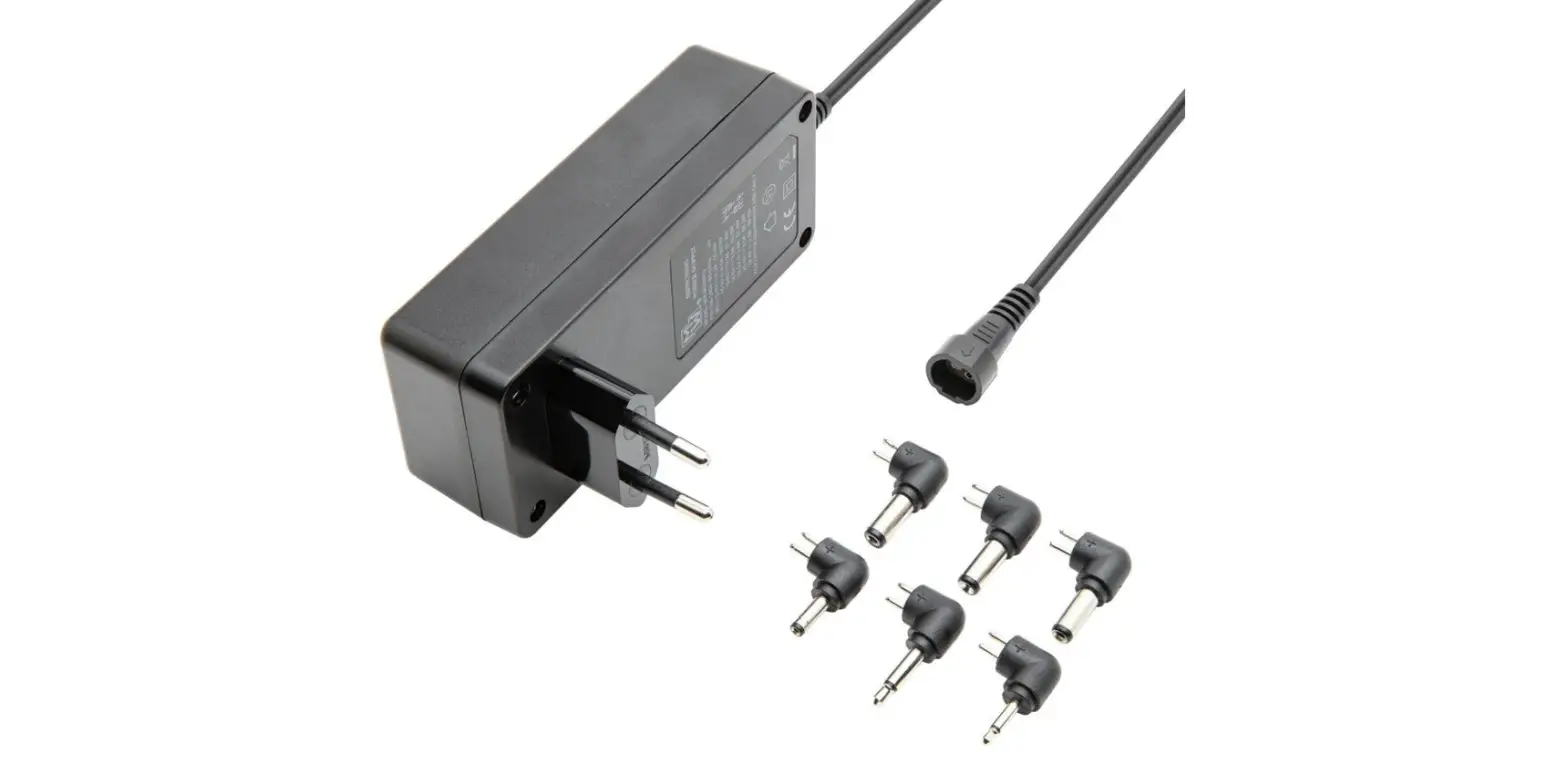
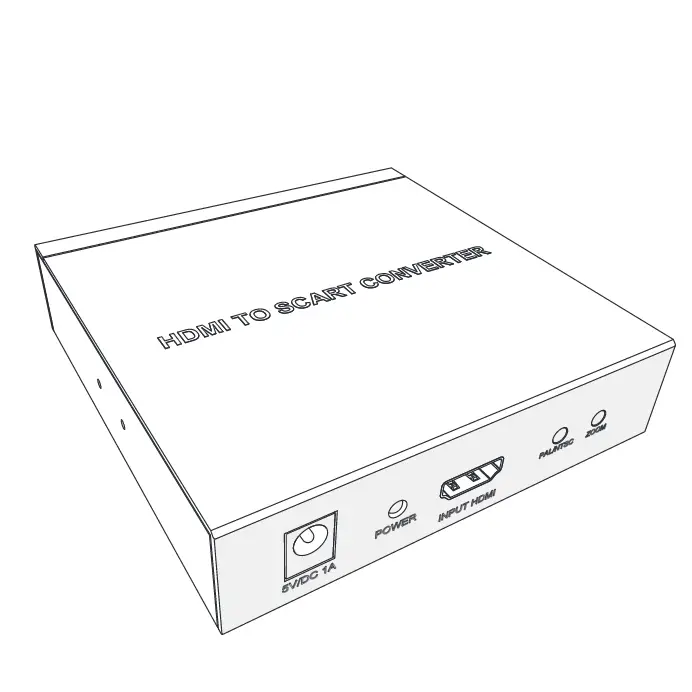
Connect the power adapter to the converter and a wall outlet.
Connect an HDMI cable to the HDMI output and your display. Connect a laptop, DVD or any other device to the suitable input. Set the switch to the corresponding input.
Troubleshooting
The picture is not displayed correctly.
The HDMI cables you are using might not be HDMI 2.0 cables, or they are too long. Make sure you are using HDMI 2.0 cables that are shorter than 5 meters.
There is no a picture, the only sound
Your displays do not support HDCP resolution. Change the HDMI input to a lower resolution or change the display to an HDCP-compatible one.
Safety information
Only use the unit with the provided adapter.
Keep the unit away from open flames or magnetic fields such as loudspeakers.
Do not open or attempt to service the unit on your own.
If the supply cord is damaged it must be replaced by the manufacturer, its service agent or similarly qualified persons in order to avoid hazards.
Unplug the unit from the power supply during lightning storms.
Never insert any other objects than the intended cables into the unit. Do not drop the unit and keep away from liquids.