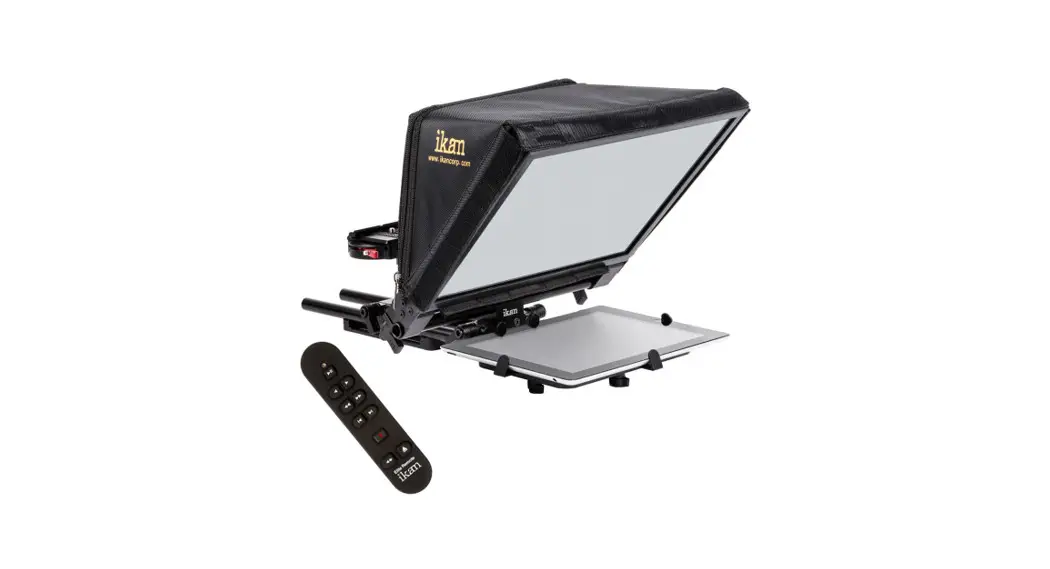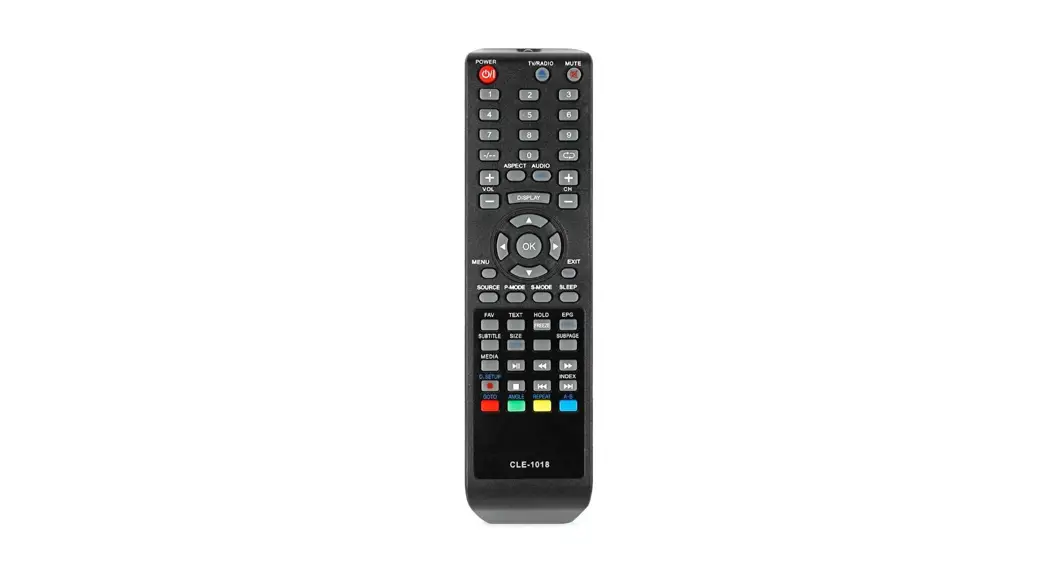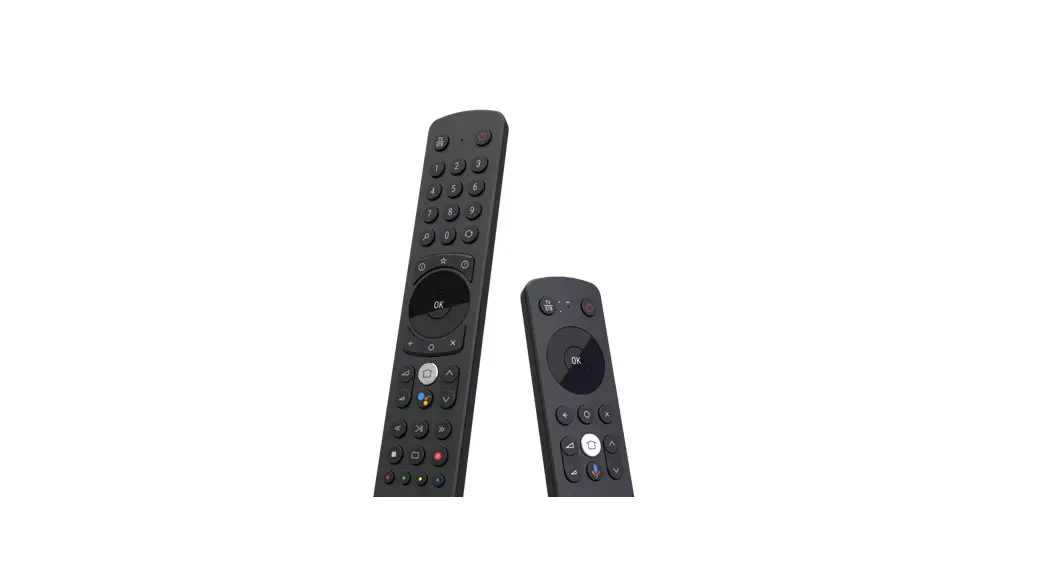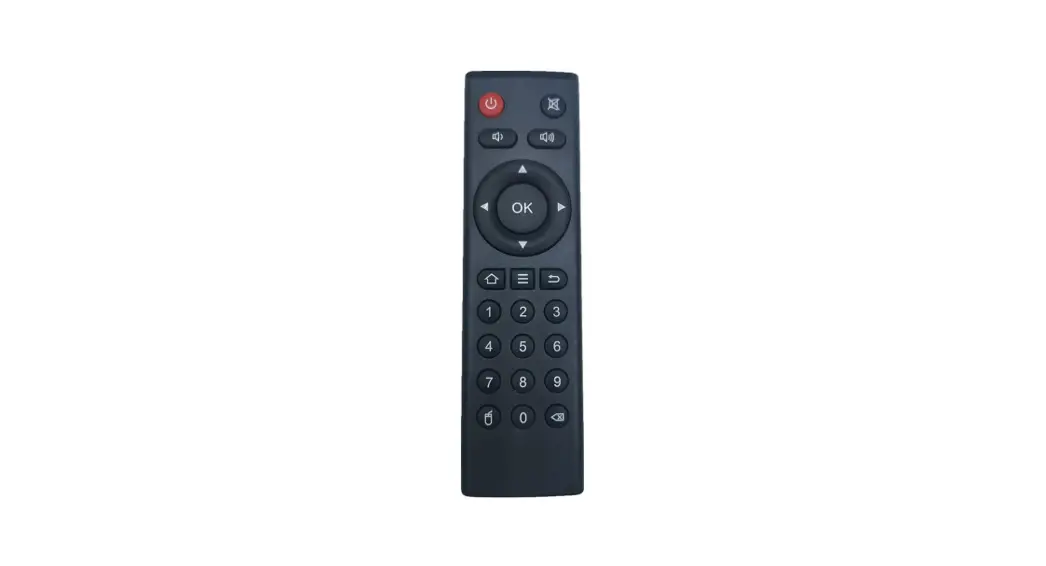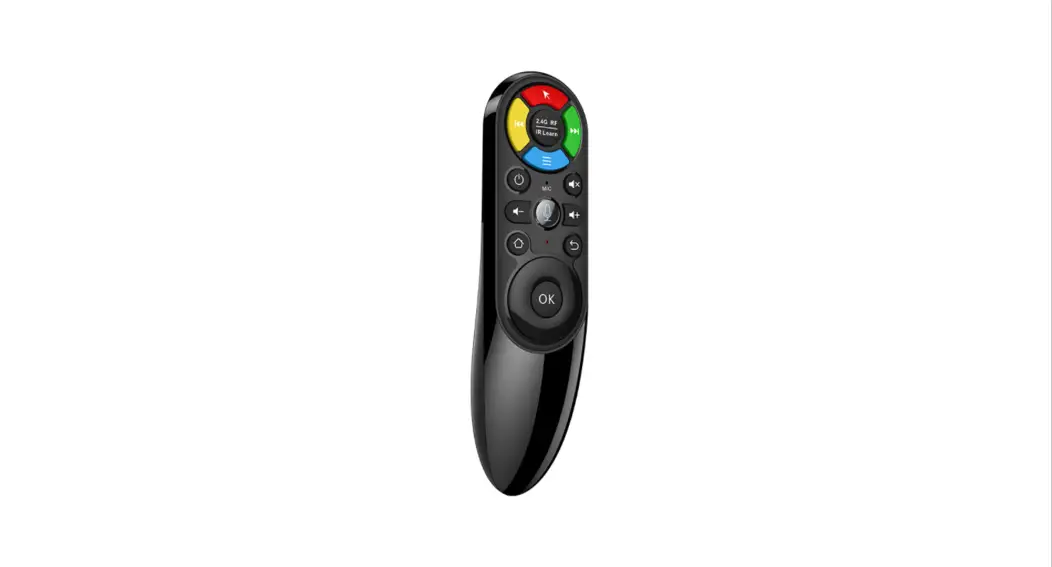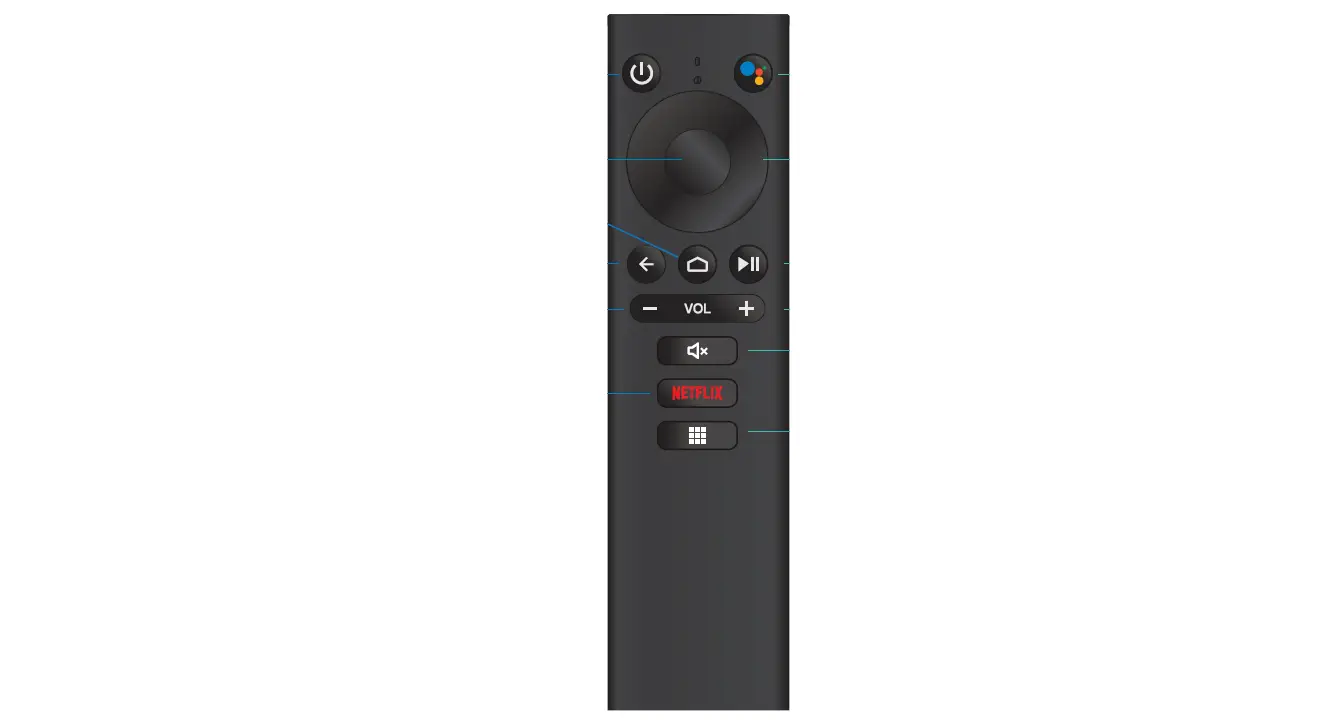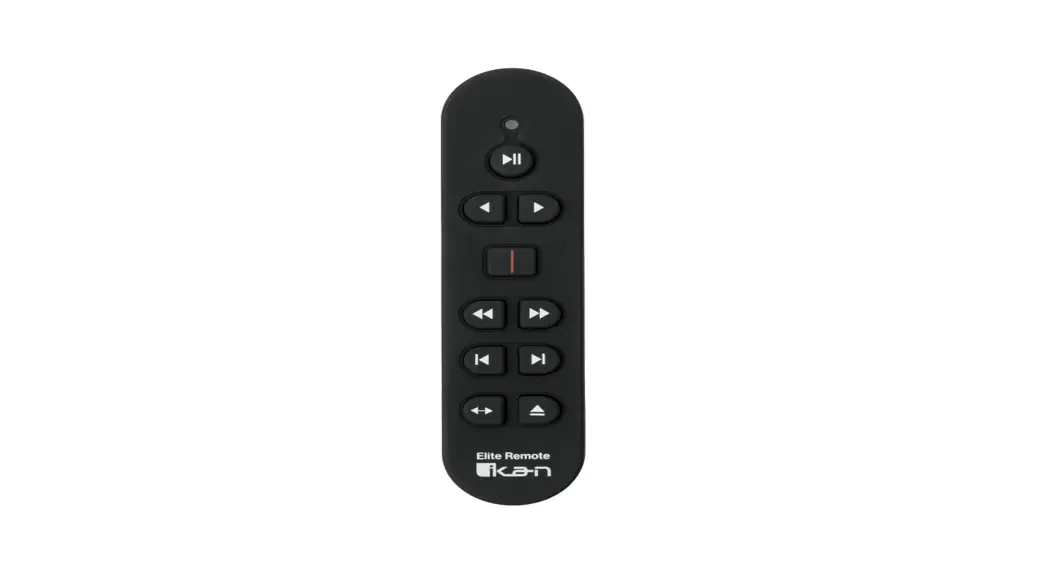


ELITE-REMOTE Bluetooth iPad Teleprompter Remote
User Guide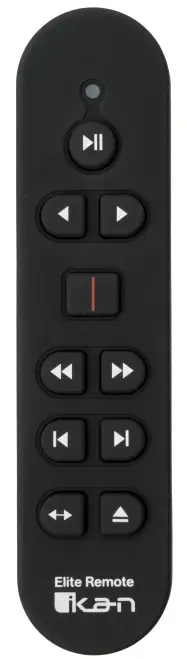
ELITE-REMOTE Bluetooth iPad Teleprompter Remote
Quick Start Guide
Thank you for purchasing the ELITE-REMOTE — Bluetooth iPad teleprompter remote. Please follow these simple instructions to get started.
Downloading Compatible Apps
- Go to the App Store on your tablet

- Locate the search bar at the top right corner and key in the name of one of our compatible apps.

- Select the app and install it.

Inserting battery into ELITE-REMOTE
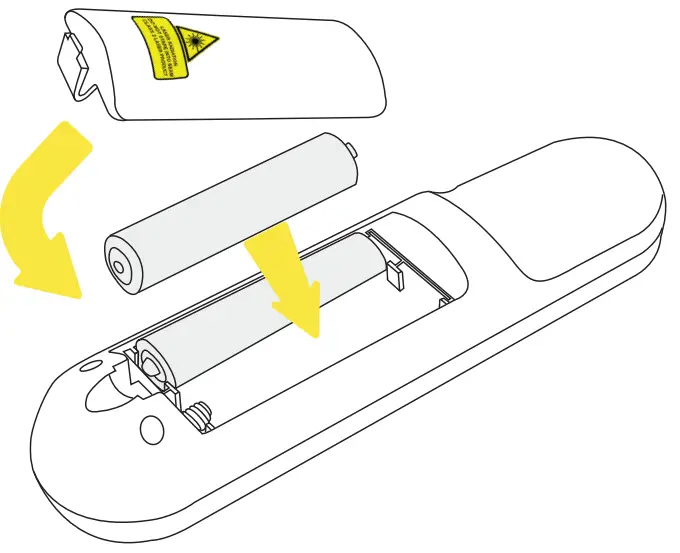
- Remove the cover on the back of the remote
- Insert 2 W batteries into the battery compartment
- Re-install the battery cover
Syncing ELITE-REMOTE to your iPad
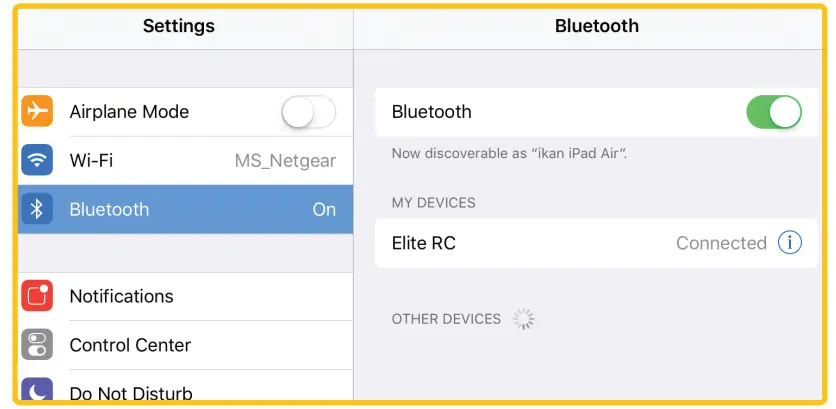
- Go to the “Settings” app on your iPad

- Select the Bluetooth tab on the left side and confirm the Bluetooth option is on (the switch will toggle green).
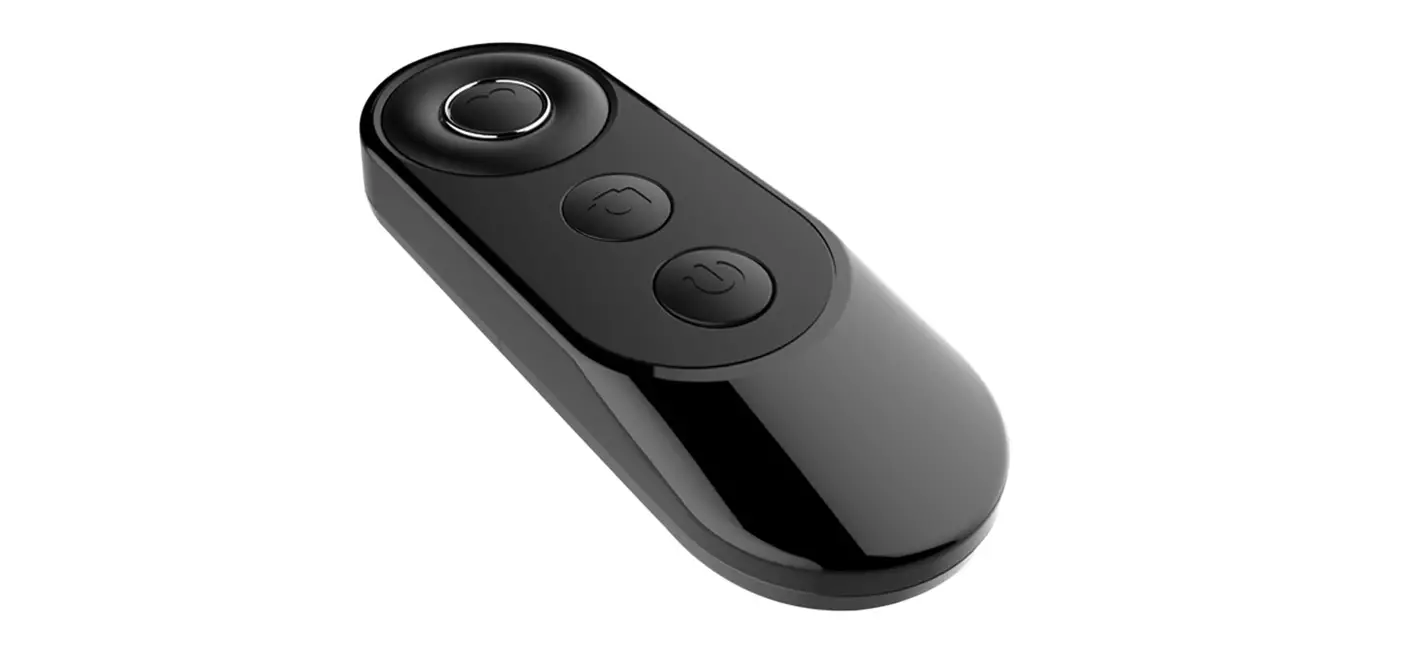
- Turn on the remote by inserting 2AAA batteries into the battery compartment. A red light should blink momentarily on the front side of the remote.
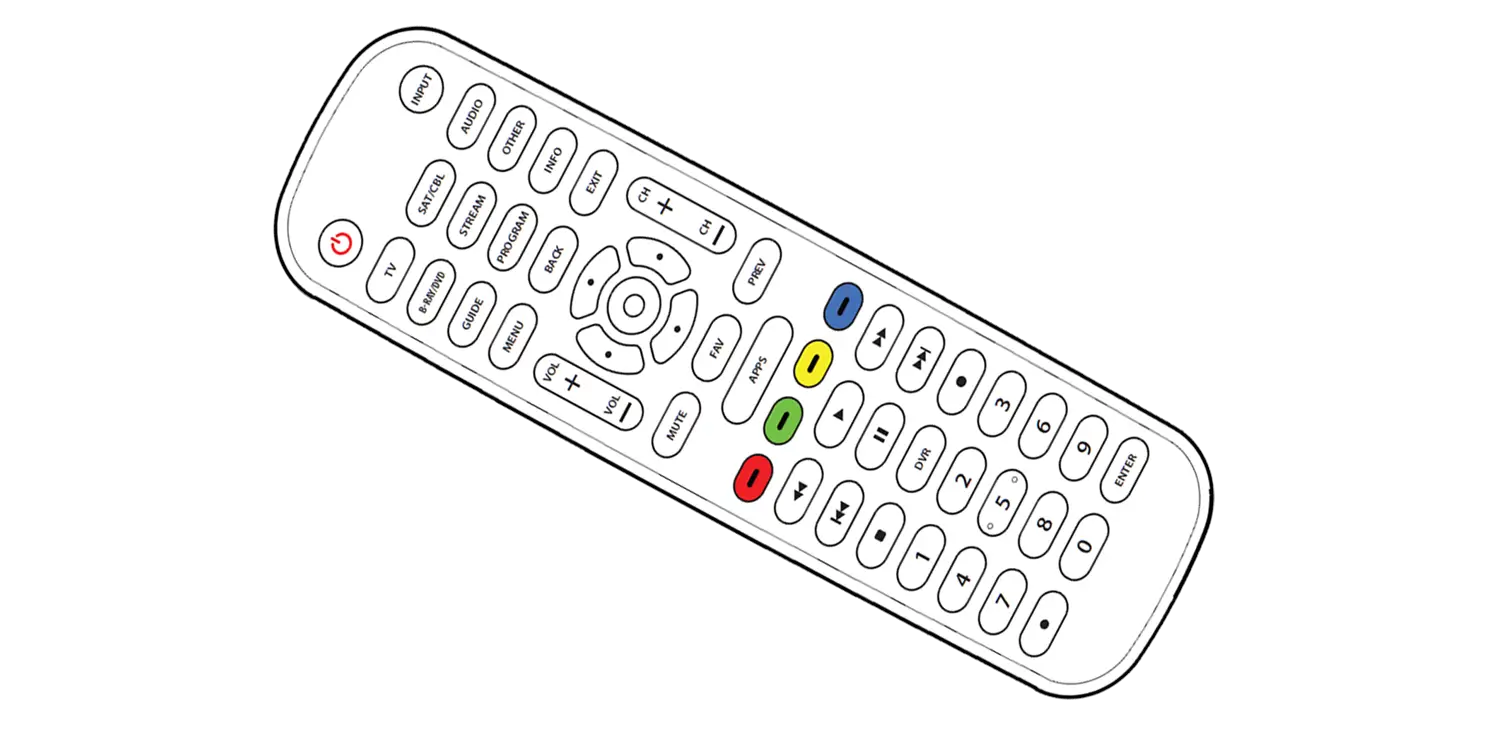
- Press and hold the “Rewind & Forward’ button for 3 seconds to sync the remote. A blue light should blink momentarily on the front side of the remote.

- The words “Elite RC” should appear on your iPad. Select it.
- Once a connection between the iPad and the remote has been established, the status message next to “Elite RC” should change to Connected.

Re-establishing connection with your iPad
Once you sync your iPad and ELITE-REMOTE, your iPad will always remember the ELITE-REMOTE. To re-establish the connection, simply turn on the remote, press any button, and wait a few seconds. The remote will automatically re-establish a connection with your iPad. 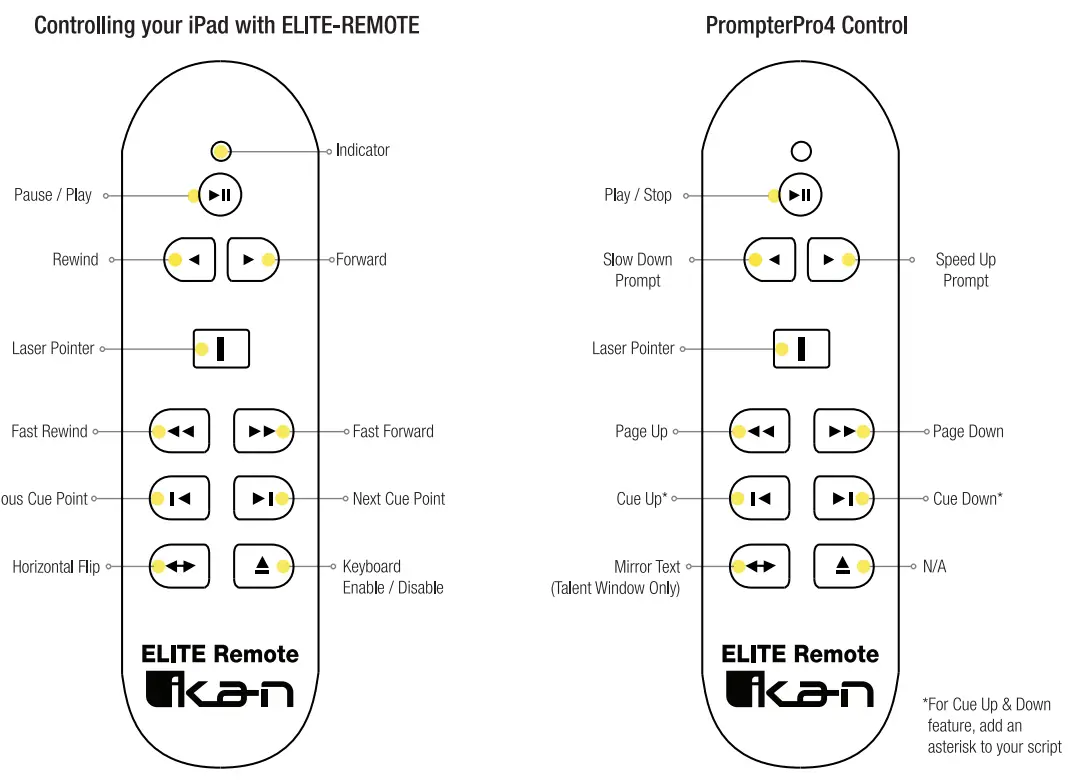
Troubleshooting
If you have any issues with the EIJTE-REMOTE, please call us at 1.713.272.8822
Monday through Friday 9:00 am to 6:00 pm CST. Or you can email us at [email protected].
!kiln International 2022.
All Rights Reserved.