
iDARS Pro
Canon Bluetooth
Camera Remote
Quick Guide
Model: 605007-BLK
Introduction
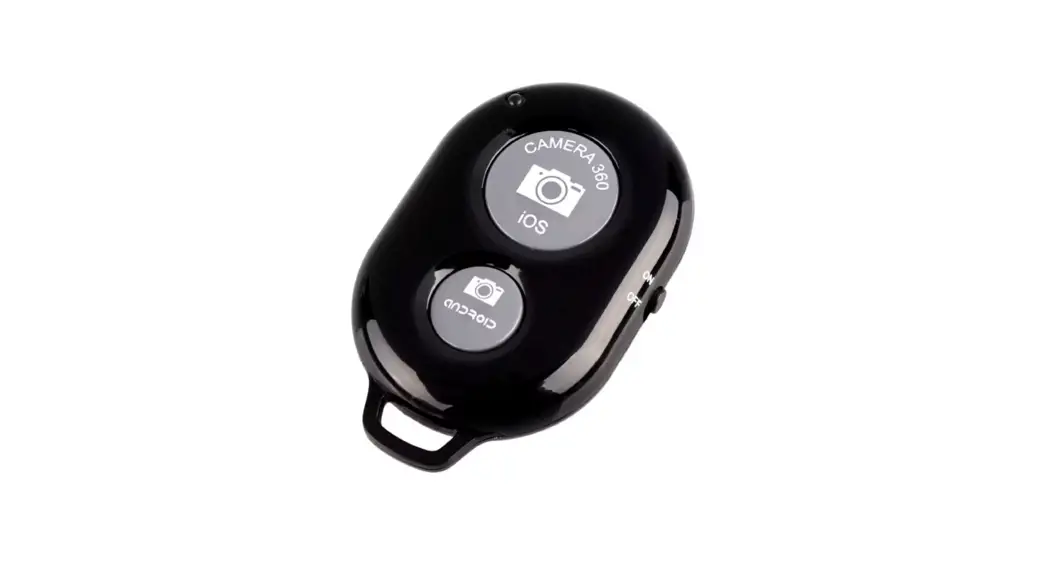
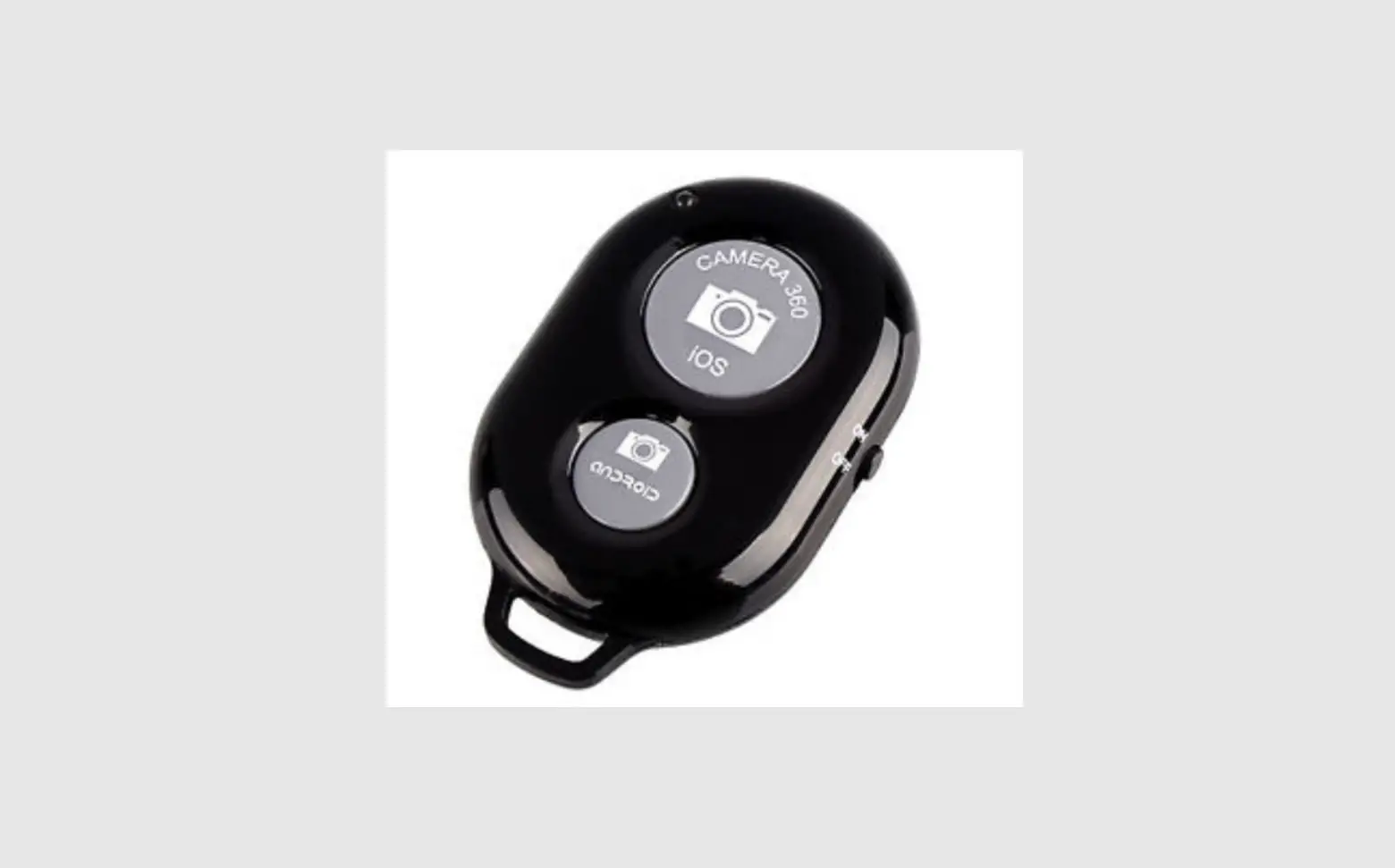
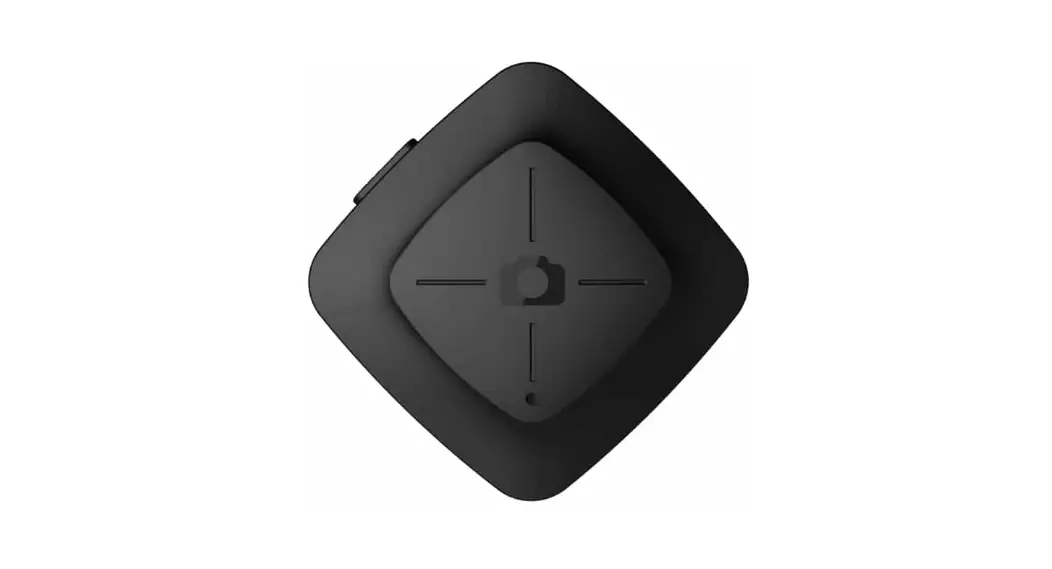
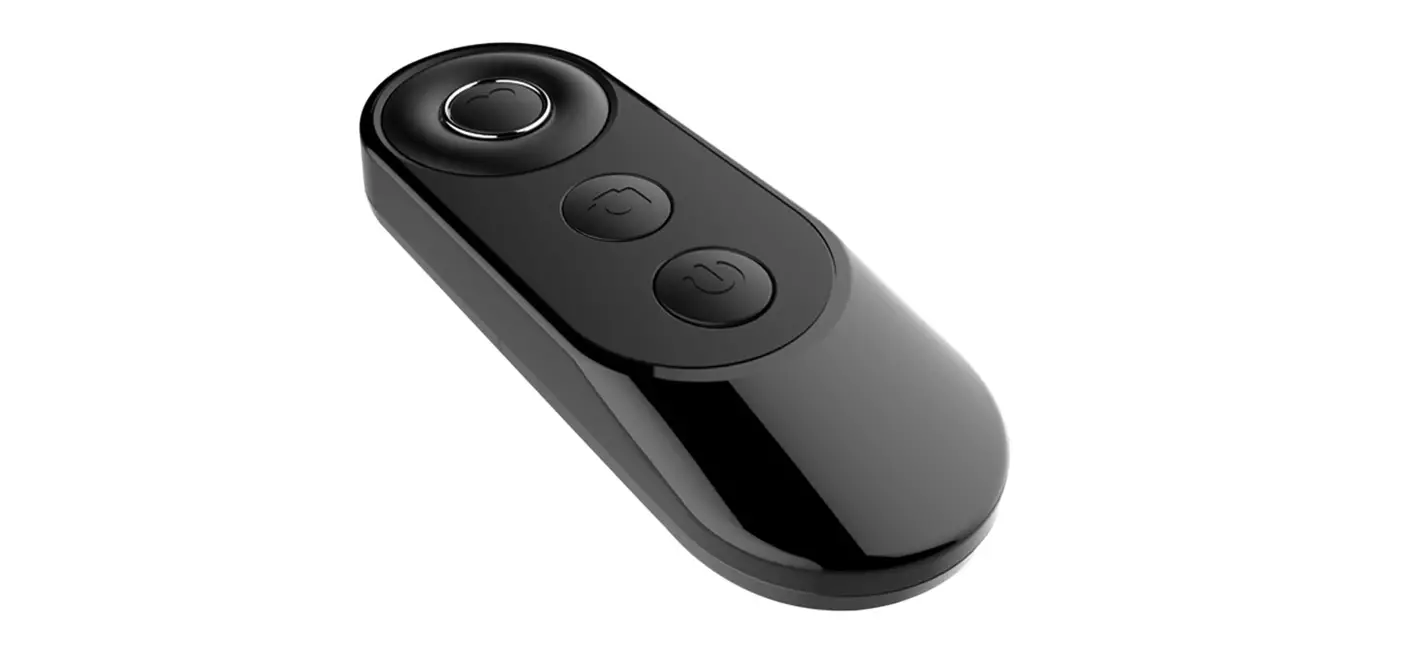
iDARS Pro Canon Bluetooth Camera Remote is a wireless remote controller compatible with Bluetooth® (Bluetooth low energy technology). It can pair with Bluetooth-compatible Canon® digital cameras and smartphone devices to perform the following operations (at a istance of 32 ft.in any direction):
- Shooting still photos
- Filming movies
- Focusing with AF
- Zooming (Available only when used with the Power Zoom Adapter)
Please read this user guide for your camera and power zoom adapter before use
Specifications
| Type | Remote Controller |
| Compliance Standards | Bluetooth Specification Version 4.1 |
| Transmission Method | GFSK Modulation |
| Operating Distance | Approx. 5m/16.4ft |
| Power | Lithium button cell battery CR2032 |
| Dimensions (WxHxD) | 91x11x27mm |
| Weight | 17g |
Compatible models
| EOS 6D Mark 2 | EOS 200D Mark 2 |
| EOS RP | EOS 200D ,REBEL SL2 |
| EOS R | EOS M6 Mark 2 |
| EOS R6 | EOS M200 |
| EOS R5 | PowerShot SX70 HS |
| EOS 90D | iPhone all |
| EOS 77D | Andriod Phone |
| EOS 850D, REBEL T8i | (Does not support SONY smartphone) |
| EOS 800D, REBEL T7i | |
| EOS 250D |
Function instructions
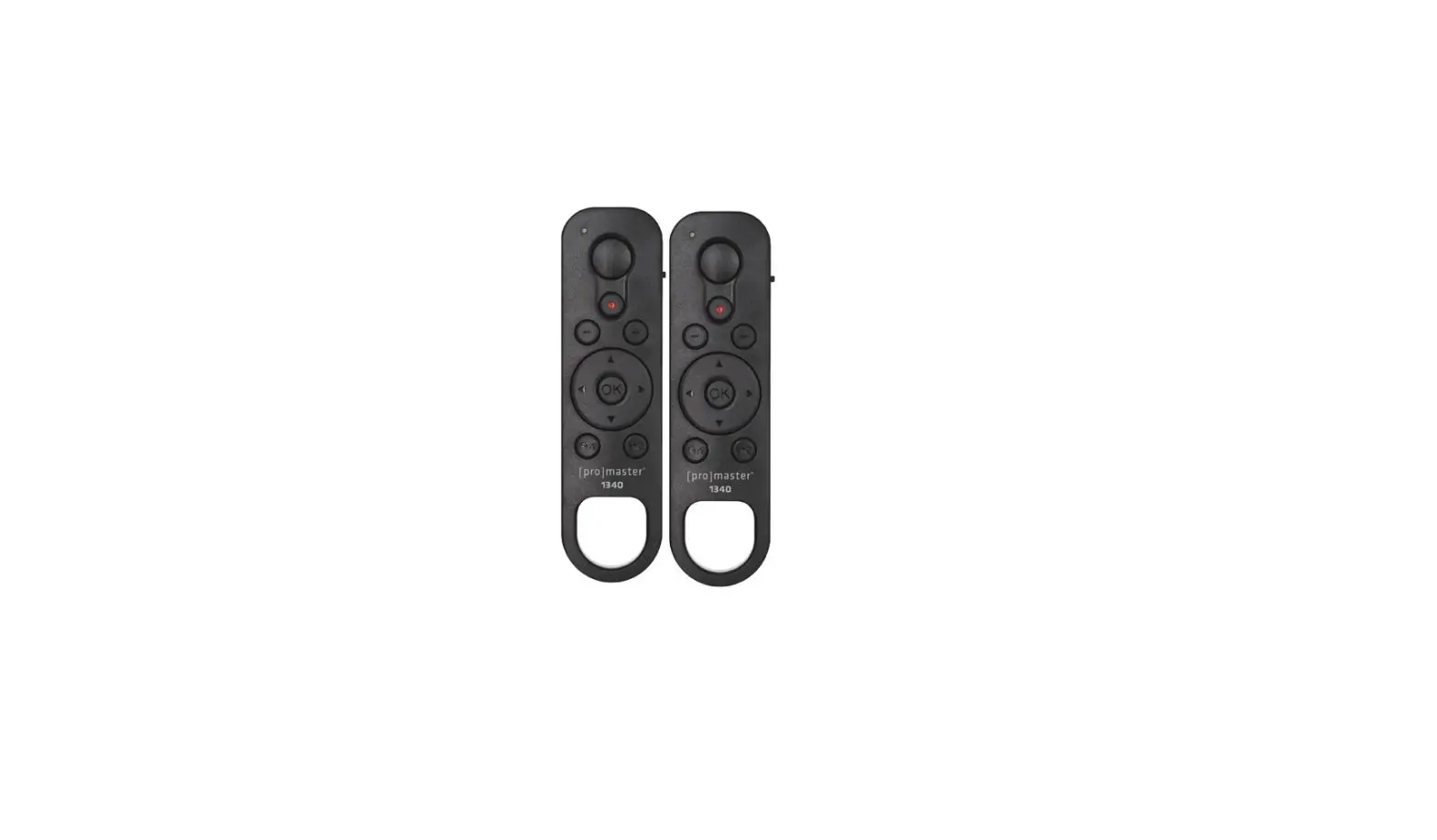
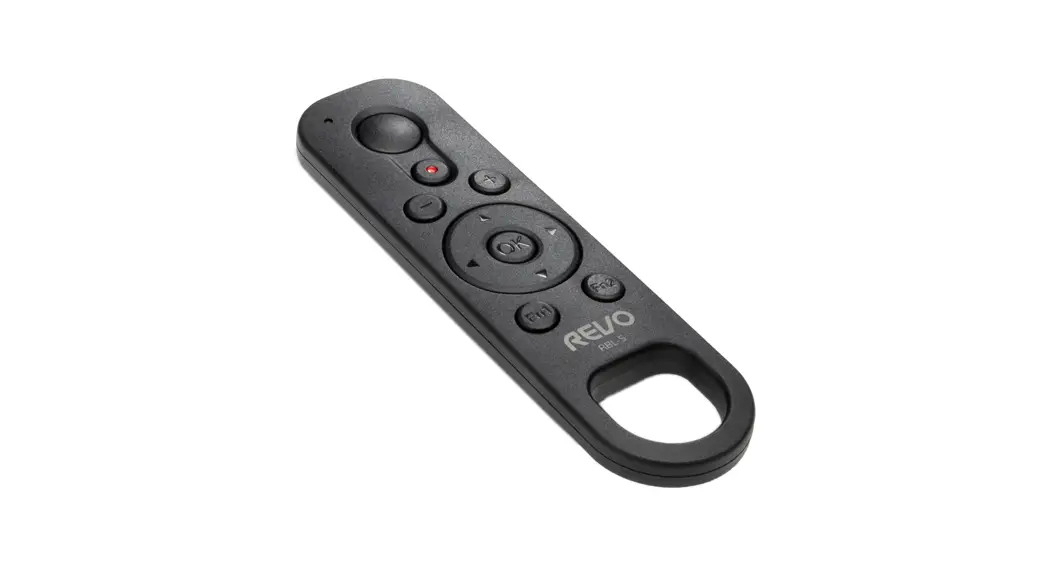
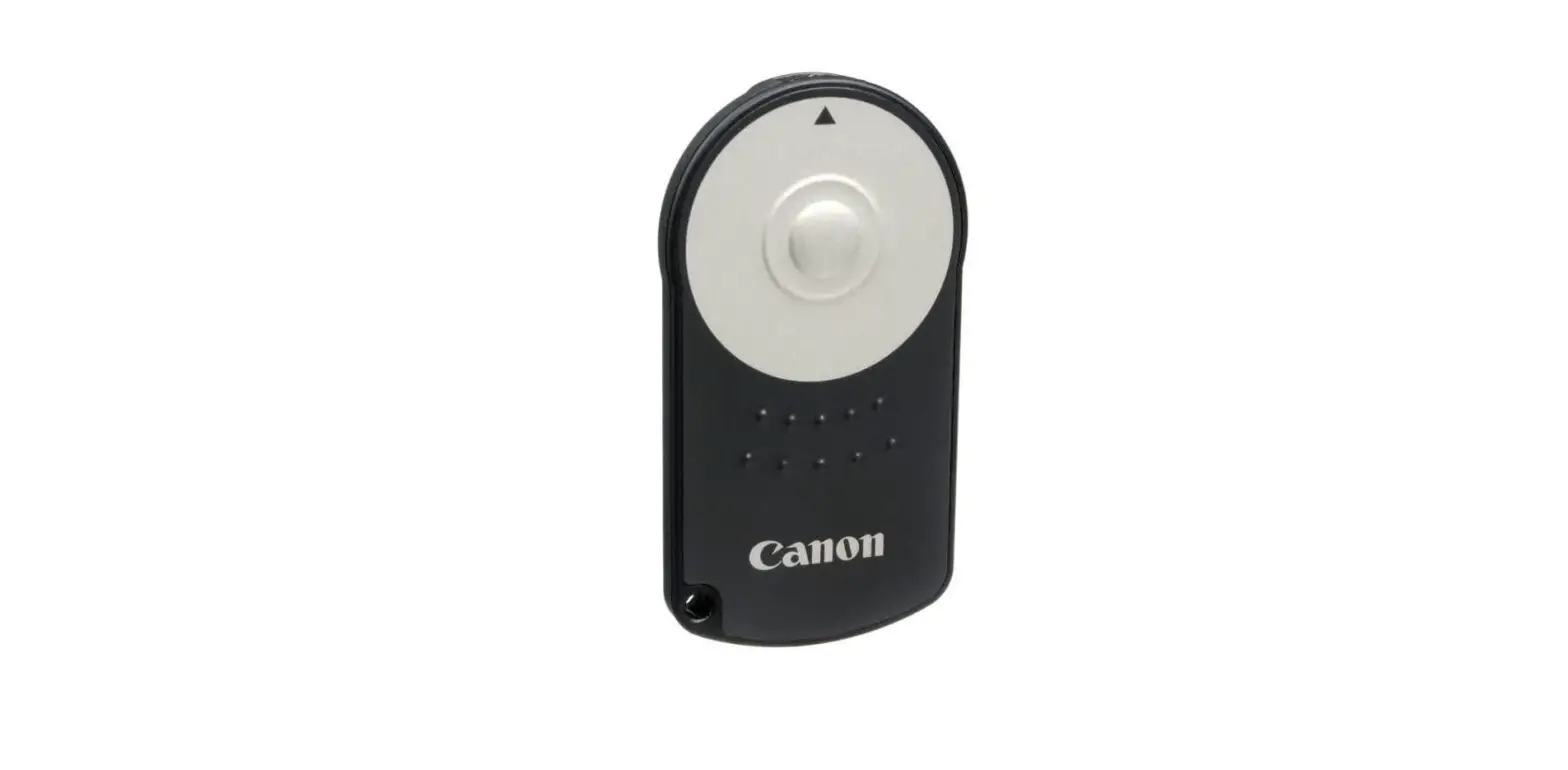
- Release Button
- Indicator Lamp (Red)
- <AF> AF Start Button
- Power Zoom:
<W> Wide-angle Button
<T> Telephoto Button - Strap Hole
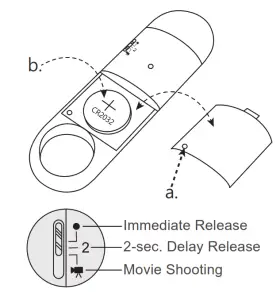
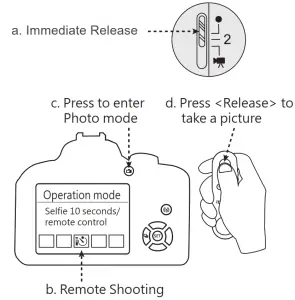
- Release Timing/Movie Shooting Switch
< ● > Immediate Release
< 2 > 2-sec. Delay Release
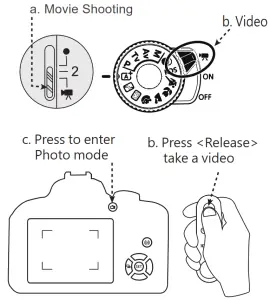
< > Movie Shooting
 - Battery Compartment Cover Screw
- Battery Compartment Cover
 > Movie Shooting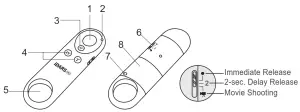
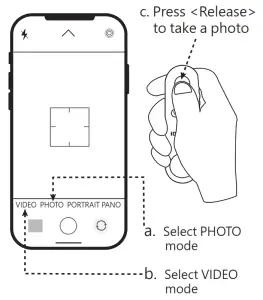
Pairing the Remote Controller and Smartphone
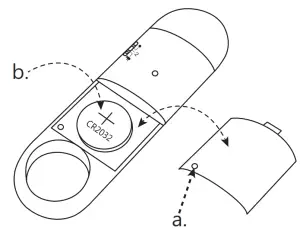
- a. Open the lid.
b. Place the battery into the device and close the lid.
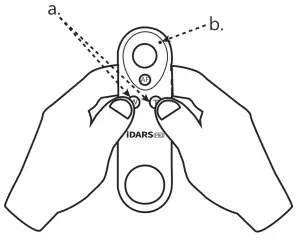
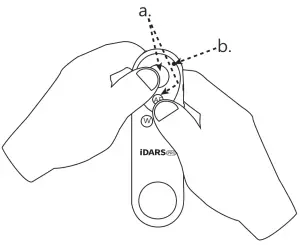
- a. Press and hold the <Release> and <AF> button simultaneously for 3-5 seconds
b. the indicator light blinks.
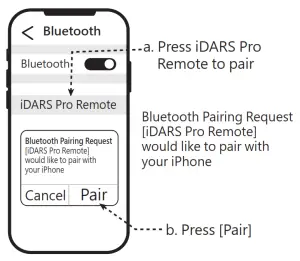
- Open the Bluetooth setup on our smartphone

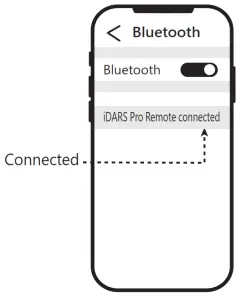
- You will see [iDARS Pro Remote] is connected on your Bluetooth page.

- Enter PHOTO/ VIDEO mode

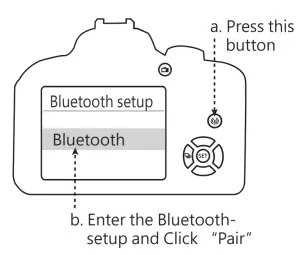
Pairing the Remote Controller and Camera
- a. Open the lid.
b. Place the battery into the device and close the lid.
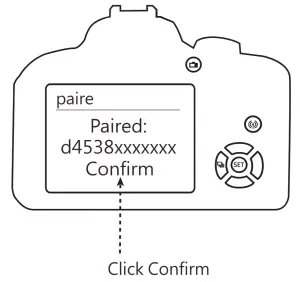
- Turn on your Canon camera and enter the Bluetooth page

(Please refer to the pairing guide for Canon Remote BR-E1 with different Canon camera models)
*This picture uses EOS-800D as reference.
- a. Press and hold W/T button simultaneously for 3-5 seconds
b. the indicator light blinks.
- You will see a message pop up that says “iDARS Pro Remote is paired”. Click Confirm to complete the pairing.

- Photo

- Video


FCC Warning
Federal Communications Commission Statement
This device complies with FCC Rules Part 15. Operation is subject to the following two conditions:
- This device may not cause harmful interference.
- This device must accept any interference received, including interference that may cause undesired operation.
This equipment has been tested and found to comply with the limits for a class B digital device, pursuant to Part 15 of the Federal Communications Commission (FCC) rules. These limits are designed to provide reasonable protection against harmful interference in a residential installation. This equipment generates, uses, and can radiate radio frequency energy and, if not installed and used in accordance with the instructions, may cause harmful interference to radio communications. However, there is no guarantee that interference will not occur in a particular installation. If this equipment causes harmful interference to radio or television reception, which can be determined by turning the equipment off and on, the user is encouraged to try to correct the interference by doing one or more of the following measures:
- Reorient or relocate the receiving antenna.
- Increase the separation between the equipment and receiver.
- Connect the equipment into an outlet on a circuit different from that to which the receiver is connected.
- Consult the dealer or an experienced radio/TV technician for help.
FCC Caution
Any changes or modifications not expressly approved by the party responsible for compliance could void the user‘s authority to operate the equipment.
The antenna(s) used for this transmitter must not be co-located or operating in conjunction with any other antenna or transmitter.
Radiation Exposure Statement:
The product comply with the FCC portable RF exposure limit set forth for an uncontrolled environment and are safe for intended operation as described in this manual. The further RF exposure reduction can be achieved if the product can be kept as far as possible from the user body or set the device to lower output power if such function is available.
Notice
- W/T Function: Usable only with Canon EF-S 18-135mm f/3.5-5.6 IS USM and PZ-E1
- 605007 Remote can only be paired to one device at one time. You will need to re-pair if you wish to switch devices.
- Please take out the battery if you will not be using the device for a long time.
- When your smartphone is paired to the device but not in camera mode, it is normal setup that clicking the <Release> button will trigger the increase in volume.
Safety Precautions
Before use, please read the following precautions carefully to avoid any injury.
- Do not try to disassemble, repair or modify the product. If you have any questions, please contact iDARS Pro customer support service directly
- Do not immerse the product in water or liquid. Wipe the surface with a clean cloth to remove water droplets.
- Do not use this product near flammable and explosive gases to avoid fire.
- Do not keep this product at a high temperature of over 450 degrees to avoid overheating. 5. Do not let children use this product alone. Adults need to thoroughly explain the use of the product and conduct proper supervision.

 iDARS Pro Inc.
10F-8,NO.237.Sec.,1, Datong Rd., Xizhi Dist.
New Taipei City 22161, Taiwan, R. O. C.
(Taiwan Science Park T1)
TEL: 02-2647-1928 ext:120 FAX:02-2647-1930