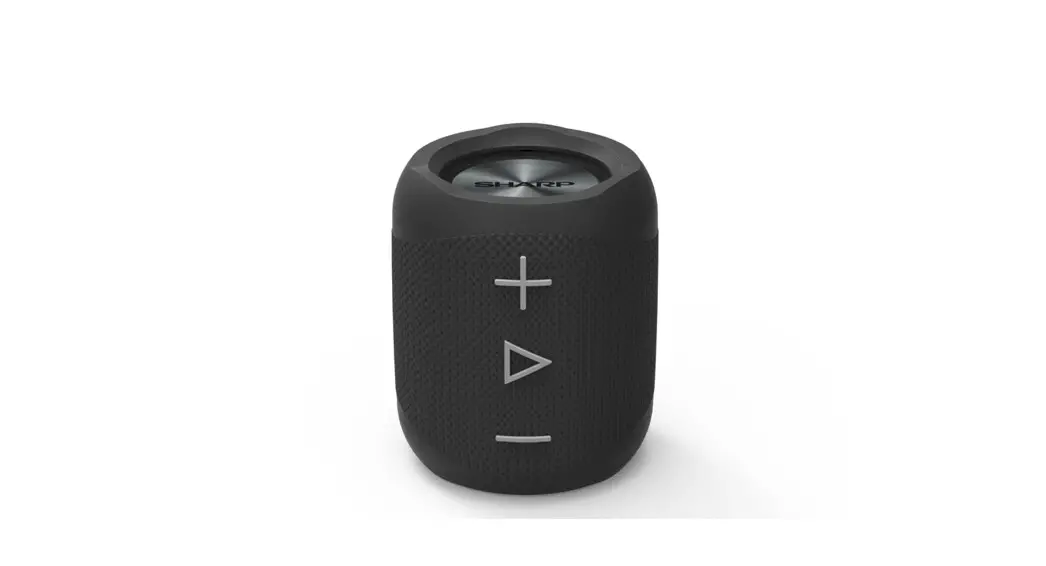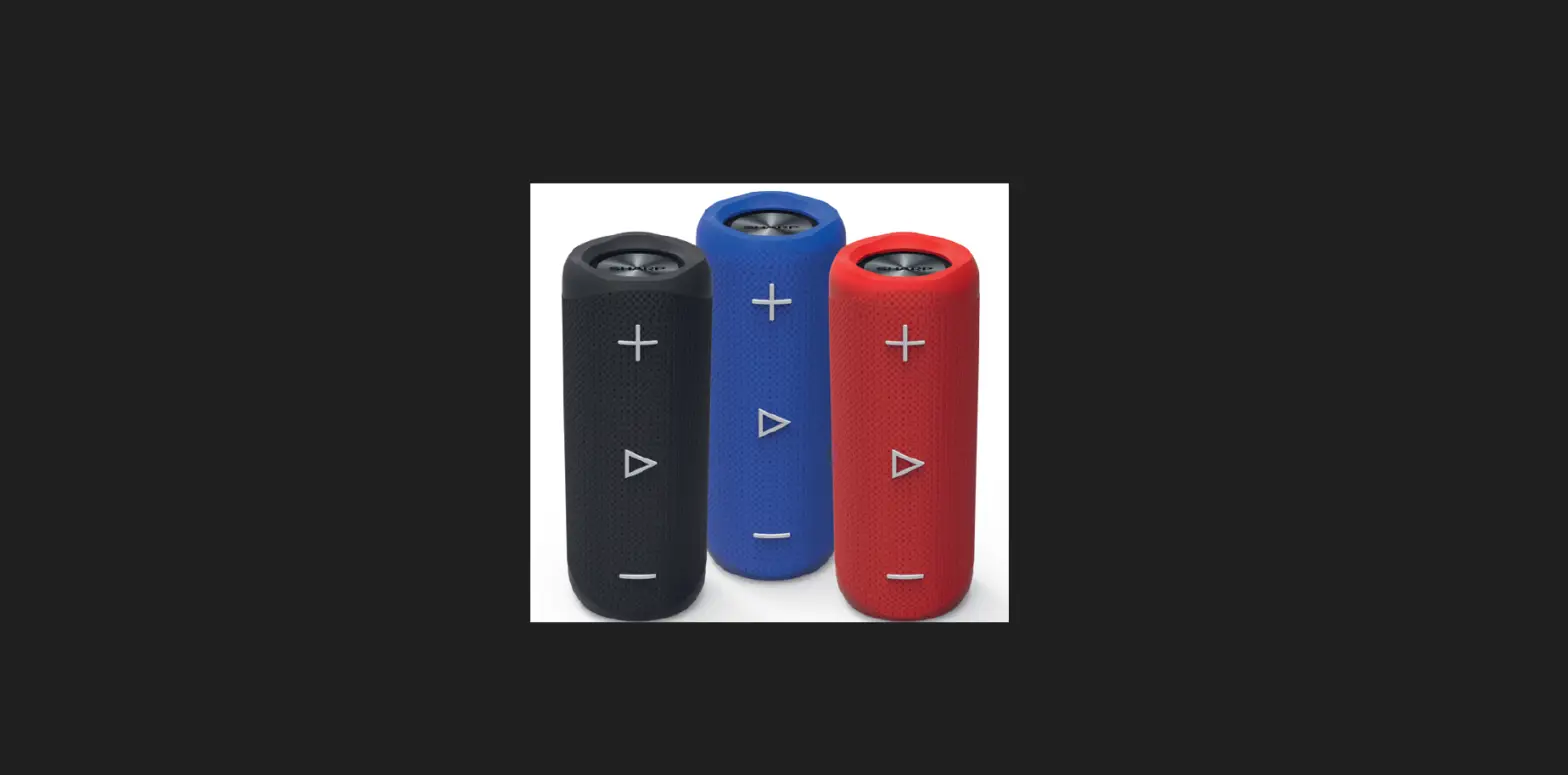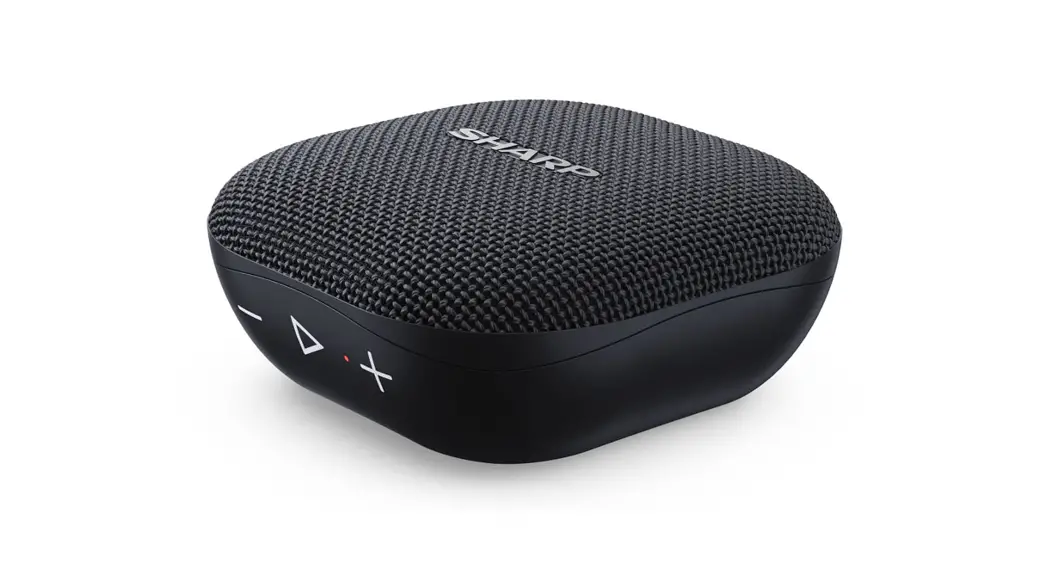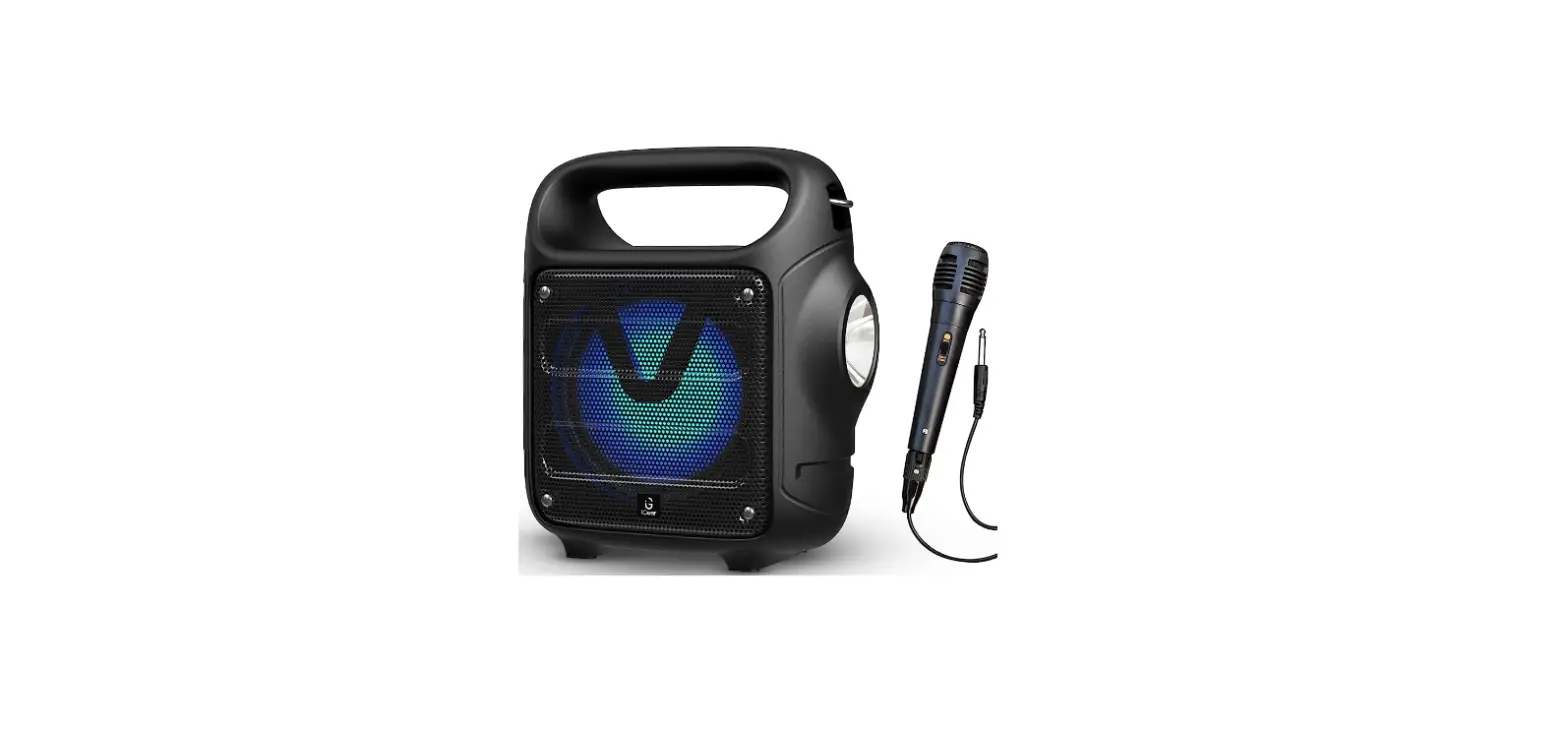
USER MANUAL
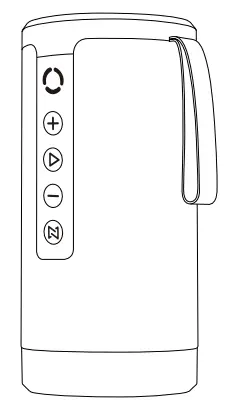
BT1002
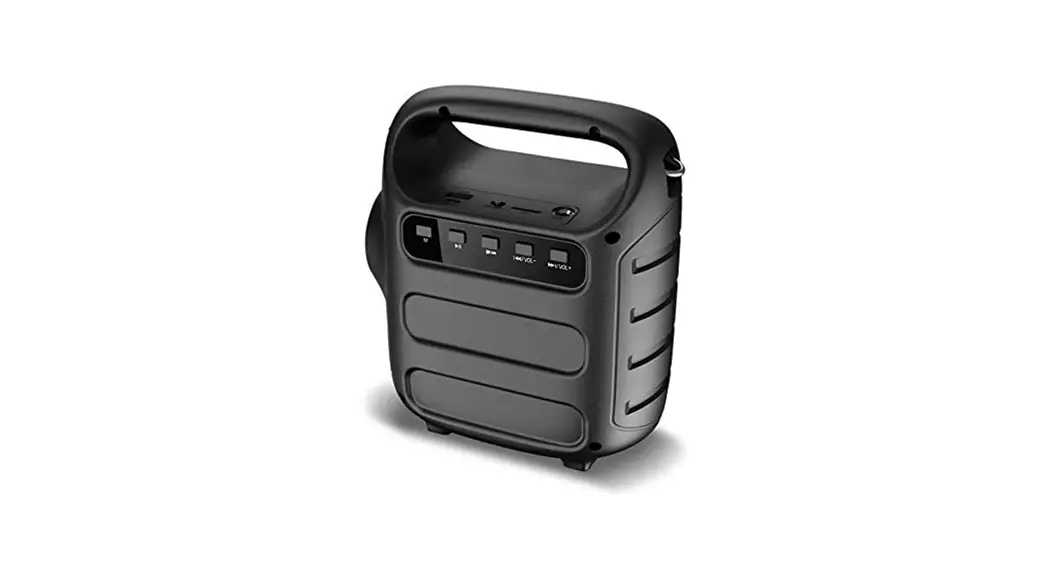
Buttons and interfaces
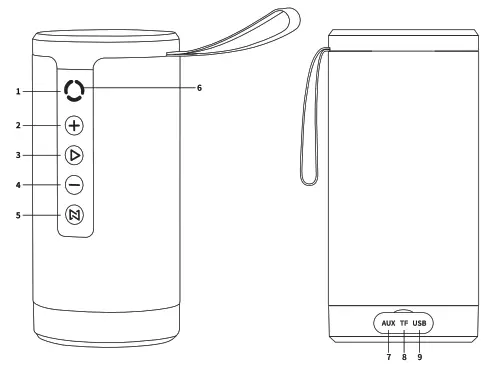
- Turn on/off: Press and hold for 3 seconds
- Next/ Volume+ Short press for next,long press for volume+
- Play/pause button
- Previous/ Volume Short press for previous, long press for volume
- Mode Short press for switch mode, long press for TWS mode
- Indicator
- Aux in
- TF card
- DC 5V input
Product parameters
| Bluetooth version | 5.0 |
| Operating range | 10m |
| Channel | Double |
| Impedance | 40 |
| Output power | 5W*2 |
| Frequency range | 20hz -20khz |
| SNR | ≥ 85dB |
| Speaker unit | Diameter 52mm |
| Audio | MP3/WMA/WAV |
| Battery capacity | 3600mAh |
| Playtime | 8H |
| Material | Plastic |
| Product size | 90*90*188mm |
| N.W | 658g |
SHENZHEN STEED TECHNOLOGY CO., LTD
Tel: +86-755-837 42980
Fax:+86- 755-837 42990
Add: Room 1302, 13th Floor, Block A Building 8, Shenzhen International Innovation Valley, Nanshan District, Shenzhen Guangdong, China
Pairing
Turn on the Bluetooth speaker by long-pressing the power button, blue LED light will flash rapidly, search on your Bluetooth device (phone, tablet, or computer) and find “BT1002” to connect. You will hear a prompt “Connected”, which means the speakers are successfully connected with your Bluetooth device.
If the speakers are not connected to any Bluetooth device for 5 minutes, they will turn off automatically to save energy.
If the speakers are connected to a device that has not been used for 10 minutes, the speakers will turn off automatically.
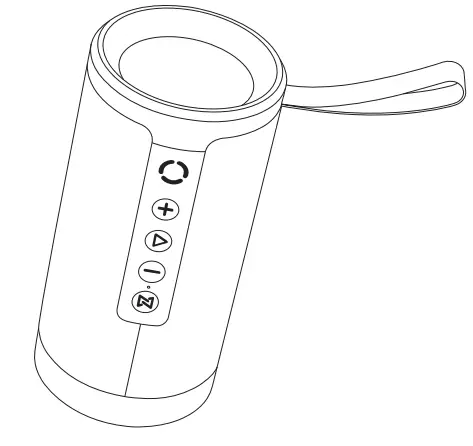
Indicator
- Blue light blinking fast: Ready to connect Blue light stays on: Connected successfully Blue light slow: Playing
- Greenlight blinking: Ready for pairing The green light stays on: Pairing successfully
- Orange light stays on Charging Orange light stays off: Charging completed
TWS function
TWS feature allows you to pair two speakers together to create the ultimate surround sound experience.
Connection method: open two BT1002 devices at the same time; enter the Bluetooth pairing mode, long press ”  “Button, when you will hear “paired”, it means paired
successfully, you can connect your mobile phone to the Bluetooth speaker”BT1002″.then enjoys your great sound.
(Note: Do not use your mobile phone to connect Bluetooth speakers until the two speakers are paired.)
FCC STATEMENT :
This device complies with Part 15 of the FCC Rules. Operation is subject to the following two conditions:
- This device may not cause harmful interference, and
- This device must accept any interference received, including interference that may cause undesired operation.
Warning: Changes or modifications not expressly approved by the party responsible for compliance could void the user’s authority to operate the equipment.
NOTE: This equipment has been tested and found to comply with the limits for a Class B digital device, pursuant to Part 15 of the FCC Rules. These limits are designed to provide reasonable protection against harmful interference in a residential installation. This equipment generates uses and can radiate radio frequency energy and, if not installed and used in accordance with the instructions, may cause harmful interference to radio communications. However, there is no guarantee that interference will not occur in a particular installation. If this equipment does cause harmful interference to radio or television reception, which can be determined by turning the equipment off and on, the user is encouraged to try to correct the interference by one or more of the following measures:
Reorient or relocate the receiving antenna.
Increase the separation between the equipment and receiver. Connect the equipment into an outlet on a circuit different from that to which the receiver is connected.
Consult the dealer or an experienced radio/TV technician for help.
FCC Radiation Exposure Statement:
This equipment complies with FCC radiation exposure limits set forth for an uncontrolled environment. This equipment should be installed and operated with a minimum distance of 20cm between the radiator & your body.