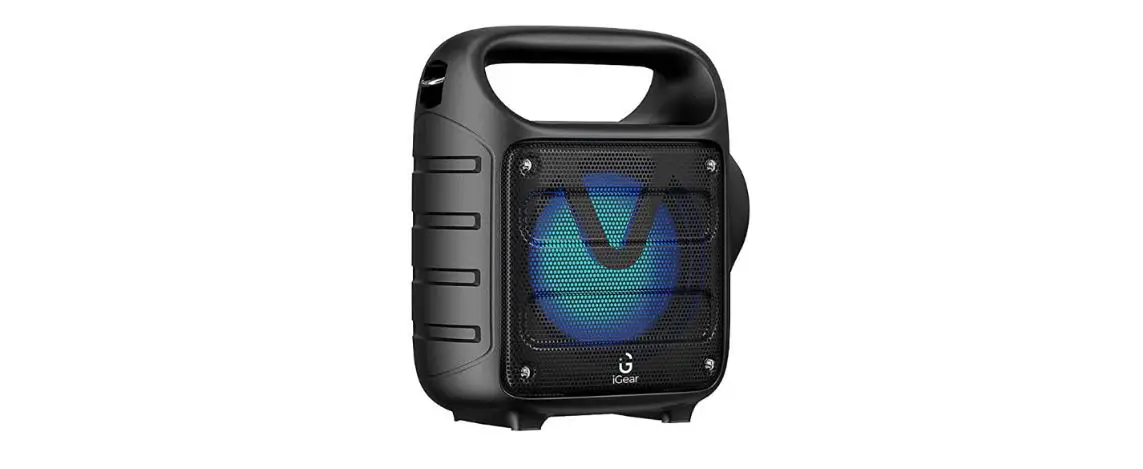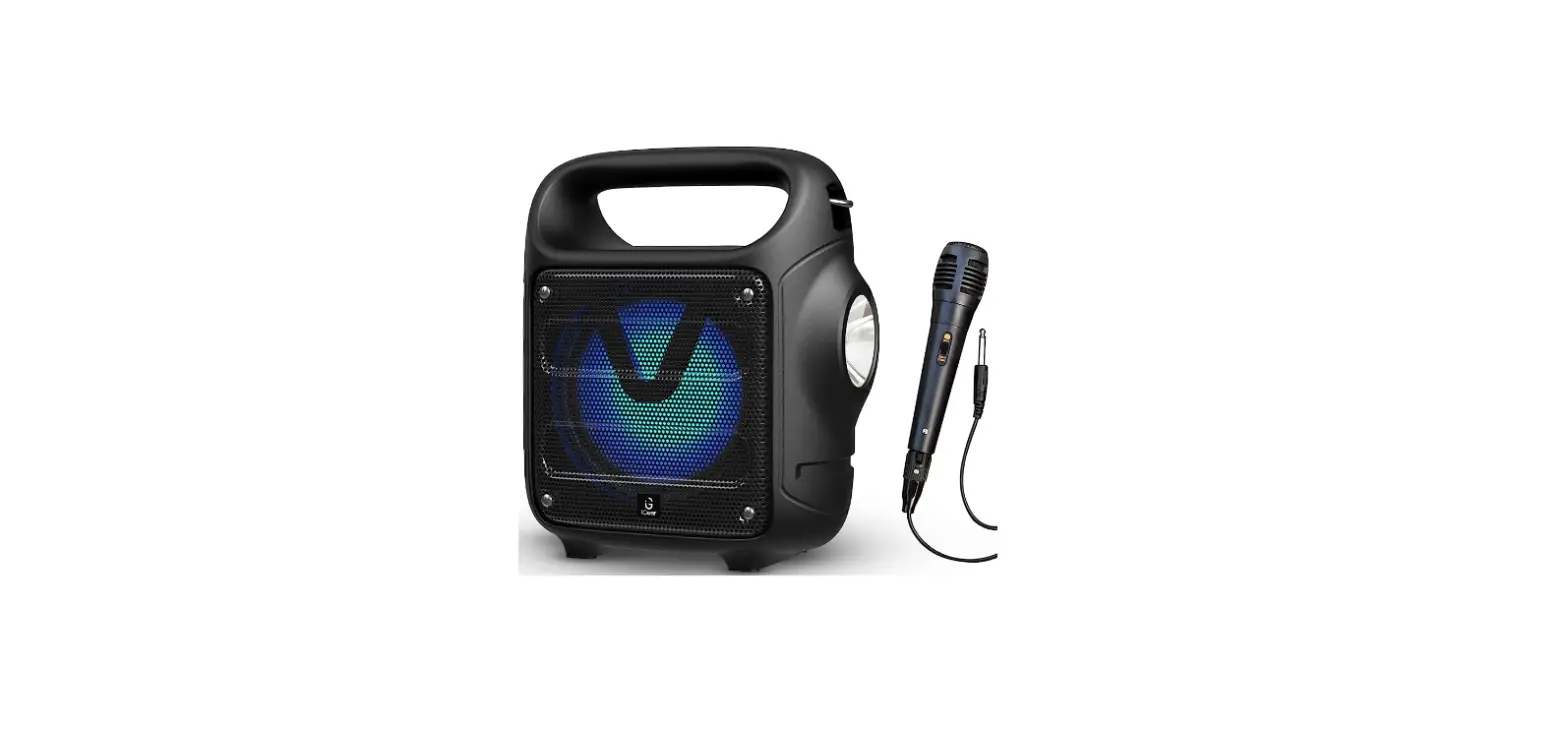

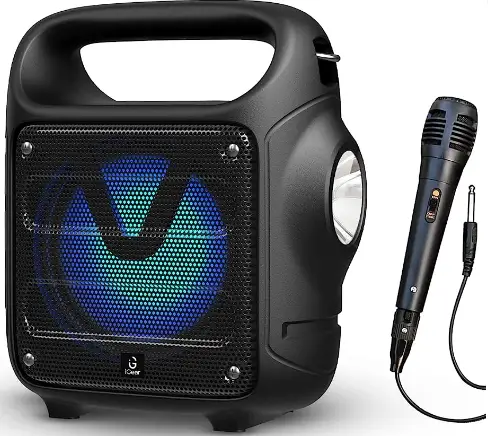
iGear Camo Bluetooth Speaker with Mic
SPECIFICATIONS
- Bluetooth version: 5.0
- Speaker driver unit size: 4 INCH
- Output power: l0W
- Frequency response: 100Hz-20KHz
- Signal to noise ratio: >85dB
- FM scan range: 87.5-108.0Mhz
- Wireless range: 10 meter
- Max memory USB/SD: 32GB
- USB charging: DC 5V
- Battery capacity: 1200mAh
- Play time: Upto 4 hours at 50% Volume
- Charging via USB port (PC): 2-3 hours charging time
CONNECT TO BLUETOOTH DEVICE
- Turn on the iGear Camo.
- Switch ON your mobile device’s Bluetooth.
- Search for the name “iGear Camo” and pair the device.
- Once the device is paired, Bluetooth will automatically connect when the unit is turned on.
TWS OPERATION
- Turn on both the speakers at the same time.
- Choose one of them, on one of the speaker press and hold the “M” button for a few seconds, then a notification sound will indicate of pairing.
Note: TWS works in Bluetooth Mode only
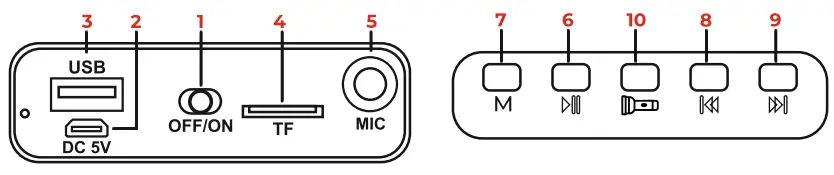
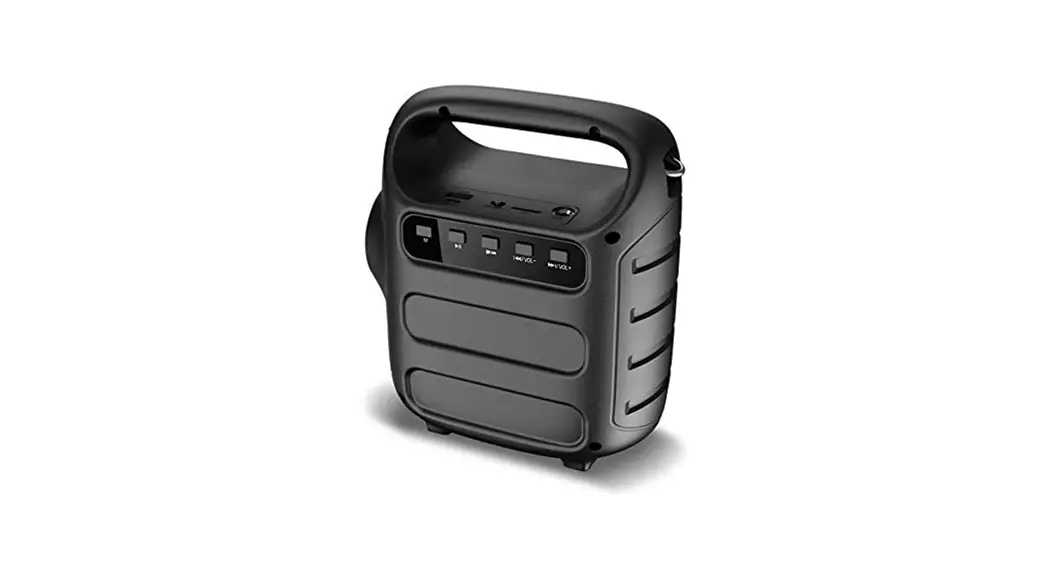
- POWER ON/OFF: To Turn ON/OFF the Speaker
- DC 5V: Plug the Micro USB cable to the speaker and connect other the end to the power source. (DC 5V)
- USB slot: Used to read the MP3 files in USB drive, maximum size supported is 32GB.
- TF slot: Used to read the MP3 file in TF/SD card, maximum size supported is 32GB.
- Mic Port
- Play/Pause: Under USB/TF/Bluetooth mode, short press for play and pause.
- MODE: To change mode during USB/TF, Bluetooth, FM.
- PREV: USB/TF/Bluetooth/FM mode: Press to change to previous FM channel/track. Long press to decrease the volume.
- NEXT: USB/TF/Bluetooth/FM mode: Press to change to next FM channel/track. Long press to increase the volume
- Torch
NOTE: If FM mode reception is not good, connect a Micro USB cable for better FM reception.
ACCESSORIES
- Charging cable: l piece
- Belt: l piece
- Corded Mic: l piece
BLUETOOTH
- Turn on the speaker, it directly enters the Bluetooth mode. After
- pairing, the device can play your desired music. Short press
 ID to
ID to - Play/Pause, Short press
 to surf through Prev or Next track. Long press to increase or decrease the volume.
 ID to
ID to to surf through Prev or Next track. Long press
 USB/TF CARD
- Insert the USB/TF card into the USB/TF slot. It will read the MP3 format music automatically. Press!D to Play/Pause. Short Press to switch to Prev or Next Song.
- Long press to increase or decrease the volume.
FM RADIO
- Long press the Play/Pause ID button, it will search for the available stations and save them automatically.
- Once the search is completed, Short press the n to switch between the saved stations.
- Long press to increase or decrease the volume.
CHARGING
- Use the original charging cable to charge the device
- A Red LED lights up when the device is charging.
TORCH
- Press on m:m the Button to switch the torch ON
- Warranty period: l Year
- In case of consumer complaints:
- Customer Care: 9372667193
- Email: [email protected]
- (Between 10am to 5pm, Mon-Fri)