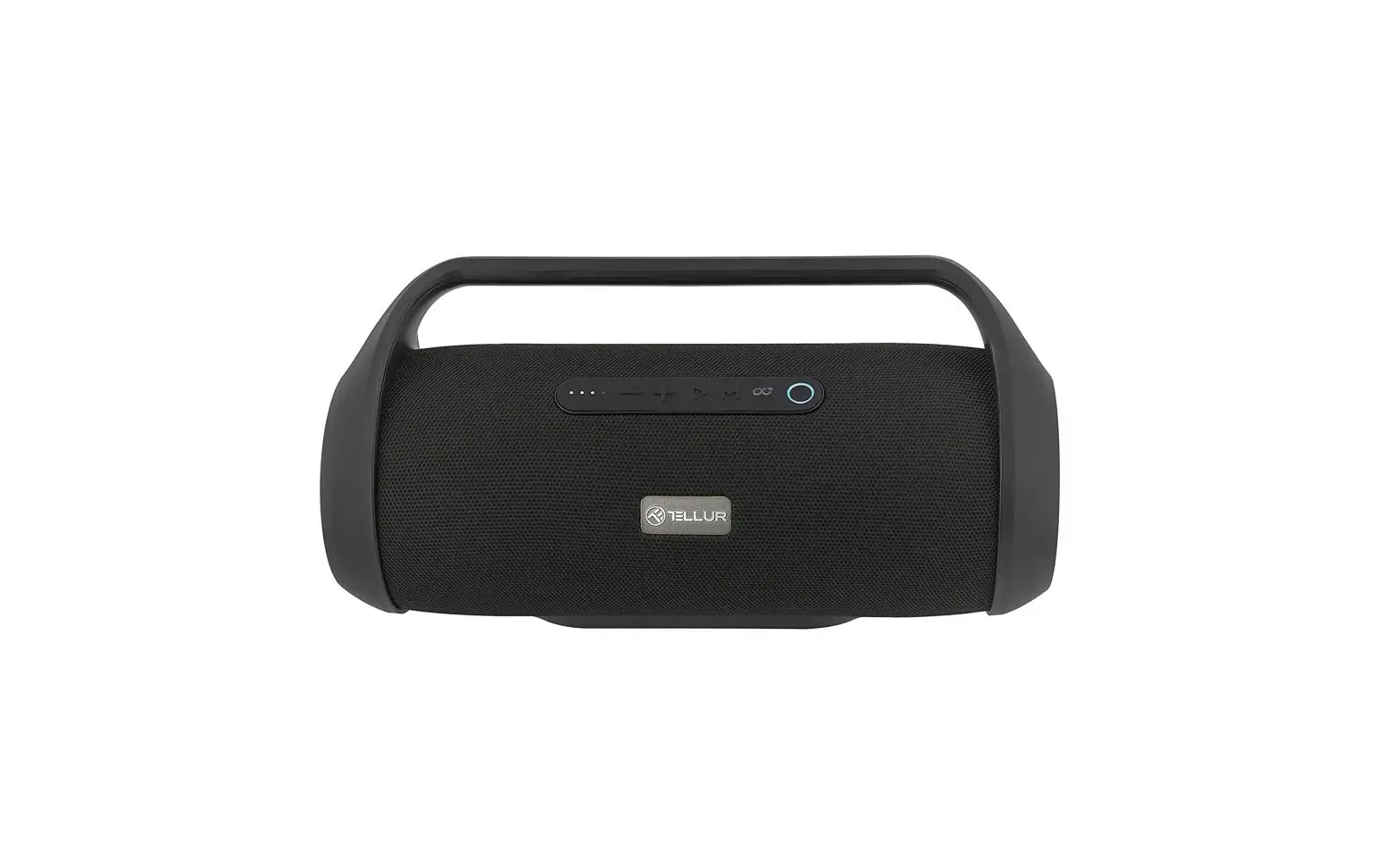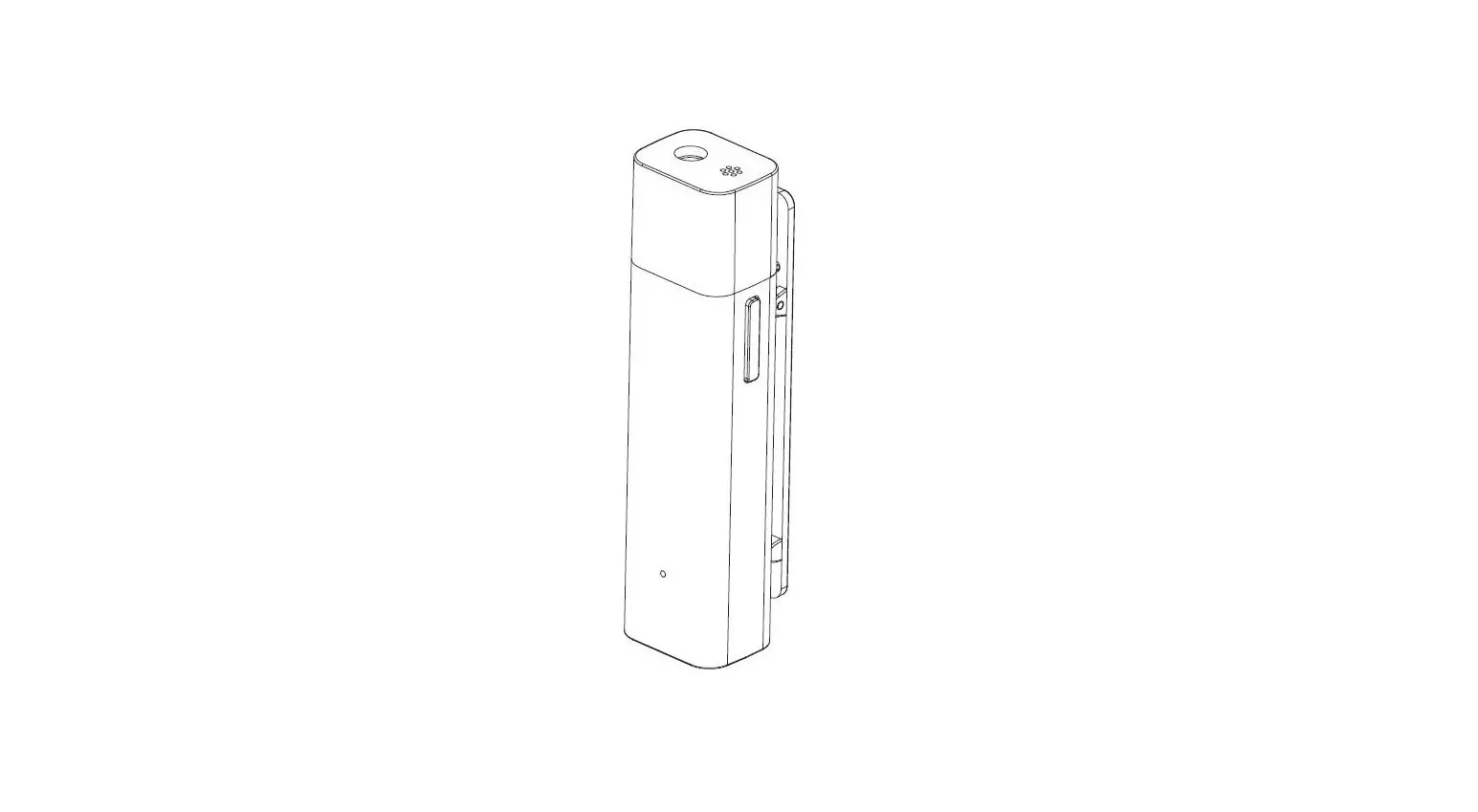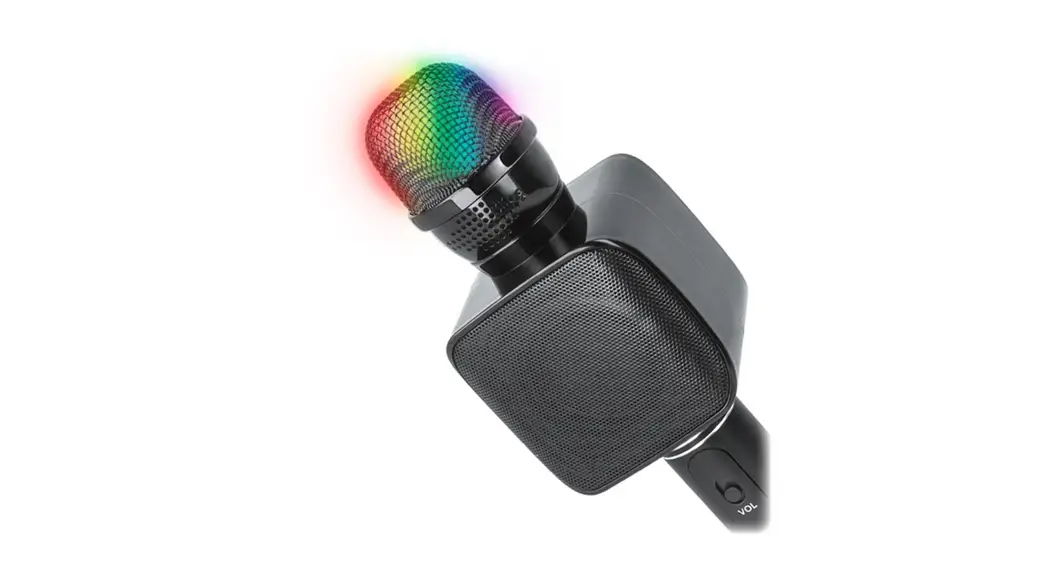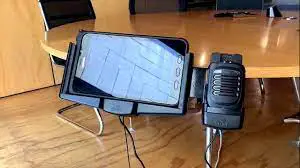
MobilitySound Bluetooth Speaker Microphone
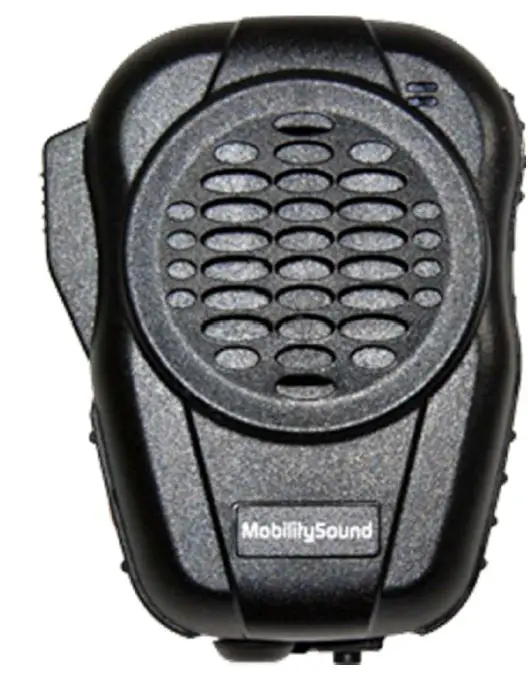
BTH-600-R5
Product Descriptions
- Heavy duty speaker microphone
- Volume control buttons, and PTT button are built in.
- Embedded 3.5mm jack for external earphone.
- Built-in Mini USB for charging.
- IP56
Specification
Type: Bluetooth Speaker Microphone
Operating Temp: -20℃±2℃ ~ 50℃±2℃
Approx. Weight: 140g
- Fully Qualified Bluetooth v4.1
- Echo cancellation, noise reduction, also extended features
- High Quality DAC, CSR CVC Built-in
- 80MHz RISC MCU and 80MIPS Kalimba DSP
- Fast Current (200mA) battery charge
- SBC, MP3, AAC, Fast stream, APTX codec support
- RoHS compliant
- HFP Profile supports
- Speaker Output: 2W
- PTT function: built-in
- Talking Range: Bluetooth class 2, 10 meters
- Display LED: Blue and Red
- DC Input: 5 Vdc (std.)
- DC Current: 25 mA (Average)
- Battery: 1000mAH, BL-5C replaceable
- Talk Time: 40 Hours
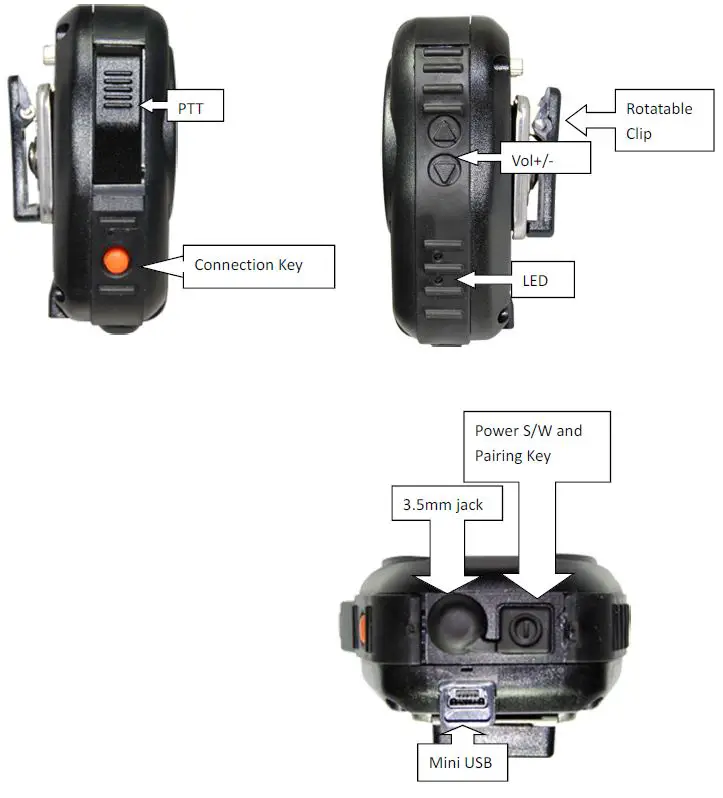
How to use
| PIO state | Statement |
| Power S/W long held( >= 1sec) | Device on |
| Power S/W long held( >= 2.5sec) | Device off |
| Power S/W long press >6sec | Enter pairing mode from power off |
| Connection Key short press | Connection |
| CELL long held( >=1sec) | Dis-connection, need re-power to connect again |
| VOL+ short press | Volume up |
| VOL+ long held( >=0.8sec) | Volume up continuously |
| VOL- short press | Volume down |
| VOL- long held( >=0.8sec) | Volume down continuously |
BTH-600-MO State and LED Flashing Pattern
| LED state | statement |
| Blue led on : 2 sec , off : 1 sec , repeat | All profiles are standby but not connected with any device yet. |
| Blue led flash every 2 sec | HFP is connected. |
| Blue led and red led flash alternative repeat | Enter pairing mode. |
| Red led On | Battery Charging |
| Red led Off | Battery Full |
BTH-600-R5 Pairing Process
- Make sure BTH-600 is OFF, Press pairing button for 6 seconds.
- BTH-600 is under pairing mode when you see the LED flashing RED and BLUE alternatively.
- Start Bluetooth function on your radio.
- After you hearing connect sound, press Connection Key button once.(Kenwood only)
- Pairing process is completed
NOTE: The BTH-600-R5 only for one radio. When you paired with new radio the old one will be erased.