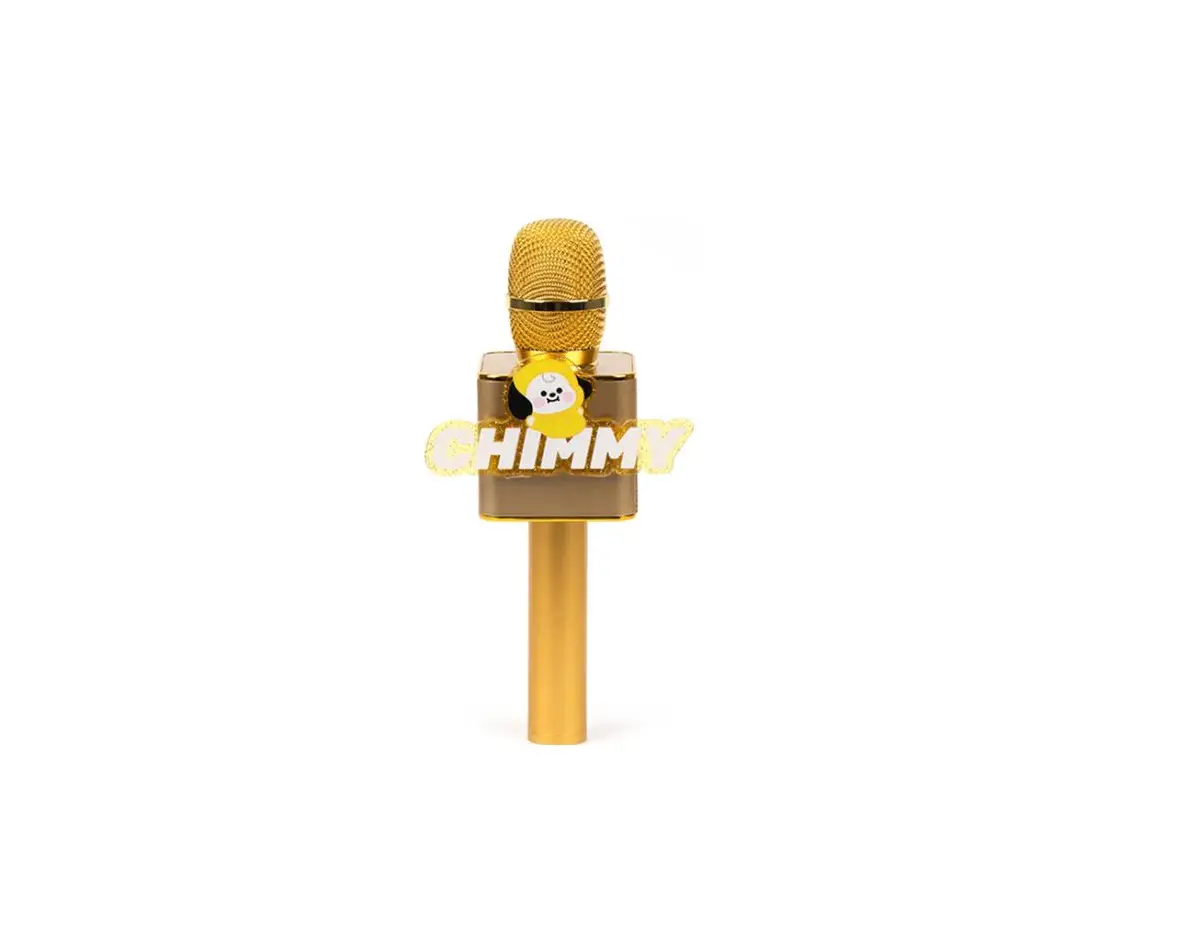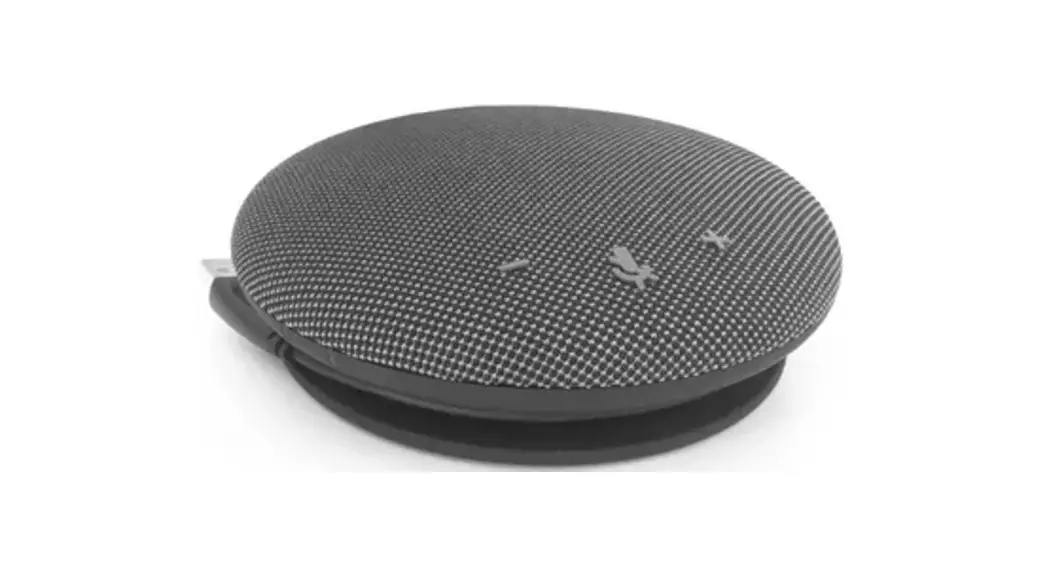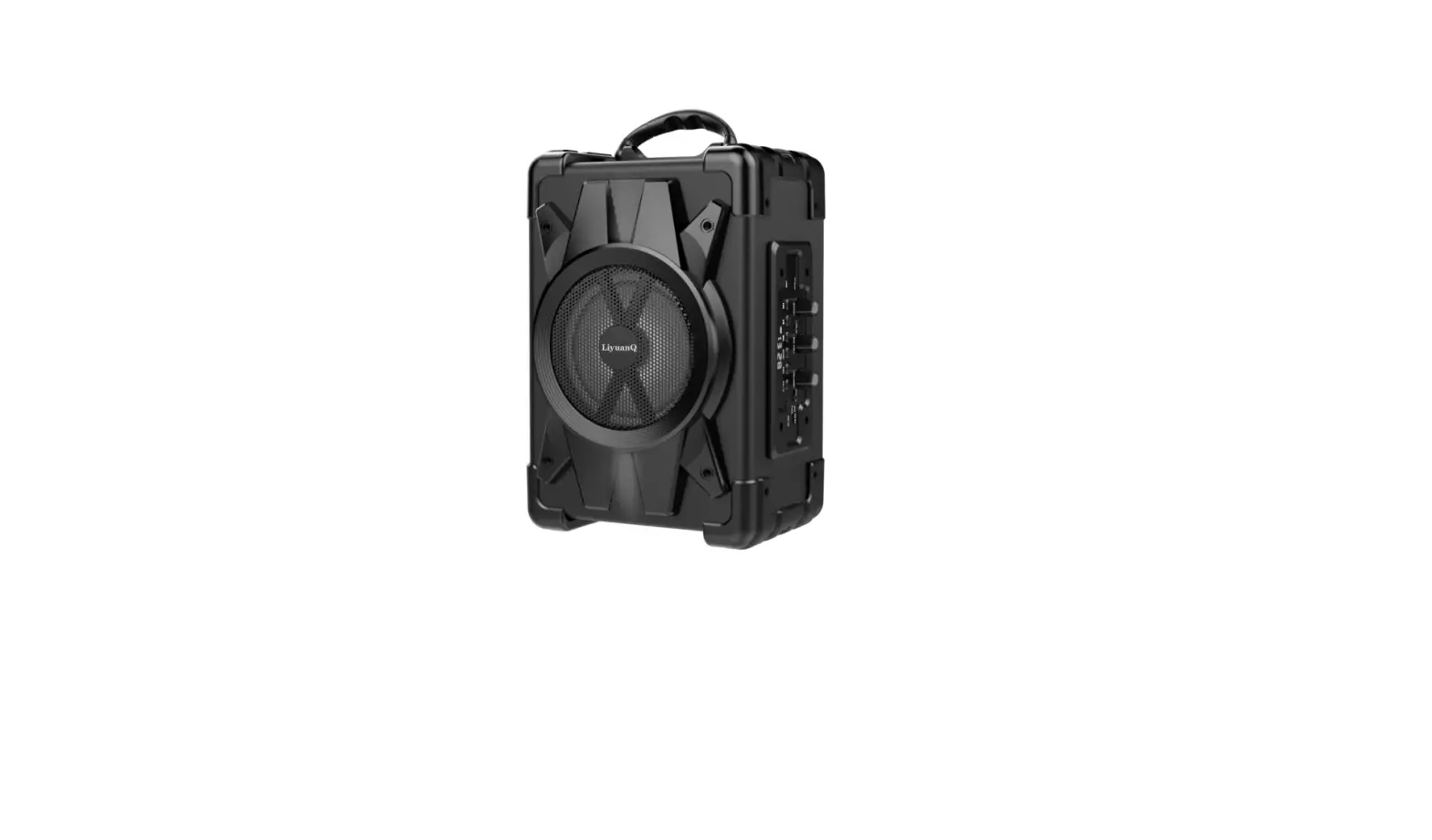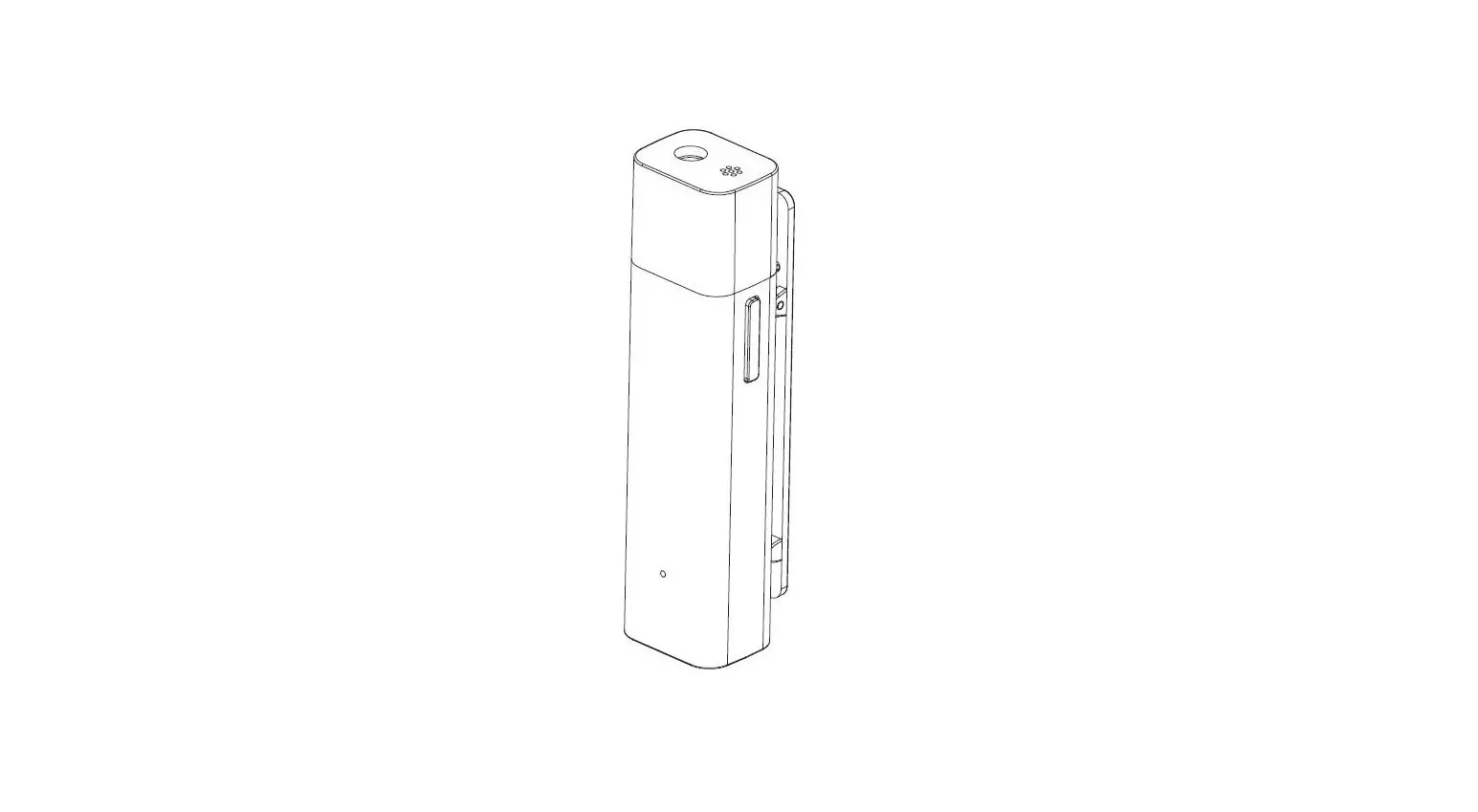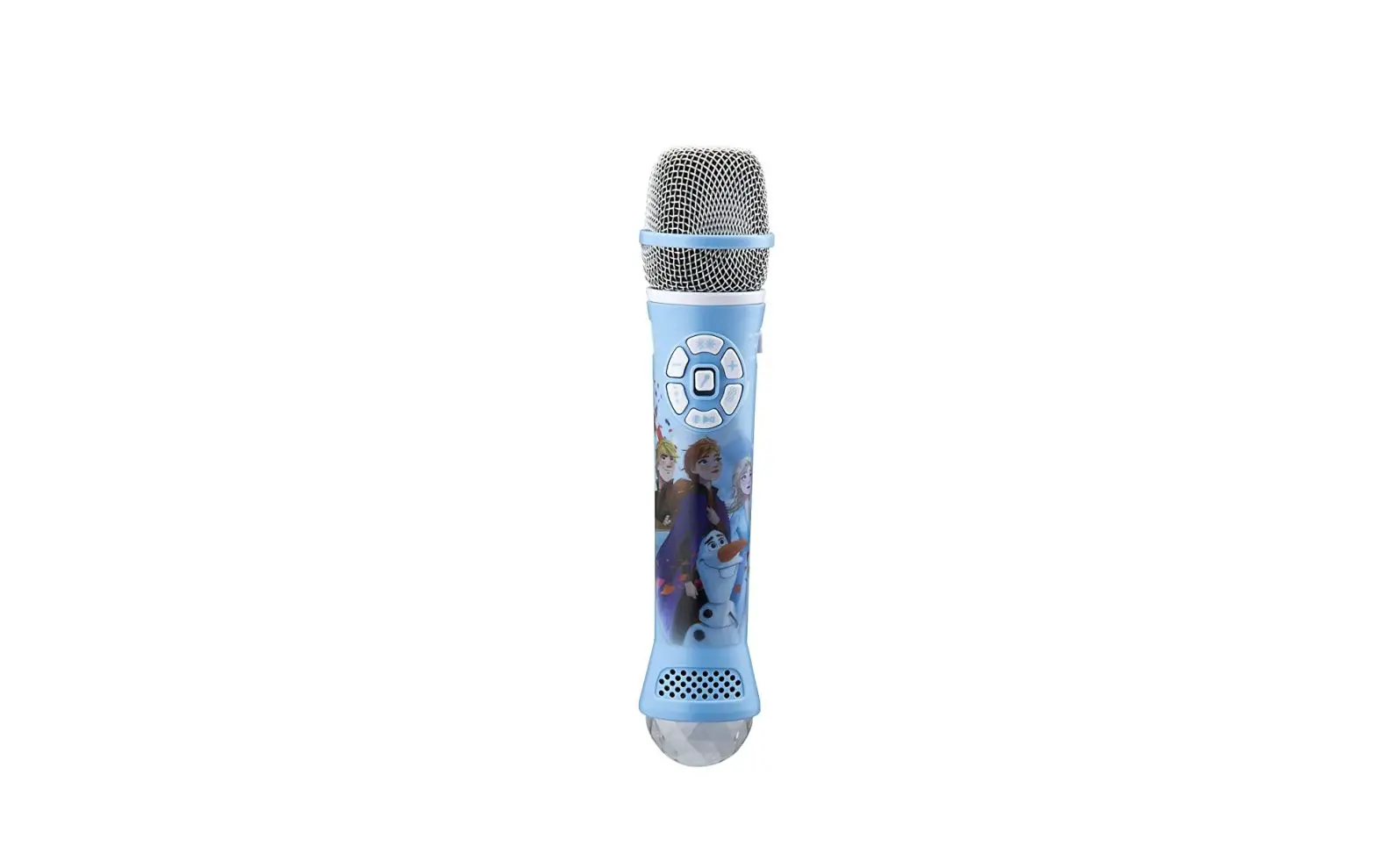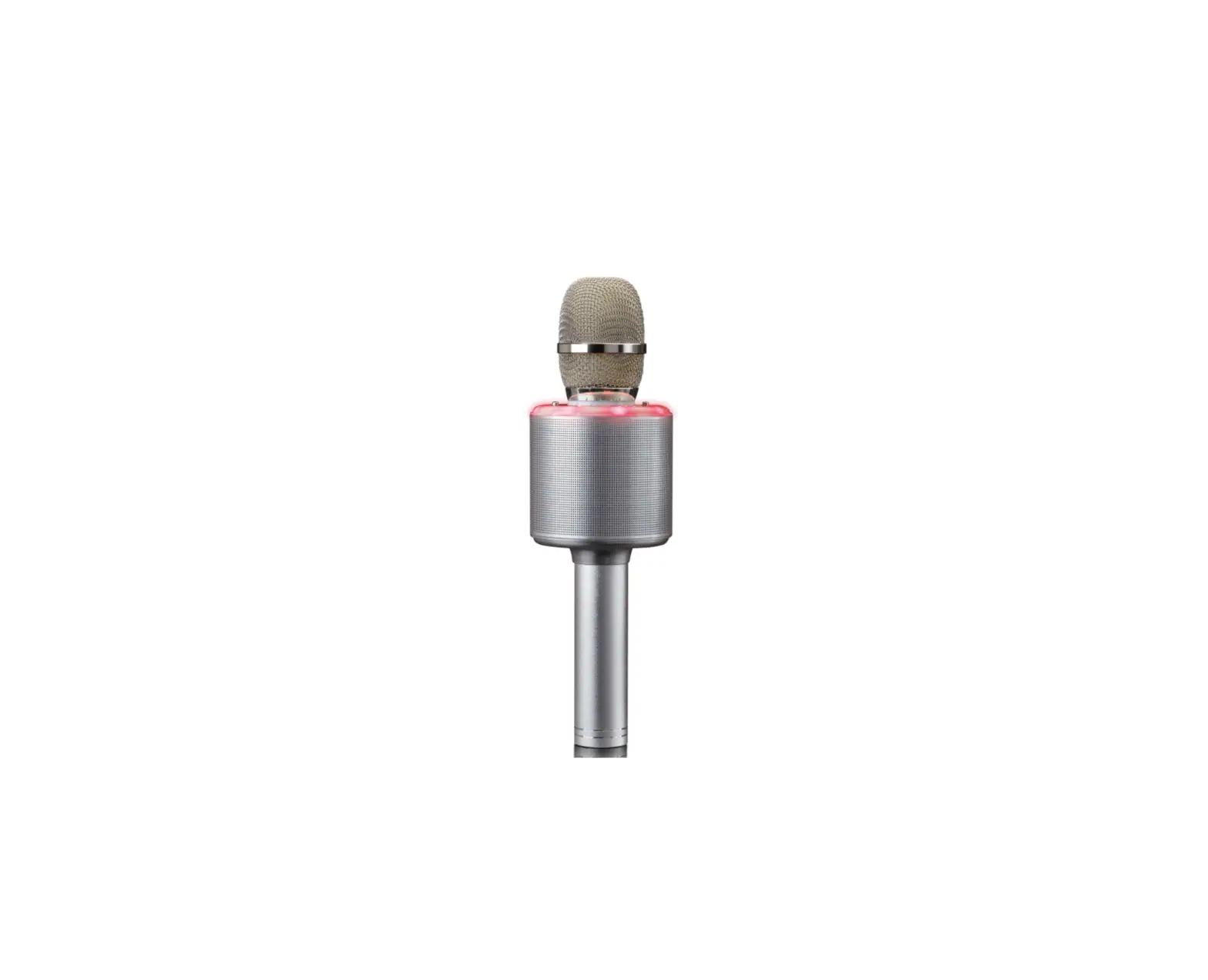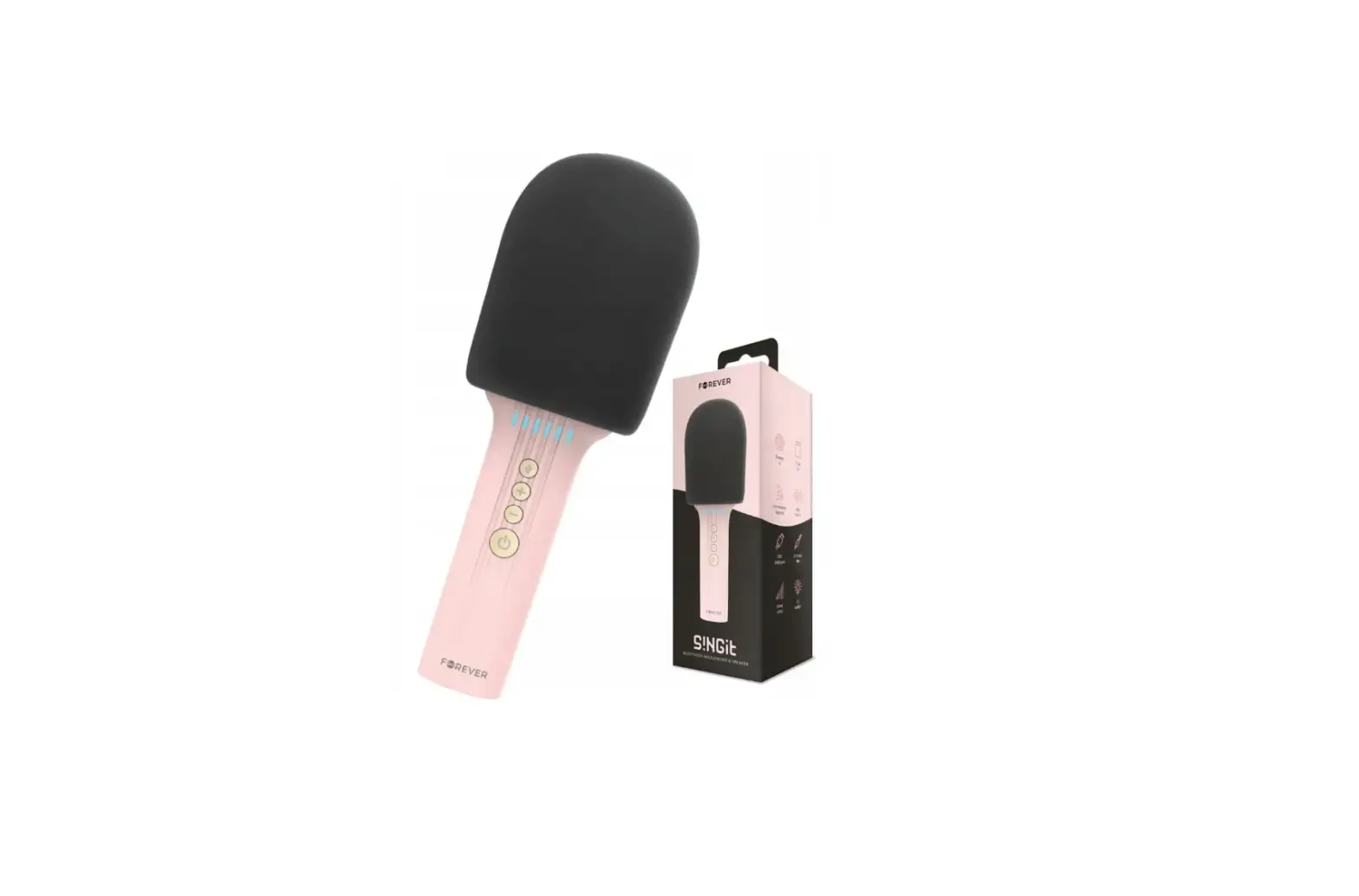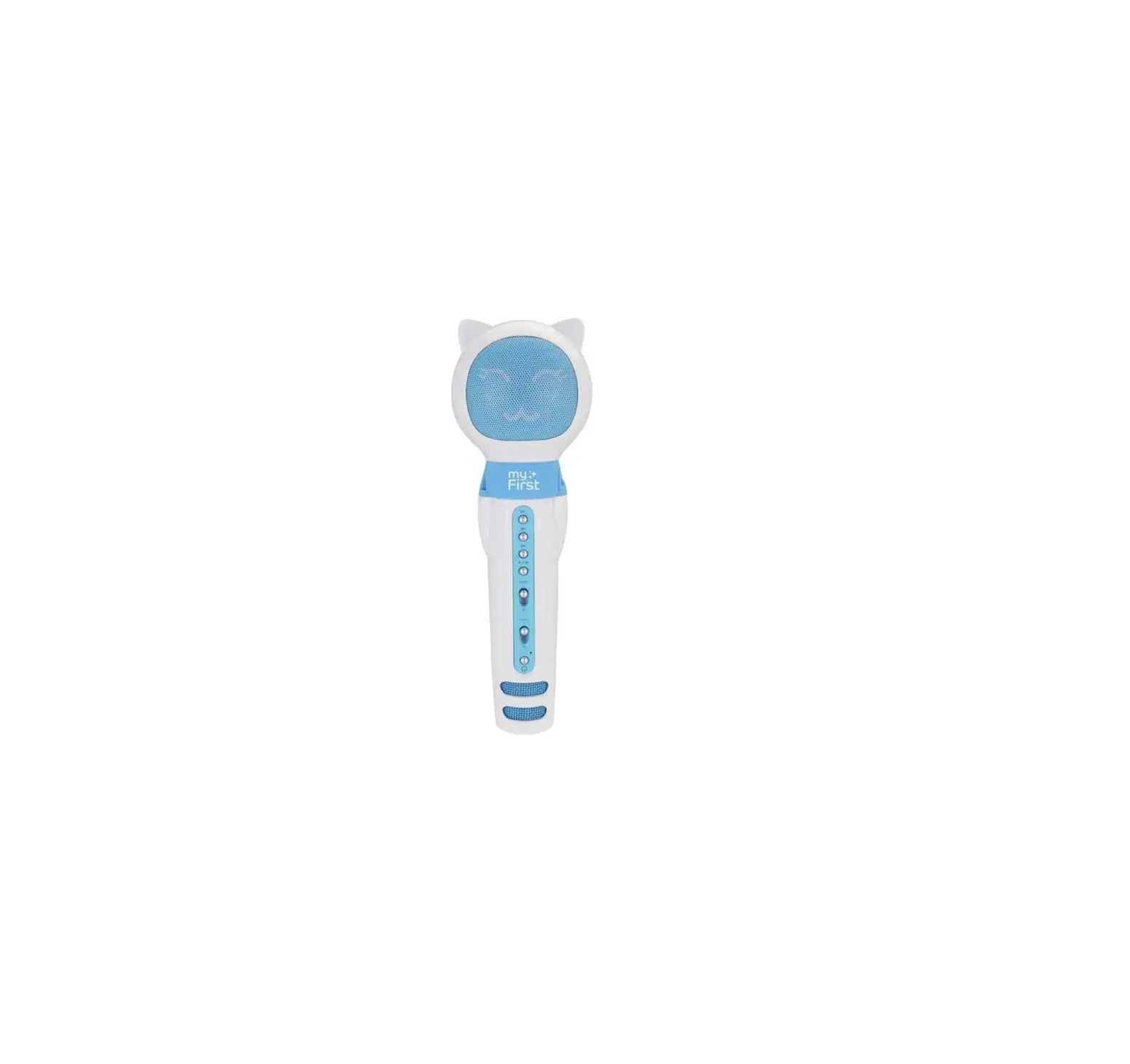
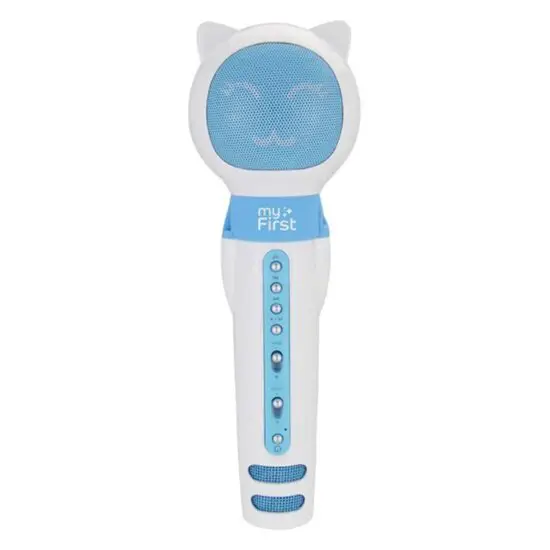
myFirst 226932 Voice Portable Interactive Microphone and Bluetooth Speaker
Function
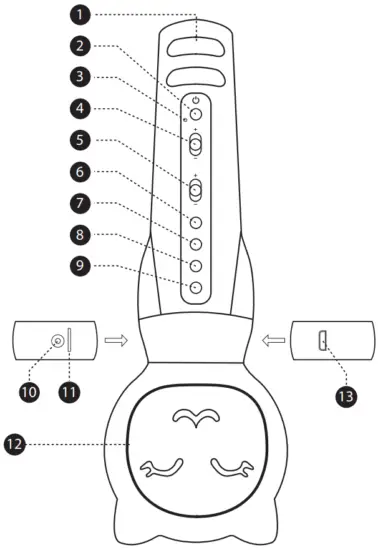
- Microphone
To achieve the best sound quality, please hold the microphone close (5cm or less) to your mout - Power On / Off
Press and hold the power button for 2 seconds to turn on / off - LED Indicator
a) Blue: Device is turned on
b) Blinking blue (fast): Device is in Bluetooth pairing mode. The blue light will stay lighted once a connection is established
c) Blinking blue (slow): Music is playing through the speakers
d) Red: Device is charging. Once fully charged, the red light will turn off automatically - Volume control
Slide to adjust the volume of the speaker - Echo control
Slide to adjust the echo intensity - Echo control
Slide to adjust the echo intensity - Previous
Press to play previous music - Forward
Press to play next music - Audio input
Press to navigate between Bluetooth, MicroSD and AUX - Aux
3.5mm audio jack - MicroSD
External storage for music. Supports up to 32gb - Speaker
- Micro USB charging port
Connecting via Bluetooth
The Bluetooth is automatically activated when the device is switched on.
If you are pairing it for the first time, open your smartphone’s Bluetooth settings app and connect to the device. When prompted for a password, enter “0000”. Navigate using the ‘previous’ and ‘forward’ buttons.
Playing music through MicroSD
Insert a MicroSD card into the MicroSD card slot and switch on the device. The music should start playing automatically. Otherwise, navigate using the ‘previous’ and ‘forward’ buttons.
Specifications
| Sound system | Mono |
| Functions | MicroSD (Up to 32gb), Bluetooth, AUX |
| Bluetooth | 4.2 V |
| Bluetooth coverage | ≤10 meters |
| Power Supply | DC 5Vc |
| Battery | 3.7V 2000mAh Lithium battery |
| Battery | 3W |
| Frequency | 100 Hz-10k Hz |
| Diameter of speaker | 52mm |
| Speaker Impedance | 4Ω |
| Charger | MicroUSB |
| Material | PC + ABS plastic+ Silicon |