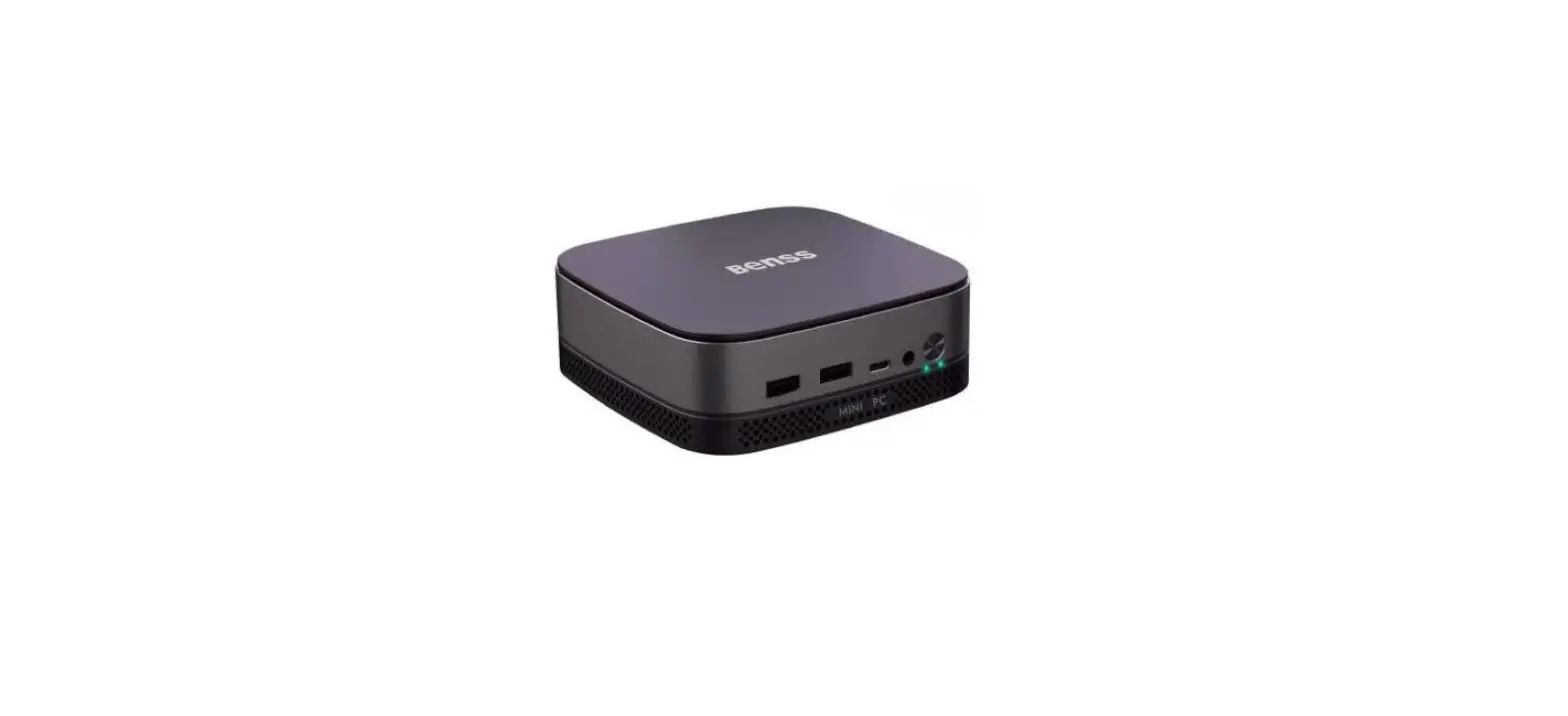
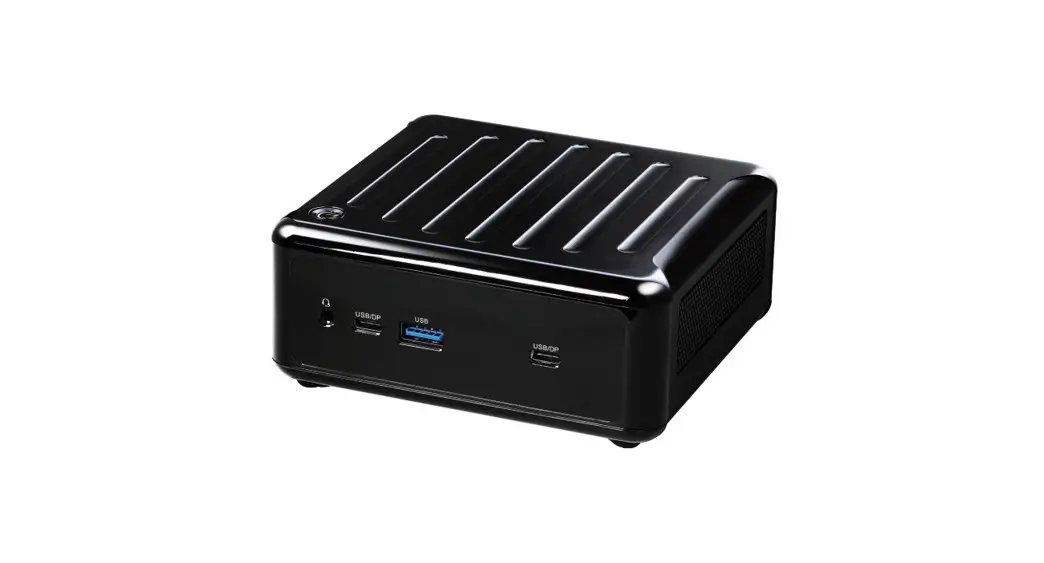
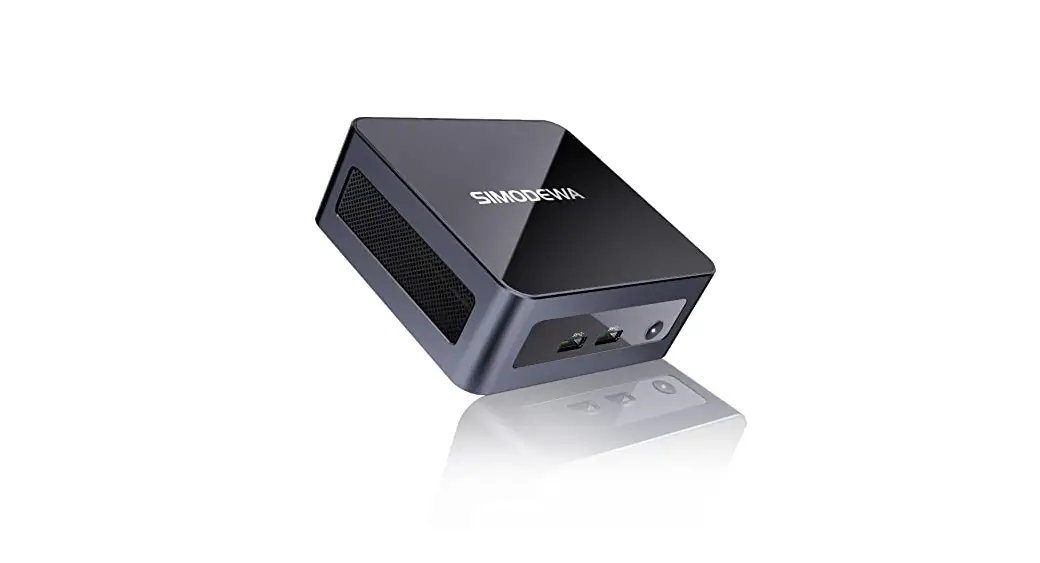
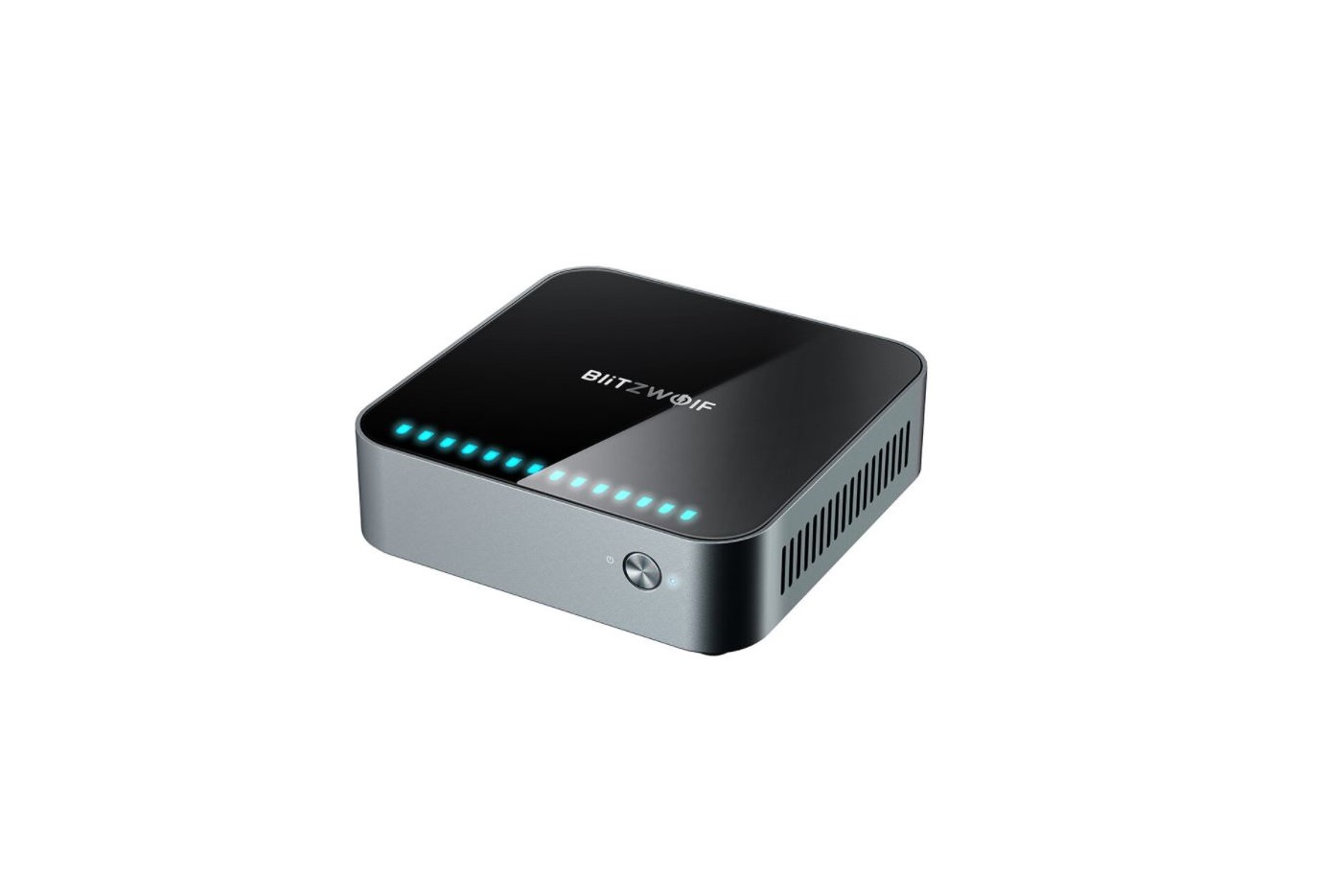
YPC-M3 i7 Mini PC
Product Information
This product is a mini PC that comes with built-in software and
is supplied with a power adapter, VESA bracket, HDMI cable, and
VESA Mounting Bracket Screws.
Product Usage Instructions
1. Before using the product, please read the user manual
carefully and keep it for future reference.
2. Make sure to use the original power supply provided with the
product. The company will not be responsible for any problems or
failures caused by using third-party adapters.
3. You can use music videos, pictures, and software provided by
third parties, but the company does not assume any responsibility
for copyright issues or software failures.
4. The product is supplied with built-in software that has been
tested for compatibility. However, if the software is deleted or
not deleted for compatibility or other reasons, it will not affect
the performance of the machine. Please note that this is not
related to product quality.
5. Follow the quick installation guide provided in the user
manual to set up the product.
6. If you wish to mount the mini PC using a VESA bracket, refer
to the installation instructions provided in the user manual for
proper installation.
7. Familiarize yourself with the buttons and ports on the mini
PC by referring to the user manual.
8. Read and follow the precautions mentioned in the user manual
to ensure personal safety and avoid property damage.
9. Refer to the packing list provided in the user manual to
verify that all the required components are included.
User Manual
Please read the instructions carefully and keep them properly for future use, for your personal safety and to avoid property damage. You must pay attention to the prompts in this manual. In order to continuously improve the user experience, we may update the application and firmware from time to time.
Disclaimer
1 . Please make sure to use the original power supply , and our company will not assume any responsibility for any problems or failures caused by any third-party adapter . 2 . Users can use music videos , pictures and software provided by third parties , but we do not assume any responsibility for copyright issues or software failures.
3 . The equipment is supplied with the built-in software at the factory ,which can be used after actual testing .However, if it is deleted or not deleted when looking for compatibility or other issues, it will not incur any impact on the machine .Please note that it is not an issue related to product quality .
Tips and FAQ
1 Turn off your Mini PC If your Mini PC does not respond, press the power button for at least (4-6) seconds until your Mini PC is turned off. 2. Boot into the system for the first time. When you start-up your PC for the first time, you will be guided to configure your Windows operating system. Start-up your Mini PC for the first time: Press the PC’s power button wait for a few minutes until the installation interface appears. Step 1: Select language/country(region) Step 2: Select the inputting method, and clicks confirm Step 3: Select the second inputting method, which can be skipped Step 4: Networking: After selecting wifi, enter password to connect it or choose to plug network cable for connection. Networking will before a long time, which prolong the start-up time. (Skipping network updated automatically, and the update process will stay on an interconnections is strongly recommended) Step 5: Accept License Agreement Step 6: Set User Name and Password once the installation process is complete, the desktop will appear.
Quick Installation
Installation of VESA bracket
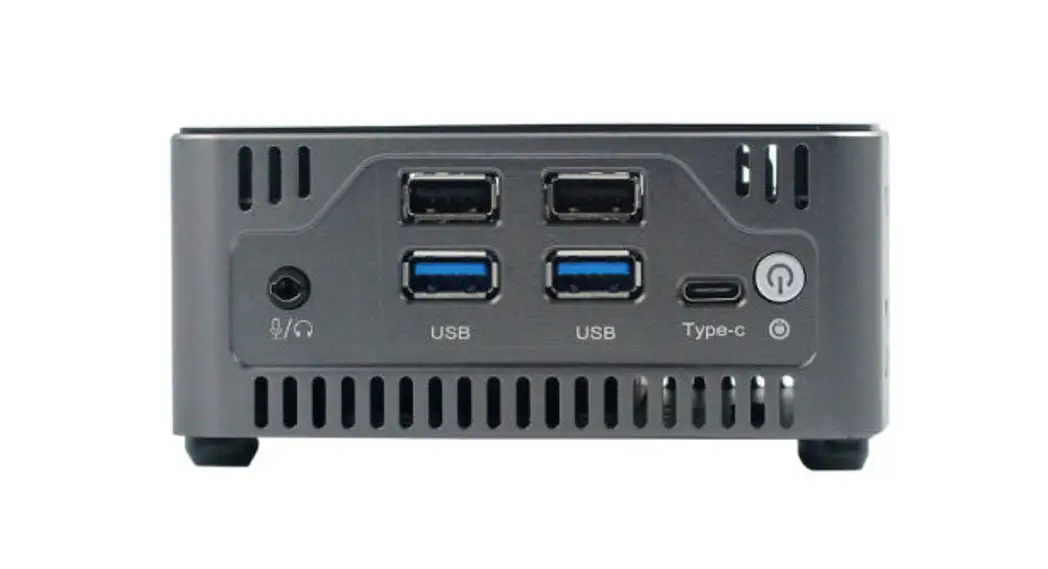
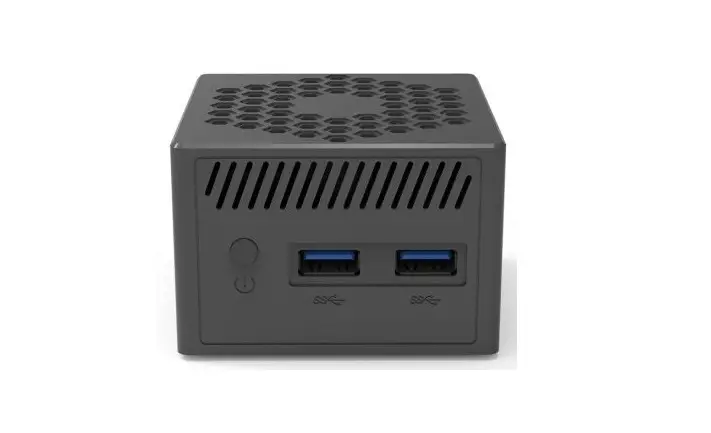
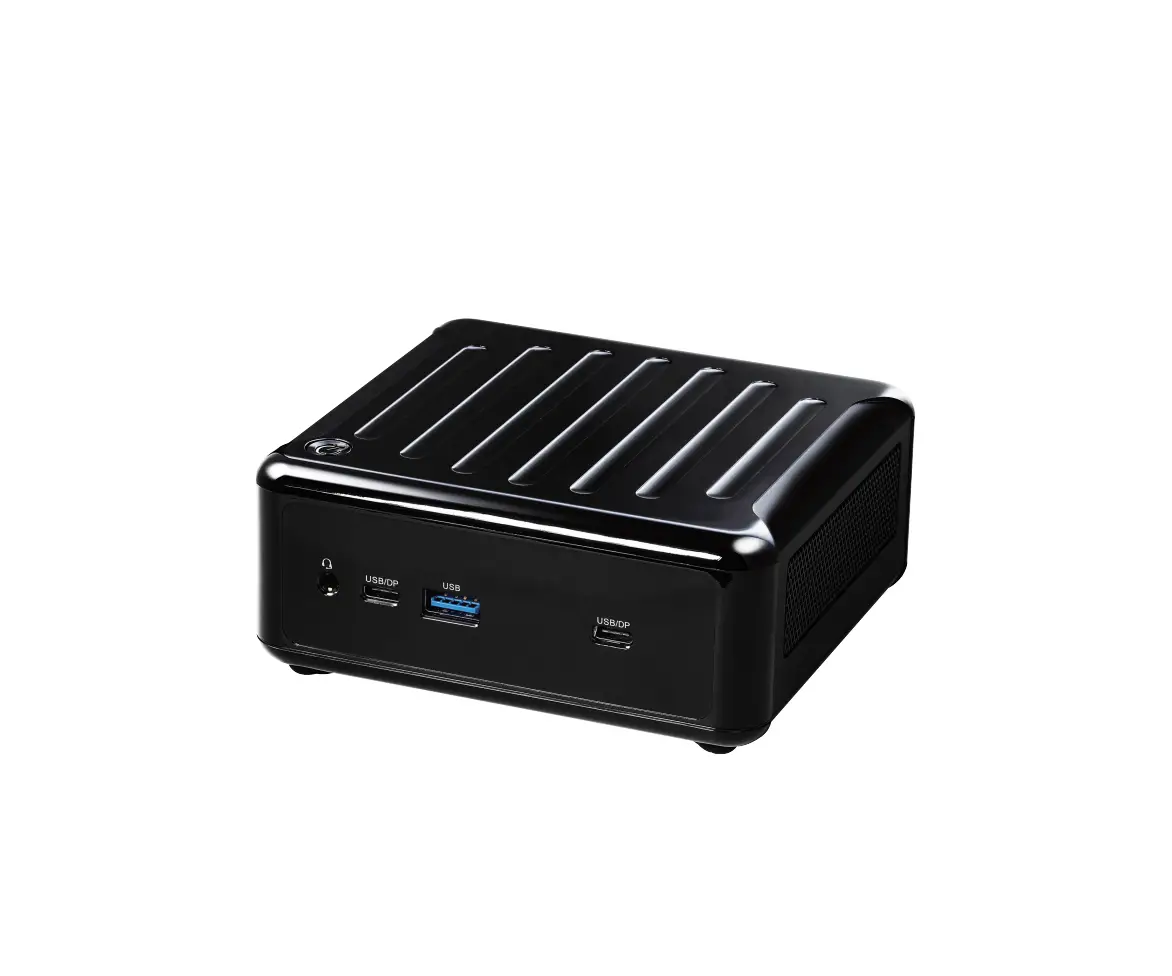
Buttons and ports
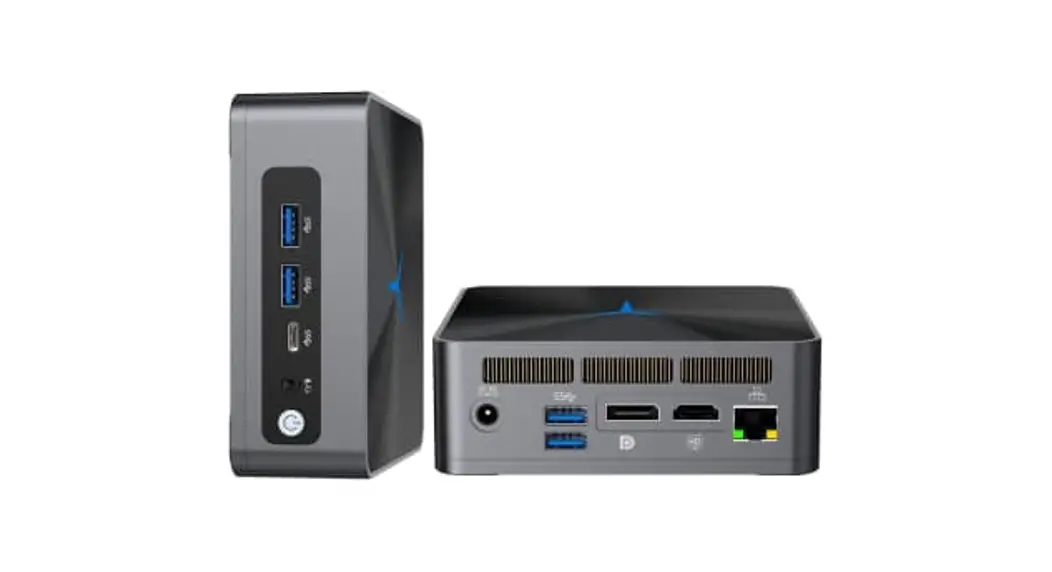
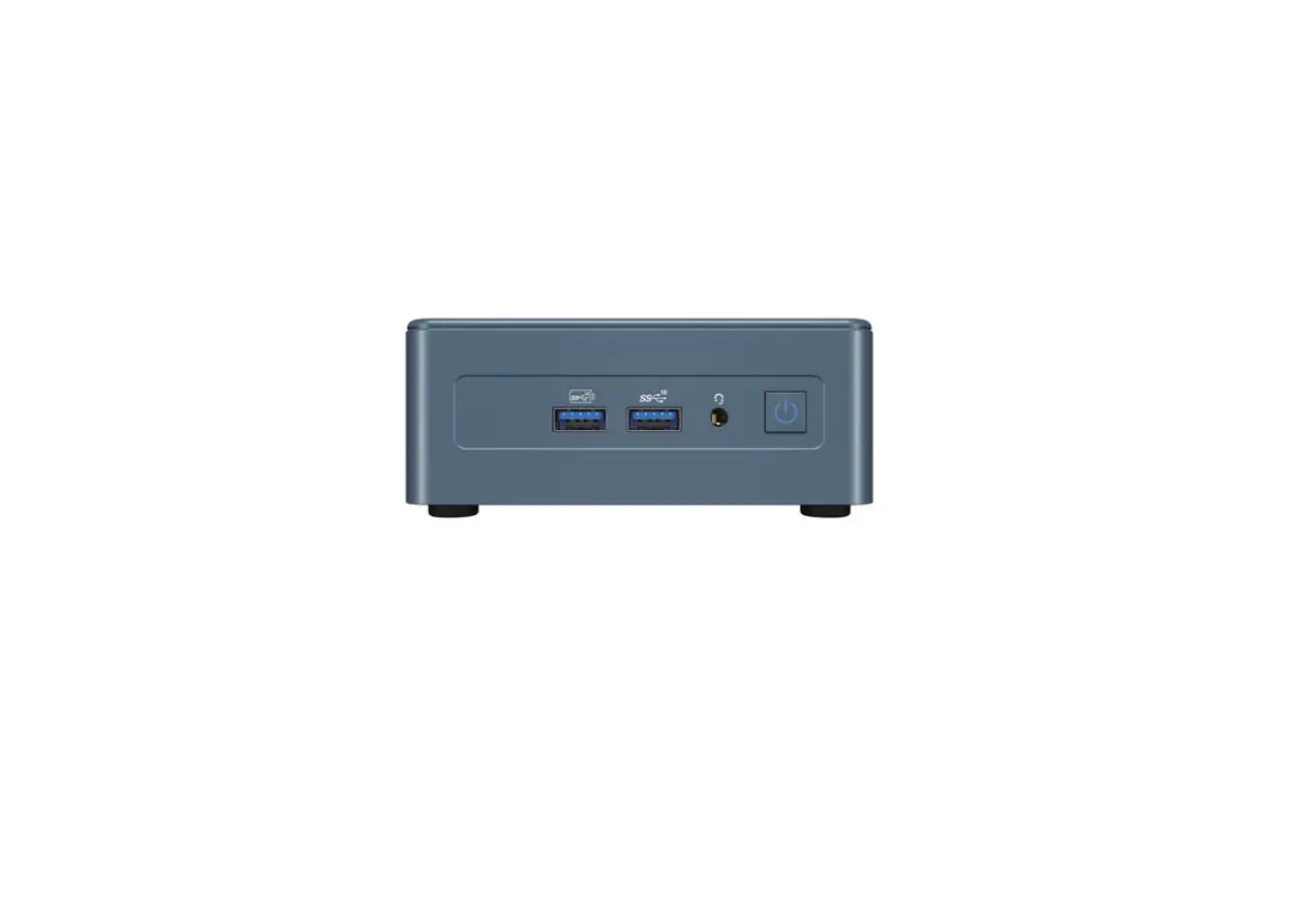
1 USB. 1 interface (this interface can connect USB peripheral devices such as USB flash disk, mobile hard disk, etc.) 2 Type-C interface (no display function) (connect USB Type-C storage device) 3 Microphone headphone jack (this connector can be used to connect microphone, headphone, audio and other multimedia devices) 4 Power button. The power button can turn on or off the device, and press and hold the power button for 5 seconds to forcibly turn off the device. DC interface (power input interface: DC 12V, in order to protect your safety in using the equipment, please use the matching power adapter of the product) DP high-definition display interface (DP high-definition interface supports 4K (4096X2160) 60z display output, can output high-definition video signal and high-definition audio signal at the same time, and can connect multimedia display devices such as display)
Precautions
1. Please take extra care when executing operations that may cause damage or loss of documents. 2. Pay attention to virus protection during the use of mini pc, and try to use virus fire wall. 3. Please turn off the mini pc and disconnect the power supply if you don’t use it for a long time. 4. Do not switch on and off the mini pc frequently in a short period of time. It is recommended that the interval between two startup times should be at least 10 seconds, preferably not less than 60 seconds. 5. Pay attention to moisture-proof, and keep the use environment clean and sterilized. If there is dust on the host machine, please wipe it with a dry soft cloth. 6. Avoid mini computers near strong magnetic fields. 7. Do not get water, food and other fluids onto the mini pc.
Packing list
Mini pc*1 Power adapter*1 VESA bracket*1
User Manual*1 HDMI cable*1 VESA Mounting Bracket Screws * 11