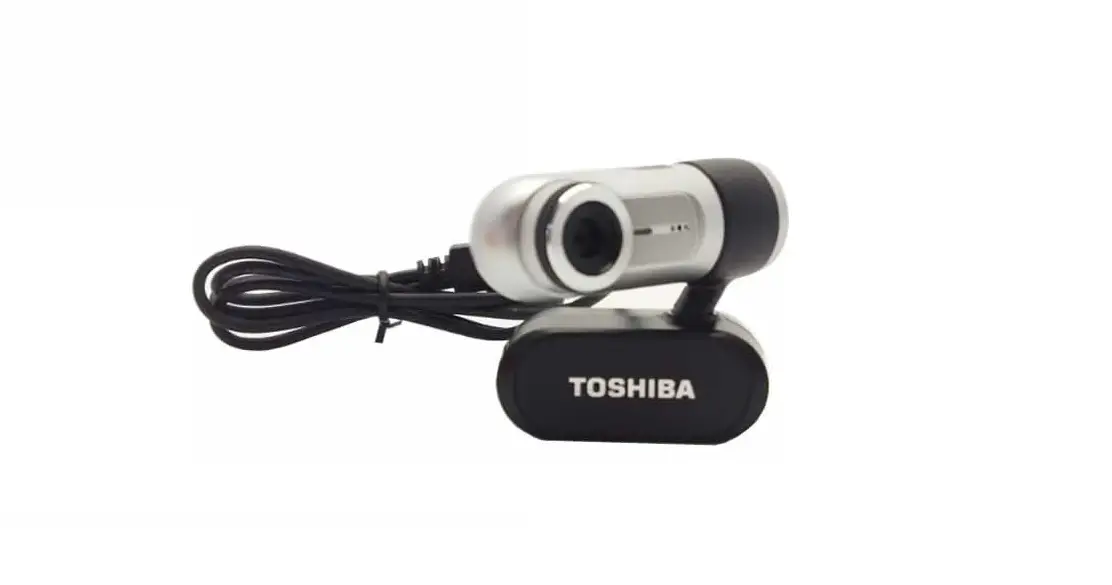

Toshiba PX1342E-1 USB Webcam
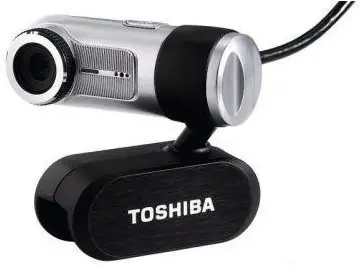
Introduction
The Toshiba PX1342E-1 USB Webcam is a versatile device that enables users to capture high-quality video footage and images for various applications. Whether it’s for video conferencing, live streaming, or recording videos, this webcam offers a reliable and convenient solution.
What’s in the Package
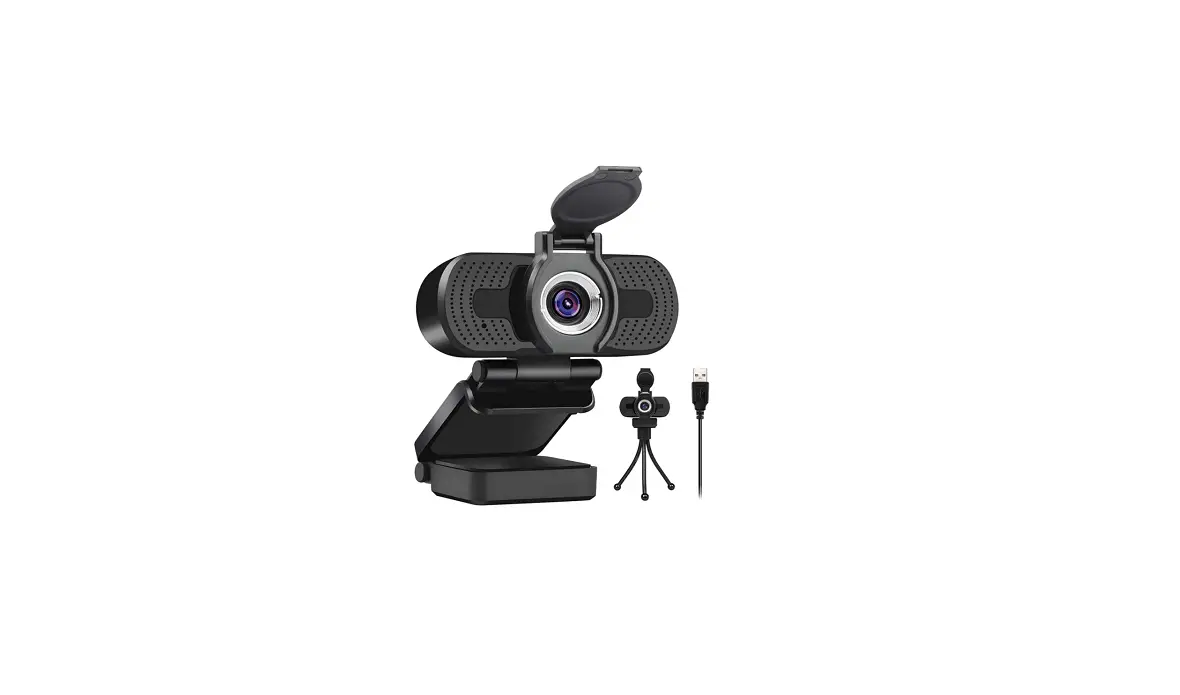
The Toshiba PX1342E-1 USB Webcam package includes the following items:
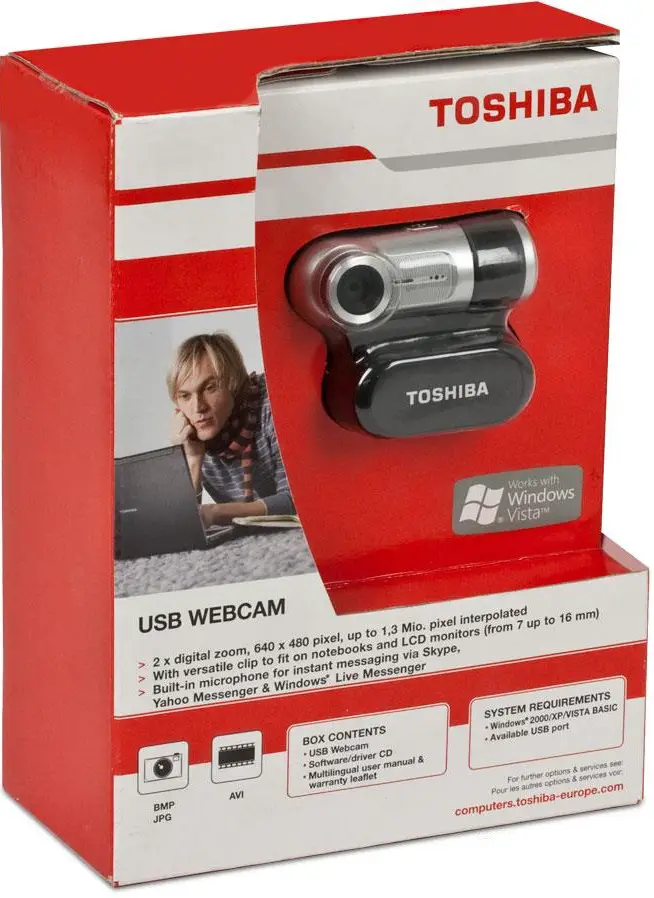
- Toshiba PX1342E-1 USB Webcam
- USB cable
- User manual
- Warranty card
Descriptions
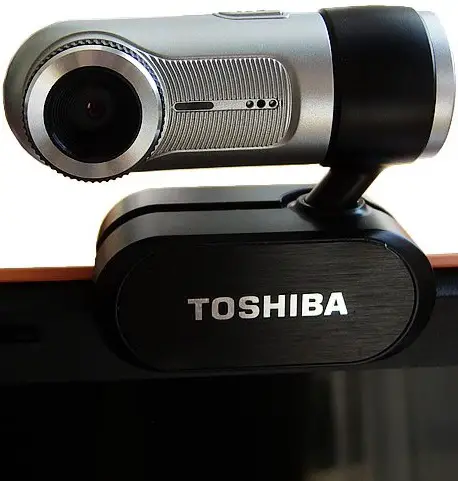
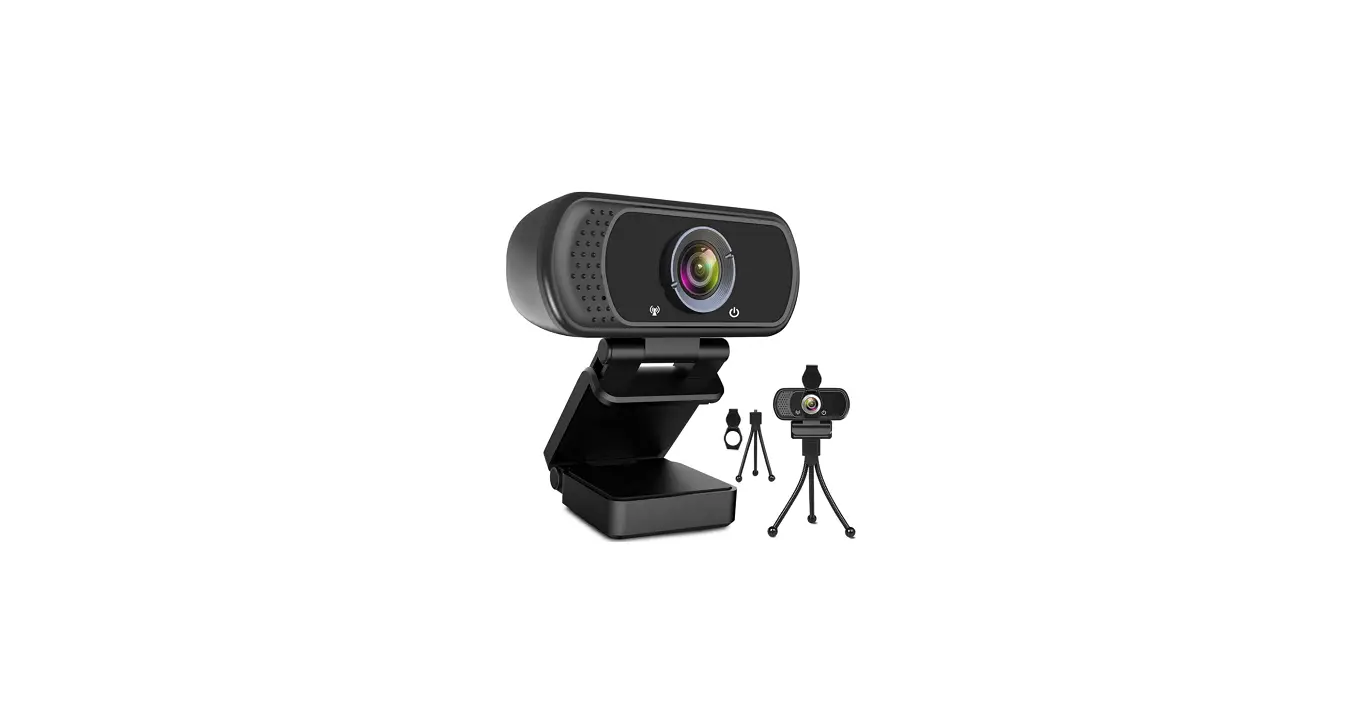
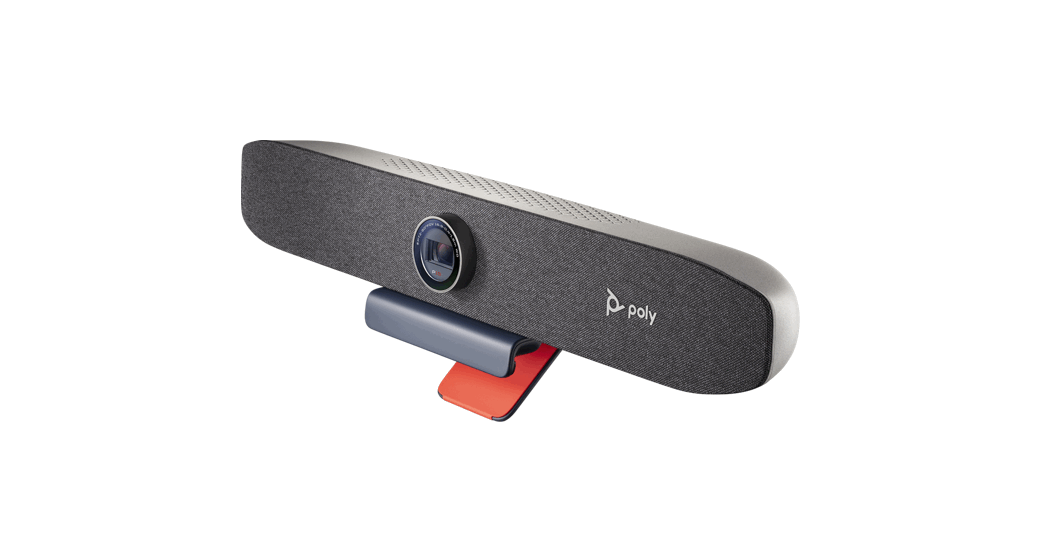
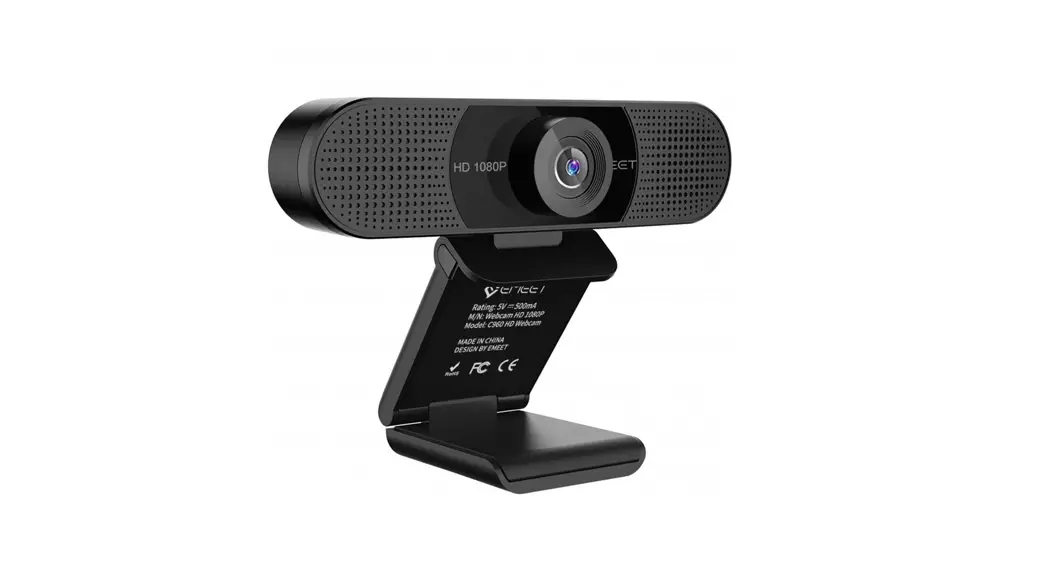
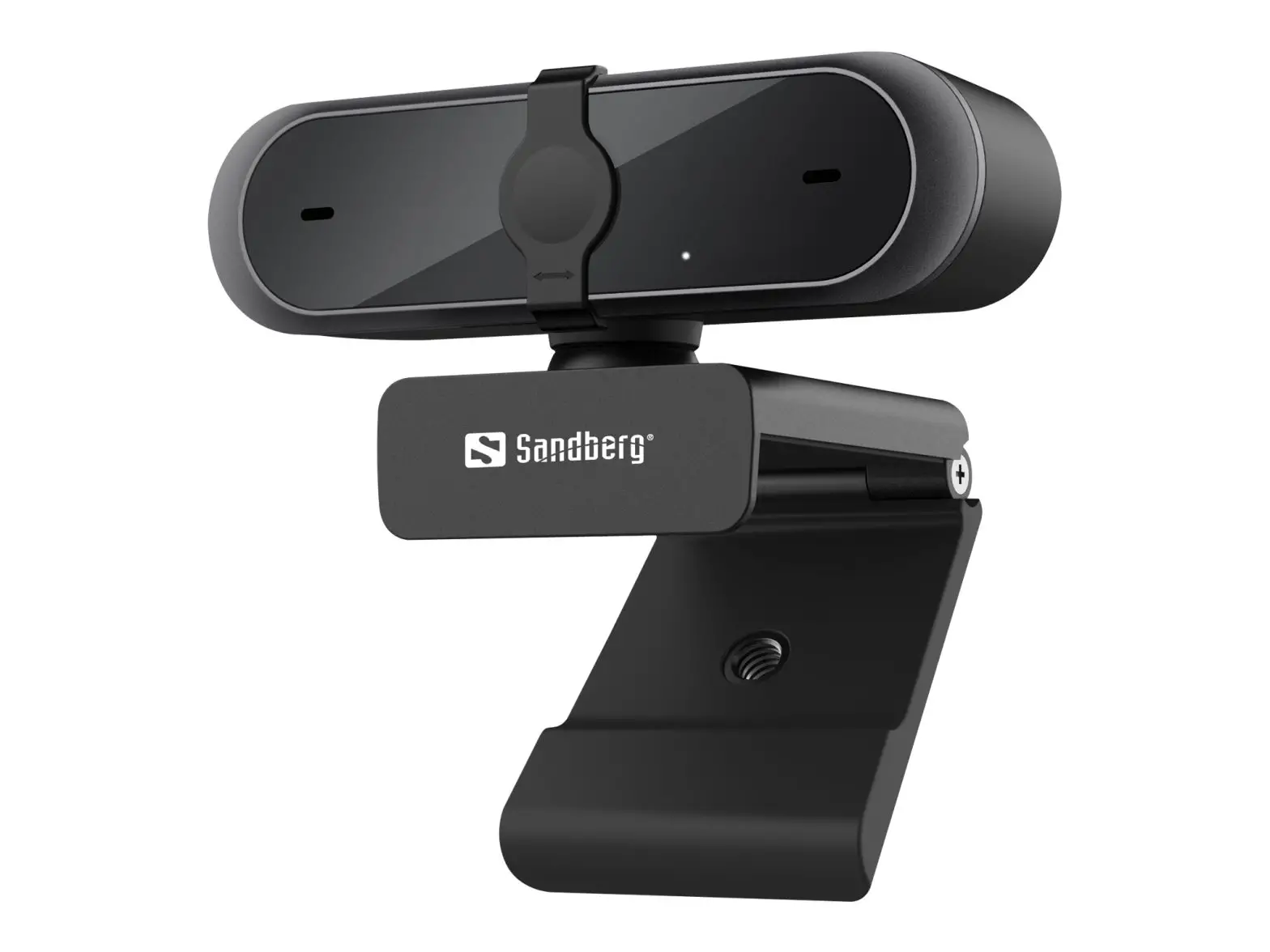
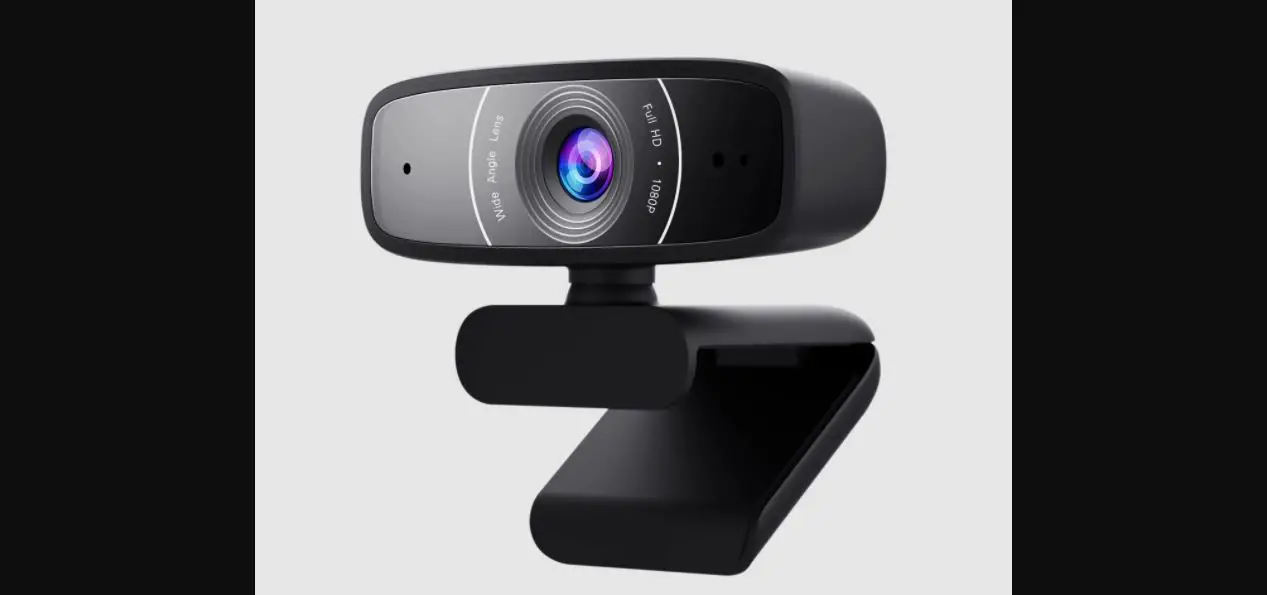
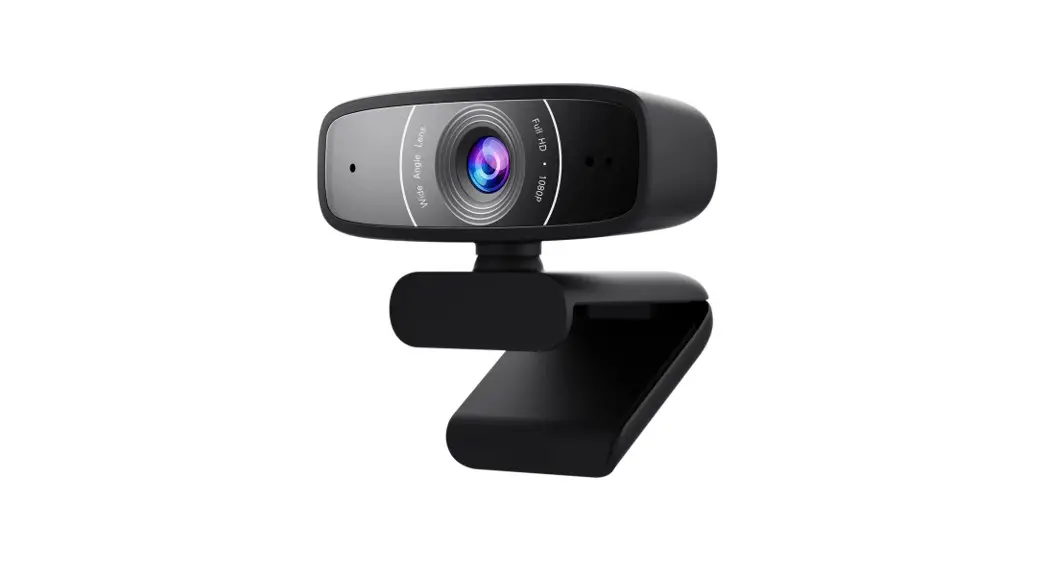
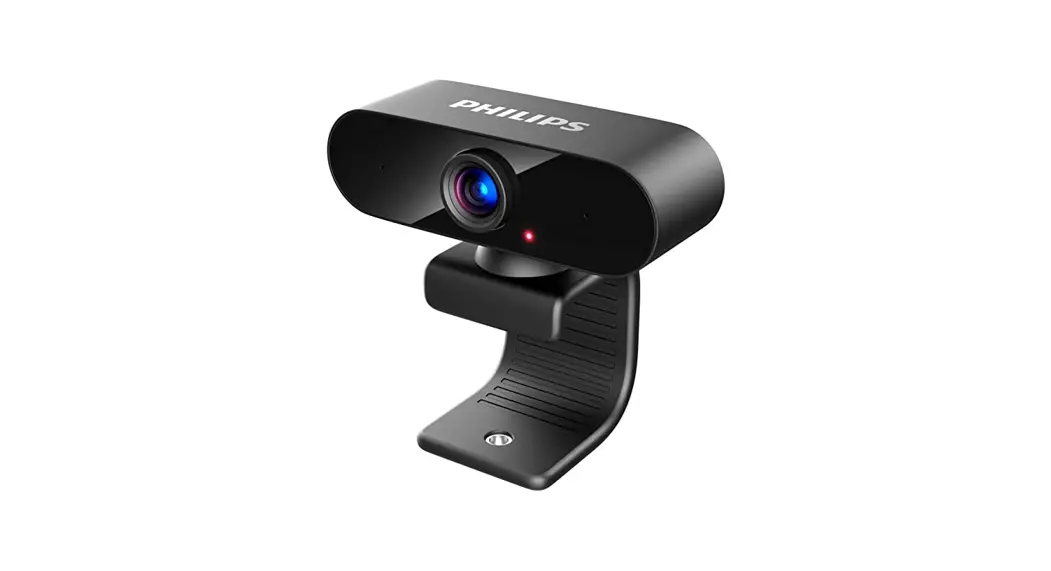
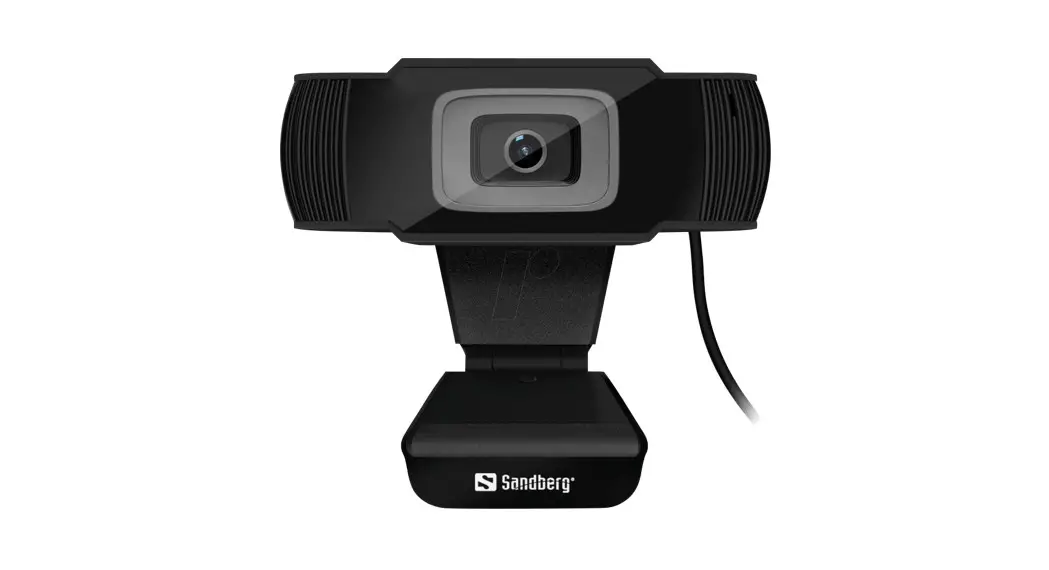
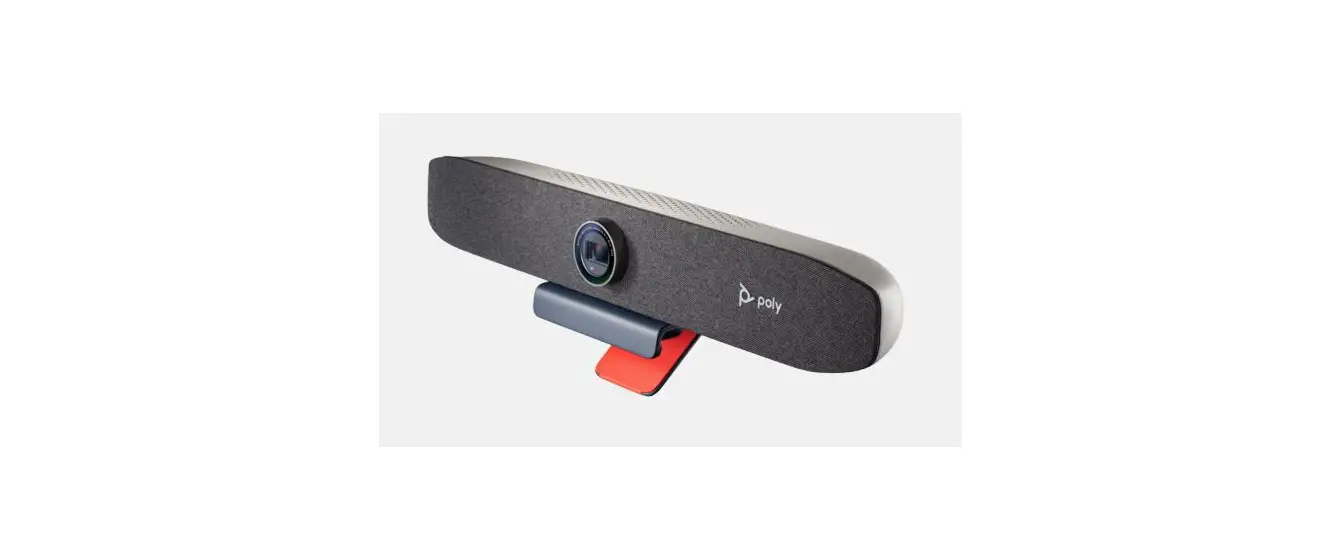
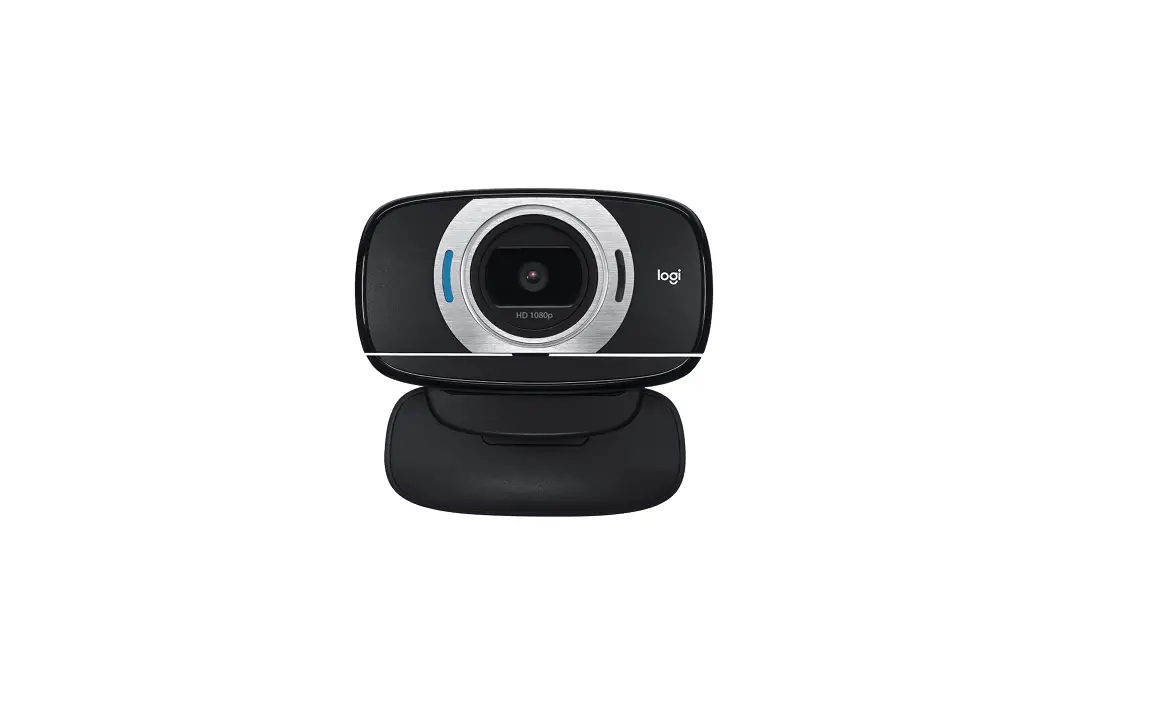
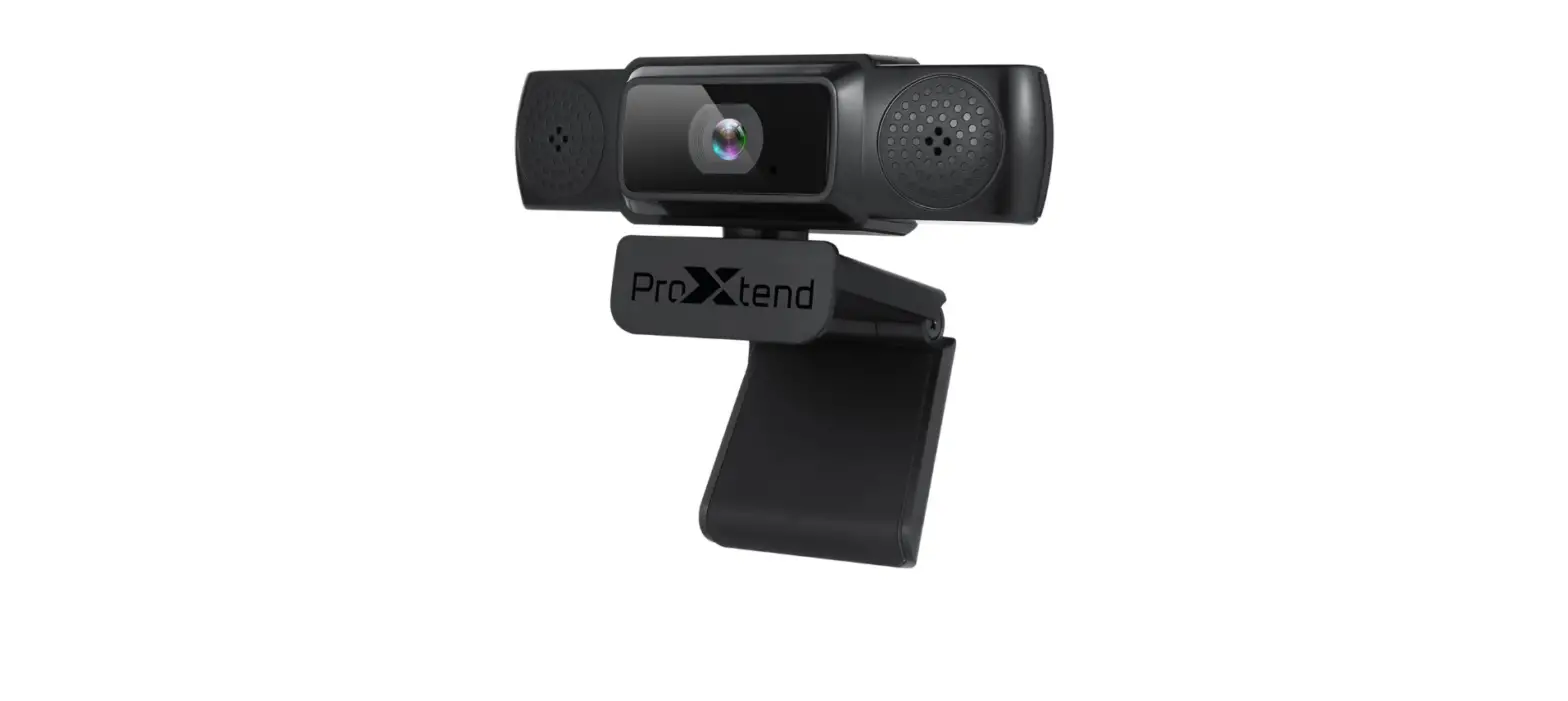
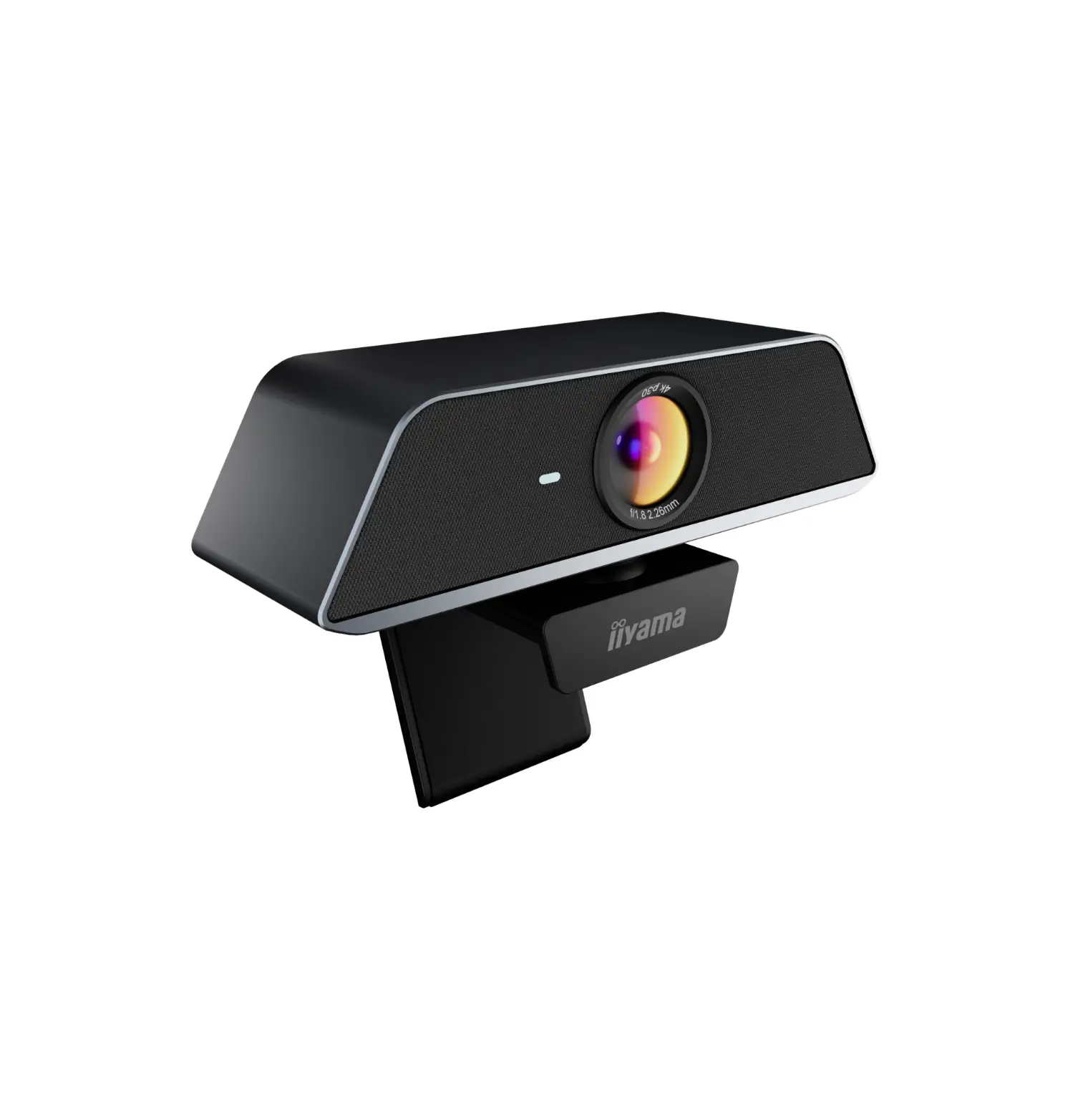
The Toshiba PX1342E-1 USB Webcam features a sleek and compact design, making it easy to mount on computer monitors or laptop screens. Equipped with a high-resolution lens, this webcam delivers sharp and vibrant video and image quality. Additionally, the built-in microphone ensures clear audio transmission, making it ideal for video calls and online meetings.
Capture Every Detail with High-Resolution Video
The Toshiba PX1342E-1 USB Webcam boasts a high-resolution lens that allows you to capture videos and images with stunning clarity. With a resolution of up to 1080p, your video calls, online meetings, and recordings will showcase every detail, delivering a professional and immersive visual experience. Whether you’re presenting to clients or catching up with loved ones, this webcam ensures that your video quality remains top-notch.
Crystal Clear Audio Transmission
A good webcam is not just about video quality; it should also provide excellent audio performance. The Toshiba PX1342E-1 USB Webcam comes equipped with a built-in microphone, delivering crisp and clear audio transmission. Your voice will be captured accurately, ensuring smooth and uninterrupted communication during video calls, conferences, or streaming sessions. Say goodbye to muffled or distorted sounds and enjoy seamless conversations.
Durability and Longevity
The Toshiba PX1342E-1 USB Webcam is built to last. Its durable construction ensures longevity, providing you with reliable performance over time. Rest assured that this webcam will be a long-term investment, allowing you to make the most out of your video communication needs.
Easy Setup and User-Friendly Interface
Setting up the Toshiba PX1342E-1 USB Webcam is a breeze. Thanks to its plug-and-play functionality, you can connect the webcam to your computer using the included USB cable and start using it immediately. The webcam is compatible with both Windows and Mac operating systems, ensuring versatility and accessibility for users across platforms. Say goodbye to complicated installation processes and enjoy a hassle-free user experience.
Flexible Positioning for Optimal Framing
Positioning your webcam for the perfect frame is essential, and the Toshiba PX1342E-1 USB Webcam offers a flexible design that caters to your needs. Its sleek and compact form factor allows for easy placement on top of computer monitors or laptop screens. Adjust the webcam’s angle and position according to your preference, ensuring you capture the best possible frame for your video calls, live streams, or recordings.
Specifications
- Resolution: Up to 1080p
- Frame Rate: 30fps
- Interface: USB 2.0
- Focus: Fixed focus
- Microphone: Built-in
- Compatibility: Windows and Mac OS
How to Use and Care
To use the Toshiba PX1342E-1 USB Webcam, follow these steps:
- Connect the webcam to your computer using the provided USB cable.
- Allow your operating system to recognize the device and install any necessary drivers.
- Launch your preferred video conferencing or recording software.
- Adjust the webcam’s position and angle to capture the desired frame.
- Make any necessary adjustments to video and audio settings using the software’s controls.
To care for your Toshiba PX1342E-1 USB Webcam
- Avoid exposing the webcam to extreme temperatures or humidity.
- Clean the lens gently with a soft, lint-free cloth to keep it free from dust or debris.
- Store the webcam in a safe and dust-free environment when not in use.
Features
- High-resolution video quality ensures clear and detailed footage.
- The built-in microphone provides crisp audio transmission.
- Plug-and-play functionality for easy setup.
- Adjustable design allows flexible positioning.
- Compatible with a wide range of operating systems.
Maintenance
To maintain optimal performance, consider the following:
- Keep the webcam firmware and drivers up to date by visiting the Toshiba support website.
- Regularly clean the lens and microphone area to remove any dust or debris.
- Handle the webcam with care to avoid accidental damage.
Warranty and Support
The Toshiba PX1342E-1 USB Webcam is backed by a standard manufacturer warranty. The warranty period and terms may vary by region. For detailed information on warranty coverage and support options, refer to the provided warranty card or contact Toshiba customer support.
Conclusion
In conclusion, the Toshiba PX1342E-1 USB Webcam is an excellent choice for individuals and professionals seeking a high-quality webcam for video communication, streaming, and recording purposes. With its impressive video resolution, clear audio transmission, easy setup, and flexible positioning, this webcam offers a seamless and enjoyable user experience. Elevate your video calls, presentations, and online interactions with the Toshiba PX1342E-1 USB Webcam and enjoy enhanced visual and audio quality like never before. Invest in this exceptional webcam and bring your video experiences to the next level.
FAQs