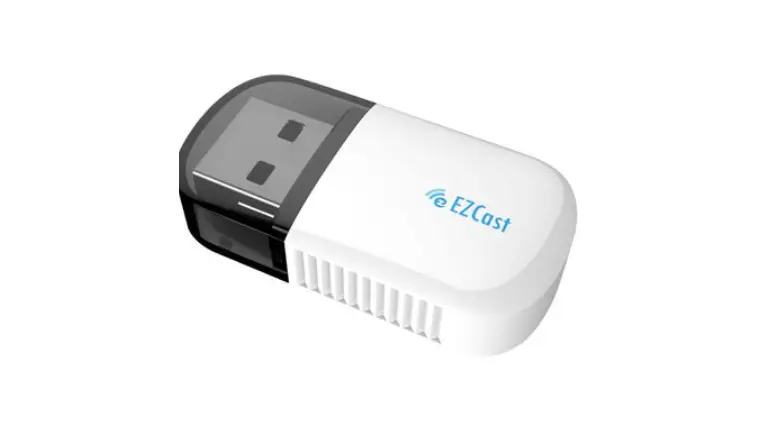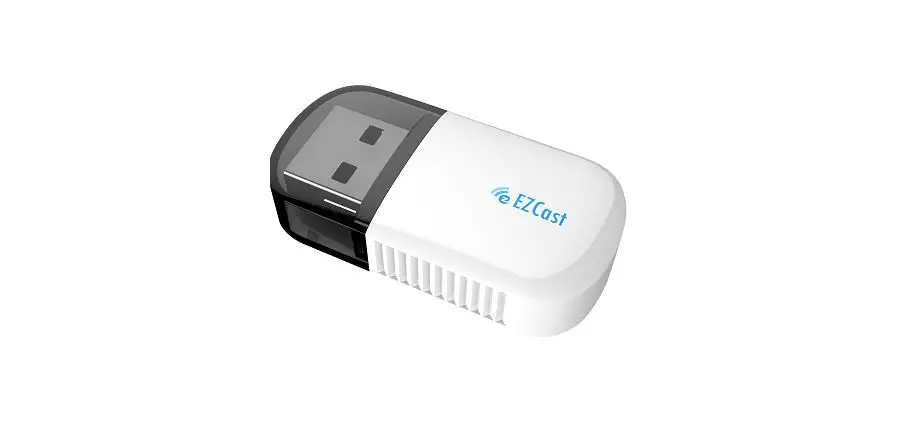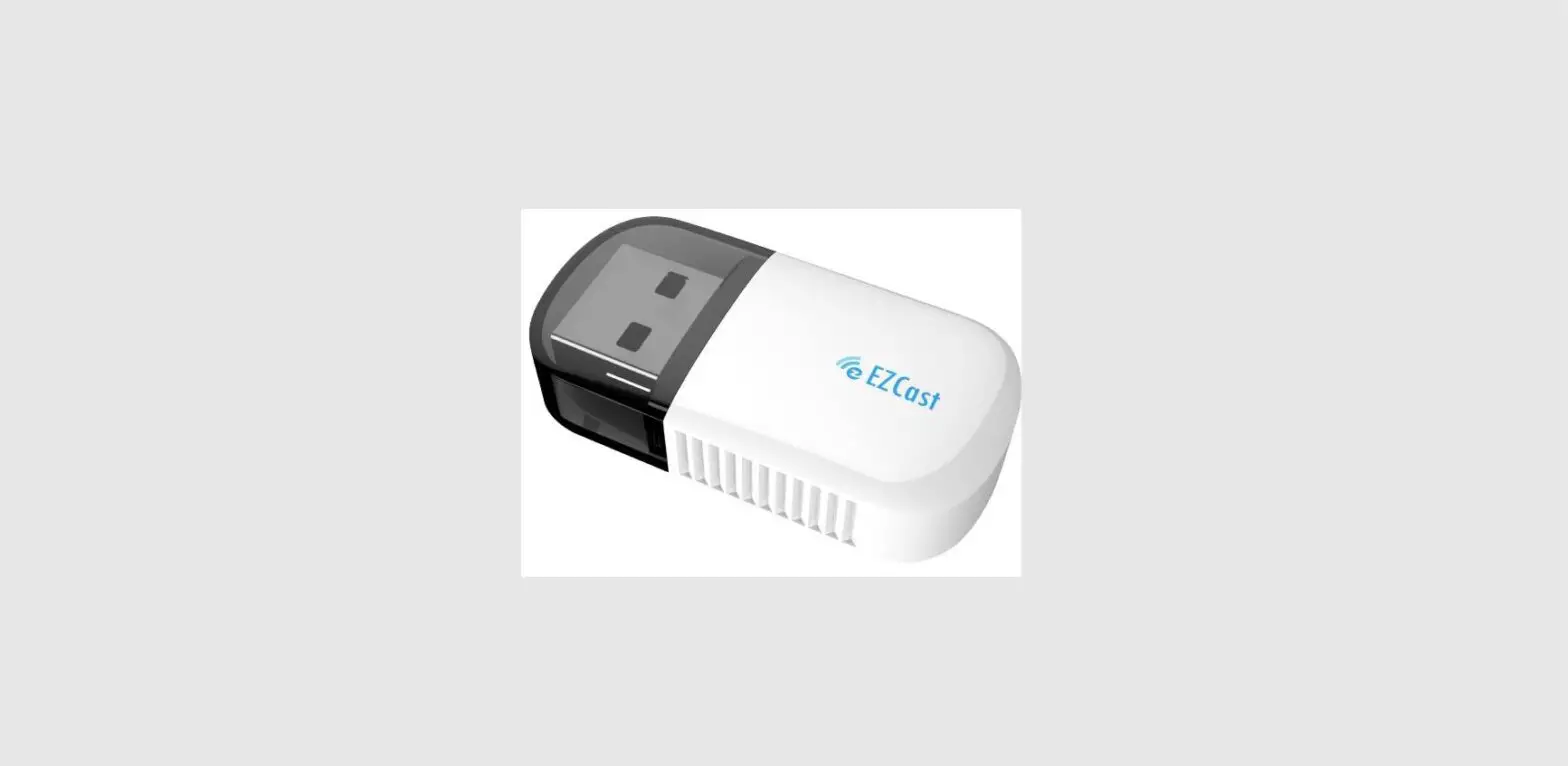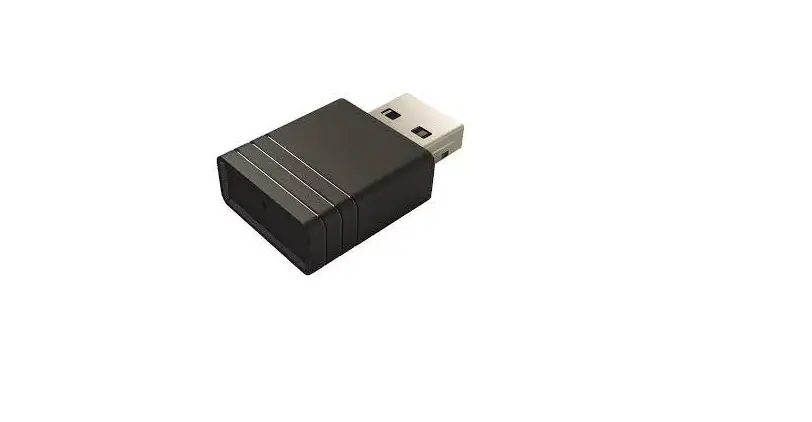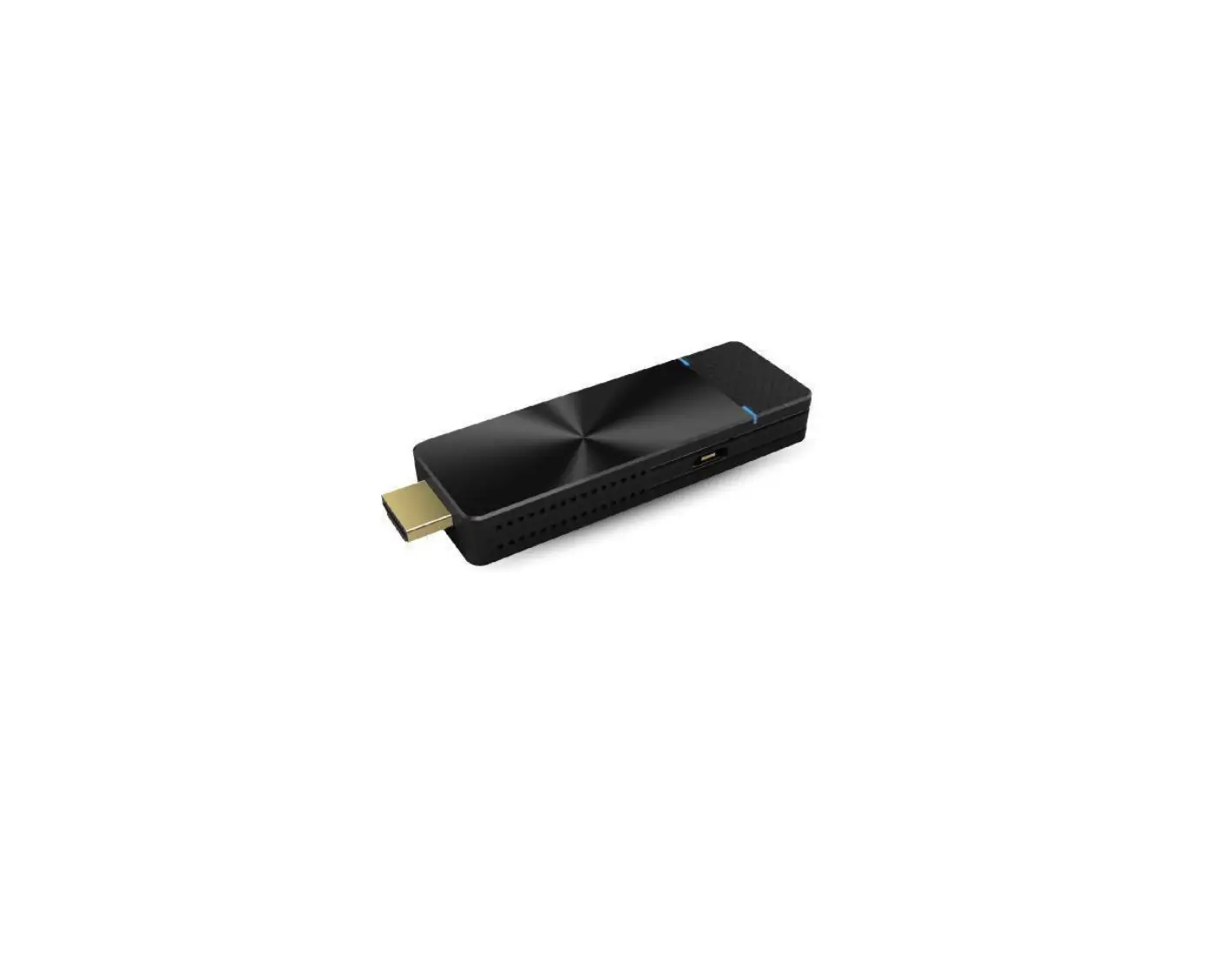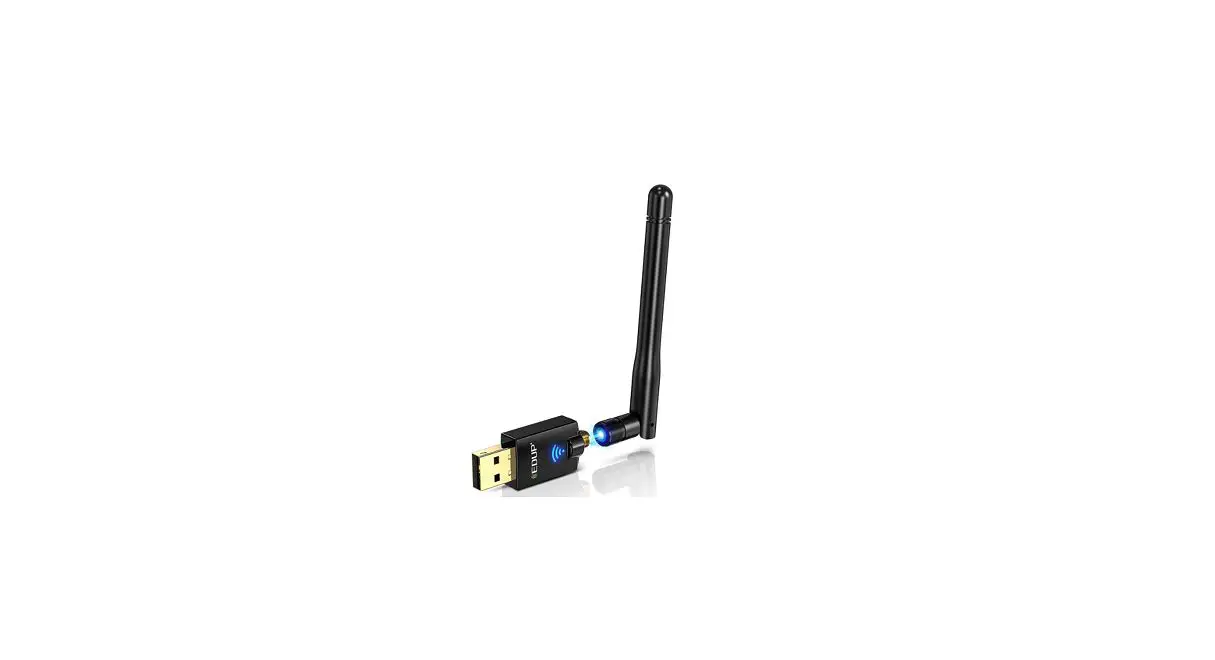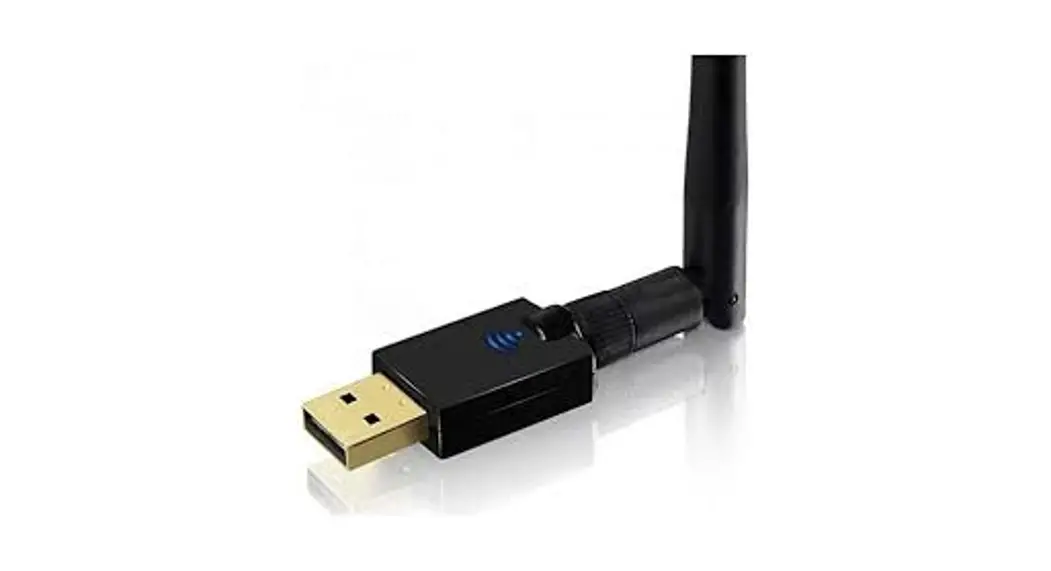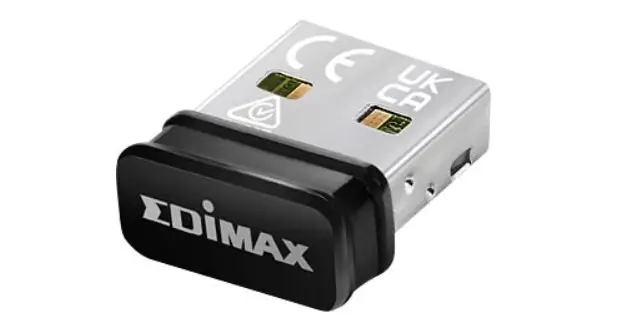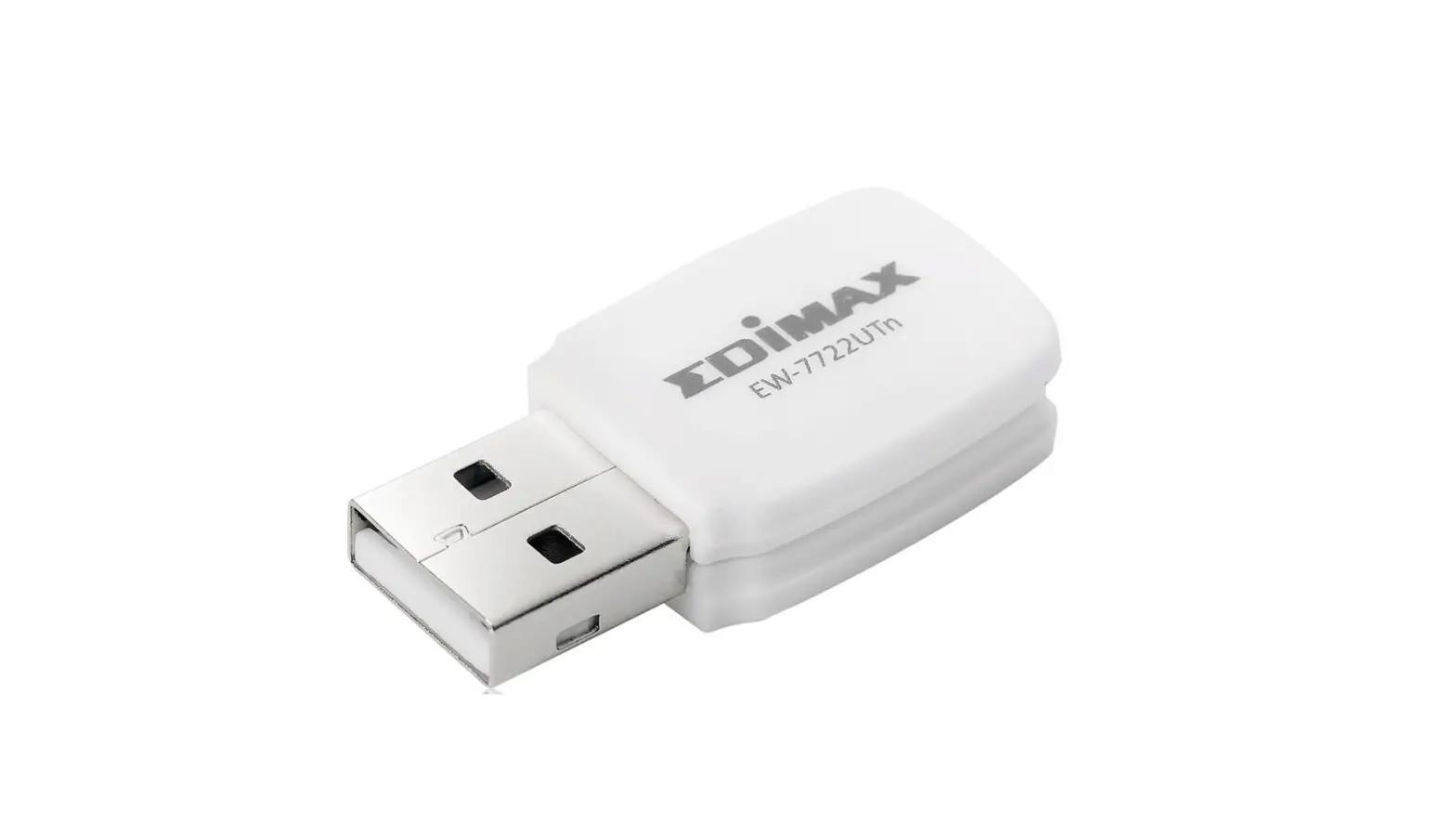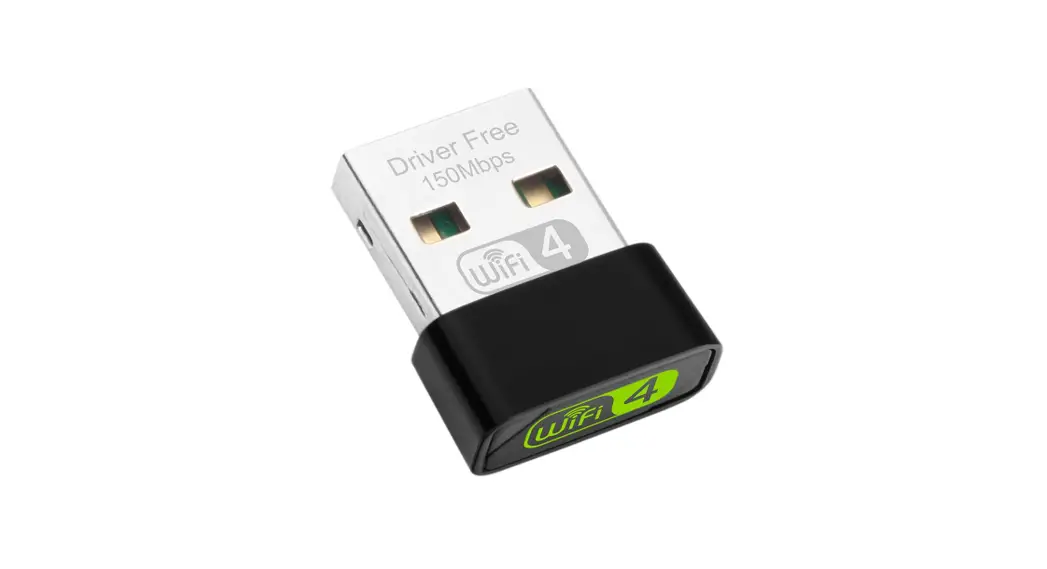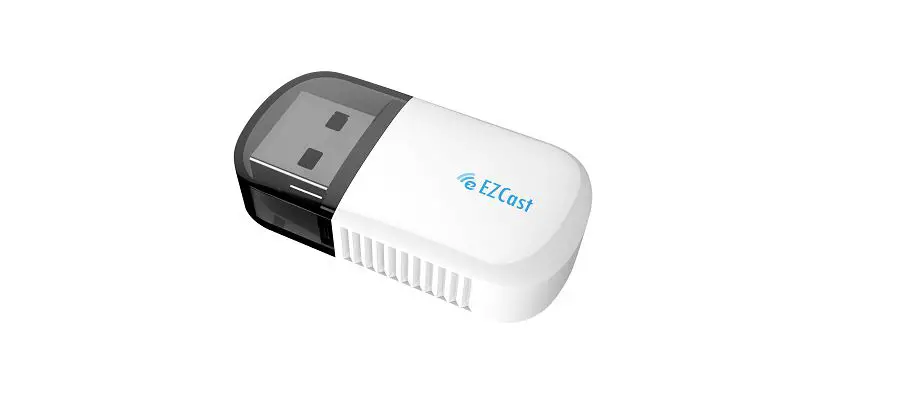

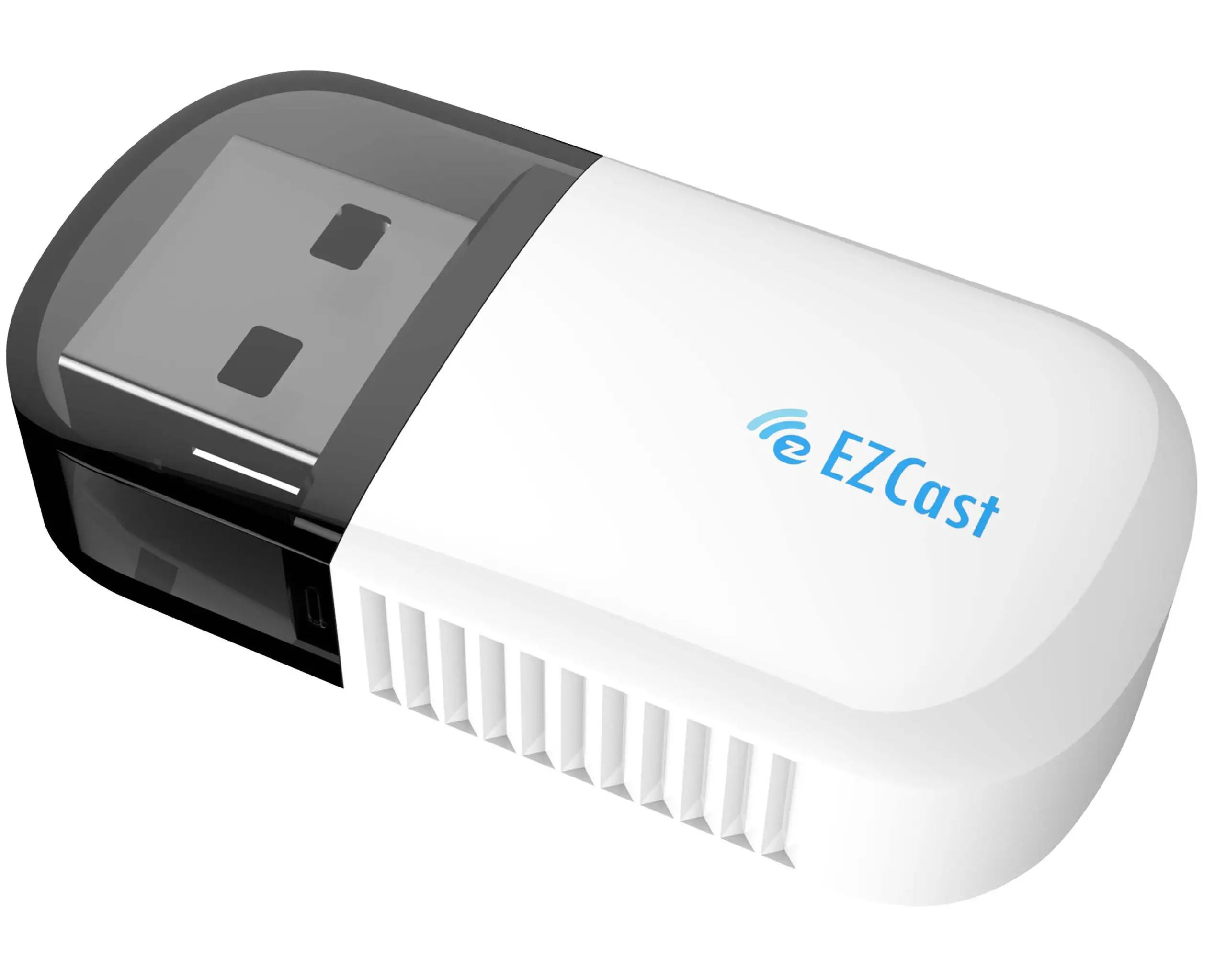
EZCast ezc5200 USB Wifi Adapter
Introduction
This USB wifi adapter supports both 2.4G and 5G to add Wi-Fi functionality to your laptops and projectors. Furthermore, it’s able to turn ethernet into wireless router that shares wifi for other devices. The bluetooth transmitter and receiver attached in wifi adapter allow your PC to connect to bluetooth devices wirelessly. Enjoy your smart wireless life with EZCast!
- Wider Coverage
- Hot Spot
- High Speed
- MU-MIMO
- Good Compatibility
Windows 10
The driver shall be installed automatically once the USB Wifi adapter is plugged in. Windows 10 supports wifi and bluetooth driver.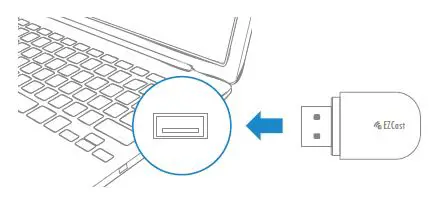 Tips: If the driver failed to install automatically, please try to install it manually. (Please refer to Windows 8/7/XP installation method)
Windows 8 / 7 / XP
- Find the driver from the internal memory or download it at https://www.ezcast.com/app/ezcast/wifi-adapter/windows. Double click “Installer.exe.”
- Run the installation of wifi driver.
For bluetooth, please run the installation of bluetooth driver with internet connection.
Note:
Windows XP does NOT support the bluetooth driver.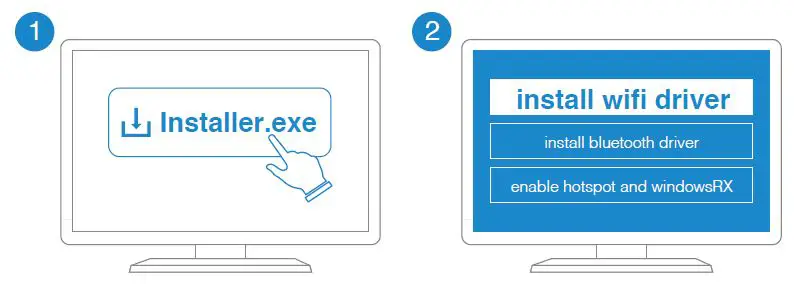
MacOS
The wifi driver shall be installed manually from our website: https://www.ezcast.com/app/ezcast/wifi-adapter/macos
Note:
MacOS does NOT support the bluetooth driver.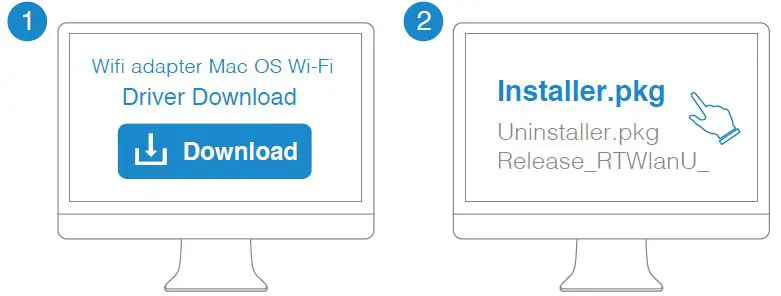
Scan the QRcode for more information
 ©2019 Actions Microelectronics Co., Ltd. All right reserved. EZCast are trademarks of Actions Microelectronic Co., Ltd., registered in US, Europe, and other countries. Other product and company names mentioned herein may be trademarks other respective companies.
FCC STATEMENT
- This device complies with Part 15 of the FCC Rules. Operation is subject to the following two conditions:
- This device may not cause harmful interference.
- This device must accept any interference received, including interference that may cause undesired operation.
- Changes or modifications not expressly approved by the party responsible for compliance could void the user’s authority to operate the equipment.
NOTE: This equipment has been tested and found to comply with the limits for a Class B digital device, pursuant to Part 15 of the FCC Rules. These limits are designed to provide reasonable protection against harmful interference in a residential installation.
This equipment generates uses and can radiate radio frequency energy and, if not installed and used in accordance with the instructions, may cause harmful interference to radio communications. However, there is no guarantee that interference will not occur in a particular installation. If this equipment does cause harmful interference to radio or television reception, which can be determined by turning the equipment off and on, the user is encouraged to try to correct the interference by one or more of the following measures:
Reorient or relocate the receiving antenna.
Increase the separation between the equipment and receiver.
Connect the equipment into an outlet on a circuit different from that to which the receiver is connected.
Consult the dealer or an experienced radio/TV technician for help. FCC Radiation Exposure Statement
This equipment complies with FCC radiation exposure limits set forth for an uncontrolled environment. This equipment should be installed and operated with minimum distance 20cm between the radiator & your body
Product information
| Transmission | 600Mbps |
| Antenna | Onboard |
| Standard | IEEE 802.11b/g/n/a/ac |
| Driver | Auto installation |
| Interface | USB 2.0 |
| Bluetooth | Bluetooth 4.2 |
Learn More
Visit https://www.EZCast.com for more information. Visit https://www.YouTube.com/EZCast for video tutorials.