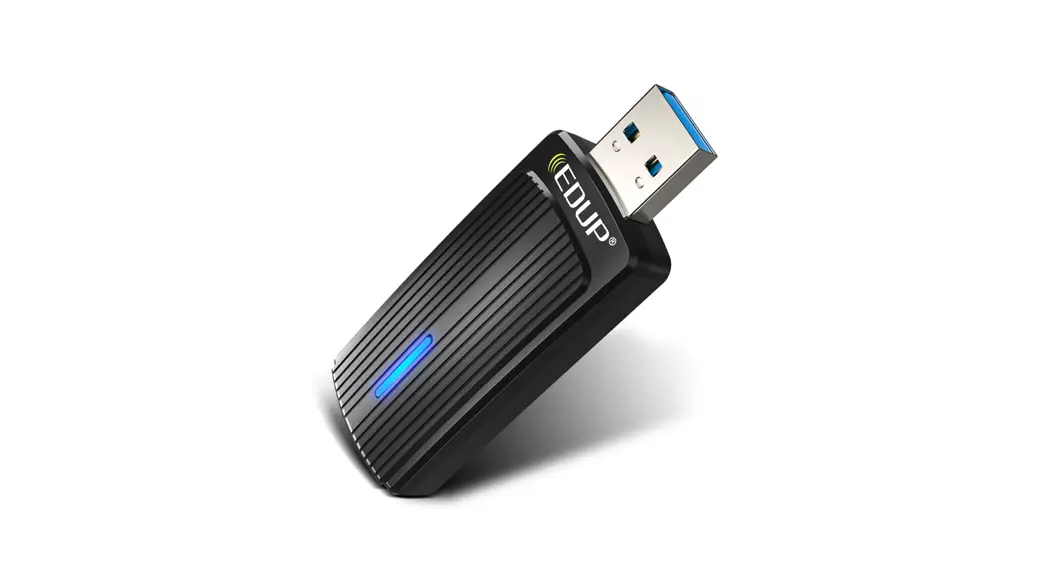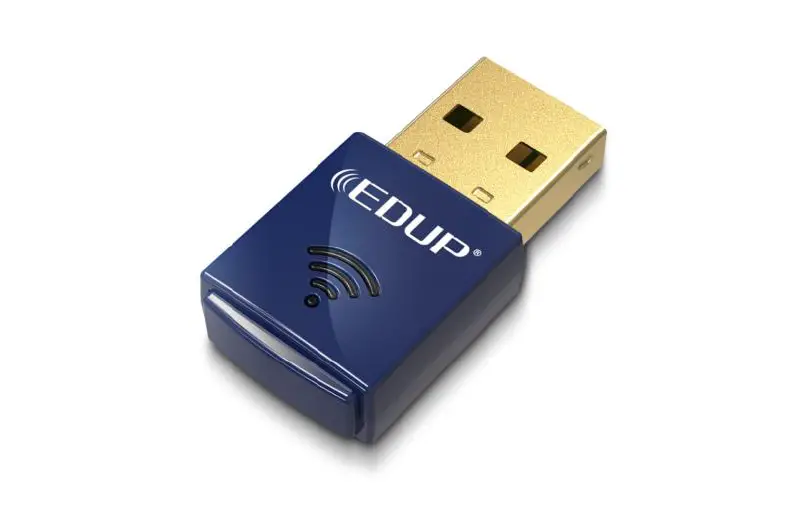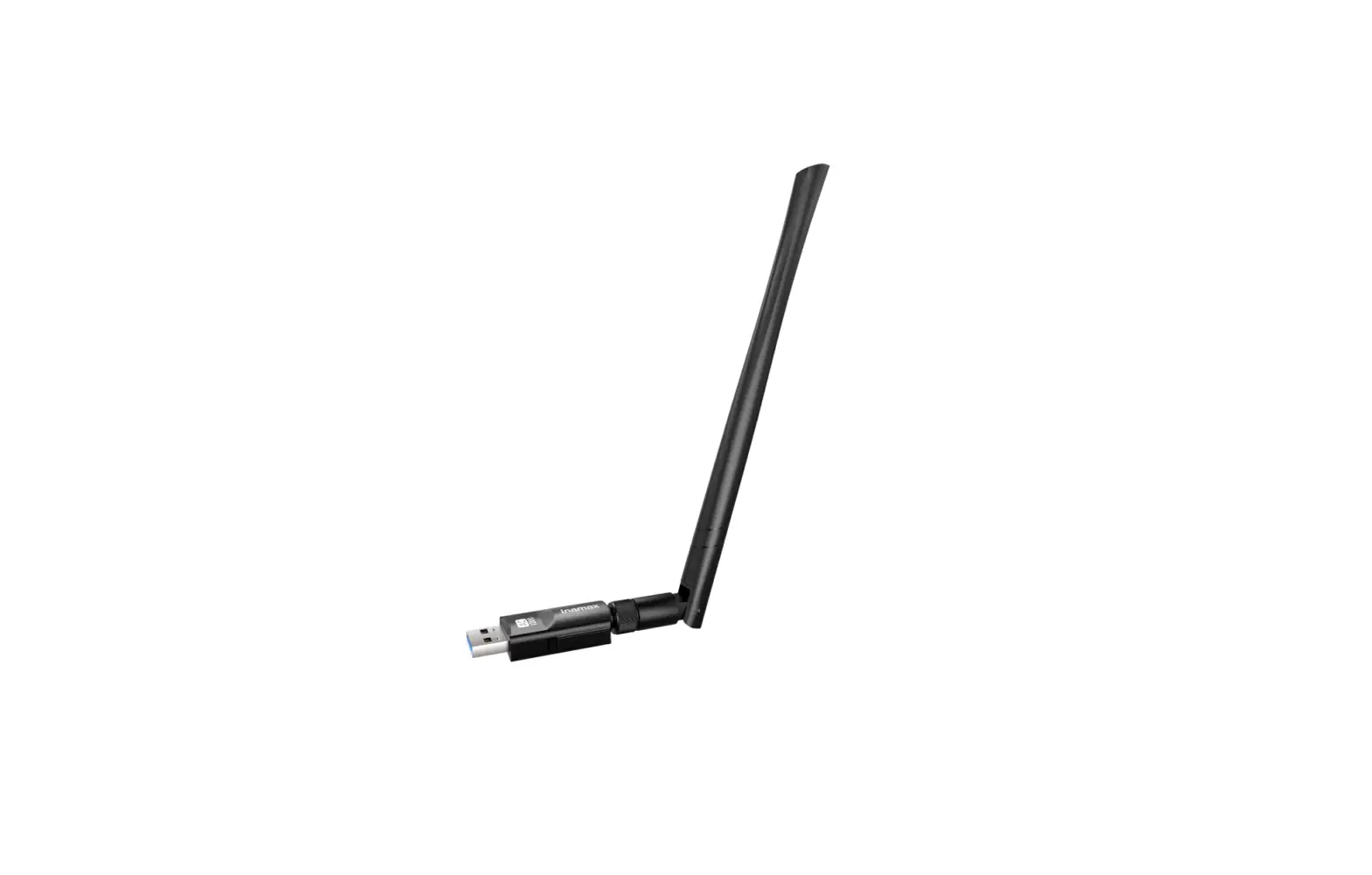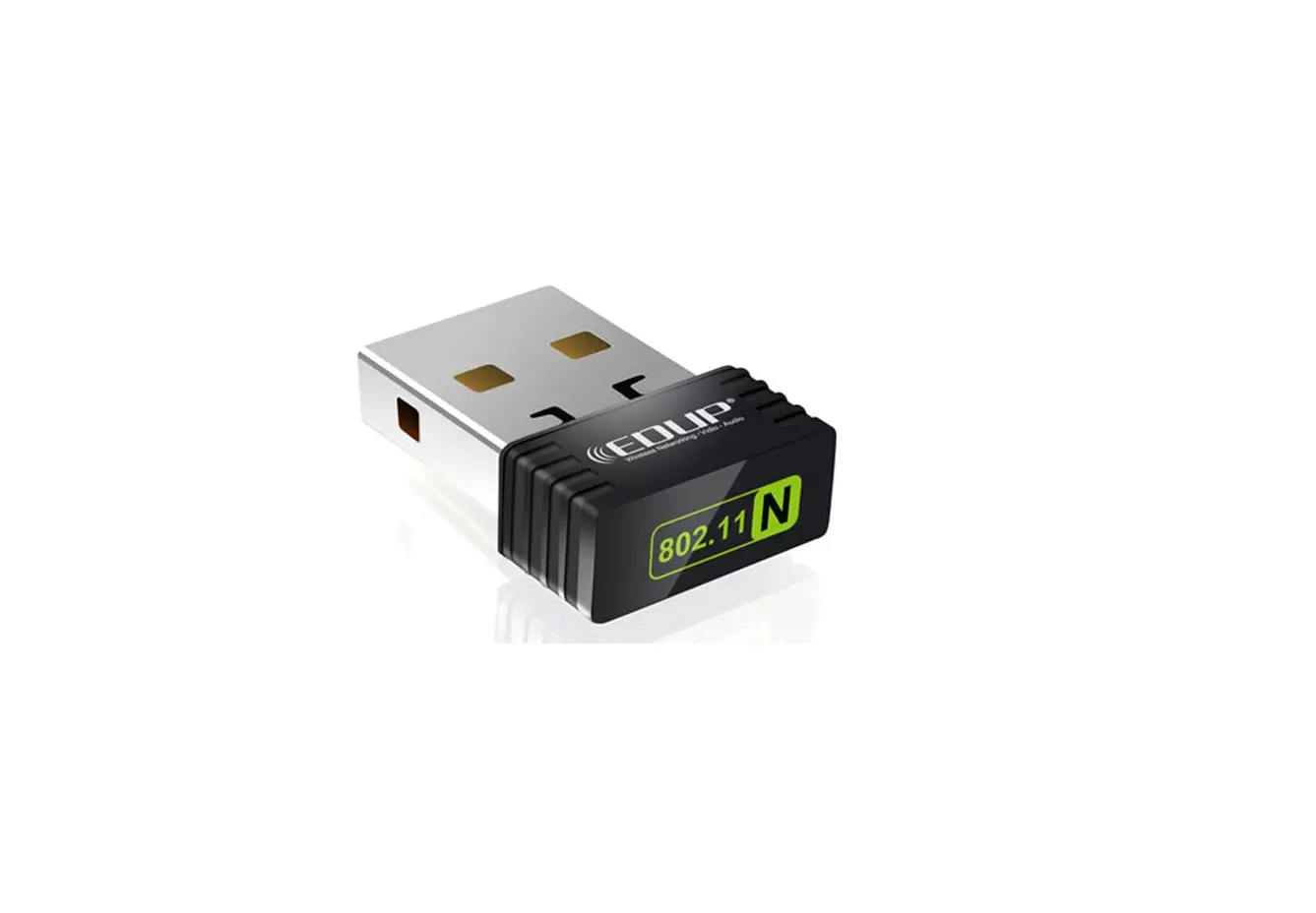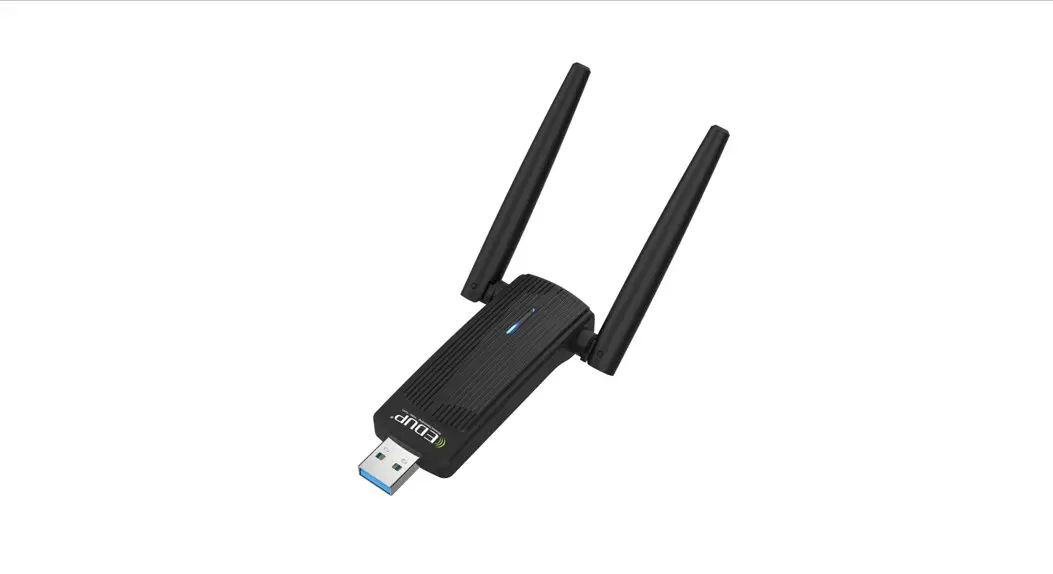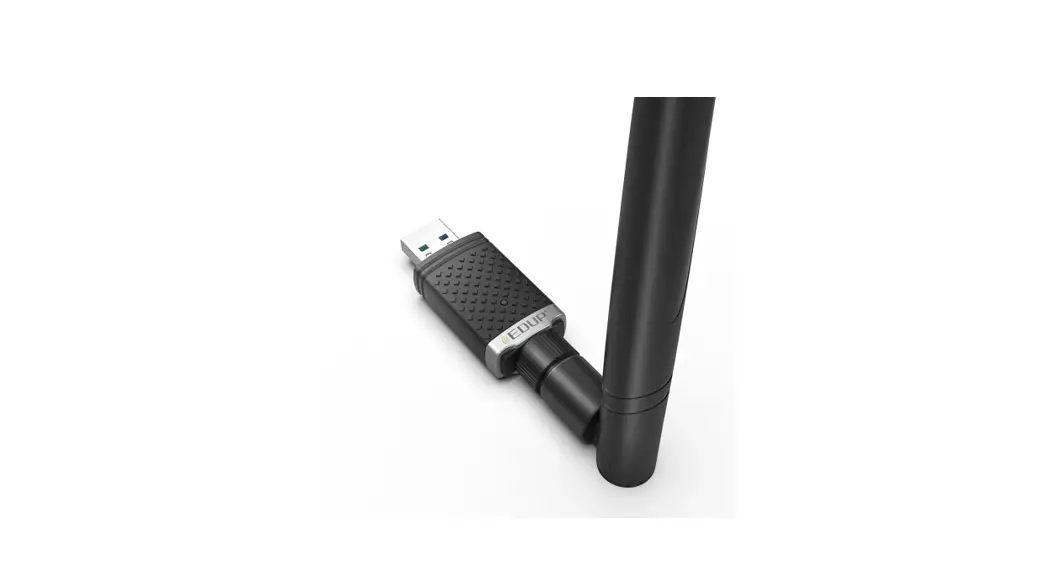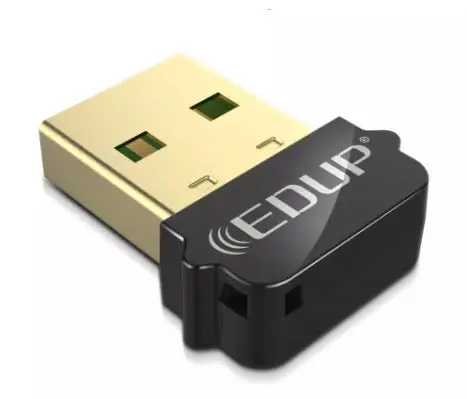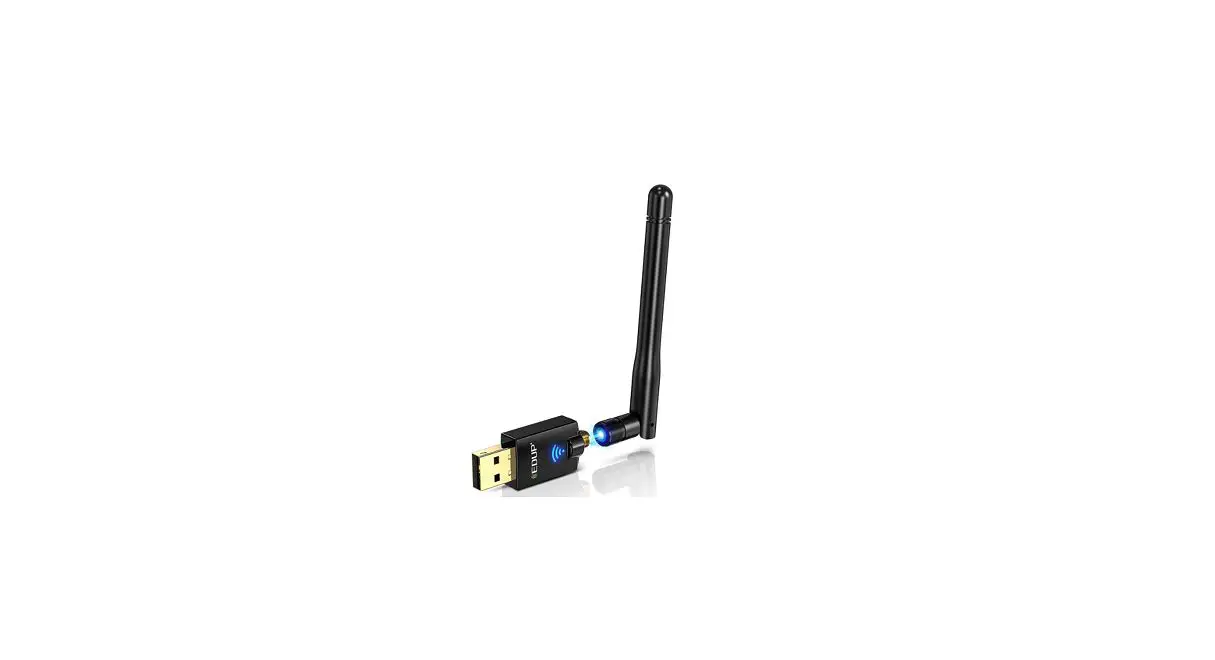

EDUP AC600M USB WiFi Adapter
 Installation
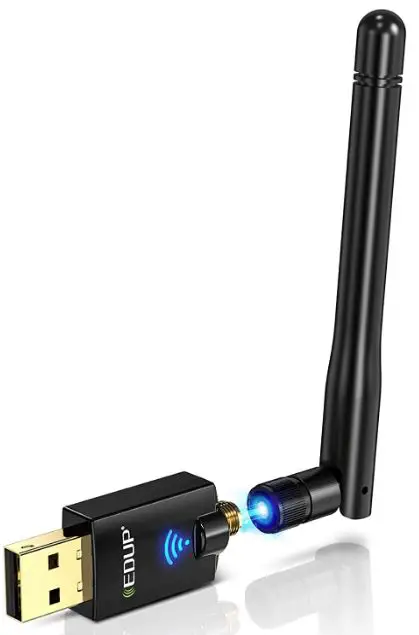 Installation
Two ways for driver installation: via CD or online driver The official link of the driver: http://www.szedup.com/support/driver-download/
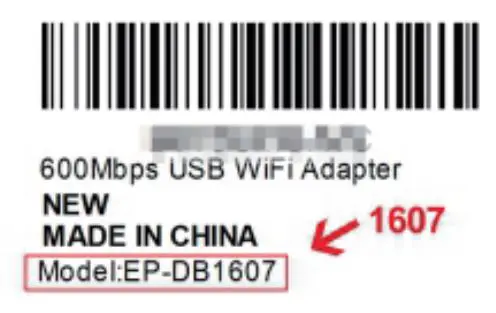
- How to find the model number?
There is a product barcode on the back of the product box where you can find the model number. (e.g. Model: EP-1607,the number is 1607)
- How to find the driver online?
Input the model number in the search box and search. (e.g. 1607)

How To Use
- Step 1: Please insert the CD or USB flash disk and open the file step by step as picture below.

- Step 2: Without installing the drive, you can’t use the WiFi adapter.
(Note: if there is no CD slot in your computer, please download the driver from www.szedup.com) - Step 3: How to access your network on different windows systems?


For Windows 7 Users
- Click this icon
 in the bottom-right corner of your Windows 7 computer, and click your WiFi network to connect.
(Note: Check “Connect automatically”) (E.g. “EDUP EBAY 1)
- Please follow the picture to input the WiFi password, and click “OK”, and then the internet is connected as below.

 in the bottom-right corner of your Windows 7 computer, and click your WiFi network to connect.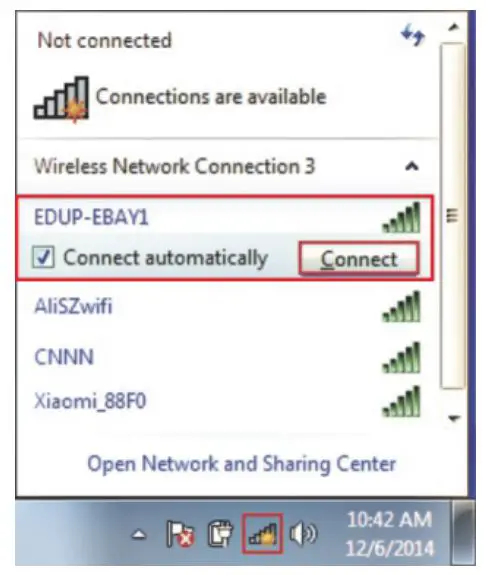
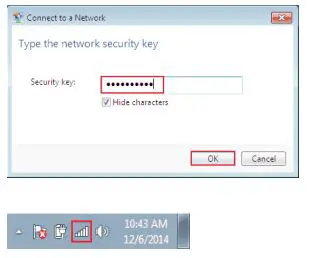
For Windows 10 Users
- Click this icon
 in the bottom-right corner of your Windows 10 computer, click your WiFi network to connect.
(Note: Check “Connect automatically) (E.g. “CESHI-5G”)
- Please follow the picture to input the WiFi password, and click “
 ” and then the internet is connected as below.
 For Windows XP Users
 - Click this icon in the bottom-right corner of your Windows XP computer, find your own WiFi from all available WiFi lists, and click
 your WIFi network to connect.
 - Input the WiFi password, and click “” and then icon
 means that the internet is connected successfully.
 in the bottom-right corner of your Windows 10 computer, click your WiFi network to connect.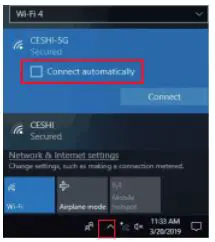
 ” and then the internet is connected as below.
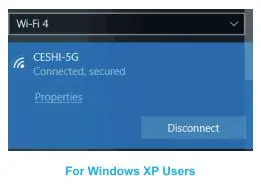 For Windows XP Users
 your WIFi network to connect.
 means that the internet is connected successfully.
For MAC OSX Users
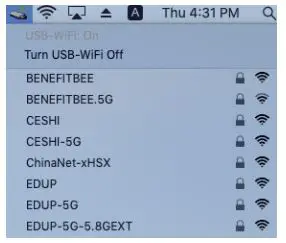
- Unzip the driver for MAC OS, and then open the files as below. Then there will be a driver icon
 showing up in the upper right corner of your MAC OSX computer.
- Click this icon and find your WiFi (E.g. “CESHI-5G”) to click “Join” for connecting from all available wifi lists.

- Then this icon
 means that the internet is connected successfully.

 showing up in the upper right corner of your MAC OSX computer.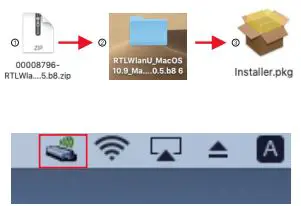
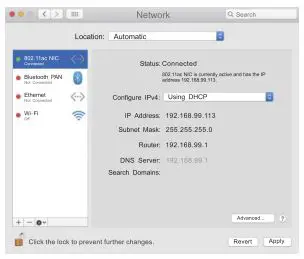
 means that the internet is connected successfully.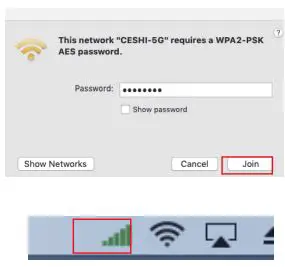
Contact us
If you need any help, please contact us via Email
Email: [email protected]
Driver Download: http://www.szedup.com/support/driver-download/
FAQs
Yes, it supports 5G WiFi.
Yes, it supports Windows 10.
No, it doesn’t support Mac OS.
No, it doesn’t support Linux.
Yes, there is a CD included in the package. If you can’t find the CD, please visit www.szedup.com to download the driver manually.
Instead of using the computer’s built-in wireless capabilities, a USB WiFi adapter gives you a quicker, more dependable connection to your accessible network signals over the USB port. You should be able to use it on both laptops and desktops because the majority of computers have at least one USB port.
To achieve the greatest results, purchase a USB 3.x dongle and connect it to a USB 3 port, which has a maximum theoretical speed of 5Gbps (faster than any modern residential connection).
Invest in a USB extender. Utilizing a USB extender is the most straightforward choice. Modify the Wi-Fi router’s channel. There are a variety of non-overlapping channels available on various Wi-Fi router channels. Purchase a tri-band or dual-band router.
Even if your computer is locked, a USB dongle may in 30 seconds take over all of your Web accounts and router. Automatic network connections made by plugging in a dongle are found to have a serious vulnerability by a security researcher.
Your internet speed could be impacted by the distance between your wireless adapter and router.
Not only do adapters have various power outputs, but various gadgets also need various adapters to charge properly. This power is measured in “watts” or “wattage” for chargers; the higher the wattage, the more power the adapter can supply in a certain period of time.
Yes, provided you have a USB port available for it to plug into. For the fastest speed while connecting to an 802.11ac Router/Access Point, a USB 3.0 port is required.
You can turn a desktop or laptop computer into a wirelessly capable device by using a Wi-Fi adapter. Once installed, it makes it possible to access the internet without a network cable.
Video
Download PDF Link; EDUP AC600M USB WiFi Adapter