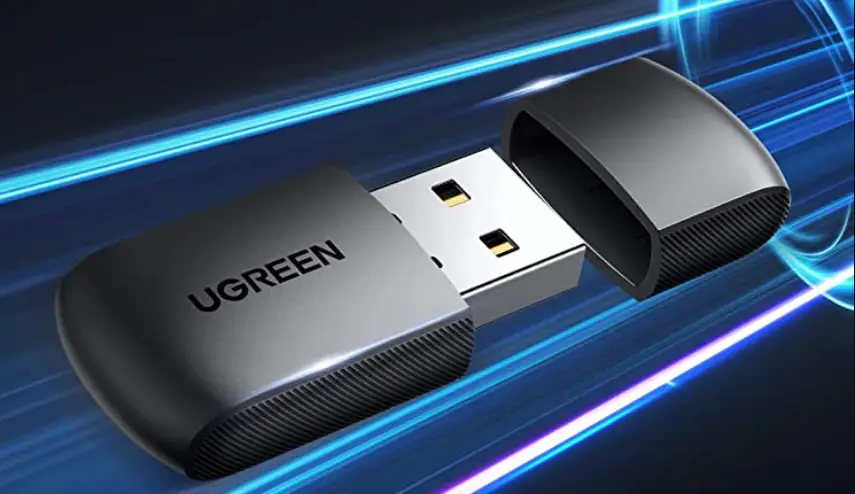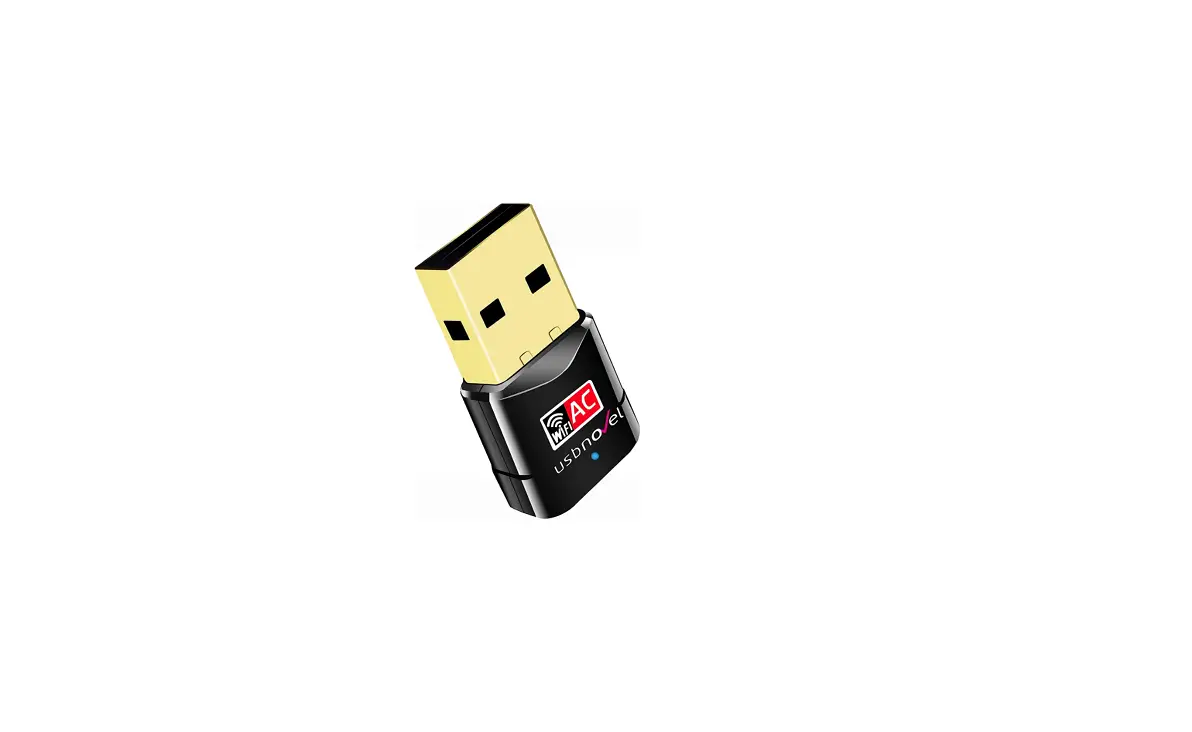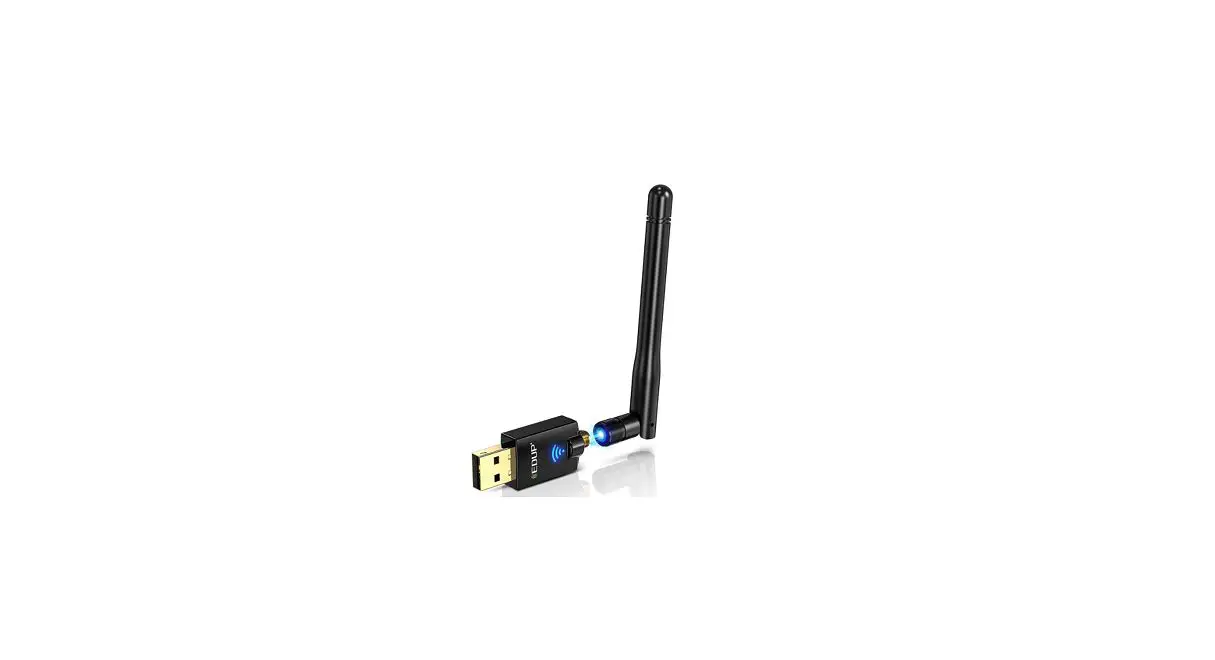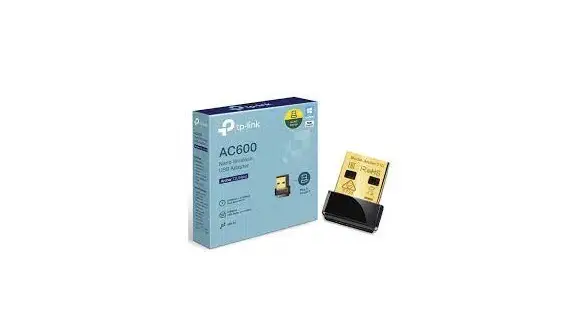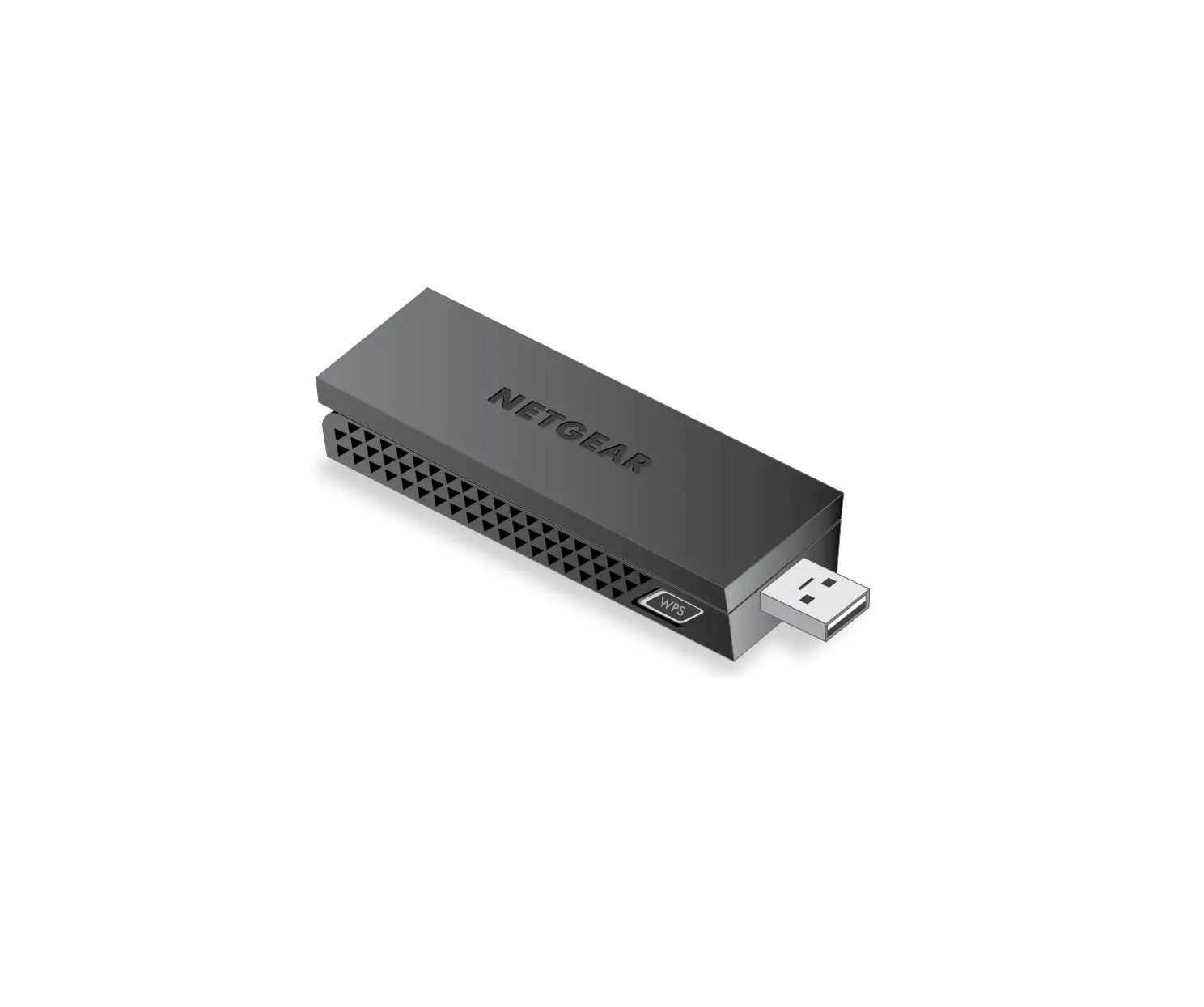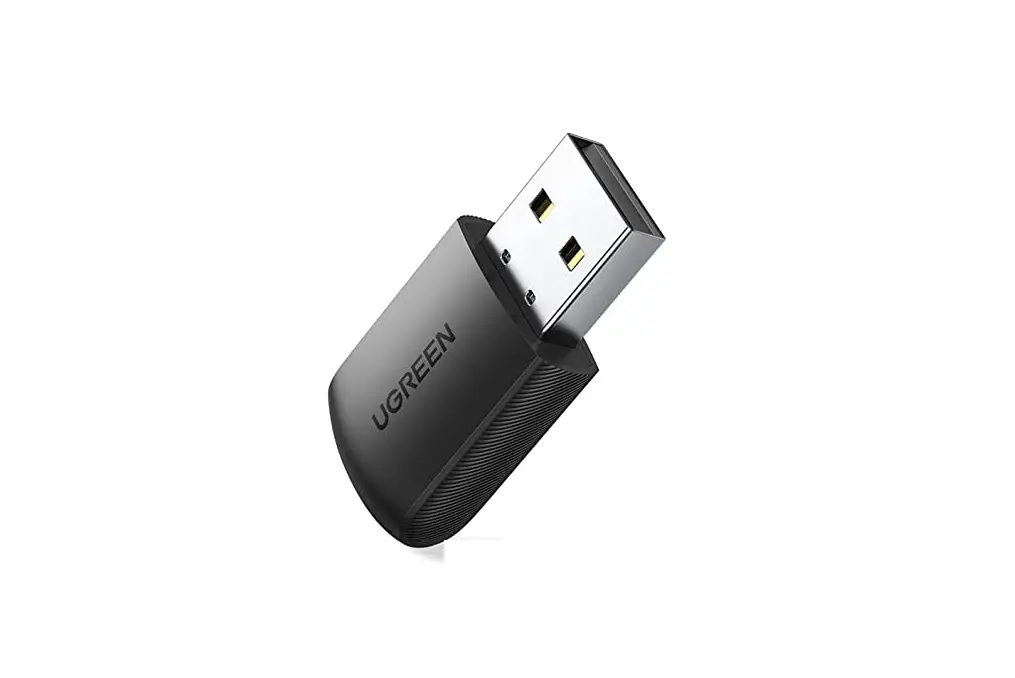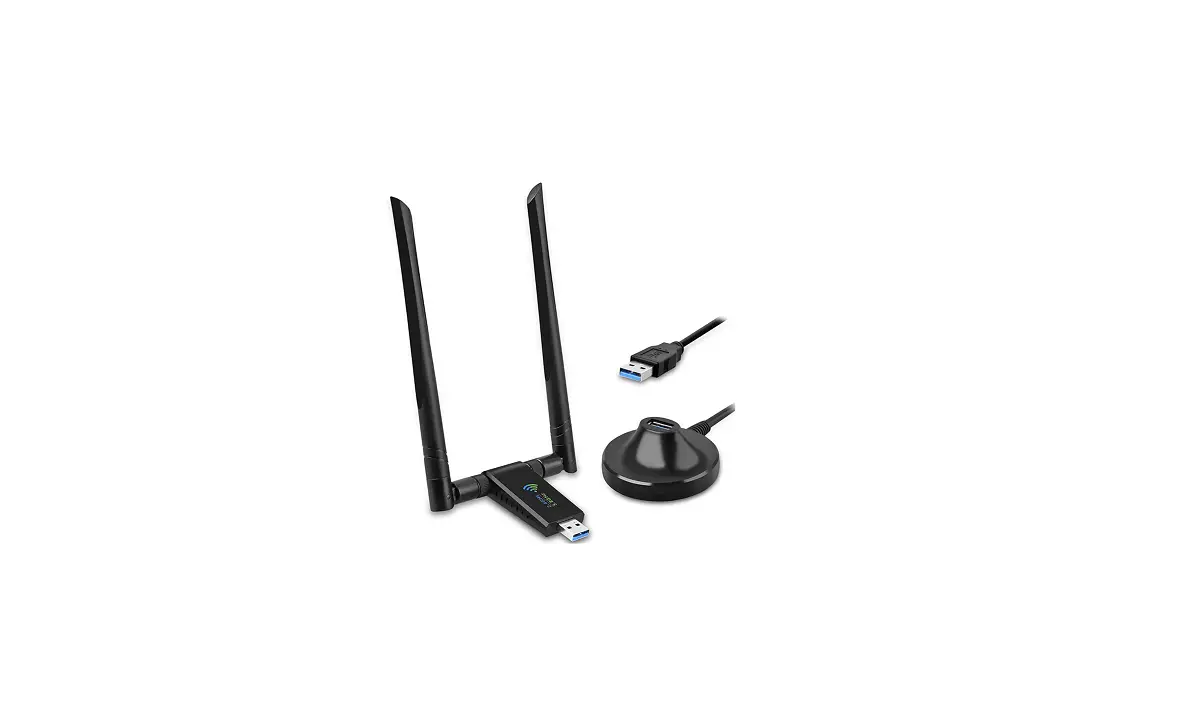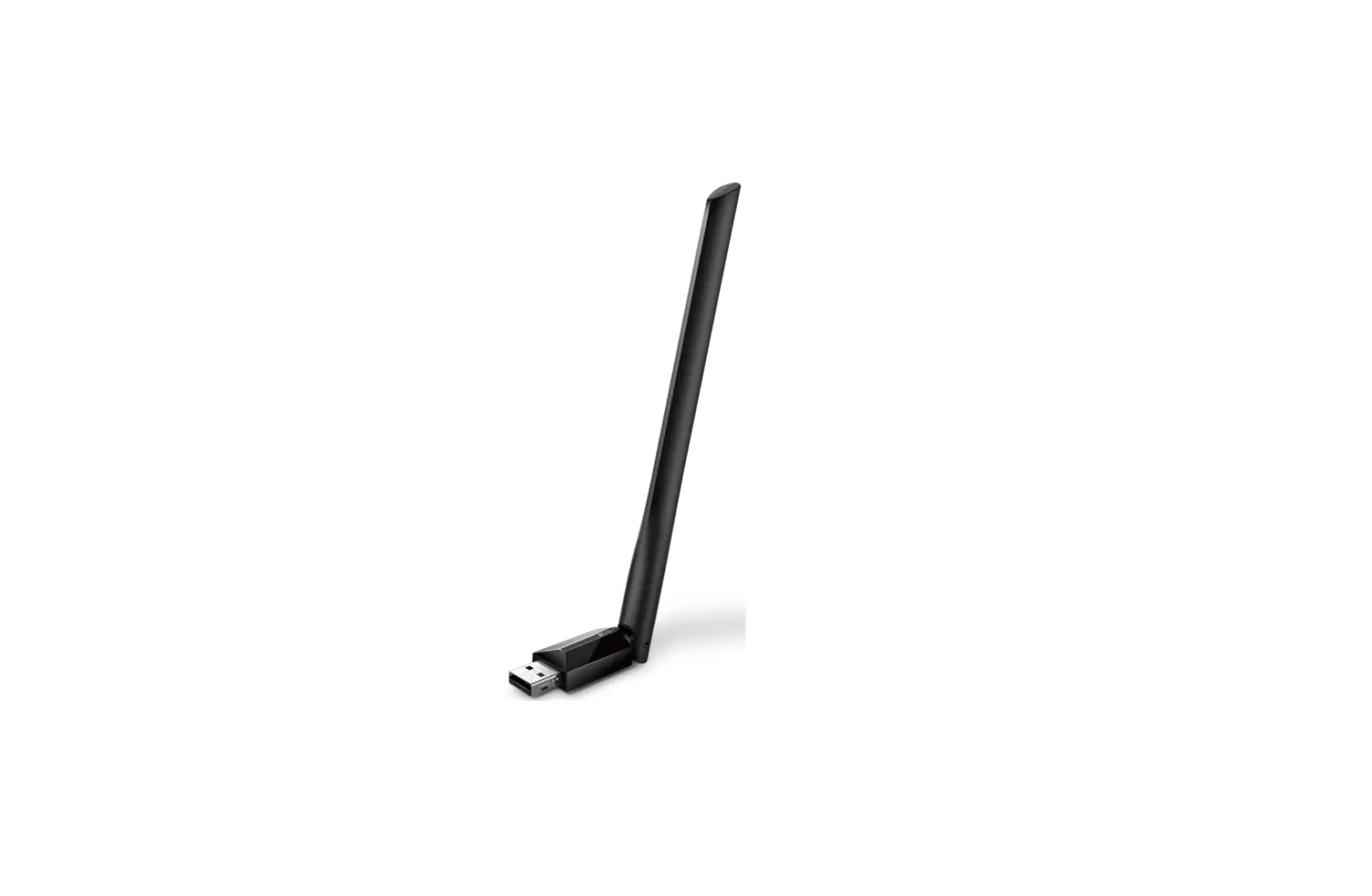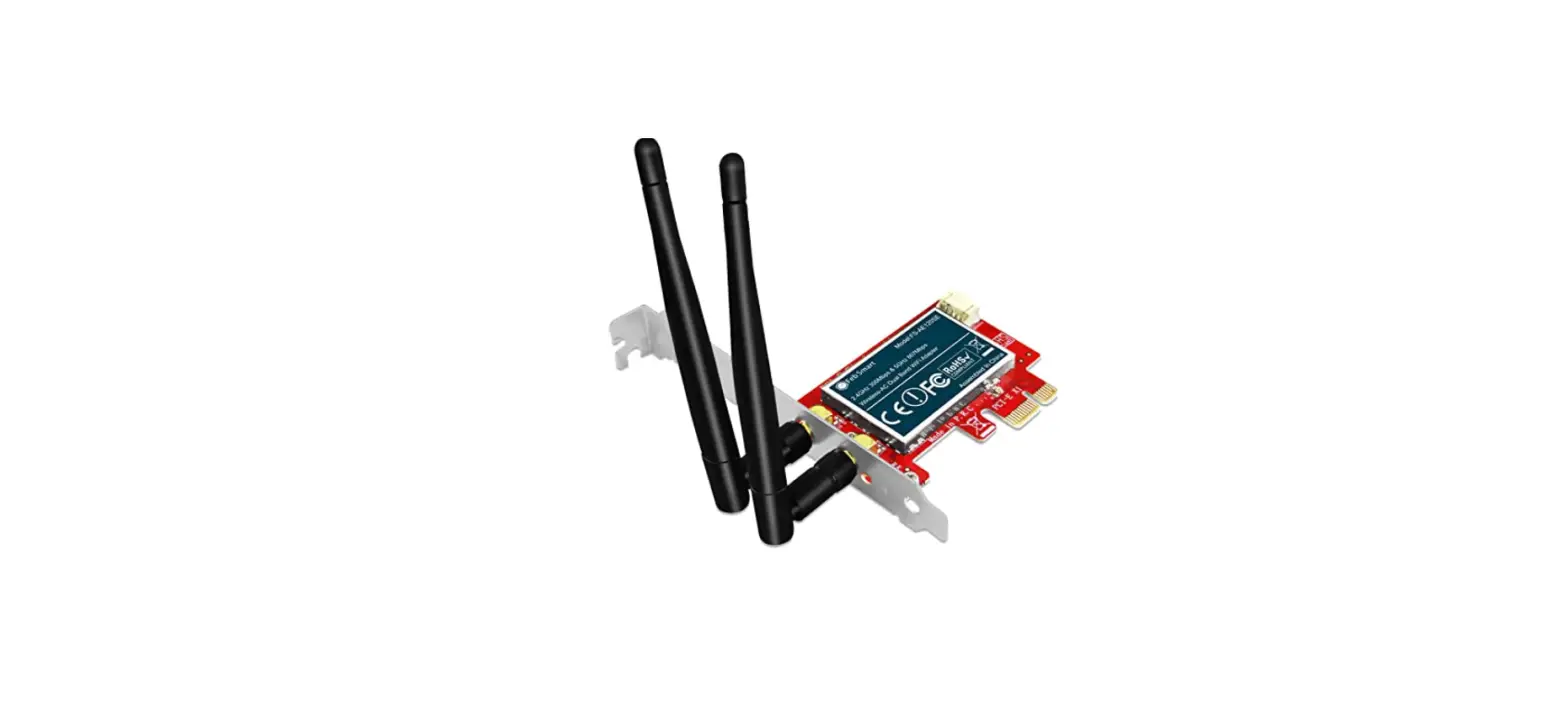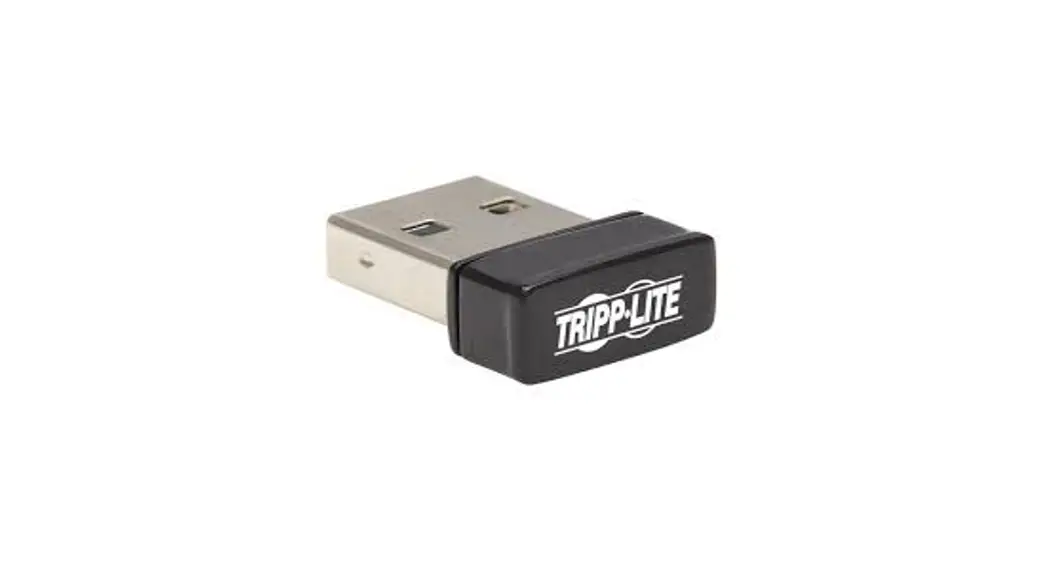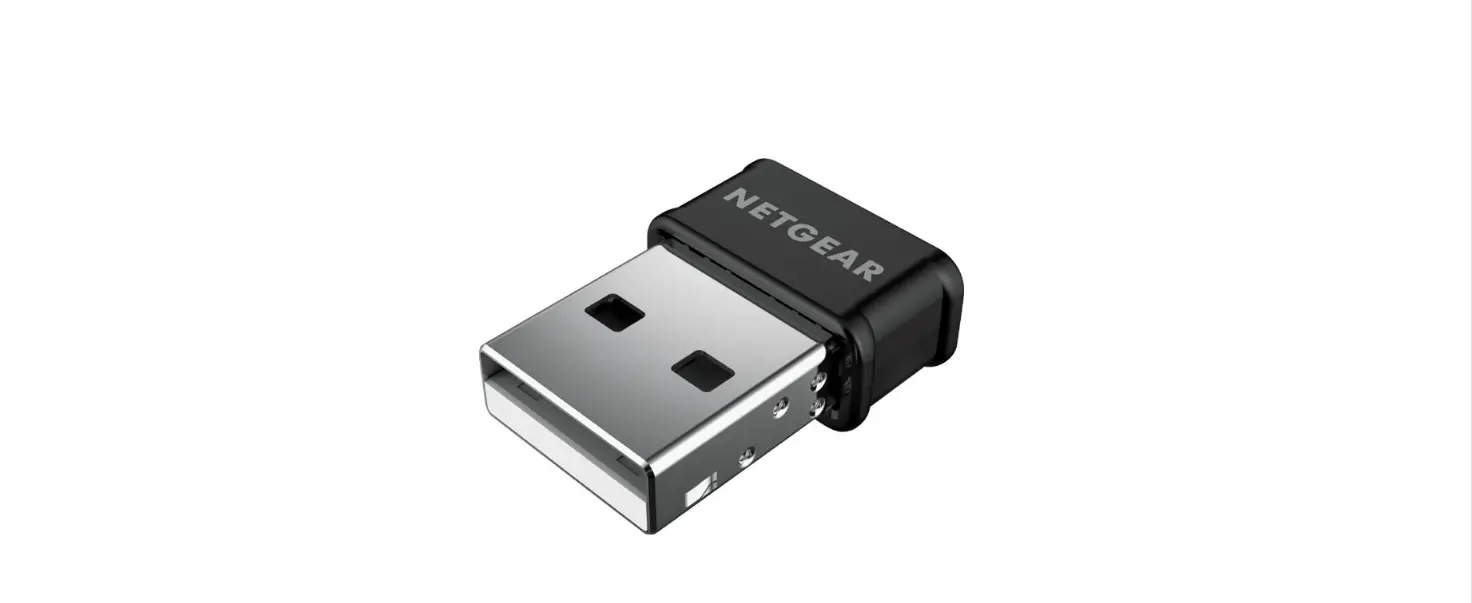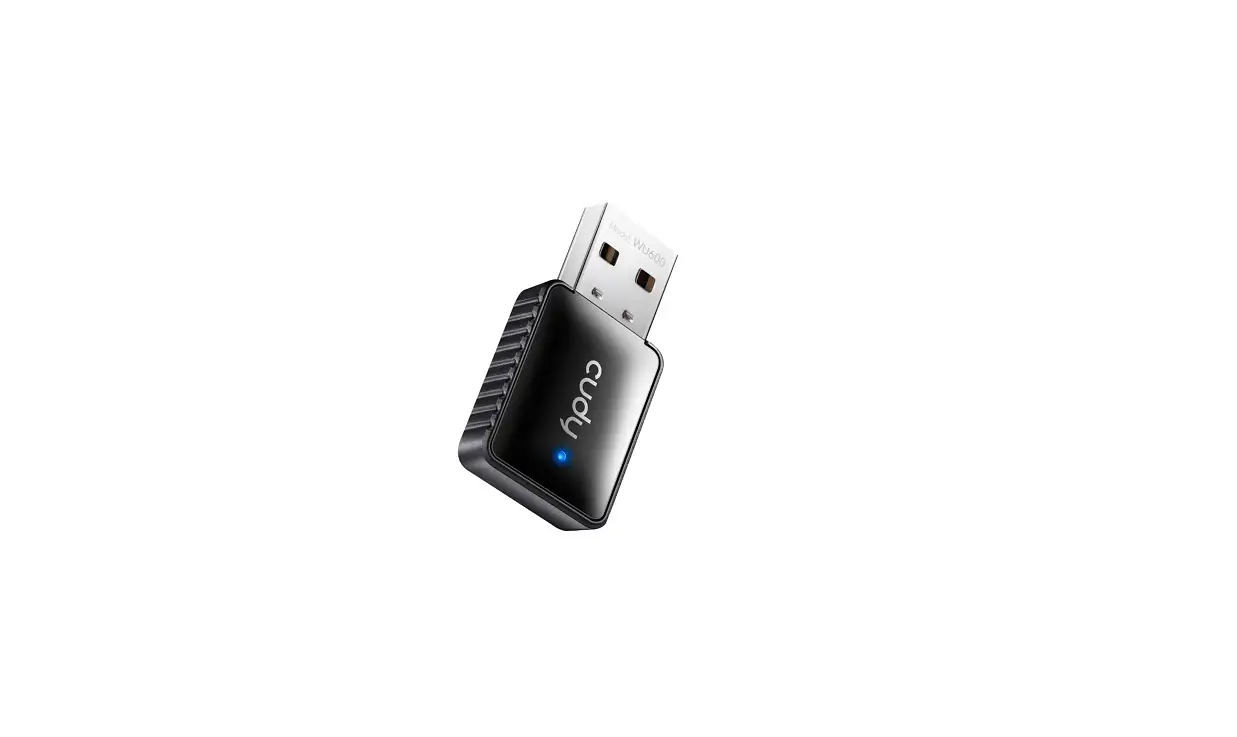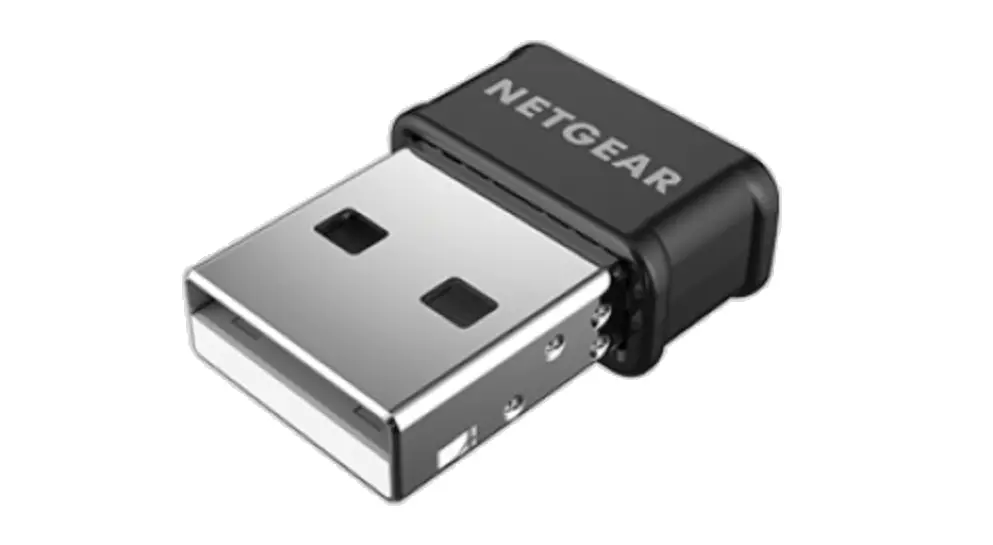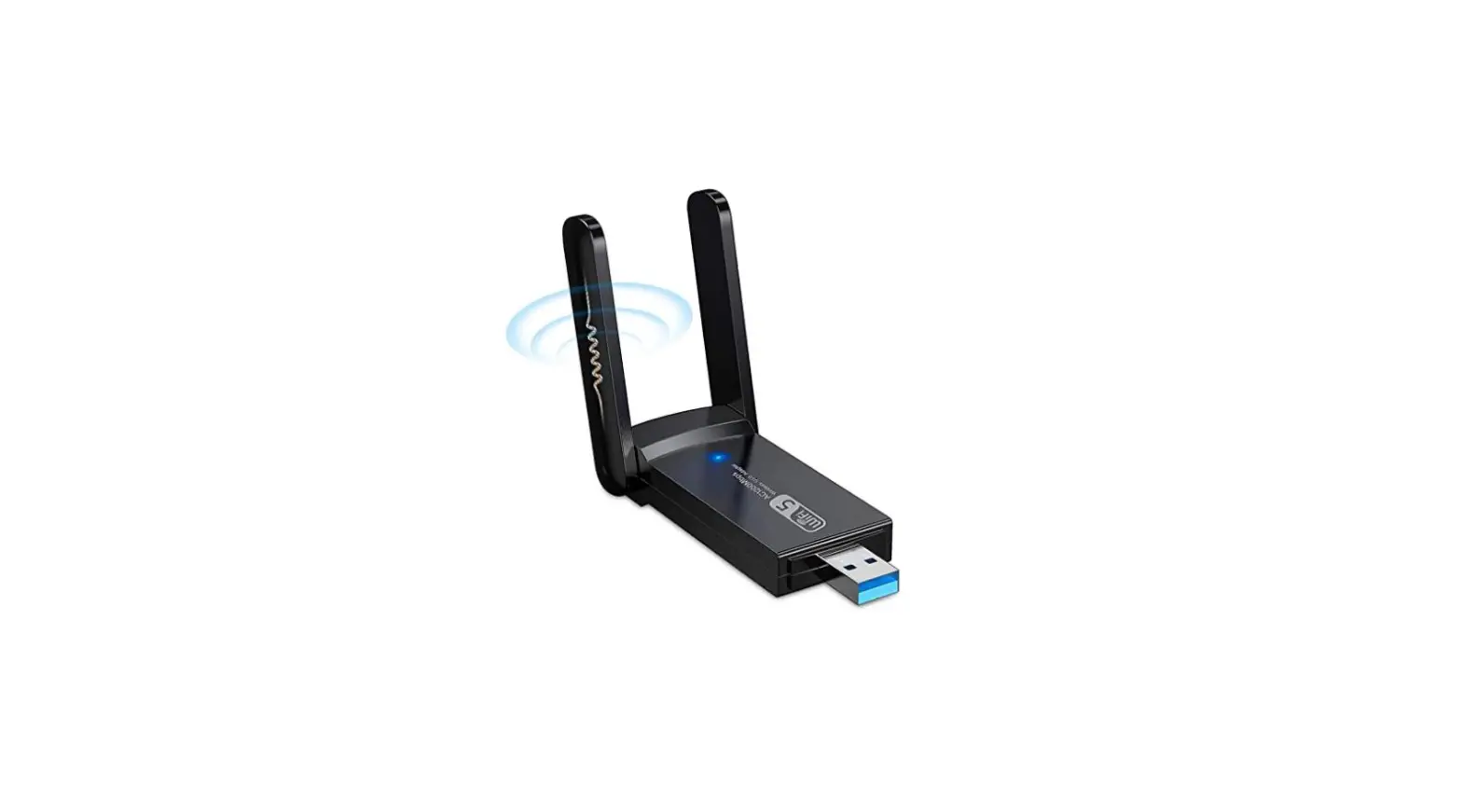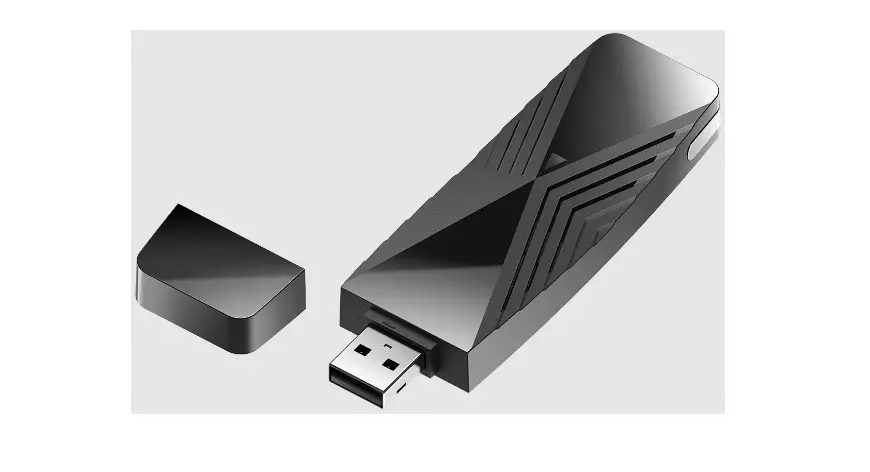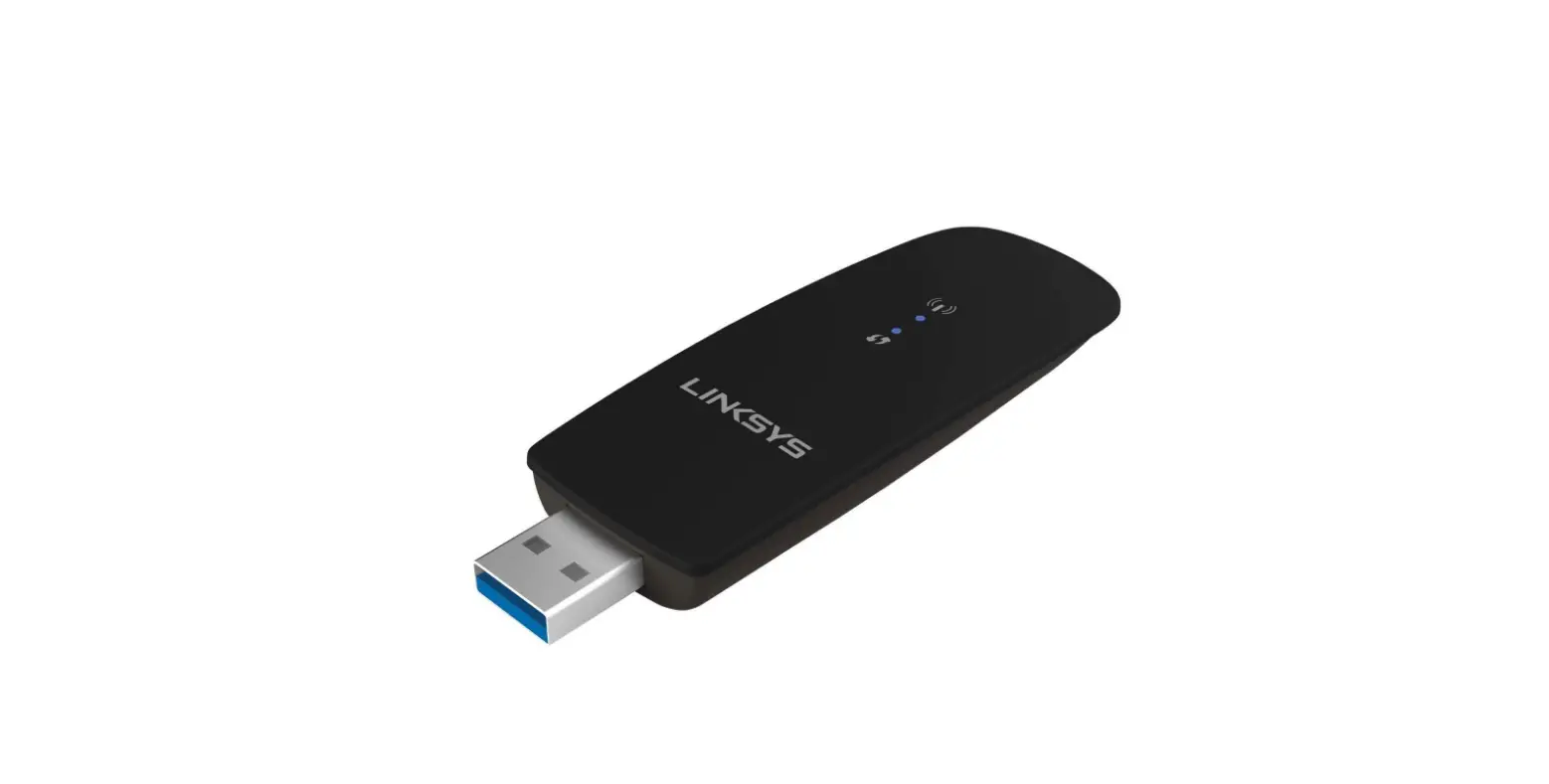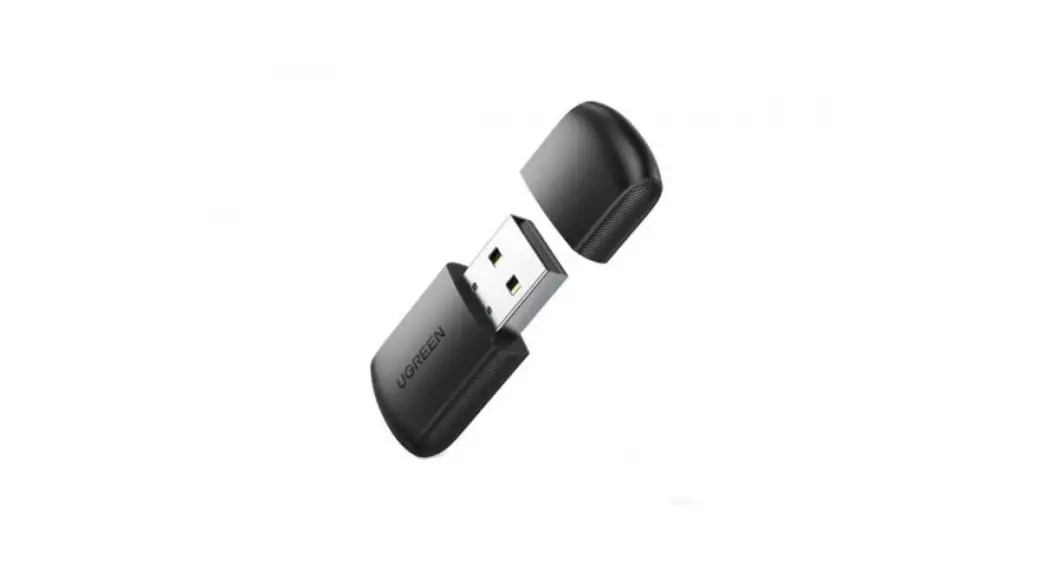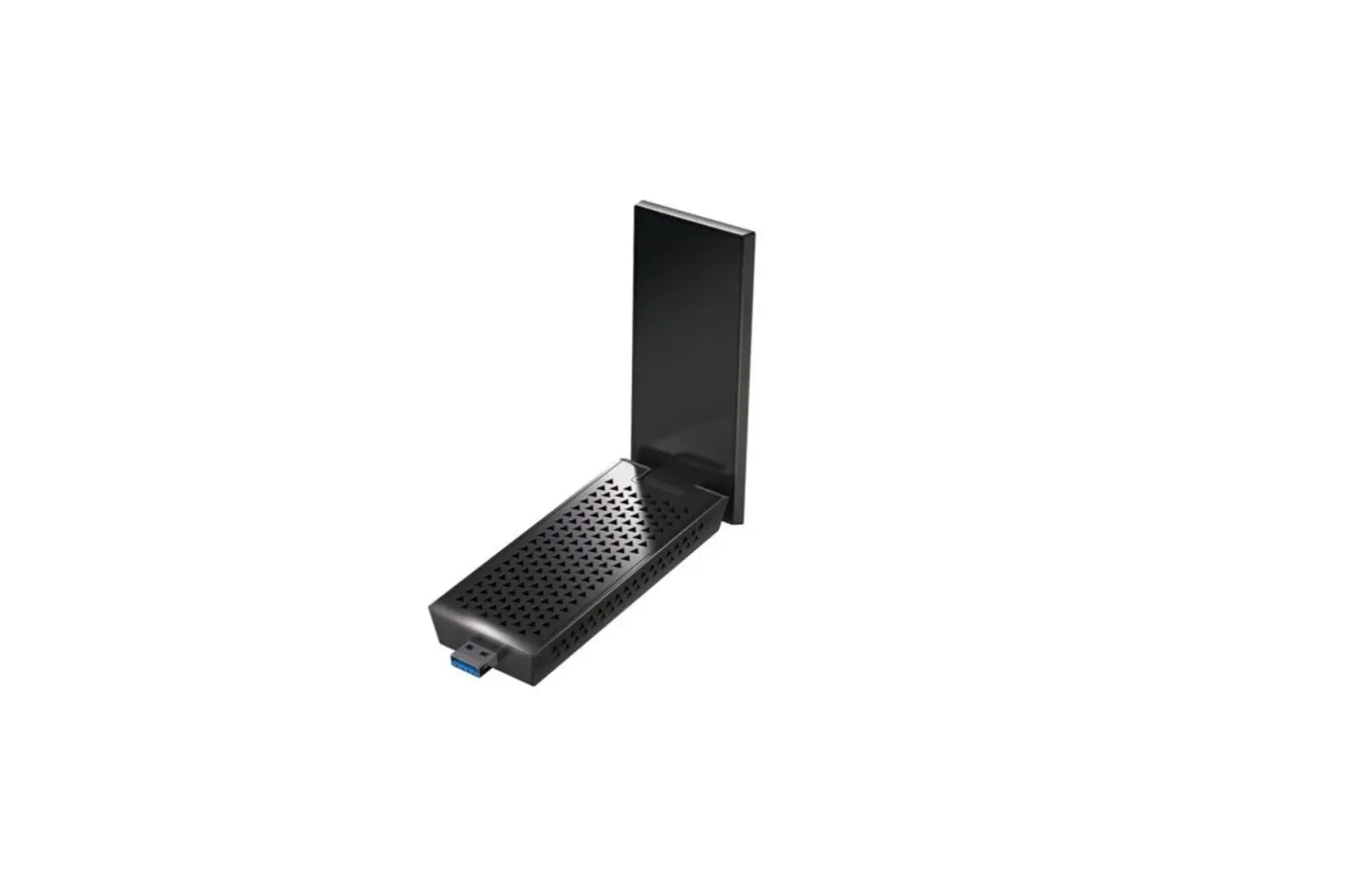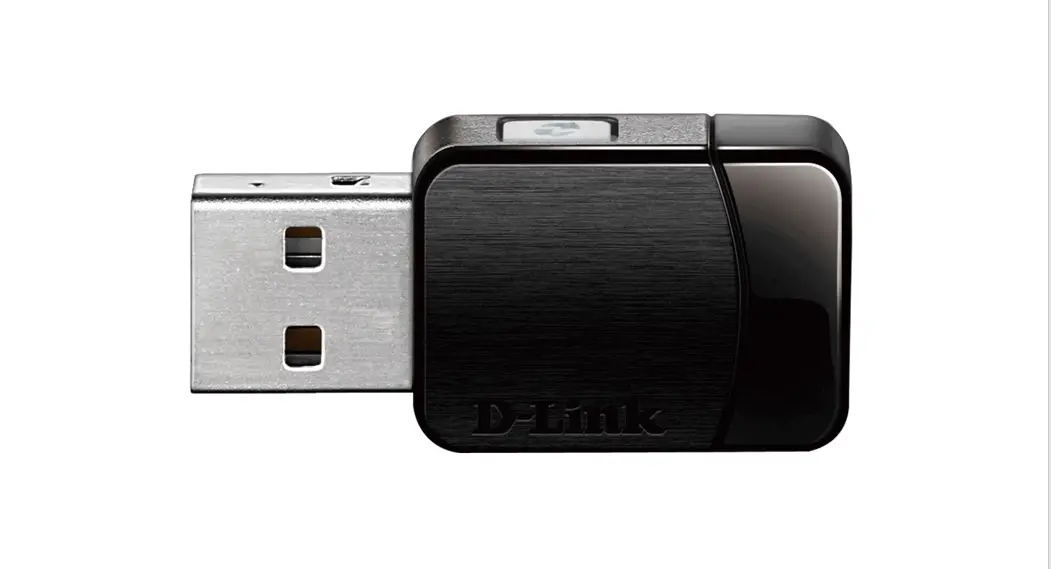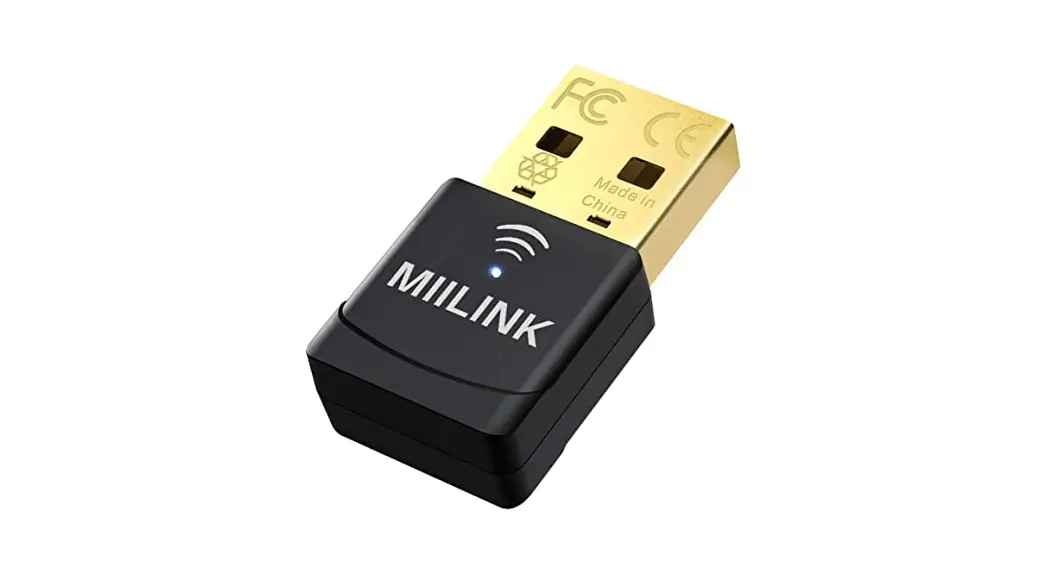
WiFi Adapter
(without Driver)
User guide
for Windows
Easy Setup: Plug & Play automatically
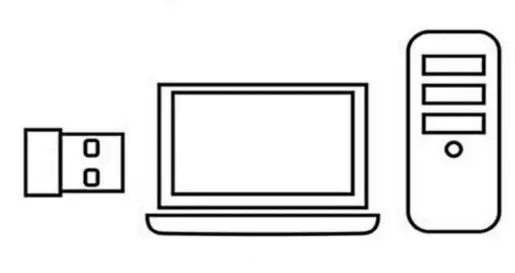
Step 1
Connect the USB interface of the WiFi adapter to the computer USB port (Support USB2.0/3.0)
 Step 2
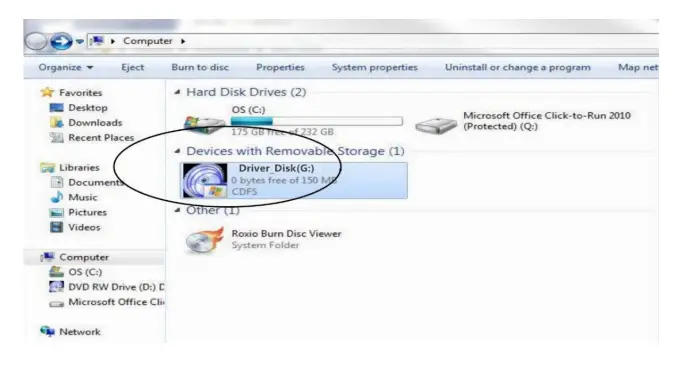
The computer control panel opens the AutoPlay function or check “Driver_Disk” to install the driver software
Step 3
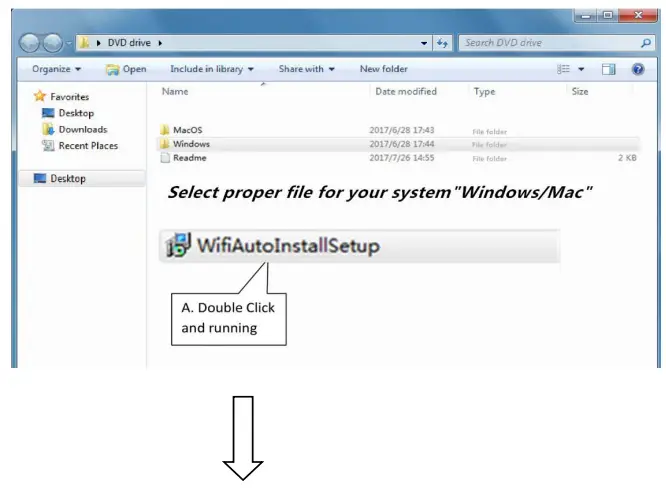
Select proper file for your system”Windows/Mac”
 | 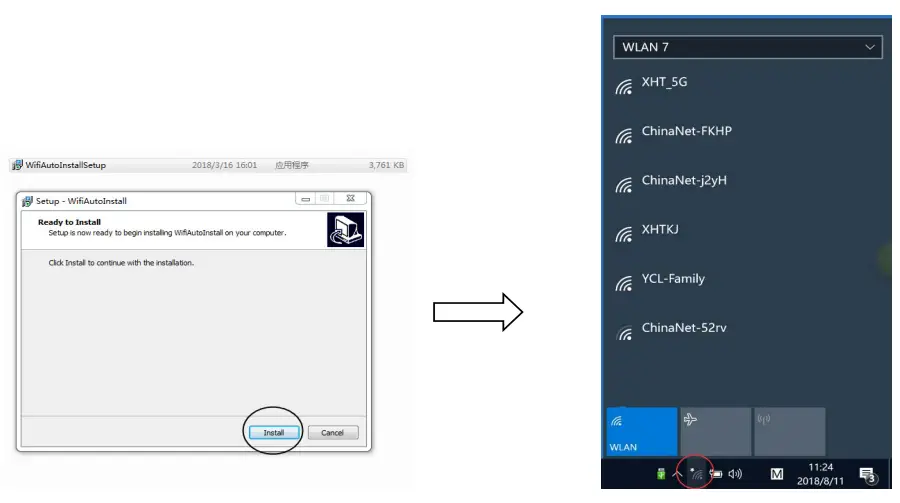 |
Choose your network and enter the password