lumenradio MiraUSB Plug and Play mesh connectivity User Manual
GET STARTED
The quickest way to get started with MiraUSB is on a raspberry pi with the included .deb installer:
- Prepare the Pi with Raspberry Pi OS, scan the QR code for more info.
- Copy gateway/mira-gateway-armhf.deb to the Pi’s memory card.
- Boot it up and login.
- Run: sudo dpkg -i mira-gateway-armhf.deb
- Edit /etc/default/mira-gateway, change MIRA_GW_PAN_ID and MIRA_GW_ KEY, set MIRA_GW_ANTENNA to 1 and set MIRA_GW_FORWARD to yes.
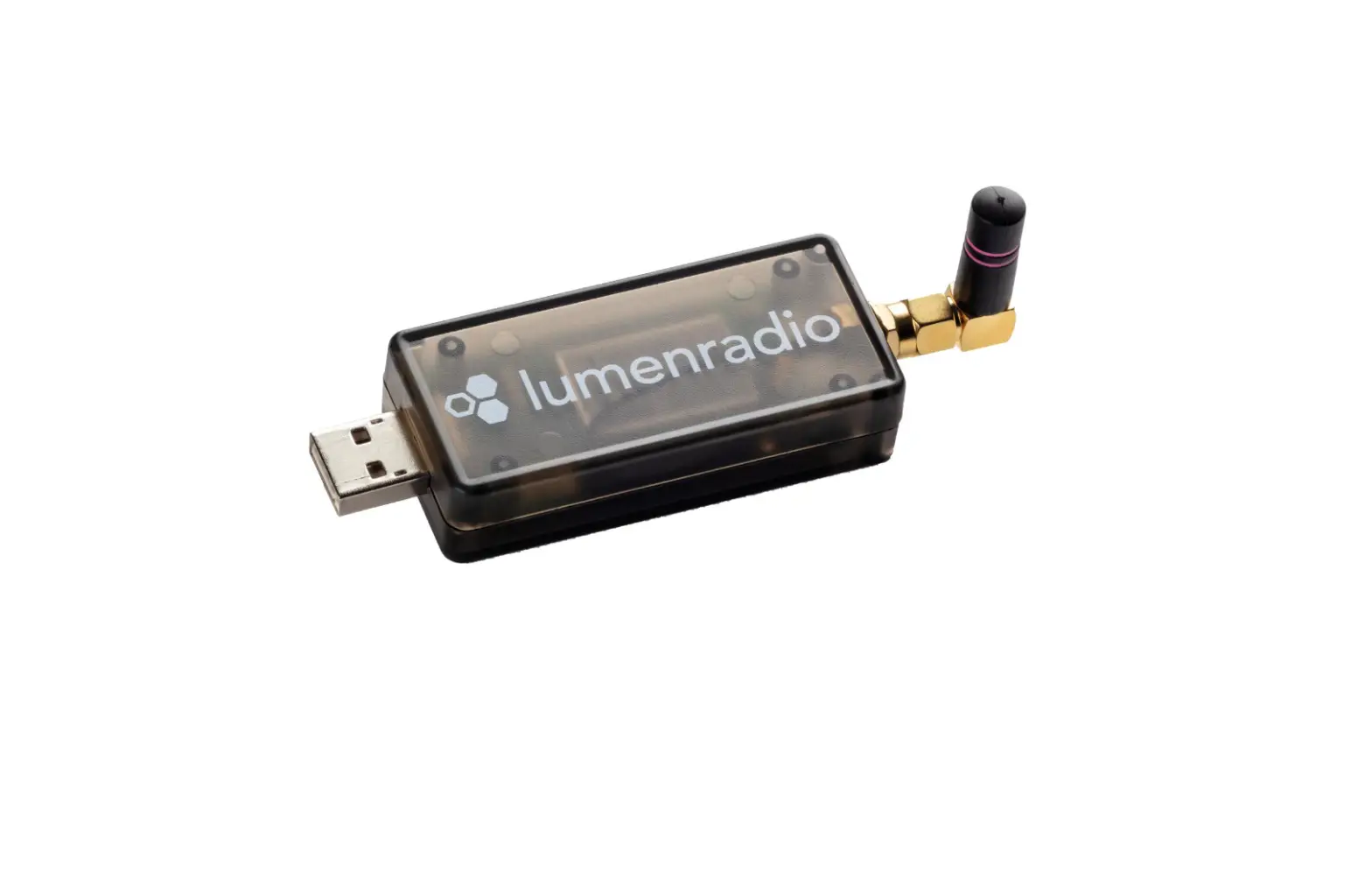
- Connect the Radio Module in a free USB port.
- Start the service with: sudo systemctl start mira-gateway
Run: journalctl -u mira-gateway.service -f to see the latest messages from the service. After a couple of minutes it will show “Joining network” and “Joined network”. After that mesh nodes will start to join the network.
On other platforms, run the mira_gateway binary (for linux x86) or the mira_gateway-armhf-linux (for linux arm) directly:
sudo ./mira_gateway -m root -r 0 -F –key= –panid= –dev=AUTO –dfu dev=AUTO -M mon.db -R –antenna=
DATA SHEET
Environmental
- Ambient operating tempeture range -20°C to +55°C
- RH: 10 – 95% non-condensing
- IP20
Electrical
- Range: up to 1000m free line of sight between two meshing devices
- Bluetooth range: up to 35m free line of sight
- Output (ERP): Max 20 dBm
- Sensitivity: -93dBm
- RP-SMA external antenna connector
- Internal antenna option
- Frequency band: 2.45 GHz, ISM band (2402-2480 MHz)
- 5V supply voltage 100mA max current through USB interface
- Supports Linux/Mac hosts, both ARM and x86
Conformance
- Radio: EN 300 328 v2.2.2, FCC part 15C
- EMC: EN 301 489-1, EN 301489-17
- Electrical Safety: IEC 62368-1:2014 / EN 62368-1:2014

QR code
For more detailed information and link to our support portal, scan this QR code:
Customer Support
For MacOS builds, contact [email protected]
For orders contact [email protected]