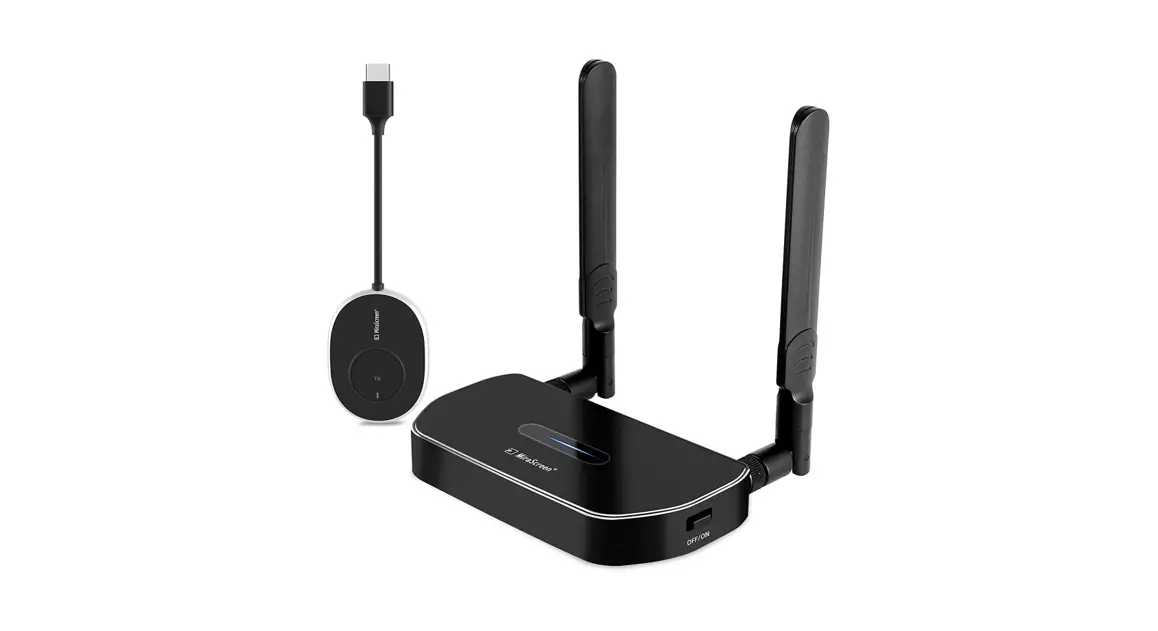
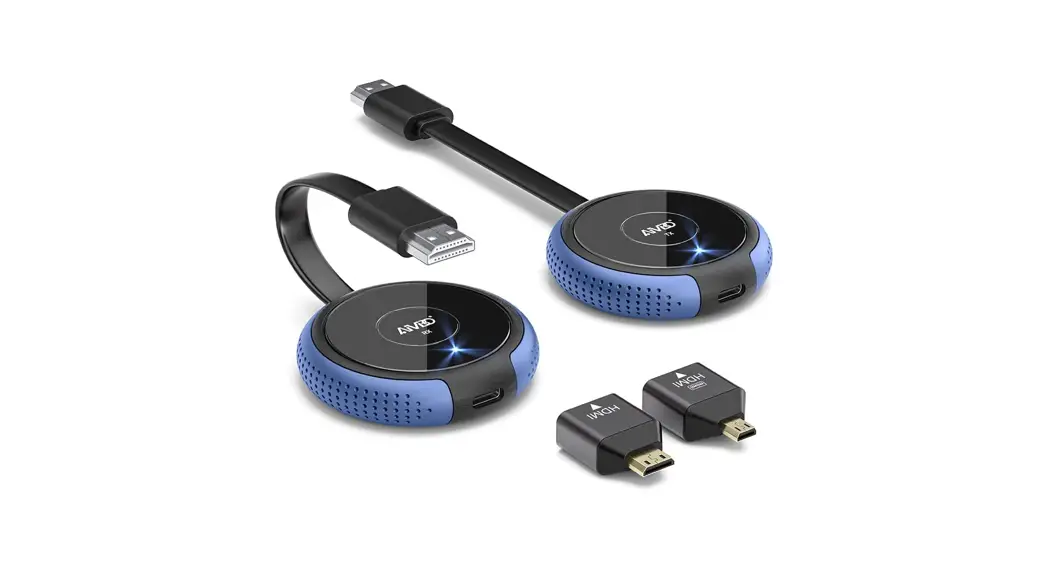
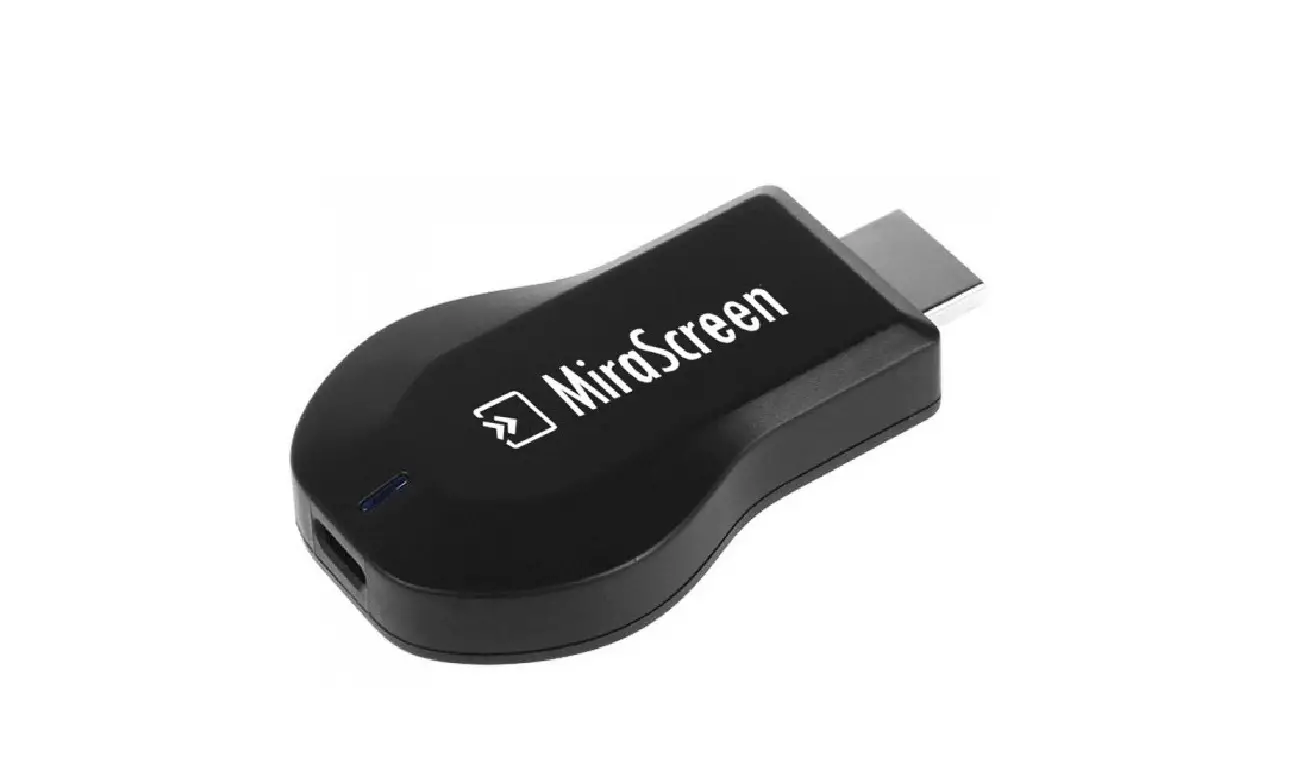
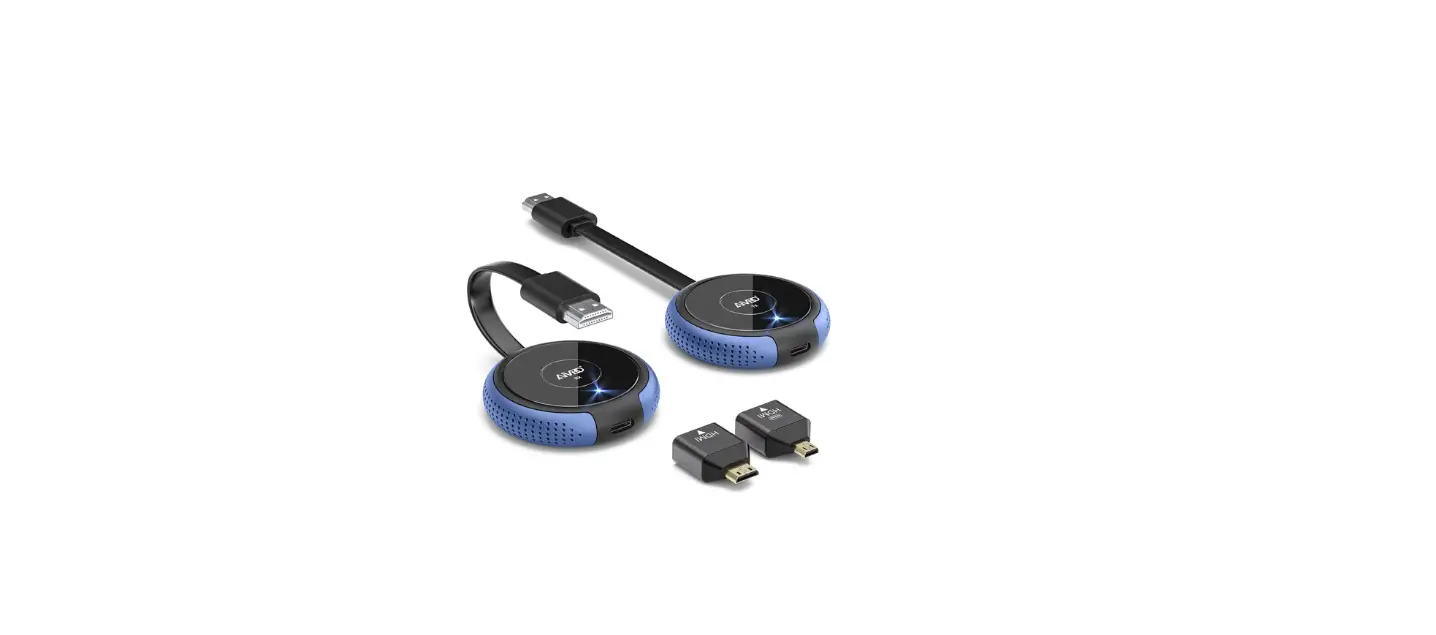
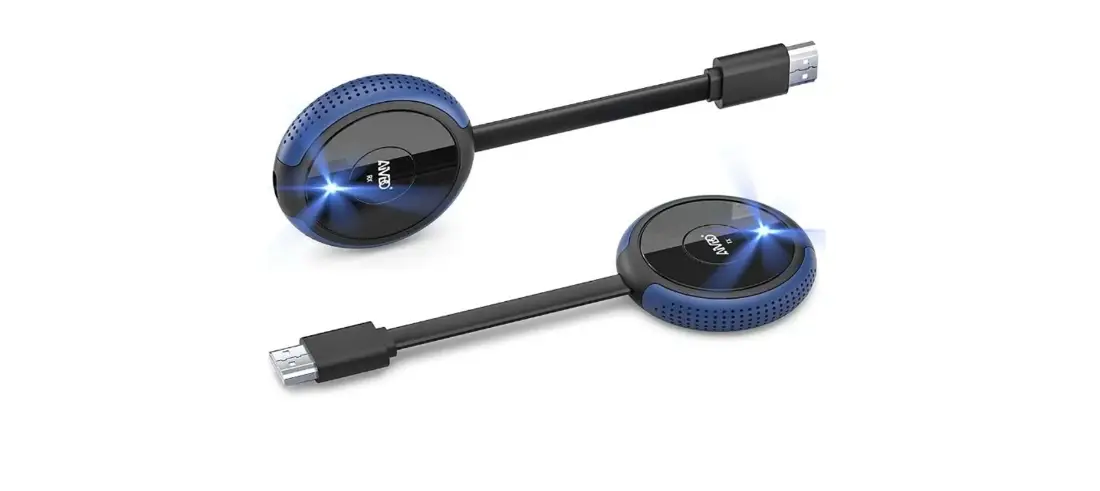
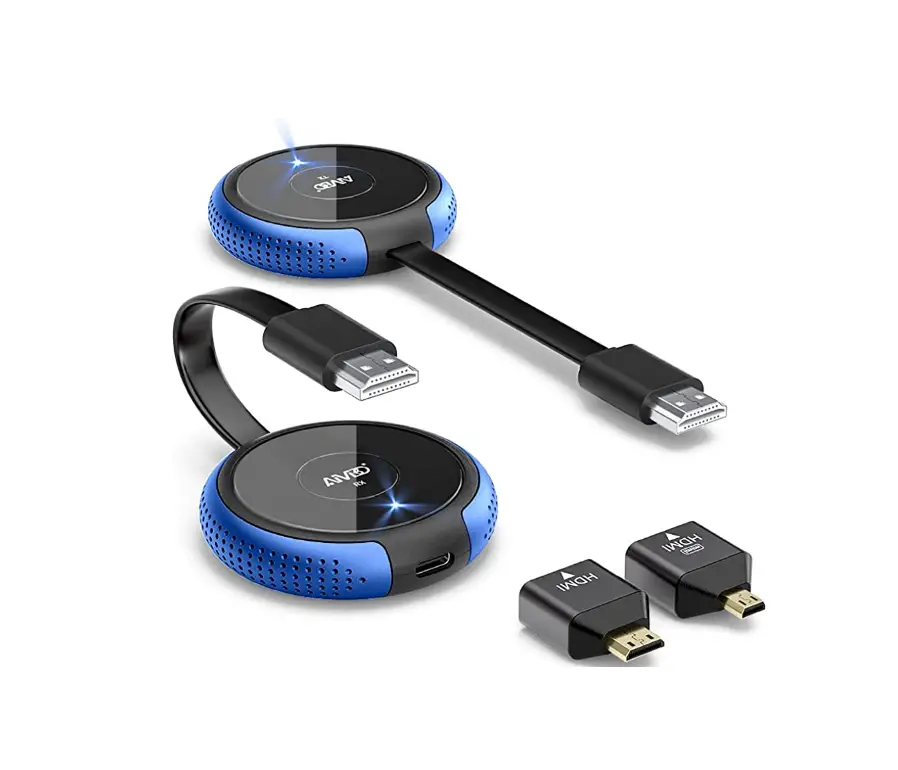
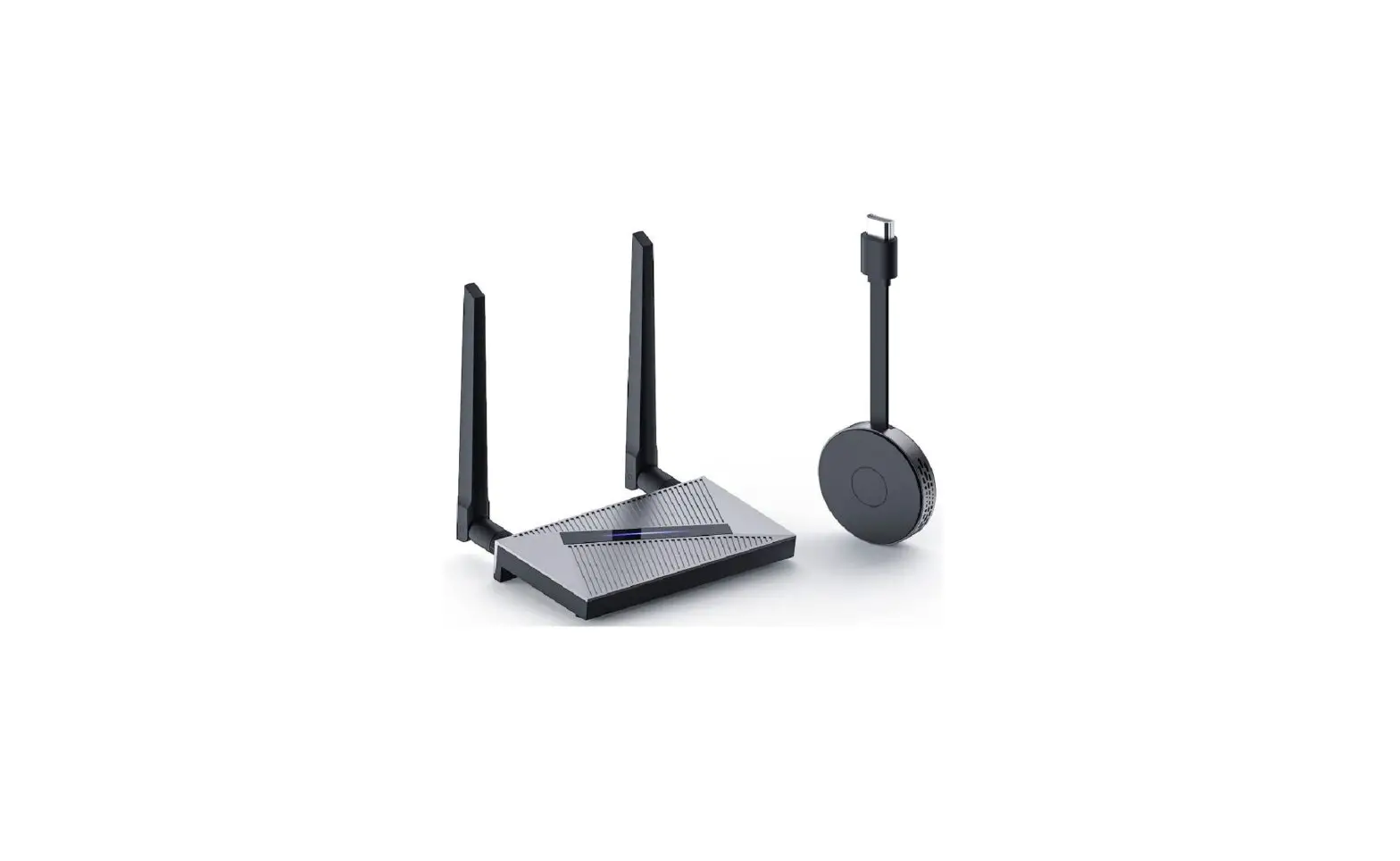
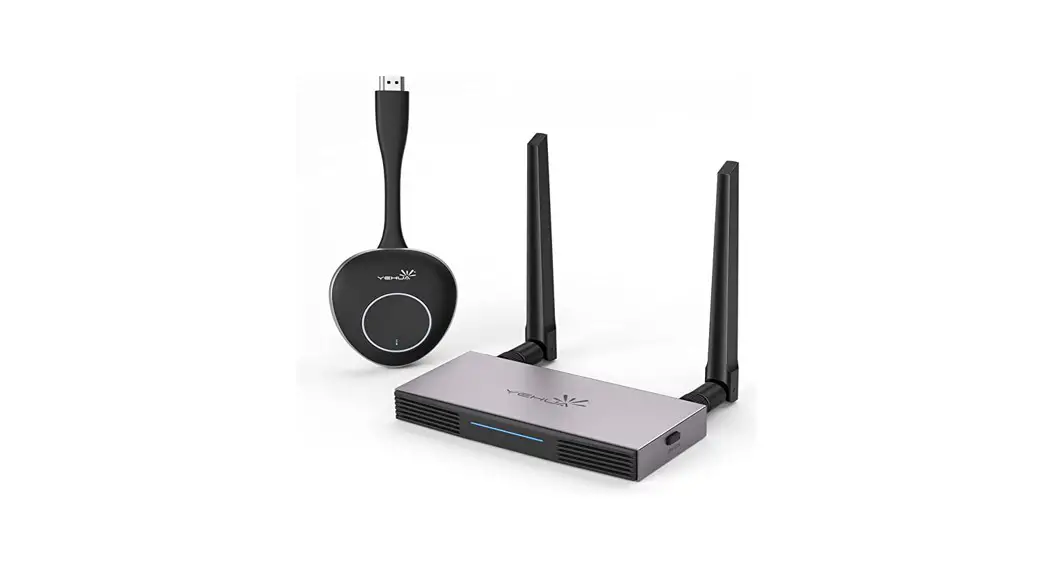
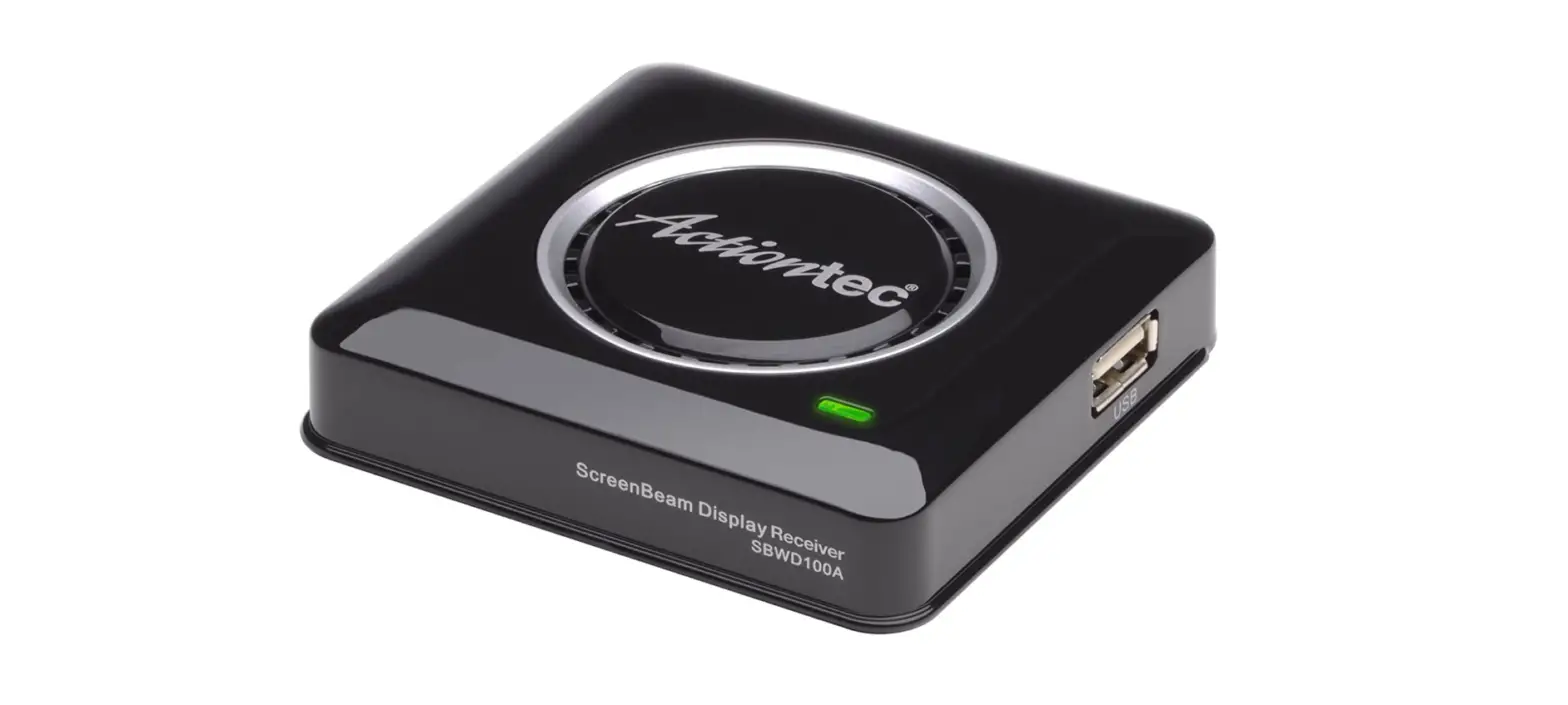
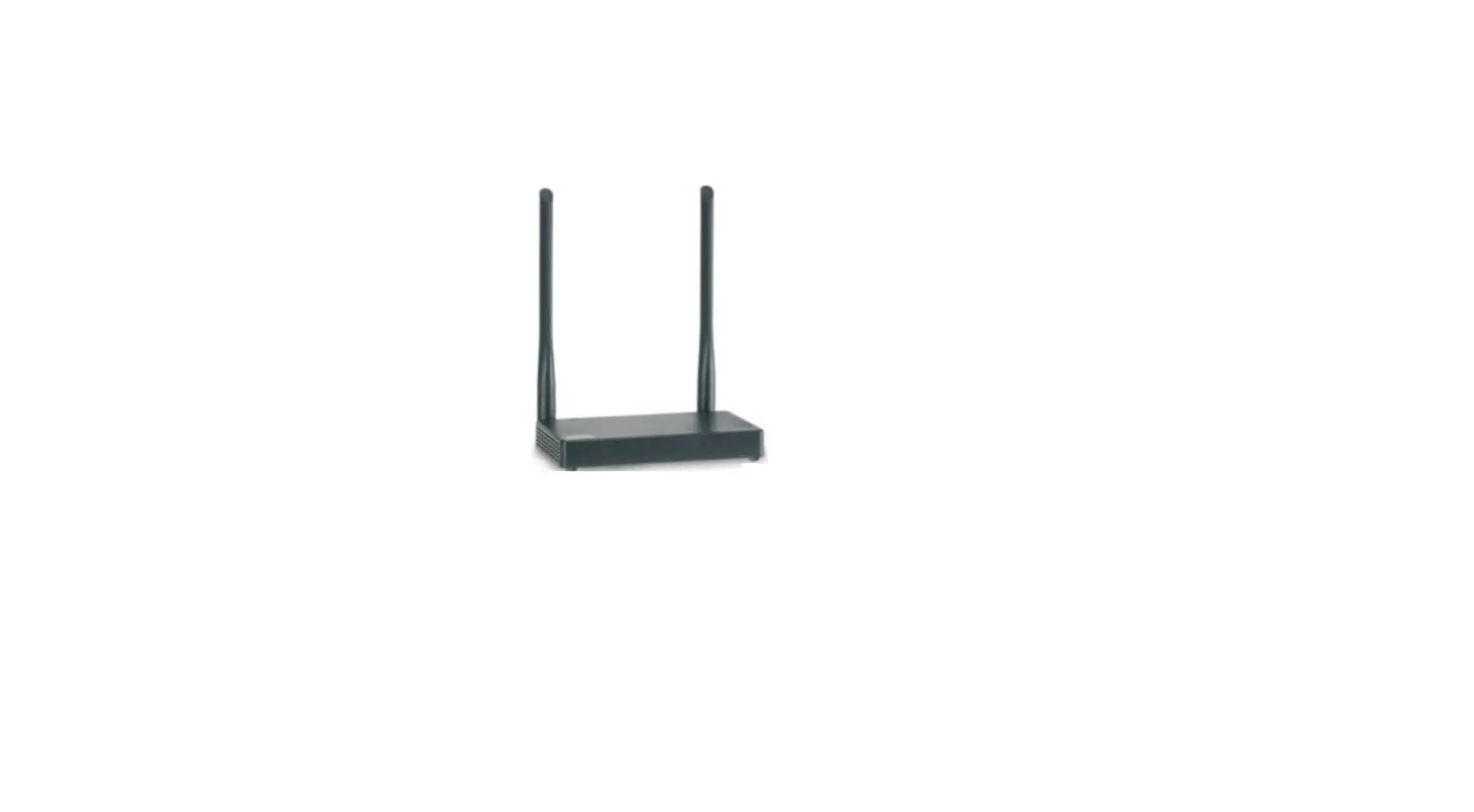
Doando Wireless HD Transmitter and Receiver Kit
Product Information:
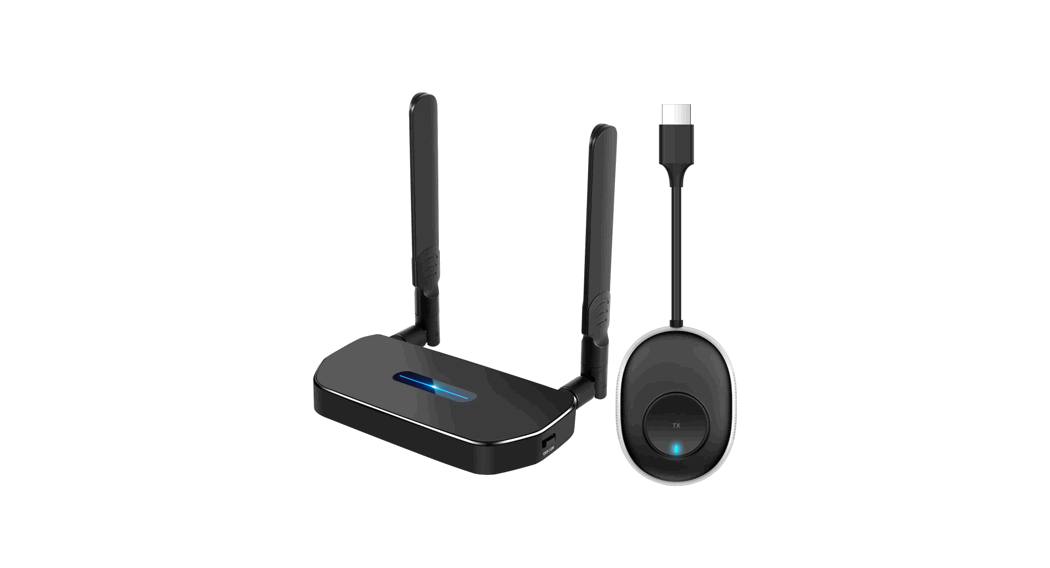
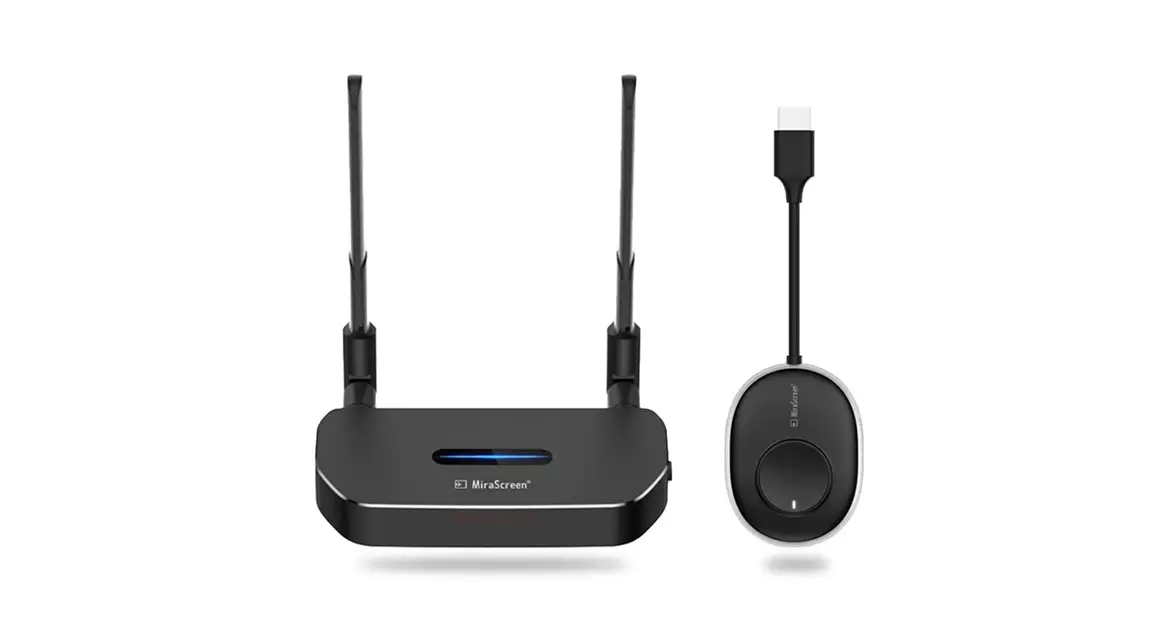
The MiraScreen Wireless HD Transmitter & Receiver Kit is a
hardware casting combination of a receiver and transmitter that
allows you to display high definition content from your computer or
device on a larger screen. It comes with a user manual (Ver. A 1.0)
and has the following dimensions: 100*57mm.
The kit is designed to be plug and play, making it easy to set
up and use. The transmitter and receiver have indicator lights,
function buttons, and micro power supply ports. The kit can be
powered by the computer or a power adapter with a voltage above 5V
and current above 2A.
The product comes paired out of the factory, but if pairing
fails due to improper operation or other circumstances during use,
it can be restored and re-paired using the function buttons on the
receiver and transmitter.
Product Usage Instructions:
Before using the MiraScreen kit, please read the user manual
carefully for optimum operation.
Connection Diagram:

Power Supply:
Make sure that the power of the computer is sufficient. If the
power supply of the computer is insufficient or HD is unable to
supply power, connect the transmitter to the power adapter or micro
power supply port (voltage above 5V, current above 2A).
Pairing Instructions:
- Press the receiver function button for more than 3 seconds, and
the prompt will pop up on the interface: Release the button to pair
with Ezcast TX. Wait for the transmitter to enter pairing
mode. - Press the transmitter function button for more than 5 seconds,
the indicator will flash for pairing, and wait for the transmitter
indicator to be always on, indicating that the connection is
successful.
Problem Solving:
If the product fails, press and hold the receiver function
button for 10 seconds. After a black screen appears and restarts,
the factory settings will be restored.
If your device does not have an HD interface, use an HD
interface converter.
To enter privacy mode, tap the transmitter function button to
disconnect or reconnect.
RF Exposure Statement:
To maintain compliance with FCC’s RF Exposure guidelines, this
equipment should be installed and operated with a minimum distance
of 20cm from the radiator to your body. This device and its
antenna(s) must not be co-located or operated in conjunction with
any other antenna or transmitter.
Size:100*57mm
Wireless HD Transmitter & Receiver Kit
User manual
Ver. A 1.0
Preface
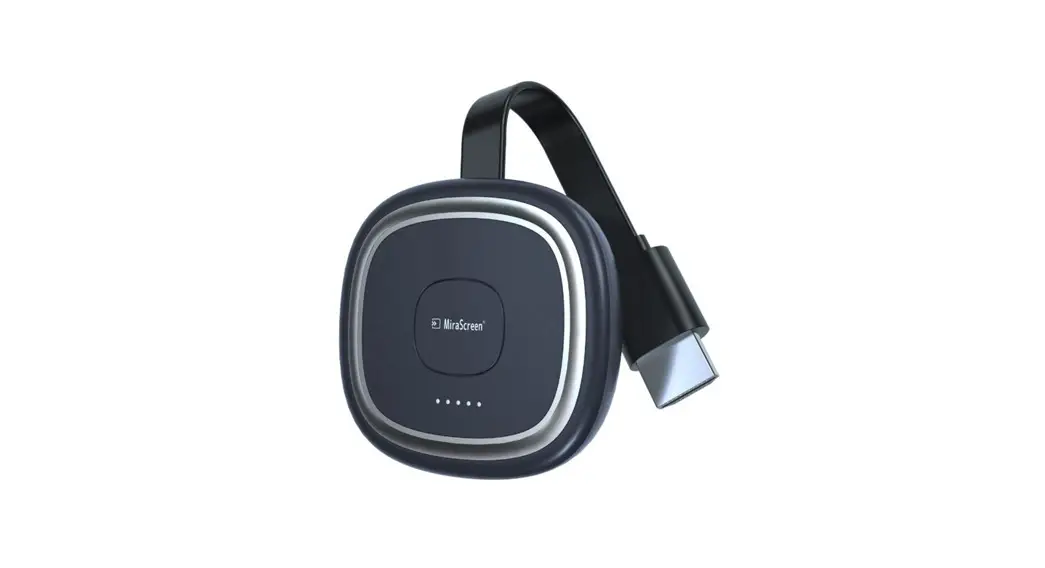
Thank you for purchasing the MiraScreen products, For optimum operation, please read this manual carefully before use.
Connection Diagram
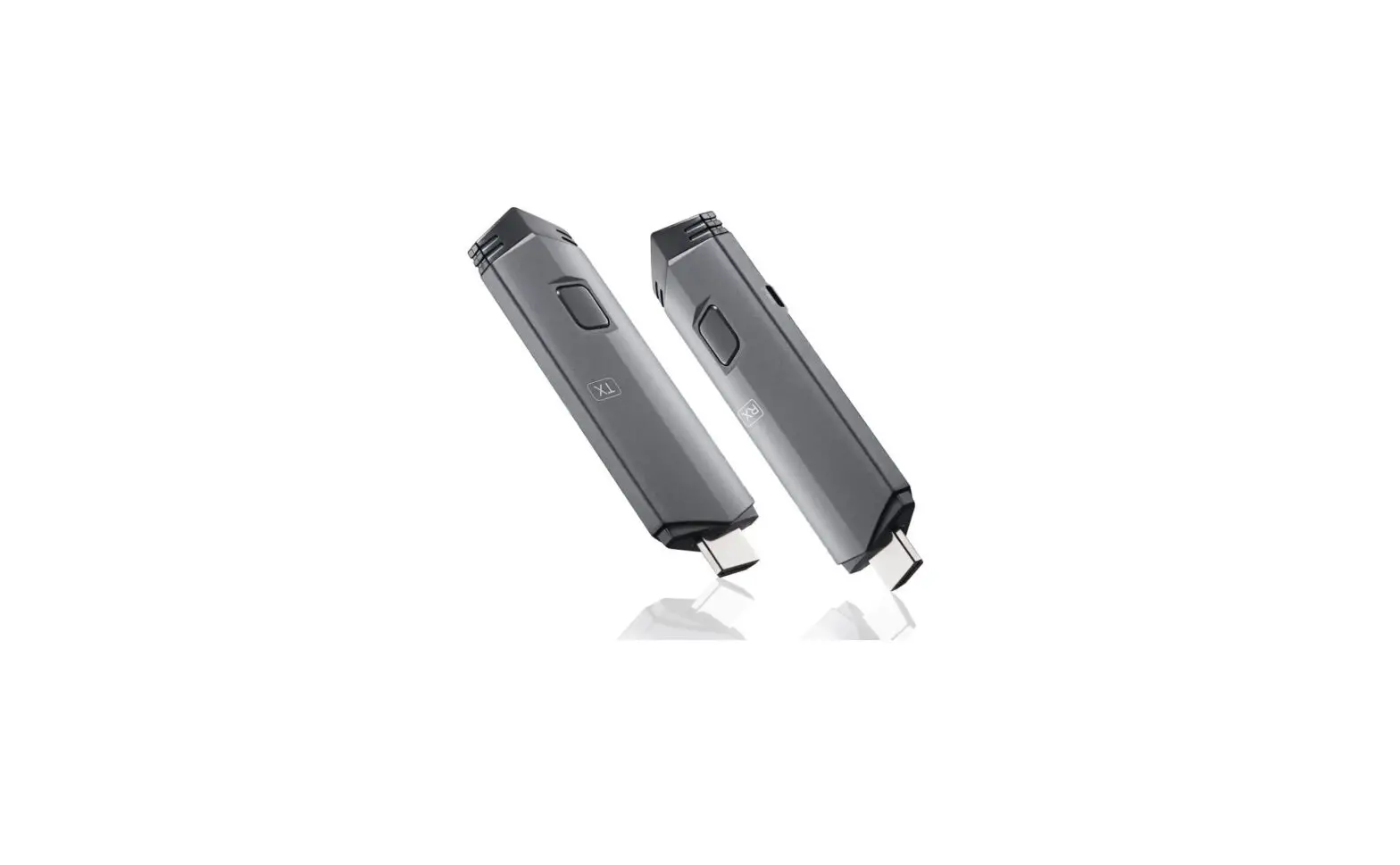
Receiver -RX
Indicator Light
Function Button
Micro Power Supply Port
HD
Transmitter -TX
Indicator Light
Function Button
Micro Power Supply Port
HD
Hardware Casting Combination of receiver and transmitter, plug and play
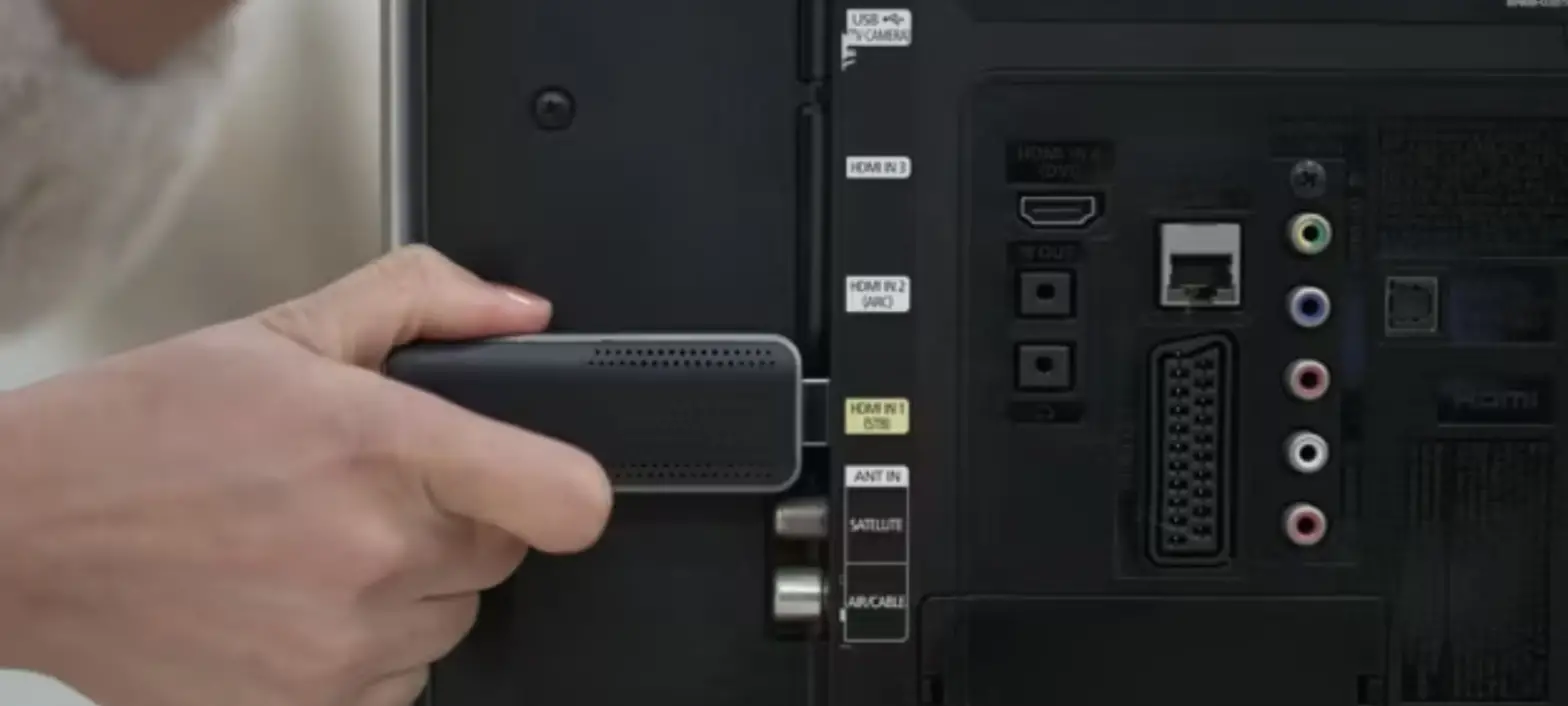
1. Connect the HD port of the receiver to the video input port of the display device such as the monitor or TV. 2. Connect the Micro power supply port of the receiver to the charging cable and plug it into the power adapter ( Voltage above 5V, current above 2A). Turn on the Receiver power switch. 3. Adjust the HD Signal source of the monitor or TV to the corresponding HD port untithe boot screen is displayed. 4. Connect the transmitter to the computer or other devices With HD video output function . After the indicator Light enters the fast flas h state , Wait for ten seconds to complete Casting.
*Please make sure that the power of the computer is sufficient. If the power supply of the computer is insufficient or HD is unable to supply power , please connect the transmitter to the power adapter or Micro power supply port ( Voltage above 5V , current above 2A )
Pairing Instructions
The product has been paired out of the factory. In case of pair ing failure due to improper operation or other circumstances during use, it is necessary to restore and re pair the device as follows:
Receiver[RX] Function Button
Transmitter[TX] – Function Button
Transmitter Indicator Status
Slow Flash Disconnected
Fast Flash
Pairing
Always On Connected
1. Please Press the receiver function button for more than 3 seconds, and the prompt will pop up on the interface : Release the button to pair With Ezcast TX. Wait for the transmitter to enter pairing mode 2. Press the transmitter function button for more than 5 seconds , the indicator will flash for pairing , and Wait for the transmitter indicator to be always on,indicating that the connection is successful.
Problem solving
Q: How to restore factory settings? A: When the product fails, press and hold the receiver function button for 10 seconds. After a black screen appears and restart, the factory settings will be restored.
Q: Can devices without HD interface be used? A: Yes, please use the device with an HD interface converter.
Q: How to enter privacy mode? A: Tap the transmitter function button to disconnect or reconnect.
Waining: This device complies with Part 15 of the FCC Rules. Operation is subject to the following two conditions:(1) this device may not cause harmful interference, and (2) this device must accept any interference received,including interference that may cause undesired operation.
changes or modifications not expressly approved by the party responsible for compliance could void the user’s authority to operate the equipment.
NOTE: This equipment has been tested and found to comply with the limits for a Class B digital device,pursuant to part 15 of the FCC Rules. These limits are designed to provide reasonable protection against harmful inter ference in a residential installation. This equipment generates, uses and can radiate radio frequency energy and, if not installed and used in accordance with the instructions, may cause harmful interference to radio communications. However,there is no guarantee that interference will not occur in a particular installation.If this equipment does cause harmful interference to rradio or television reception. whtch can be determined by turning the equipment off and on, the user is encouraged to try to correct the interference by one or more of the following measures:
–Reorient or relocate the receiviong antenna. –Increase the separation betweeb the equipment and receiver. –Connect the equipment into an outlet on a circuit different from that to which
the receiver is connected. –Consult the dealer or an experienceed radio/TV techinician for help. NOTE: This device and its antenna(s) must not be co-located or operation in
conjunction with any other antenna or transmitter
RF Exposure StatementOnly for RX To maintain compliance with FCC’s RF Exposure guidelines, This equipment should be installed and operated with minimum distance of 20cm the radiator your body.This device and its antenna(s) must not be co-located or operation in conjunction with any other antenna or transmitter