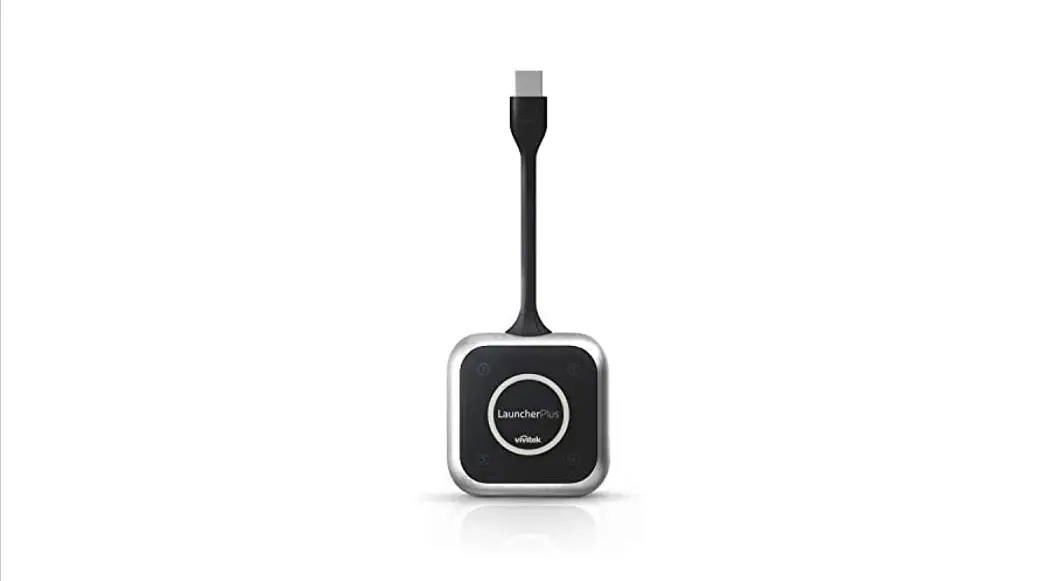
How to Use LauncherPlus
FIRST-TIME USAGE
There are two options, option #2 is for IT deployment.
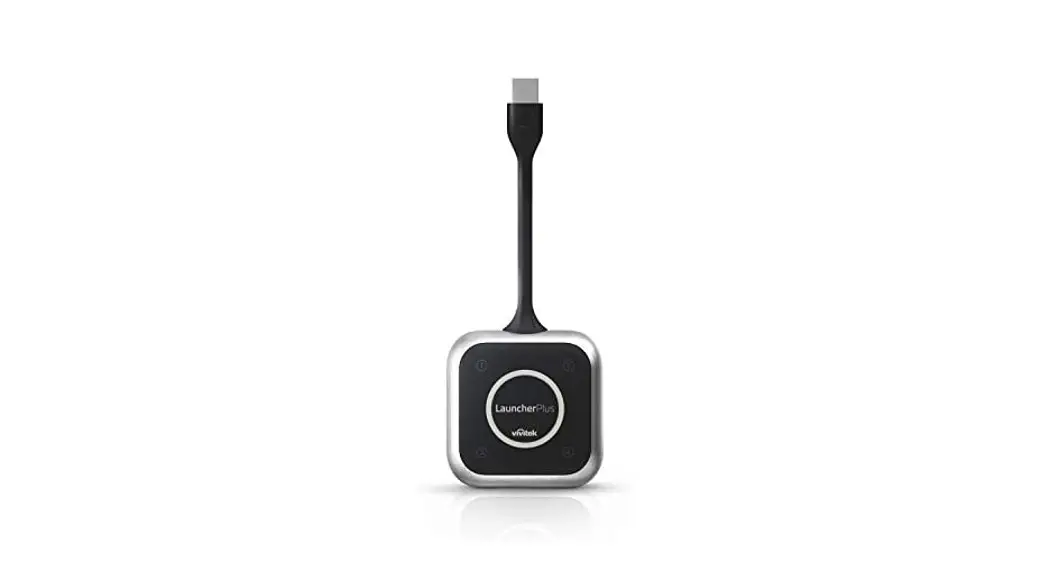
Option 1. Typical Software Installation
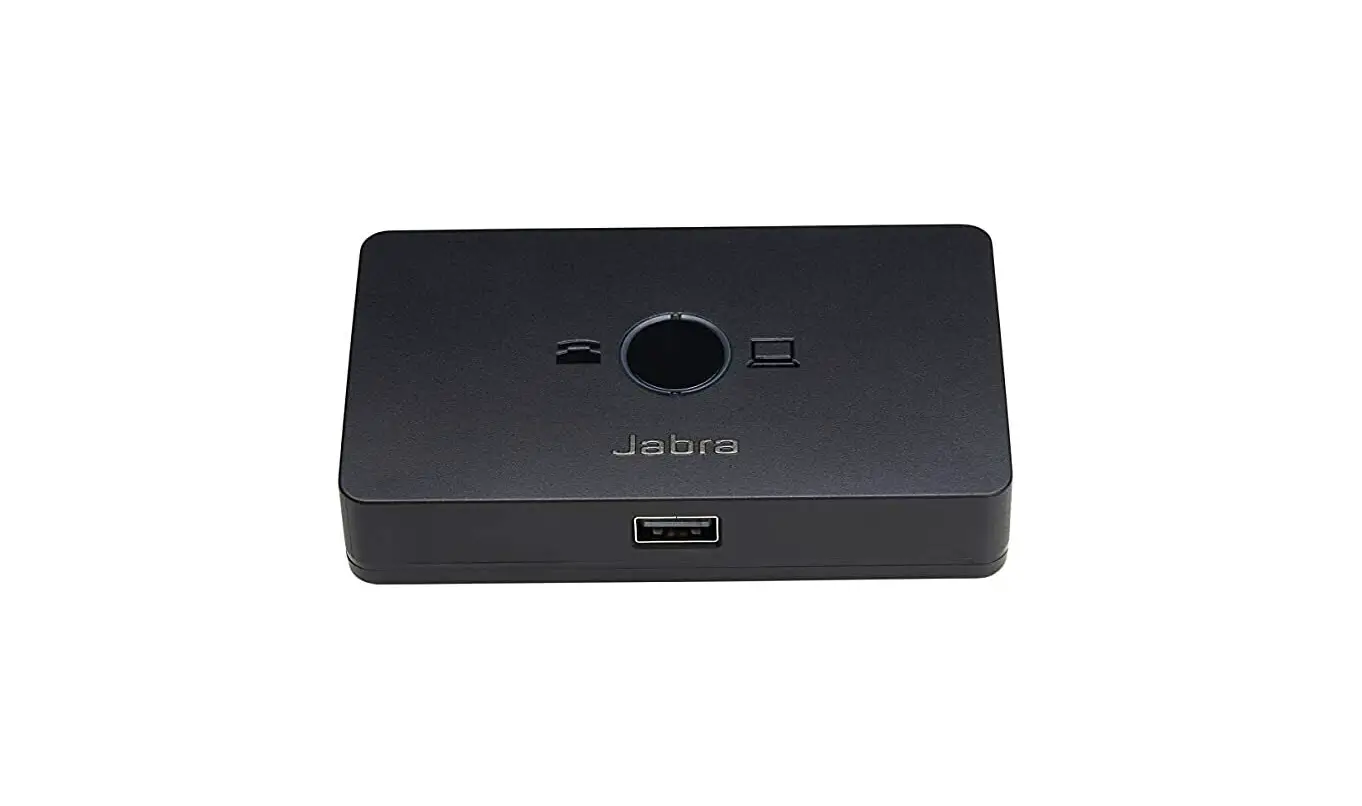
 | Step 1. Connect LauncherPlus |
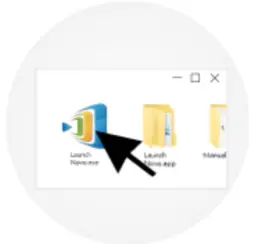 | Step 2. Browse the LauncherPlus USB storage and double click Launch Novo.exe. This will complete the auto-installation process (only for the first time set up). |
Option 2. Mass Deployment
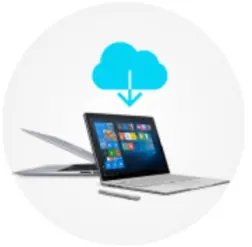 | Step 1. Download and deploy MSI package |
| Step 2. Connect LauncherPlus and software will automatically launch |
I HAVE RUN IT BEFORE
Simplicity at its best. Just plug and play.
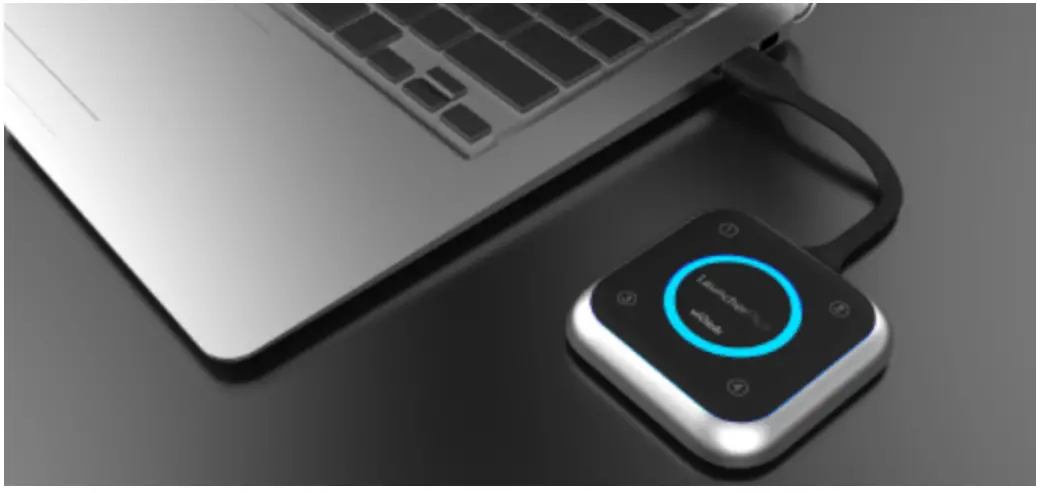
By default, LauncherPlus runs the Lite version, user can FREE UPGRADE to the FULL version. How to upgrade to the FULL version, please go to this article.
VIDEO TUTORIAL
For more details, please go to http://LauncherPlus.io
 LauncherOne - The Secure Launcher
 How to Use LauncherPlus – Novo Support