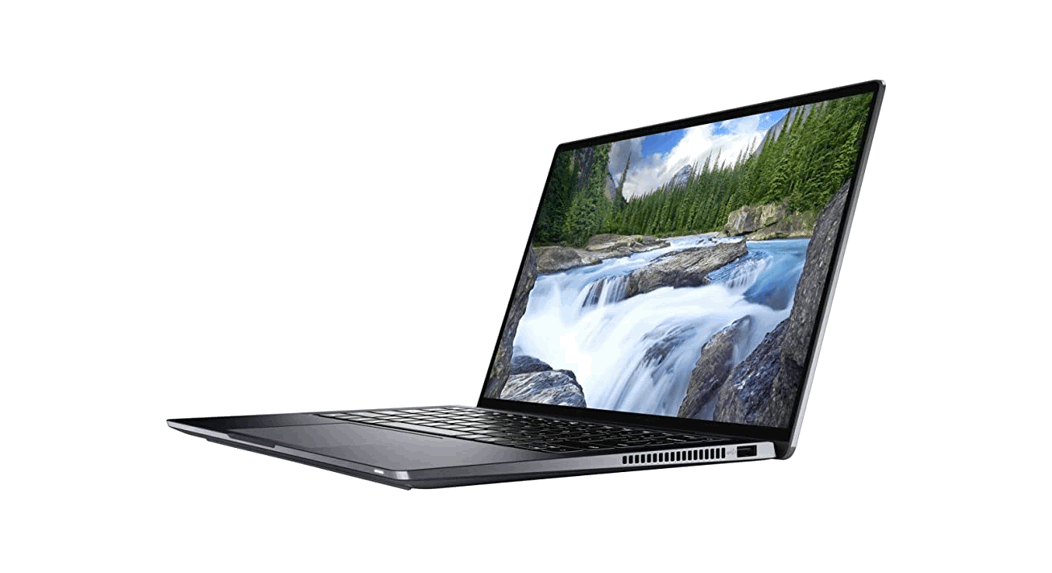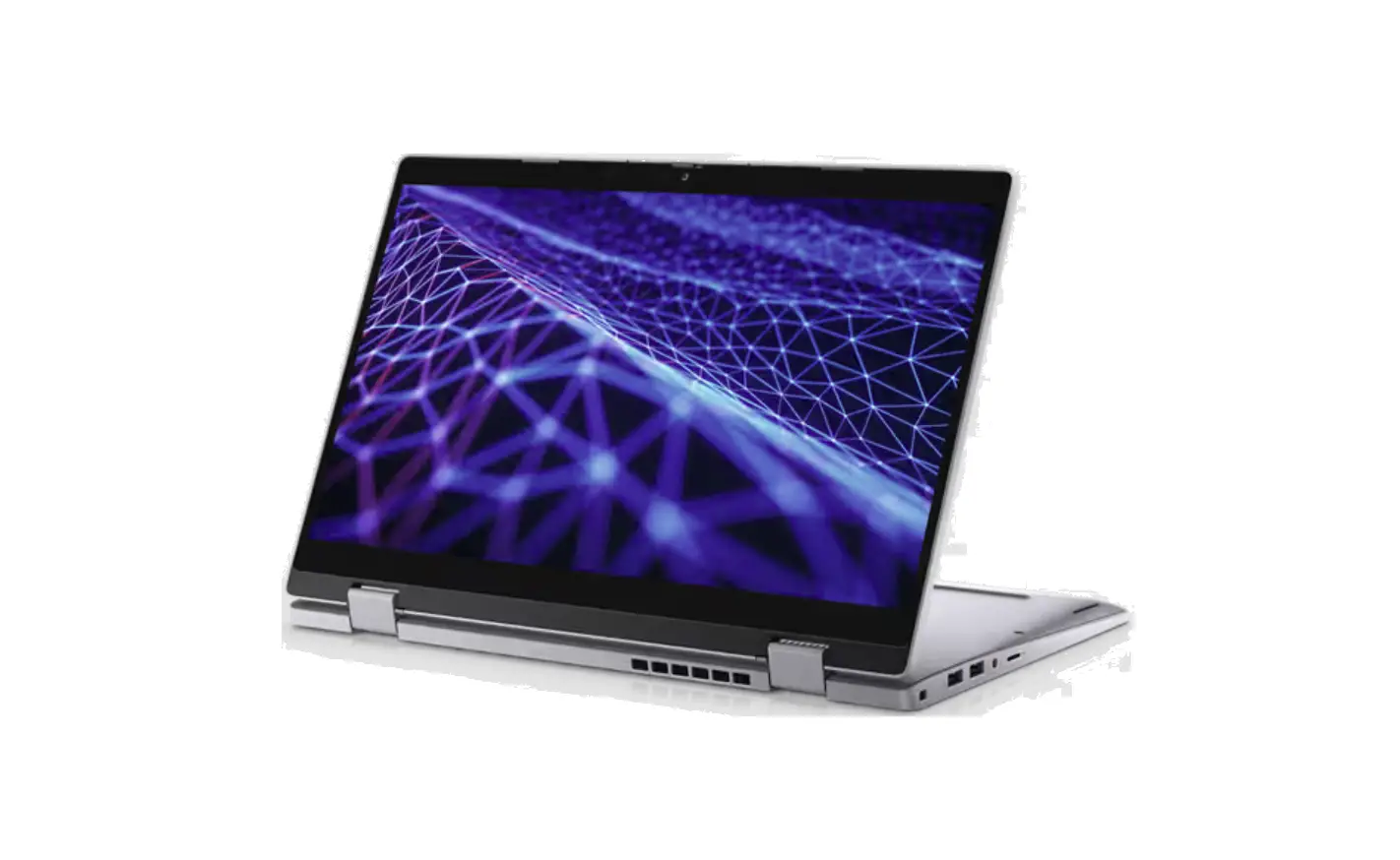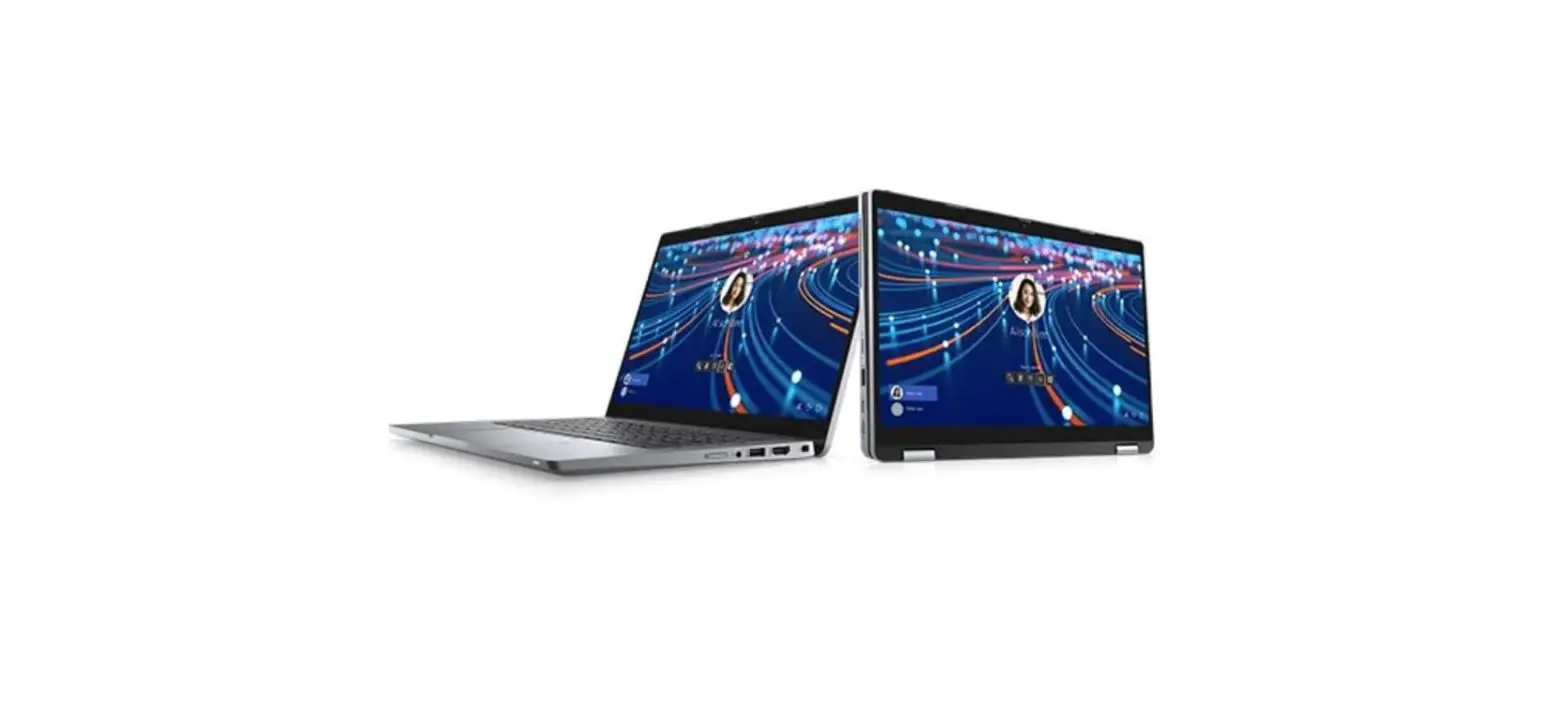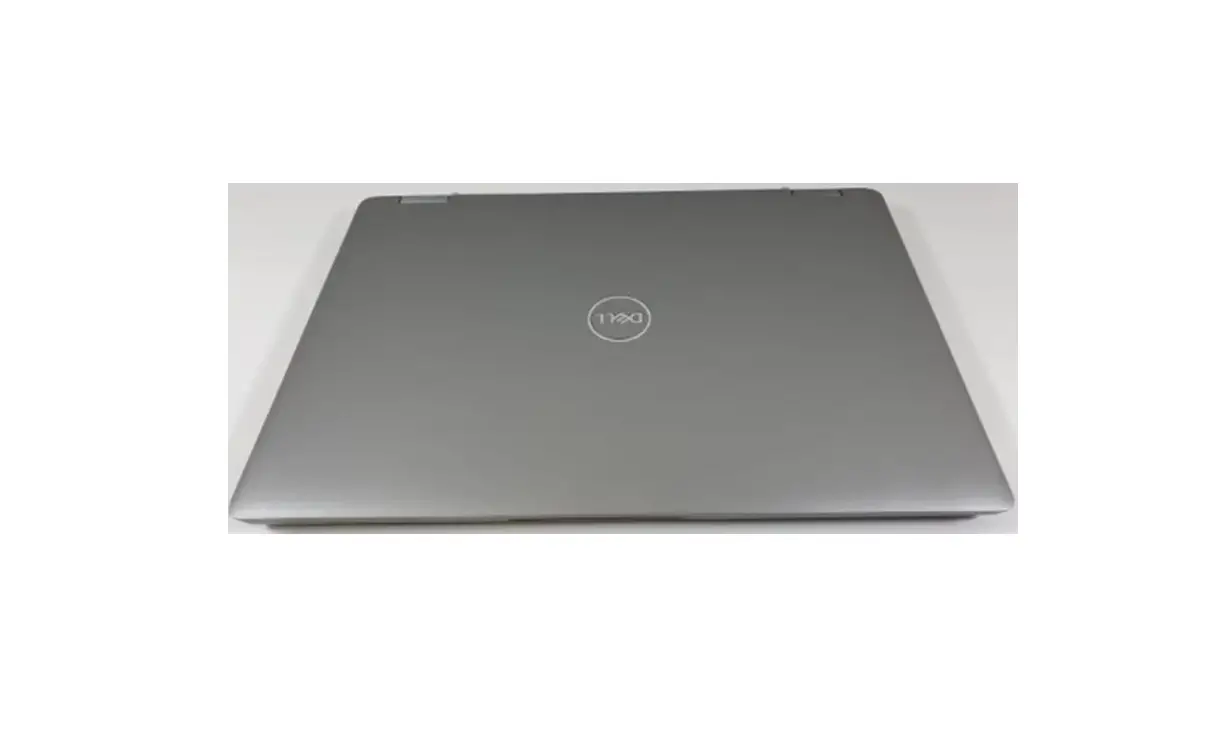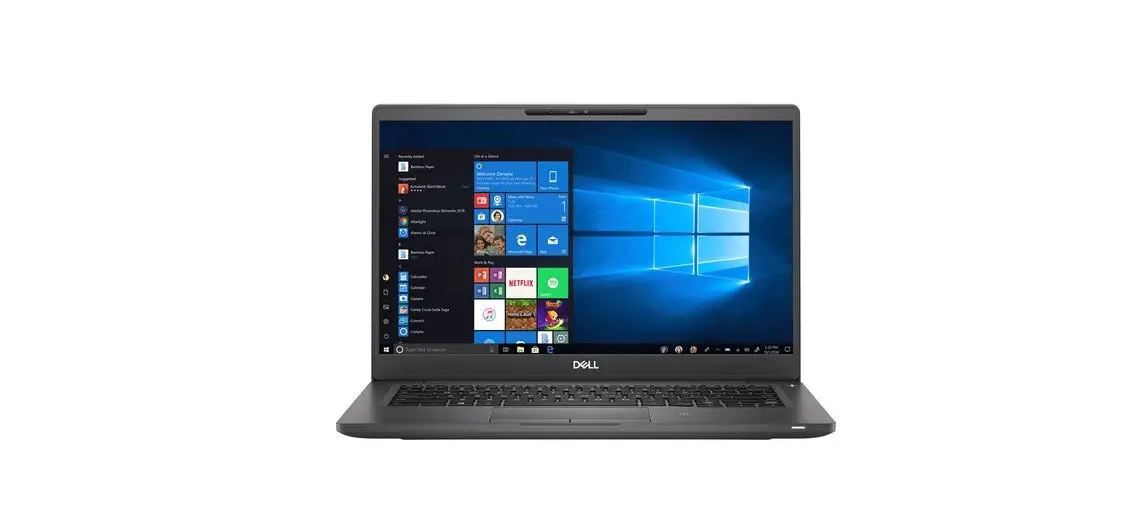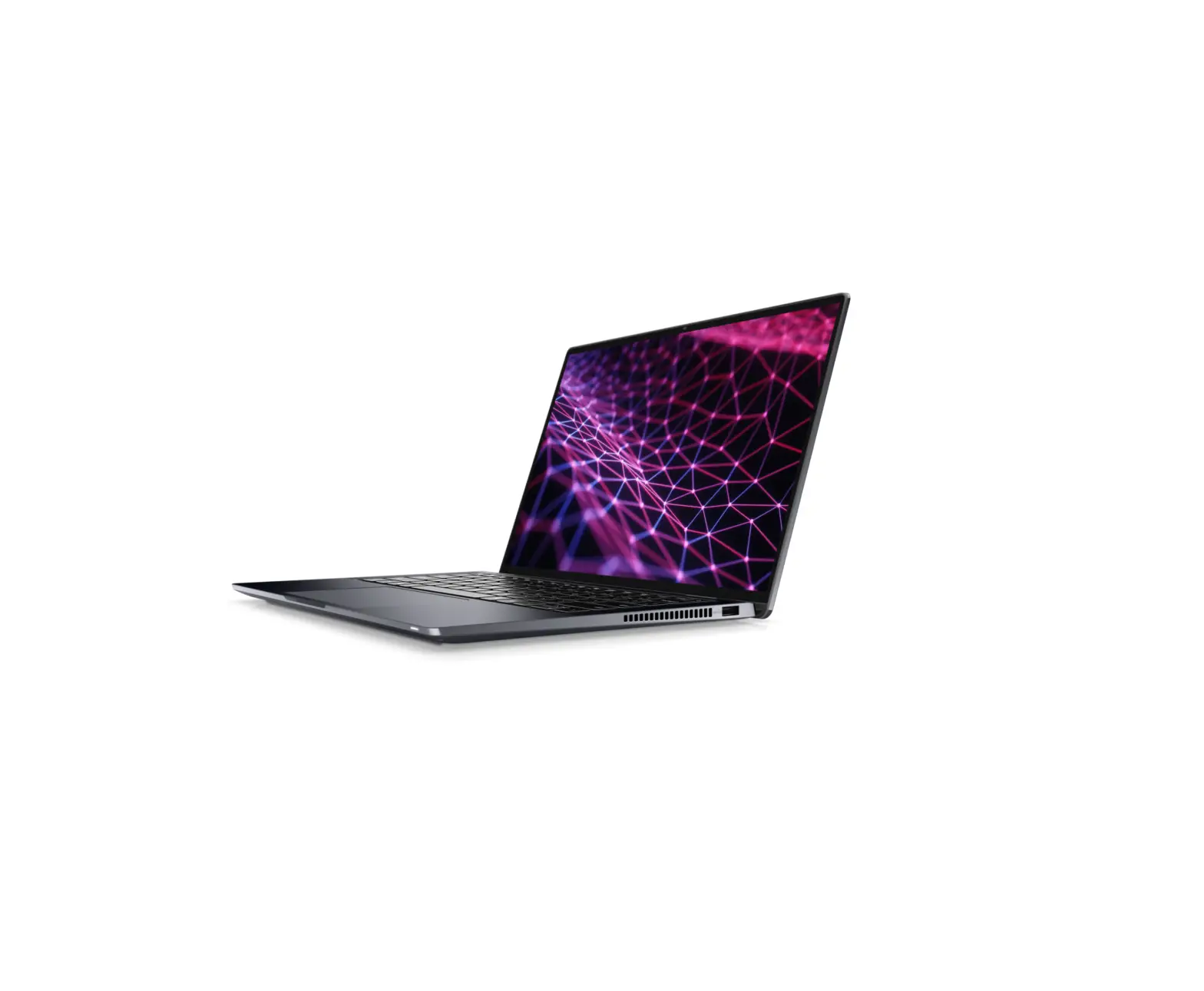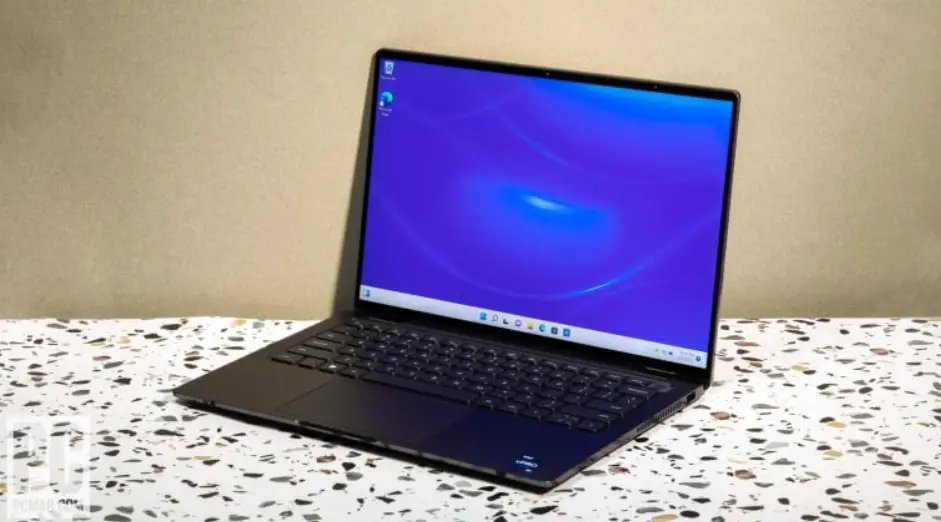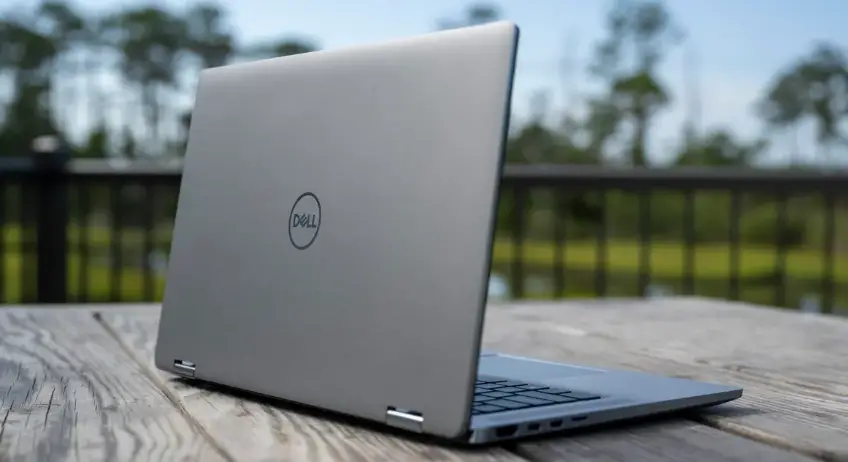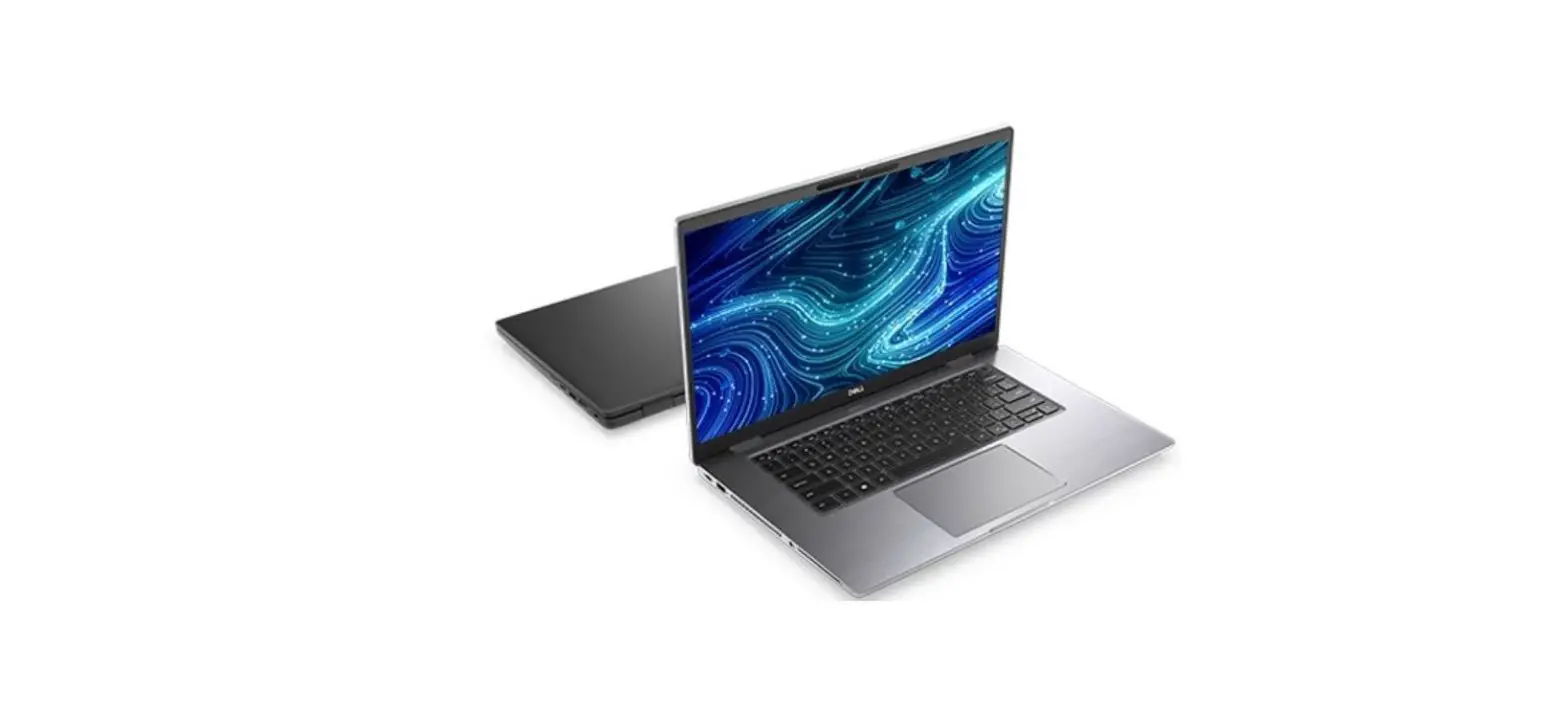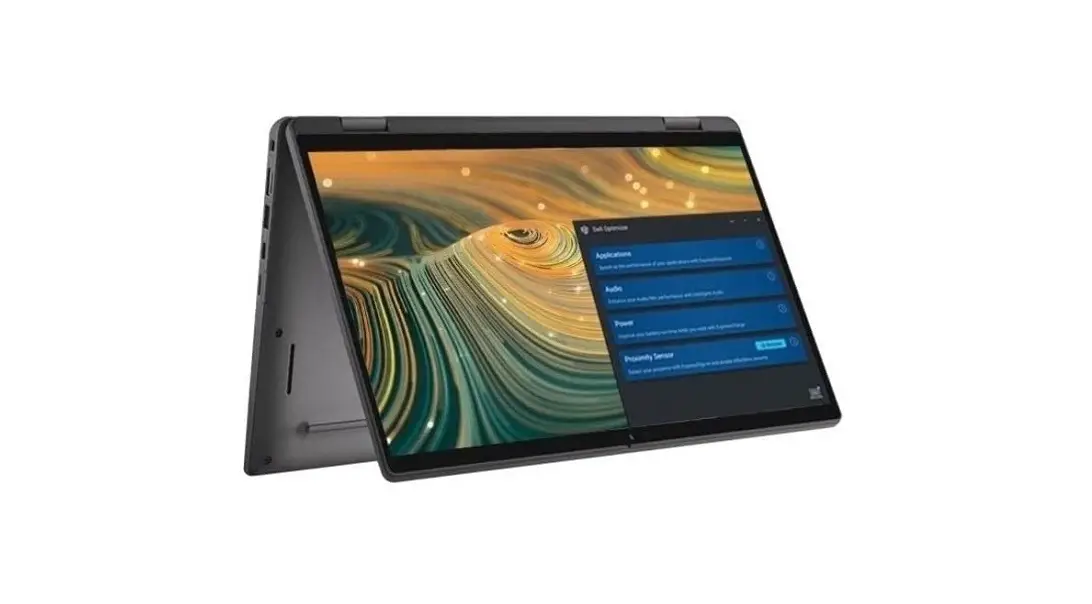
DELL Latitude 13 13.3 Inch Touchscreen Convertible Laptop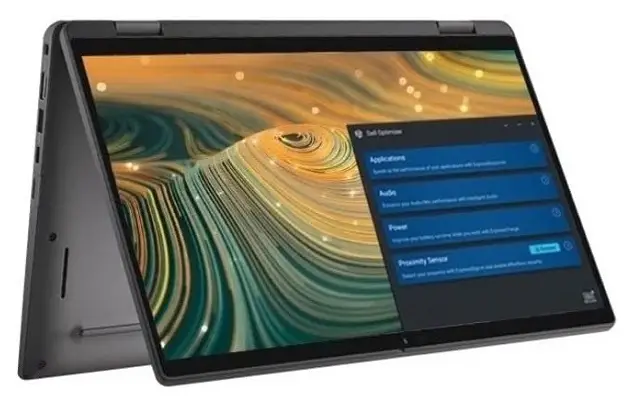
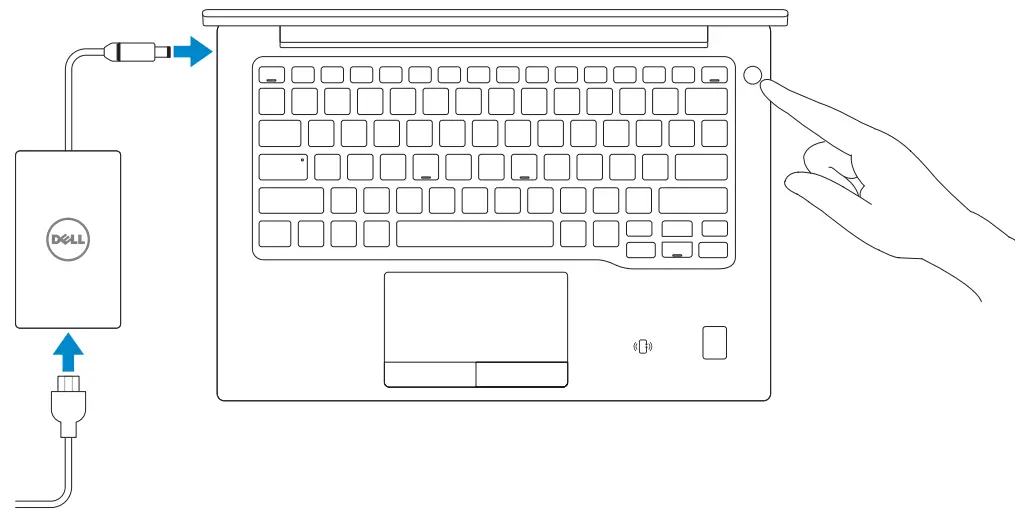
Finish Windows 10 setup
Enable Support and Protection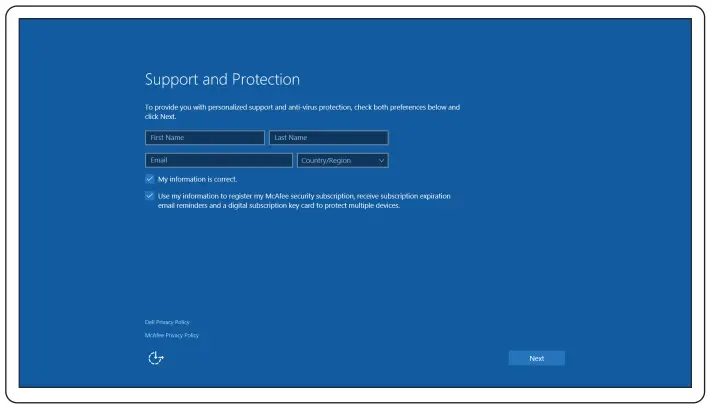
Connect to your network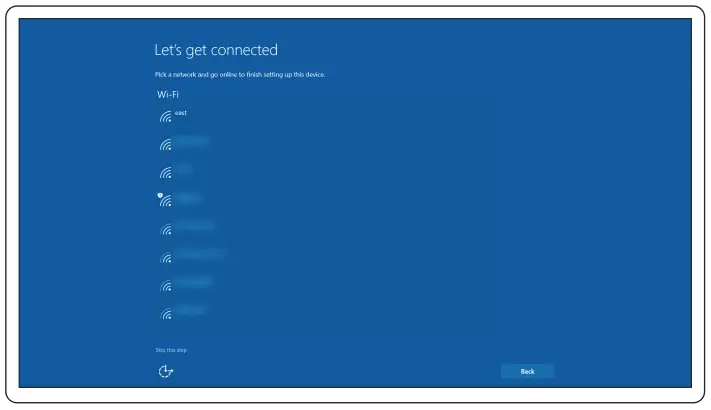
Sign in to your Microsoft account or create a local account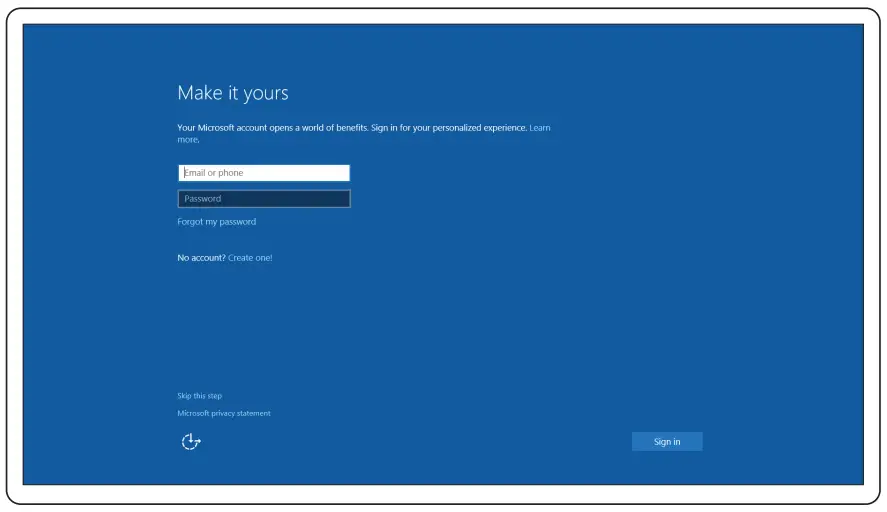
 NOTE: If you are connecting to a secured wireless network, enter the password for the wireless network access when prompted.
Locate Dell apps
 Dell Product Registration
Register your computer SupportAssist
Check and update your computer
 Dell Product Registration
 SupportAssist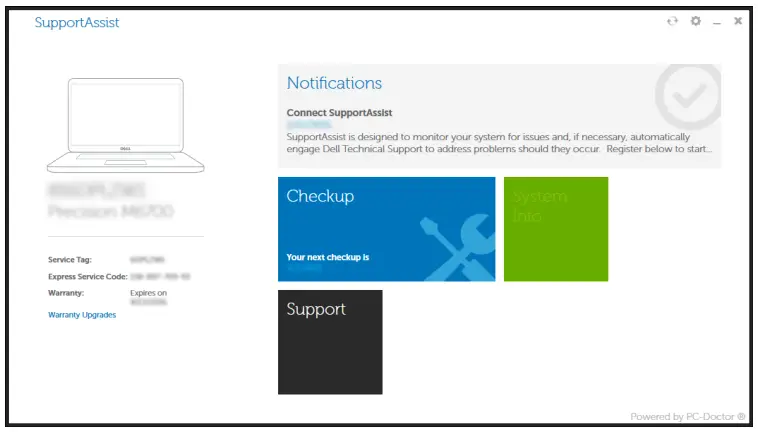
Features
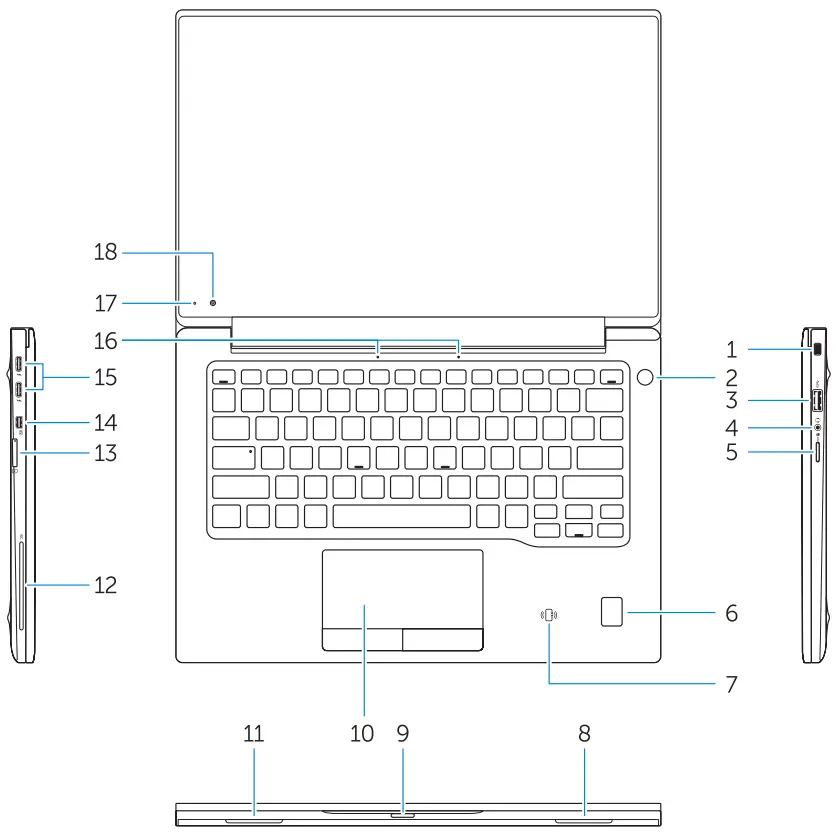
- Security-cable slot
- Power button
- USB 3.0 connector
- Headset connector
- Micro SD card reader
- Fingerprint reader (optional)
- Contactless card reader (optional)
- Speaker
- Status light
- Touchpad
- Speaker
- Smartcard reader (optional)
- Micro SIM card reader (optional)
- Micro HDMI connector
- USB Type C connectors (2)
- Microphones
- Camera-status light
- Camera
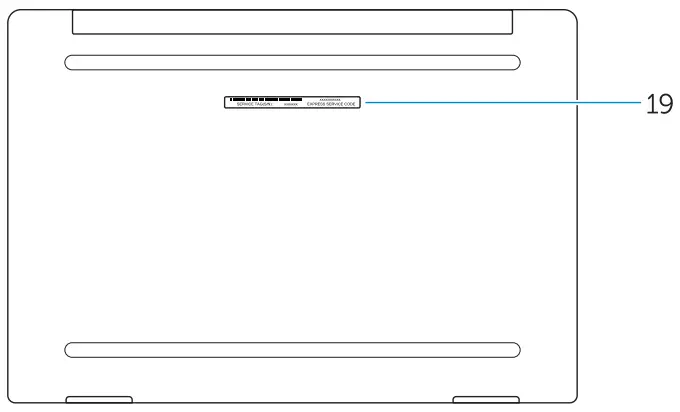
- Service-tag label
CUSTOMER SERVICE
Product support and manuals
Dell.com/support
Dell.com/support/manuals
Dell.com/support/windows
Contact Dell
Regulatory and safety
Dell.com/regulatory_compliance
Regulatory model
P67G
Regulatory type
P67G001
Computer model
Latitude -7370
 Contact Support | Dell US