GravaStar Venus Speaker FAQ’s
Frequently Asked Question
1. Turn on your Venus speaker.
2. Click the Bluetooth button on your Venus speaker with a short click (please DO NOT press the Bluetooth button for long – a few seconds will do).
3. Once you hear “Ready to Pair” from your Venus speaker, choose ”GravaStar Venus” from the Bluetooth list to connect your device.
4. When you hear ”Bluetooth connected”, the connection is successful.
Simultaneously press both the Bluetooth button and the light button for a few seconds. Your Venus speaker will be shut down. Once you restart the Venus speaker, the system will be reset to its factory settings.
Simultaneously press both the Bluetooth button and the light button for a few seconds. Your Venus speaker will be shut down. Once you restart the Venus speaker, the system will be reset to its factory settings.
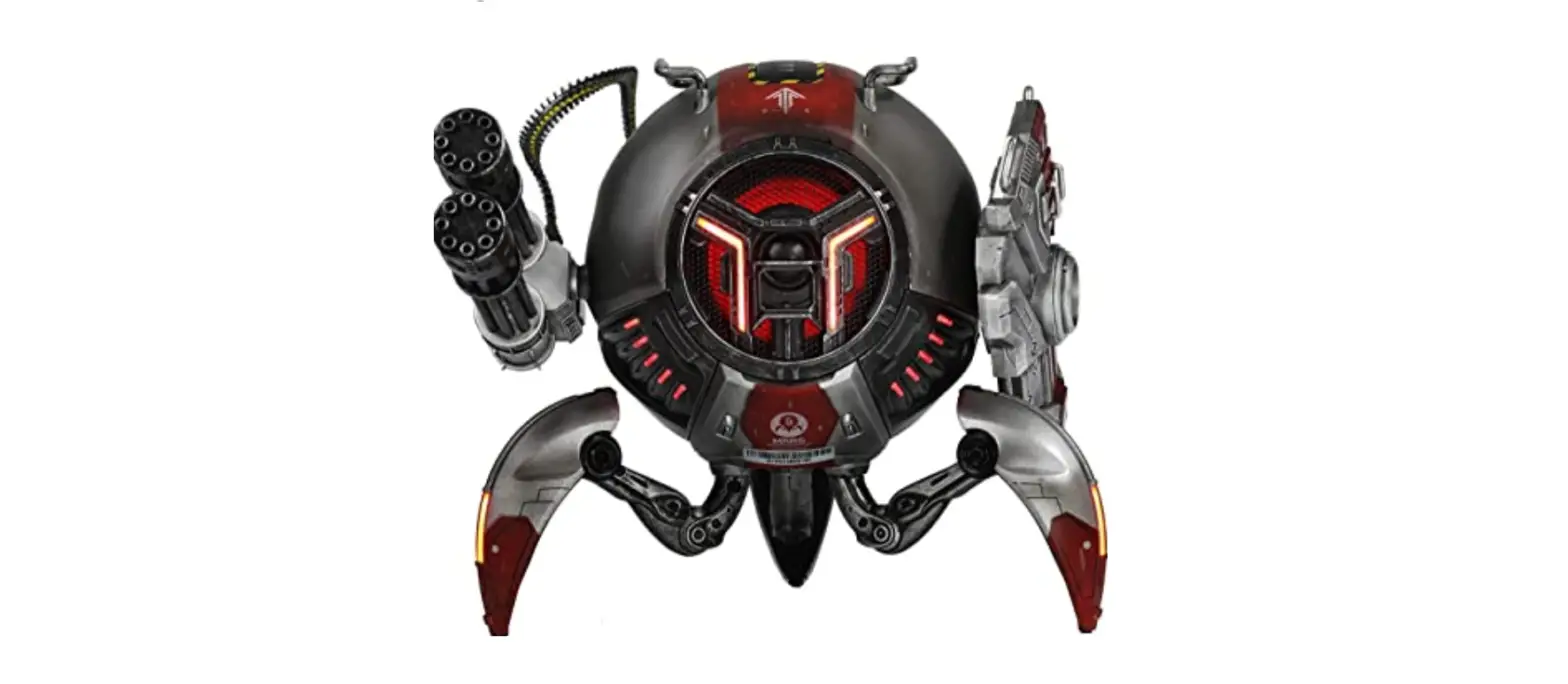
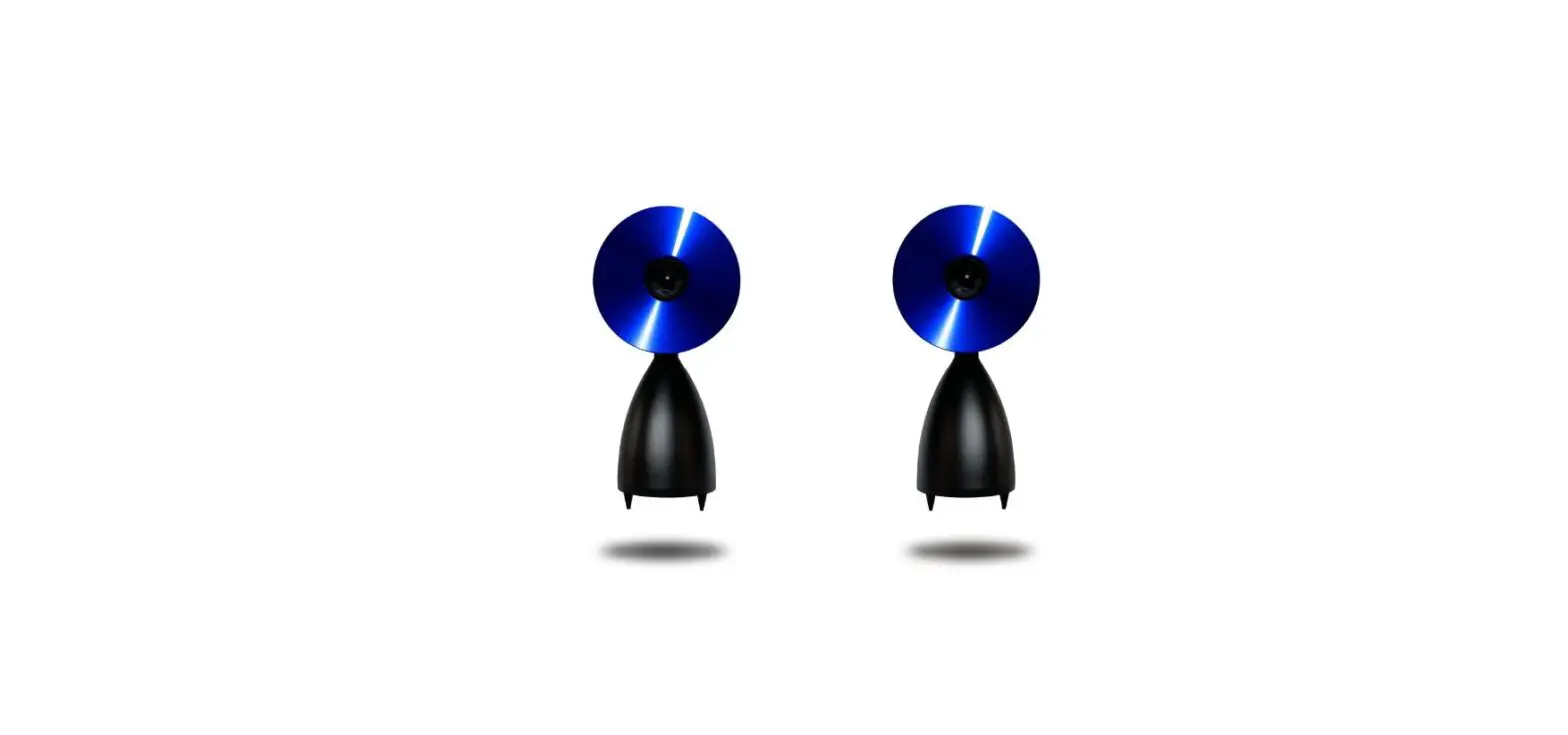
Note: True Wireless Stereo (TWS) is only available for speakers of the same series. A Venus speaker can only connect with another Venus speaker. Venus speakers can not pair with Mars or Mars Pro speakers.
Steps:
1. Press the Bluetooth button for 3 seconds on each of the two GravaStar Venus speakers (They do not need to be pressed at the same time).
2. When you hear both speakers making two beeps, it means they are ready to be paired. Within 5 seconds, you will hear “Network connected” and it’s all set up.
3. If none of them are connected with your Bluetooth device, connect to either of the devices.
Learn more about TWS: What is True Wireless Stereo (TWS)?
It takes around 3 hours to fully charge your GravaStar Venus speaker.
Low battery is indicated by a flashing power indicator and you will hear the message “not enough energy”.
The battery will last up to 10 hours under normal use.
The GravaStar Venus speaker does not support AUX.