Laia B&H Lite
Appearance
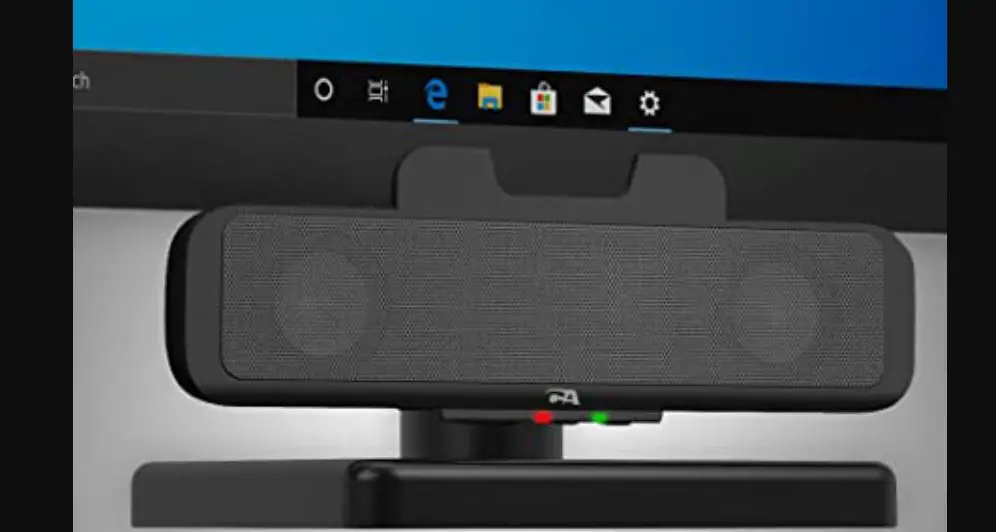
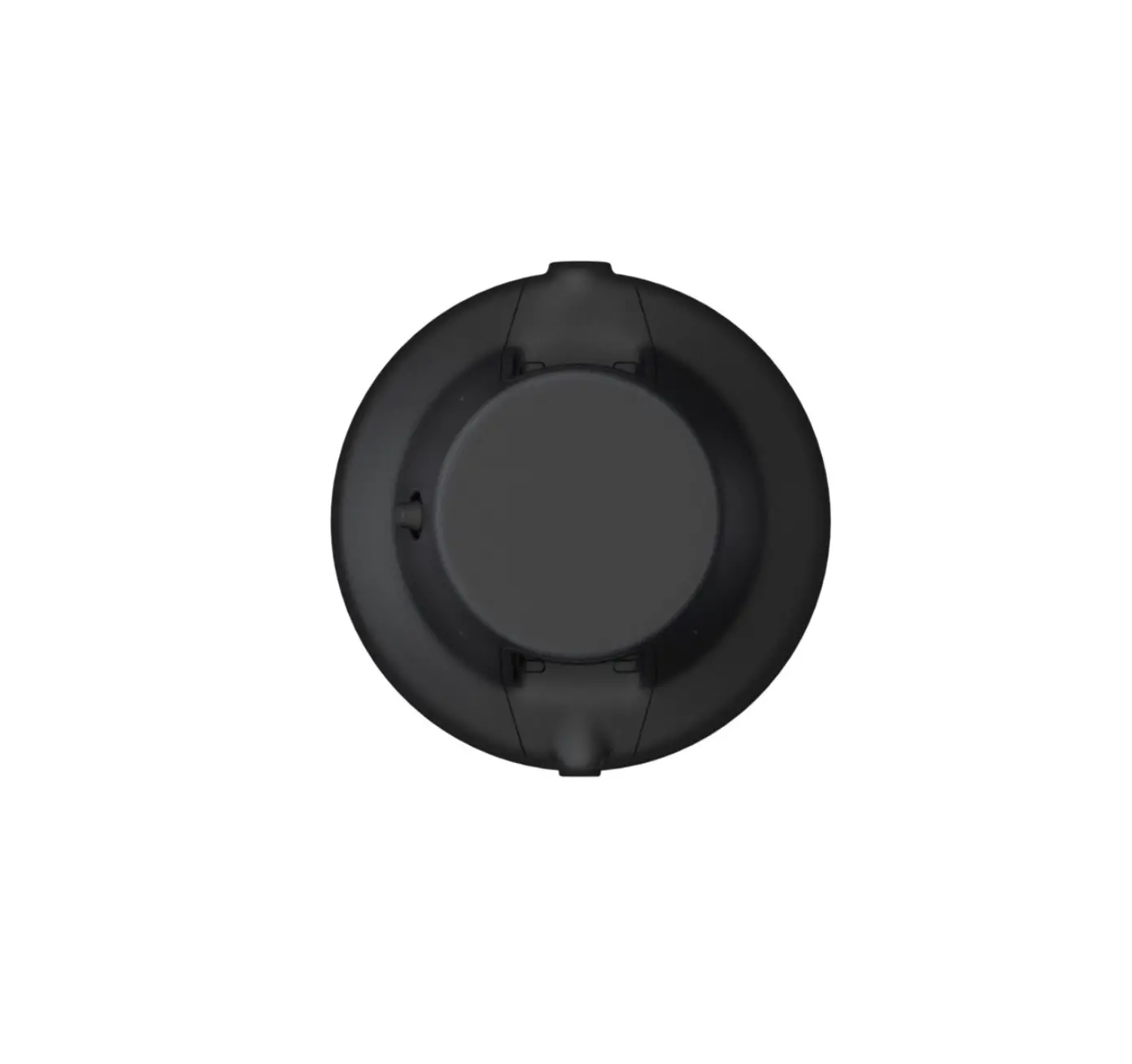
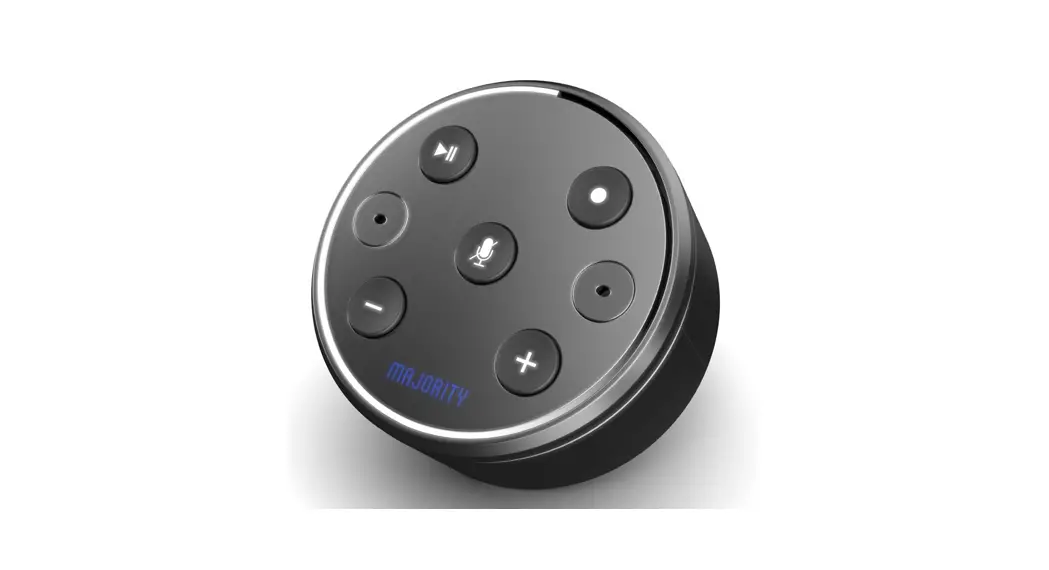
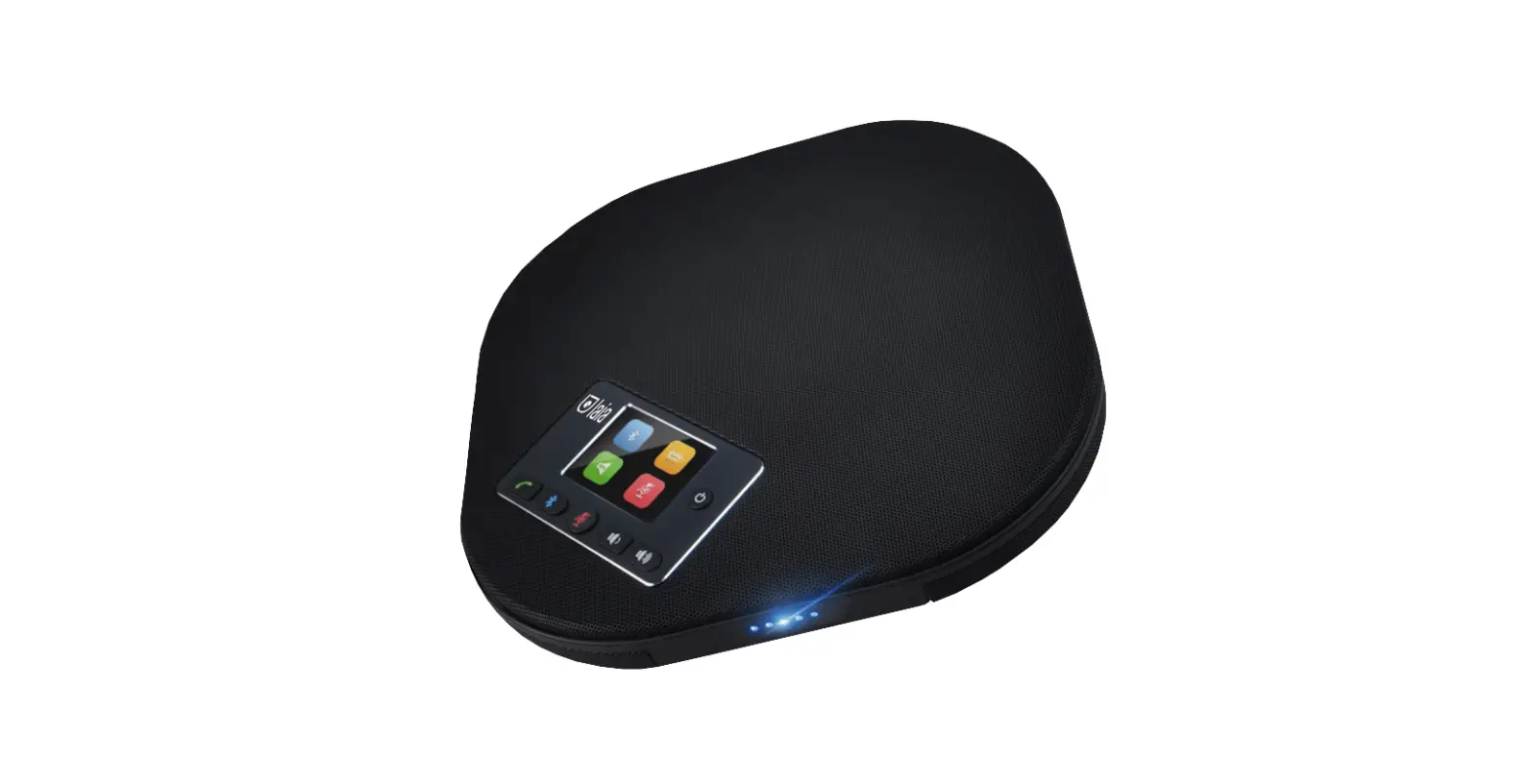
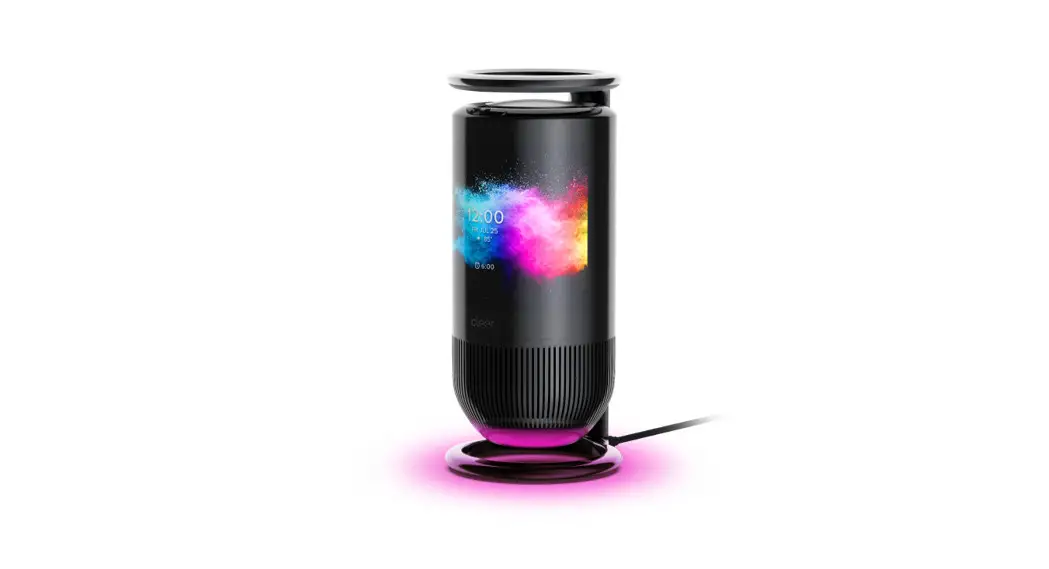
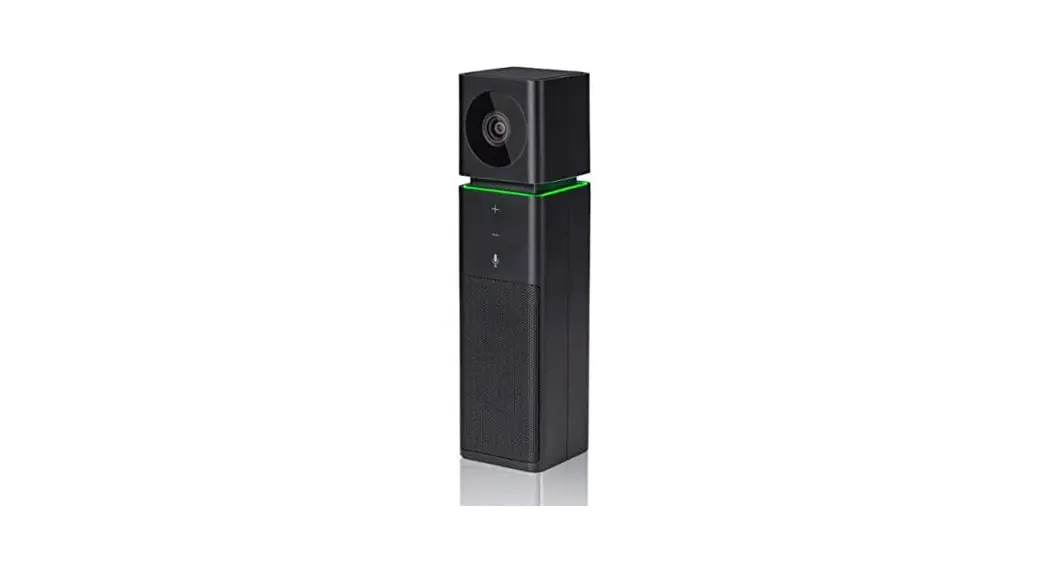
This device is a brand new model integrating an Omni-directional microphone and a wide-angle video camera. Operable without a drive, readily portable, and easy to use, it is suitable for small meetings. It removes all constraints and enables real-time communication anytime anywhere.
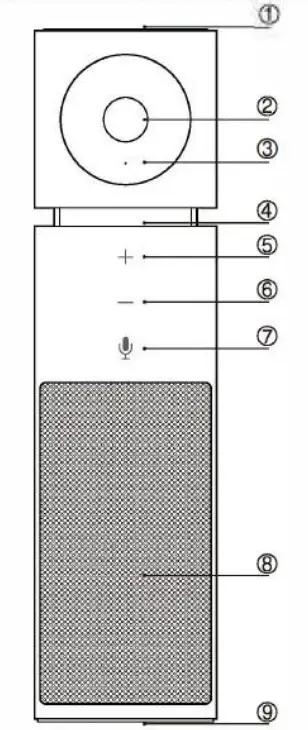 Omni-directional Microphone
- Hd Wide-angle Lens
- Lens Indicator Light
- Microphone and Volume Indicator Light
- Volume Up
- Volume Down
- Microphone ON/OFF
- Loudspeaker
- USB Port
Connection diagram
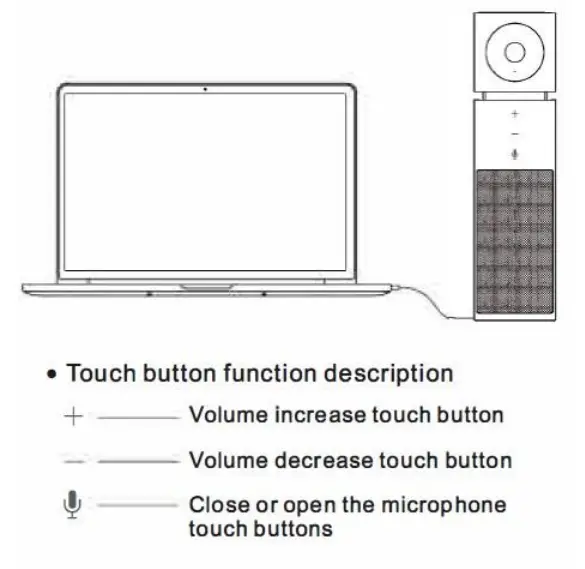
Lamp State instructions
The green light on the microphone and speaker is working
Red light on the microphone is mute, the speaker is working
Greenlight flashes: the volume ‘+”-‘ touch button is operating
Greenlight slow flash: the microphone is working, the speaker is mute
Red and green light slow flash alternately: the microphone is mute, the speaker is mute
Lens lights on the camera are working
DIP Switch
The “SW-1” and “SW-2” two DIP switches are set to OFF state, that is, select normal working mode.
| DIP Switch | No. | SW-1 | SW-2 | Explain |
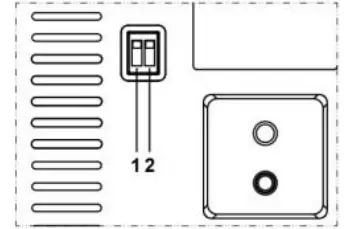 | 1 | OFF | OFF | Normal Mode |
| 2 | ON | OFF | Upgrade Mode | |
| 3 | OFF | ON | Debug Mode | |
| 4 | ON | ON | — |
RS232 Interface
| Interface diagram | No. | Function | No. | Function |
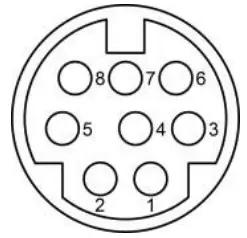 | 1 | DTR | 5 | RXD |
| 2 | DSR | 6 | GND | |
| 3 | TXD | 7 | IR OUT | |
| 4 | GND | 8 | NC |
Safety Precautions
Electrical safety
The installation and use of this product must strictly comply with local electrical safety standards.
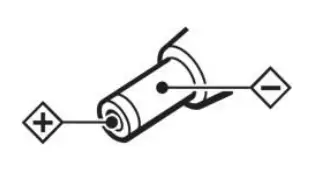
Power polarity
This product uses DC+12V power, please pay attention to the power polarity.
Careful installation
Do not grab the camera head to move the camera.
Do not rotate the head of the camera by hand, it may cause mechanical problems.
Do not unauthorized disassemble
This product has no parts which can be repaired by the user. The damage caused by the user’s own disassembly is not covered by the warranty.
- Electromagnetic fields at specific frequencies may affect the image of the machine.
- Do not hot-plug the power supply during the use of the IP Camera.
Troubleshooting
Image
- The monitor shows no image
- Check that the camera power supply is connected, the voltage is
normal, and the power indicator light is always on. - Turn off the power switch to check whether the camera is self-testing.
- Check that the two DIP switch of the camera bottom is set to OFF state.
- Check the cable of the video platform and TV to whether the correct connection.
- Sometimes without the image
Check the cable of the video platform and TV to whether the correct connection. - Image has jitter when the camera lens is at max-multiple.
- Check whether the camera installed position is stable.
- Check whether have vibrating machinery or an object near the camera.
Control
- The remote control can not control
- Check and replace the new battery for the remote controller.
- Check whether the camera working mode is correct.
- Series port can not control
- Check whether the camera protocol and address are the same.
- Check whether the control line is connected well.
Toxic and Harmful Substances
| Part Name | Toxic or harmful substances or elements | |||||
| (Pb) | (Hg) | (Cd) | (CrVI) | (PBB) | (PBDE) | |
| Metal | x | 0 | 0 | 0 | 0 | 0 |
| Plastic | 0 | 0 | 0 | 0 | 0 | 0 |
| Glass | x | 0 | 0 | 0 | 0 | 0 |
| Circuit board | x | 0 | 0 | 0 | 0 | 0 |
| Power | x | 0 | 0 | 0 | 0 | 0 |
| Attached | x | 0 | 0 | 0 | 0 | 0 |
This form is compiled in accordance with SJ/T 11364.
Ο: Indicates that the content of the hazardous substance in all homogenized materials of the component is subject to the limit specified in GB/T 26572.
x: Said the hazardous substance in at least one of the components homogenized material content in excess of the GB/T 26572 limit requirements, and there are no mature alternatives.
Warranty Card
If failure caused by non-human causes occurs within one year from the date of purchase of the machine, you may enjoy the warranty service of the product. Any of the following circumstances are not covered by the warranty:
- Without disassembling, modification such as fault causes.
- The use of an environment does not conform to the requirements of the product.
- Irresistible factors, such as fire, earthquake, lightning strikes, etc.
- The warranty card does not match the product number or it is altered.
| User Name | |
| User Address/Post Code | |
| Contact Number | |
| Product Model | |
| Product Series | |
| Purchasing Date | |
| Invoice No. | |
| Sales Department |
User save, lost or not compensated
Sales Department: (seal)
Copyright © 2021 Laia
www.laiatech.com
All rights reserved
 Professional video conferencing solutions - Laiatech