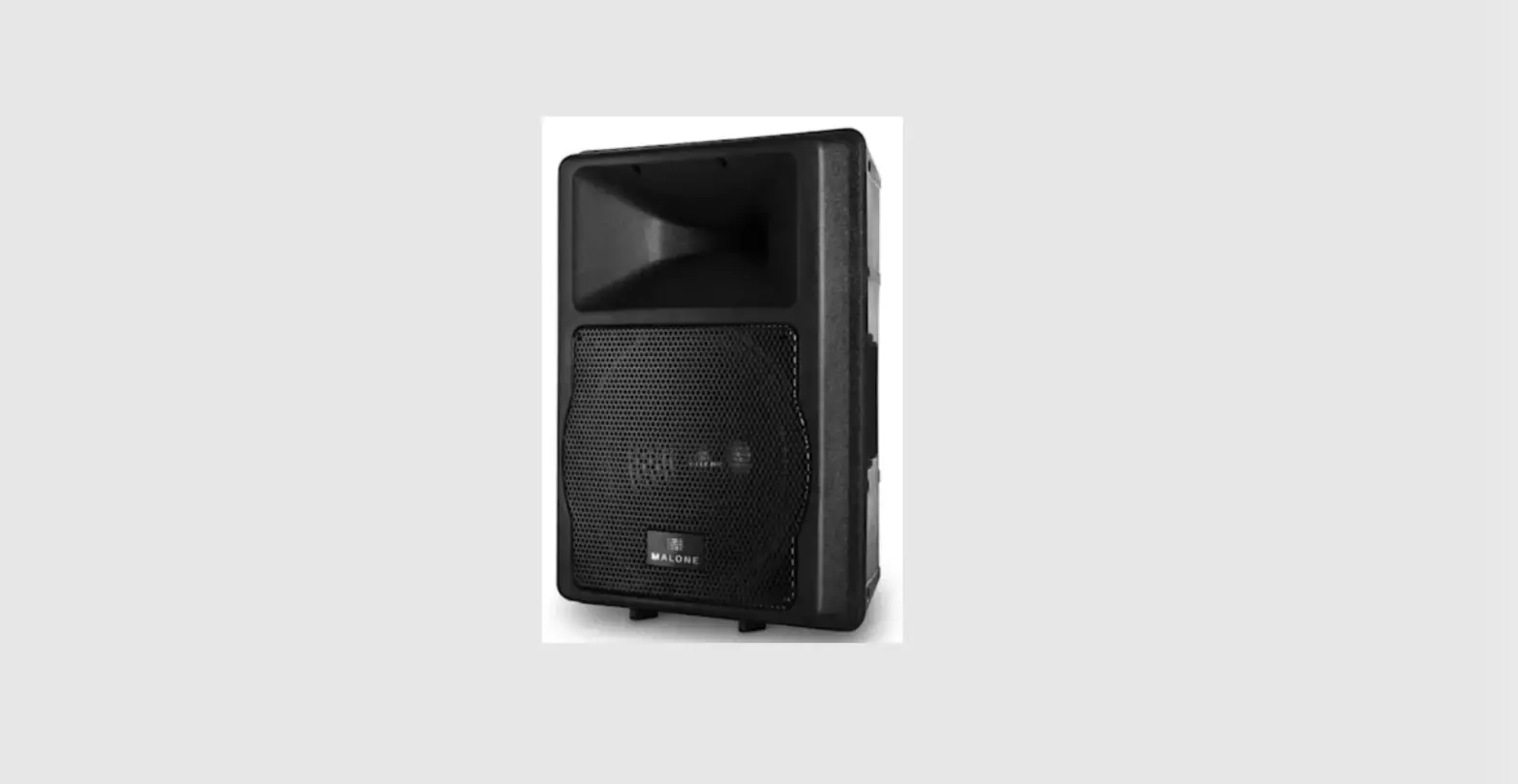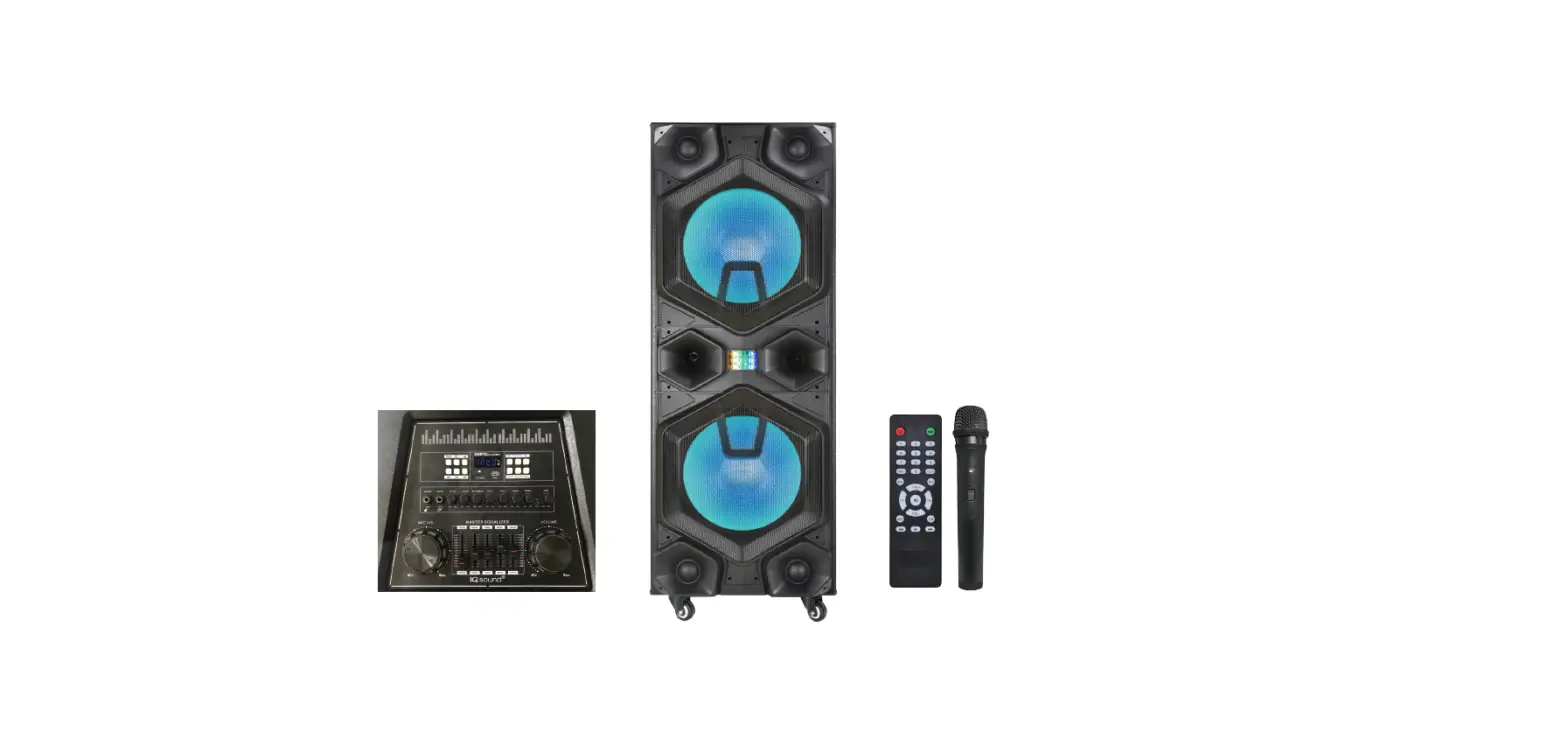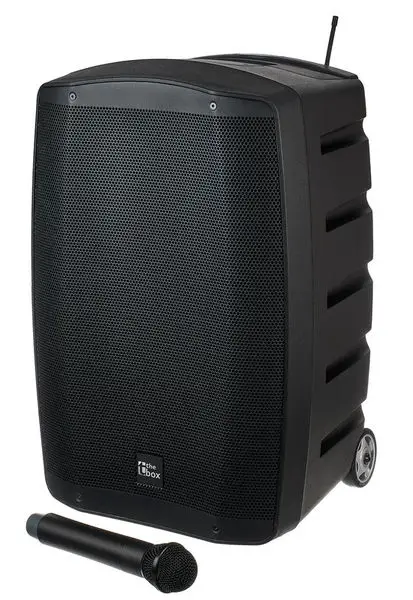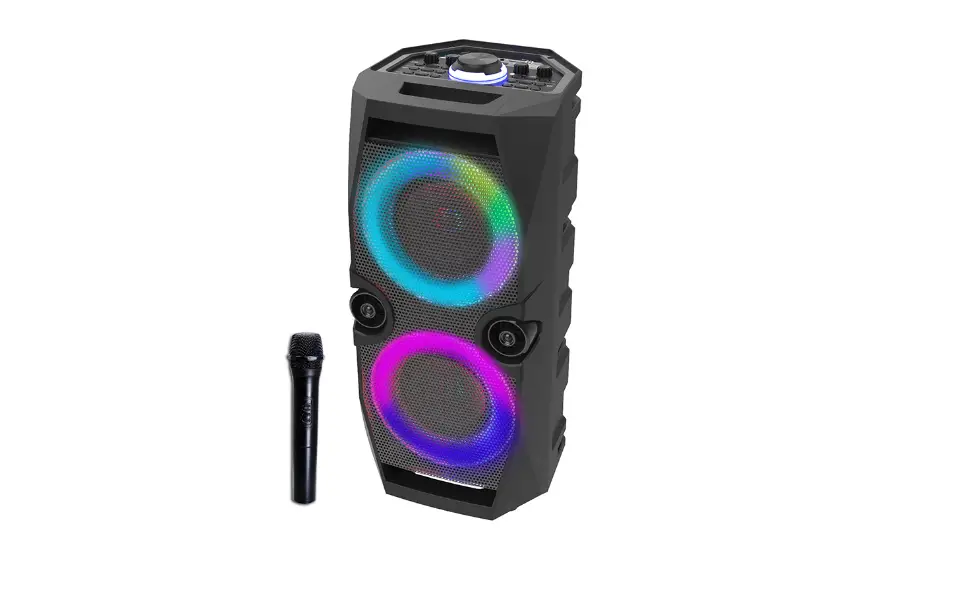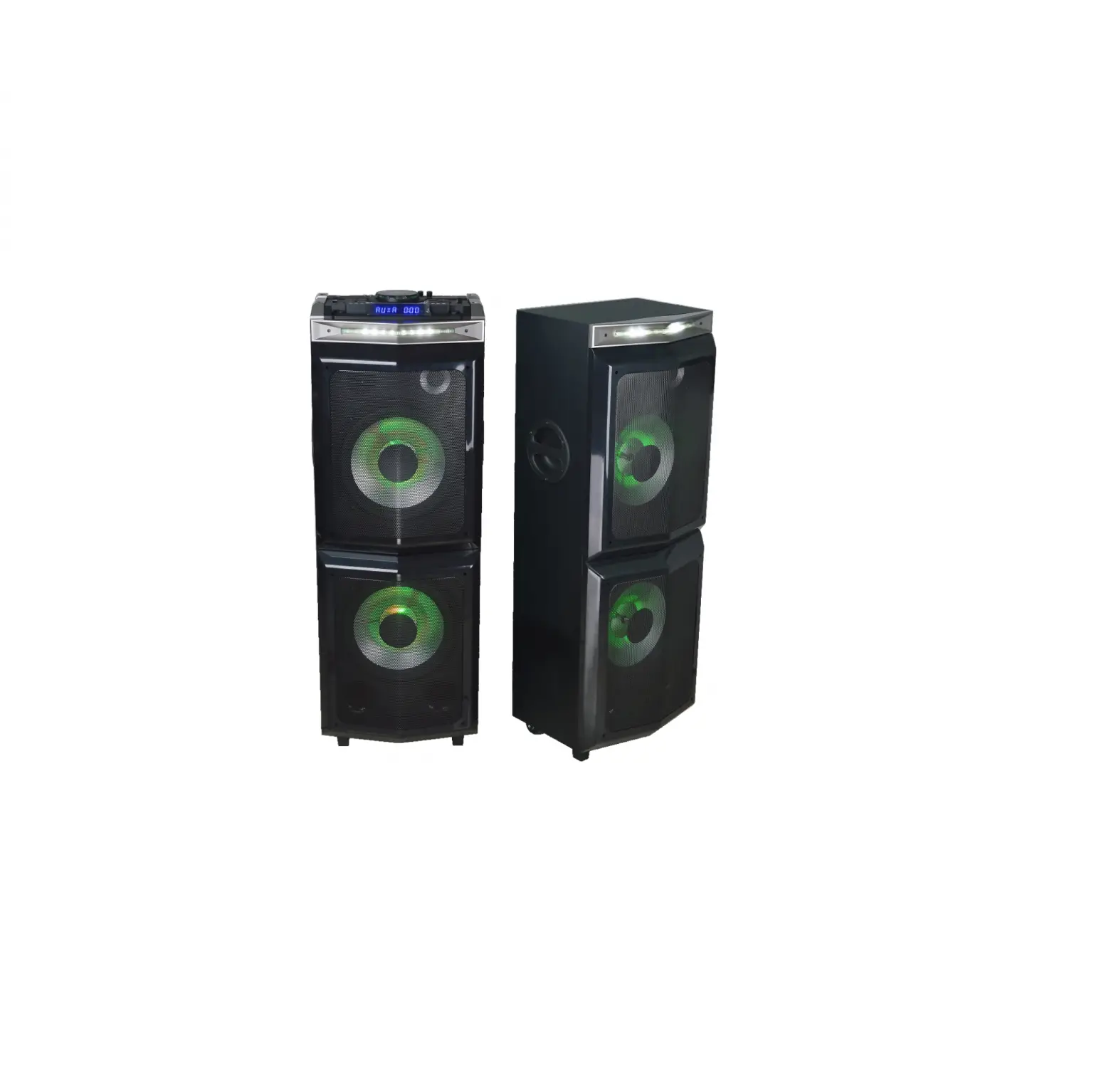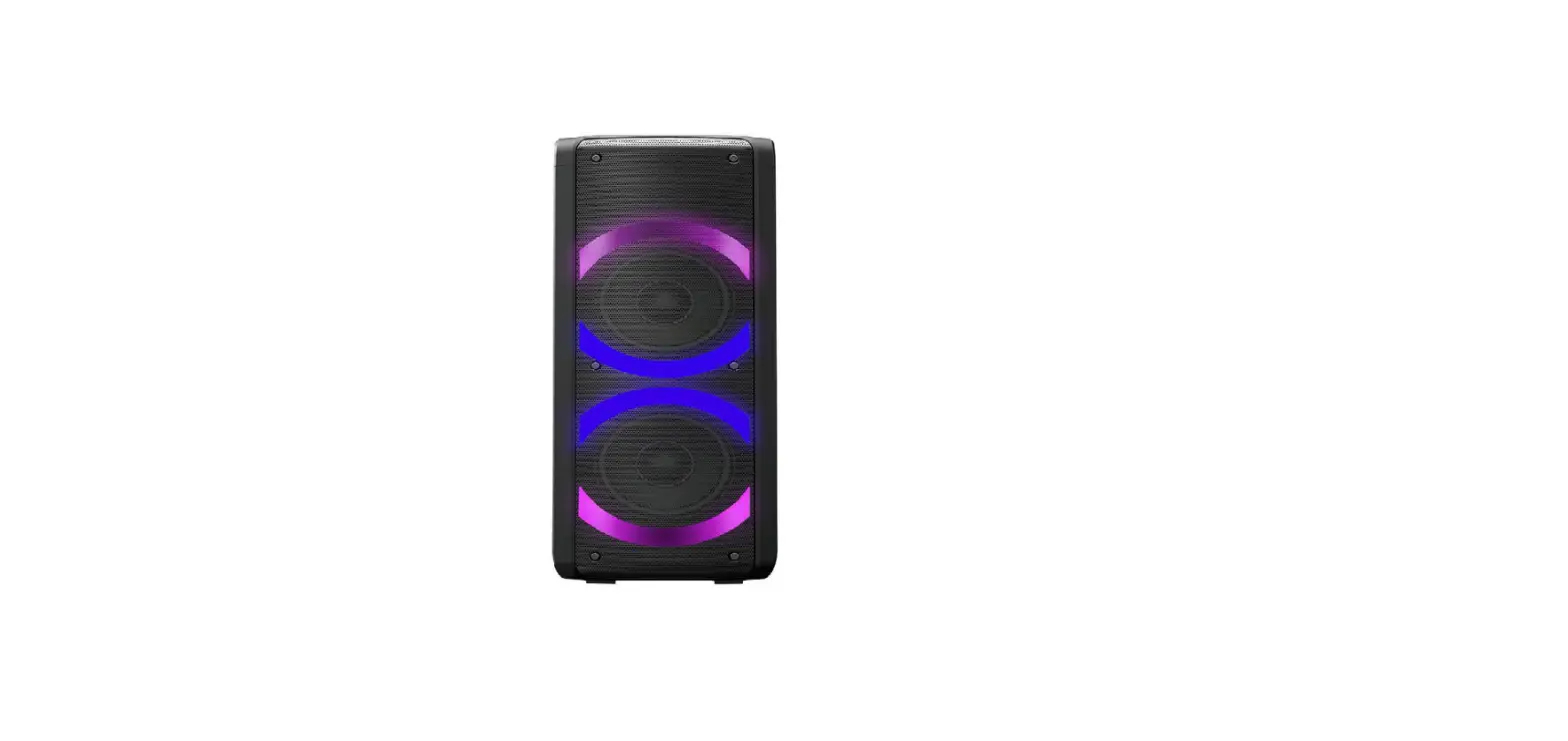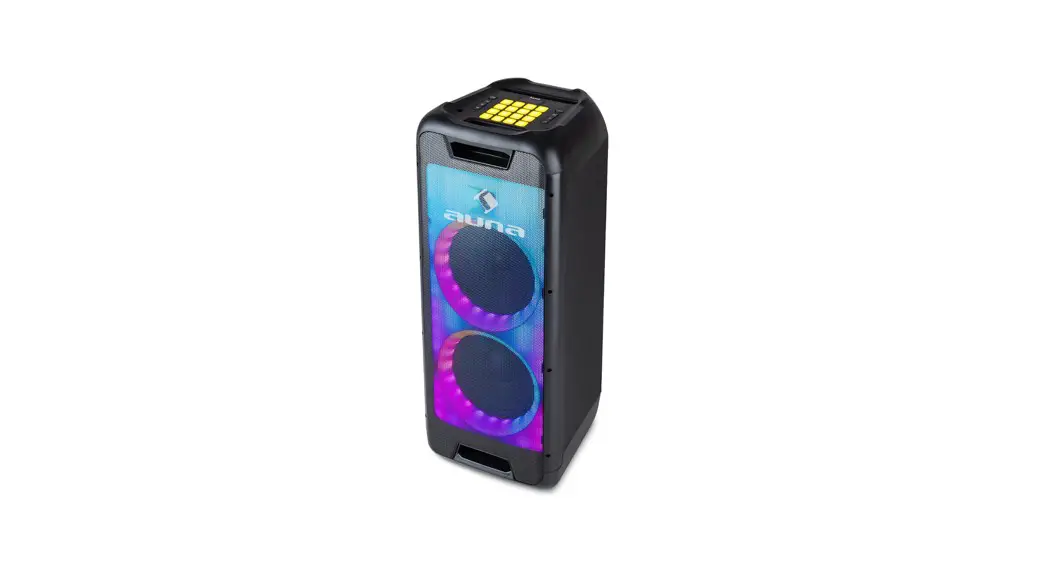

Clubmaster DJ
Speaker
10035261
www.auna-multimedia.com
10035261 8 Inch Woofer Clubmaster DJ Speaker,
Dear Customer,
Congratulations on purchasing this device. Please read the following instructions carefully and follow them to prevent possible damages. We assume no liability for damage caused by disregard of the instructions and improper use. Scan the QR code to get access to the latest user manual and more product information.
TECHNICAL DATA
| Item number | 10035261 |
| Power supply | 100-240 V – 50/60 Hz |
| Power consumption | 120 W |
| Standby power consumption | < 0.5 W |
| USB output | 5 V / 200 mA |
| Speaker driver | 1 x 8″ Subwoofer |
| 1 x 8″ Midrange | |
| 1 x 1″ Tweeter | |
| 1 x Compression driver | |
| Speaker impedance | Woofer 2 Ohm |
| Middle range 3 Ohm x1 | |
| Compression driver 6 Ohm | |
| Total output power | 100 W |
| Frequency range | 30 Hz -20 kHz (-6 dB) |
| Signal-to-noise ratio | 80 dBA |
| BT version | 5.0 |
| BT frequency range for transmitter | 2402-2480 MHz |
| BT transmission power (max.) | 15 dBm (EIRP) |
| BT range | – 10 m (33 feet) |
| USB file formats | mp3, wma, way |
SAFETY INSTRUCTIONS
General information
- Lightning – If you are not going to use the device for a long time or if there is a storm, disconnect the plug from the electrical outlet and disconnect the device from the antenna connector. This will avoid damage to the product that may be caused by lightning or overvoltage.
- Overload – Do not overload power outlets, extension cords, or built-in power outlets, as this may result in a fire or electric shock.
- Foreign objects and liquid – Never push objects of any kind through openings in the device as they may touch dangerous voltage points or short out parts, which could result in a fire or electric shock. Never spill liquids of any kind on the device.
- Repairs and maintenance – Do not attempt to service this product yourself, as opening or removing covers will expose you to dangerous voltages or other hazards. Leave all maintenance to qualified service personnel.
- Damage requiring service – Disconnect the power plug from the outlet and consult a qualified specialist if any of the following conditions occur:
a) If the power cord or plug is damaged.
b) If liquid has been spilled or objects have fallen onto the product.
c) If the product has been exposed to rain or water.
d) If the product has been dropped or damaged.
e) If the product has a markedly reduced performance. - Replacement parts – When replacement parts are required, make sure that the service professional who replaces the parts only uses replacement parts that have been approved by the manufacturer or that have the same characteristics as the original part. Unauthorized replacement may result in fire, electric shock or other hazards.
- Heat – Do not place the unit near heat sources such as radiators, heaters, stoves or other products (including amplifiers).
Note: This device may be only used by children 8 years old or older and persons with limited physical, sensory and mental capabilities and/or lack of experience and knowledge, provided that they have been instructed in use of the device by a responsible person who understands the associated risks.
SCOPE OF DELIVERY
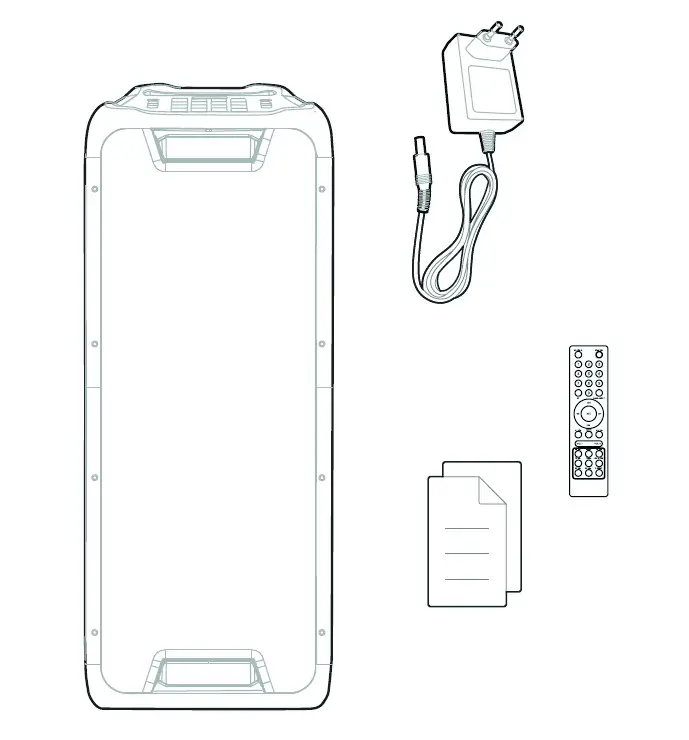
DEVICE OVERVIEW
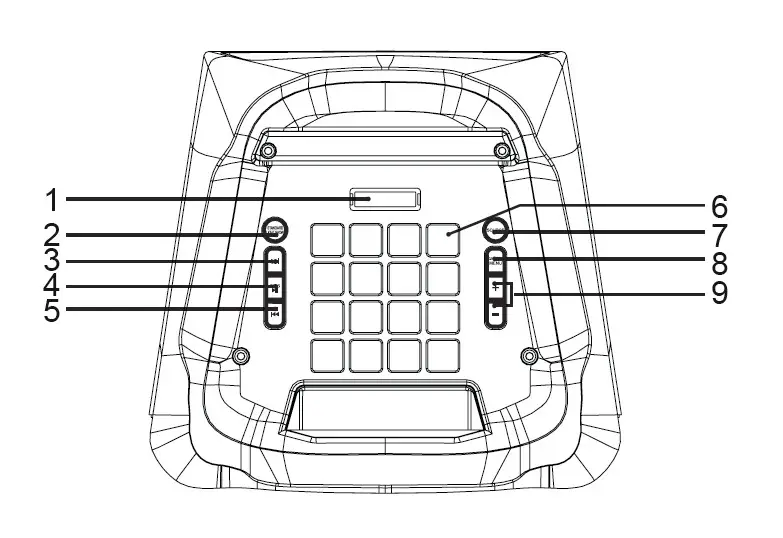 | |
| 1 | Display: Shows the current status. |
| 2 | STANDBY/LIGHT SHOW: Press once to enter the show mode LED1 > LED2 > LED3 , LED4 > OFF Press and hold to activate or deactivate the standby mode. |
| 3 | FORWARD button: Press to play the next track. |
| 4 | PLAY/PAUSE/TWS button: Press to pause and resume music. Press and hold to activate or deactivate TWS mode. |
| 5 | BACK button: Press to play the previous track. |
| 6 | D1 control buttons |
| 7 | SOURCE button: Press to select one of the following sources: USB, LINE, BT |
| 8 | D1 mode/MENU button: Press once to adjust the volume for guitar, microphone and wireless microphone. Press twice to adjust the echo effect for the microphone. Press three times to turn the X-Bass on or off. Press once and hold for 1 second to select D11 (drum). Press twice and hold for 1 second to select D12 (Keyboard) Press three times and hold for 1 second to select D13 (Piano). Press four times and hold for 1 second to select D14 (D1 Effects). Press five times and hold for 1 second to exit D1 mode. |
| 9 | Press [+] and [-]: Increase or decrease the volume. After pressing MENU, use the buttons to adjust the microphone volume, microphone echo, X-bass (on/ off). |
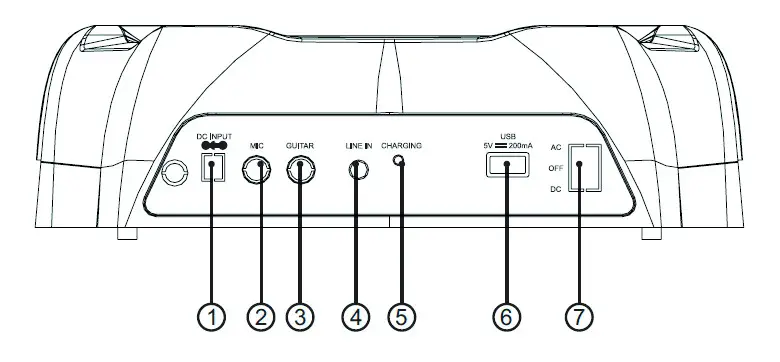 | |
| 1 | Power connection |
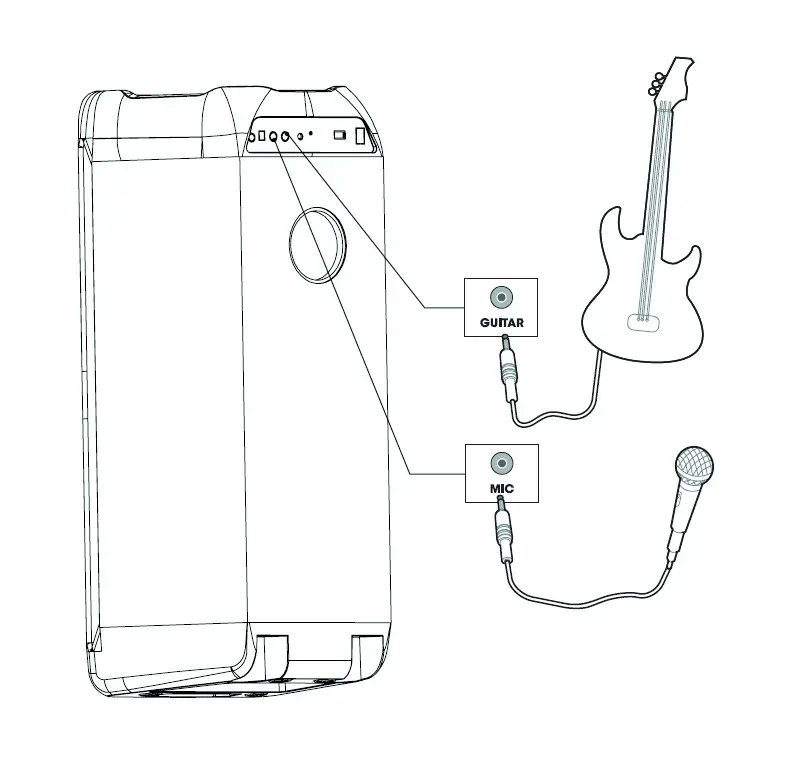
| 2 | Microphone connection |
| 3 | Guitar end |
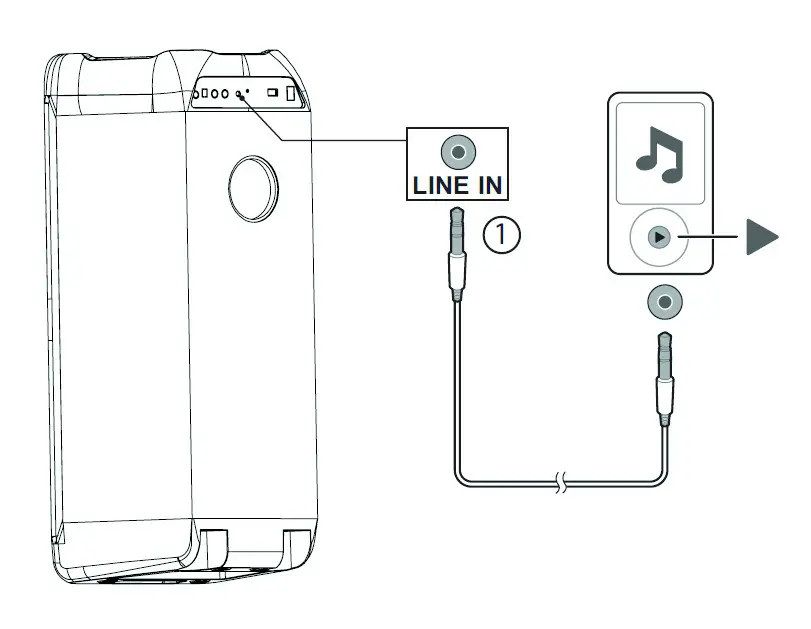
| 4 | Line-in connection: Connect the device to the audio output jacks of an analog device using a RCA audio cable. |
| 5 | Power Light |
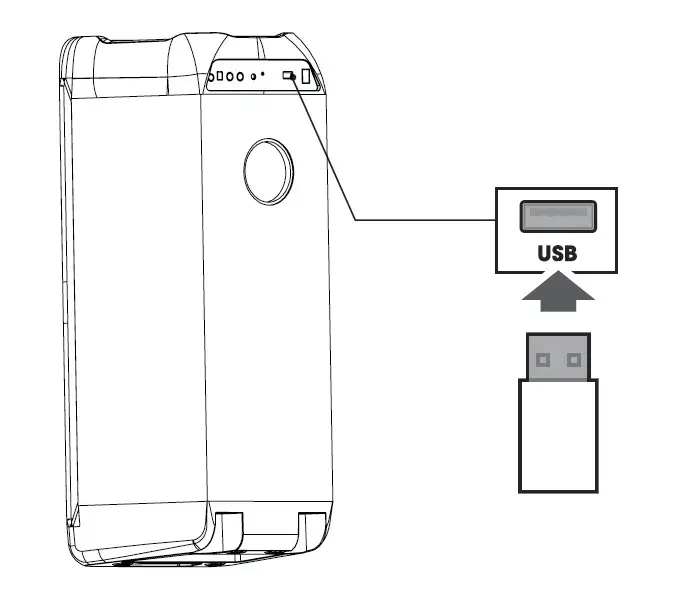
| 6 | USB port: For connecting a USB storage device and charging devices. |
| 7 | Power Selector Switch: To select DC, AC or OFF. |
| AC mode: The speaker is on and the battery is charging. | |
| DC mode: The speaker operates in battery mode. The device is charged as soon as it is connected to the mains. | |
| OFF mode: the device is device is switched off, the speaker is not used in this mode. | |
TERMINALS AND CONNECTIONS
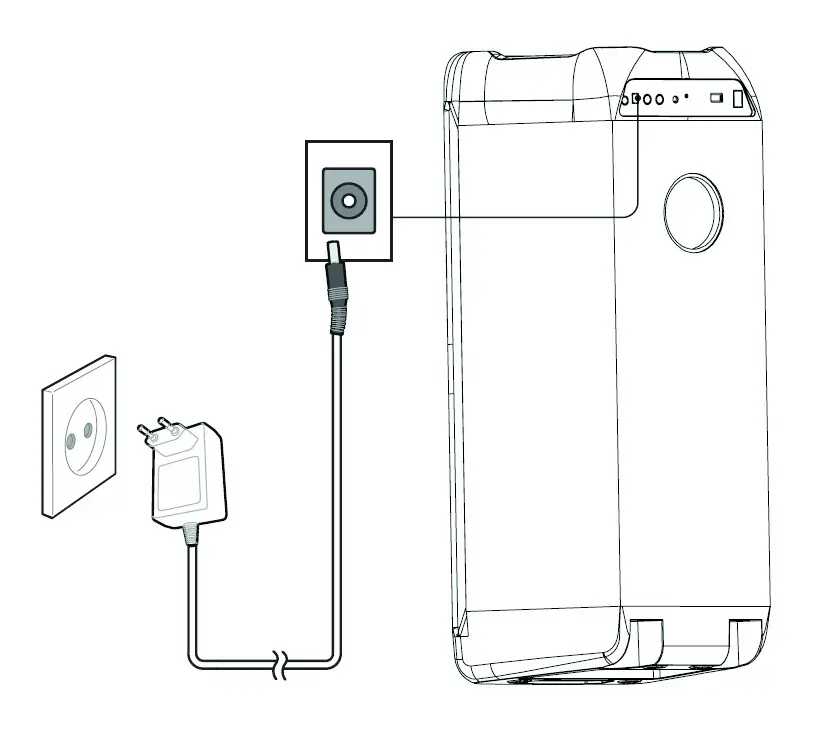
Power connection
BT Connection
USB Connection
Line-in Connection
Connection for Microphone/Guitar
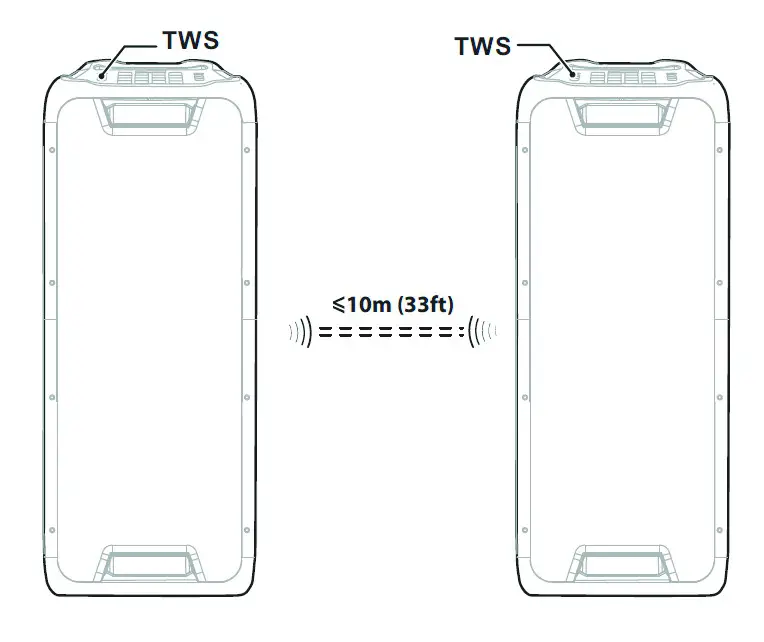
TWS-Connection (True Wireless Stereo)
REMOTE CONTROL
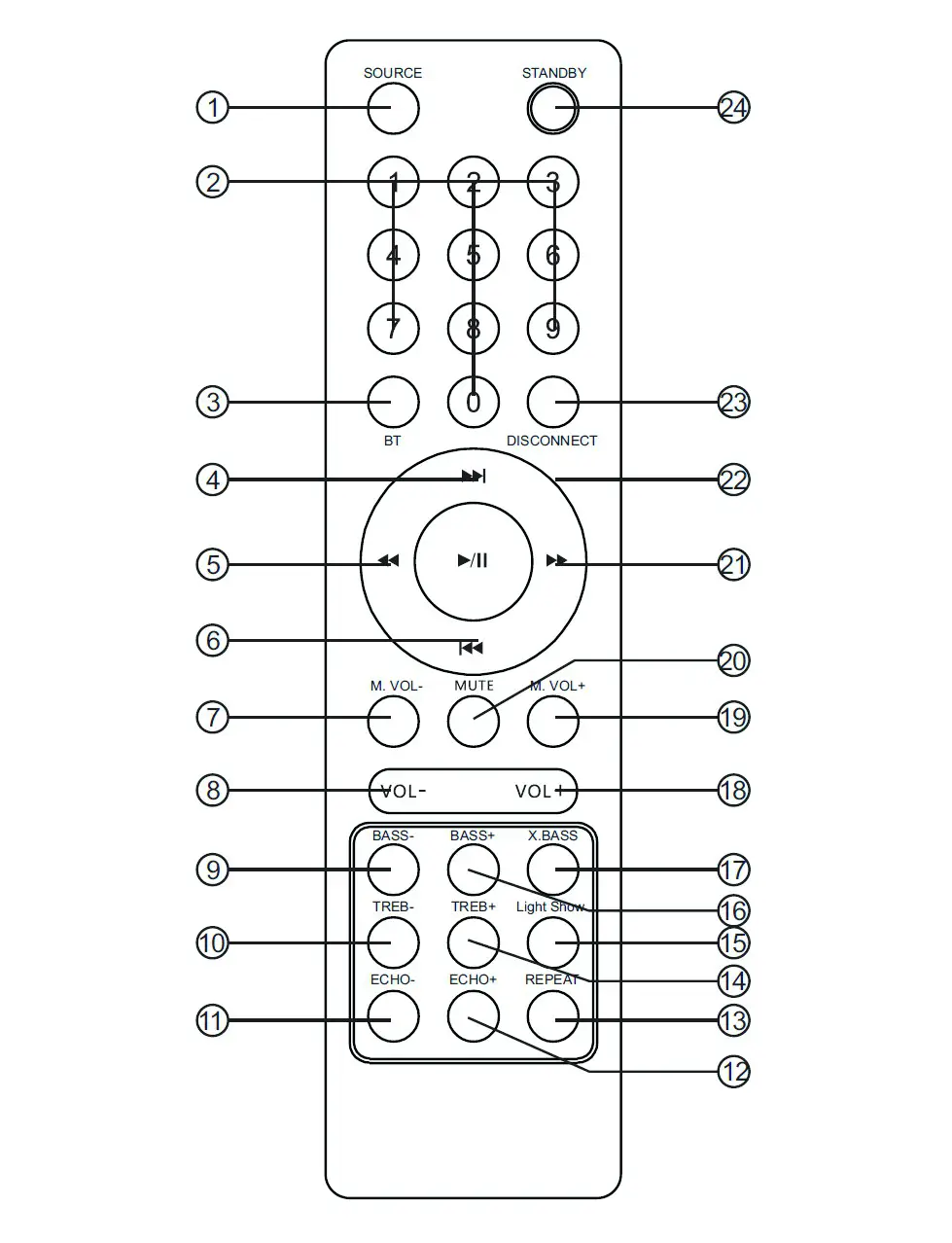
| 1 | Press to select one of the following sources: USB, LINE, BT | 13 | Select repeat function in USB mode. |
| 2 | Use the number buttons to directly select a track in USB mode. For example, to select track 12, press 1 and then press 2. | 14 | Treble Effect Increase Treble Effect. |
| 3 | Start BT pairing mode. | 15 | Select Light Show: LED1 > LED2 > LED3 , LED4 > OFF |
| 4 | Select next track in BT/USB mode. | 16 | Increase bass effect |
| 5 | Fast rewind in USB mode. | 17 | Press the button to switch the extra bass on and off. |
| 6 | Select previous track in BT/ USB mode. | 18 | Increase volume. |
| 7 | Increase microphone volume. | 19 | Increase microphone volume. |
| 8 | Increase volume. | 20 | Mute or unmute the speakers. |
| 9 | Decrease bass effect. | 21 | Fast forward in USB mode. |
| 10 | Decrease Treble effect | 22 | Play/Pause in BT/USB mode. |
| 11 | Reduce echo effect. | 23 | Disconnect T-connection and pair new device. |
| 12 | Increase echo effect. | 24 | Enable or disable standby mode. |
OPERATION
BT connection
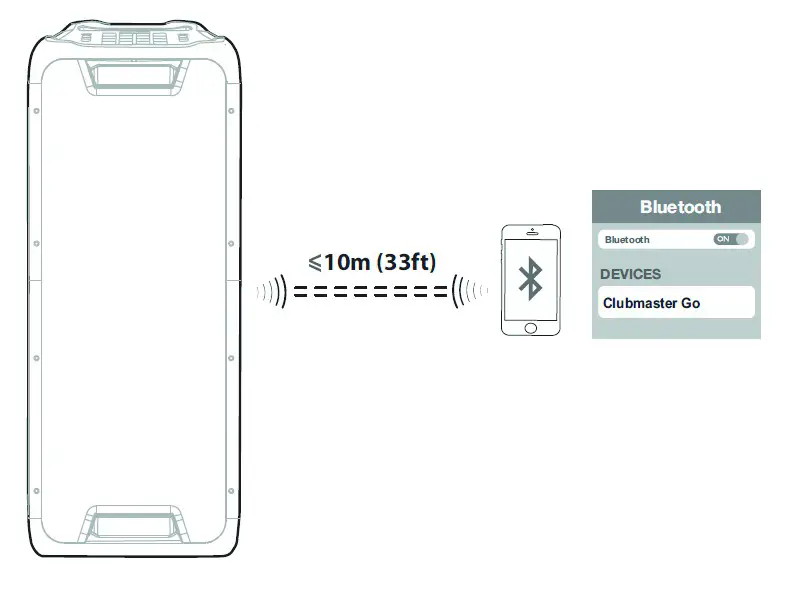
- Turn on the speakers and select BT mode by pressing the SOURCE button.
- Turn on the BT function of your mobile phone to search for BT devices. Select [Clubmaster Go] from the hit list. Select [OK] or [YES] to pair this device with your mobile phone. When [BT] is shown continuously in the display, the two devices are successfully paired. Once the connection is established, you can play music from your mobile phone.
TWS Connection (optional) - Switch on a second Clubmaster Go speaker (if available) and select the BT mode. Press and hold the PLAY/PAUSE key on the second speaker for 2 seconds until [toN] is displayed. When the [bl] indicator light is lit or a sound is heard from another device, the TWS connection is established. The left channel is then speaker 1 and the right channel is speaker 2.
- Press and hold the PLAY/PAUSE button on the second speaker for 2 seconds to disconnect the TWS connection. The display shows [toF].
CLEANING AND CARE
- Use a soft cloth or cotton dipped in a neutral solution for cleaning the surface of the speaker. Do not use the type of cloth that you use for washing dishes or aggressive chemical agents.
- If the speaker is not working properly during a storm, please disconnect the plug from the power socket and reinsert it after a minute.
- Do not drop small items or a liquid into the speaker.
- In the event that you find small items or a liquid inside the speaker,you see smoke or smell an odour, immediately disconnect the speaker from
the power grid .send the speaker to an authorised service centre.
STATES OF THE OPERATING LIGHT AND THE DISPLAY
 | From | Device off | |
 | Green (continuous) | Device on | |
 | Red (continuous) | Standby | |
| BT | | BT (continuous) | Connected |
 | BT (flashing) | Separate | |
| X.BASS | X.OF | X-Bass off | |
| X.ON | X-Bass on | |
| TWS | T.OF | TWS off | |
| T.ON | TWS on | |
| LED MODE | Aus | Show Light off | |
| LED1, LED2, LED3, LED4 | Show Light on | |
| MJ ODE | Aus | DJ mode off | |
| DJ1 | Drums | |
| DJ2 | Keyboard | |
| DJ3 | Piano | |
| DJ4 | DJ Effects |
DISPOSAL CONSIDERATIONS
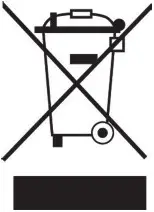 If there is a legal regulation for the disposal of electrical and electronic devices in your country, this symbol on the product or on the packaging indicates that this product must not be disposed of with household waste. Instead, it must be taken to a collection point for the recycling of electrical and electronic equipment. By disposing of it in accordance with the rules, you are protecting the environment and the health of your fellow human beings from negative consequences. For information about the recycling and disposal of this product, please contact your local authority or your household waste disposal service.
This product contains batteries. If there is a legal regulation for the disposal of batteries in your country, the batteries must not be disposed of with household waste. Find out about local regulations for disposing of batteries.
By disposing of them in accordance with the rules, you are protecting the environment and the health of your fellow human beings from negative consequences.
DECLARATION OF CONFORMITY
 Manufacturer:
Chal-Tec GmbH, Wallstrasse 16, 10179 Berlin, Germany.
Importer for Great Britain:
Berlin Brands Group UK Ltd
PO Box 1145
Oxford, OX1 9UW
United Kingdom
 Hereby, Chal-Tec GmbH declares that the radio equipment type Clubmaster is in compliance with
Directive 2014/53/EU. The full text of the EU declaration of conformity is available at the following internet address: use.berlin/10035261
For Great Britain: Hereby, Chal-Tec GmbH declares that the radio equipment type Clubmaster is in compliance with the relevant statutory requirements. The full text of the declaration of conformity is available at the following internet address: use.berlin/10035261