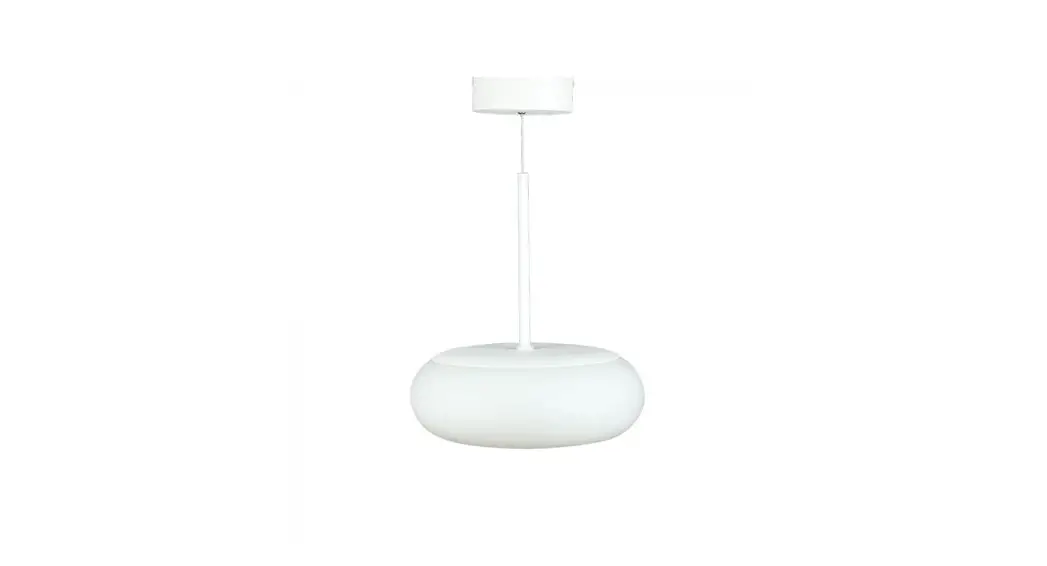
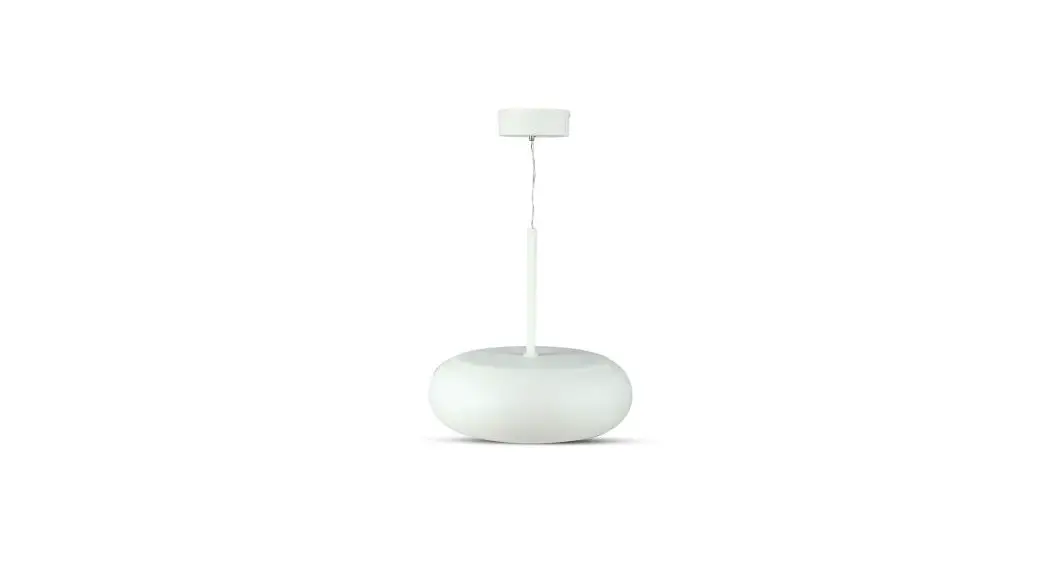
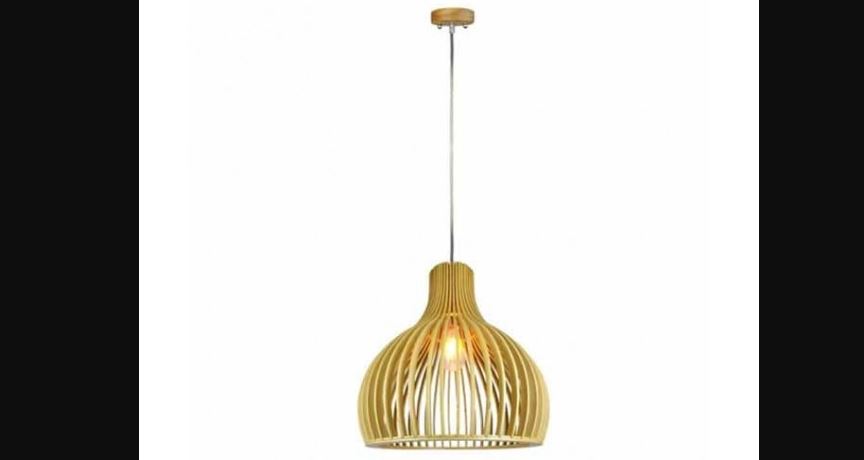
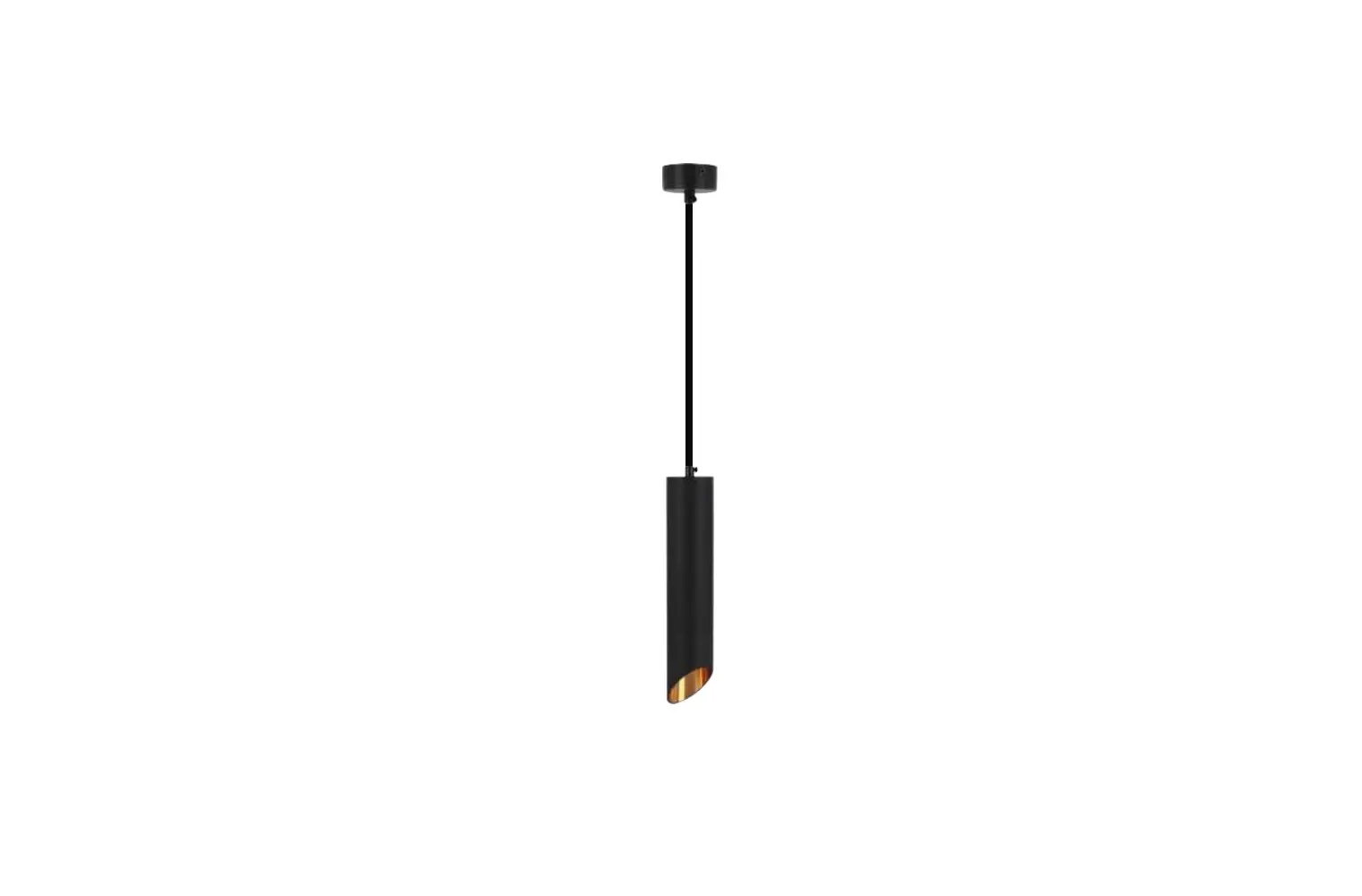
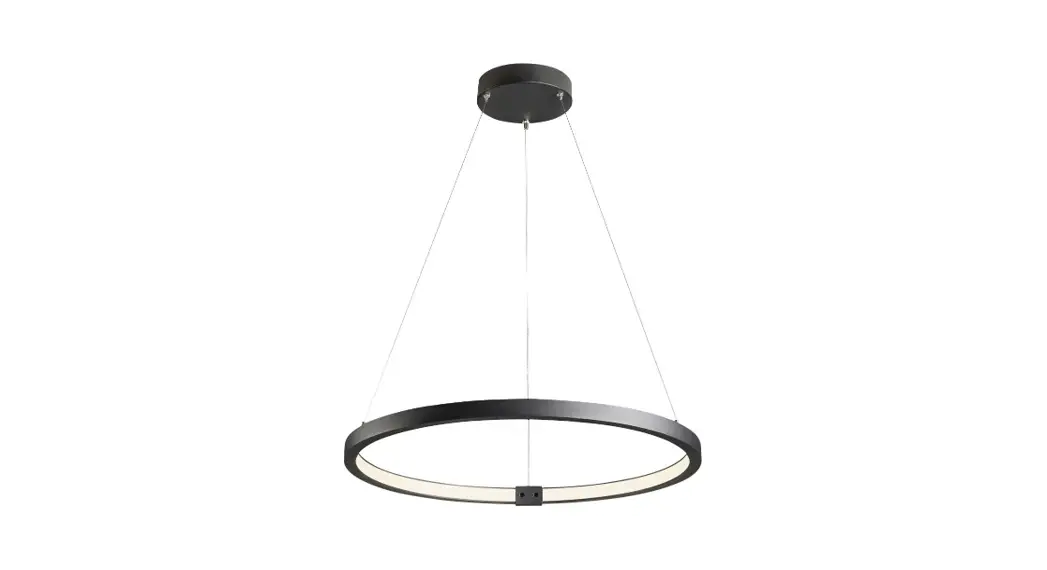
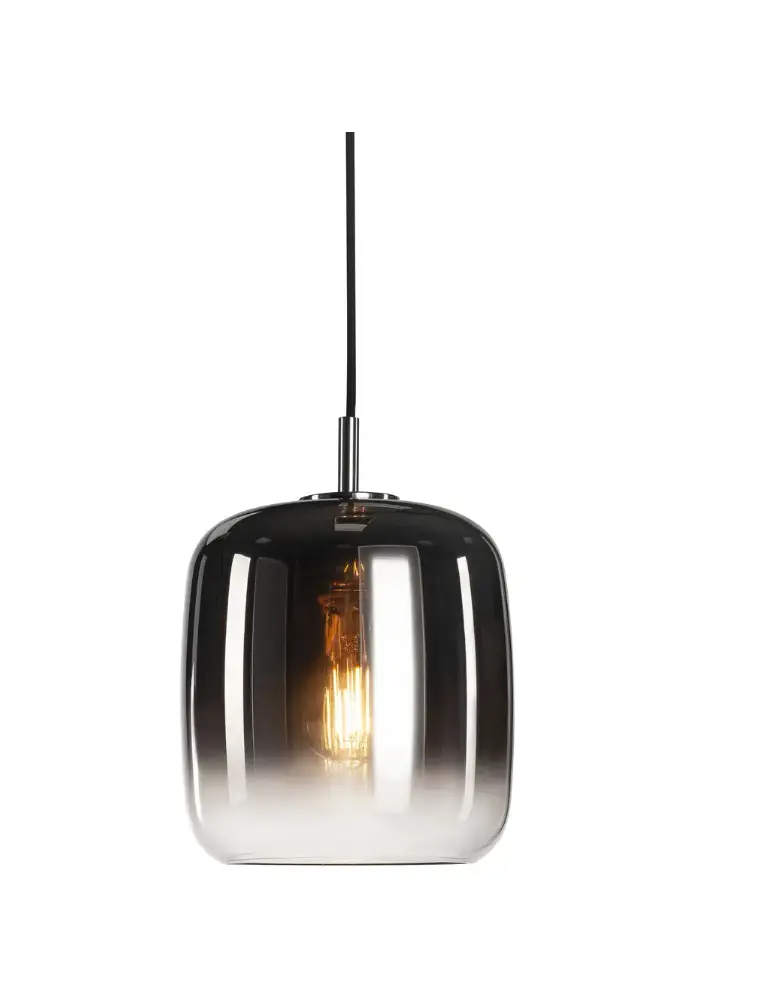
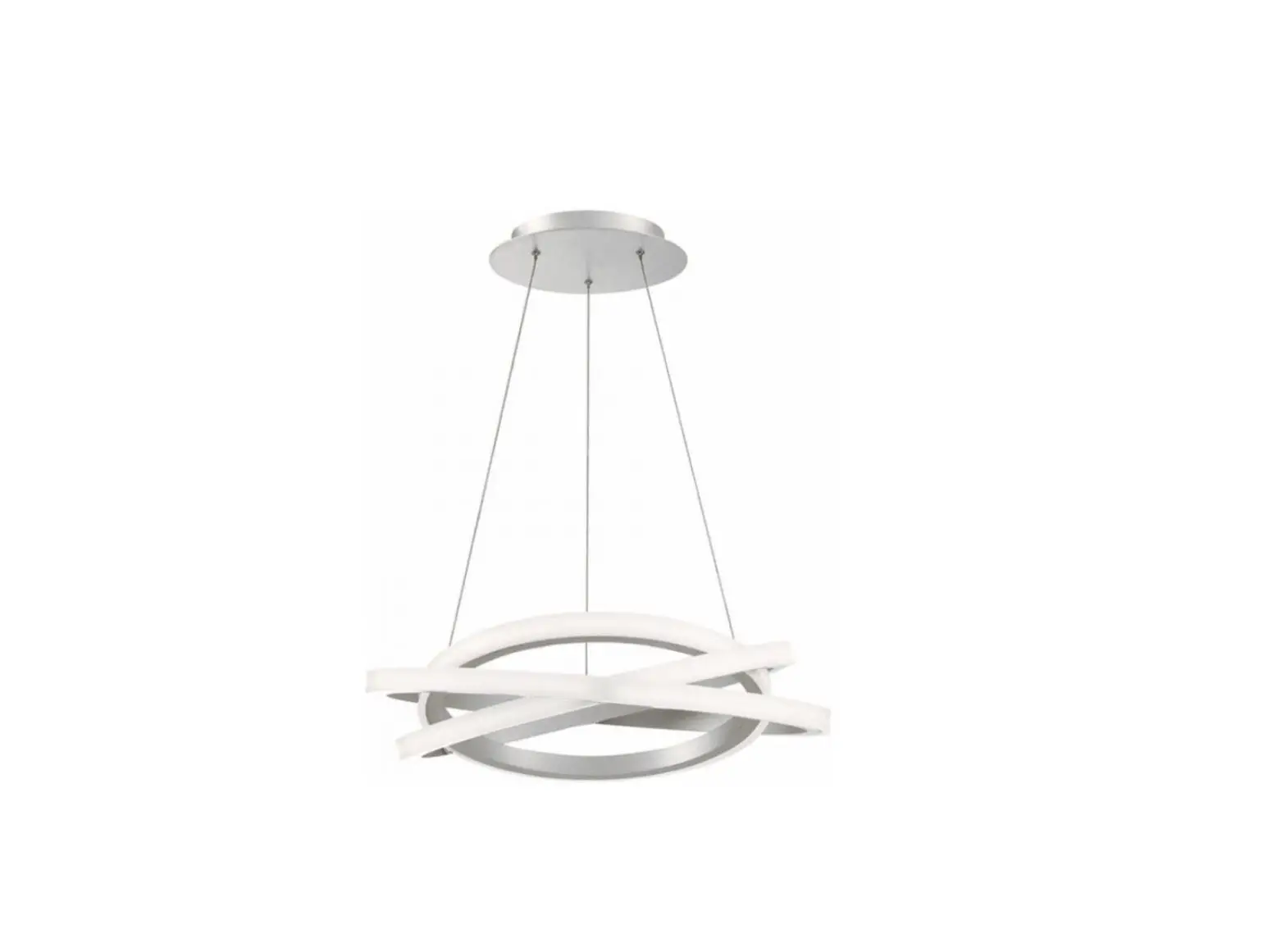
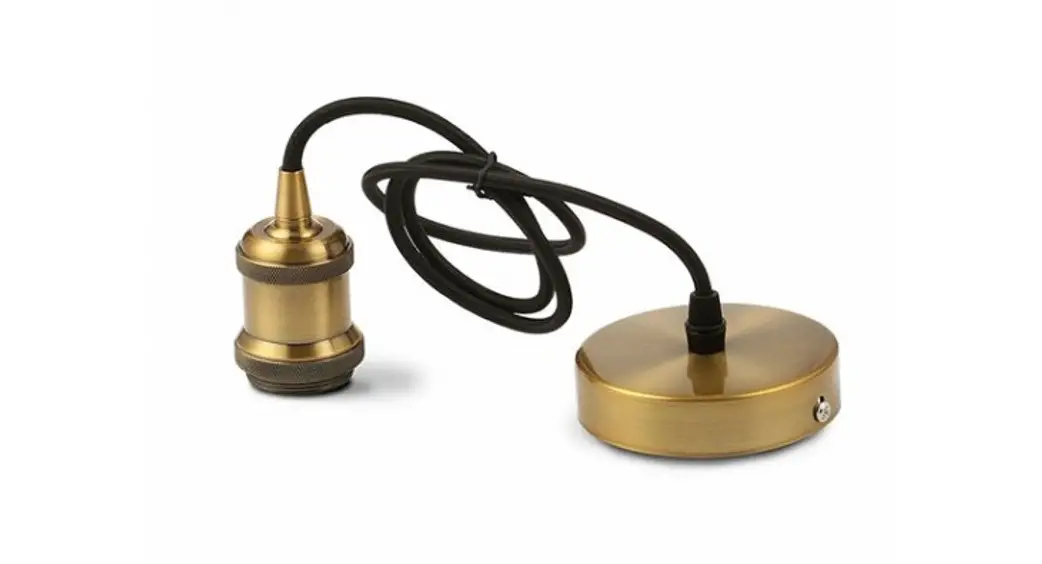
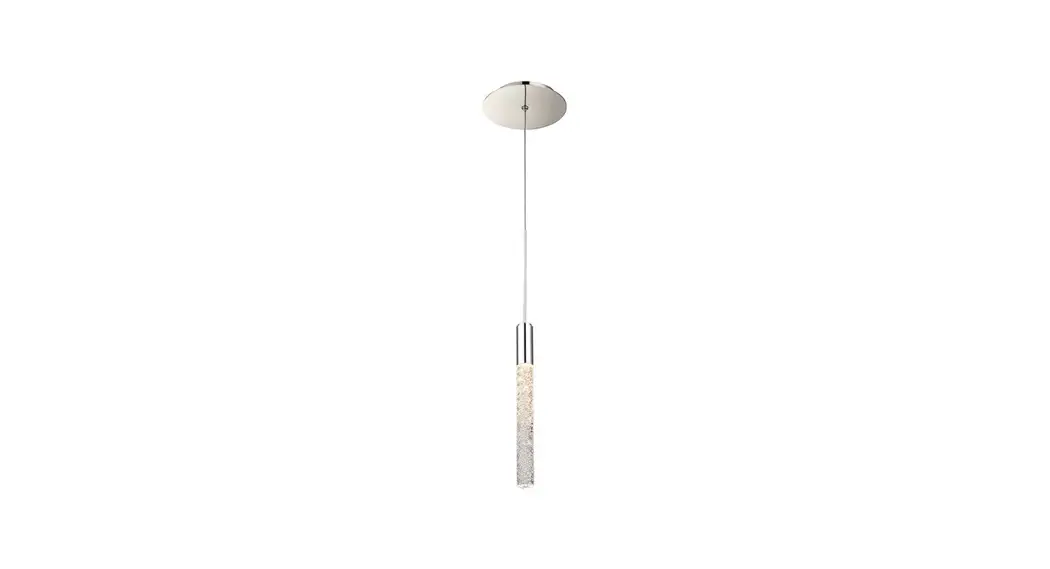
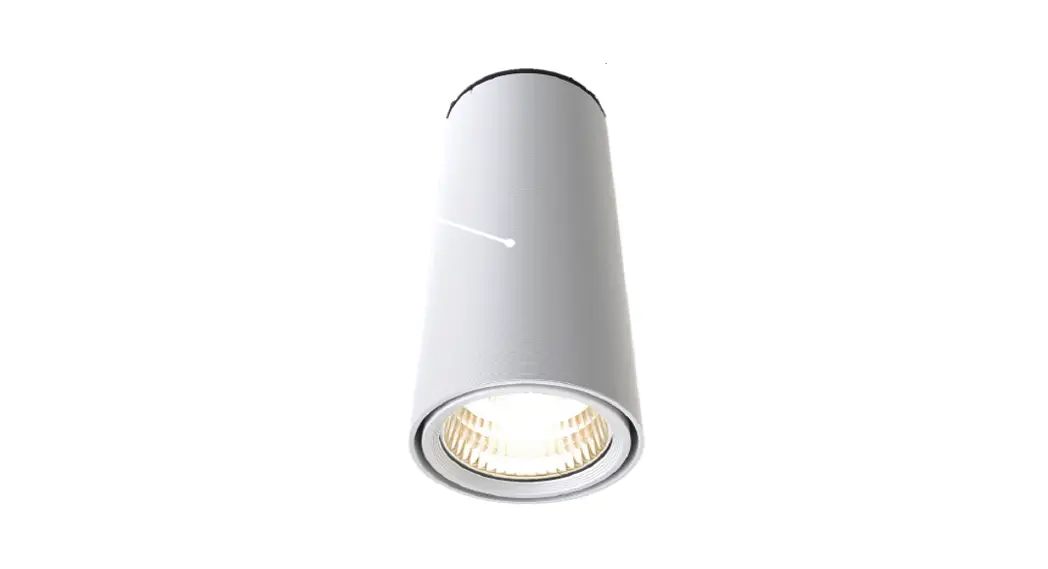
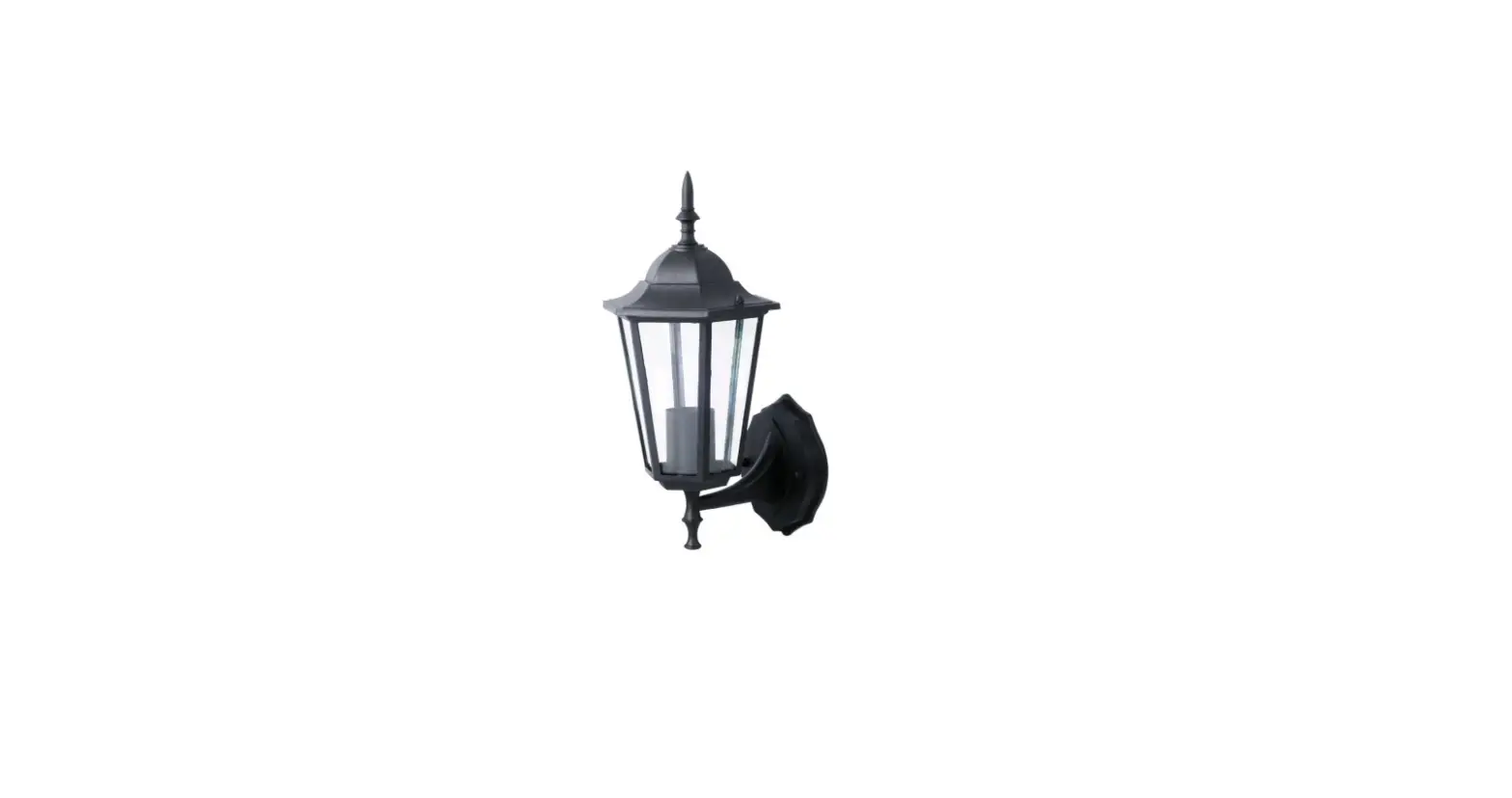
VT-7605 Led Designer Surface Pendant
Product Information:
The LED Designer Surface Pendant is a stylish lighting fixture
that combines a modern design with energy-efficient LED technology.
It features an aluminum and PC lamp body, providing durability and
a sleek appearance. The pendant operates on AC power with a voltage
range of 220-240V and a frequency of 50/60Hz. The model VT-7605 has
a power output of 3 watts and produces a dimmable light with
adjustable color temperature.
The pendant comes with a remote control that uses 2.4G RF
technology for easy operation. It is also TRIAC dimmable, allowing
you to adjust the brightness according to your preference. The
product comes with a warranty period of 3 years, ensuring quality
and customer satisfaction.
Product Usage Instructions:
Installation:
- Switch off the power before starting the installation.
- Fix the ceiling plate to the ceiling using screws.
- Connect the supply wires to the luminaire following the wiring
diagram. - Attach the ceiling base to the ceiling plate using screws.
- Switch on the lamp to check the light.
Maintenance:
- Clean and check the lamp regularly for safety and optimal
performance. - Switch off the power before cleaning.
Remote Control Instructions:
The pendant comes with a remote control for convenient
operation. Here are the functions of the remote control
buttons:
- Turn On: Press and hold the turn on button
within 4 seconds to turn on the LED lamps. - Brightness +: Adjusts the brightness level of
the fixture. - Cold Light: Activates the cold light
mode. - Turn Off: Press and hold the turn off button
within 4 seconds to turn off the LED lamps. - Brightness -: Adjusts the brightness level of
the fixture. - Warm Light: Activates the warm light
mode. - Night Light: Activates the night light
mode.
Connecting/Disconnecting Remote Control:
To connect the remote control with the fixture, follow these
steps:
- Ensure that the LED lamps are powered on.
- Press and hold the turn on button within 4 seconds. The LED
lamp will flash once slowly, indicating a successful match
code.
To disconnect the remote control from the fixture, follow these
steps:
- Turn off the LED power supply for 10 seconds.
- Turn on the LED power supply.
- Press and hold the turn off button within 4 seconds. The LED
lamp will flash twice slowly, indicating a successful clear
code.
Note: The clear code function is only
applicable if the fixture has already been matched with a code. If
there is no previous match code, or if a new remote control is used
to match code again, the previous remote control record will be
automatically cleared by the system.
For any queries or issues with the product, please
contact us at:
Email: [email protected]
For more product range and inquiries, please contact our
distributor or nearest dealers.
V-TAC EUROPE LTD.
Bulgaria, Plovdiv 4000, Bul.L.Karavelow 9B
LED DESIGNER SURFACE PENDANT
TECHNICAL DATA:
Model Watts Lumens
VT-7605
Color Beam Angle
CCT (Dimmable)
Body Type Input Power Dimension
Aluminum + PC lamp body AC:220-240V, 50/60Hz
3
WARRANTY*
YEARS
Remote Control Type Remote Control 2.4G RF
TRIAC
DIMMABLE
INTRODUCTION & WARRANTY
Thank you for selecting and buying V-TAC product. V-TAC will serve you the best. Please read these instructions carefully before starting the installation and keep this manual handy for future reference. If you have any another query, please contact our dealer or local vendor from whom you have purchased the product. They are trained and ready to serve you at the best. The warranty is valid for 3 years from the date of purchase. The warranty does not apply to damage caused by incorrect installation or abnormal wear and tear. The company gives no warranty against damage to any surface due to incorrect removal and installation of the product. The products are suitable for 10-12 Hours Daily operation. Usage of product for 24 Hours a day would void the warranty. This product is warranted for manufacturing defects only.
WARNING
1. Please make sure to turn off the power before starting the installation. 2. The light source of this luminaire is not replaceable, when the light source reaches its end of life the whole luminaire should be replaced. 3. If the external flexible cable or cord of this luminaire is damaged, it shall be exclusively replaced by the manufacturer or his service agent or a similar qualified person in order to avoid a hazard. 4. Proper grounding should be ensured throughout the installation. 5. Installation must be performed by a certified person. 6. For Indoor use only 7. Switch off the power in case of abnormal performance and contact professional technician or local dealer
This marking indicates that this product should not be disposed of with other household wastes.
Caution, risk of electric shock.
Non-replaceable control gear
Non-replaceable light source
22 PAP
INSTALLATION DIAGRAM:
MULTI-LANGUAGE MANUAL QR CODE
Please scan the QR code to access the manual in multiple languages.
INSTALLATION INSTRUCTION
1. Switch off the power before starting the installation. 2. Fix the ceiling plate to the ceiling with screw. 3. Connect supply wires to luminare as displayed in the wiring diagram. 4. Then fix the ceiling base to the ceiling plate with screw accordingly. 5. Switch on the lamp to check the light.
MAINTENANCE
1. Clean and check the lamp on time for safety and better performance 2. Switch off the power before cleaning
IN CASE OF ANY QUERY/ISSUE WITH THE PRODUCT, PLEASE REACH OUT TO US AT: [email protected] FOR MORE PRODUCTS RANGE, INQUIRY PLEASE CONTACT OUR DISTRIBUTOR OR NEAREST DEALERS. V-TAC EUROPE LTD. BULGARIA, PLOVDIV 4000, BUL.L.KARAVELOW 9B
REMOTE CONTROL INSTRUCTION
REMOTE CONTROL BUTTON FUNCTIONS
Turn on button: Press turn on button once, the fixture will switch on. To match the code, hold long press turn on button within 4s (seconds) after connecting power supply successfully. Turn off button: Press turn off button once, the fixture will switch off. To clear the code, hold long press turn off button within 4s (seconds) after connecting power supply successfully. Cold light +: 1. Press cold light once, the lighting fixture will add one grade brightness, in the meanwhile, the warm light of lighting fixture will reduce one grade brightness. There is total 15 different brightness grades from cold light to turn off light and to turn on light. 2. Hold long press cold light button, cold light of lighting fixture become brighter gradually, at the same time the warm light of lighting fixture become darker. Warm light +: 1.Press warm light once,the lighting fixture will add one grade brightness, in the meanwhile, the cold light of lighting fixture will reduce one grade brightness .There is total 15 different brightness grades from warm light to turn off light and to turn on light. 2. Hold long press warm light button, warm light of lighting fixture become brighter gradually, at the same time the cold light of lighting fixture become darker. Brightness +: 1. Once press “brightness +” button, cold light and warm light of lighting fixture would add more one grade brightness, there is total 11 brightness grades from the lowest brightness to the highest brightness. 2. Hold long press “brightness +” button, cold light and warm light of lighting fixture would be more brighter gradually at the same time. Brightness -: 1. Once press “brightness -” button, cold light and warm light of lighting fixture would reduce one grade brightness, there is total 11 brightness grades from the highest brightness to the lowest brightness. 2. Hold long press “brightness -” button, cold light and warm light of lighting fixture would be darker gradually at the same time. Button indicating light using way as below: Note: Customer can adjust warm light and cold light settings according to power supply and fixture.
HOW TO CONNECT/DISCONNECT REMOTE CONTROL
WITH THE FIXTURE
LED INDICATOR
1. Match Code function:
[The remote control only can be used after matching code with the LEDTURN ON
lamps], follow the below method
· Turn off LED power supply for 10s (seconds), then turn on LED power
BRIGHTNESS +
supply, long press turn on button within 4s (seconds) at once, if LED lamp
will flash once slowly, it means match code is successful.
COLD LIGHT
Note: Lighting fixture can only control by last successful match code.
· For instance, one lighting fixture can match code with many remote controls successfully, but only recent matched remote control can control this CYCLE
lamp, those previous remote control record will be auto clear by the system.
2. Clear code function: Turn off LED power supply for 10s (seconds), then turn on LED power supply, long press turn off button within 4s (seconds) at once, if LED lamp will flash twice slowly, it means clear code successfully. Note: Clear code function based on fixture has matched code already, if not matched then long pressing the turn off button will result in no effect. For example:
1) There is no clear code function, if this remote control do not match code with fixture first. 2) Finish match code and then process clear code. 3) If fixture already match code and then you use another new remote control to match code again, the previous remote control record would be auto-cleared by system, so now LED will be without clear code function now.
3. Remote control with remember record function after powering off. Fixture brightness and match code record will keep stay on LED remote control’s storage after using remote control adjust fixture brightness. So it can use previous remote control to control previous lamp after powering on.
TURN OFF BRIGHTNESS –
WARM LIGHT NIGHT LIGHT
 TAC.EU