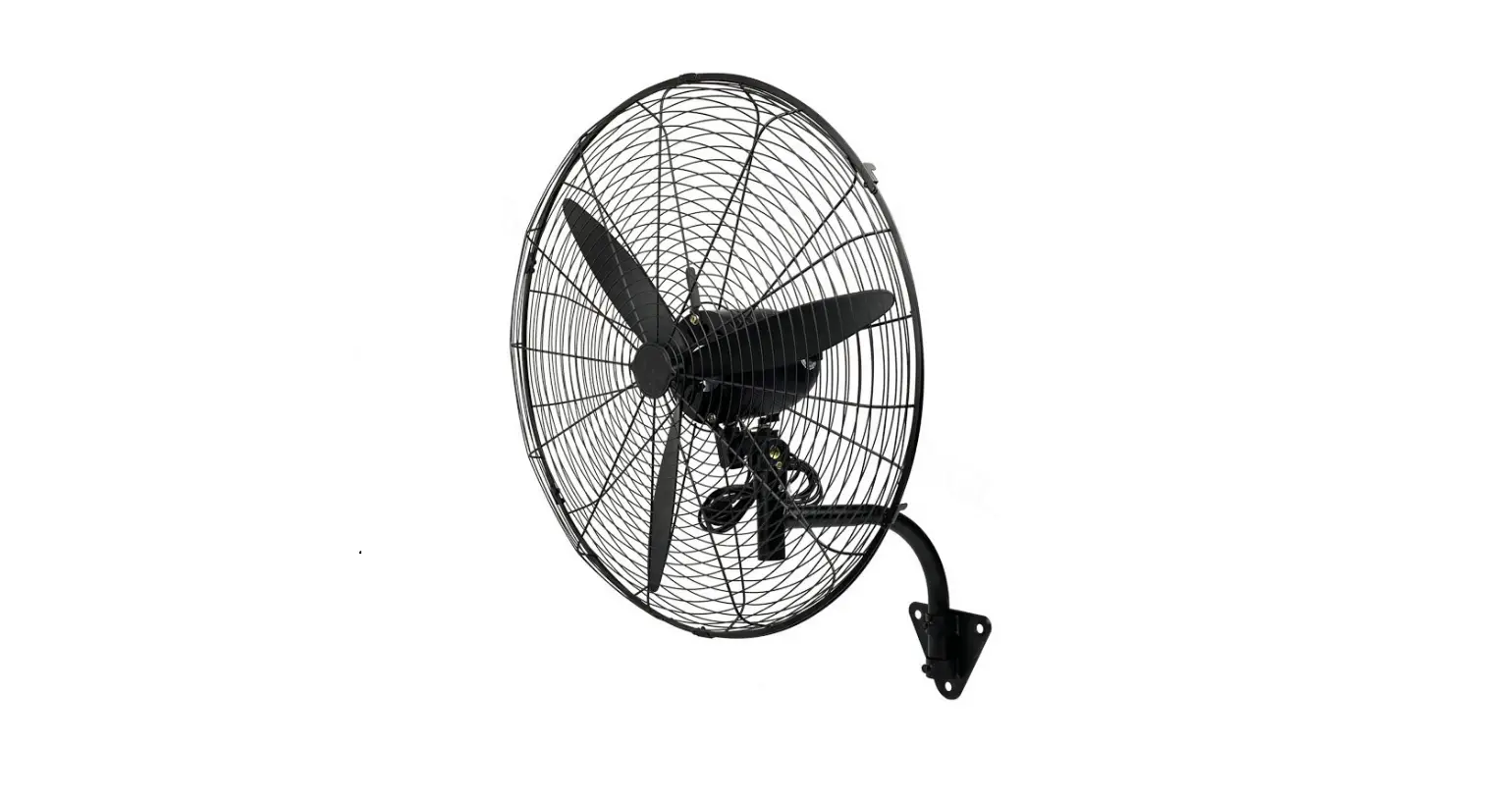
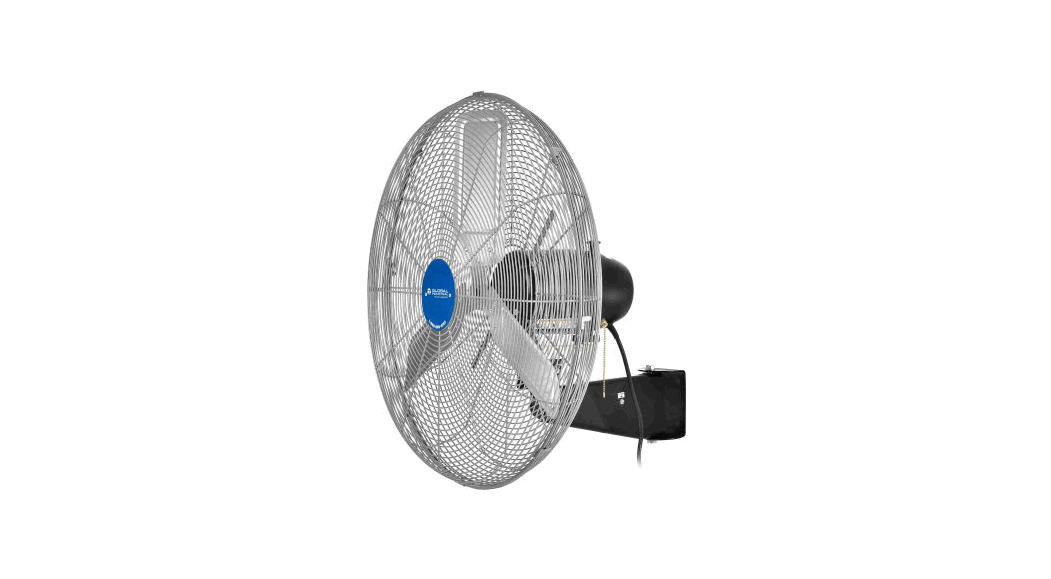
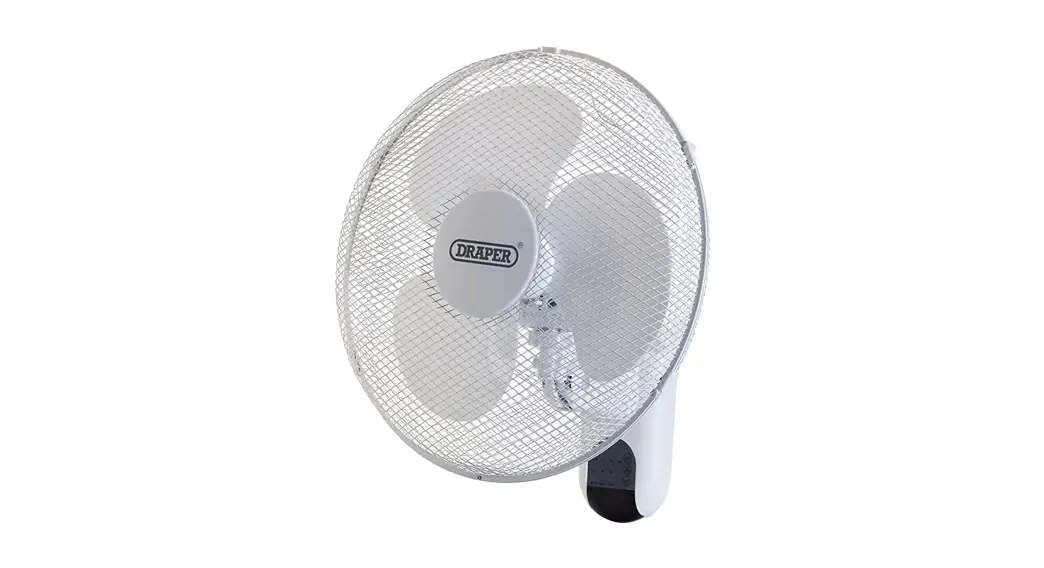
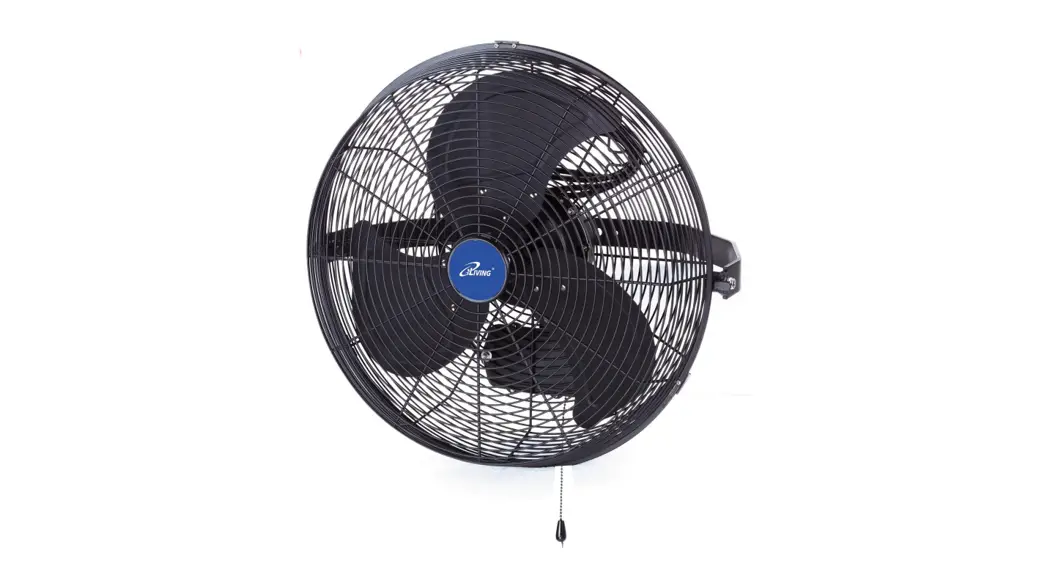
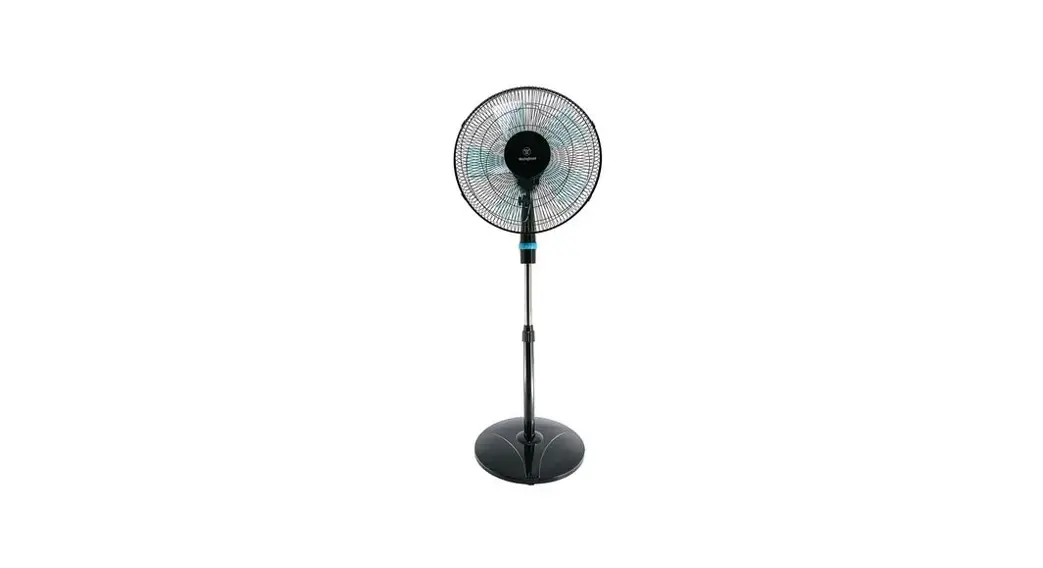
U12 Industrial Wall Mounted Work Station Fan
Industrial Air Circulator
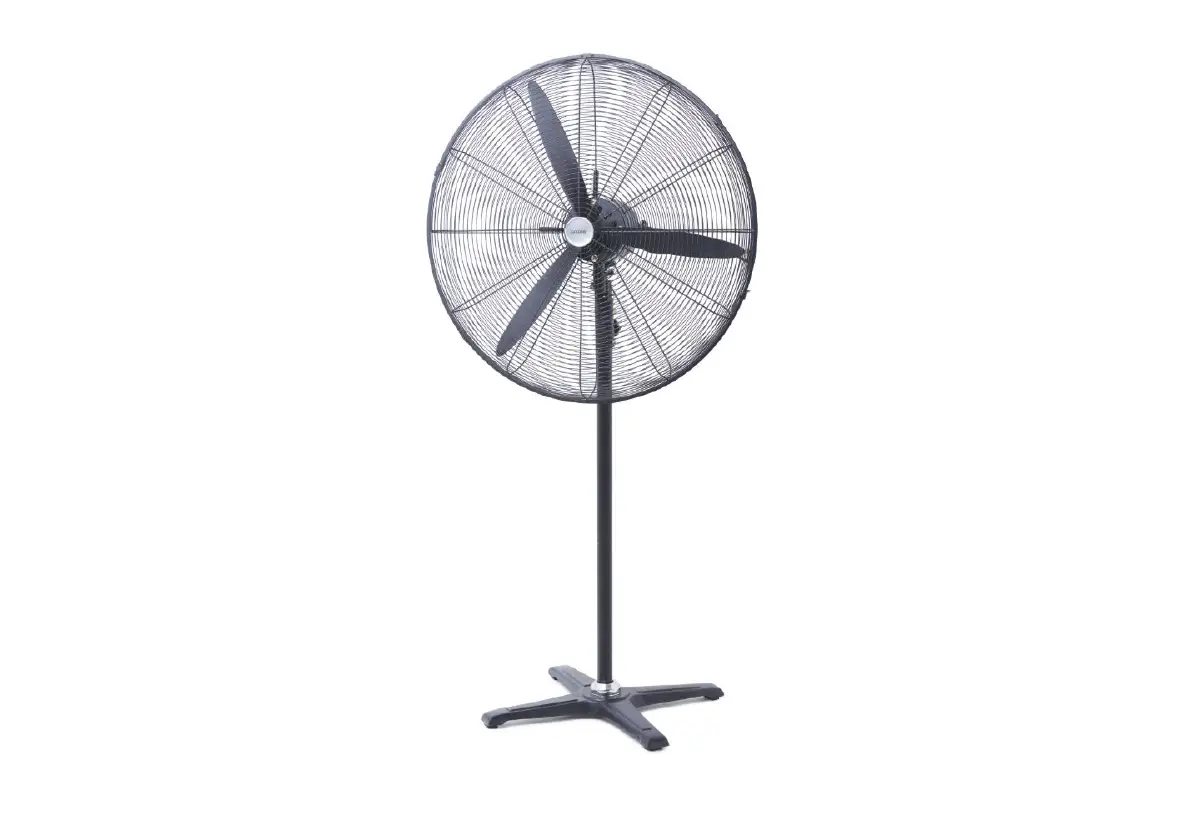
The Industrial Air Circulator is a high-performance utility fan
designed to provide a desired amount of air delivery. It features a
three-speed selector switch and a thermo-protector that
automatically de-energizes the fan if it overheats. The motor
bearings are lubricated at the factory and do not require
additional lubrication.
Safety Precautions
To ensure your safety and prevent fire, electrical shock, or
injury, please observe the following precautions:
- Read and save these important instructions.
- Disconnect the unit from the power outlet if the motor
overheats. - All maintenance should be done by TPI Corporation or a
qualified electrician. - Avoid contact between cleanser and motor windings or bearings
when cleaning.
Usage Instructions
- Place the Industrial Air Circulator in a suitable location
where air circulation is desired. - Connect the power cord to a grounded electrical outlet.
- Use the three-speed selector switch to choose the desired
amount of air delivery. - During normal operation, the motor may become warm to the
touch. This is normal. - If the motor overheats for any reason, immediately disconnect
the unit from the power outlet.Cleaning and Maintenance
To clean the Industrial Air Circulator, follow these steps:
- Disconnect the unit from the power outlet.
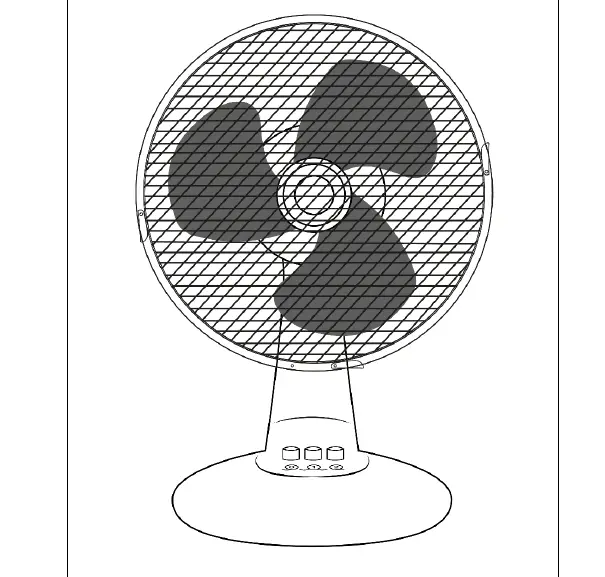
- Remove two retaining screws and open the six guard clips on the
flange. - Lift the front guard up and off to separate the two
halves. - Use mild detergent and water to clean the blade and guards.
Avoid contact with the motor windings or bearings. - Replace the front guard in reverse order of disassembly.
- Allow the fan to dry completely before the next use.
For further assistance or information on TPI Products or
replacement parts, please contact the TPI Customer Service
Department at 1-800-251-0382 or write to the address provided.
Industrial Air Circulator Instructions
For All Utility Fan Models
READ AND SAVE THESE IMPORTANT INSTRUCTIONS
It is important that the following safety precautions be followed when using this product:
·ALWAYS unplug unit for cleaning or maintenance. ` ·ALWAYS unplug unit when not in use. ·ALWAYS unplug when moving unit from one location to the next. ·DO NOT use an extension cord. Plug fan into a properly rated electrical outlet. ·DO NOT place foreign objects through guards into blades. ·DO NOT allow unit to become wet or damp. ·DO NOT use this fan with any solid state speed control device.
WARNING: To reduce the risk of fire, electrical shock, or injury to persons, observe the following:
·Use this unit only in the manner intended by the manufacturer. If you have questions, contact the manufacturer.
·Before servicing or cleaning unit, switch power off at service panel and lock service panel to prevent power from being switched on accidentally. When the service disconnecting means cannot be locked, securely fasten a prominent warning device, such as a tag to the service panel.
INSTALLATION INSTRUCTIONS For installation on wood structures, use a 1/2″ lag screw of appropriate length for the application. For installation on steel structures, use a 1/2″ bolt of the appropriate length for the application, in combination with a flat washer, a lock washer and a 1/2″ nut. For installation on masonar~ structures, use a 1/2″ lag screw, in combination with a lag shield, of appropriate length for the application. In all cases, it is recommended that a flat washer be placed on both sides of the fan yoke to assist in smooth rotation.
OPERATING INSTRUCTIONS This unit is equipped with a three (3) speed selector switch, which allows you to select a desired amount of air delivery. During normal operation it is not uncommon for the motor to be warm to the touch. The motor is equipped with a thermo-protector, and will automatically de-energize the fan if it were to over heat for any reason. If this should happen immediately disconnect unit from power outlet.
CLEANING/MAINTENANCE INSTRUCTIONS All maintenance should be done by either TPI Corporation or a qualified electrician. The motor bearings are lubricated at the factory and should not require any additional lubrication. However, if bearing lubrication is required, apply a small amount of a synthetic oil to the motor bearing.
Remove two retaining screws and open the six guard clips on the flange. Lift front guard up and off to seperate the two halves. Use mild detergent to clean the blade and guards. Avoid allowing cleanser to come in contact with the motor windings or bearing. Then replace front guard in reverse order of disassembly. Allow fan to dry completely before next use.
Reference assembly drawing and parts list on the reverse side of this instruction sheet. Save these important instructions. Your TPI Air Circulator carries a one year warranty.
For additional information on TPI Products or replacement parts, call TPI Customer Service Department at 1-800-251-0382 or write the address below.
PO. Box 4973 · Johnson City, Tennessee 37602-4973 · 423-477-4 i31 · FAX 423-477-0683 FORM: 9890
-001 -002 -003 -004 -005 -006
58478-001 58299-008 29904-017 43887-001 43902-001 44122-001 43883-001 43883-003 58071-001 58573-001 58047-001 43882-001 42502-001 43884-001
4901 3904 3377 3159
DENOTES ITEM REQUIRED FOR THAT MODEL
DESCRIPTION
YOKE YOKE YOKE FRONT GUARD FRONT GUARD FRONT GUARD FRONT GUARD FRONT GUARD FRONT GUARD REAR GUARD REAR GUARD REAR GUARD REAR GUARD REAR GUARD REAR GUARD MOTOR MOTOR MOTOR, TOTALLY ENCLOSED MOTOR, TOTALLY ENCLOSED MOTOR, TOTALLY ENCLOSED, 277V MOTOR, TOTALLY ENCLOSED MOTOR, TOTALLY ENCLOSED FAN BLADE ASSEMBLY FAN BLADE ASSEMBLY FAN BLADE ASSEMBLY CENTER LOGO LABEL CENTER LOGO LABEL CENTER LOGO LABEL SWITCH PLATE LABEL SWITCH PLATE LABEL SWITCH SWITCH CORD SET ASSEMBLY STRAIN RELIEF BOLT, 1/4″-20 X 1.250″ CARRAIGE RUBBER BUSHING NUT, 1/4″-20 HI-CROWN NYLOCK NUT, #8-32 NYLOCK NYLON TY-RAP #6 x 1/4 TYPE A SCREW
SIDE VIEW
FORM: 9890