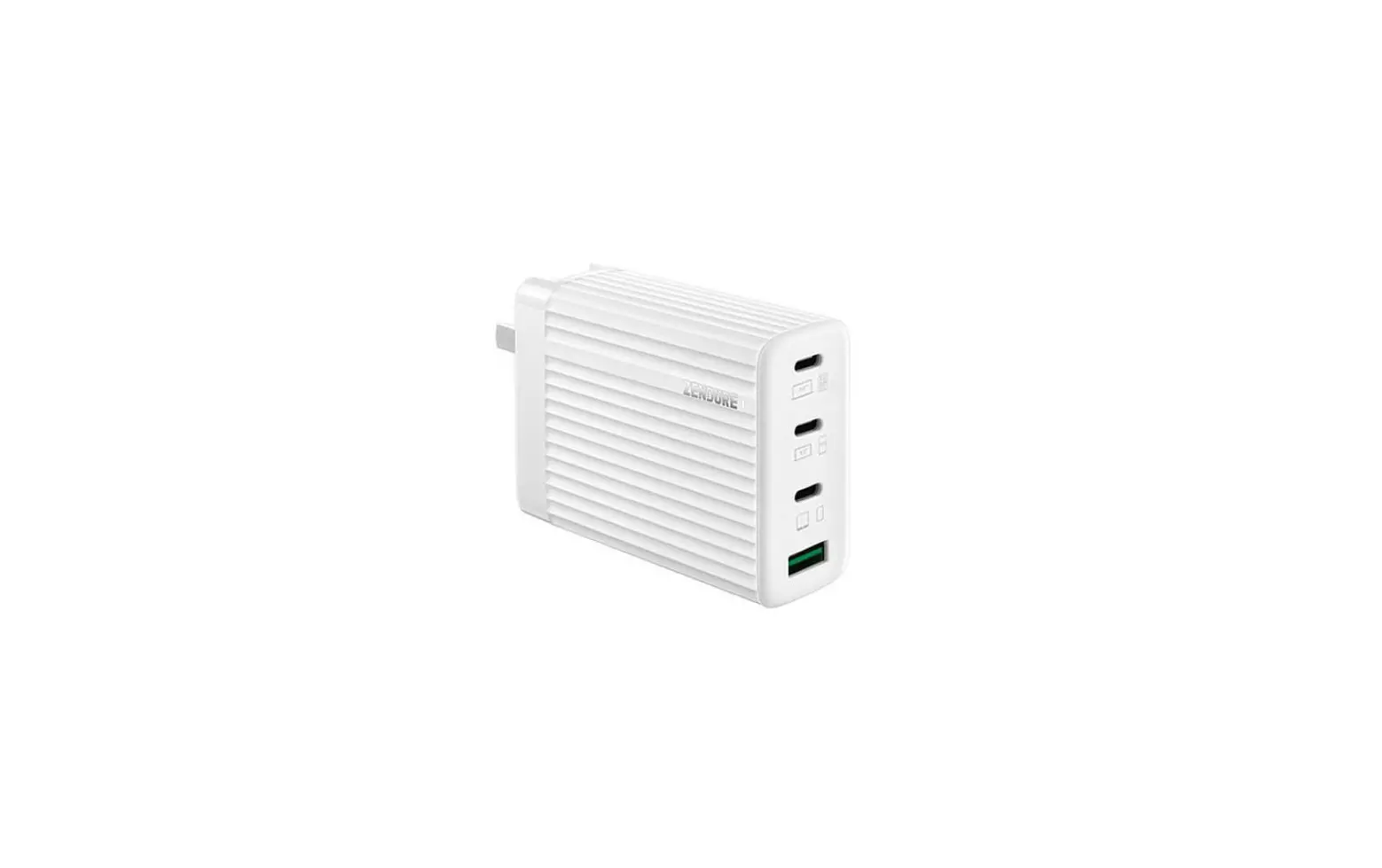

ZENDURE SUPERPORT S4 Ultra Compact 100W PD and GaN 4 Port Laptop Charger
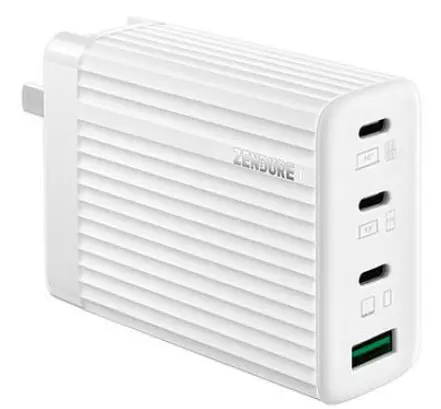
SuperPort S4
The Ultra-Compact lOOW PD & GaN 4-Port Laptop Charger
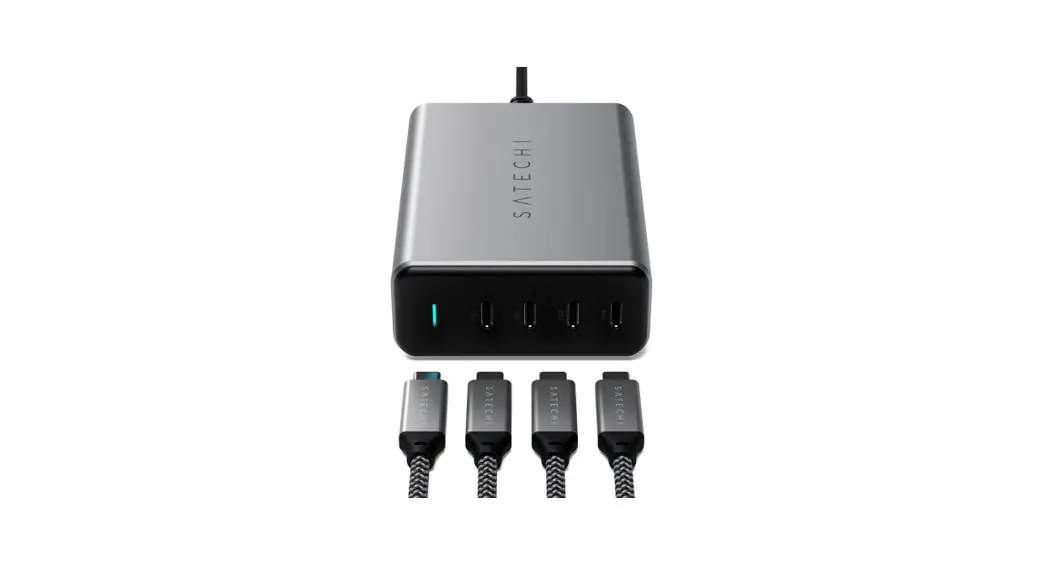
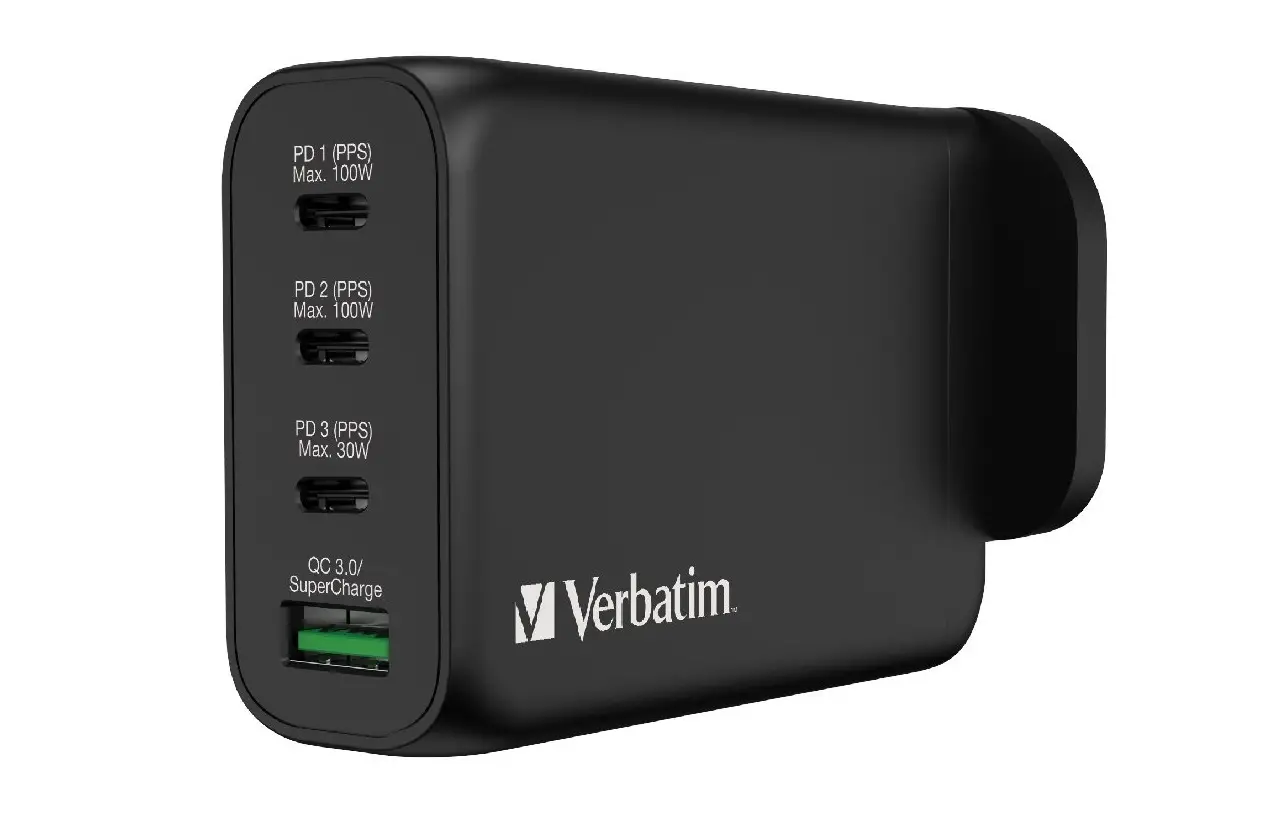
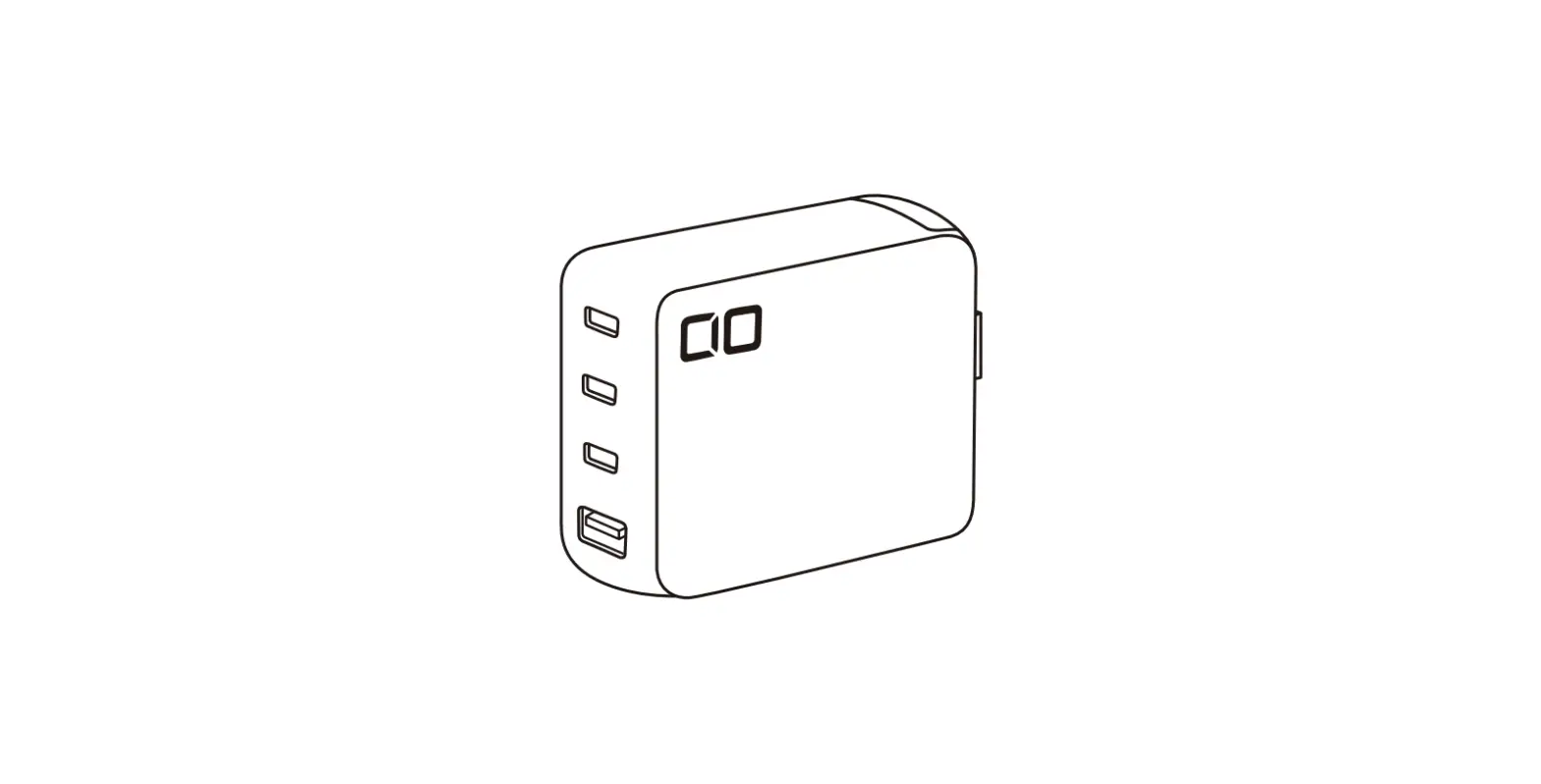
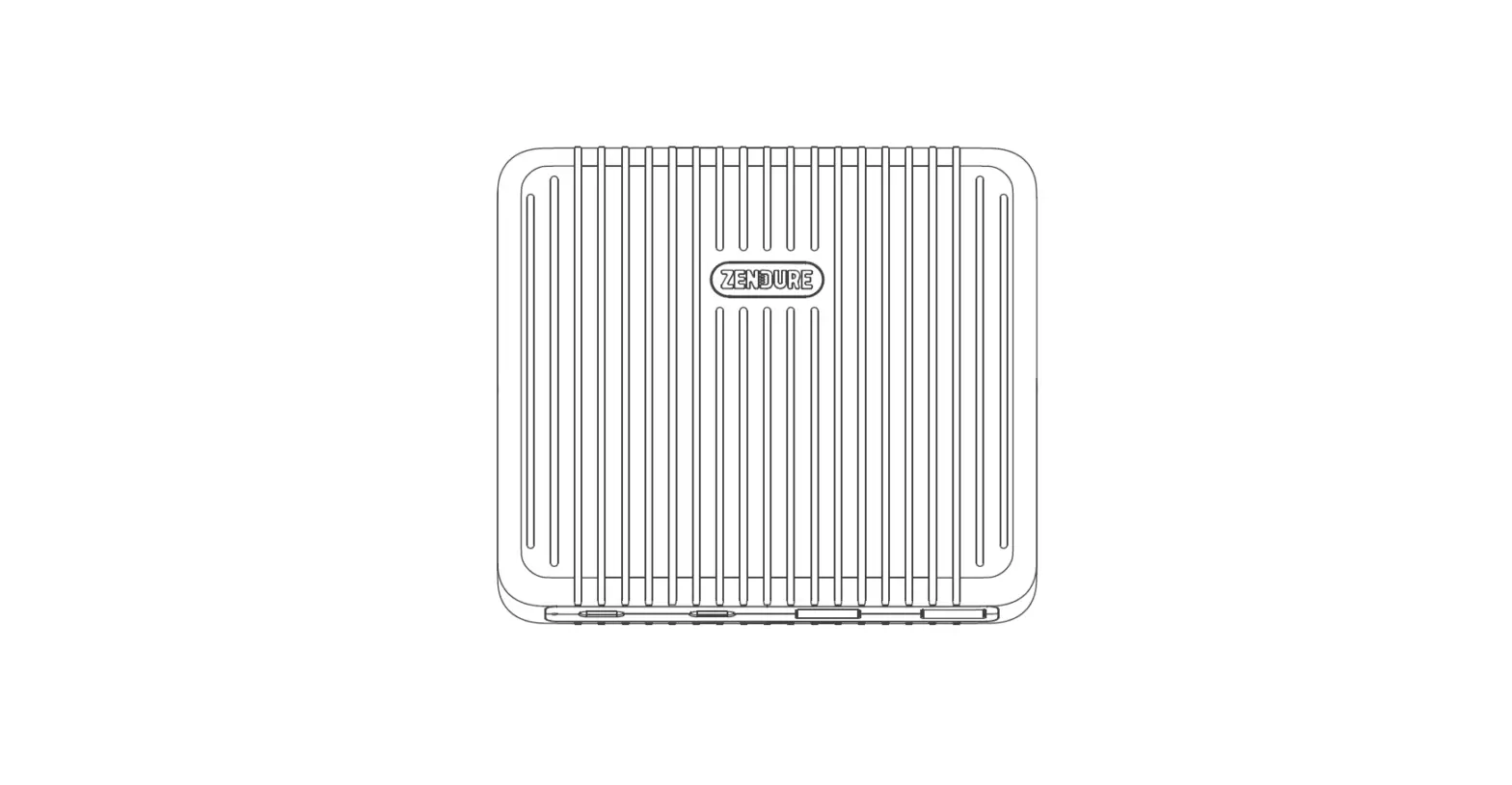
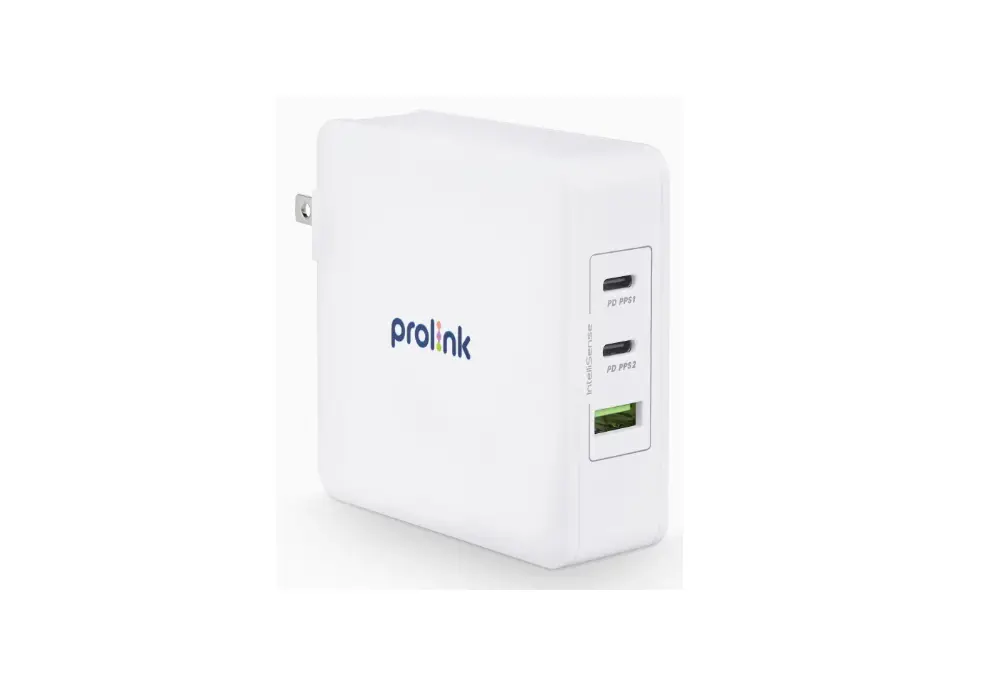
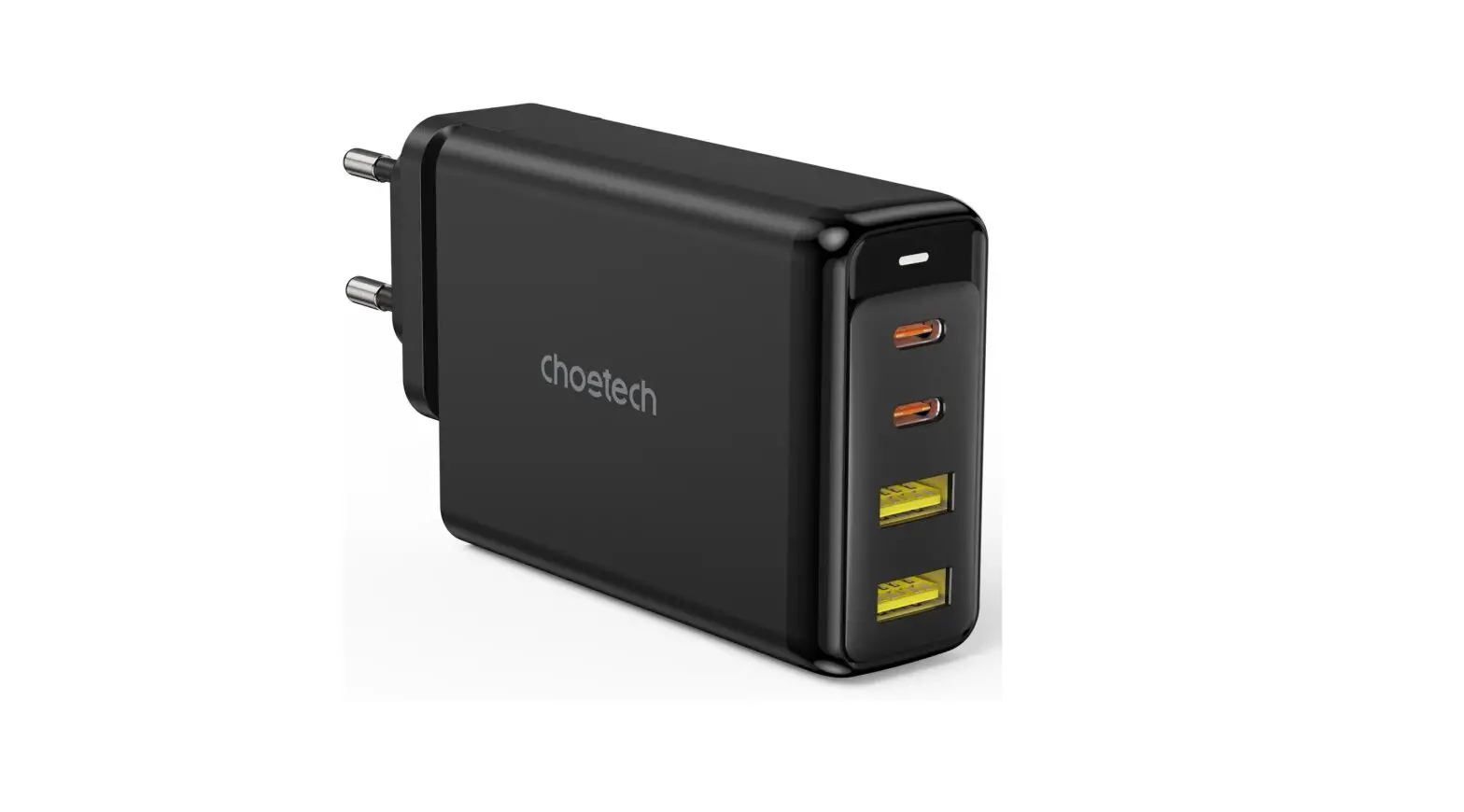
Product Overview
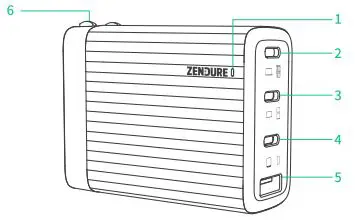
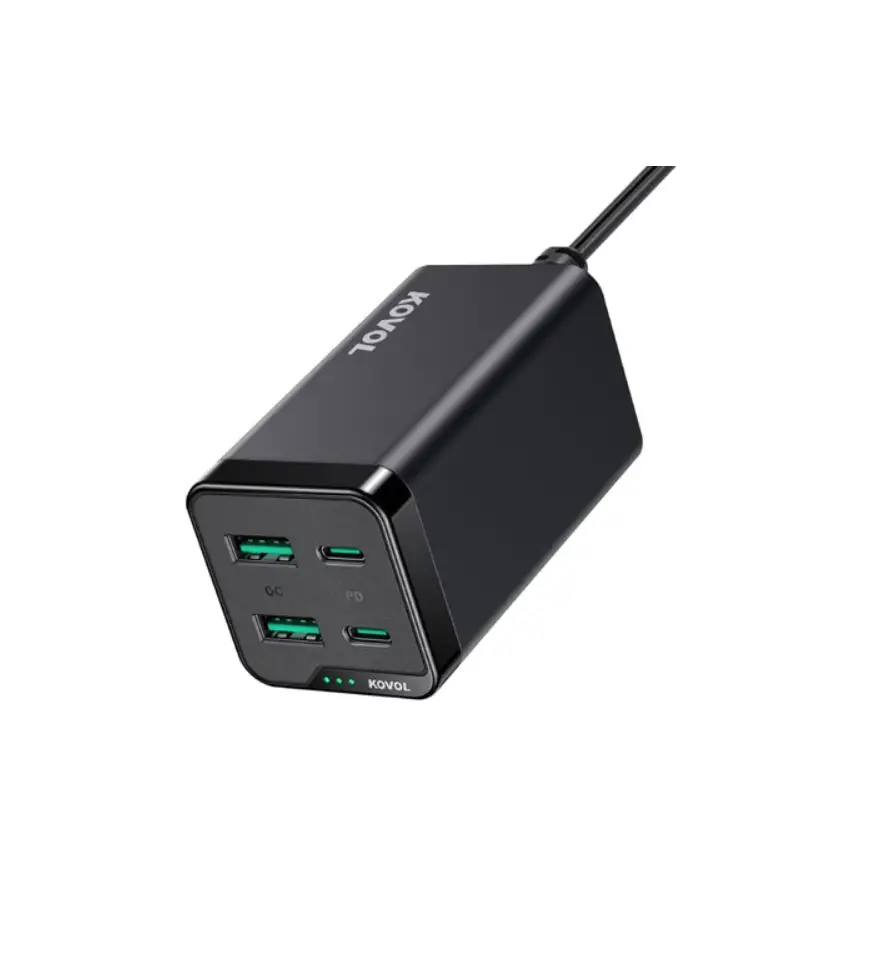
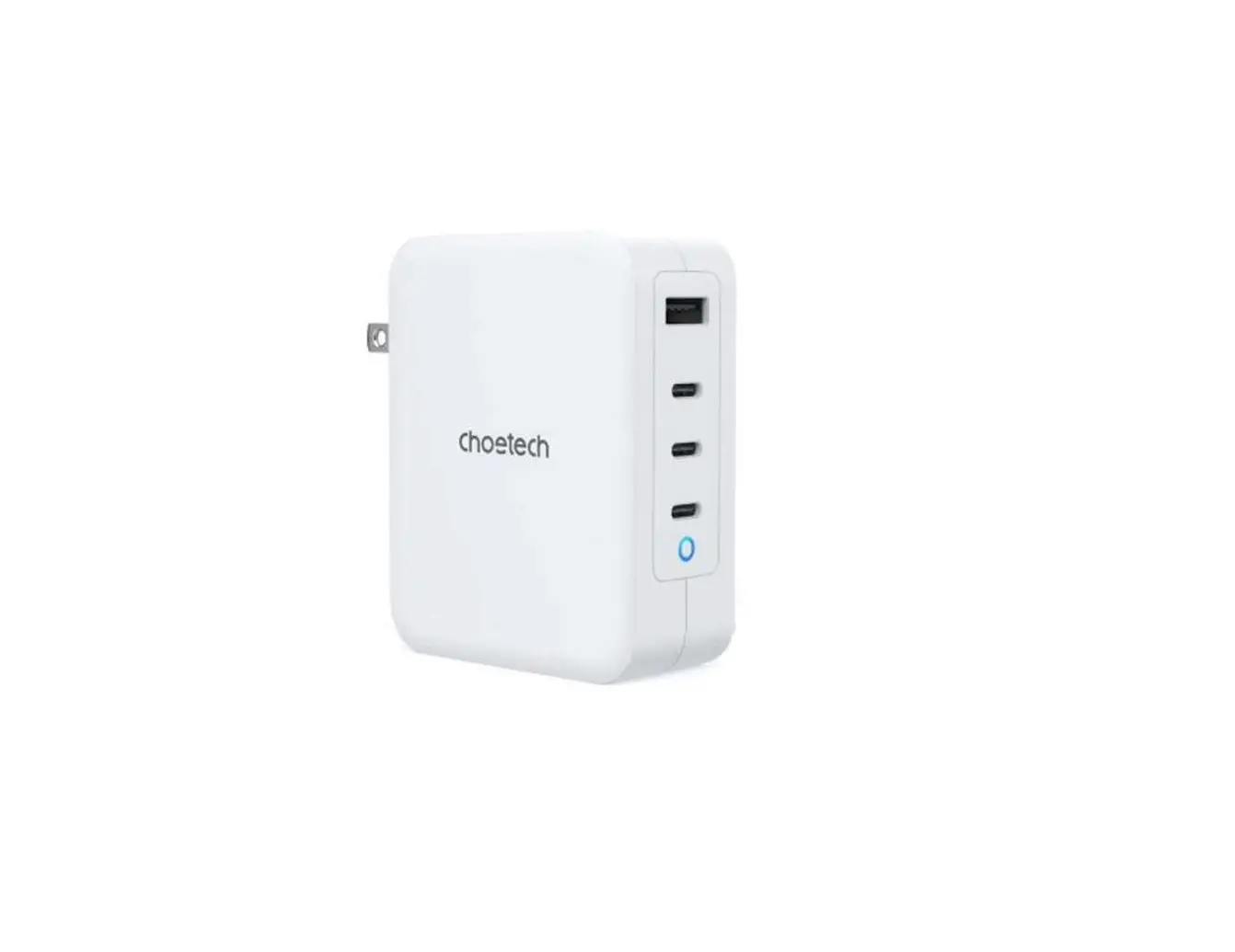
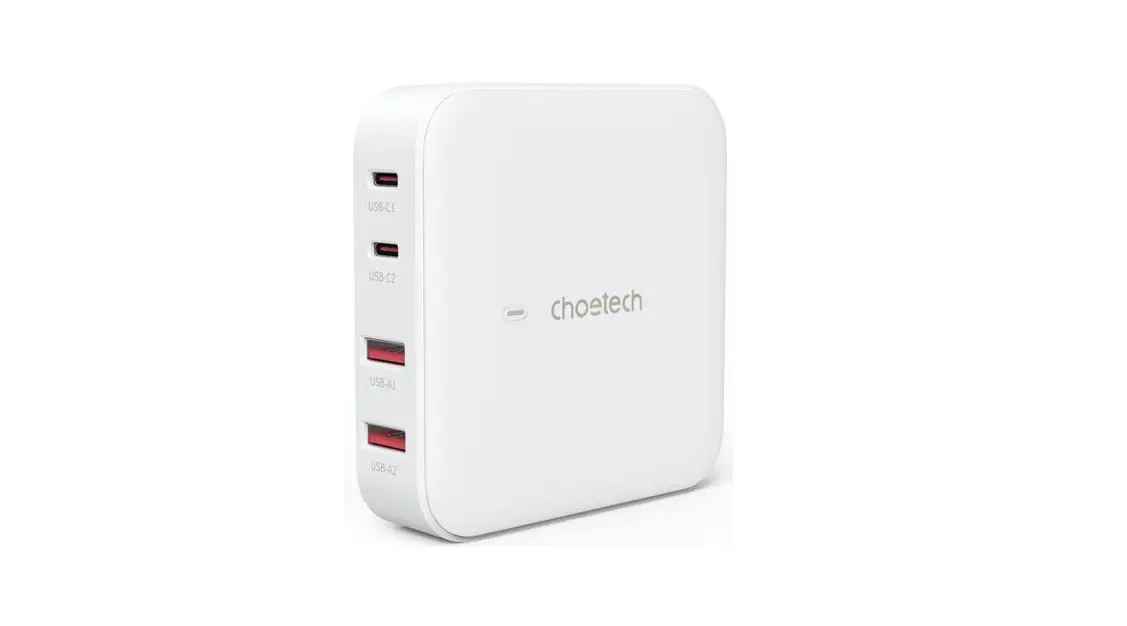
- LED Indicator
- USB-C(1) Port
- USB-C(2) Port
- USB-C(3) Port
- USB-A Port
- AC Input
Using Your Zendure Charger
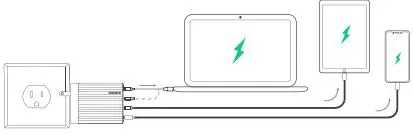
- Plug your Zendure charger into a power outlet
- Use your device’s original charging cable to connect MacBook Pro16″ / SuperTank or other devices to USB-C(1) port.
- Use your device’s original charging cable to connect MacBook Pro13″/ Samsung 45W or other devices to USB-C(2) port.
- Use your device’s original charging cable to connect iPad Pro/ iPhone or other devices to USB-C(3) port.
- Use your device’s original charging cable to connect HUAWEI 22.5W or other devices to USB-A port.
Caution
- Do not expose to moisture or submerge it in liquid.
- Storage in a cool and dry place. Recommend storage temperature:-20°C to 55°C; Operating temperature:-10°C to 45°C.
- Do not disassemble or attempt to re-purpose or modity it in any manner.
- Stop using and contact manufacturer if the product is excessively hot, is emitting odor, deformed or any other abnormalities.
- Avoid strenuous vibration, impact, extrusion on transportation, and keep the product away from intense sunlight and rain.
- Please dispose of discarded products properly according to local regulations.
- Do not clean with harmful chemicals or detergents.
- Keep it away from children under 3 years old for safety.
- Be cautious of drops, bumps, abrasions, or other impacts.
Specifications
| Model I | ZDS4Pl00PD |
| AC Input I | AC 100V-240V-50/60Hz 2.5A |
| USB-Cl: 5V=3A,9V=3A, | |
| 12V=3A,15V=3A,20V=5A | |
| {lO0W Max) | |
| Output I | USB-C2: 5V=3A,9V=3A, 12V=3A,15V=3A,20V=5A |
| Produzione | {100W Max) |
| export | USB-C3:5V=3A,9V=2.22A, |
| 12V=l.5A{20W Max) USB-A: 4.5V=5A,5V=4.5A, | |
| 9V=2A,12V=l.5A | |
| (22.SW Max) | |
| Dimensions | |
| Dimensions | 2.4″ X 3.05″ X 1.1″ 60mm x 77.6mm x 29mm |
| Weight I | 7.8oz / 222.Sg |
Zendure USA Inc.
Phone: (800) 219-0960 (US)
Office Hours: Mon – Fri 9:00 – 17:00 PST
Support / Contact: www.zendure.com/support
Website: www.zendure.com
This device complies with Part 15 of the FCC Rules, operation is Subject to the following two conditions:
- this device may not cause harmful interference, and
- this device must accept any interference received, including interference that may cause undesired operation.