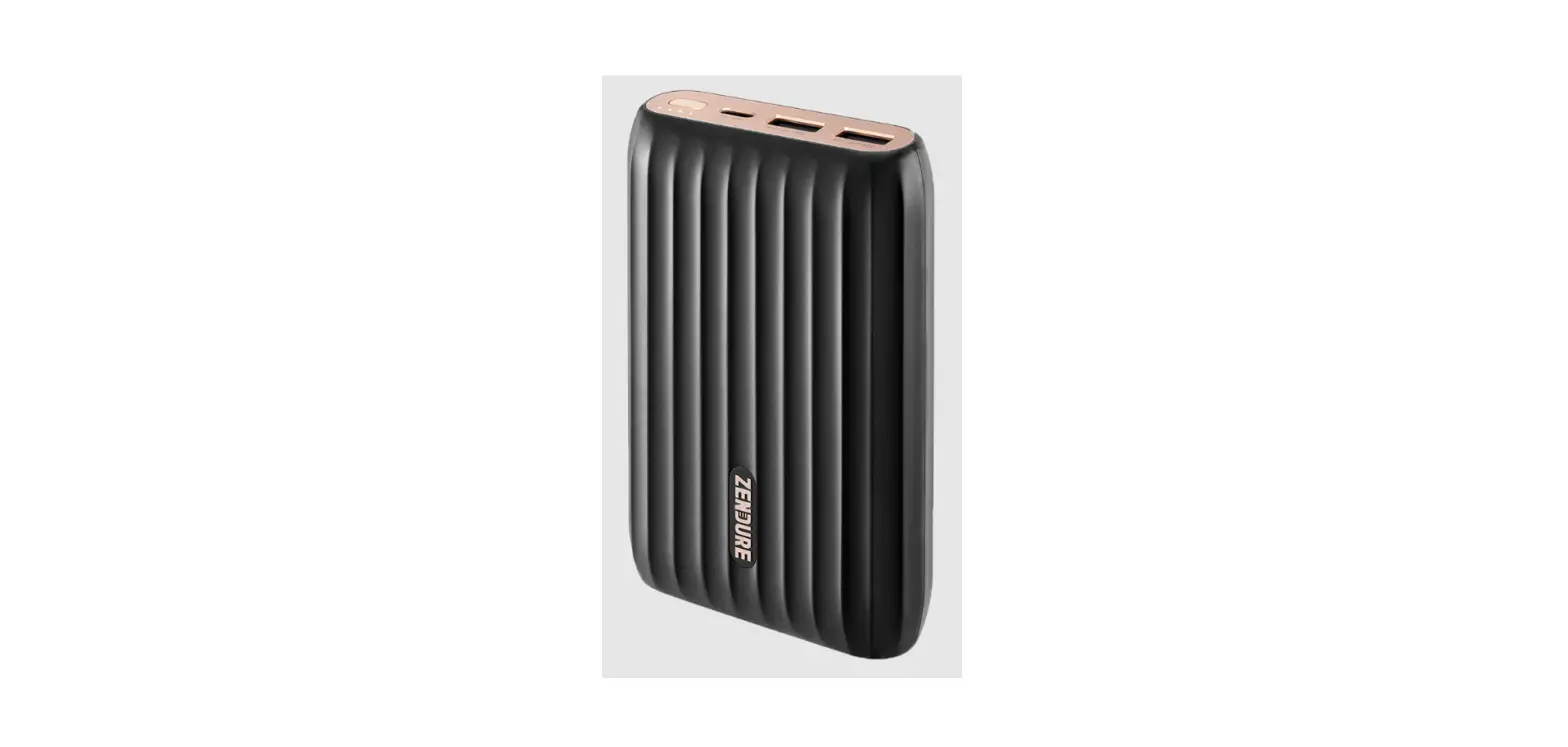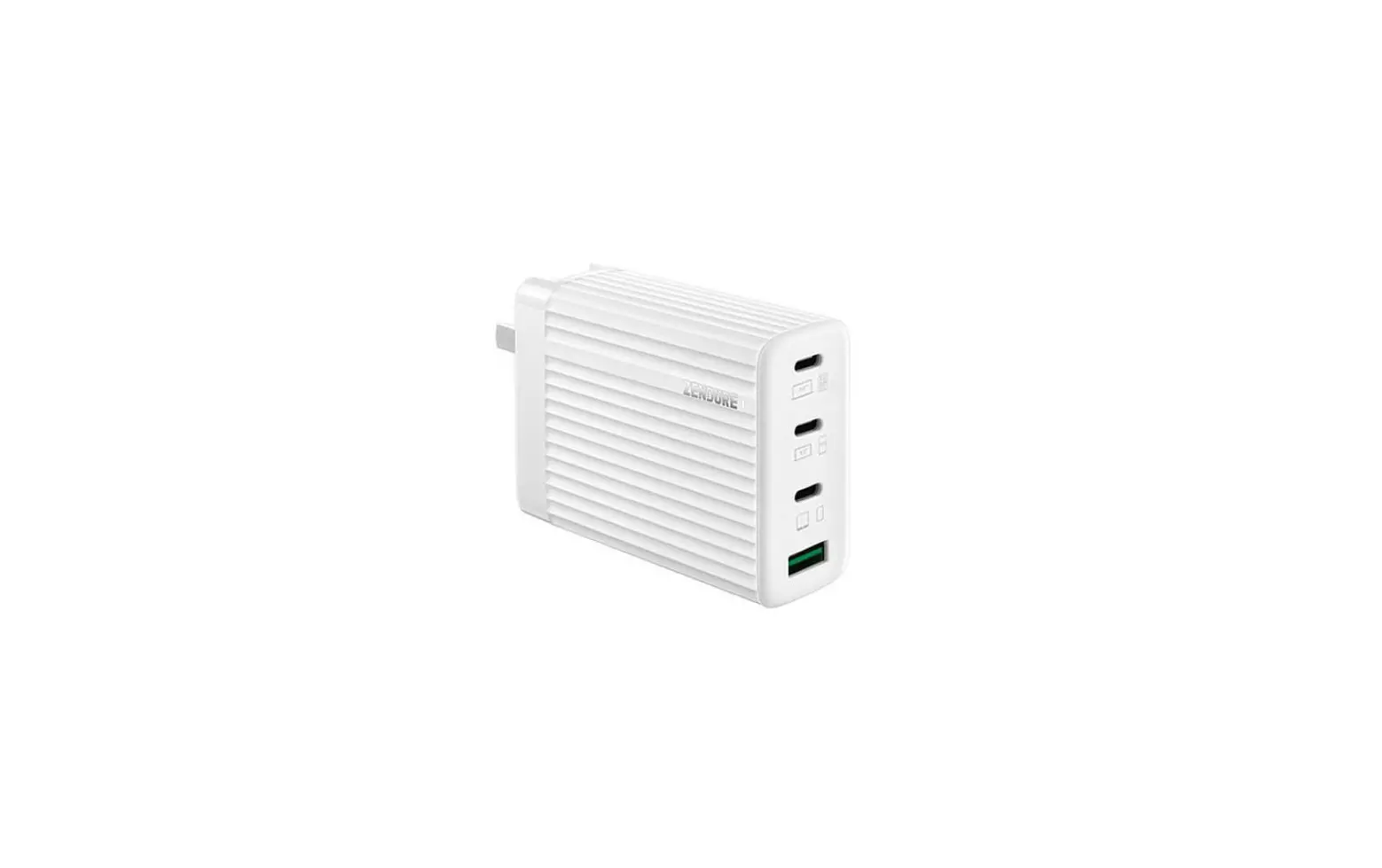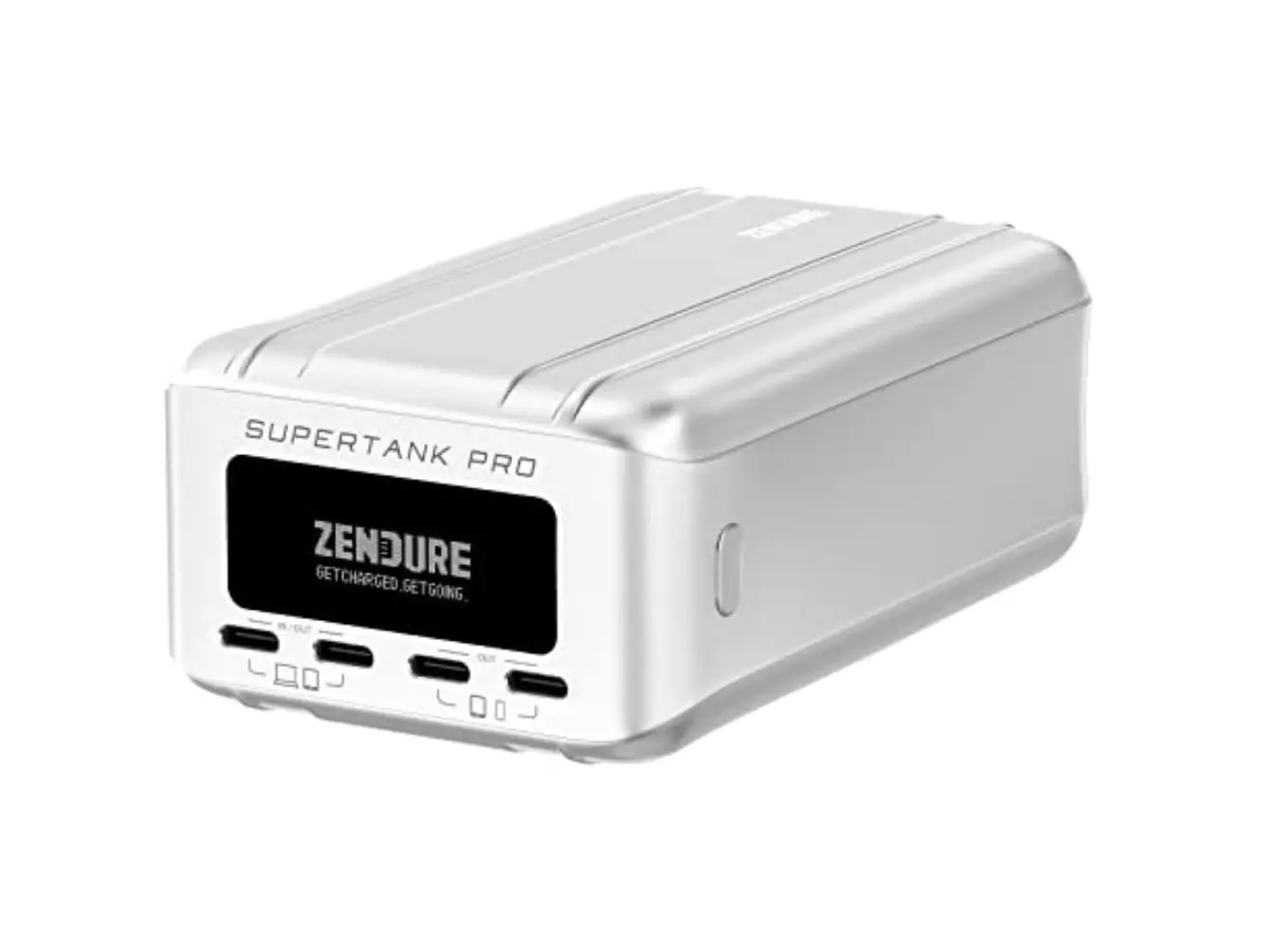
ZENDURE SuperTank Pro 100W USB-C PD Portable Charger
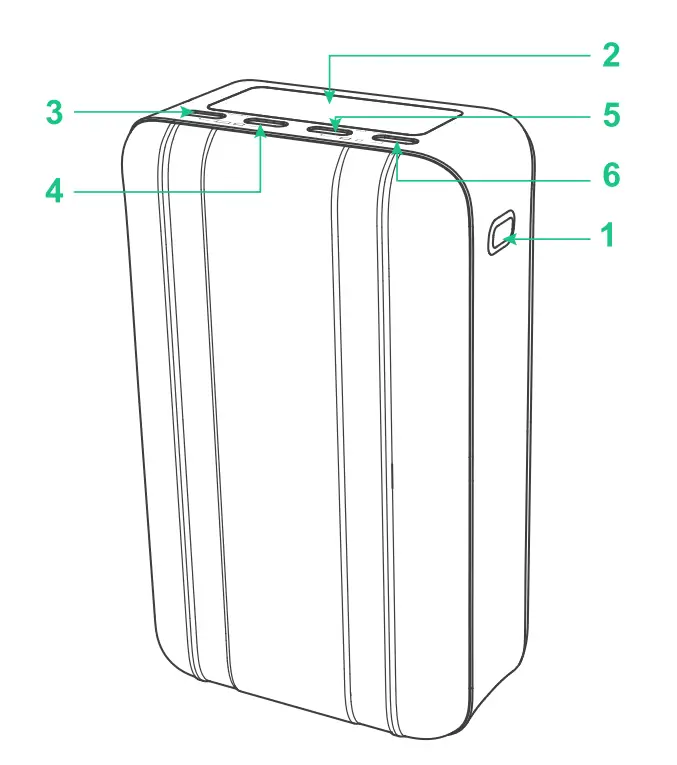
Product Overview
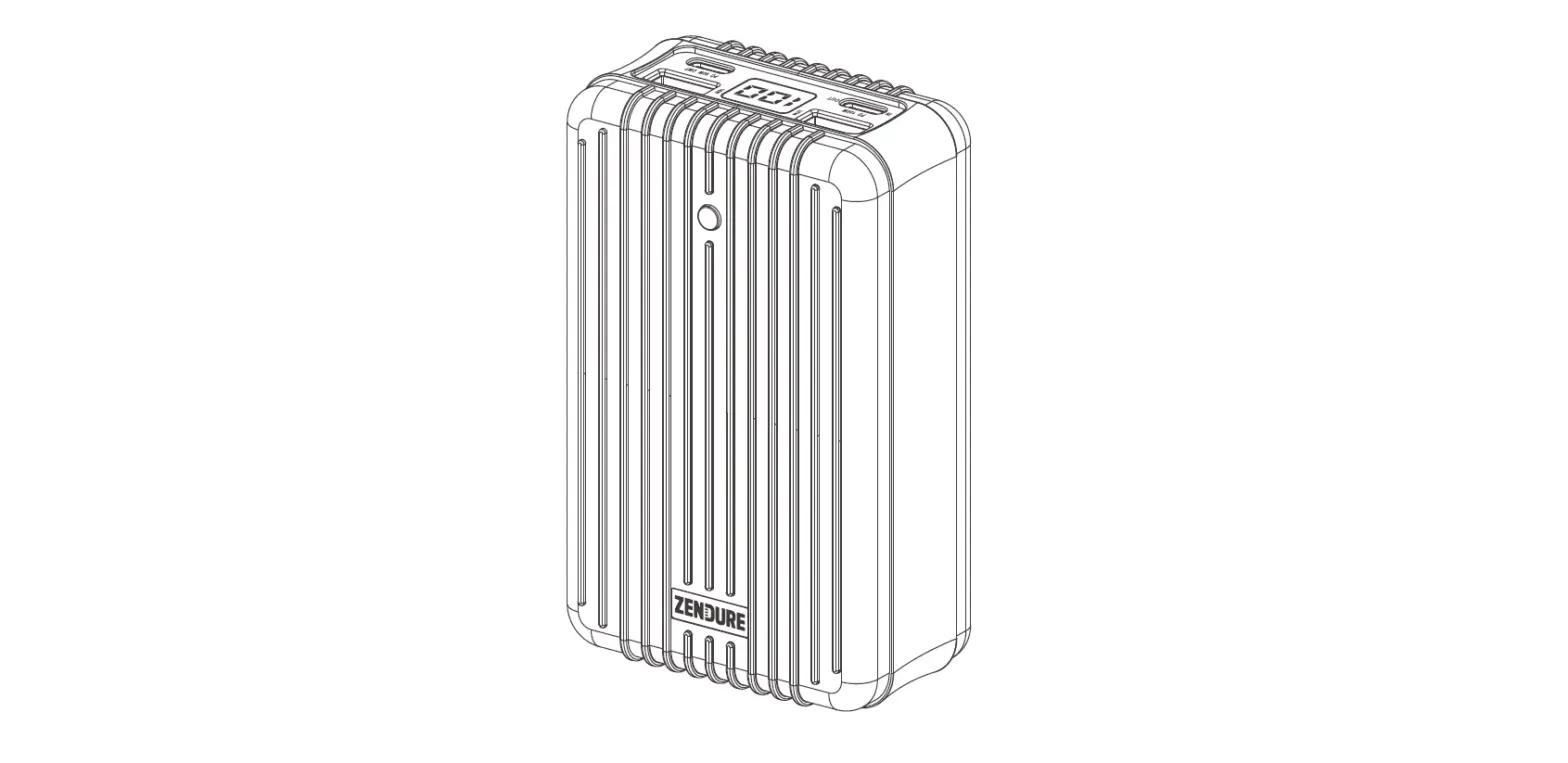
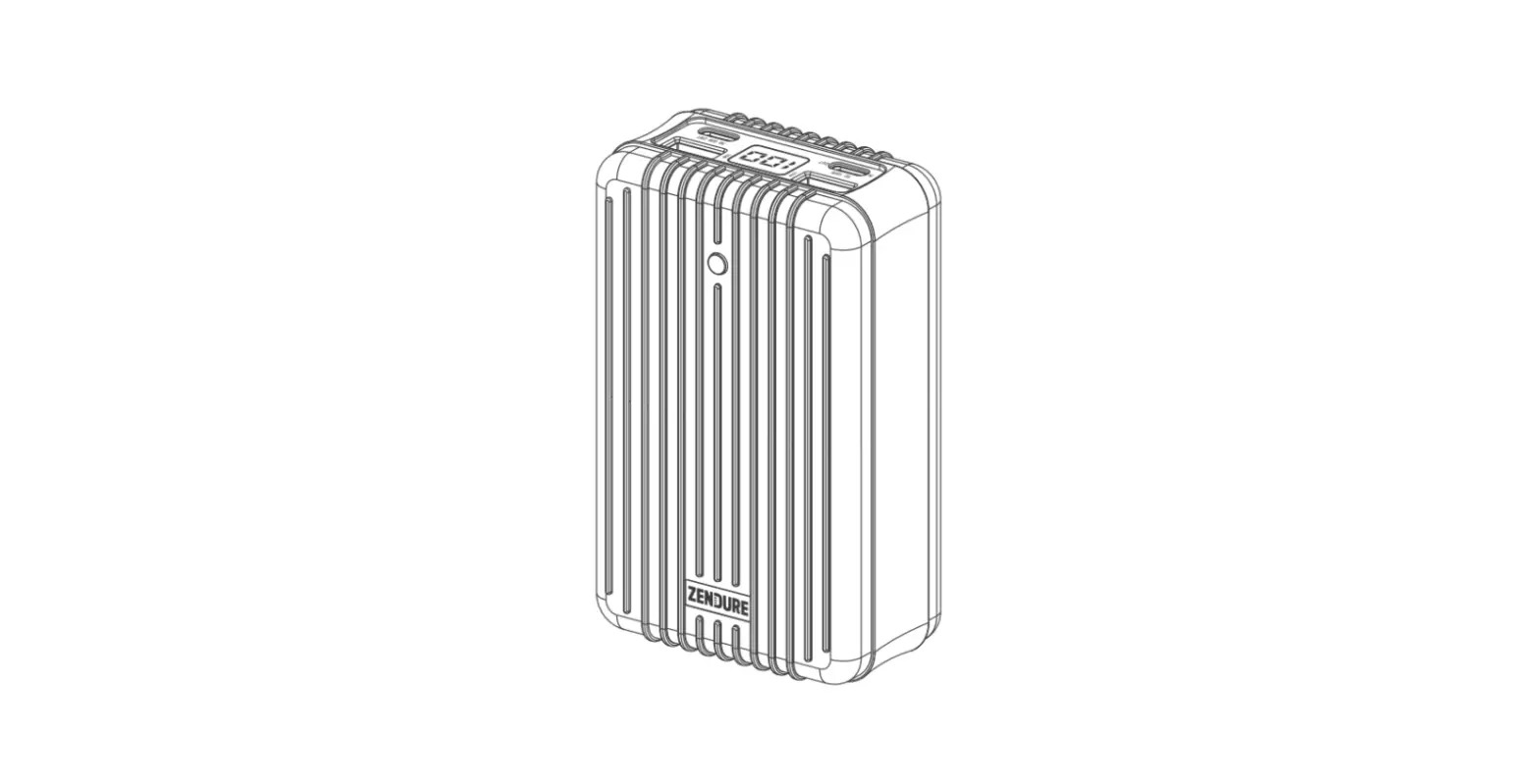
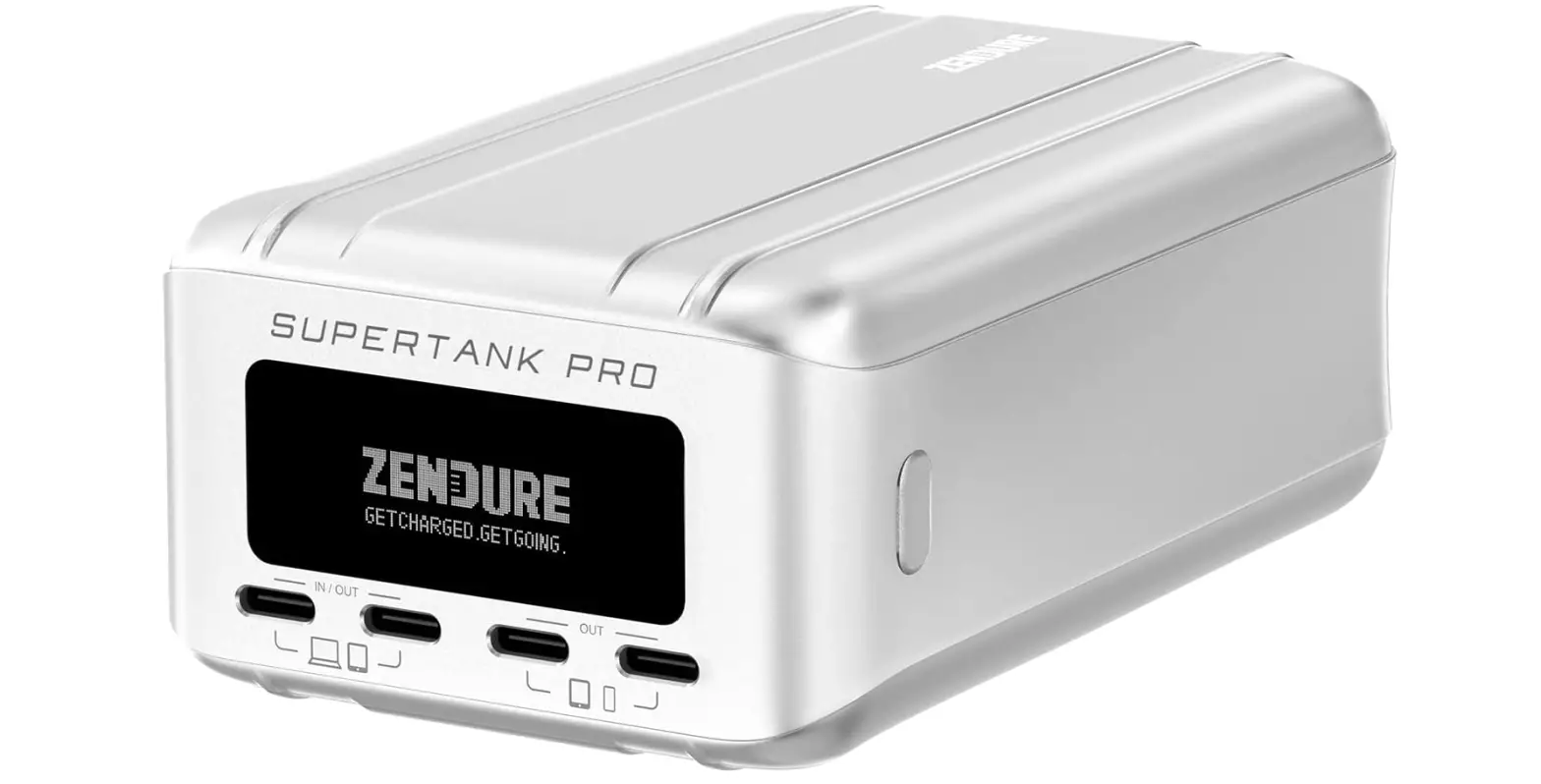
❶ Power Button
❷ OLED Screen
❸ USB-C (1) Port (Input & Output)
❹ USB-C (2) Port (Input & Output)
❺ USB-C (3) Port (Output)
❻ USB-C (4) Port (Output)
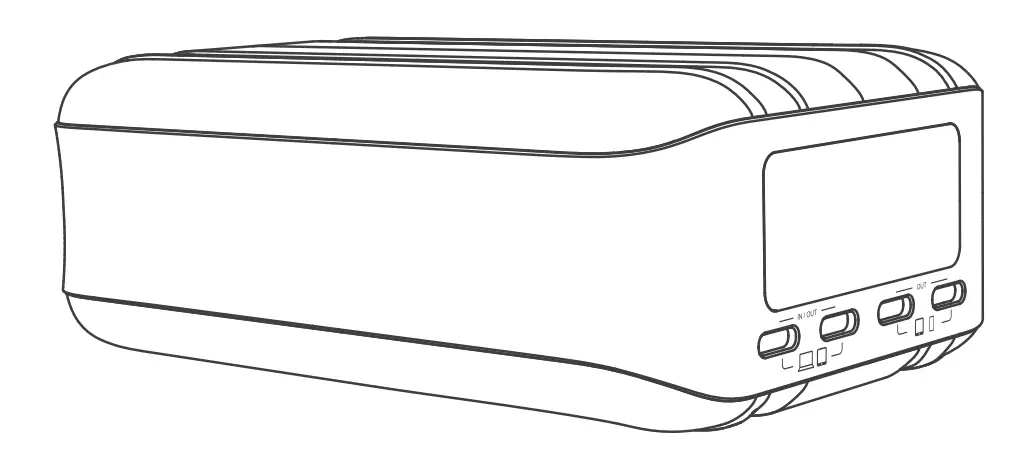
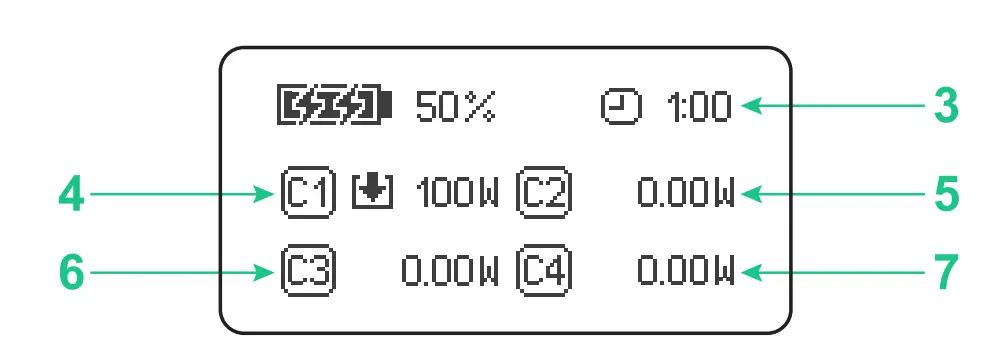
Display Info
❶ Battery Level
❷ Energy
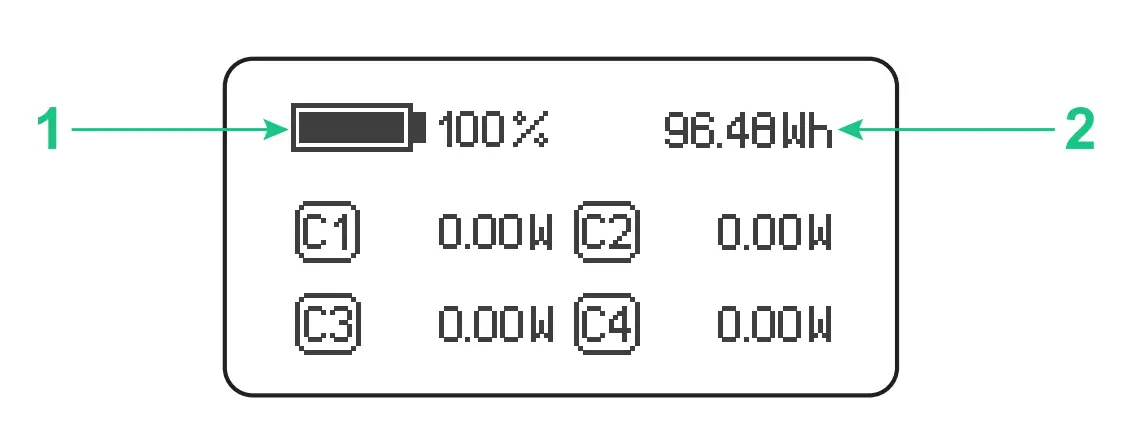
❸ Remaining Recharge Time
❹ Input or Output Power of USB-C (1) Port
❺ Input or Output Power of USB-C (2) Port
❻ Output Power of USB-C (3) Port
❼ Output Power of USB-C (4) Port
❽ Total Input Power
❾ Total Output Power
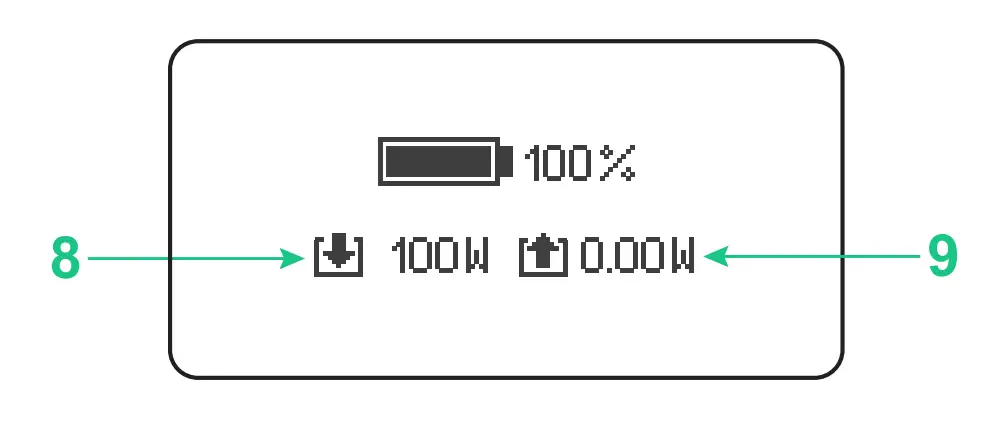
Check the Battery Level
Press the power button, and the OLED screen will display current battery level,
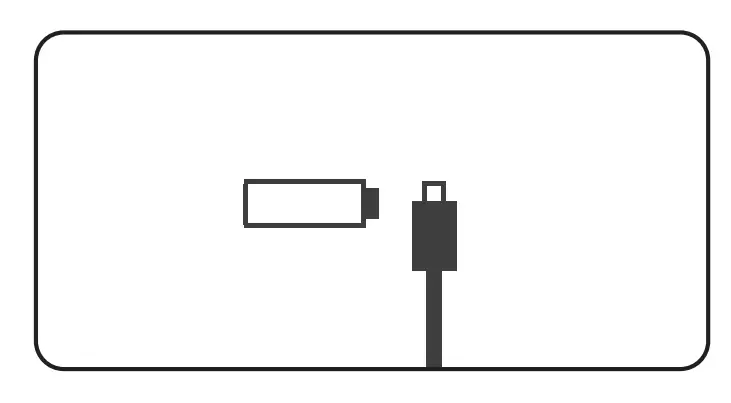
If the battery is lower than 1 %, it will display below icon. Please recharge your SuperTank Pro.
Charge Your Device
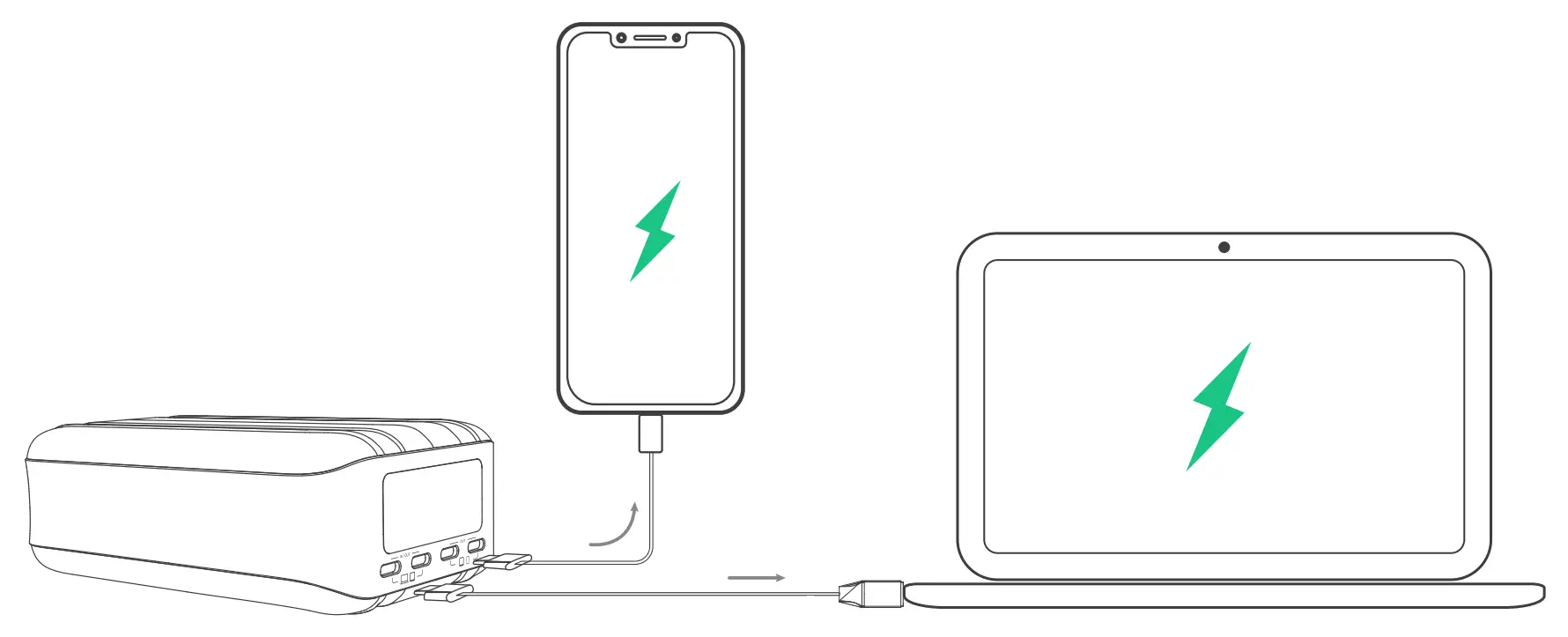
- Charge your device with l00W USB-C port
Connect your device to the USB-C(l) or USB-C(2) port with l00W USB-C charge/sync cable. As the device is being charged, the OLED screen displays the output power.
- Charge your device with 18W USB-C port
Connect your device to the USB-C(3) or USB-C(4) port with a USB-C charge/sync cable. As the device is being charged, the OLED screen displays the output power. - Charge your device with a USB-C to USB-A adapter
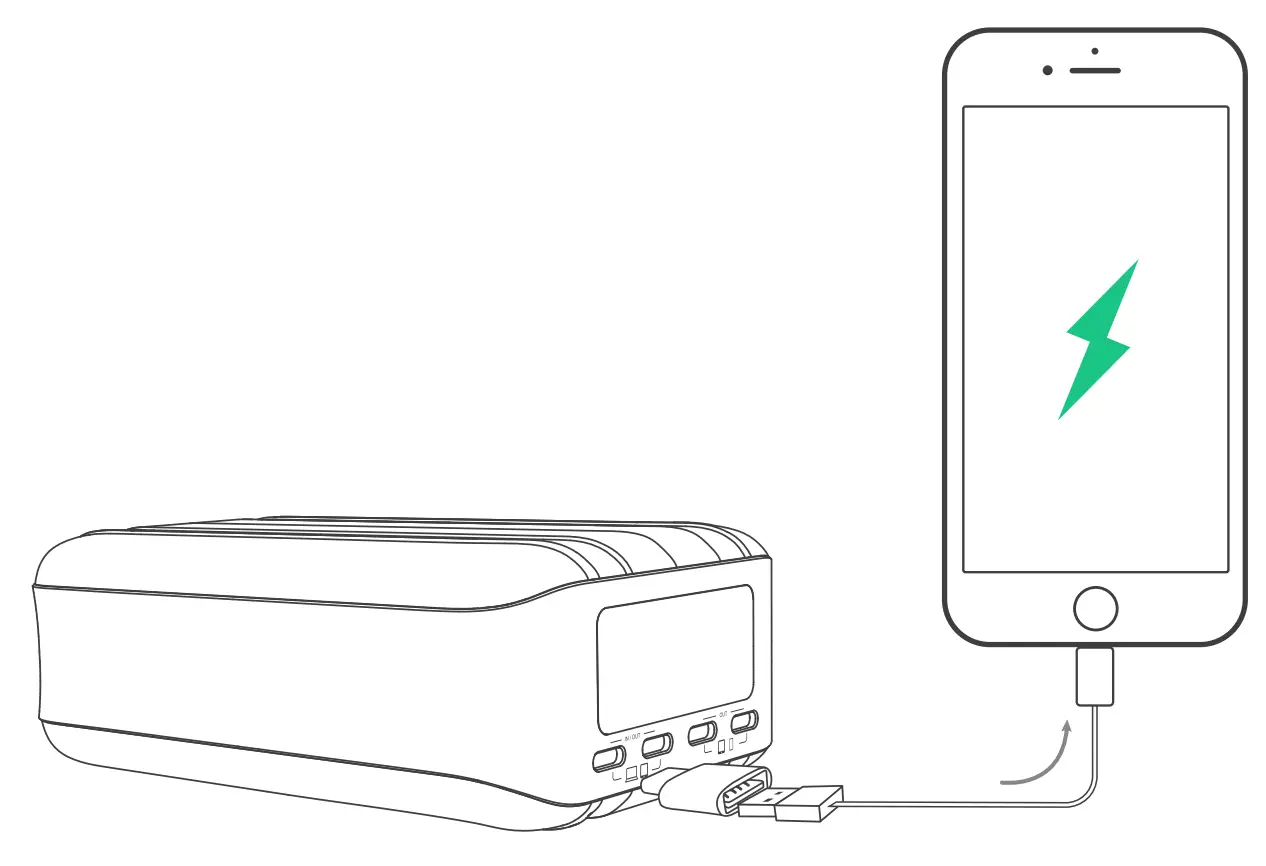
Plug the supplied USB-C to USB-A adapter on the USB-C port. Connect your device with a USB charge/sync cable. As the device is being charged, the OLED screen displays the output power.
Recharge Your SuperTank Pro
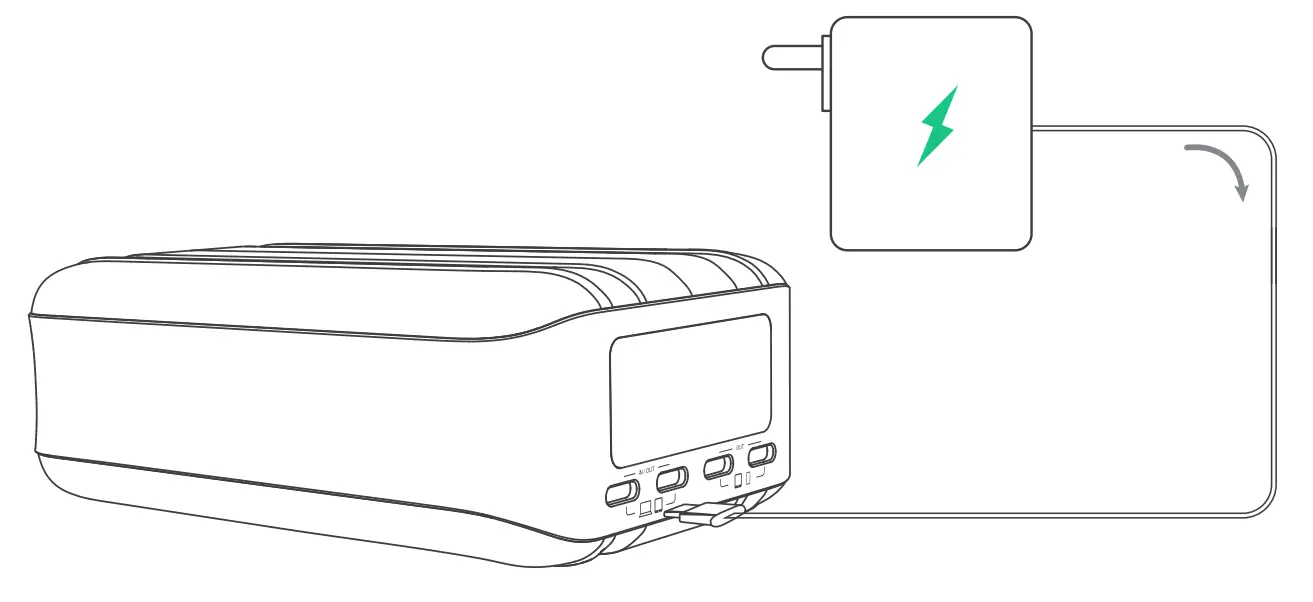
Connect the power adapter to the USB-C(l) or USB-C(2) port with a USB-C charge/sync cable. During charging, the OLED screen will display input power, battery level and remaining recharge time.
Carry Your SuperTank Pro on a flight
You are allowed to take a portable charger that’s rated up to 100 watt-hours on a flight. The energy of SuperTank Pro is 96.48 watt-hours so it is safe to take your SuperTank Pro on a flight.
Reset Your SuperTank Pro
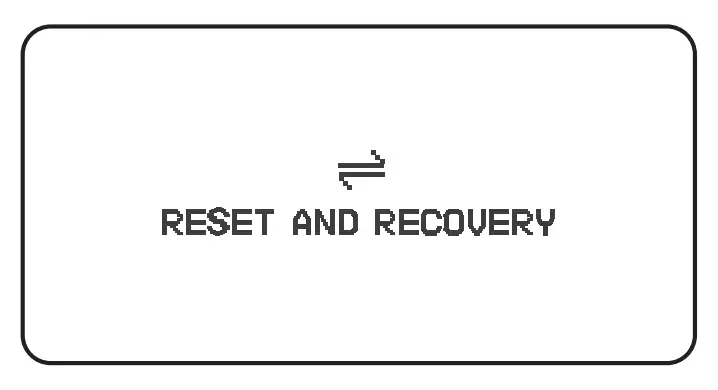
Press the power button for 10 seconds. As the OLED screen display below icon, SuperTank Pro will reset and recover automatically.
Upgrade Your SuperTank Pro
SuperTank Pro is capable of upgrading the firmware. Please visit the official website: www.zendure.com for support and instruction.
Caution
 | Storage in a cool and dry place. Recommend storage temperature: -l0°C to 45°C; Operating temperature: 0°C to 35°C. |
 | Do not disassemble or attempt to re-purpose or modify it in any manner. |
 | Avoid strenuous vibration, impact, extrusion on transportation, and keep the product away from intense sunlight and rain. |
 | Stop using and contact manufacturer if the product is excessively ~J hot, is emitting odor, deformed or any other abnormalities. |
 | Do not operate your battery in an enclosed or unventilated environment, such as a carrying bag, pocket or purse, to prevent overheating. |
 | Fully charge your Zendure external battery before using it for the first time. |
 | Be cautious of drops, bumps, abrasions, or other impacts. |
 | Do not clean with harmful chemicals or detergents. |
 | Use origin or certified cables. |
 | Do not expose to moisture or submerge it in liquid. |
 | Keep it away from children under 3 years old for safety. |
 | Please dispose of discarded products properly according to local regulations. |
Specifications
| Model | ZDG2STP |
| Battery Capacity | 26,B00mAh / 96.48Wh (14.4V, 6,700mAh) |
| Rated Capacity | 17,000mAh (5V=3A) |
| Output | USB-C(l)/(2): 5V=3A, 9V=3A, 12V=3A, 15V=3A, 20V=3A, 20V=5A,100W Max USB-C(3)/(4): 5V=3A, 9V=2A, 12V=l.5A, 18W Max |
| Dimensions | 4.9″ X 2.9″ X 1.9″ (124mm x 74.5mm x49.5mm) |
| Weight | 19.9oz / 565g |


Customer Support
Zendure USA Inc.
Phone: (800) 219-0960 (US)
Office Hours: Mon – Fri 9:00 -17:00 PST
Support/ Contact: www.zendure.com/support
Website: www.zendure.com