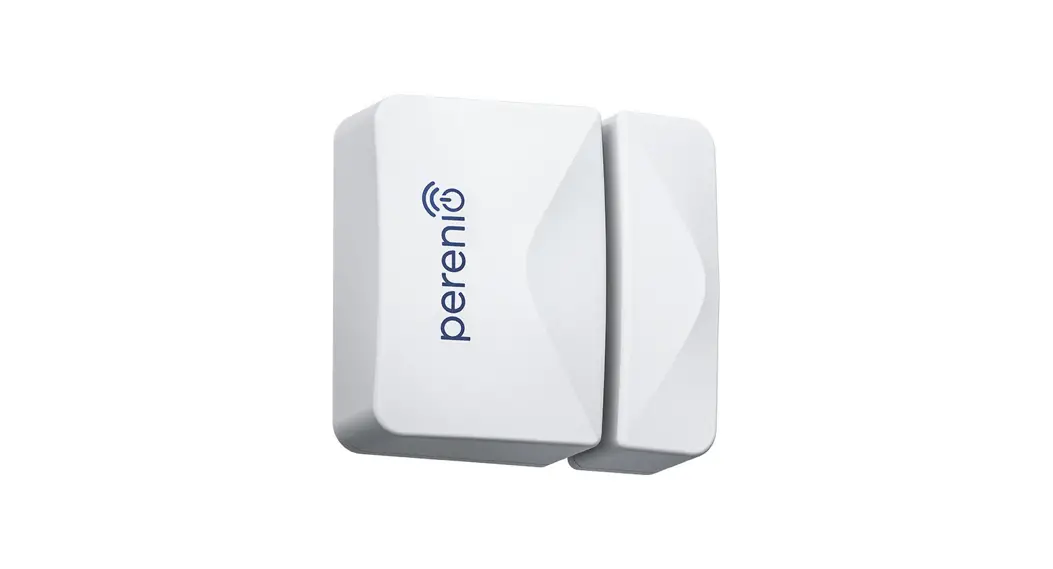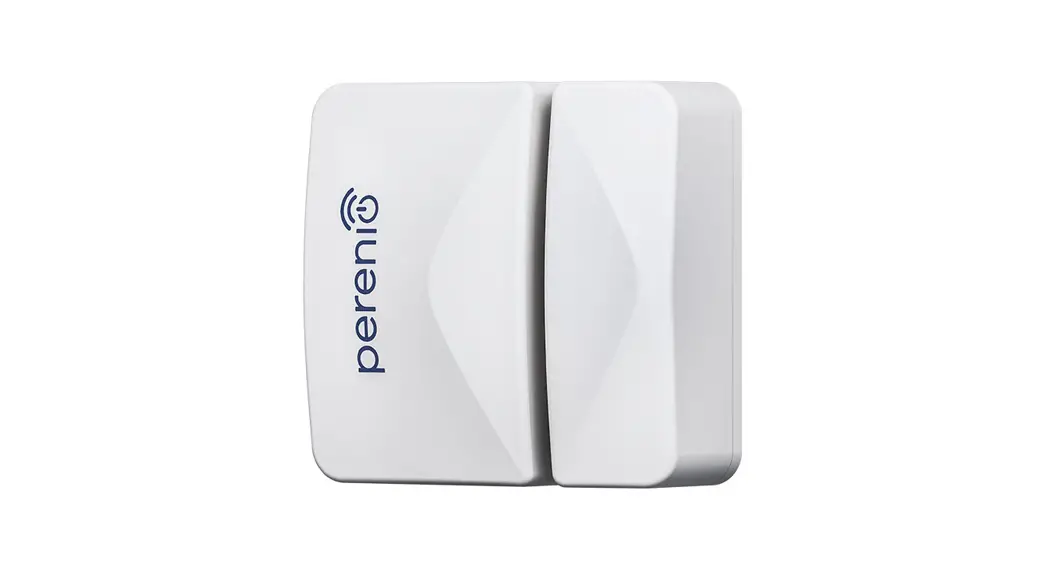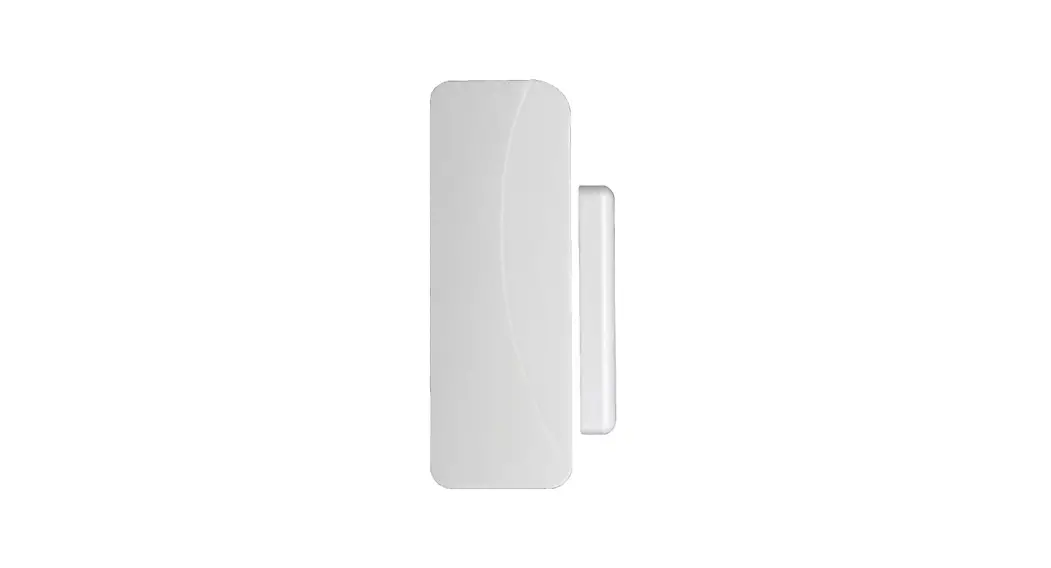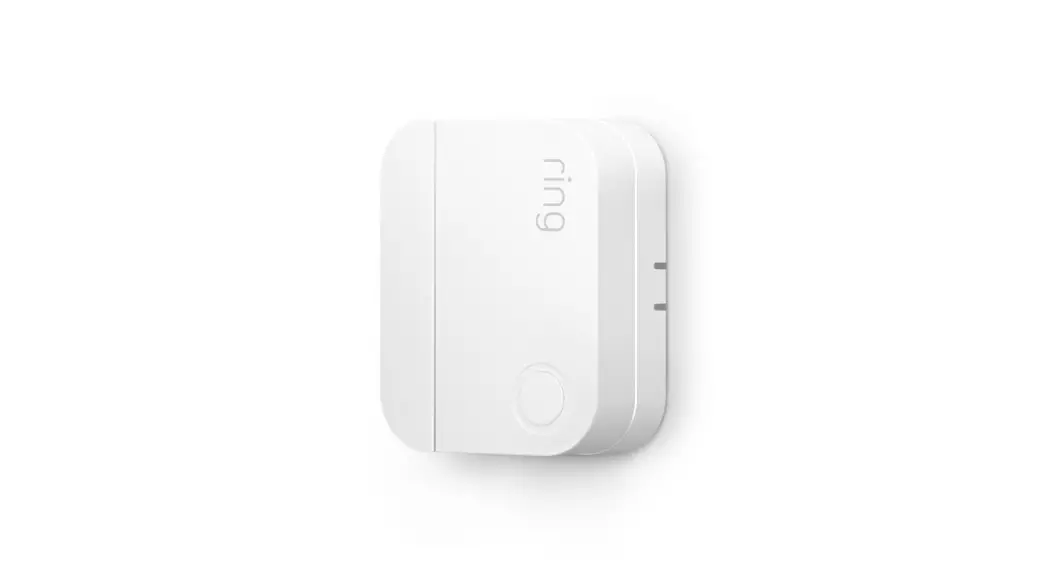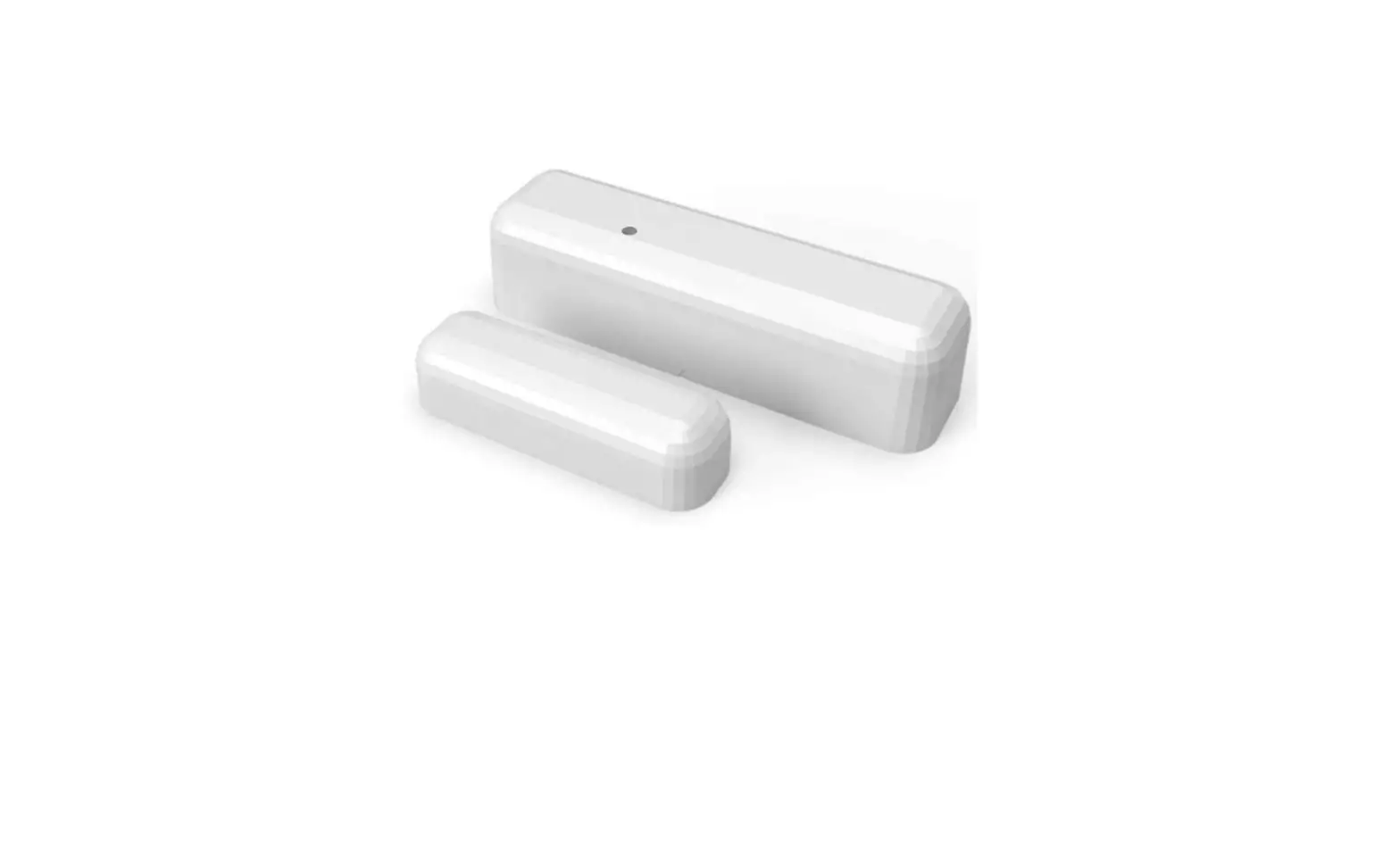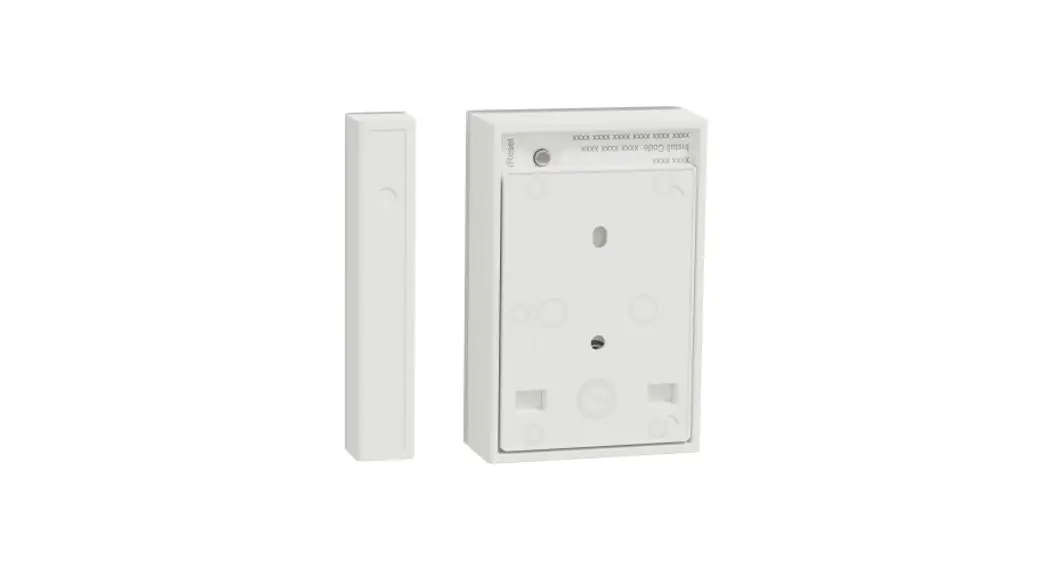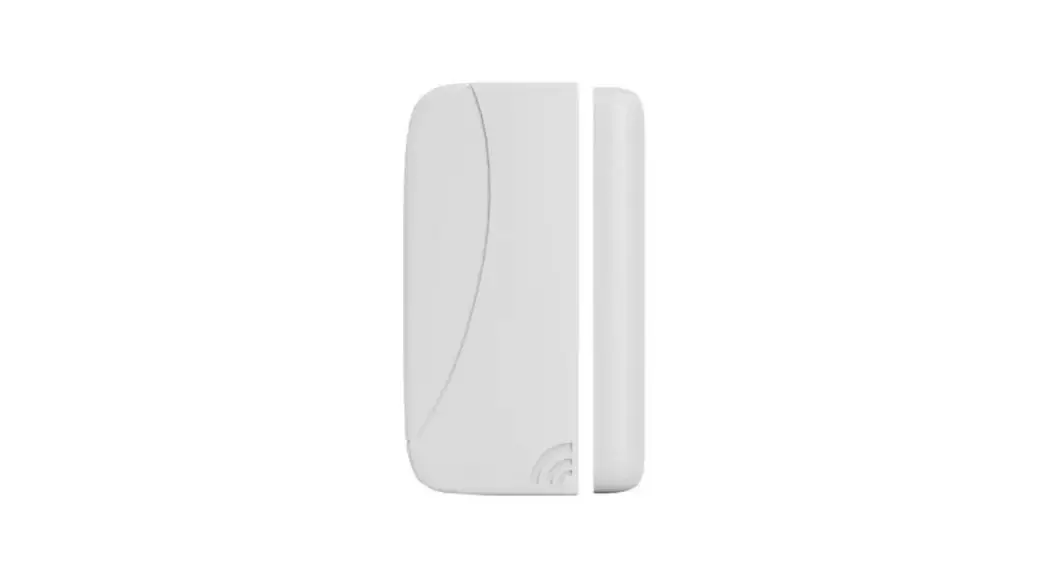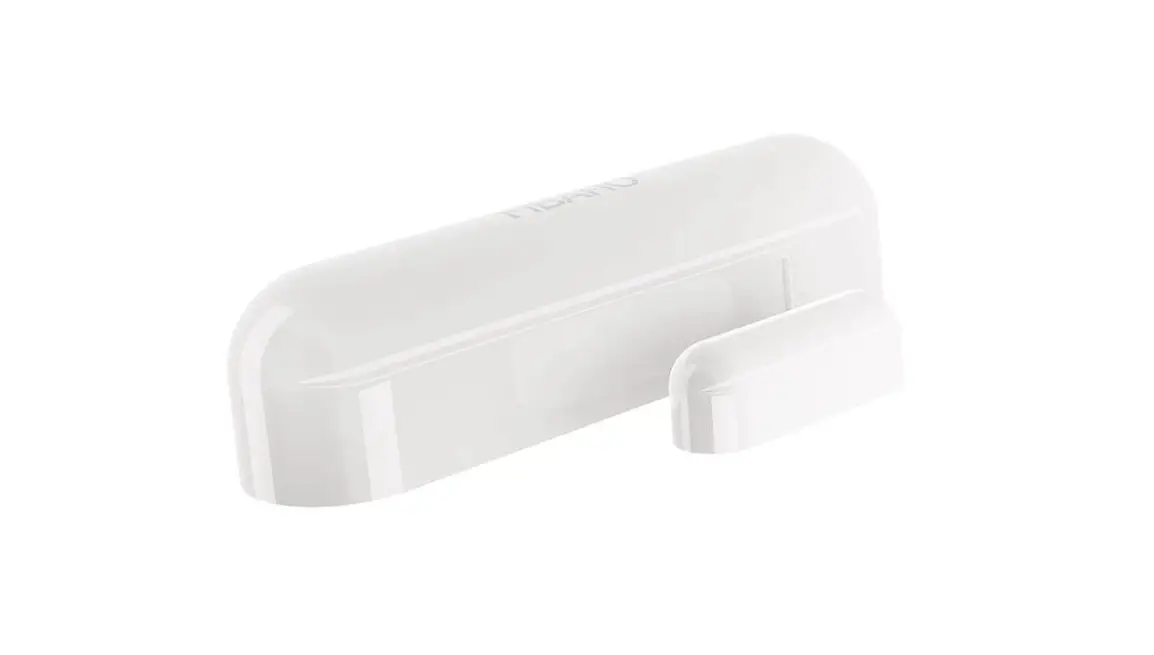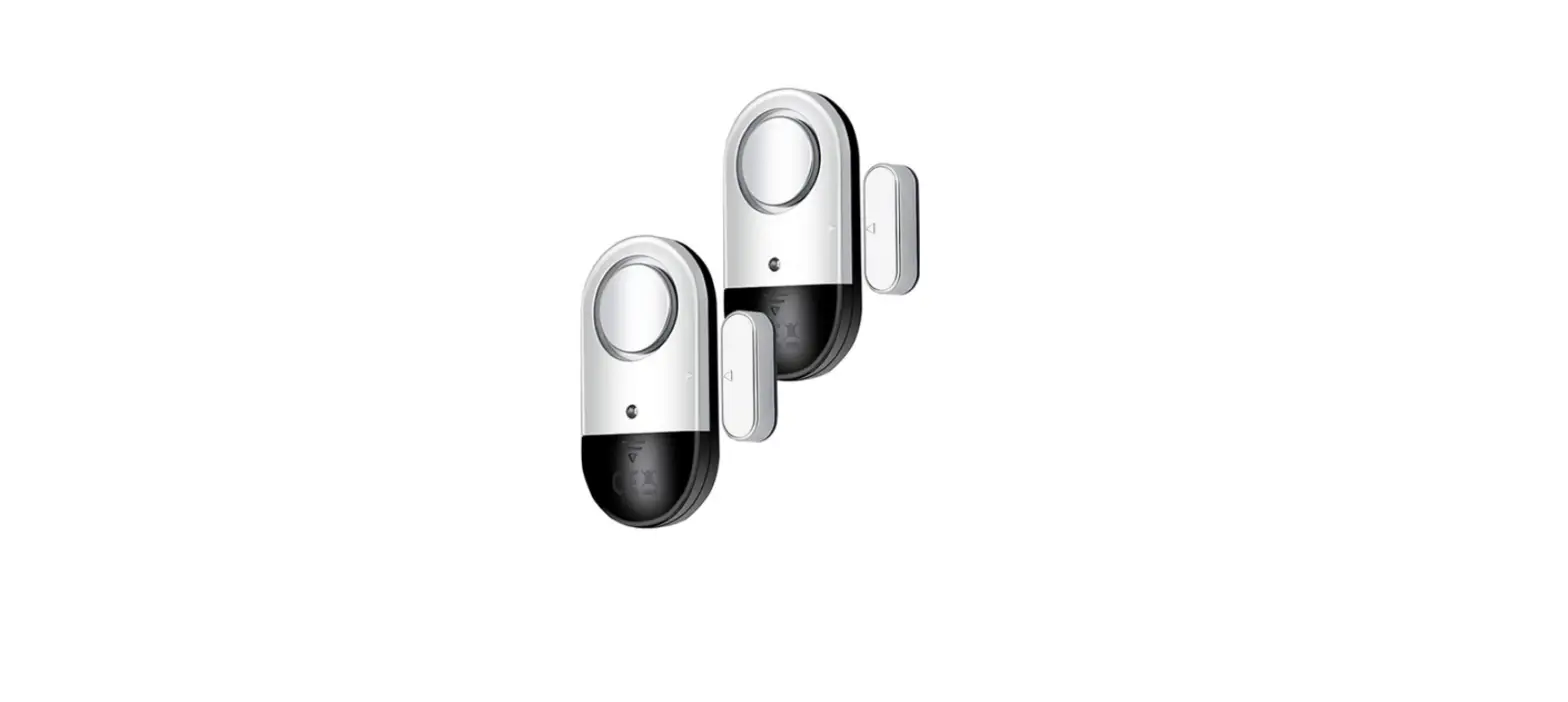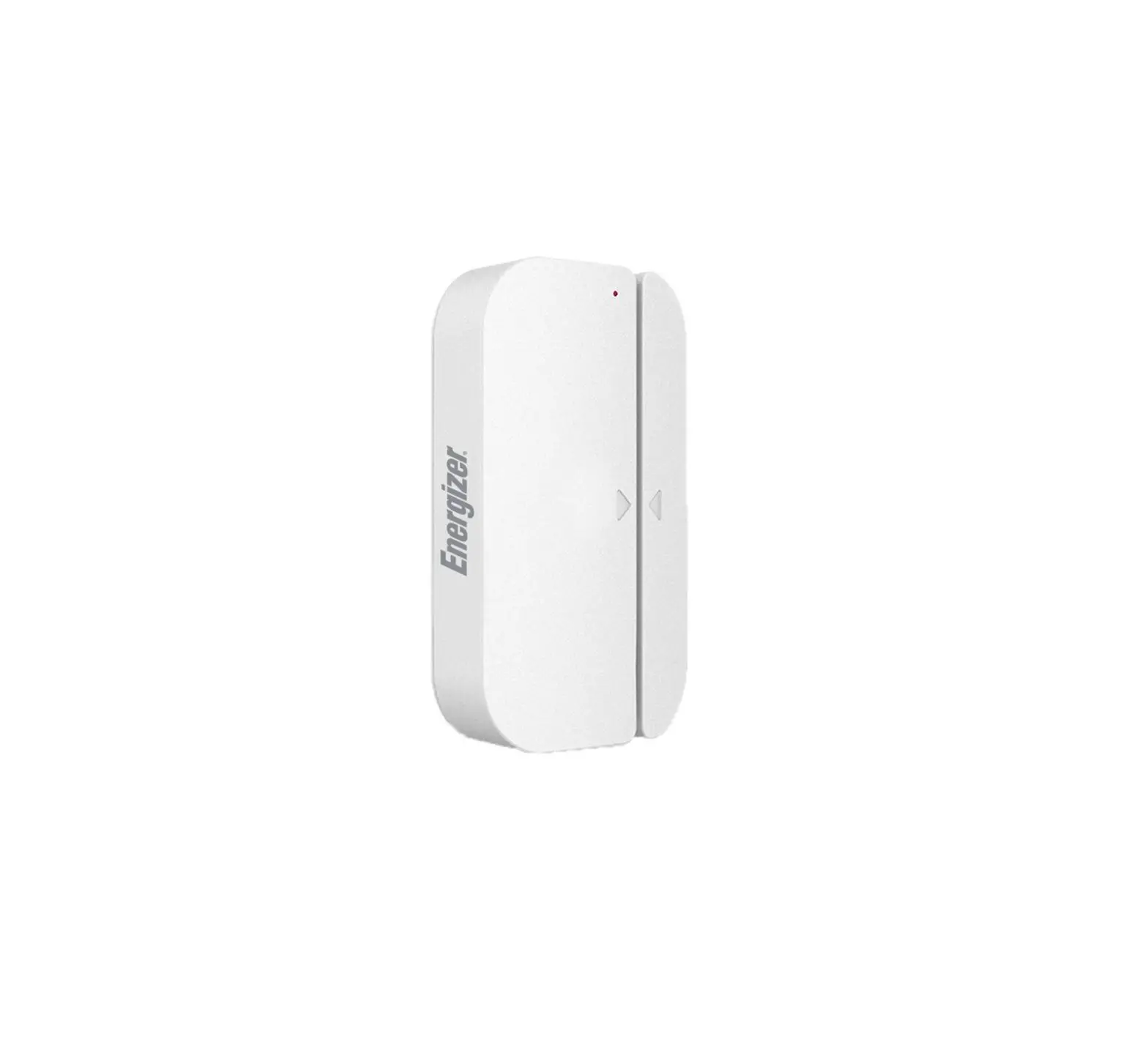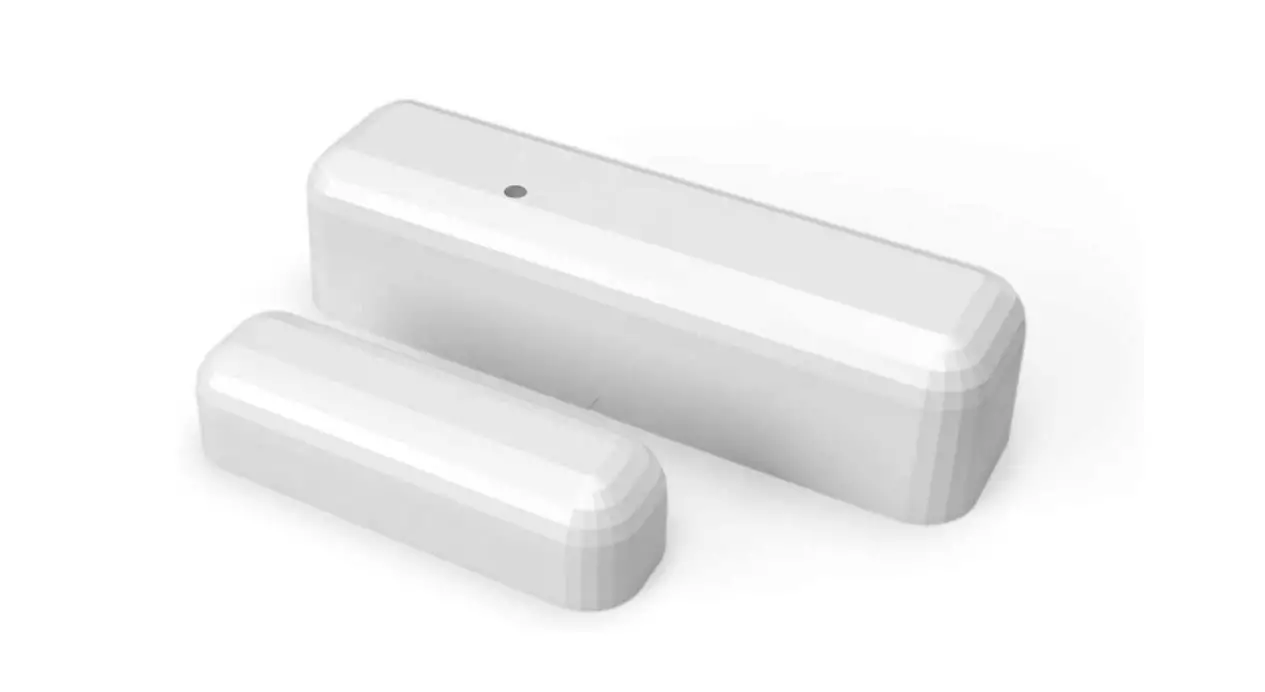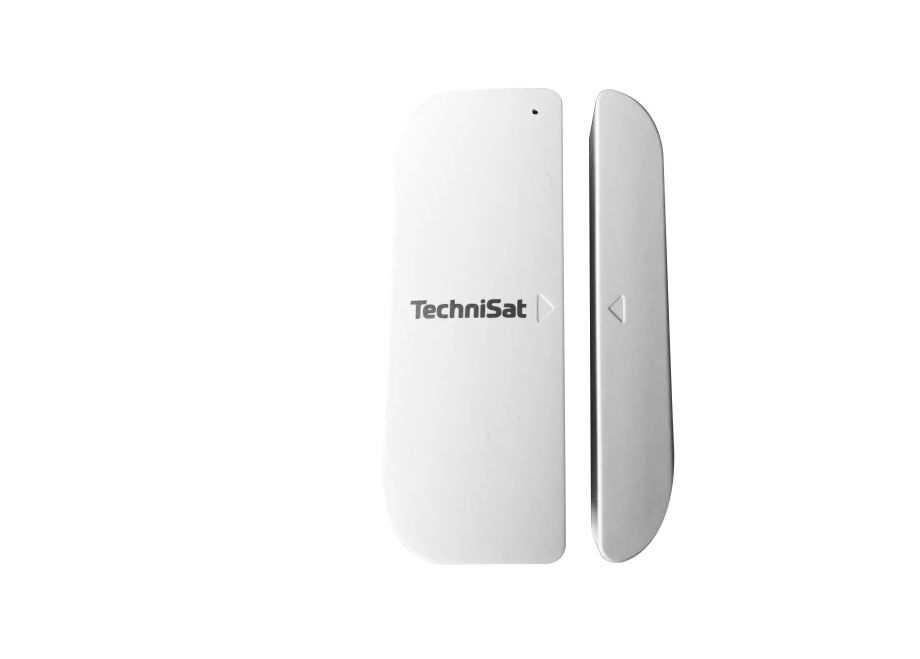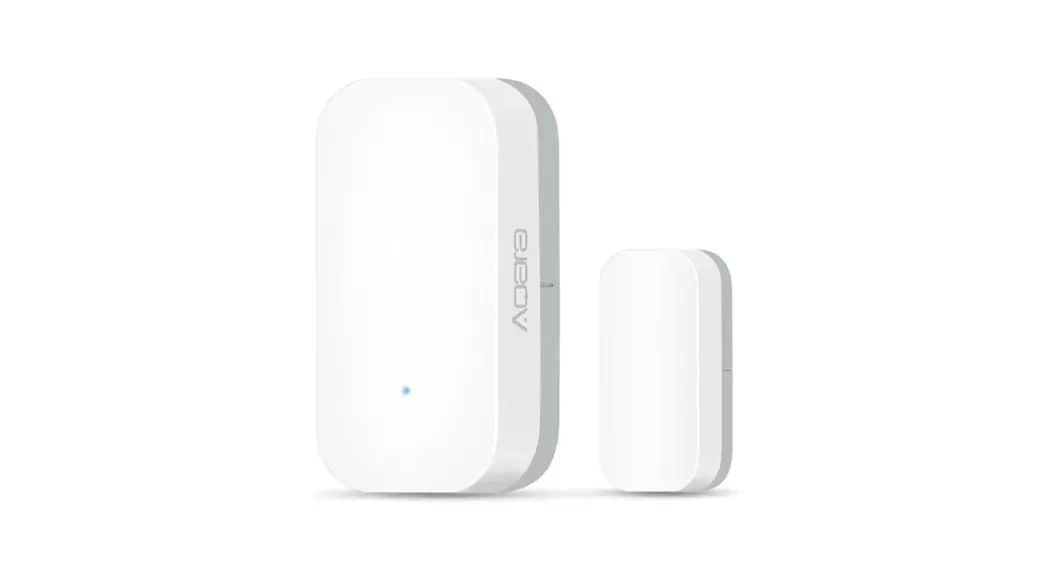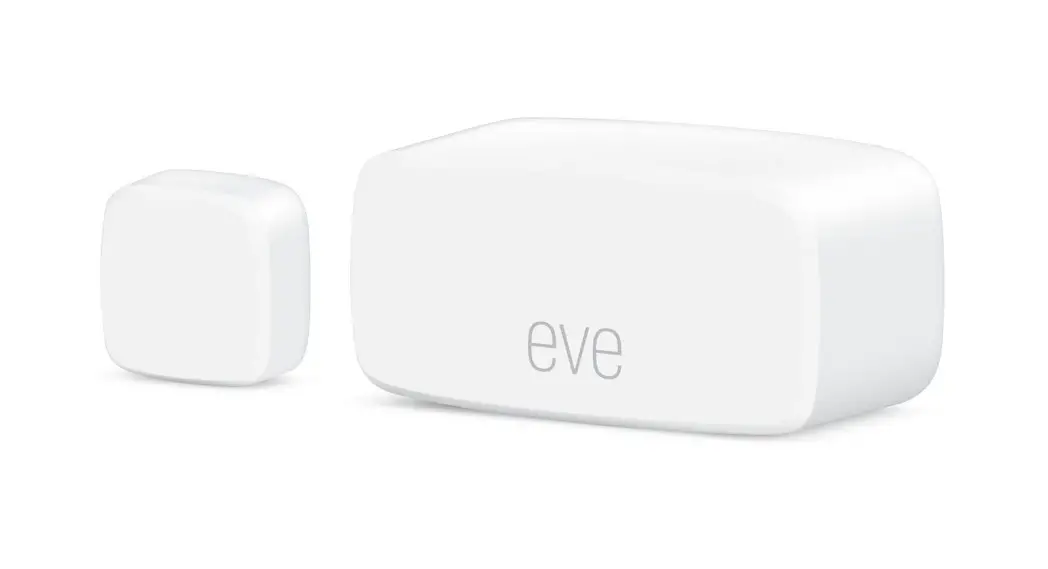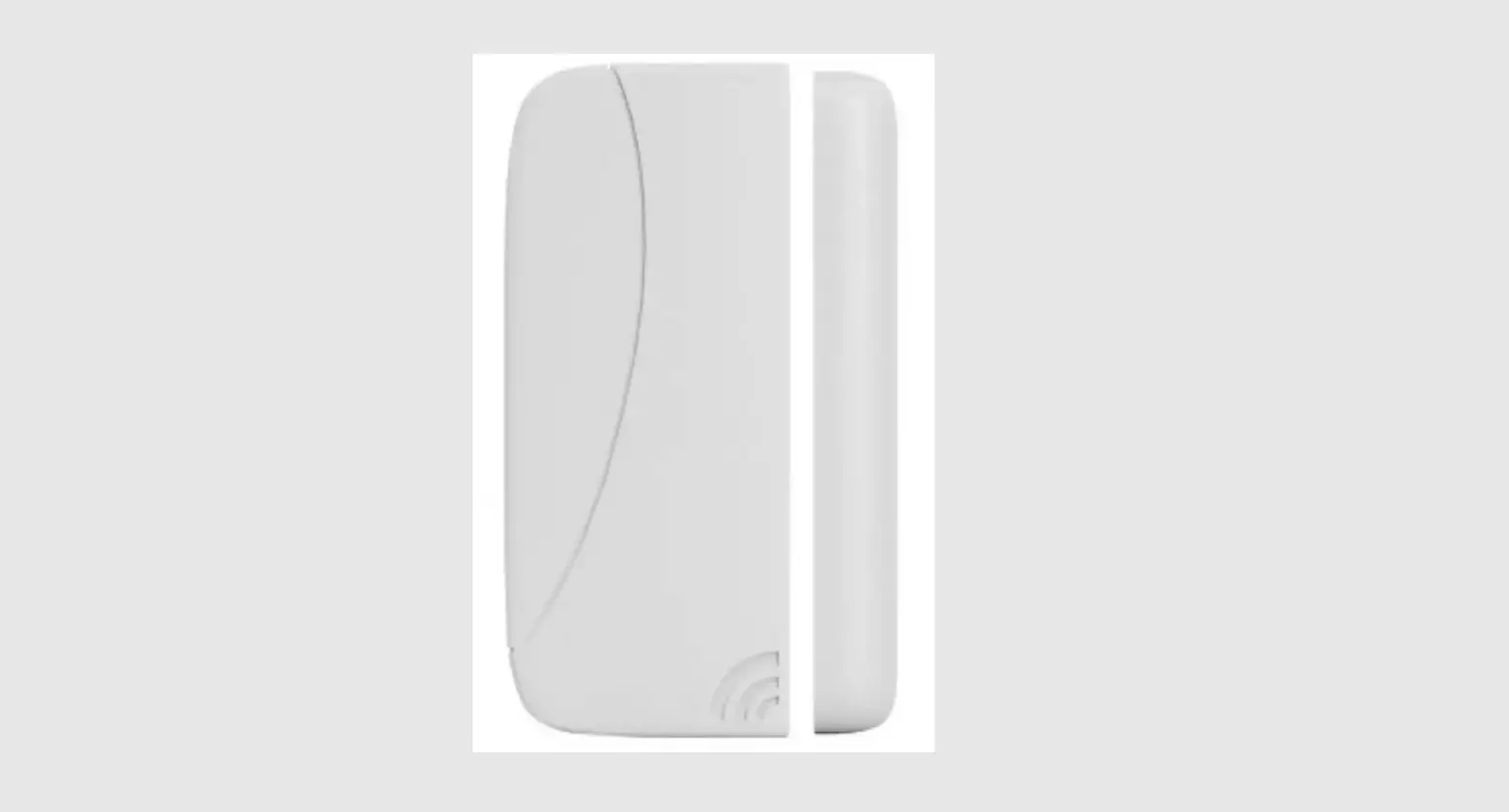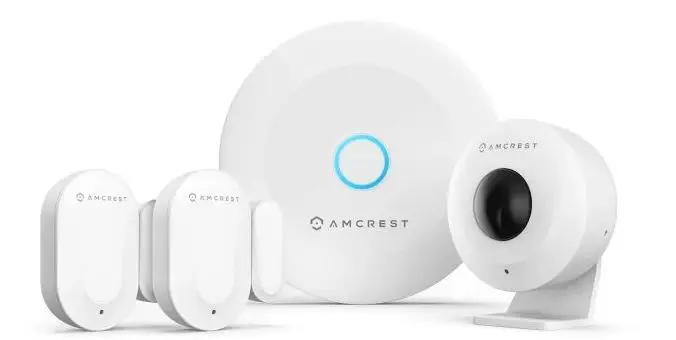

AMCREST AL-CONSEN1 Alarm Door/Window Sensors
We’d Love to Hear From You!
We wanted to personally reach out and thank you for purchasing from our Amazon store. Selling on Amazon is what we do to support our family, and product reviews are the lifeblood of our business. It would mean the world to us if you could take one minute of your time to help share the love by leaving us an honest review using the link below:
www.amazon.com/ryp
Thank you again for being one of our amazing customers! Sincerely, Amcrest Team
What’s Included?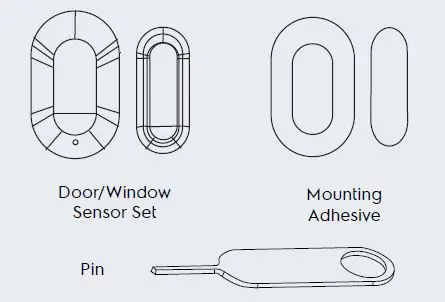
This may include one or more depending on the package purchased. To purchase additional sensors, visit us at amcrest.com
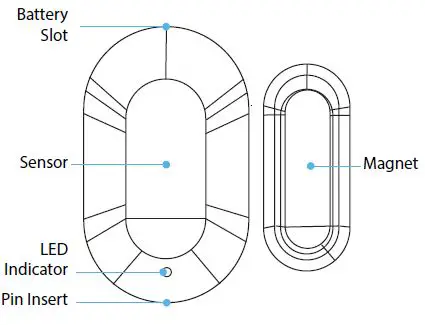
Overview
Specifications
| Environment | Indoor |
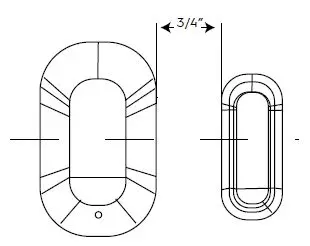
| Max Detection Distance | Less than 3/4” |
| Operating Temperature | 14°F ~ 113°F |
| Operating Humidity | 0-95% RH |
| Battery Life | Up to 1 Year |
| Battery Type | CR1632 |
| Protocol | Bluetooth 5.0 |
LED Behavior
Please refer to the table below for details regarding the LED behavior of the device.
| Behavior | Description |
| Flashing Rapidly | Sensor is pairing. |
| Solid (for 2 seconds) | Pairing successful |
| Flashing (3 times) | Pairing failed. **Try repeating setup. |
| Flashing Rapidly (after pairing) | Alarm has been triggered after |
| Steady Flash | Firmware upgrade is in progress. |
Pairing the Sensor
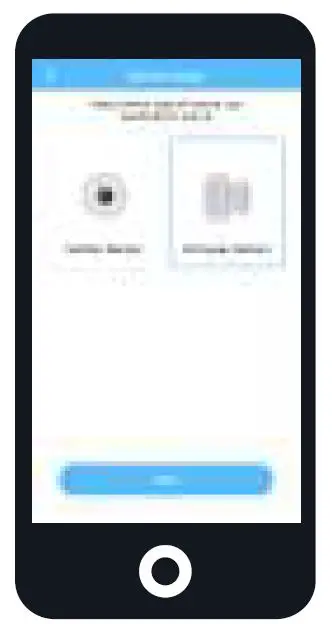
- Locate the Alarm Hub on the main menu.
- Tap on the “+” icon to pair the sensor to the hub.
- Follow the on-screen prompts to finish setting up the sensor.
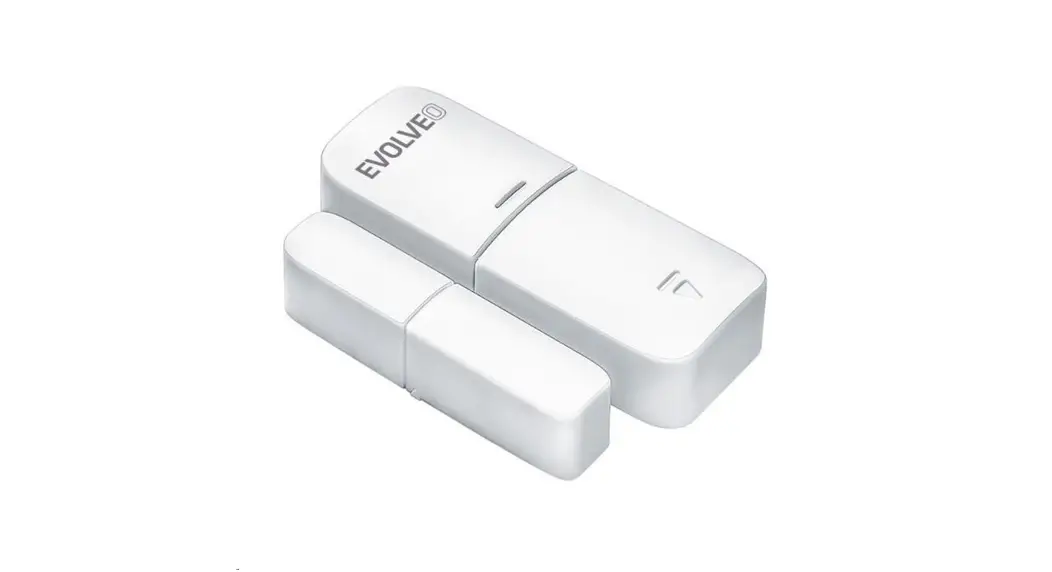
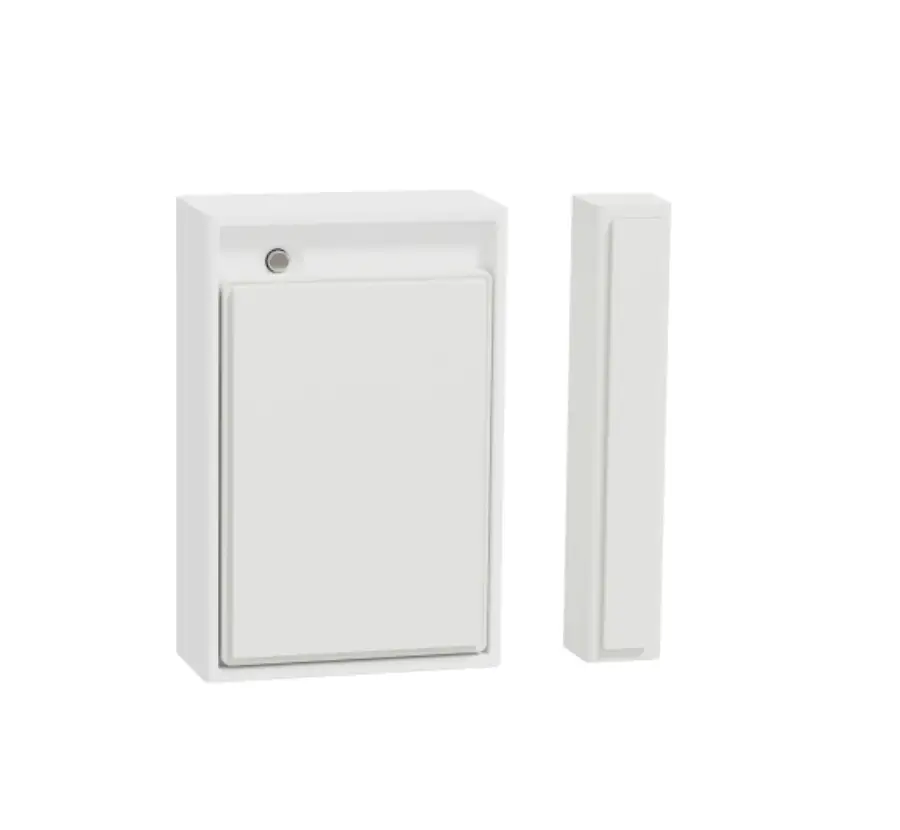
- Test the sensor by moving the small magnetic portion along the right side of the sensor. The LED on the sensor will flash once it has detected motion.

Note: It is recommended to keep the small magnetic portion 3/4” away from the sensor. Do not place the small magnetic portion directly on the sensor.
Installing the Sensor
Location tips:
- Install the sensor in an indoor environment.
- If you are using a door, place the sensor at the top of your door to keep safe from being bumped and out of reach rom children or pets.
- The sensor and magnet must be in line with each other and no more than 3/4” apart.
IMPORTANT: Install the magnet to the right of the sensor.
- Choose an area for the sensor to be placed such as a window or door.
- Ensure that the bluetooth connection is steady to the hub before mounting.
- Peel the mounting adhesive, stick it to the frame and attach the sensor. Repeat this step for the magnet and attach it to the door or window.
- Open and close the door or window to ensure the sensor stays in place.

Note: For more information on how to change a battery, please visit amcrest.com/support
Changing the Battery
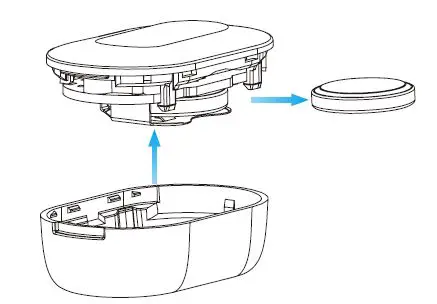
The sensor uses a CR1632 cell type battery. The battery typically lasts up to one year before it needs to be replaced.
- Make sure that the alarm hub is disarmed before changing the battery.
- Use the wide portion of the pin to open the sensor from the battery slot.
- Slide the old battery out of the sensor and replace it with a new battery.
- Snap the top portion of the sensor into place and secure it to the bottom portion of the sensor.

Note: For more information on this and other products visit: amcrest.com/support
How can we help?
We are dedicated to providing the highest quality support to our customers and are available 7 days a week.
Online Quick Start Guide
amcrest.com/support
Need help?
[email protected]