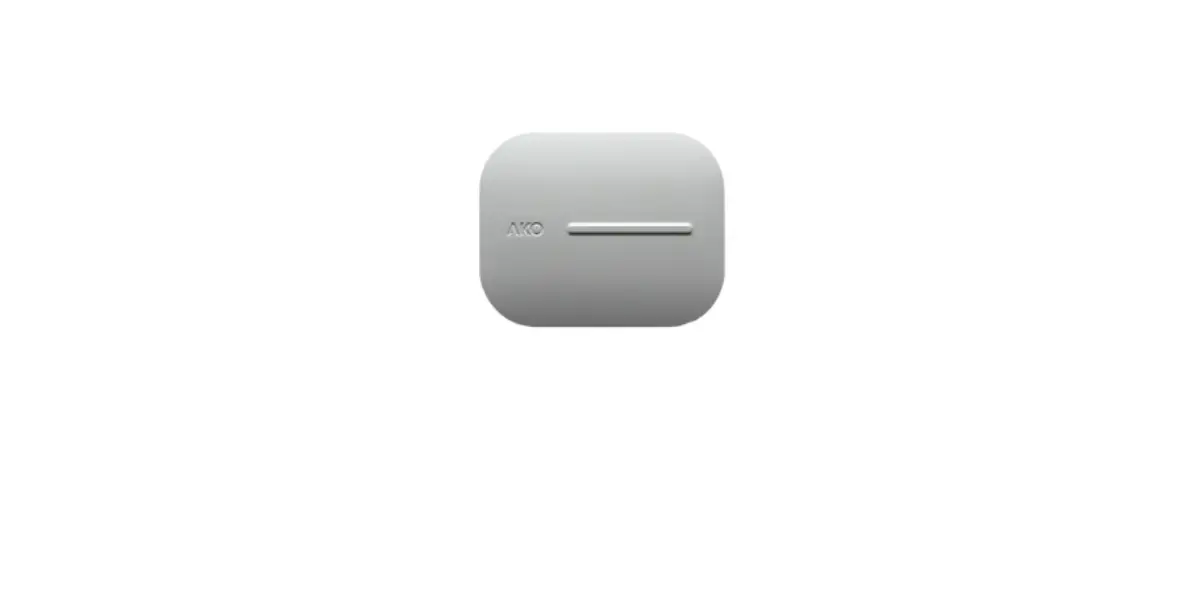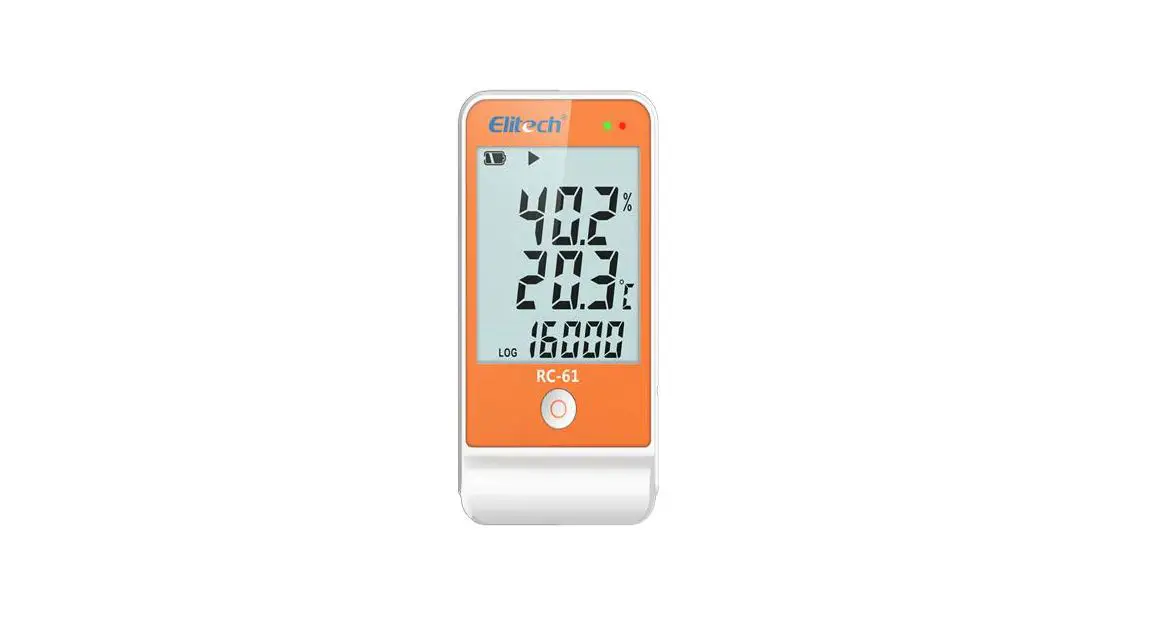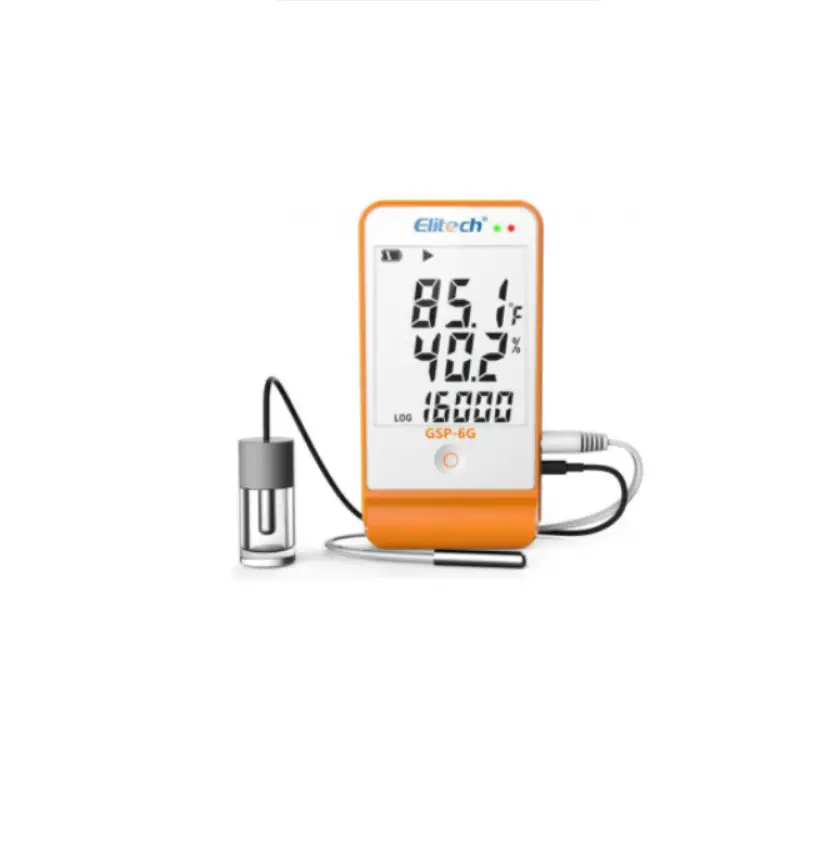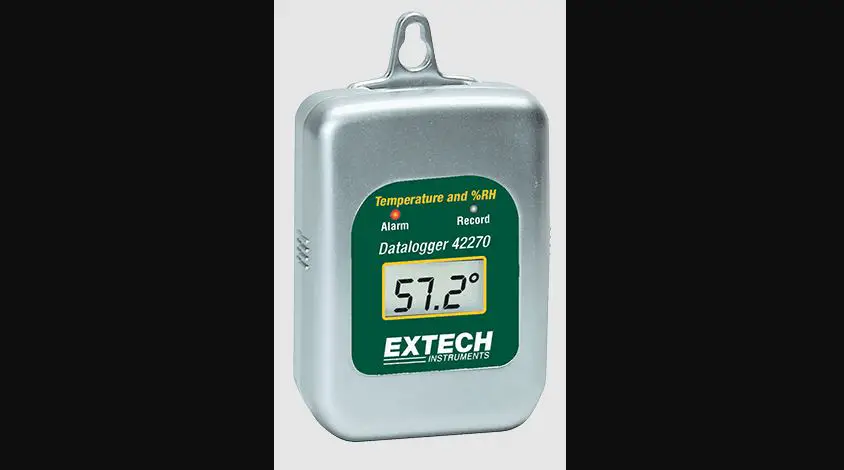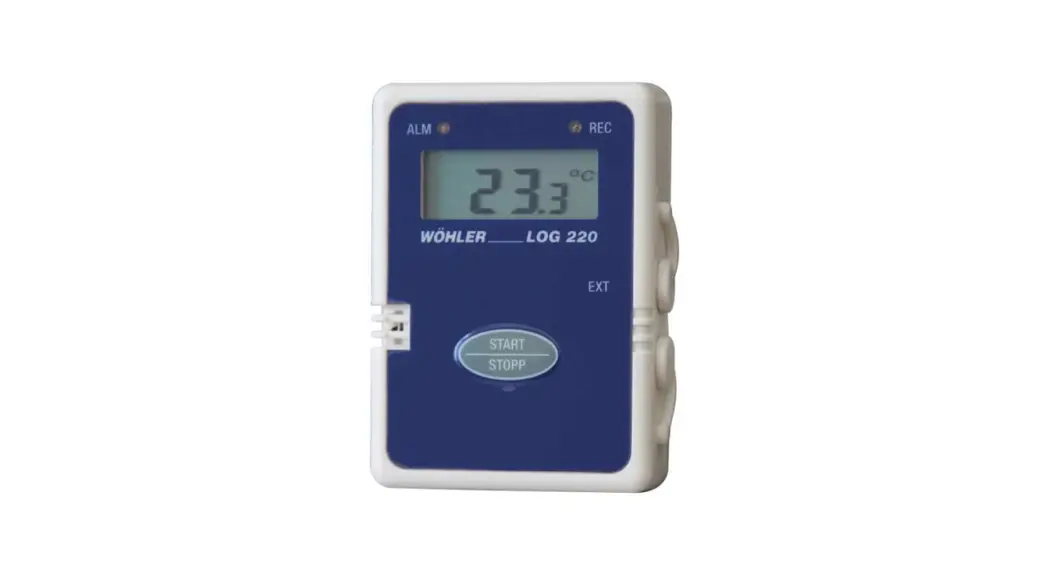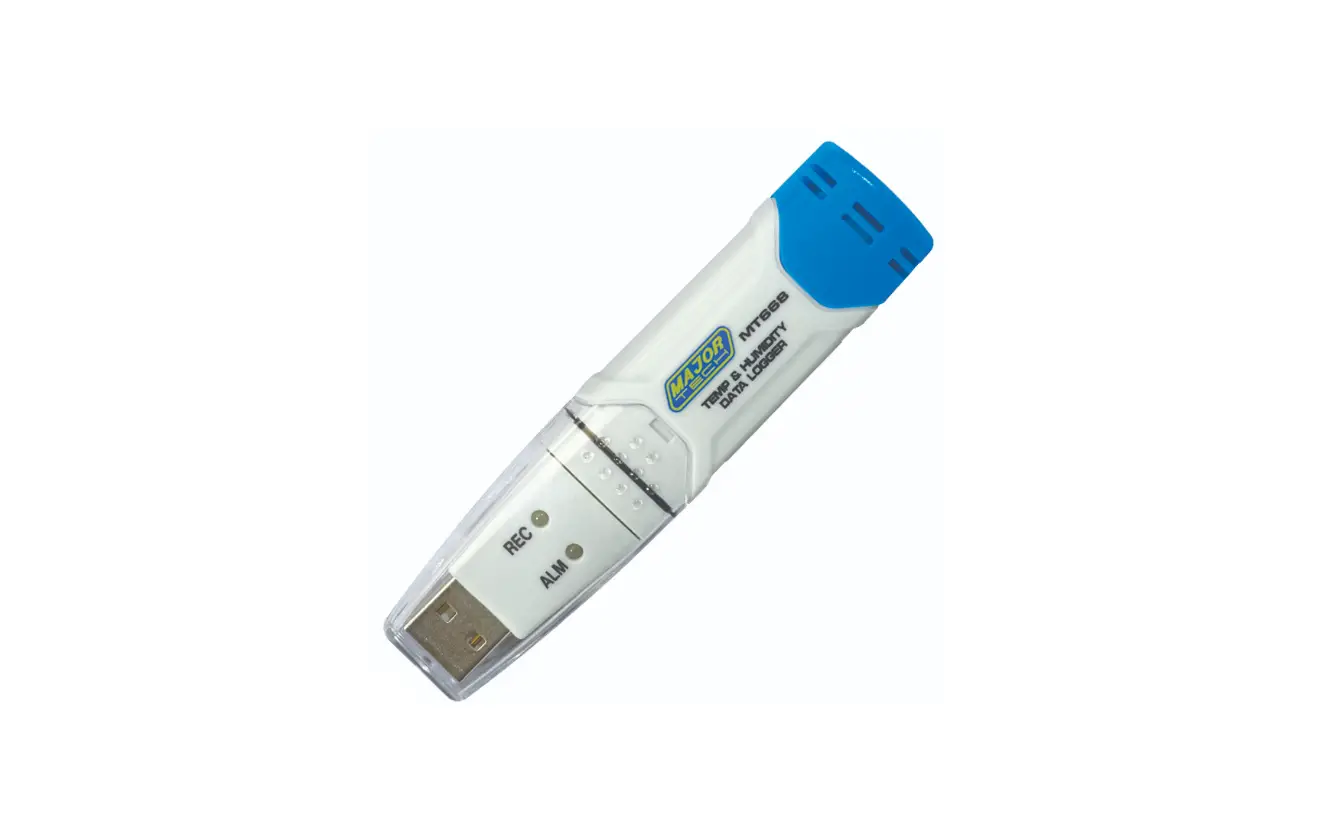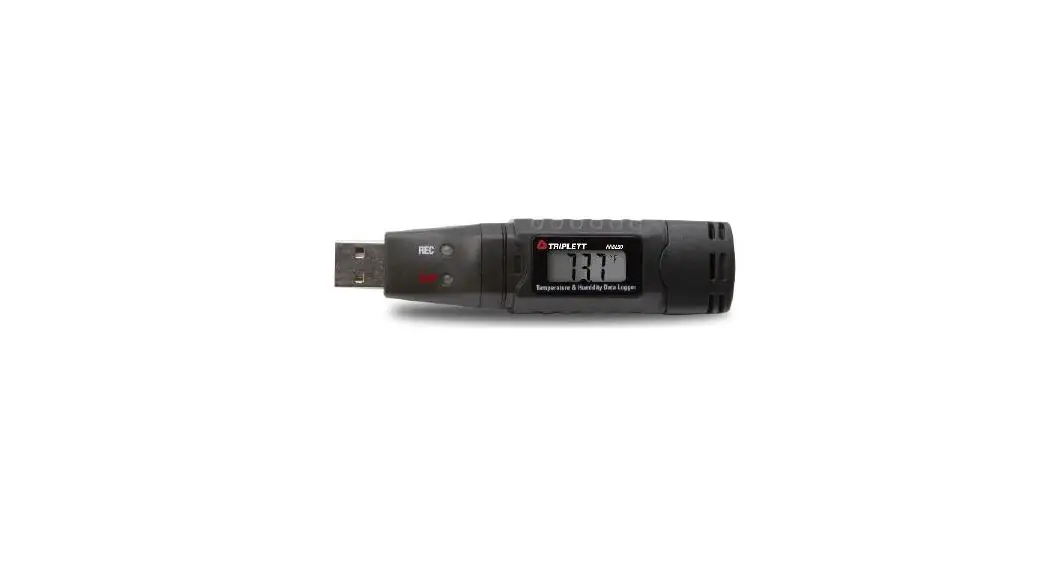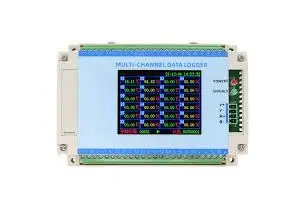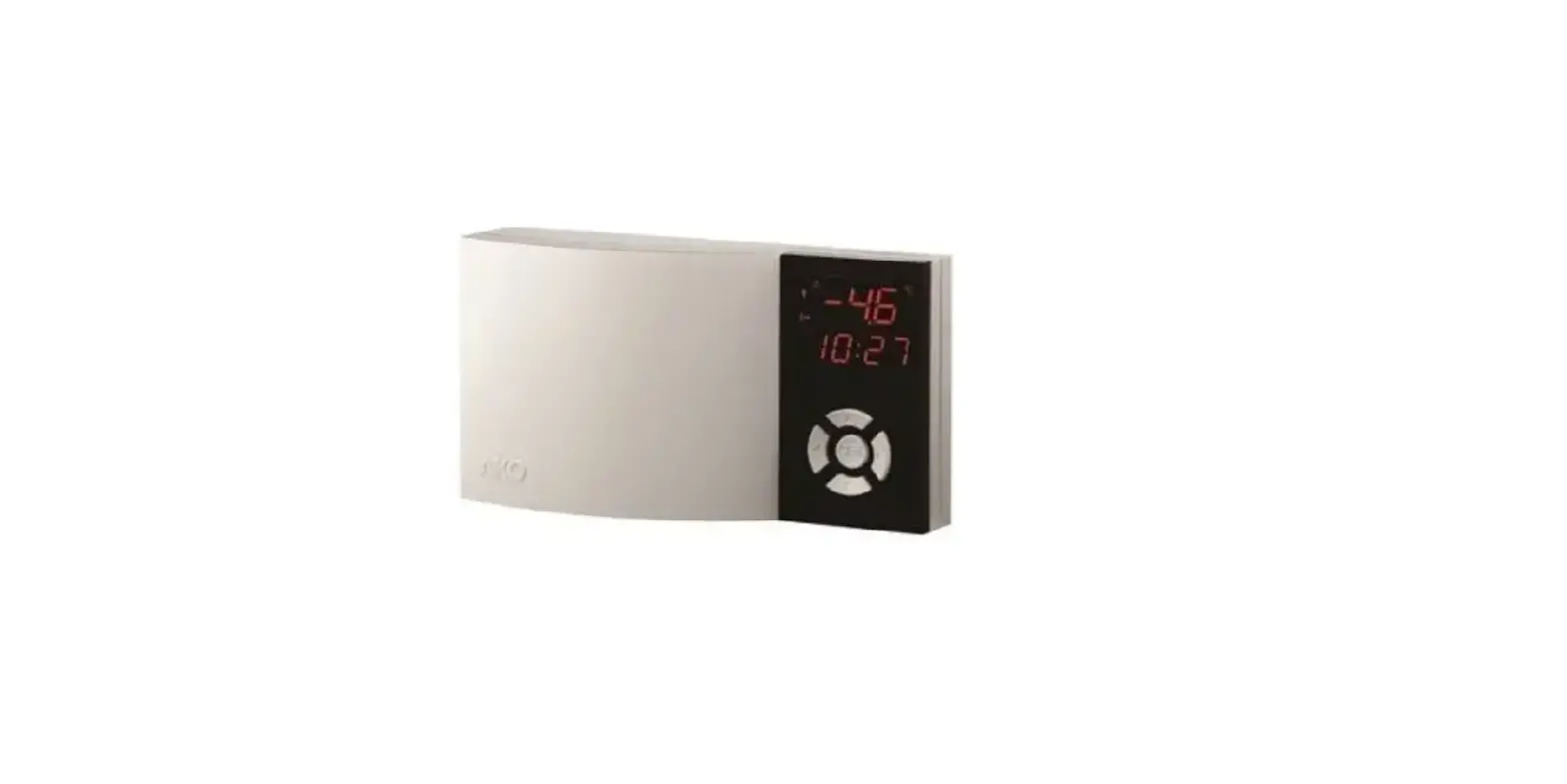

AKO 15724 2 Channel Temperature Humidity and Event Logger
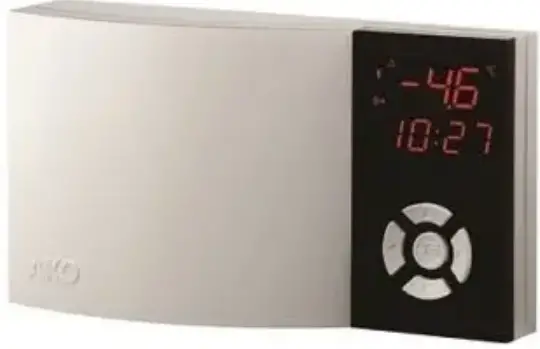
Product Information
Model Numbers
The product is available in two model numbers:
- AKO-15724
- AKO-15725
Product Technical Specifications
The product has the following technical specifications:
- 4-20 mA output
- 2-wire passive for AKO-15724 and active for AKO-15725
- 3-wire input for AKO-15724 and 2-wire input for AKO-15725
- Input power: 90-240 V~, 50/60 Hz
- Maximum load: 8A
- Communication with SD card
- Temperature indication
- Maximum and minimum temperature indicator
- Digital inputs
Warnings
The product comes with a set of warnings that should be carefully read and followed to ensure safe use of the product.
Product Installation
- The product comes with installation instructions that should be followed carefully to ensure proper installation.
Wiring
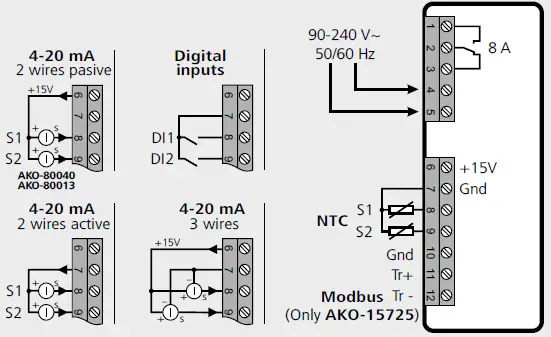
- The product comes with wiring instructions that should be followed carefully to ensure proper wiring.
Product Usage Instructions
Key Functions
The product comes with a set of key functions that can be used to perform various tasks. The key functions are as follows:
- SET key: A short press downloads the data of the last log onto the SD card (if it has been inserted). Silences the acoustic alarm (according to parameter P50). In programming, confirms the selection and saves the entered value.
- N + P keys: Pressing for over 10 seconds accesses the data log display menu. Press N / Q to select the log block and press SET to access it. Press N / Q to select the log to be displayed, after 1 second the value of each input will be displayed, indicating the date and time of the log.
- N + O keys: Pressing for over 10 seconds accesses the alarms log display menu. Press N / Q to select the input to be displayed and press SET. Press N / Q to select the event to be displayed (no. 1 is the most recent event), after 1 second the value of each input will be displayed, indicating the date and time of the event.
- N + Q keys: Pressing them for over 10 seconds accesses the programming menu.
Downloading Logged Data
The logged data is stored in the internal memory of the logger organized in log blocks. The period of time stored in each block, and the maximum capacity of the internal memory, depend on the log interval (L1 parameter). To download the data of the last closed log or ongoing log, press the SET key. To download all the logged data, press the P key.
The logger has a slot for SD cards that allows transferring the stored data for display on a computer or to be saved as a backup. These data are saved in spread sheet format (.csv), organized in the following way:
- Each log block is saved in a file, whose name is the day, hour, and minutes of the first log it contains.
- Two files are generated whose name is the year, month, and day of the download, in two different folders ALL and ALARMS. The first contains the file with all the data logged by the device until then and the second contains the file with the events saved until then.
IMPORTANT: Do not remove the SD card until the indicator turns off. The download may take several minutes depending on the data saved.
Warnings
- The unit should be installed in a place protected from vibrations, water and corrosive gases, where the ambient temperature does not exceed the value indicated in the technical data.
- For the unit to operate correctly, use only the probes supplied by AKO.
- For the reading to be correct, the probe should be used in a place without heat influences apart from the temperature you want to measure or control.
- The probe and its cable should NEVER be installed in a conduit together with power, control or feeder cables.
- In the event of lengthening the NTC probe, always used shield cable and earth the mesh. In these cases, the maximum deviation will be 0.25 ºC from -40 ºC to +20 ºC (Maximum 1000 m with a minimum section of 0.5 mm2 ). We recommend using the AKO-15586 cable.
- Always disconnect the power supply to do the wiring.
- The power circuit should be equipped with a switch marked as disconnecting device of the equipment of at least 2 A, 230 V, situated near the appliance.
- The power supply cable should be H05VV-F or H05V-K type. The gauge will depend on local regulations, but should in no case be less than 1 mm2 . The electrical installation should be carried out under the pipe.
- Using the logger not observing the manufacturer’s instructions may alter the appliance safety requirements. Only probes supplied by AKO should be used for the appliance to operate correctly.
Installation
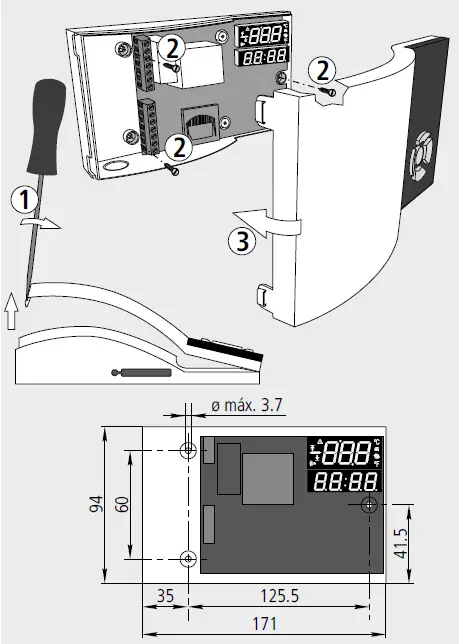
Technical specifications
- Power supply……………………………………………… 90-240 V~ 50/60Hz
- Alarm relay…………………………………………………………… 8 A cos j=1
- NTC range (AKO-14931)…………………………………. -50 ºC to 99.9 ºC
- Range 4-20 mA…………. Configurable from -100 to 900 (1000 levels)
- Resolution ………………………………………………………………………..0,1
- Accuracy class (-40 ºC to 40 ºC):………………….. ±1 ºC acc/ EN 12830
- Response time:……………………………………………………. < 20 seconds
- Maximum relative time error:…………………………………………< 0.1 %
- Marked according to UNE-EN 12830……………..S,A,1,-40 ºC + 40 ºC
- ………………………………………………………… Apt for use in storage (S)
- …………………………………………………..Climatic environment type (A)
- ………………………………………………………………….. Accuracy class (1)
- Maximum input power……………………………………………………8.5 VA
- Working ambient temperature…………………………………0 ºC to 40 ºC
- Storage ambient temperature……………………………… -20 ºC to 60 ºC
- Degree of protection…………………………………………………………IP40
- Double insulation between power supply, secondary circuit and relay output.
- Installation category……………………………………… II acc/ EN 61010-1
- Pollution degree…………………………………………… II acc/ EN 61010-1
- Maintenance of date and time without power supply……Up to 2 days
- Internal buzzer………………………………………………….. 70dB at 30 cm
- SD cards accepted……………………………………SD/SDHC (FAT / FAT32)
Wiring
AKO-15724 / AKO-15725
Operation
Key function
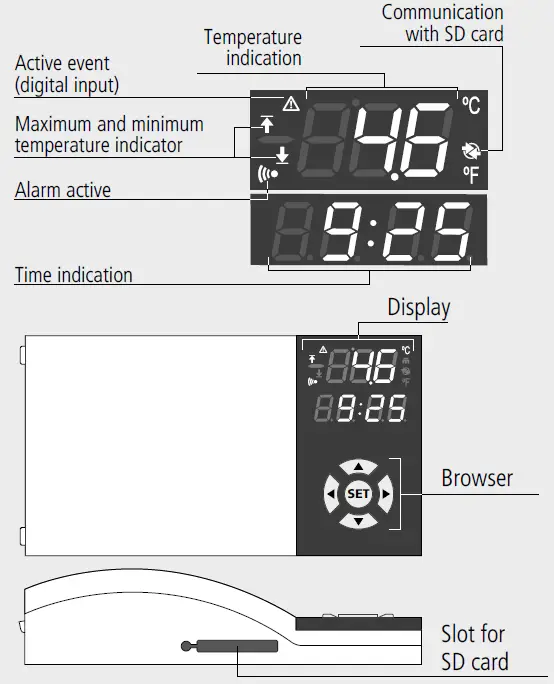
 key: A short press displays the maximum value reached in the last 24h, and the time when all the active inputs were reached. In the programming menu it allows scrolling around the different levels, or during the setting of a parameter, changing its value.
 key: A short press displays the minimum value reached in the last 24h, and the time when all the active inputs were reached. In the programming menu it allows scrolling around the different levels, or during the setting of a parameter, changing its value.
 key: A short press downloads the data of the ongoing log onto the SD card (if it has been inserted)
 key: A short press downloads ALL the logged data onto the SD card (if it has been inserted). The save without changes, return to previous level or exit programming parameter appears on the programming menu.
- SET key: A short press downloads the data of the last log onto the
- SD card (if it has been inserted).
- Silences the acoustic alarm (according to parameter P50).
- In programming, confirms the selection and saves the entered value.
 keys: Pressing for over 10 seconds accesses the data log display menu.
- Press
 to select the log block and press SET to access it.
 - Press to select the log to be displayed, after 1 second the value of each input will be displayed, indicating the date and time of the log.
 keys: Pressing for over 10 seconds accesses the alarms log display menu.
- Press to select the input to be displayed and press SET.
- Press to select the event to be displayed (no. 1 is the most recent event), after 1 second the value of each input will be displayed, indicating the date and time of the event.
 keys: Pressing them for over 10 seconds accesses the programming menu.
 keys: Pressing for over 10 seconds accesses the data log display menu.
 to select the log block and press SET to access it.
 keys: Pressing for over 10 seconds accesses the alarms log display menu.
 keys: Pressing them for over 10 seconds accesses the programming menu.
Message table
| MESSAGES | |
| E01 | Probe 1 broken (Open, crossed circuit or probe out of range) |
| E02 | Probe 2 broken (Open, crossed circuit or probe out of range) |
| — | Input disabled |
| — | Top log reached |
| — | Bottom log reached |
| SCH | Reading information from the internal memory. |
| EtY | Internal memory empty |
| E11 | Error accessing the logger’s internal memory |
| E12 | Error in access to the real time clock (RTC) |
| E13 | SD card not detected |
| E14 | Writing error in SD card |
| E15 | Error in the format of the SD card. It must be FAT/FAT32 |
| E16 | The SD card is write protected |
| PAS | Password request |
Structure of the logged data
- The logged data are stored in the internal memory of the logger organised in log blocks. The period of time stored in each block, and the maximum capacity of the internal memory, depend on the log interval (L1 parameter), as shown in table.
- The logger has a slot for SD cards, that allows transferring the stored data for display on a computer or to be saved as a backup. These data are saved in spread sheet format (.csv), organised in the following way:
| Log interval | Period stored by block | Internal memory capacity |
| 1 min | 8 hours | > 50 days |
| 5 min | 24 hours | > 5 months |
| 15 min | 7 days | > 3 years |
| 30 min | 14 days | > 6 years |
| 60 min | 28 days | > 12 years |
Downloads the data of the last closed log or ongoing log ( or SET keys)
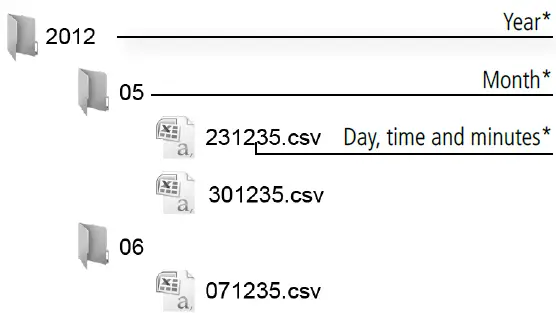
- Each log block is saved in a file, whose name is the day, hour and minutes of the first log it contains.
IMPORTANT
- Do not remove the SD card until the
 indicator turns off.
 - The download may take several minutes depending on the data saved.
 indicator turns off.
Downloads ALL the logged data ( key)
key)
Two files are generated whose name is the year, month and day of the download, in two different folders ALL and ALARMS. The first contains the file with all the data logged by the device until then and the second contains the file with the events saved until then (see section 5.2):
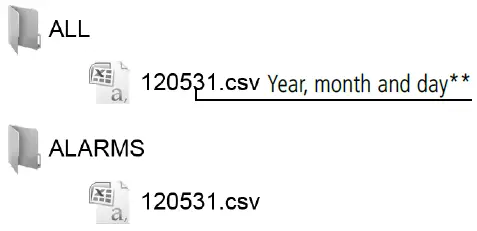
- Data of the start of the first log contained in the block.
- File recording date.
Alarm log
This function saves an event whenever an alarm is activated or deactivated. To download the events log data, press the P key, all the data logged up to date are downloaded onto the SD
card, including the events log, contained in the “ALARMS” folder.
Initial start-up
- The date and time will be requested during the first start-up.

Programming menu (parameters)
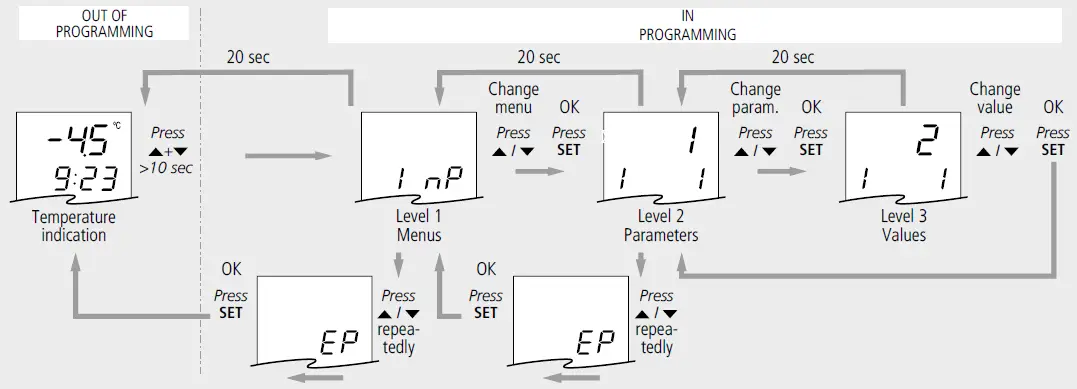
To access the parameter programming menu, press the  +
+  keys at the same time. Refer to the list of available parameters in section 5 of this manual. After 20 seconds without touching any key, the unit returns to the previous level. If it is in level 3 the changes will not be saved.
Parameter and message table
The Def. column indicates the factory default parameters. Unless otherwise indicated, the temperature values are expressed in ºC (equivalent temperature in ºF).
| Level 1 Menus and description | |||||
| InP | Level 2 Input configuration | ||||
| Level 3 Description | Min. | Def. | Max. | ||
| i1 | Type of input 1: 0: Disabled 1: NTC 2: 4-20 mA 3: Digital input (NO) 4: Digital input (NC) | 0 | 1 | 4 | |
| i2 | Value 4 mA input 1 | -100 | 0 | i3 | |
| i3 | Value 20 mA input 1 | i2 | 100 | 900 | |
| i4 | Calibration input 1 | -20 | 0 | 20 | |
| i11 | Type of input 2: 0: Disabled 1: NTC 2: 4-20 mA 3: Digital input (NO) 4: Digital input (NC) | 0 | 0 | 4 | |
| i12 | Value 4 mA input 2 | -100 | 0 | i13 | |
| i13 | Value 20 mA input 2 | i12 | 100 | 900 | |
| i14 | Calibration input 2 | -20 | 0 | 20 | |
| EP | Exit to Level 1 | ||||
| AL | Level 2 Alarm configuration | ||||
| Level 3 Description | Min. | Def. | Max. | ||
| A0 | Alarm input 1: 0: Disabled; 1: Enabled | 0 | 0 | 1 | |
| A1 | MAX alarm value input 1 | A2 | 99.9 | 999* | |
| A2 | MIN alarm value input 1 | -999* | -50 | A1 | |
| A3 | Delay alarm input 1 | 0 | 0 | 120 | |
| A4 | Alarm output input 1: 0: No output 1: Only acoustic 2: Only relay 3: Acoustic + relay | 0 | 0 | 3 | |
| A10 | Alarm input 2: 0: Disabled; 1: Enabled | 0 | 0 | 1 | |
| A11 | MAX alarm value input 2 | A12 | 0 | 999* | |
| A12 | MIN alarm value input 2 | -999* | 0 | A11 | |
| A13 | Delay alarm input 2 | 0 | 0 | 120 | |
| A14 | Alarm output input 1: 0: No output 1: Only acoustic 2: Only relay 3: Acoustic + relay | 0 | 0 | 3 | |
| EP | Exit to Level 1 | ||||
| CnF | Level 2 General configuration | ||||
| Level 3 Description | Min. | Def. | Max. | ||
| P2 | Access code function: 0: Inactive; 1:Parameter access block | 0 | 0 | 1 | |
| P3 | Default parameters: 0:No; 1:Yes | 0 | 0 | 1 | |
| P5 | MODBUS address for units with communication | 1 | 1 | 255 | |
| P7 | Temperature display mode: 0: Integers in ºC 1: One decimal point in ºC 2: Integers in ºF 3: One decimal point in ºF | 0 | 1 | 3 | |
| P8 | Input to be displayed: 0: Carrusel Input 1 – Input 2; 1: Input 1; 2: Input 2 | 0 | 1 | 2 | |
| P50 | Mute alarm with SET key: 0: Disabled 1: Only sound 2: Only relay 3: Sound and relay | 0 | 1 | 3 | |
| EP | Exit to Level 1 | ||||
| dLG | Level 2 Logger configuration | ||||
| Level 3 Description | Min. | Def. | Max. | ||
| L1 | Log interval: 0: 1 minute 1: 5 minutes 2: 15 minutes 3: 30 minutes 4: 60 minutes | 0 | 2 | 4 | |
| L2 | Delete record and event log: 0:No; 1:Yes | 0 | 0 | 1 | |
| L3 | Day of the start of the log: 0: Monday 1: Tuesday 2: Wednesday 3: Thursday 4: Friday 5: Saturday 6: Sunday | 0 | 0 | 6 | |
| L4 | Decimal separator in .csv files: 0: , 1: . | 0 | 0 | 1 | |
| EP | Exit to Level 1 | ||||
| rtC | Level 2 Date and time | ||||
| Level 3 Description | Min. | Def. | Max. | ||
| r1 | Hour | 0 | 0 | 23 | |
| r2 | Minute | 0 | 0 | 59 | |
| r3 | Day | 1 | 1 | 31 | |
| r4 | Month | 1 | 1 | 12 | |
| r5 | Year | 12 | 12 | 99 | |
| r6 | Automatic hour change: 0: No; 1: Yes | 0 | 1 | 1 | |
| EP | Exit to Level 1 | ||||
| tid | Level 2 Access control and Information | ||||
| Level 3 Description | Min. | Def. | Max. | ||
| L5 | Password | 0 | – | 99 | |
| PU | Programme version | – | – | – | |
| Pr | Programme revision | – | – | – | |
| EP | Exit to Level 1 | ||||
- The limits may vary depending on the type of input selected.
AKO ELECTROMECÁNICA , S.A.L.
- Avda. Roquetes,
- 30-38 08812 • Sant Pere de Ribes. Barcelona Spain
- www.ako.com
We reserve the right to supply materials slightly different to those described in our Data Sheets. Updated information in our website.
351572402 Rev.05 2022
 Industrial refrigeration: control and safety | AKO Group