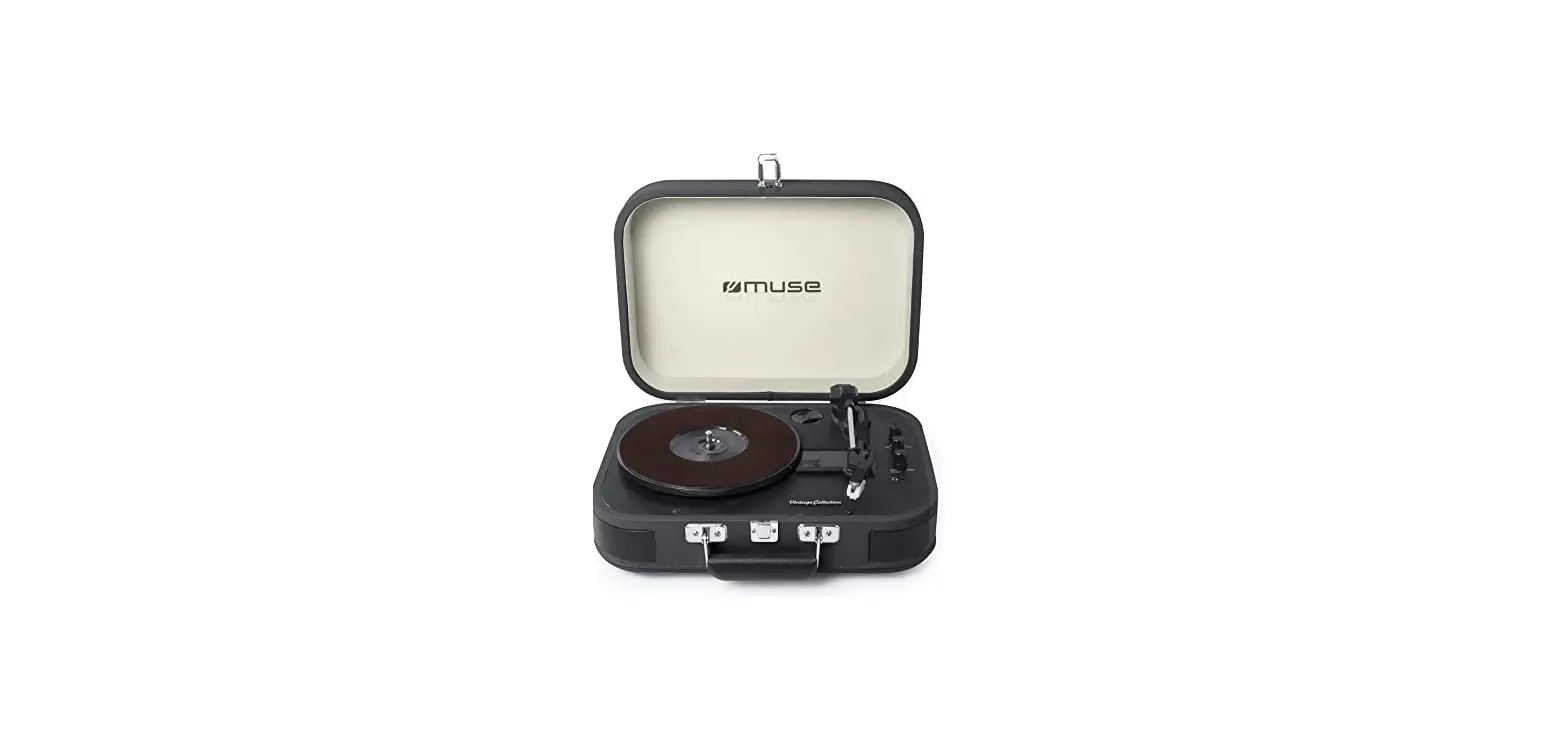
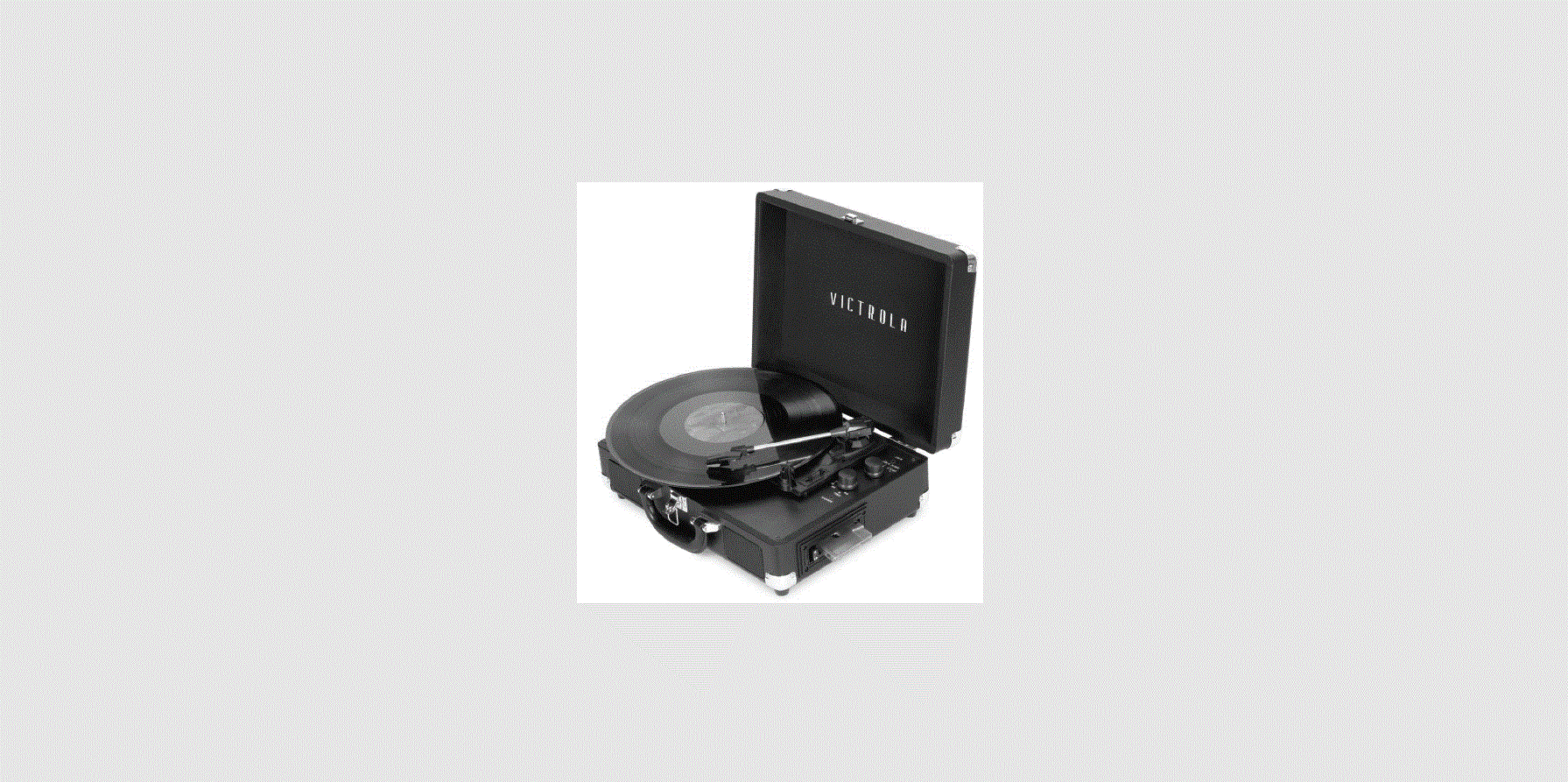
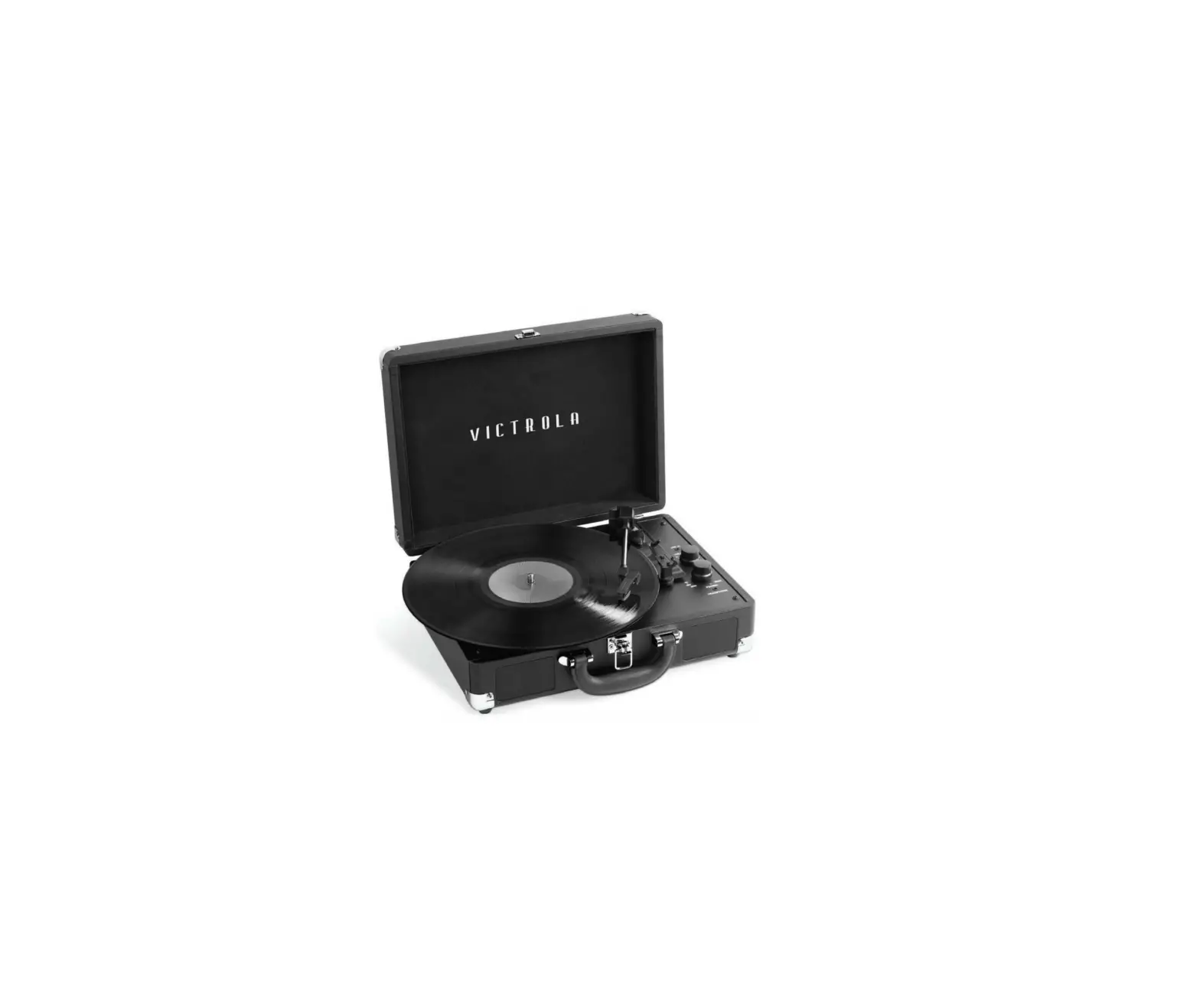
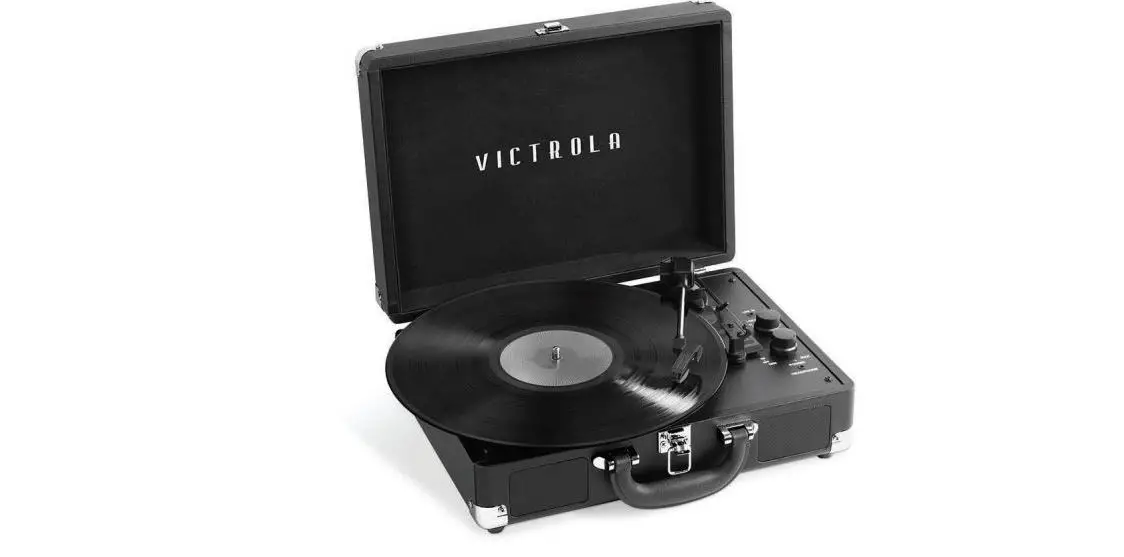
VSC-400SB Journey+ Bluetooth Suitcase Record Player
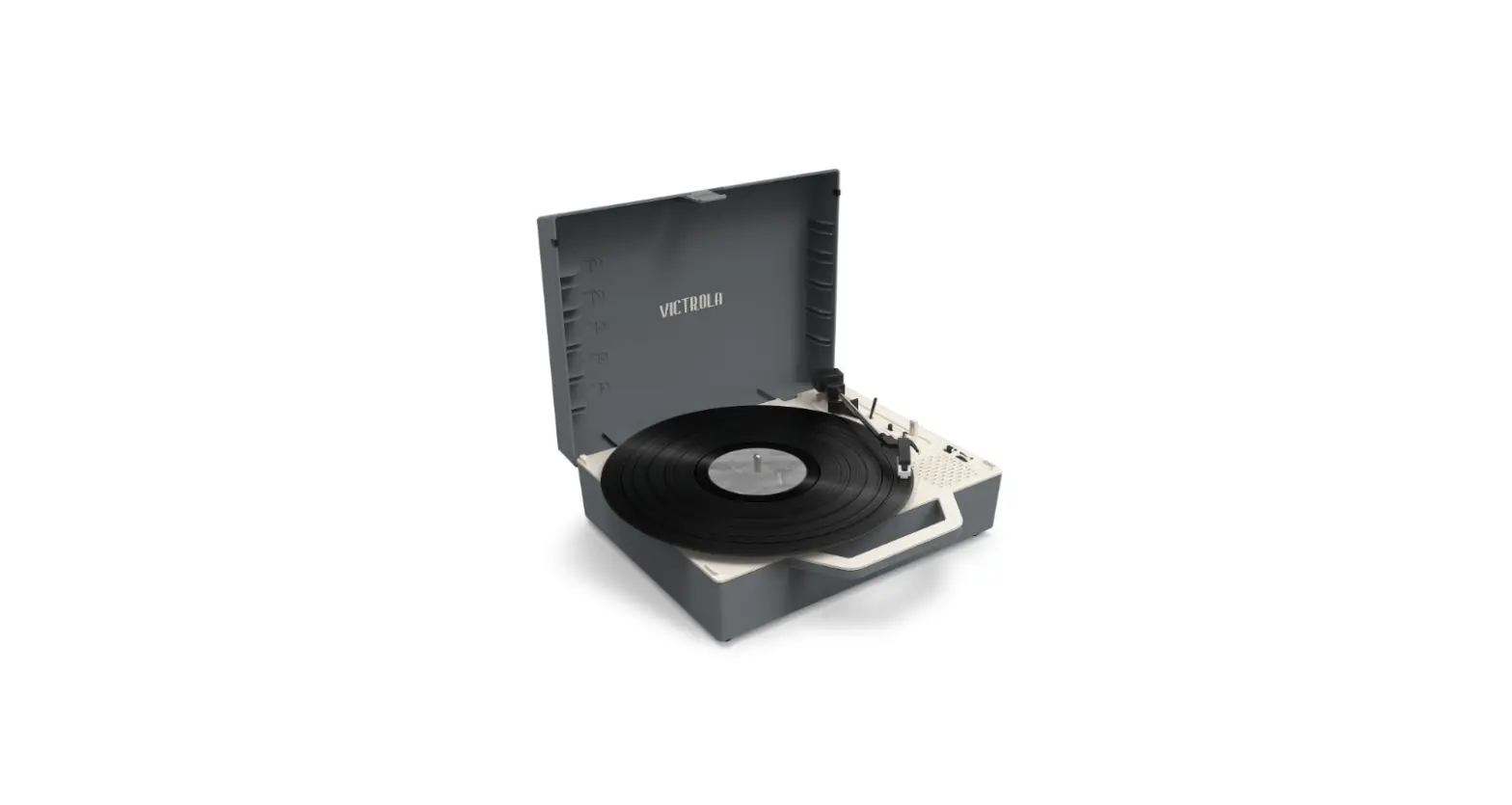
Product Information: The Journey VSC-400SB Turntable
The Journey VSC-400SB is a turntable with a modern design and
advanced features. It has a turntable layout with a platter, shaft,
and tonearm with a stylus cartridge. It also has a lift lever,
speed selection switch, and auto and manual stop selection switch.
The turntable has a built-in amplifier and speakers, as well as RCA
output jacks for external speakers. It comes with an AC/DC adapter
for power, and can also be connected to external devices using
Bluetooth technology or line-in jack.
Product Usage Instructions:
Before using The Journey VSC-400SB turntable, please read the
safety instructions carefully.
Power Supply:
To power the turntable, insert the adapter plug into the DC IN
jack on the rear of the unit, then connect the AC/DC adapter (5V/1A
AC 100-240V, 50-60Hz) to an AC/DC wall outlet.
Basic Operation:
- Lift the buckle on the front of the turntable and open the
lid. - Turn the FUNCTION KNOB to the PHONO position.
- Power ON the unit by turning the VOLUME CONTROL KNOB
clockwise. - Select the desired speed using the SPEED SELECTION SWITCH.
- Carefully place the record onto the platter, making sure it is
centered. - Lower the tonearm using the LIFT LEVER and gently place the
stylus onto the record. - Enjoy your music!
How to Replace the Turntable Needle:
To replace the turntable needle, follow these steps:
- Remove the stylus from the cartridge by setting a screwdriver
at the tip of the stylus and gently lifting it out. - Insert the new needle into the cartridge, making sure it is
securely in place. - Lower the tonearm onto the record and enjoy your music!
Bluetooth Out Operation:
The Journey VSC-400SB turntable supports Bluetooth wireless
connection (BT OUT) for use with external Bluetooth-compatible
headphones or speakers. To use this feature, follow these
steps:
- Power ON the unit by turning the VOLUME CONTROL KNOB
clockwise. - Turn the FUNCTION KNOB to the BT OUT (Bluetooth Out) position,
the red LED light will begin to flash. - Turn ON your external Bluetooth receiver device (such as
Bluetooth headphones and Bluetooth speakers) and set to pairing
mode. - When pairing is complete, you will hear a chime and the red LED
light will stop flashing. - Enjoy your music wirelessly!
THE
JOURNEY
MODEL: VSC-400SB INSTRUCTION MANUAL
PLEASE READ THIS INSTRUCTION MANUAL CAREFULLY BEFORE USE AND KEEP IT FOR FUTURE REFERENCE.
CONTENTS SAFETY INSTRUCTIONS ………………………………………………………………………2. WARNING ……………………………………………………………………………………………3. SPECIFICATIONS …………………………………………………………………………………4. TURNTABLE LAYOUT…………………………………………………………………………….5 TURNTABLE OPERATION ……………………………………………………………………..6.
POWER SUPPLY ………………………………………………………………………………6 BASIC OPERATION ………………………………………………………………………….6. HOW TO REPLACE THE TURNTABLE NEEDLE ………………………………….6. BLUETOOTH OUT OPERATION……………………………………………………………..7. BLUETOOTH OPERATION …………………………………………………………………….7. AUX-IN OPERATION……………………………………………………………………………..7. HEADPHONE OPERATION…………………………………………………………………….7. WEEE AND CE STATEMENTS………………………………………………………………..8.
1
SAFETY INSTRUCTIONS
TO PREVENT FIRE OR SHOCK HAZARD, DO NOT USE THIS PLUG WITH AN EXTENSION CORD, RECEPTACLE OR OTHER OUTLET UNLESS THE BLADES CAN BE FULLY INSERTED TO PREVENT BLADE EXPOSURE. TO PREVENT FIRE OR SHOCK HAZARD, DO NOT EXPOSE THIS APPLIANCE TO RAIN OR MOISTURE.
The lightning flash with arrowhead within an equilateral triangle is intended to alert the user
to the presence of uninsulated “dangerous voltage” within the product’s enclosure that may be of sufficient magnitude to constitute a
risk of electric shock.
CAUTION
RISK OF ELECTRIC SHOCK DO NOT OPEN
CAUTION: TO PREVENT RISK OF ELECTRIC SHOCK,
DO NOT REMOVE COVER (OR BACK). NO USER-SERVICEABLE PARTS INSIDE.
REFER SERVICING TO QUALIFIED SERVICE PROFESSIONAL.
The exclamation point within an equilateral triangle is intended to alert the user to the
presence of important operating and maintenance (servicing) instructions in the
literature accompanying the appliance.
Please read these safety instructions and respect the following warnings before the appliance is operated:
AC voltage DC voltage Class II equipment For indoor use only Energy efficiency marking with level VI Polarity of D.C. power connector
· The shown above appears on electrical and electronic equipment (or the packaging) to remind users of this.
· Users are requested to use existing return facilities for used equipment and batteries.
2
WARNING
· Always follow basic safety precautions when using this appliance, especially when children are present.
· Children should be supervised to ensure that they do not play with the appliance. · Do not damage the power cord, neither do not place any heavy objects on it, do not stretch it or
bend it. Also do not attach extension cables. Damage to the power cord may occur fire or electric shock. · If the supply cord is damaged, it must be replaced by the manufacturer, a service agent or similarly qualified persons in order to avoid a hazard. · Ensure that the unit is plugged into an AC 100-240V 50/60Hz power outlet. Using higher voltage may cause the unit to malfunction or even catch fire. · If the power plug does not fit into your outlet, do not force the plug into an electrical socket if it does not fit. · Turn off the unit before unplugging it from power source to completely switch it off. · Do not disconnect or connect the power cord with wet hands. It may cause an electric shock. · Ensure that the mains plug is always easily accessible. · This product does not contain any parts that are serviceable by the user. In case of a fault, contact the manufacturer or authorized service department. Exposing the internal parts inside the device may endanger your life. The manufacturers guarantee does not extend to faults caused by repairs carried out by unauthorized third parties. · Do not use this product immediately after unpacking. Wait until it warms up to room temperature before using it. · Ensure this product is used in moderate climates only (not in tropical/subtropical climates). · Place product on a flat, stable surface that is not subject to vibrations. · Ensure the product and its parts are not overhanging the edge of the supporting furniture. · To reduce the risk of fire, electric shock or damage to this product, do not expose it to direct sunlight, dust, rain and moisture. Never expose it to dripping or splashing and do not place objects filled with liquids on or near the product. · Do not place objects filled with liquids, such as vases, on the apparatus. · Do not install near any heat sources such as radiators, heat registers, stoves, or other apparatus (including amplifiers) that produce heat. · Do not place the product where the humidity is high and ventilation is poor. · Don’t mount this product on a wall or ceiling. · Do not place the unit near TVs, speakers and other objects that generate strong magnetic fields. · Do not leave the unit unattended when in use. · Allow at least 30 cm clearance from the rear and the top of the unit and 5 cm from each side. Always ensure that the ventilation openings are not covered with items such as newspapers, tablecloths, curtains, etc. · NEVER let anyone, especially children, push anything into holes, slots or any other openings in the unit’s casing as this could result in a fatal electric shock. · Storms are dangerous for all electric appliances. If the main or aerial wiring is struck by lightning, the appliance might get damaged, even if it is turned off. You should disconnect all the cables and connectors of the appliance before a storm. · Excessive sound pressure from headphones can cause hearing loss. · Do not cover ventilation openings, this is not intended to be used on soft support.
MAINTENANCE · Unplug the power cable from the power source before cleaning the appliance. · Use a soft and clean rag to clean the outside of the unit. Never clean it with chemicals or detergent.
POWER ADAPTER · To disconnect the unit from the main supply, unplug the lead from the main socket. · Only use the supplied main adaptor, as failure to do this may result in a safety risk and/or damage
to the unit. · The main plug of power adaptor is used as the disconnect device. The socket-outlet shall be
installed near the equipment and shall be easily accessible.
3
SPECIFICATIONS
AC/DC Adaptor: ………………………………………………… Input: 100-240V~50/60Hz, 0.2A Max
……………………………………………………………………….. Output: 5V/1A ……………………………………………………………………….. Power: 5W
Model: SK01G-0500100Z Shenzhen Simsukian Electronics Technology Co., Ltd. Switching Adaptor Speaker Impedance: ………………………………………….. 4ohm, 3W Max Power Consumption:…………………………………… 5W Bluetooth Version: ……………………………………………… Bluetooth V5.0 Bluetooth Profile:……………………………………………….. A2DP AVRCP Bluetooth Frequency Range:……………………………….. 2.402 GHz-2.480GHz Bluetooth Transmitter Power:………………………………. 10dbm Operating Temperature:………………………………………. 5°C – +40°C Included:…………………………………………………………… Turntable, Instruction Manual, Turntable Operation Sheet, Power Supply (2 Plugs Included), and 45 RPM Adaptor
4
TURNTABLE LAYOUT
1. TURNTABLE PLATTER 2. TURNTABLE SHAFT 3. 45 RPM ADAPTOR 4. LIFT LEVER 5. TONE ARM CLIP 6. LINE-IN JACK 7. AUTO AND MANUAL STOP SELECTION SWITCH 8. FUNCTION (BT (BLUETOOTH), LINE-IN, PHONO,
BT OUT (BLUETOOTH OUT) KNOB 9. SPEED SELECTION SWITCH 10. TONE ARM 11. POWER ON/OFF AND VOLUME CONTROL KNOB 12. POWER/BLUETOOTH LIGHT INDICATOR 13. STYLUS CARTRIDGE 14. HEADPHONE JACK 15. BUCKLE 16. HANDLE 17. SPEAKERS 18. RCA OUTPUT JACK 19. POWER ADAPTOR JACK
5
TURNTABLE OPERATION
POWER SUPPLY
Insert the adaptor plug into the DC IN jack on the rear of the unit, then connect the AC/DC adaptor (5V/1A AC 100-240V, 50-60Hz) to a AC/DC wall outlet.
BASIC OPERATION
1. Lift the BUCKLE on the front of the turntable and open the lid. 2. Turn the FUNCTION KNOB to the PHONO position. Power ON the unit by
turning the VOLUME CONTROL KNOB clockwise. The red LED will light to show that the turntable is turned ON. 3. Place a record on the TURNTABLE PLATTER and select the desired speed (33 1/3 / 45 / 78) by sliding the SPEED SELECTION SWITCH according to the record. NOTE: When playing a 45 RPM record, use the included 45 RPM ADAPTOR located in the holder near the tone arm. 4. Open the TONE ARM CLIP to release the TONE ARM. Push the LIFT LEVER backwards to raise the arm. Gently move the tone arm to the desired position over the record. The turntable will begin to spin when the arm is moved toward the record. Push the lift lever forward and lower the arm slowly onto the desired position on the record to begin playing. Please Note: The record will begin to spin only when the tone arm is moved over the record if the Auto Stop is turned ON. 5. If the AUTO AND MANUAL STOP SELECTION SWITCH is turned ON, the record will stop automatically when finished. If this switch is OFF the record will NOT stop automatically when finished. 6. To select the volume level, turn the VOLUME CONTROL KNOB to adjust the volume.
HOW TO REPLACE THE TURNTABLE NEEDLE (Replacement Needle # ITNP-S1)
Removing the Stylus from the Cartridge 1. Set a screwdriver at the tip of the stylus
and push down to the direction “A”. WARNING: When applying force to stylus, too much may damage or break the stylus. 2. Pull the stylus out toward the direction “B”. Installing the Stylus 1. Hold the tip of the stylus and insert the other edge by pressing toward direction “C”. 2. Push the stylus up toward direction “D” until it locks at the tip. Caution: Do not remove or bend the stylus needle. Do not touch the needle to avoid injury to your hand. Turn off the unit’s power before you replace the stylus. Keep out of reach of children. Please note: The stylus should last about 50 hours under normal use. It is recommended that the stylus be replaced as soon as you notice a change in sound quality.
6
BLUETOOTH OUT OPERATION
The product supports Bluetooth wireless connection (BT OUT). It can be connected with external Bluetooth-compatible headphones (not included) and Bluetooth speakers (not included).
1. Power ON the unit by turning the VOLUME CONTROL KNOB clockwise. 2. Turn the FUNCTION KNOB to the BT OUT (Bluetooth Out) position, the red LED
light will begin to flash. 3. Turn ON your external Bluetooth receiver device (such as Bluetooth headphones
and Bluetooth speakers) and set to pairing mode. 4. When pairing is complete, you will hear a chime and the red LED light will stop
flashing. (This may take approximately 15-30 seconds) 5. You are now connected to your external Bluetooth device. 6. Place a vinyl record on the turntable. Then move the tone arm to desired playing
position on the vinyl record and sound will be heard from the external Bluetooth speaker. (You can ONLY adjust the volume from your external Bluetooth device.) · Place the Bluetooth device within 1m (3.3′) of the product to perform pairing correctly. · The product stays in the pairing mode for 30 seconds. If pairing is not properly completed, follow the above steps again from the beginning after turning all devices OFF. · “BT OUT” is only compatible with vinyl record playback. BT OUT will NOT work in AUX or regular Bluetooth (BT) function modes.
BLUETOOTH OPERATION
An external device with Bluetooth Connectivity can be wirelessly connected to this turntable using the Bluetooth function.
1. Power ON the unit by turning the VOLUME CONTROL KNOB clockwise. 2. Turn the FUNCTION KNOB to the BT (Bluetooth®) position, the blue LED light will
begin to flash. 3. Turn your external device’s Bluetooth Setting ON. Wait a moment, then look for
the Bluetooth pairing name “Victrola Journey +”. 4. Select the Bluetooth pairing name, to connect the unit. Once connected, the
blue LED light will stop flashing. 5. You are now connected to your external device via Bluetooth! 6. Rotate the VOLUME CONTROL KNOB to adjust the sound level.
AUX-IN OPERATION
An external (auxiliary) audio source (i.e. personal CD/MP3 Player/Mobile phone or computer) can be connected to this apparatus via the LINE-IN JACK.
1. Plug a detachable Aux Cable (not provided) into the LINE-IN socket on the function panel of the apparatus.
2. Turn the FUNCTION KNOB to the LINE-IN position, the LED will turn purple. 3. Plug the other end of the Aux Cable into the Headphone or Line Out socket of
your External Source. 4. Power ON the unit by turning the VOLUME CONTROL KNOB clockwise. 5. Rotate the VOLUME CONTROL KNOB to adjust the sound level.
HEADPHONE OPERATION Plug the earphone jack into the earphone port on the function panel to listen to the record. The built-in speaker will stop playing once the earphones are plugged in. NOTE: For best performance and product maintenance, unplug the turntable when not in use.
7
WEEE AND CE STATEMENTS
Declaration of Conformity
This device complies with the essential requirements and other relevant provisions of below 1. RED directive: 2014/53/EU 2. ROHS directive: 2011/65/EU
You can download the complete EU conformity declaration from www.victrola.com/eudoc
The New Recast WEEE Directive (DIRECTIVE 2012/19/EU OF THE EUROPEAN PARLIAMENT AND OF THE COUNCIL of 4 July 2012 on waste electrical and electronic equipment (WEEE). 1. All electrical and electronic products should be disposed of separately from the municipal waste stream via designated collection facilities appointed by the government or the local authorities. 2. The correct disposal of your old appliance will help prevent potential negative consequences for the environment and human health. 3. For more detailed information about disposal of your old appliance, please contact your city office, waste disposal service.
Please note: As a result of continual improvements, the design and specifications of this product are subject to change without notice.
Bluetooth is a registered trademark of Bluetooth SIG, Inc. Other trademarks and trade names are those of their respective owners.
This product is manufactured and sold by Innovative Technology Electronics LLC. Victrola and the Victrola logo are trademarks of Technicolor or its affiliates and are used under license by Innovative Technology Electronics LLC. Any other product, service, company, trade or product name and logo referenced herein are neither endorsed nor sponsored by Technicolor or its affiliates.
Made In China.
8
Imported by / Importé par / Importiert von / Importato da / Importado por / Geïmporteerd door / Importer: Ascendeo France Groupe Innov8 61 Rue Emile Zola 69150 Décines-charpieu www.ascendeo.fr
VSC400SBEU-092721
 Ascendeo: grossiste d'accessoires téléphonie mobile, smartphone & tablette
 Declarations of Conformity | Victrola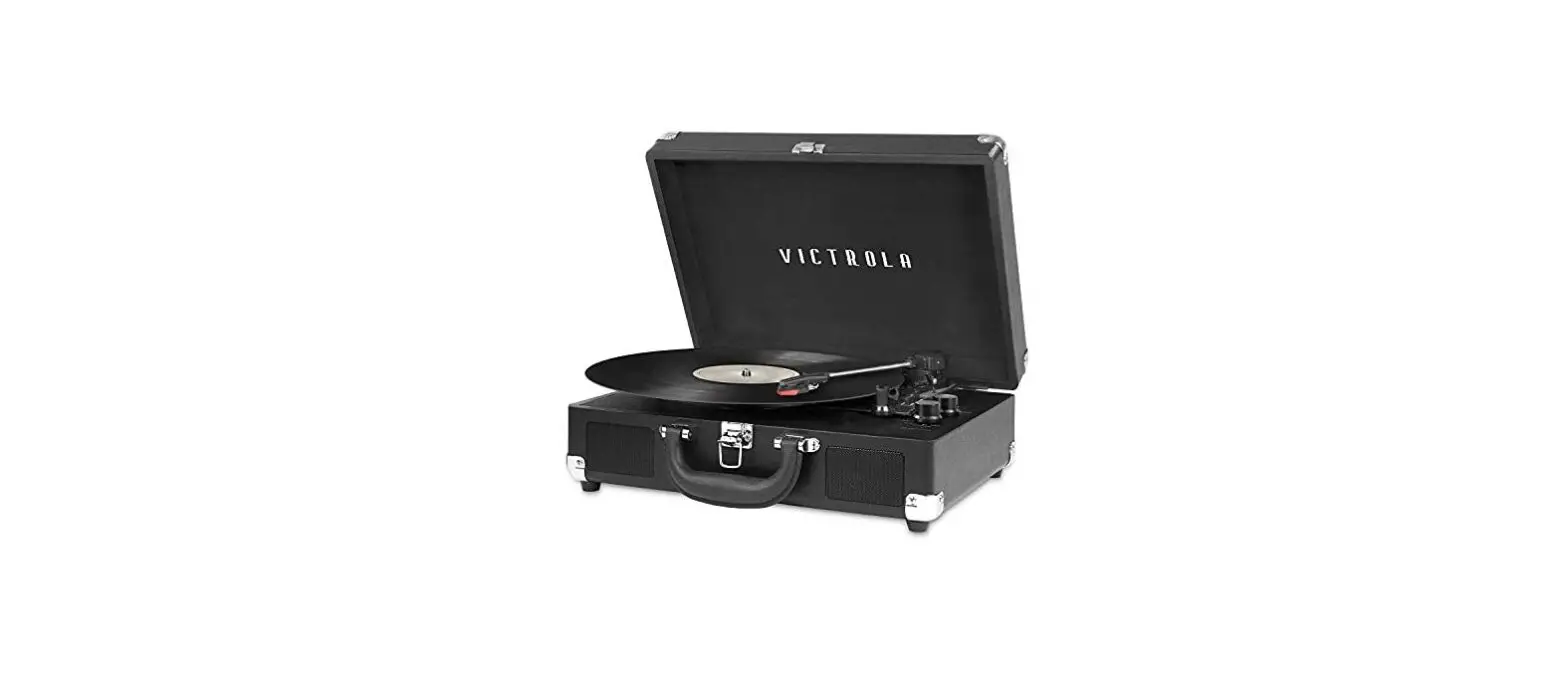



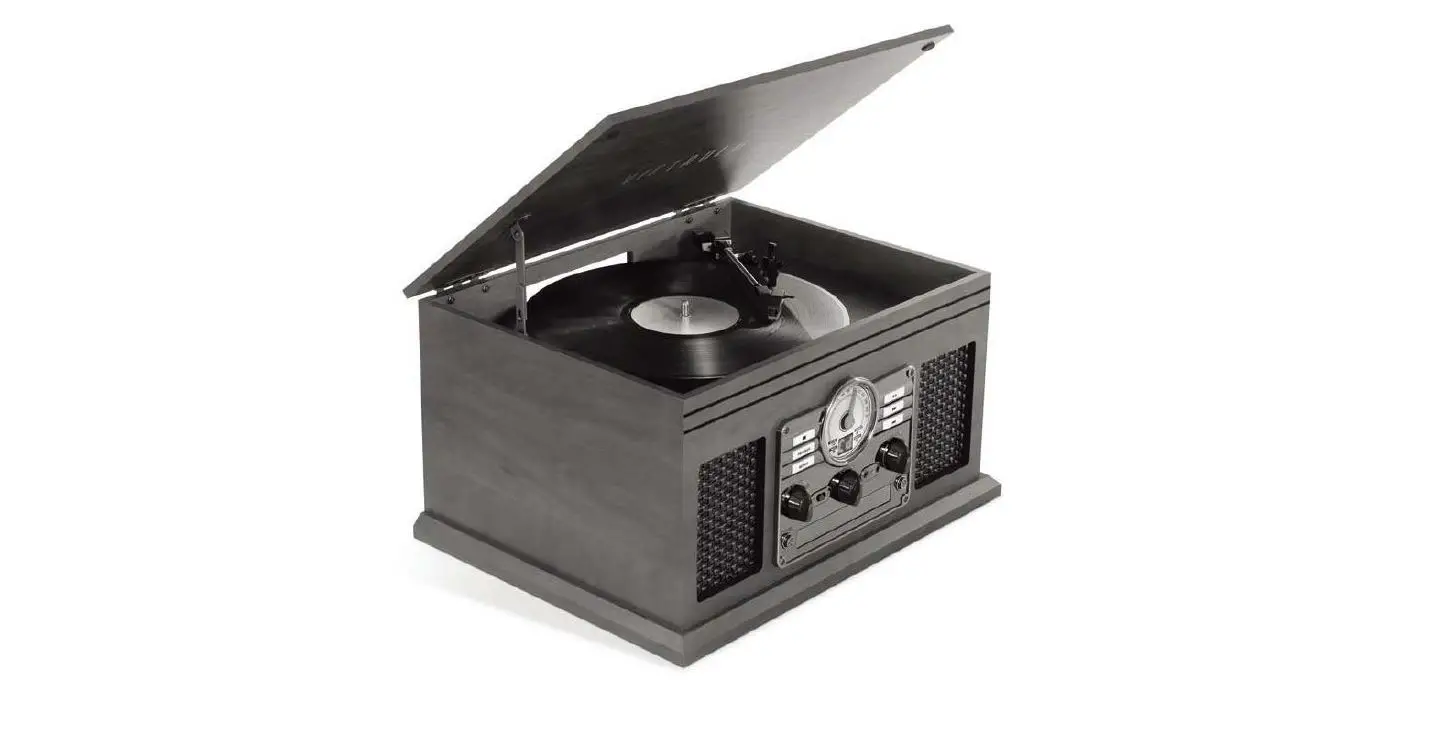
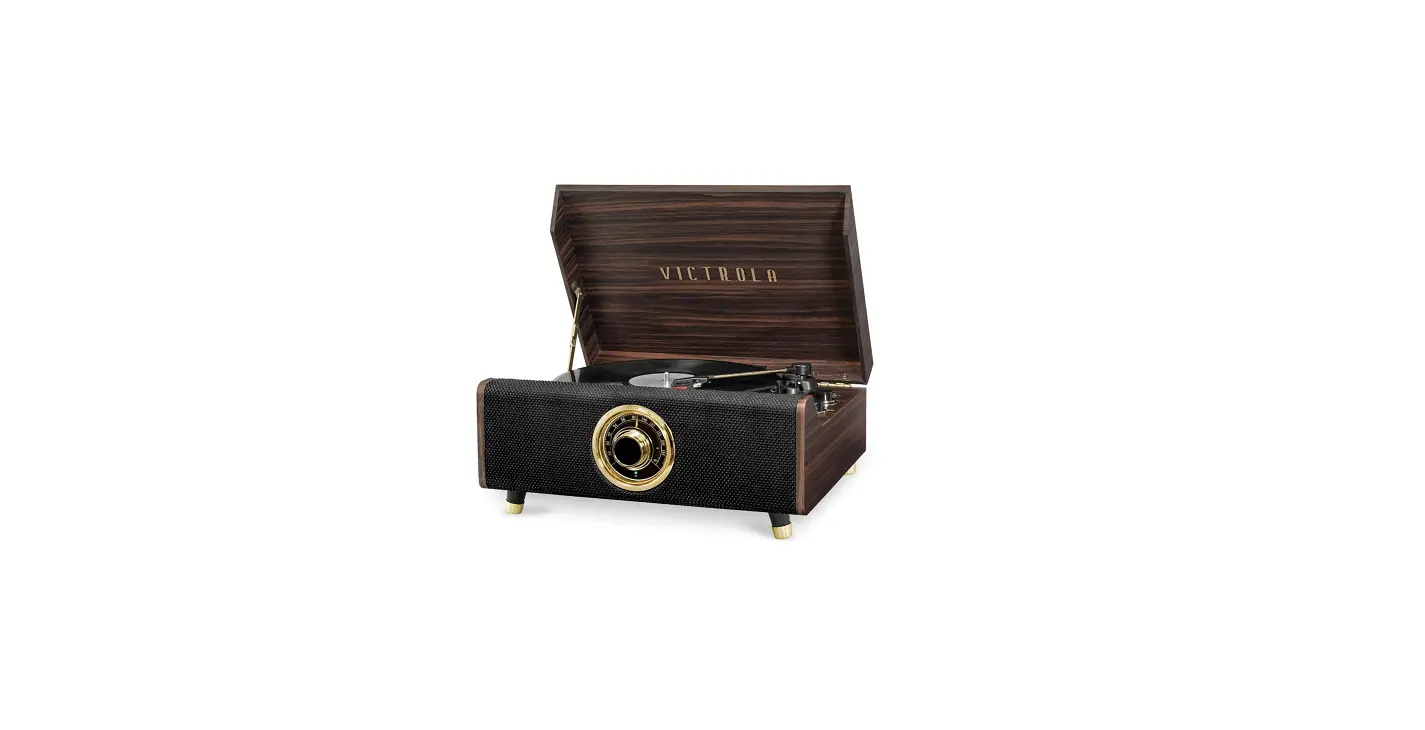
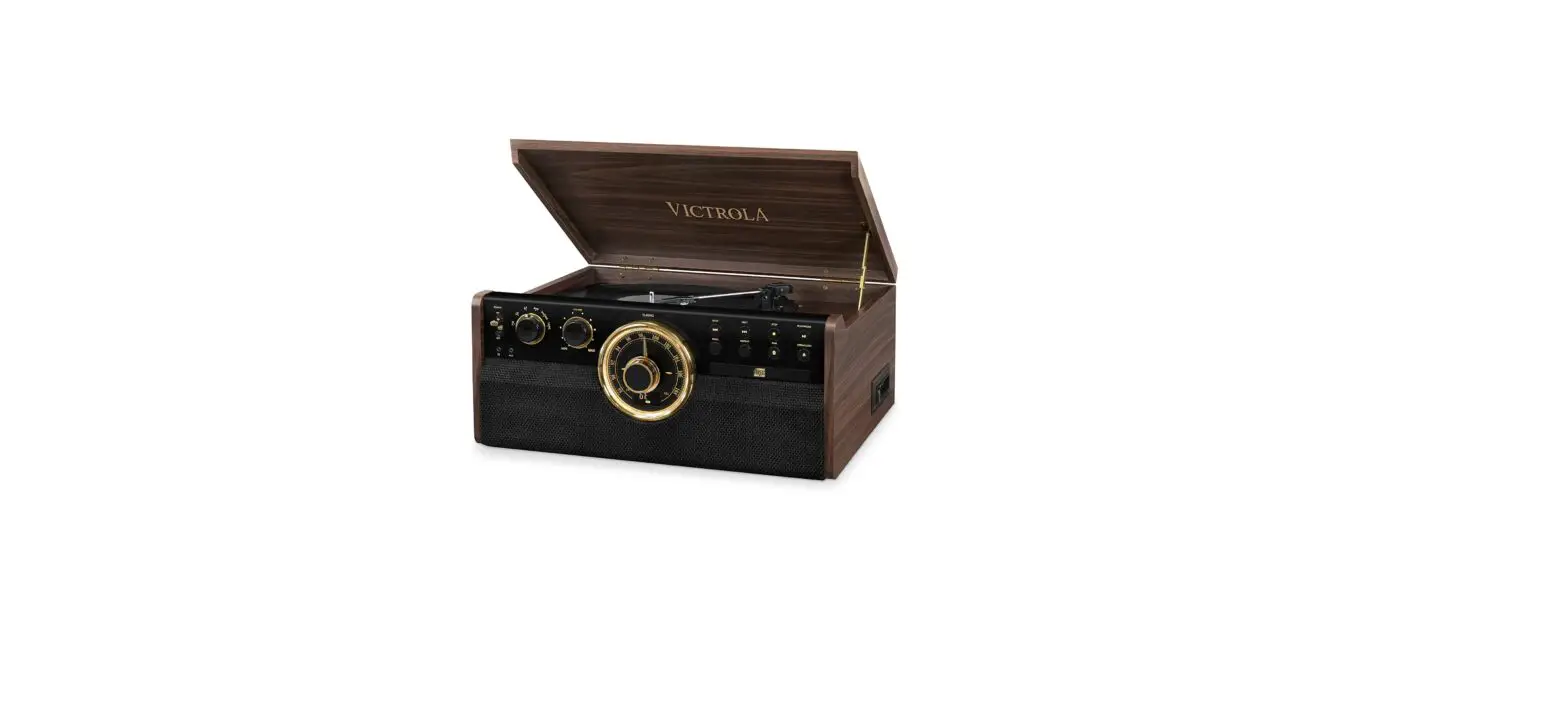
![Victrola 8-in-1 Turnable Bluetooth Record Player [vta-754b] Instruction Manual](https://static-data1.manualsee.com/1/img/152/17285/2020/12/Victrola-8-in-1-Turnable-Bluetooth-Record-Player.png "Victrola 8-in-1 Turnable Bluetooth Record Player [vta-754b] Instruction Manual")
![Victrola 8-in-1 Turnable Bluetooth Record Player [vta-754b] Instruction Manual](https://static-data1.manualsee.com/1/img/379/30050/2020/12/Victrola-8-in-1-Turnable-Bluetooth-Record-Player_1-1.png "Victrola 8-in-1 Turnable Bluetooth Record Player [vta-754b] Instruction Manual")