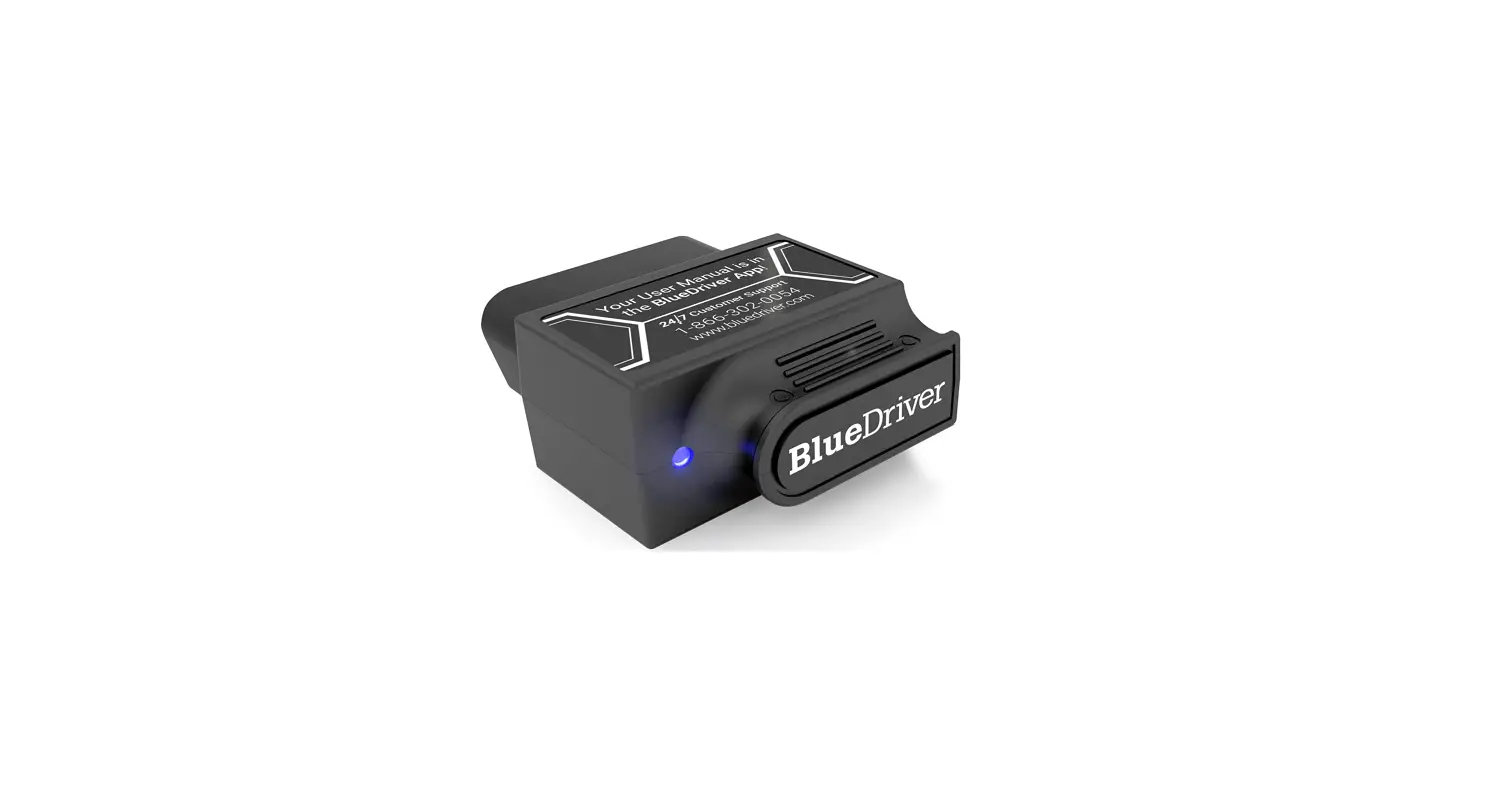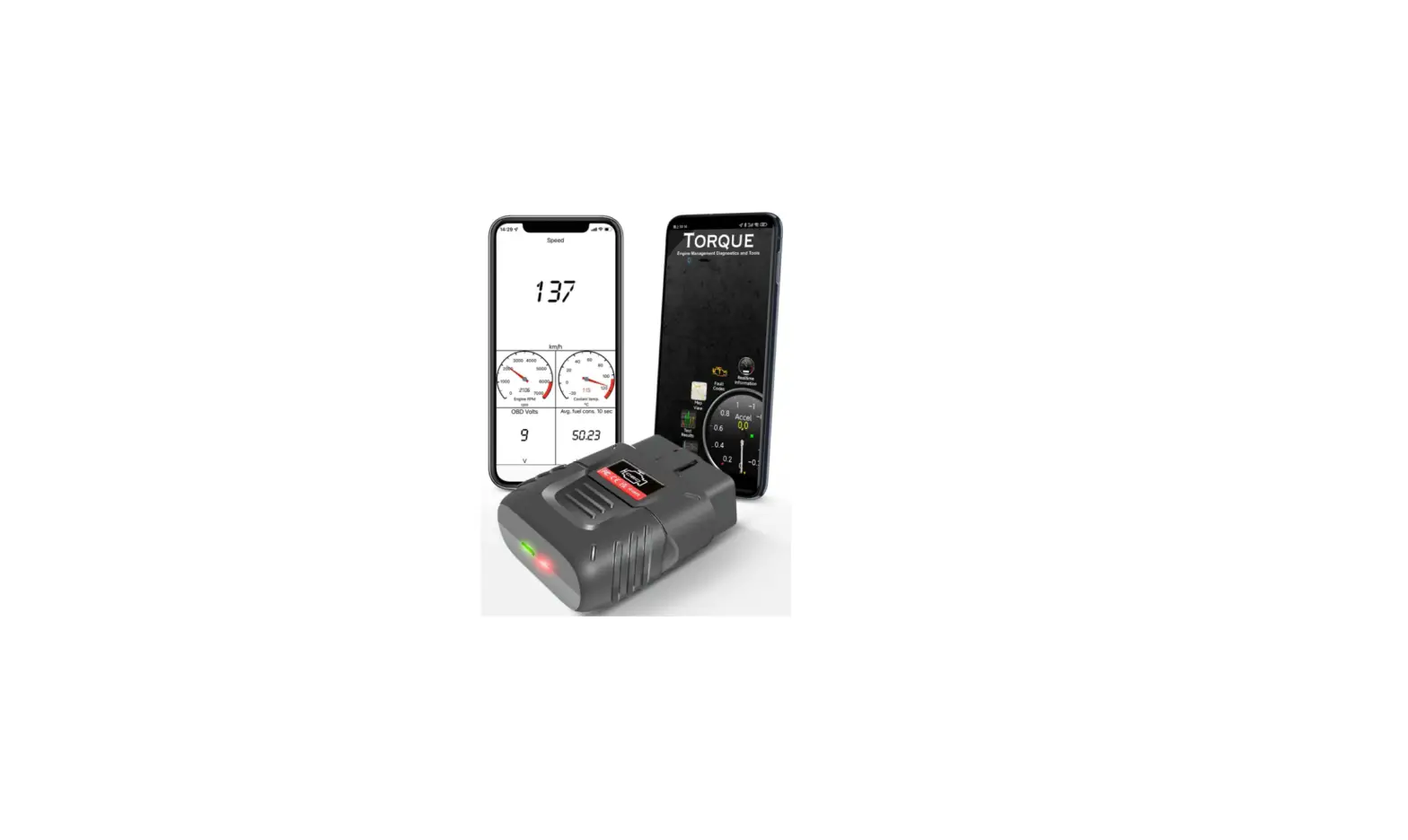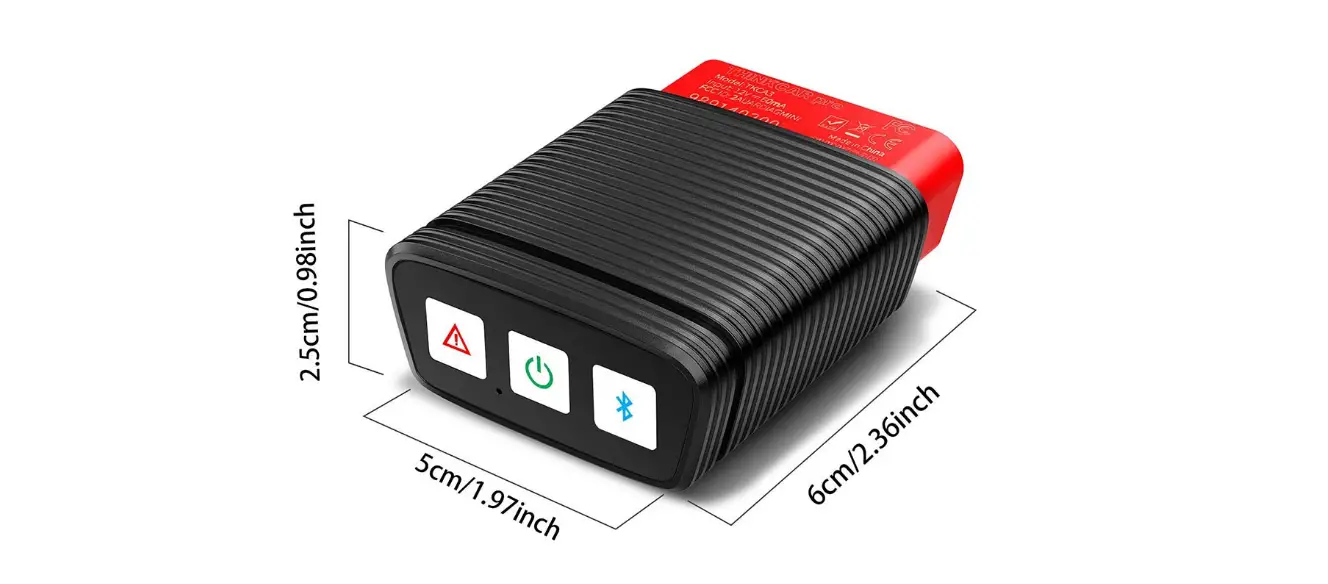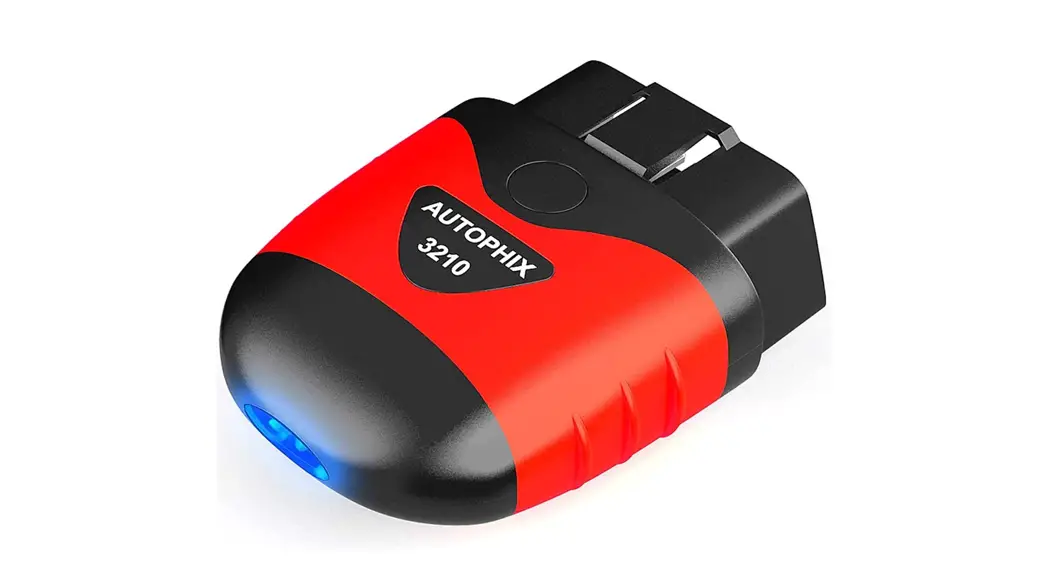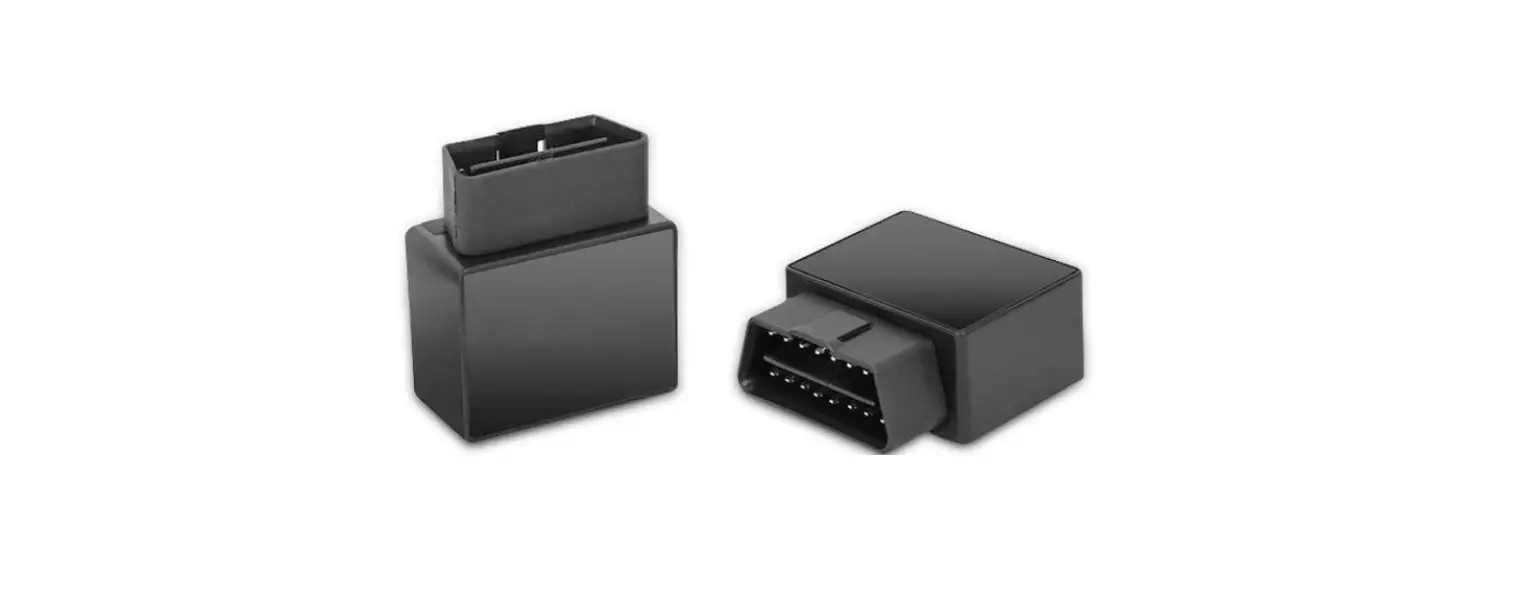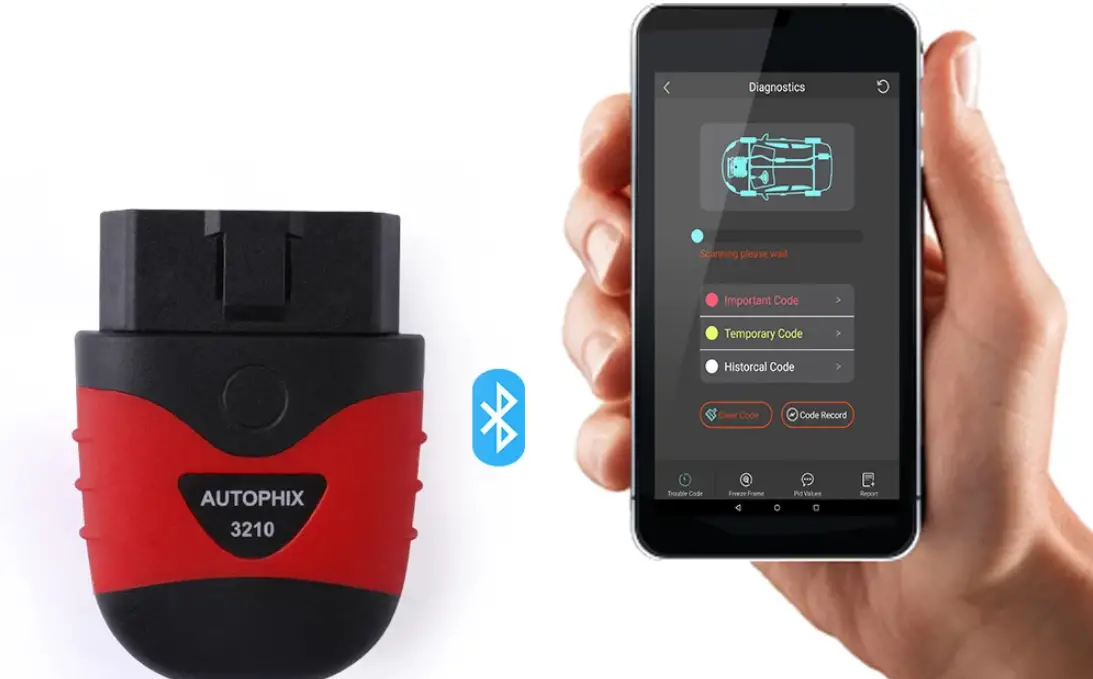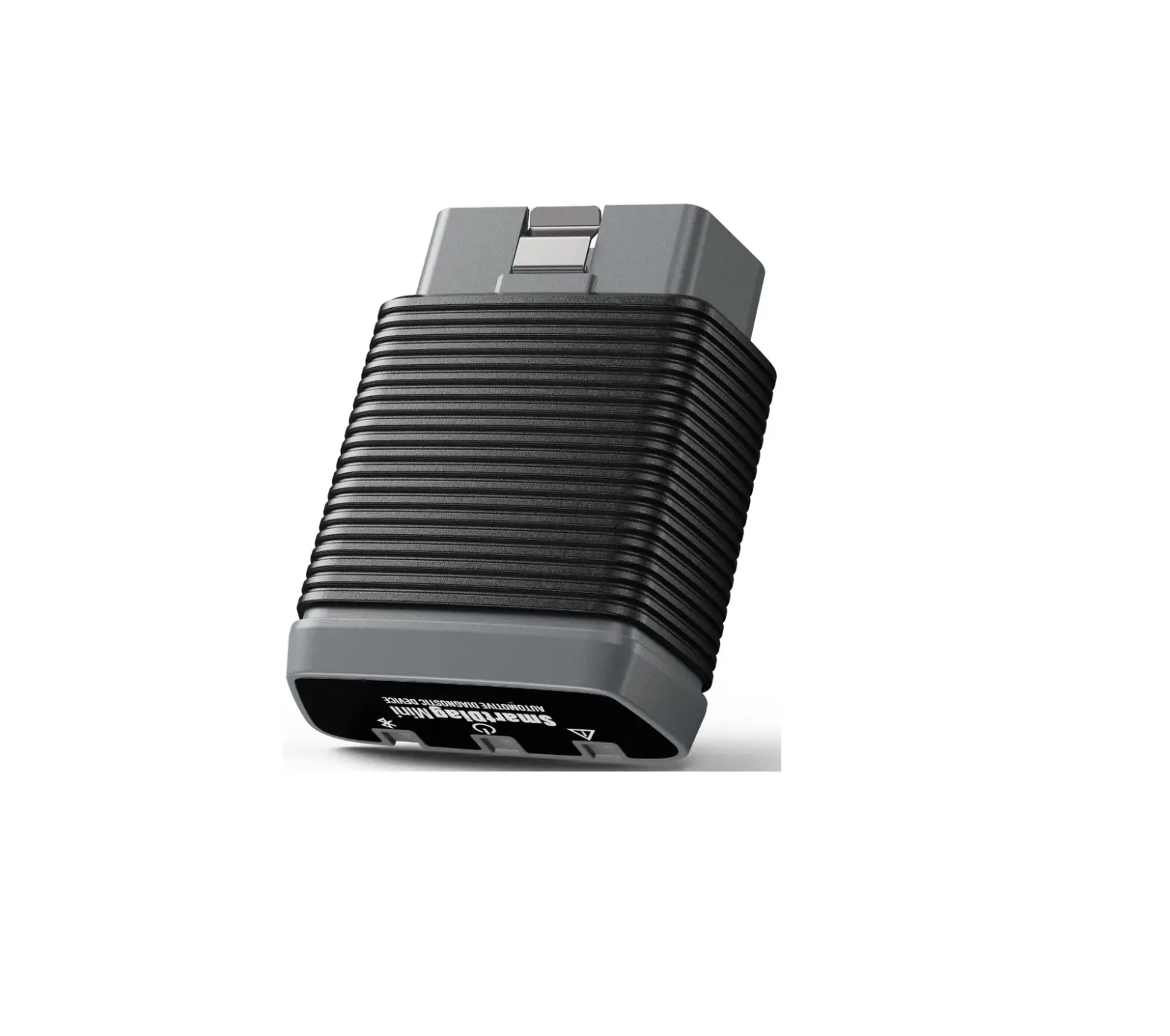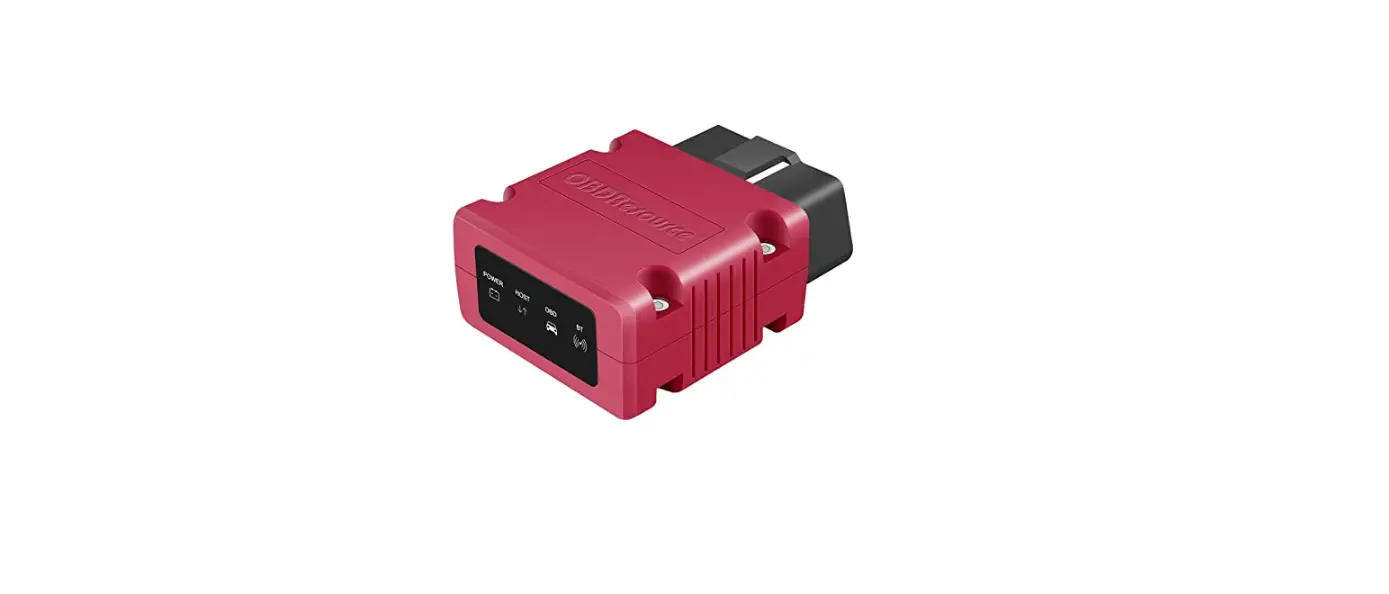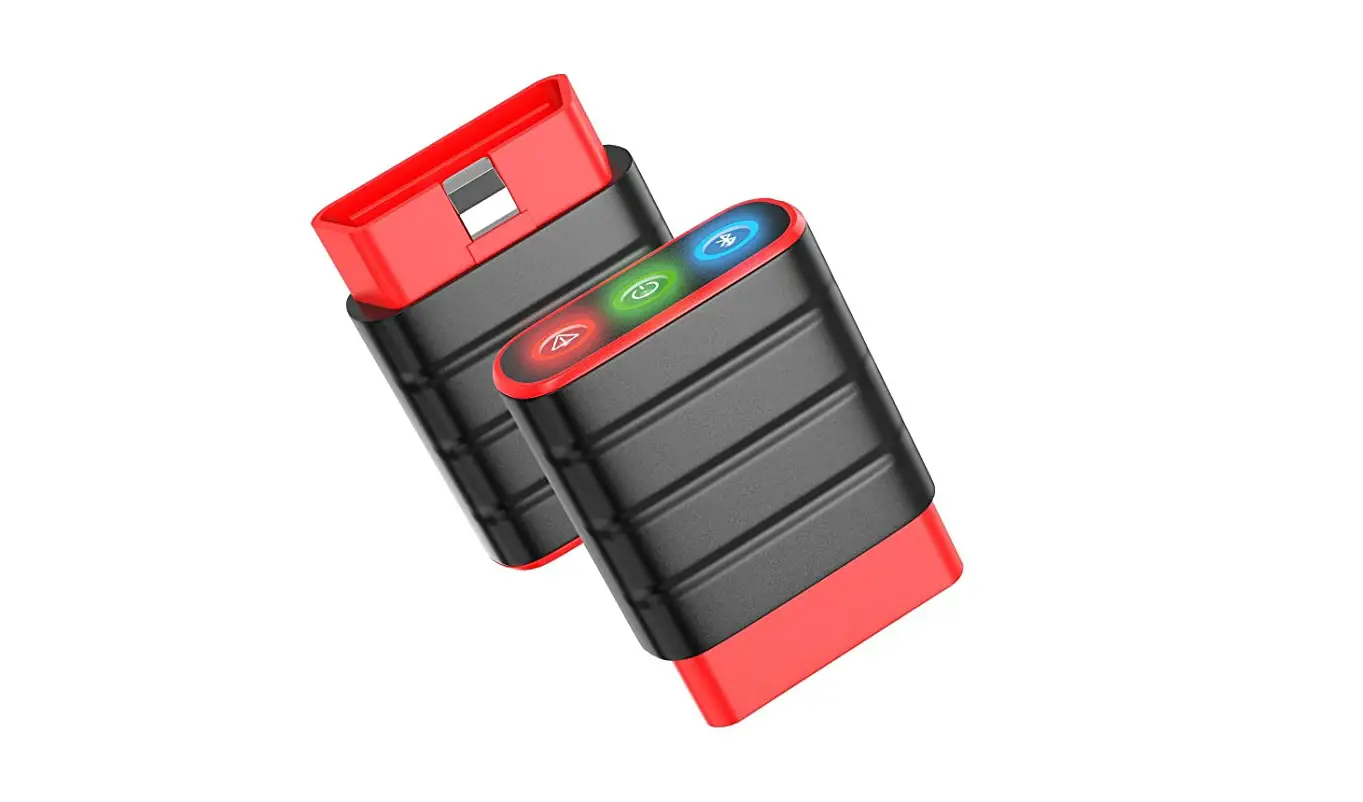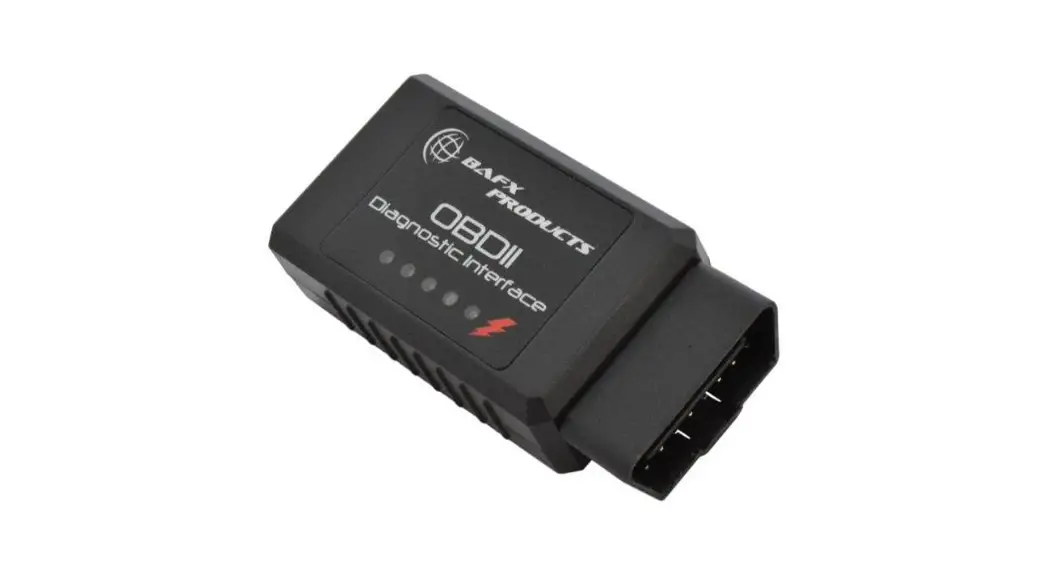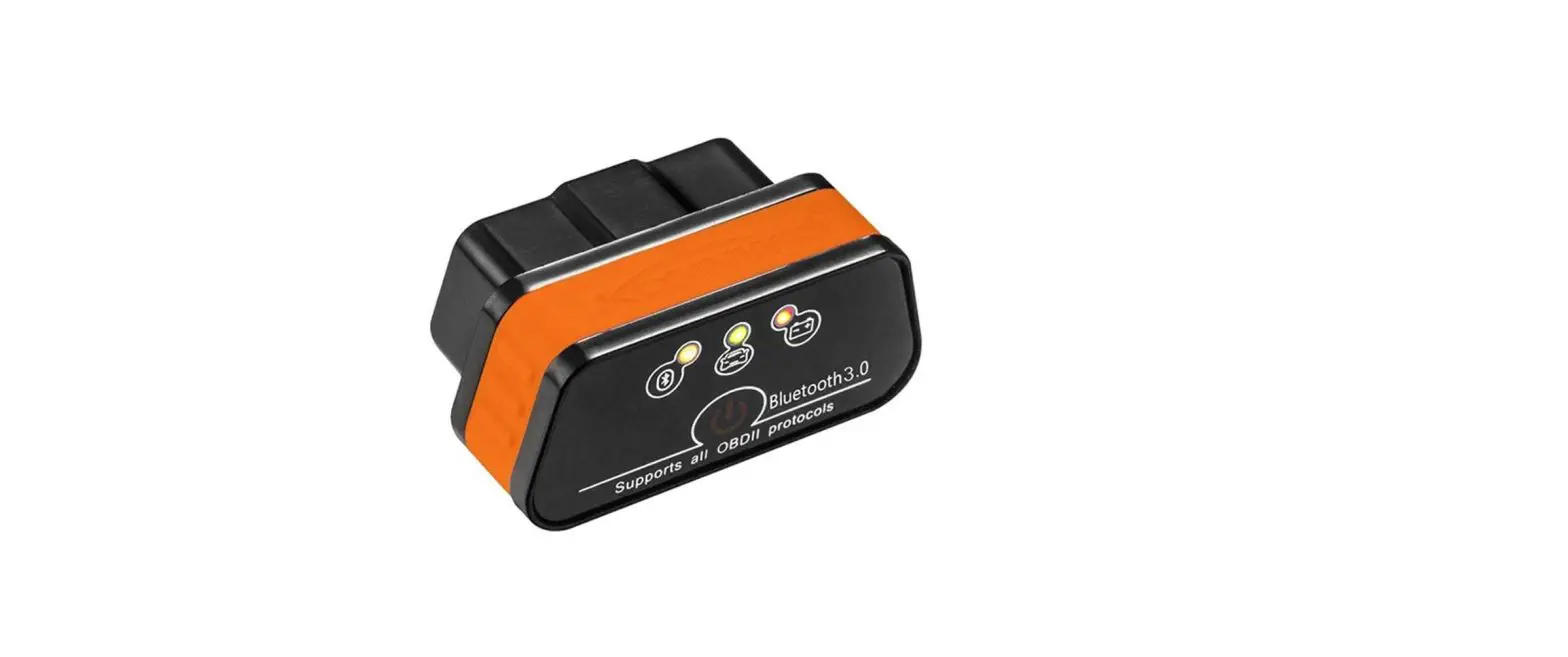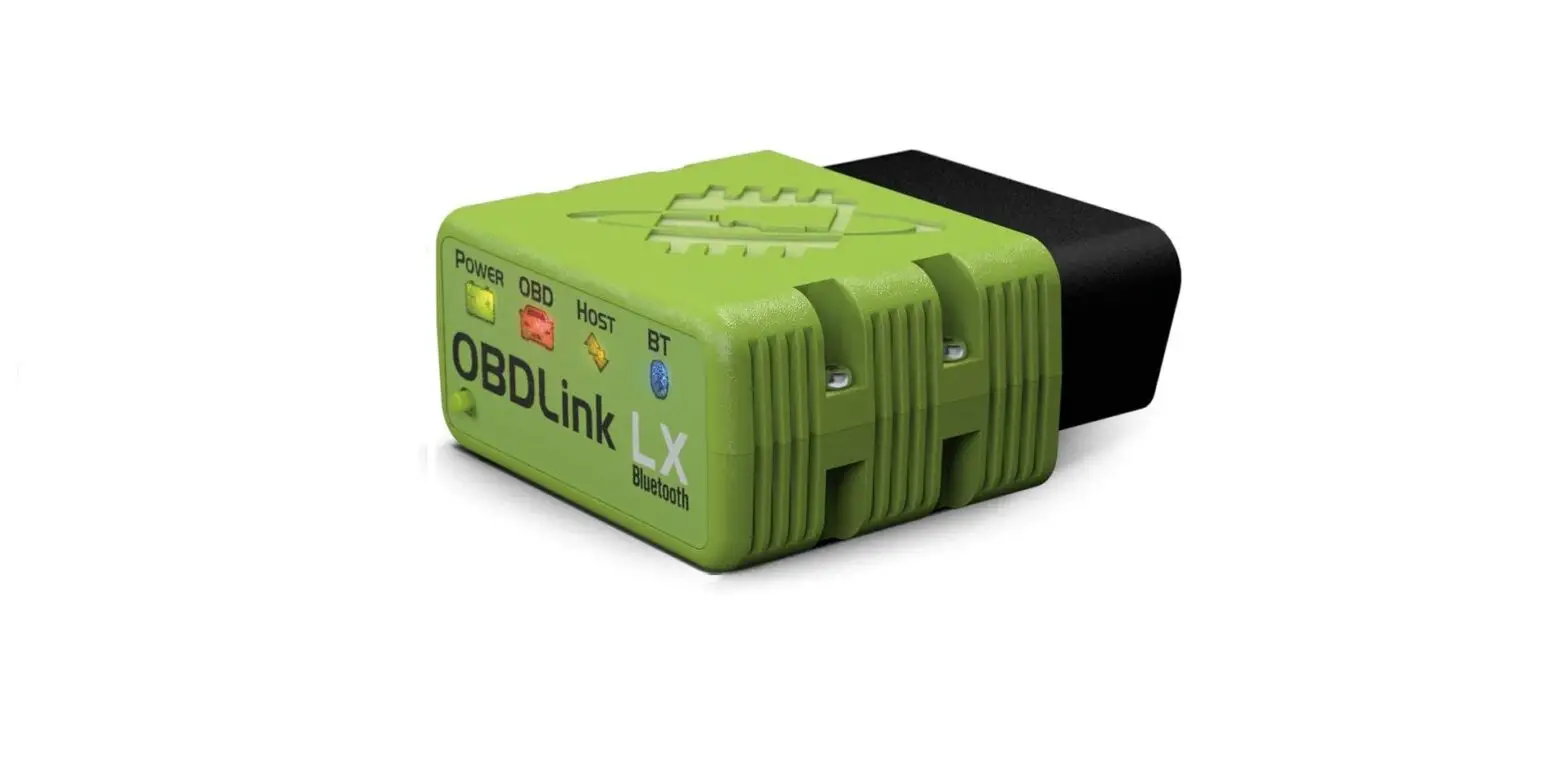

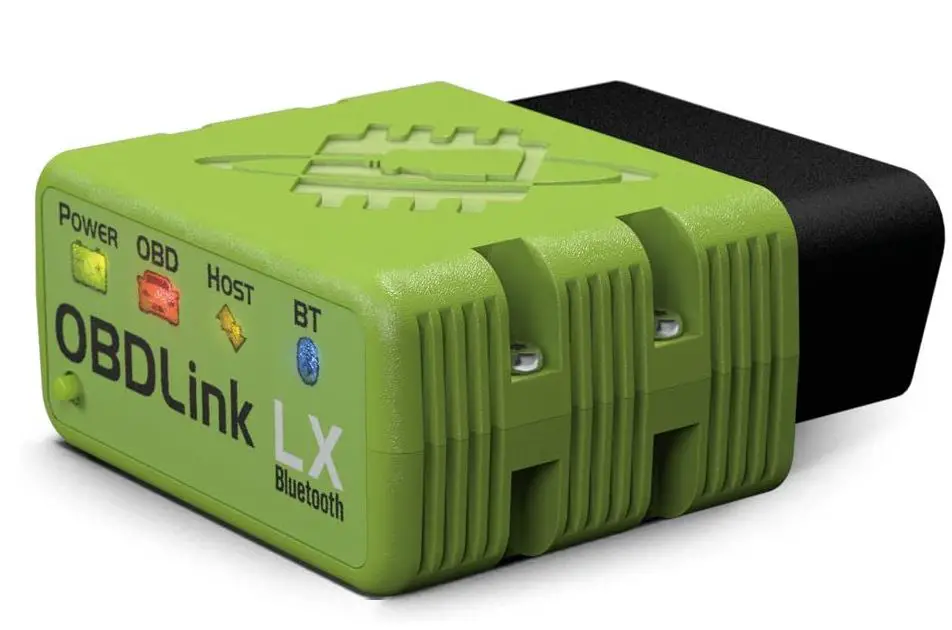
OBDLink LX OBD2 Bluetooth Scanner
How To Install
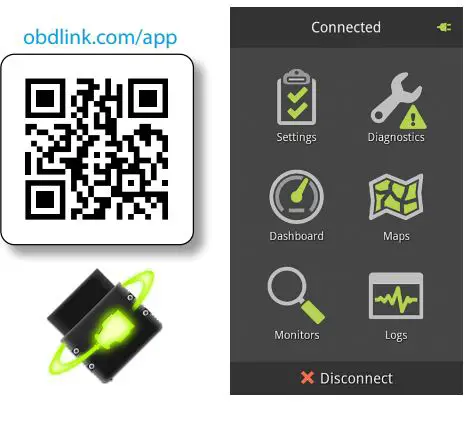
Download & install OBDLink app
Scan the QR code or visit the URL from your Android device to download the OBDLink app:
Plug LX Bluetooth into the diagnostic link connector (DLC)
The DLC is usually found on the driver’s side, under the dash.
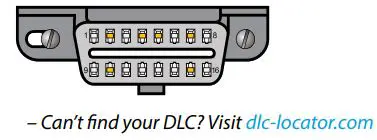
Turn the ignition to Key On, Engine Off position
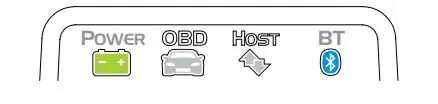
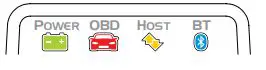
The ‘POWER’ LED will turn ON, and the ‘BT’ LED will start flashing slowly.
- – LEDs are off? Check the vehicle for blown fuses.
Open ‘The settings’ app, and enable ‘Bluetooth’
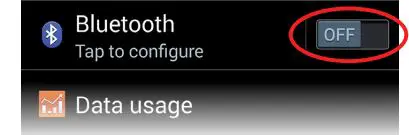
Tap ‘Bluetooth – Pair with a device’
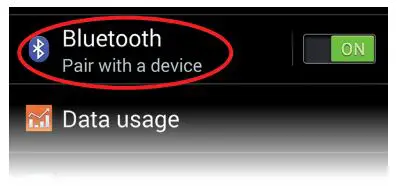
Press the ‘Connect’ button on LX
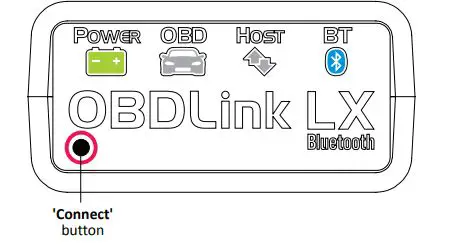
The ‘BT’ LED will switch to a fast blink.
Attention!
You must complete steps 7, 8, and 9 within 2 minutes. If you need more time, press the button again.
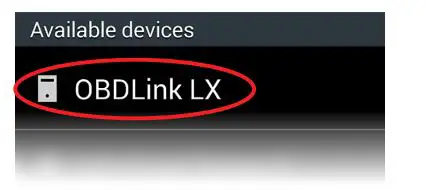
Wait for OBDLink LX to appear on the ‘Available devices’ list
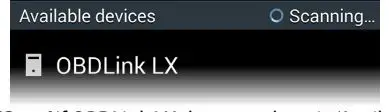
Tap ‘Scan’ if OBDLink LX does not show in ‘Available devices’.
- Tap ‘OBDLink LX’ to pair the device
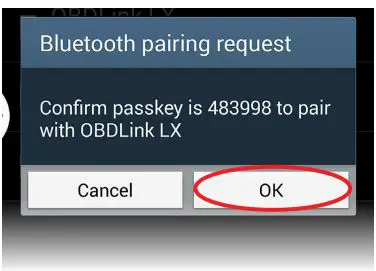
- Tap ‘OK’ in the ‘Bluetooth pairing request’ dialog
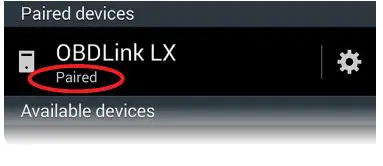
LX will now appear as ‘Paired’:
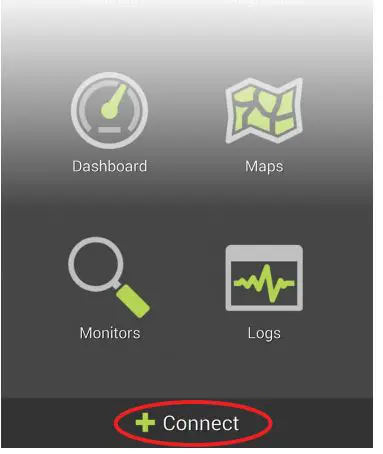
- Launch the OBDLink app, and tap Connect
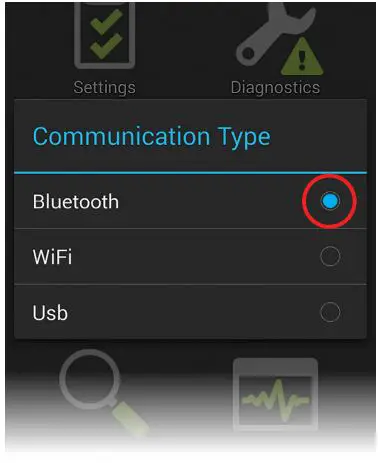
Choose ‘Bluetooth’
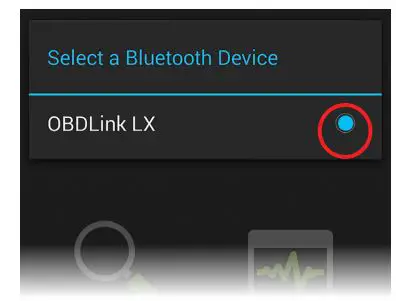
Choose ‘OBDLink LX’
Once the app establishes a connection with LX, the ‘BT’ LED will turn on solid. Tap ‘Diagnostics’ to start a scan.
- Need help? Go to obdlink.com/support or scan the QR code

- For advanced configurations, go to obdlink.com/setup or scan the QR code
Thank you for your purchase!
If you like OBDLink LX Bluetooth, please post your review on amazon.com.
Frequently Asked Questions