Duromax Xp9000ih Dual Fuel Digital Inverter User Guide

Duromax Xp9000ih Dual Fuel Digital Inverter User Guide

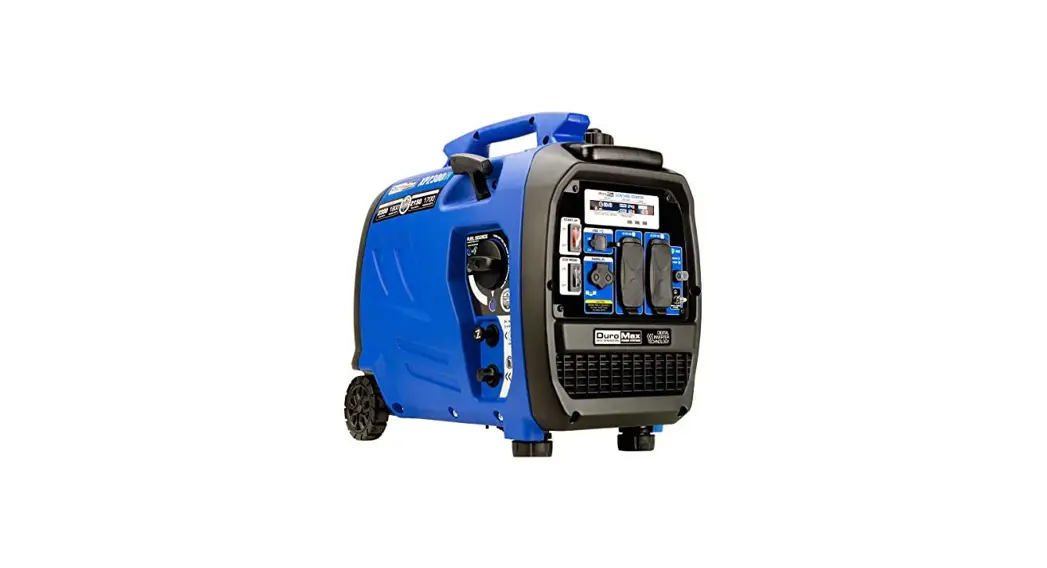
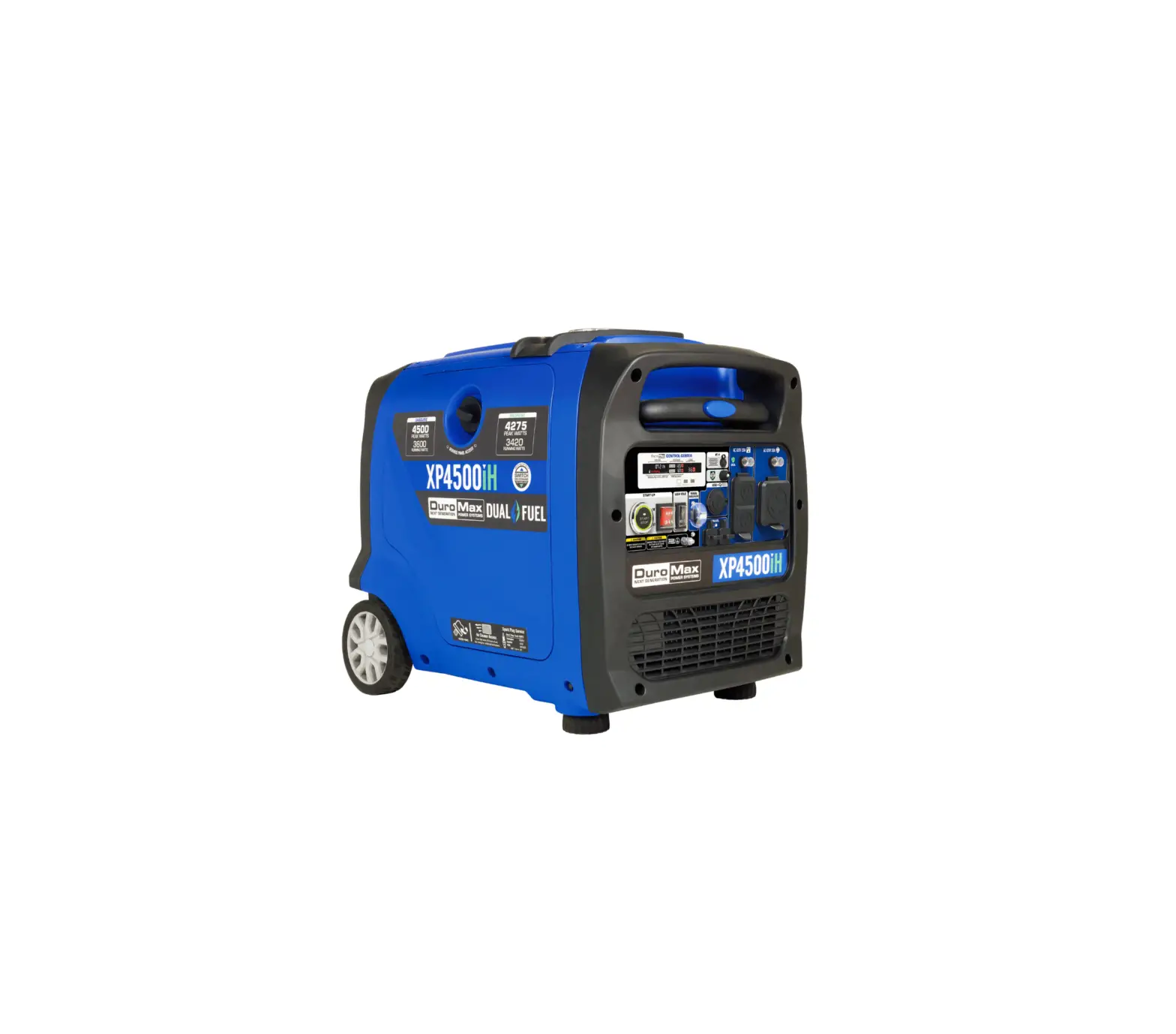
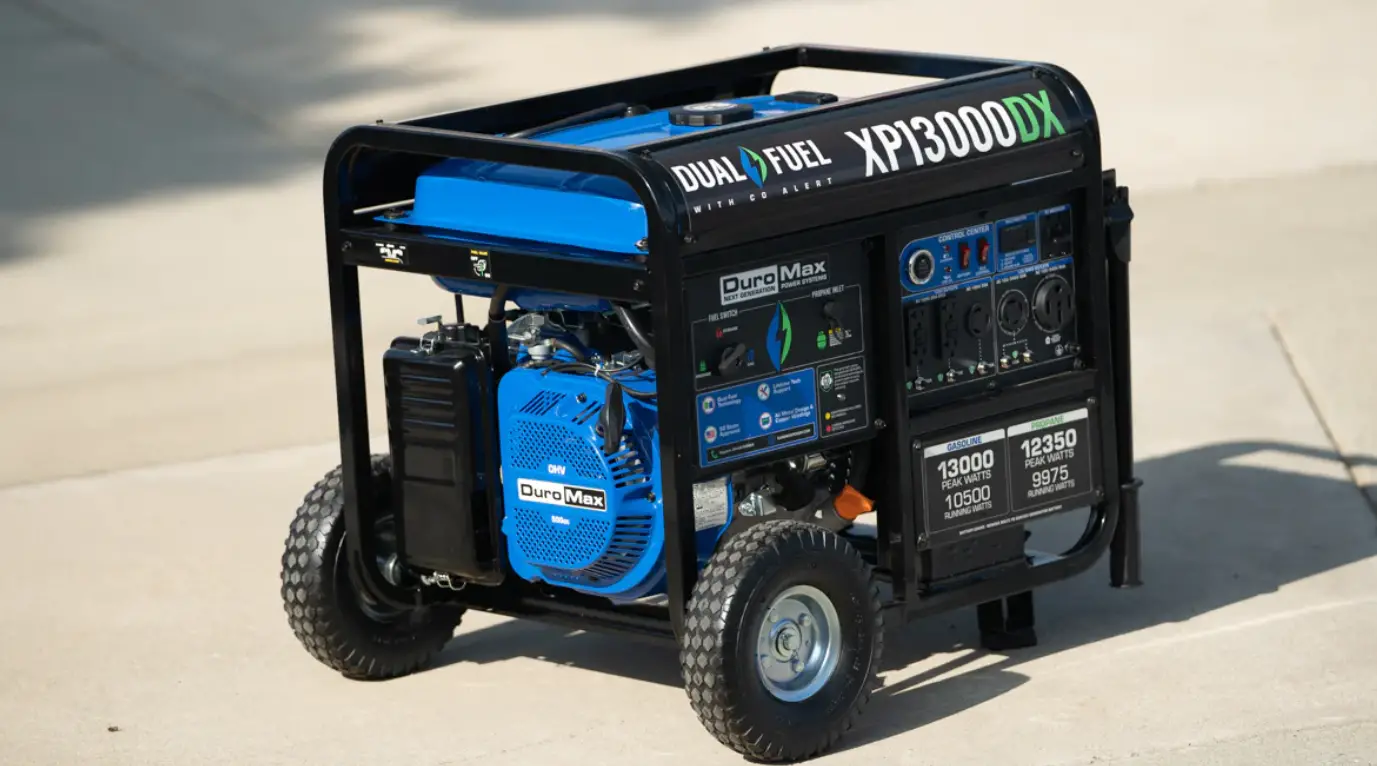
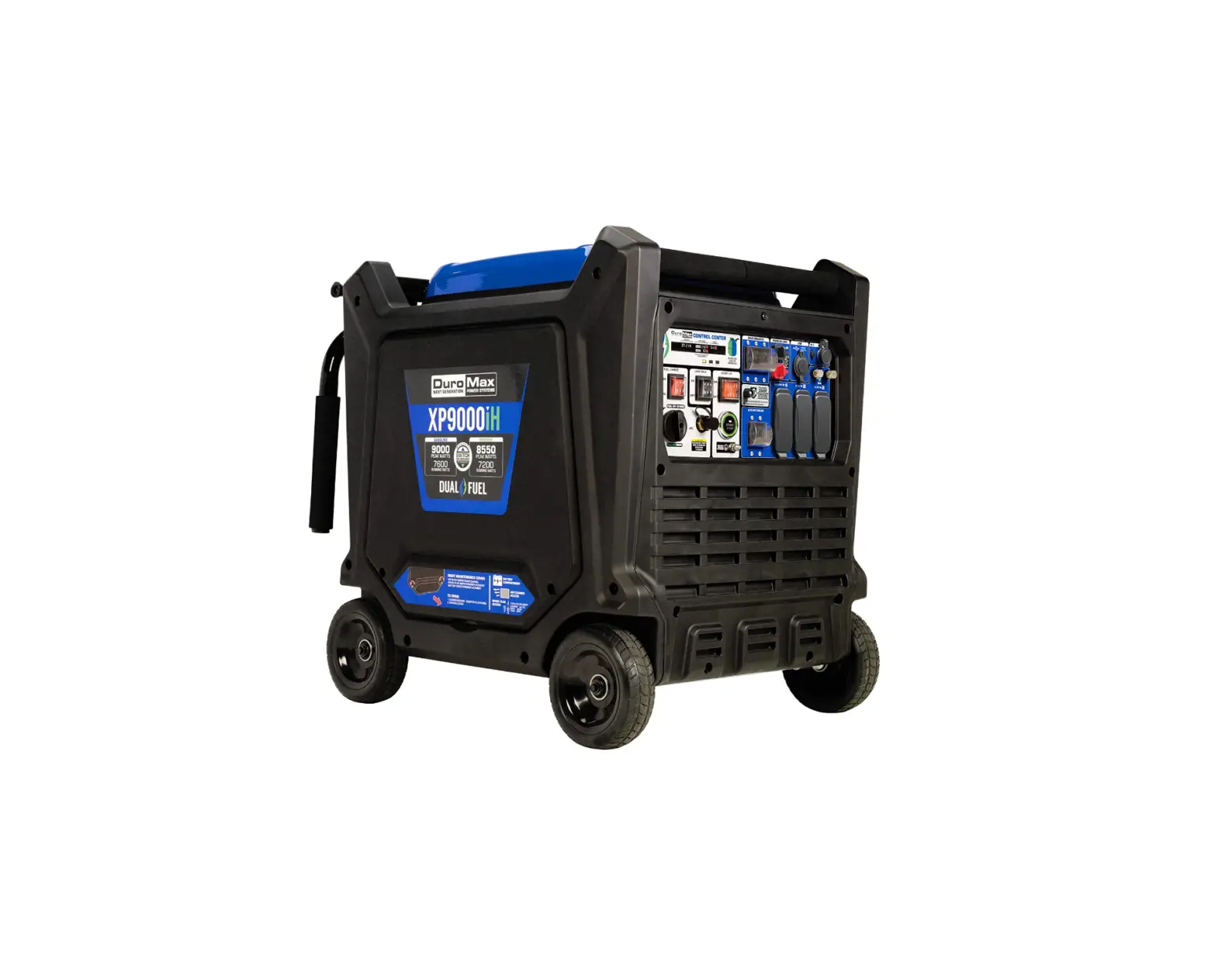
DuroMax XP9000iH Dual Fuel Digital Inverter
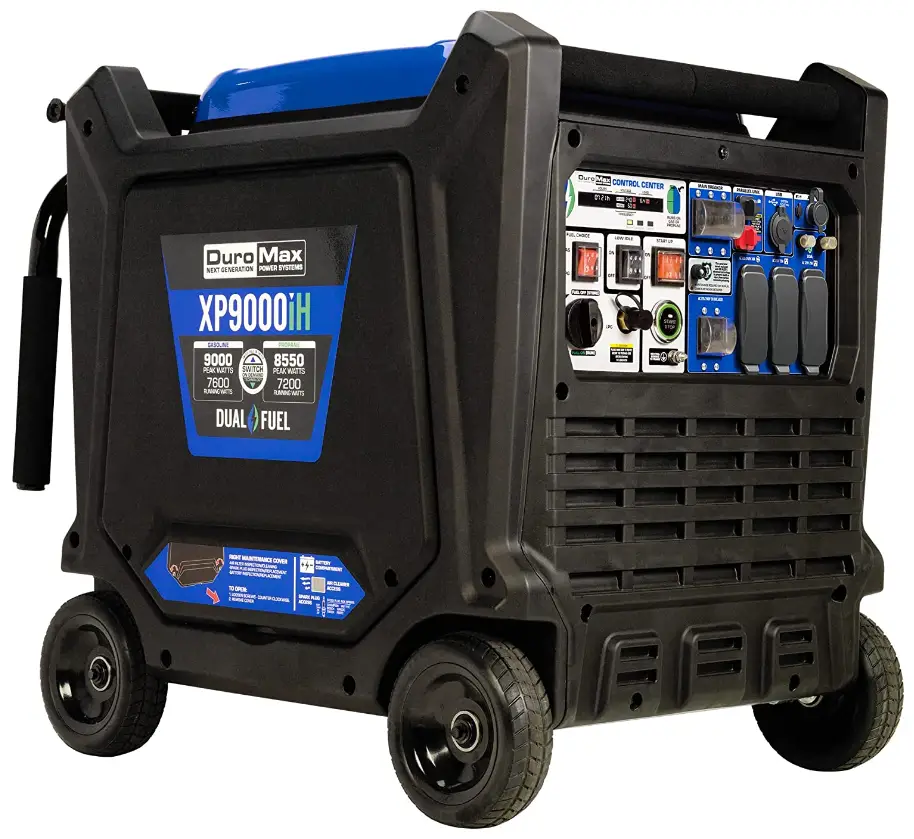
XP9000iH Dual Fuel Digital Inverter

SELECTING PROPANE
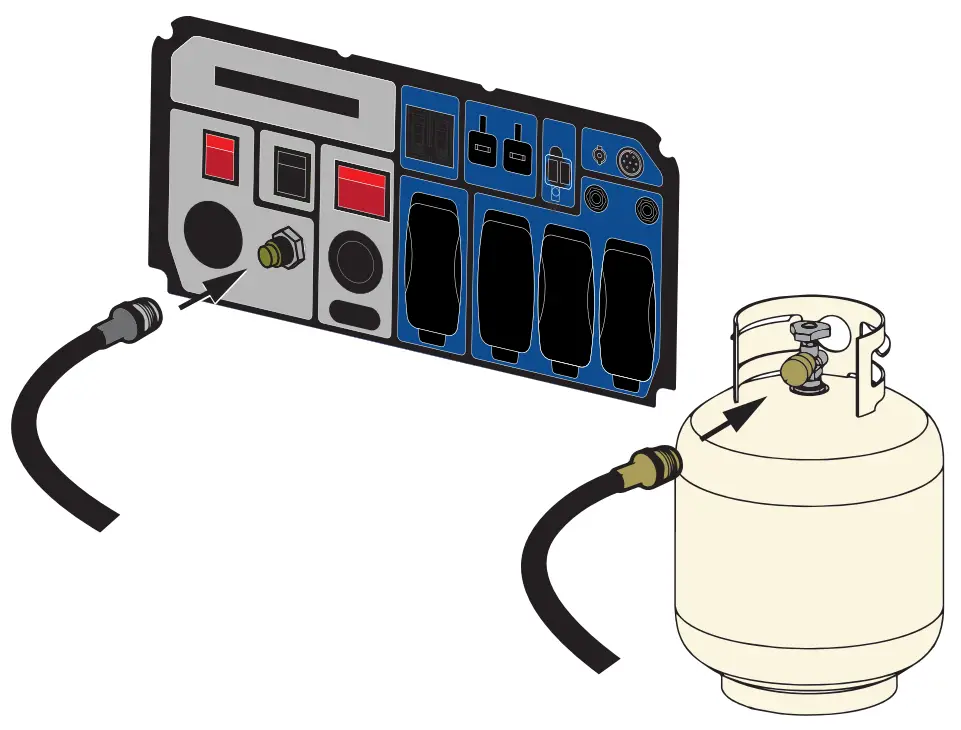
Selecting Propane
Step 1:
Connect the included propane line to the generator and to the propane tank.
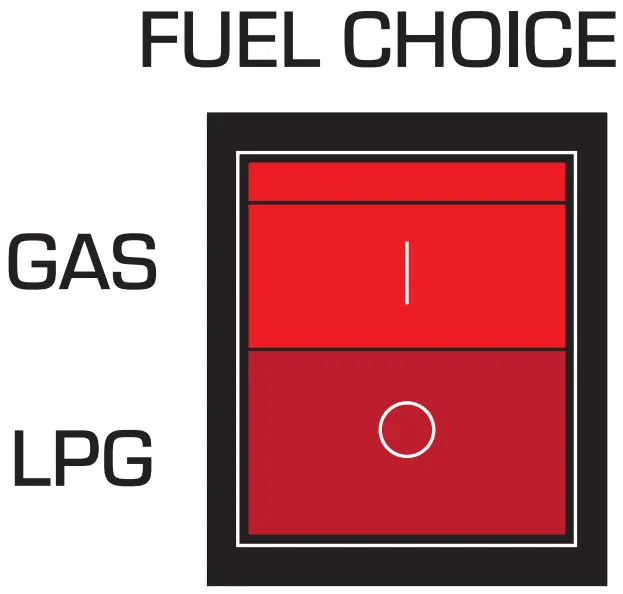
Selecting Propane
Step 2:
Flip the FUEL CHOICE switch to LPG.

SELECTING GASOLINE
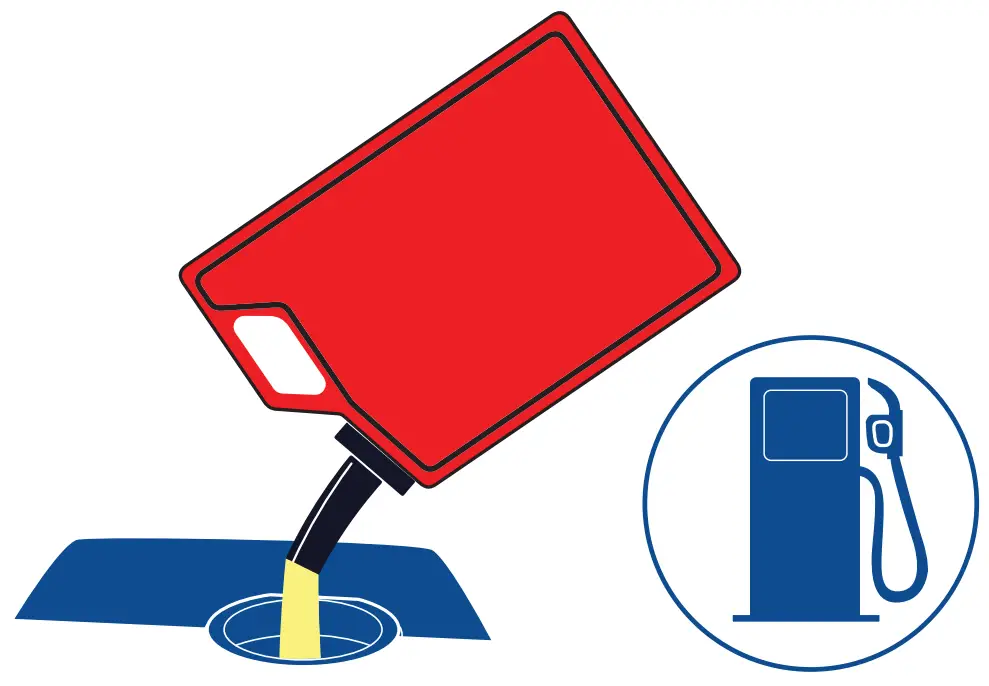
Selecting Gasoline
Step 1: Check the generator for gasoline. Add as needed.
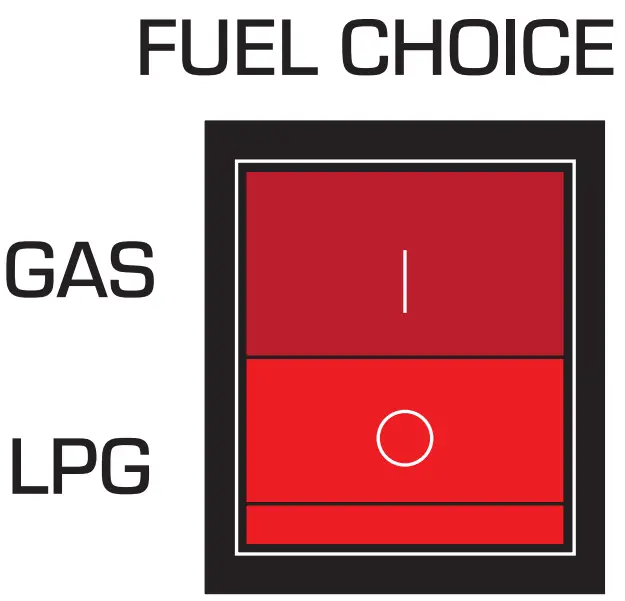
Selecting Gasoline
Step 2: Flip the FUEL CHOICE switch to GAS.

CONTINUE STARTUP STEPS WITH EITHER FUEL
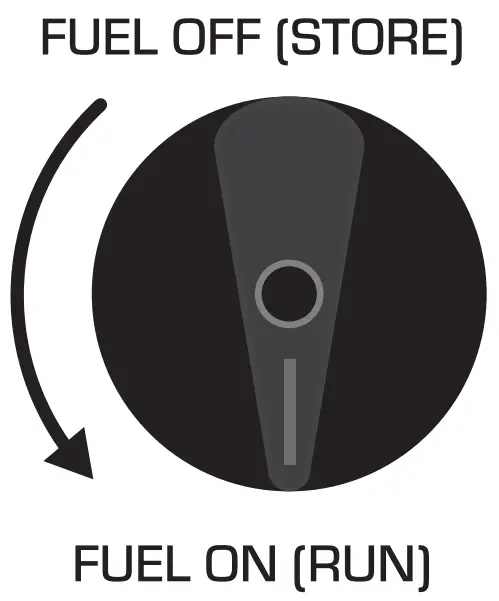
Continue Startup Steps With Either Fuel
Step 3:
Turn fuel switch counter clockwise to ON.
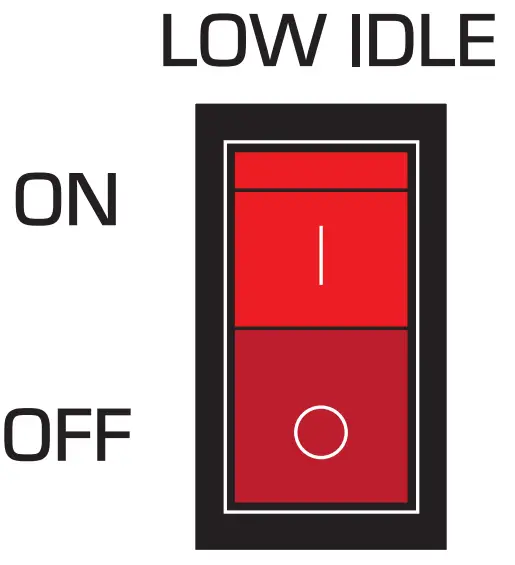
Continue Startup Steps With Either Fuel
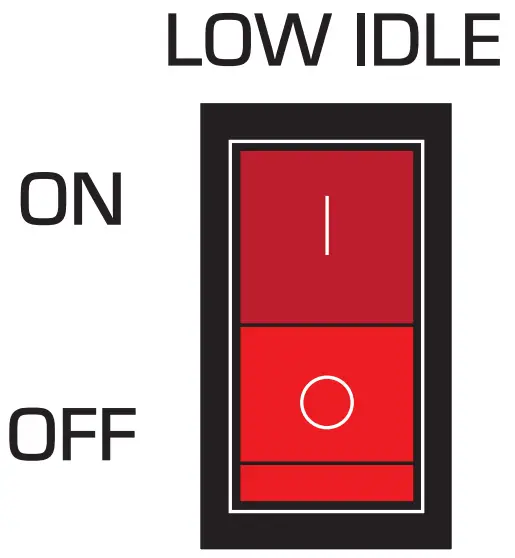
Step 4:
Flip the LOW IDLE switch to OFF.
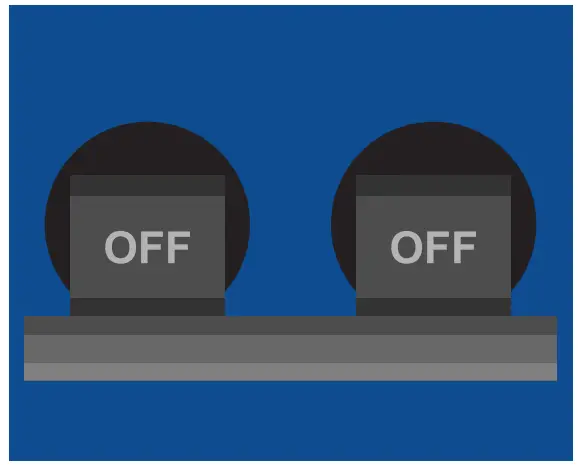
Continue Startup Steps With Either Fuel
Step 5:
Flip main breaker off.

Continue Startup Steps With Either Fuel
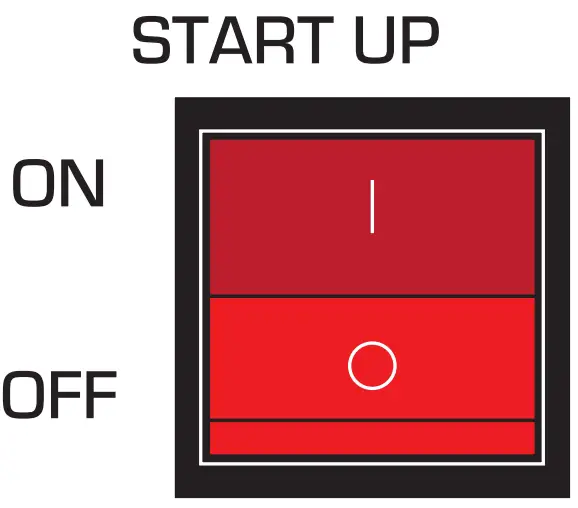
Step 6:
Flip the START UP switch to ON.
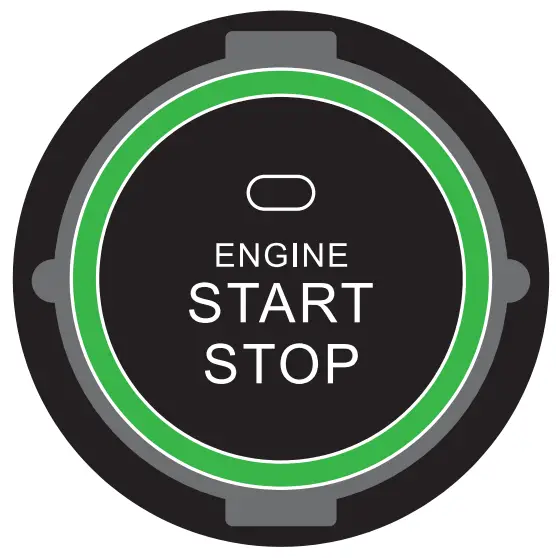
Continue Startup Steps With Either Fuel
Step 7:
Press START BUTTON.

Continue Startup Steps With Either Fuel
Step 8:
Flip the LOW IDLE switch to ON.
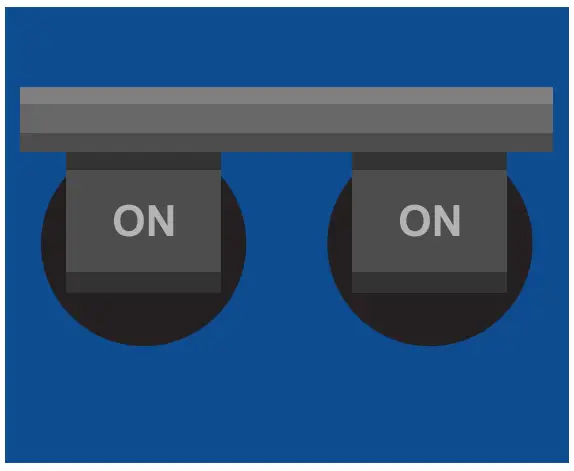
Continue Startup Steps With Either Fuel
Step 9:
Flip main breaker on.

Continue Startup Steps With Either Fuel
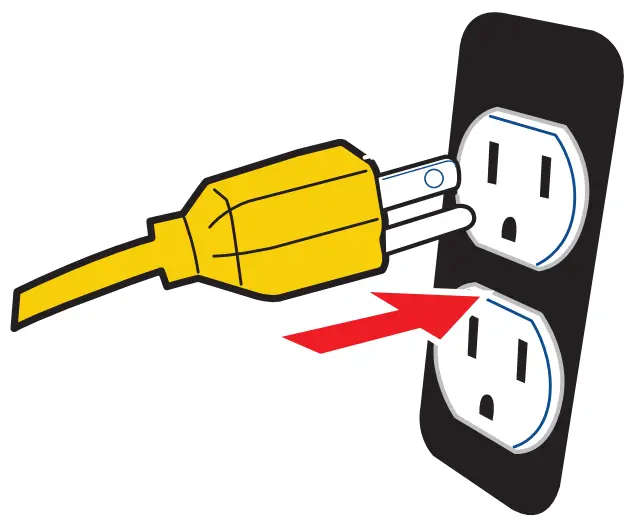
Step 10:
Plug devices in.
DuroMax-Logo.png

Documents / Resouces

Download manual
Here you can download full pdf version of manual, it may contain additional safety instructions, warranty information, FCC rules, etc.


Related Manuals