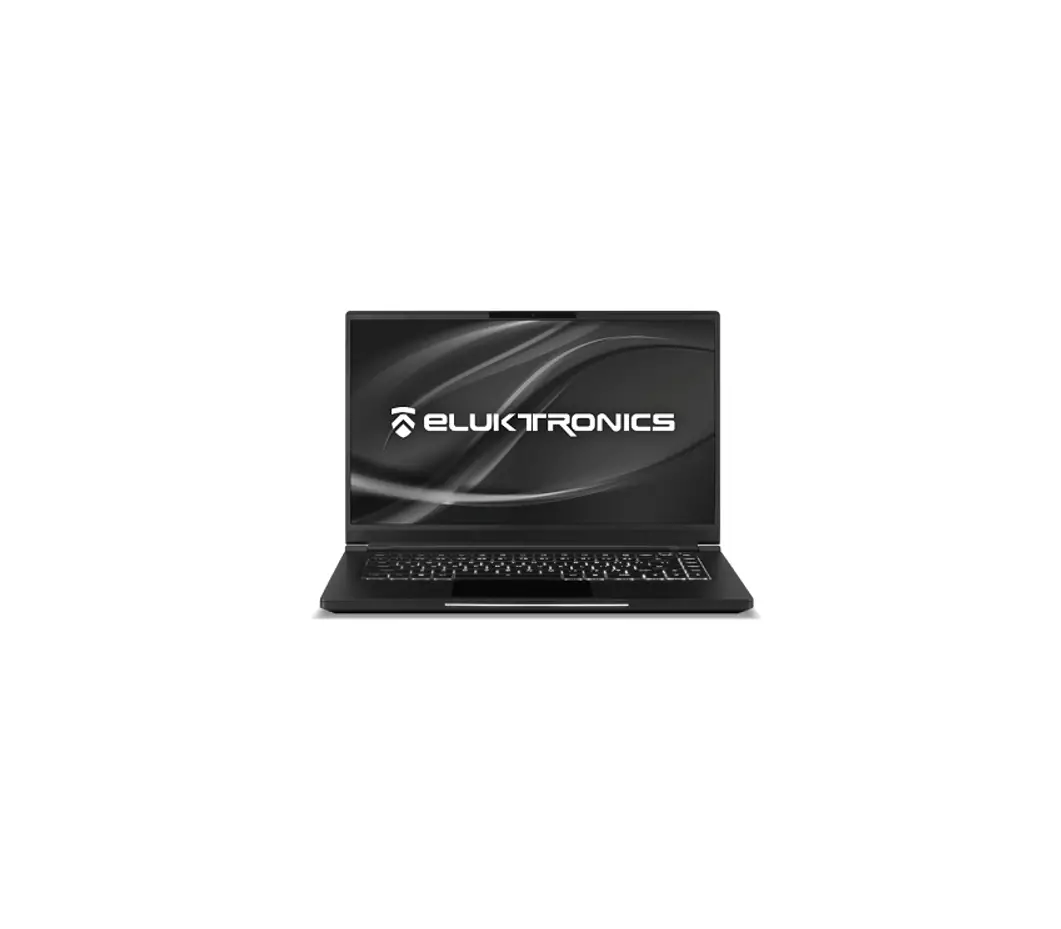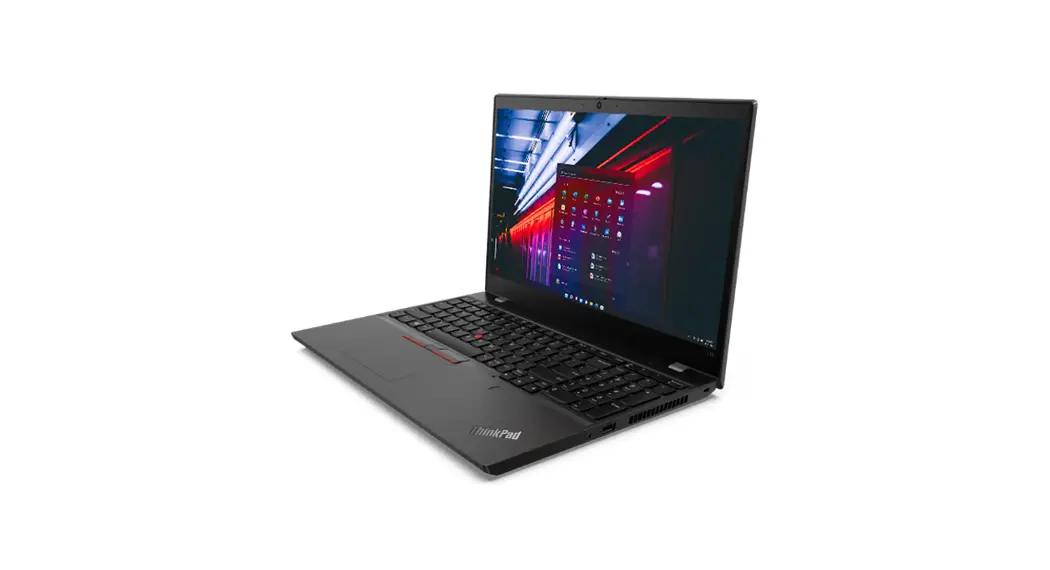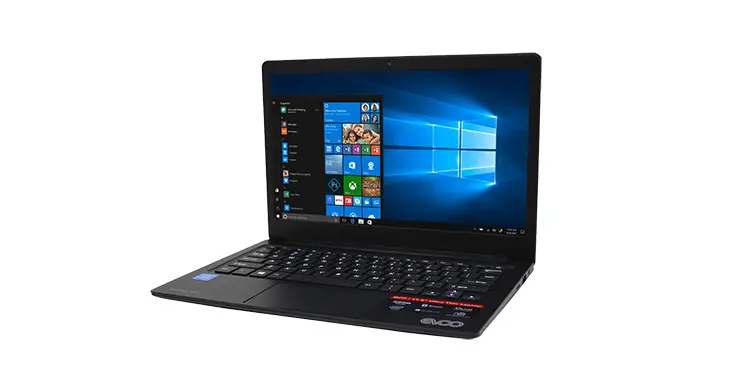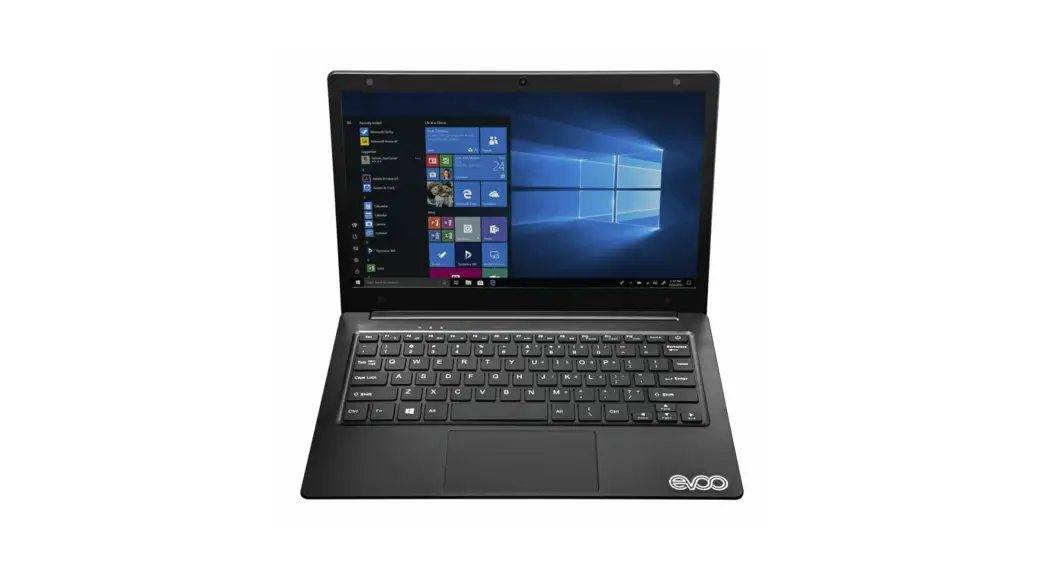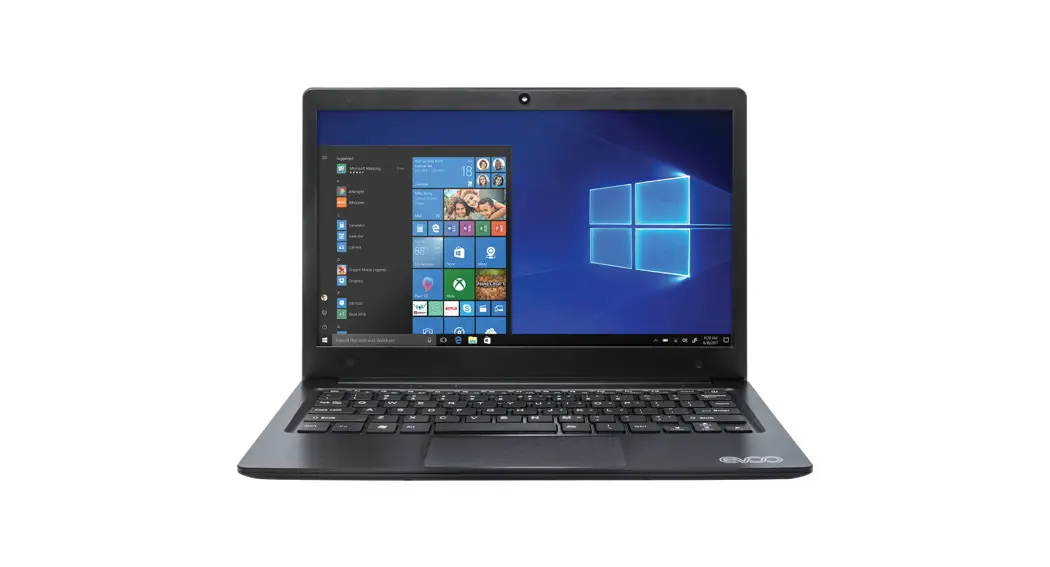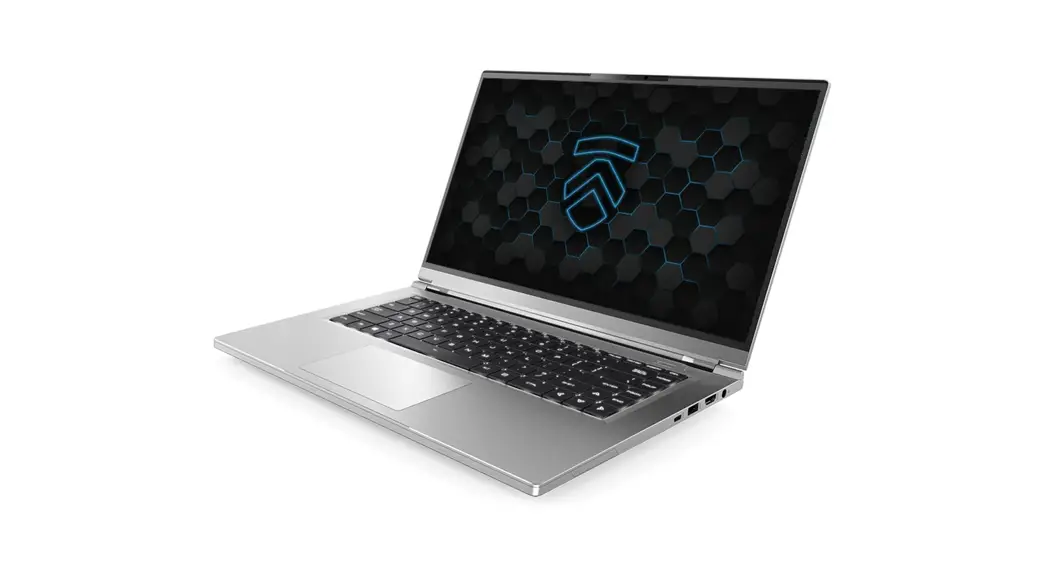
Exterior Features
Eluktronics THINN-15 Computer Configuration Guide
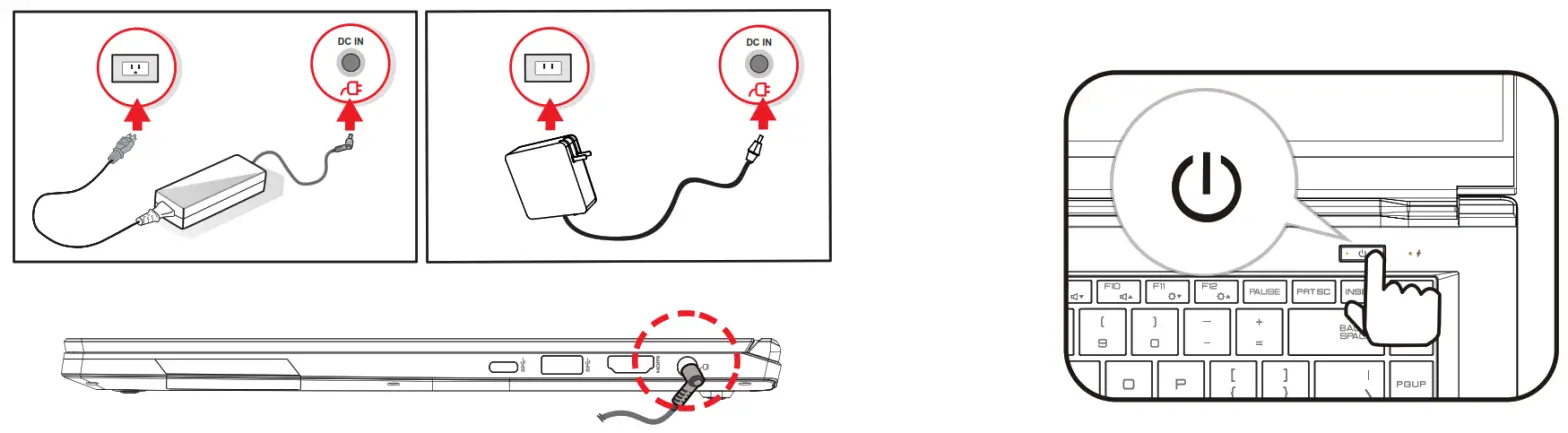
Get Started
*Please note: The AC adapter included with your PC was specifically designed and approved for your model. Utilization of an after-market adapter may damage either the notebook or other devices connected to it. If damage is determined to have been caused by utilization of an unauthorized power supply, it will not be protected under warranty.
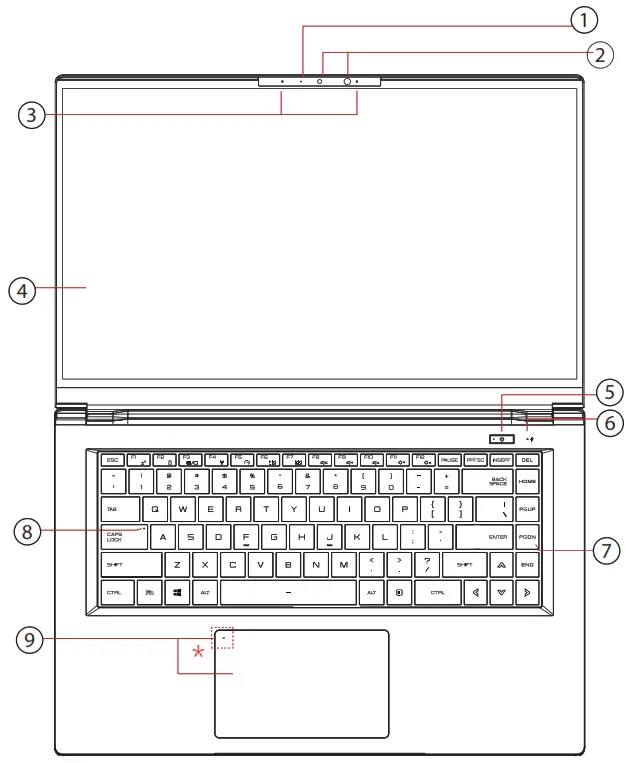
- Tap left corner twice to enable or disable (White light) touchpad functionality.
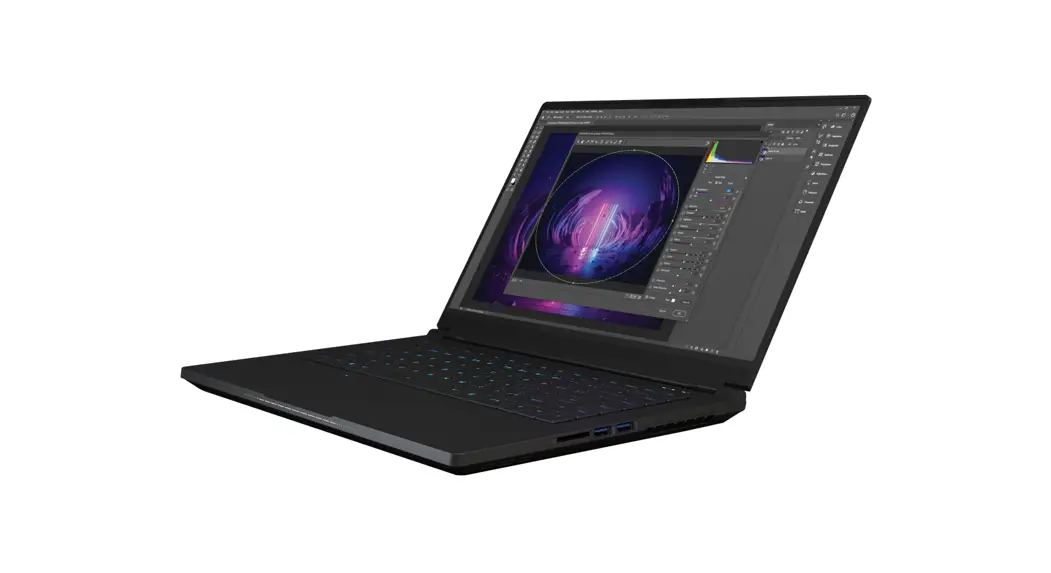
| 1. Camera Status LED | 6. Charging & Battery Indicator |
| 2. Facial Recognition Camera | 7. Keyboard |
| 3. Microphones | 8. Caps Lock Status LED |
| 4. LCD Screen | 9. Touchpad/Clickpad |
| 5. Power Button | *Touchpad LED indicator |
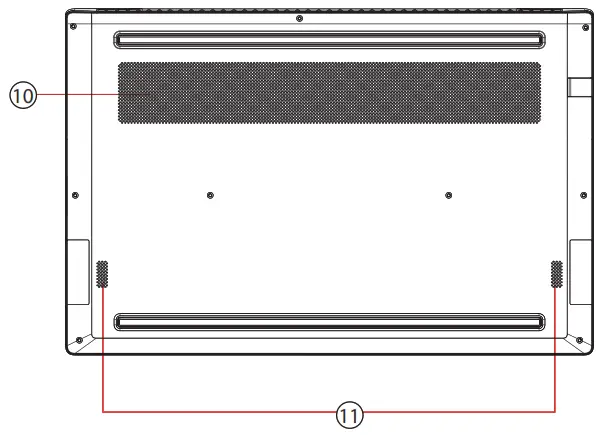
| 10- Vents |
| 11- Speakers |
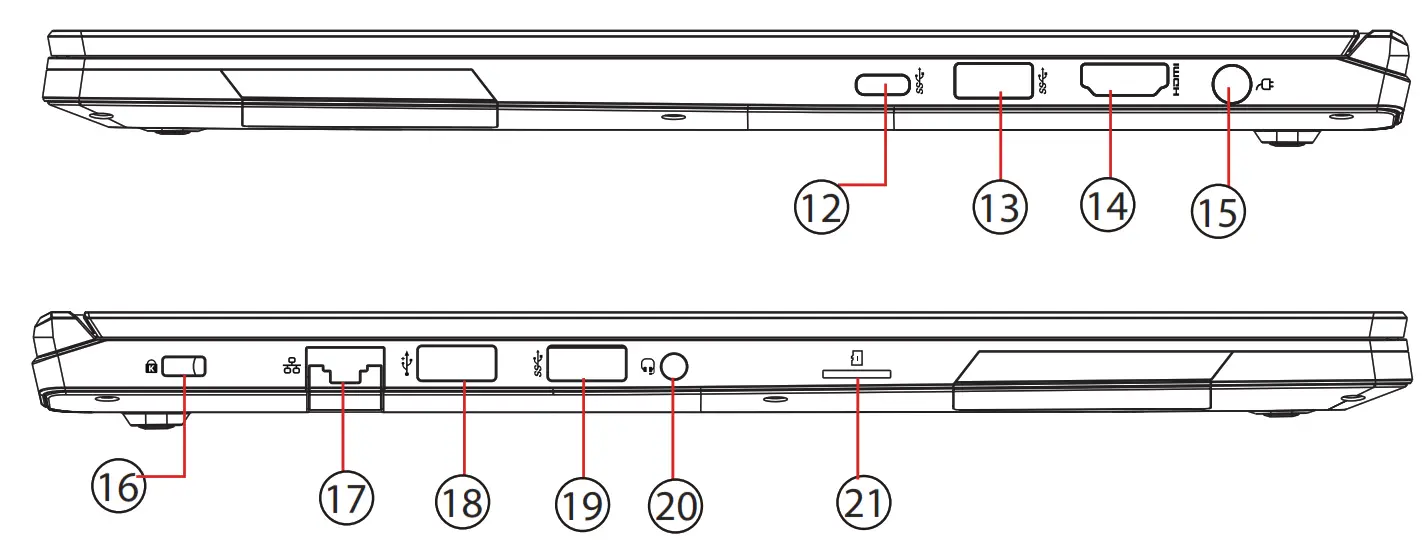
| 12- USB Port (USB Type C) | 17- Audio Out Jack |
| 13- USB Port | 18- Network Jack |
| 14- HDMI Port | 19- USB Port |
| 15- Power Connector | 20- USB Port |
| 16- Kensington® Lock Port | 21- Card Reader |
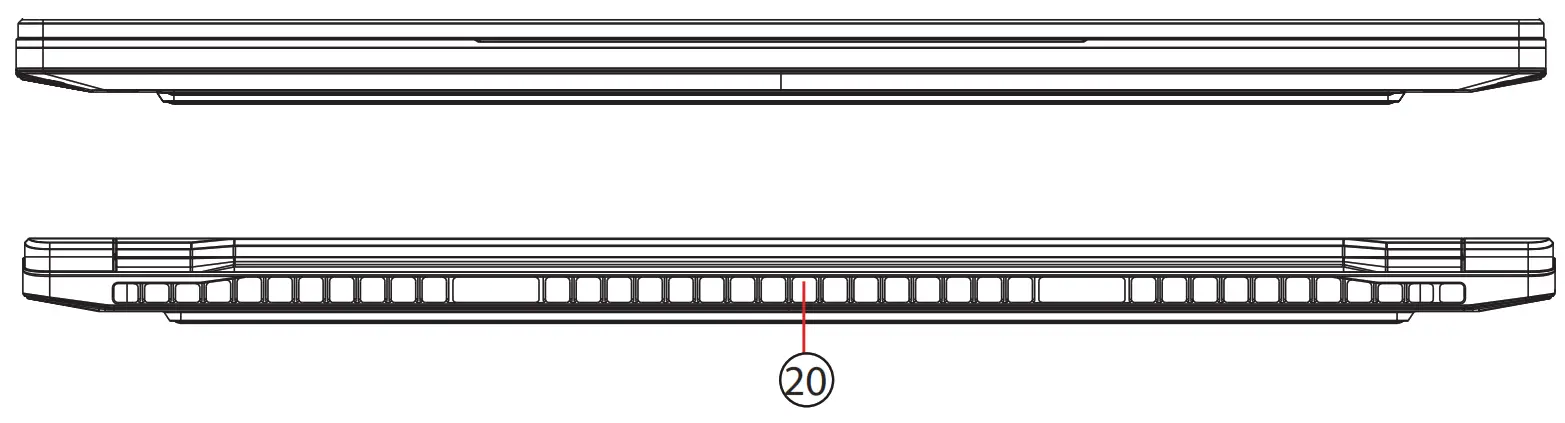
| 20- Vents |