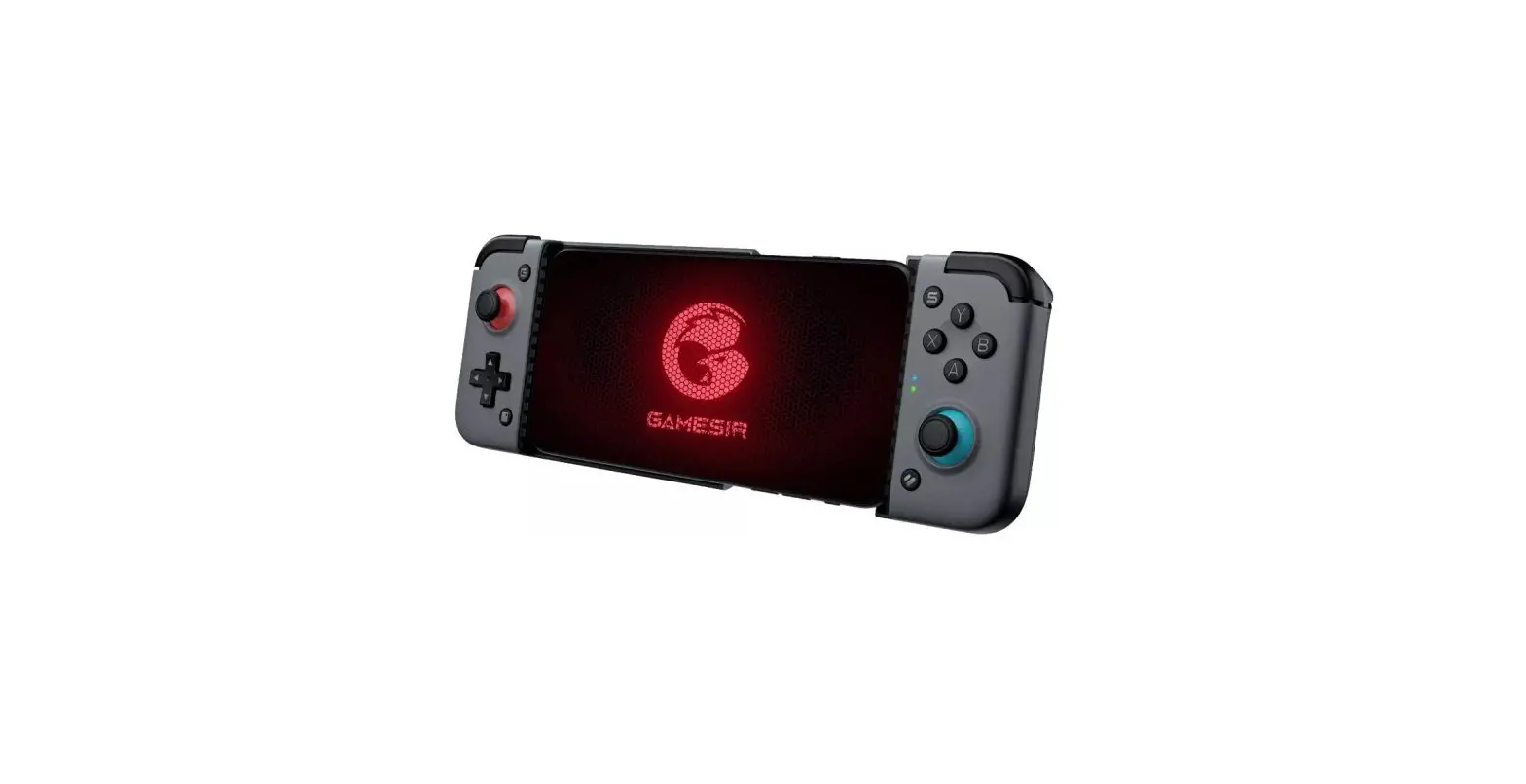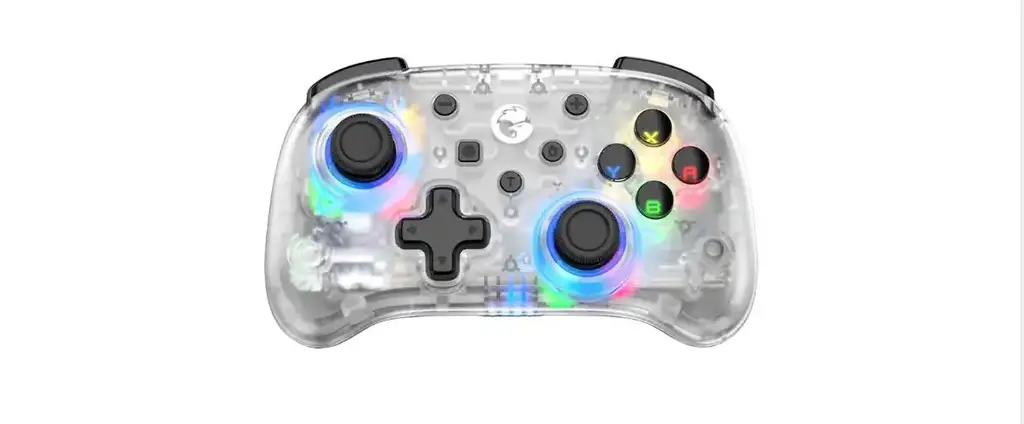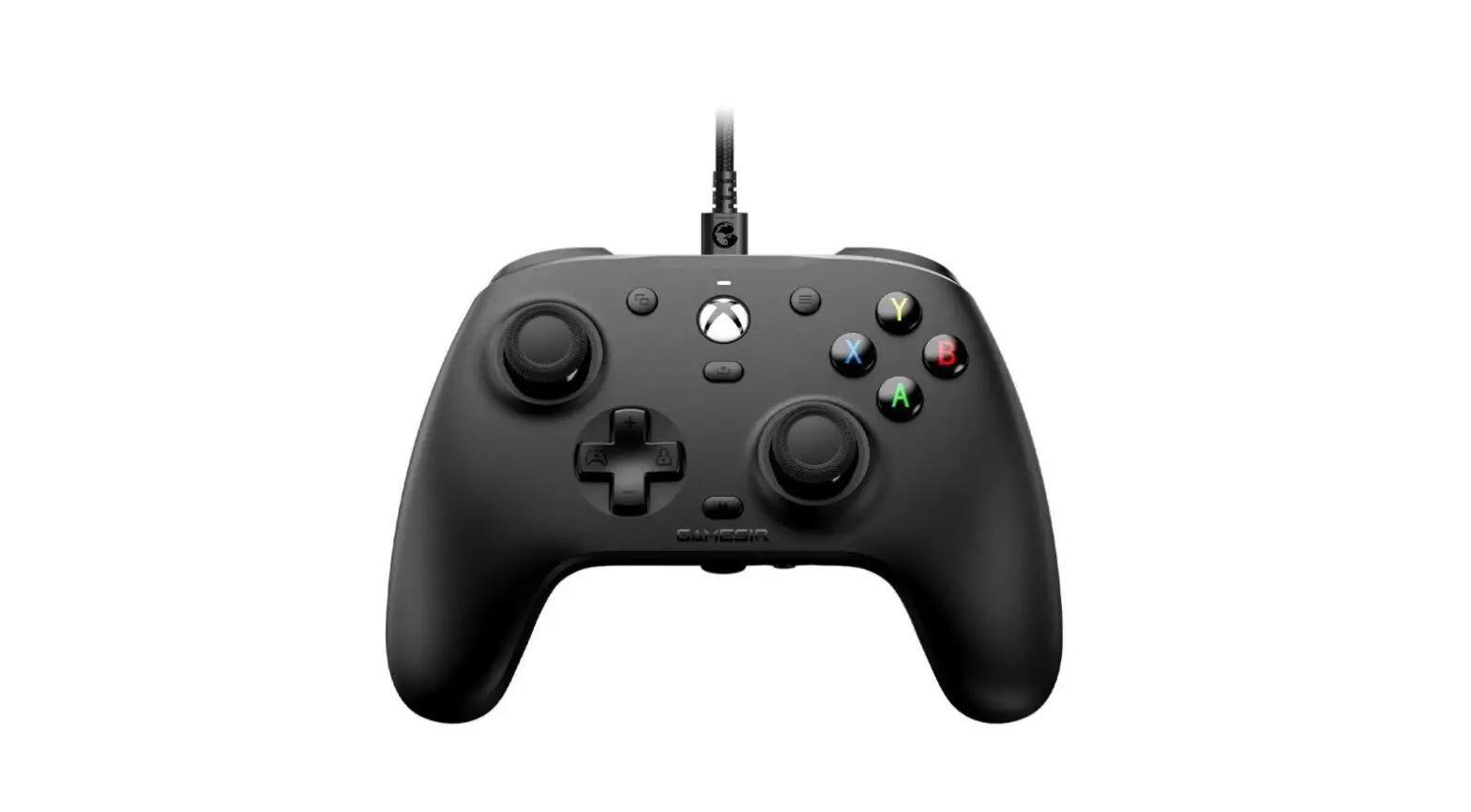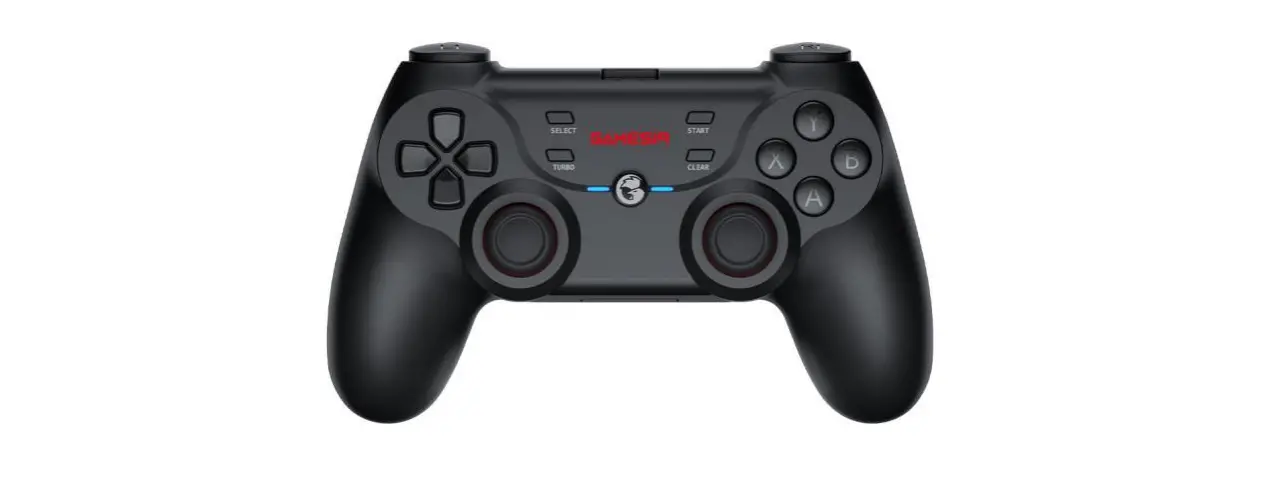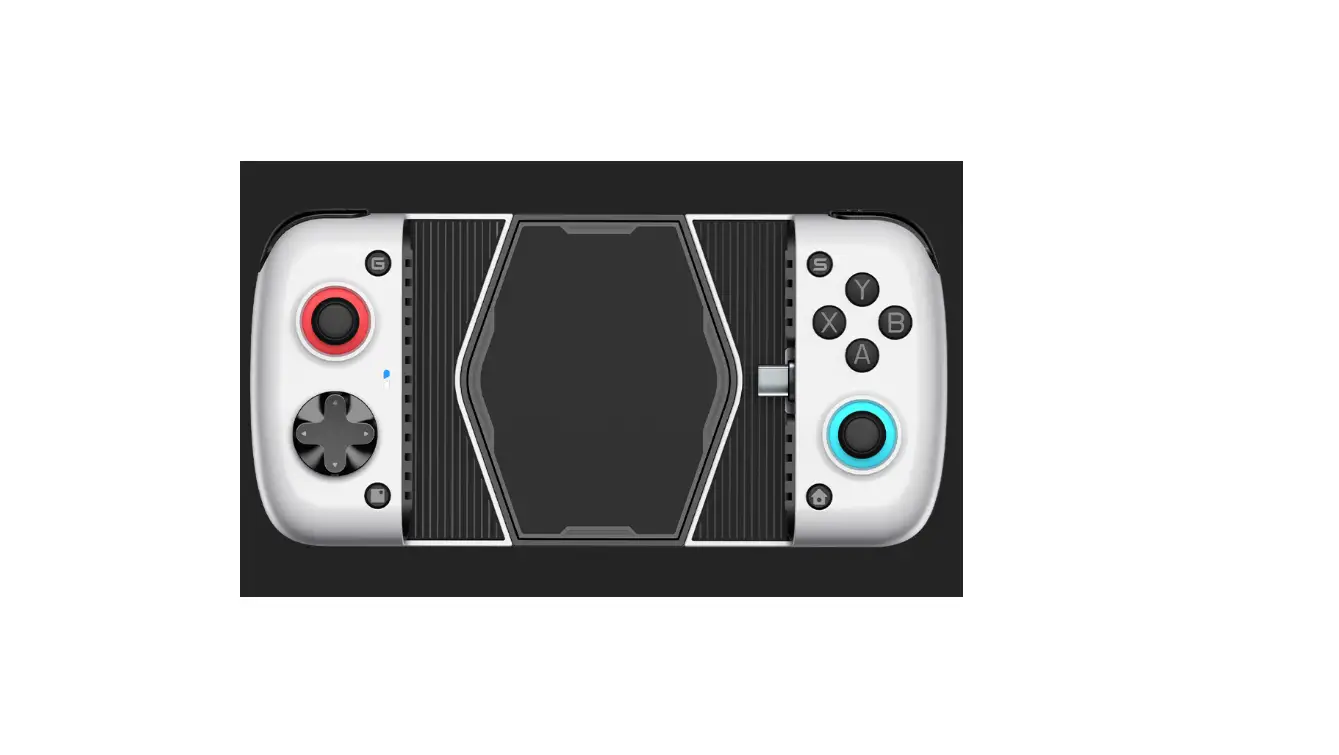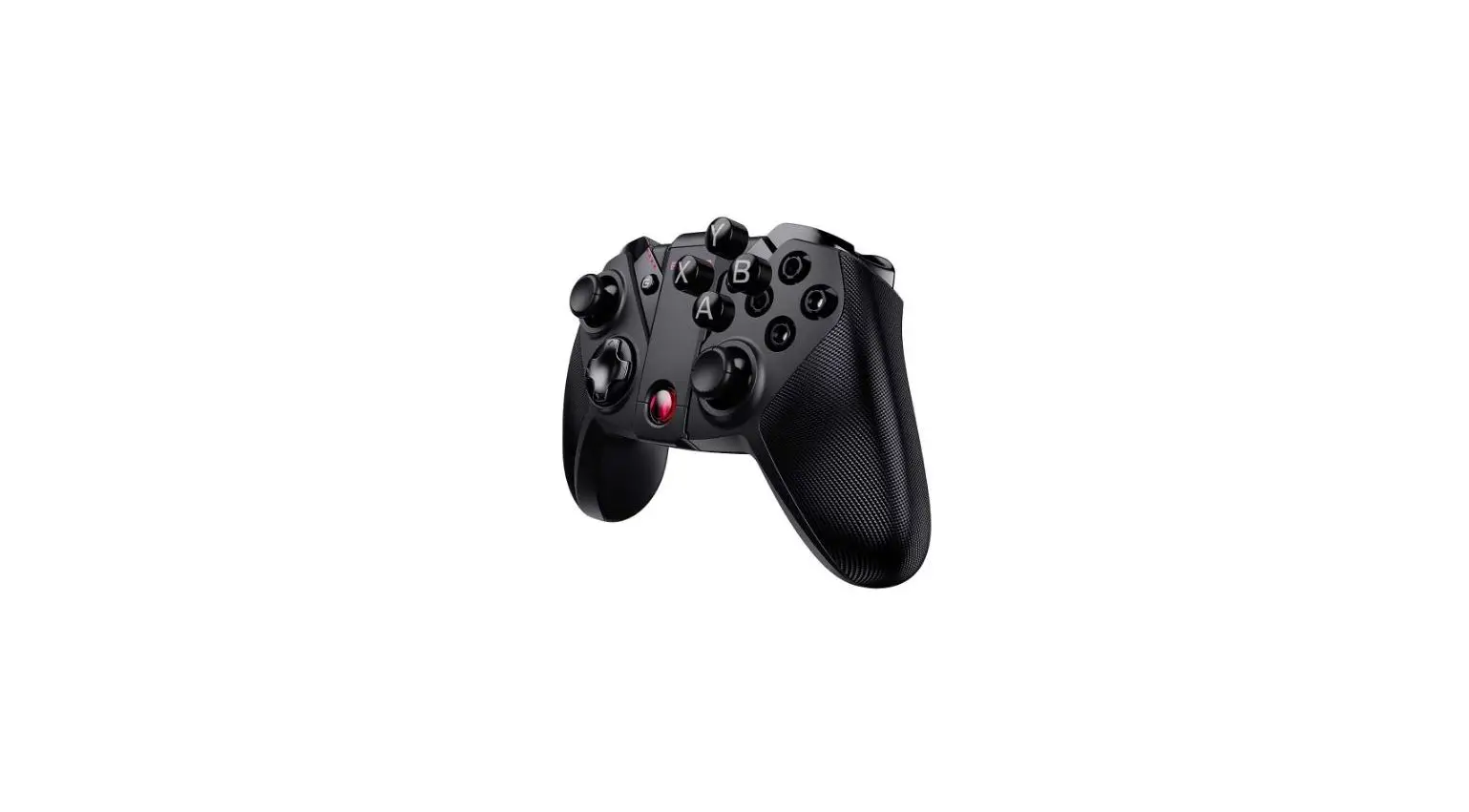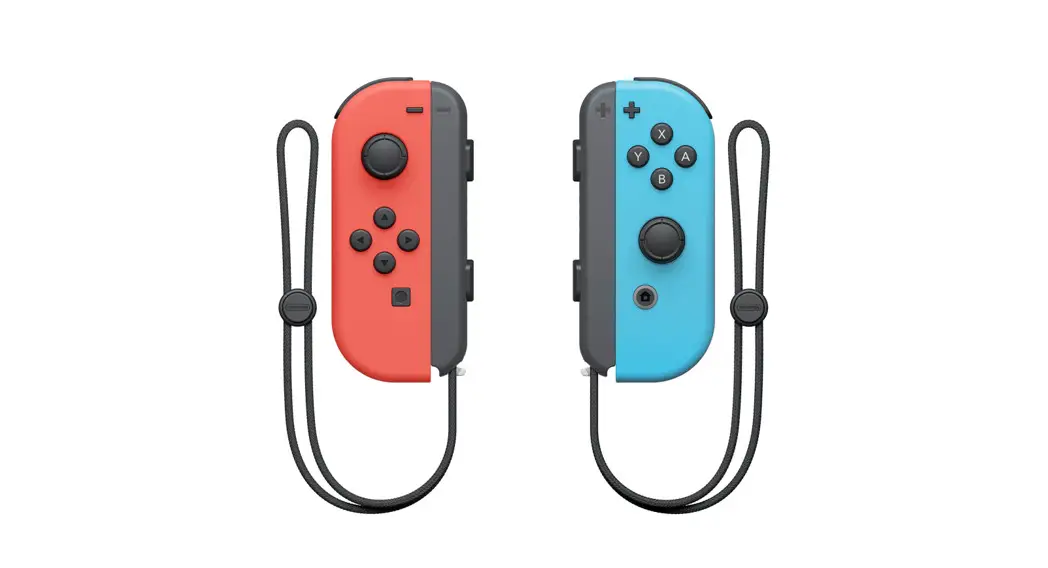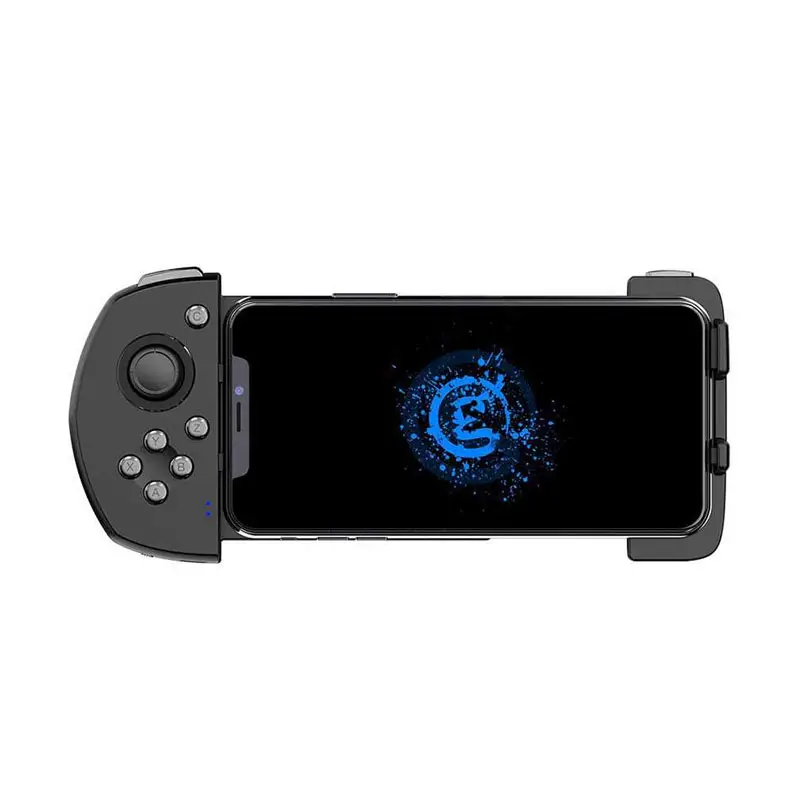
GameSir Mobile Gaming Touchroller
PACKAGE CONTENTS
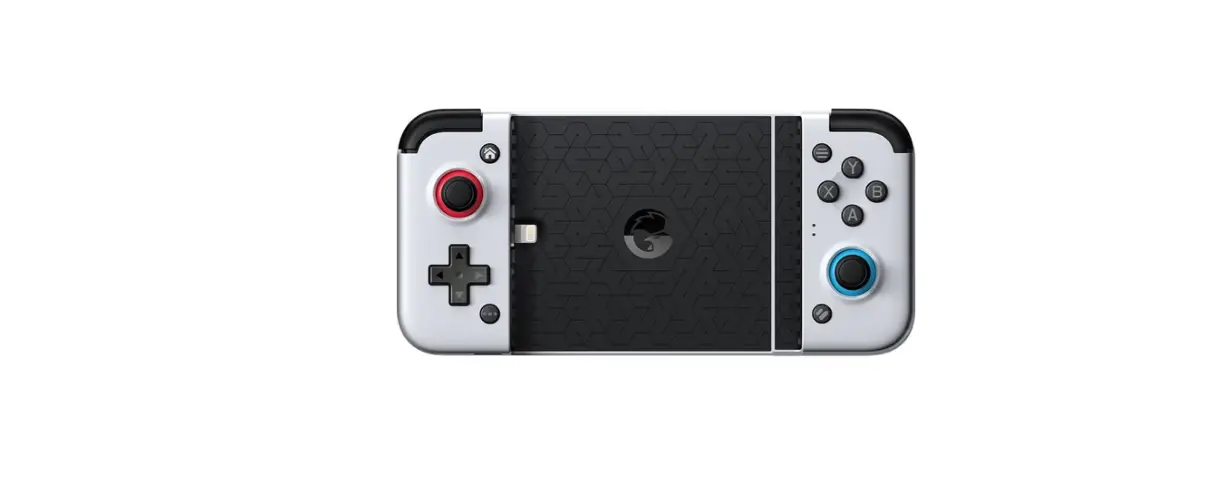
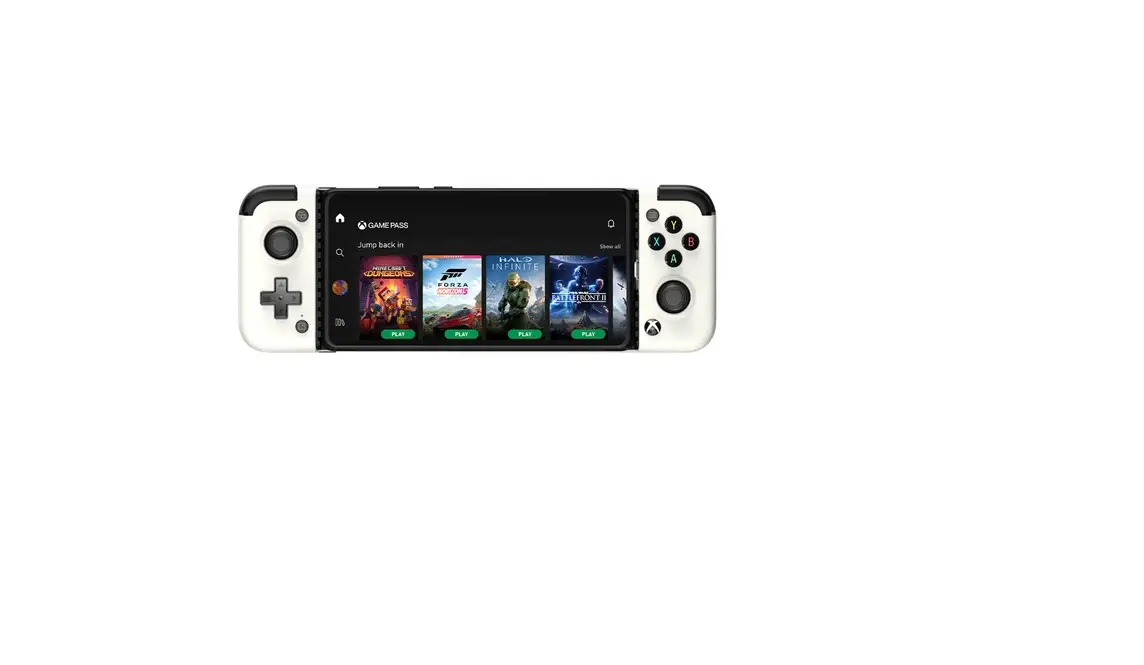
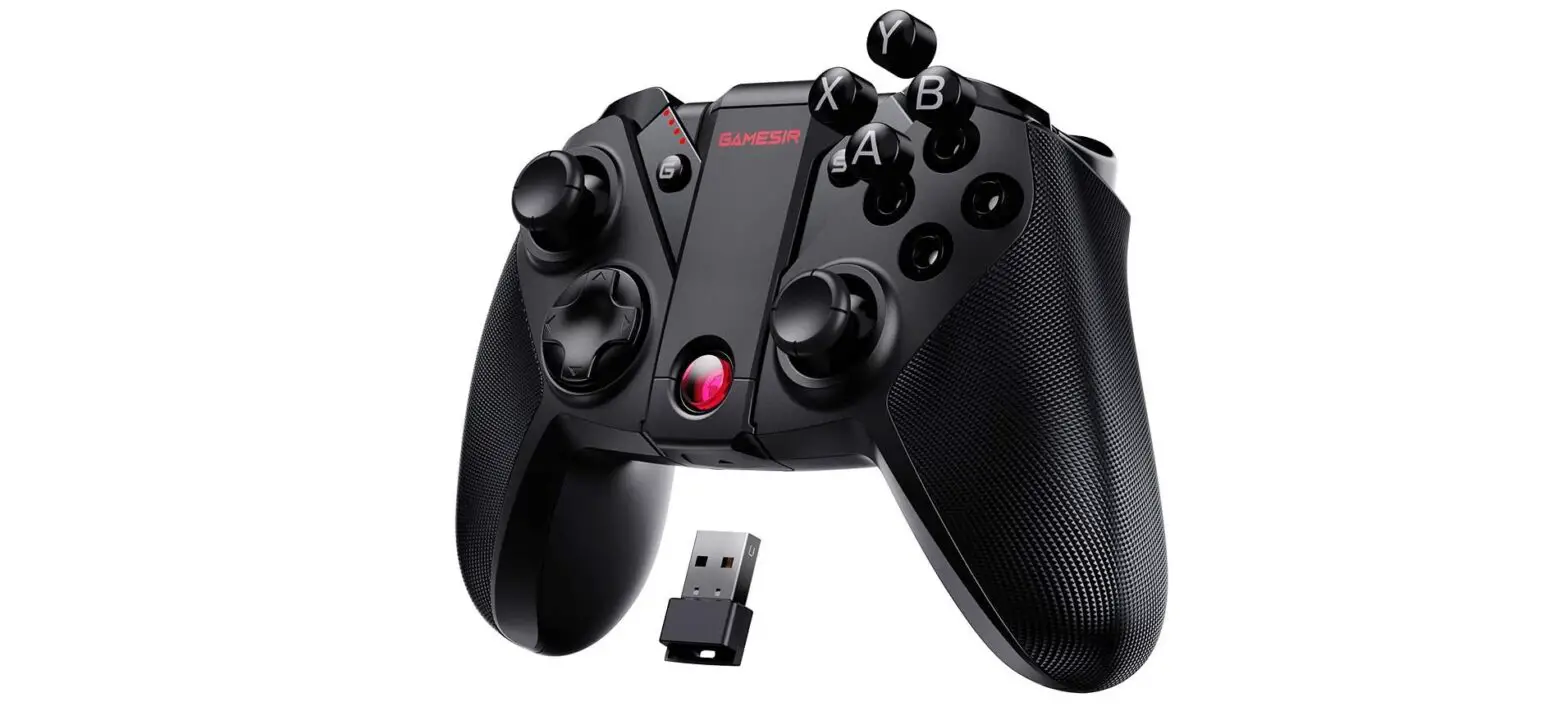
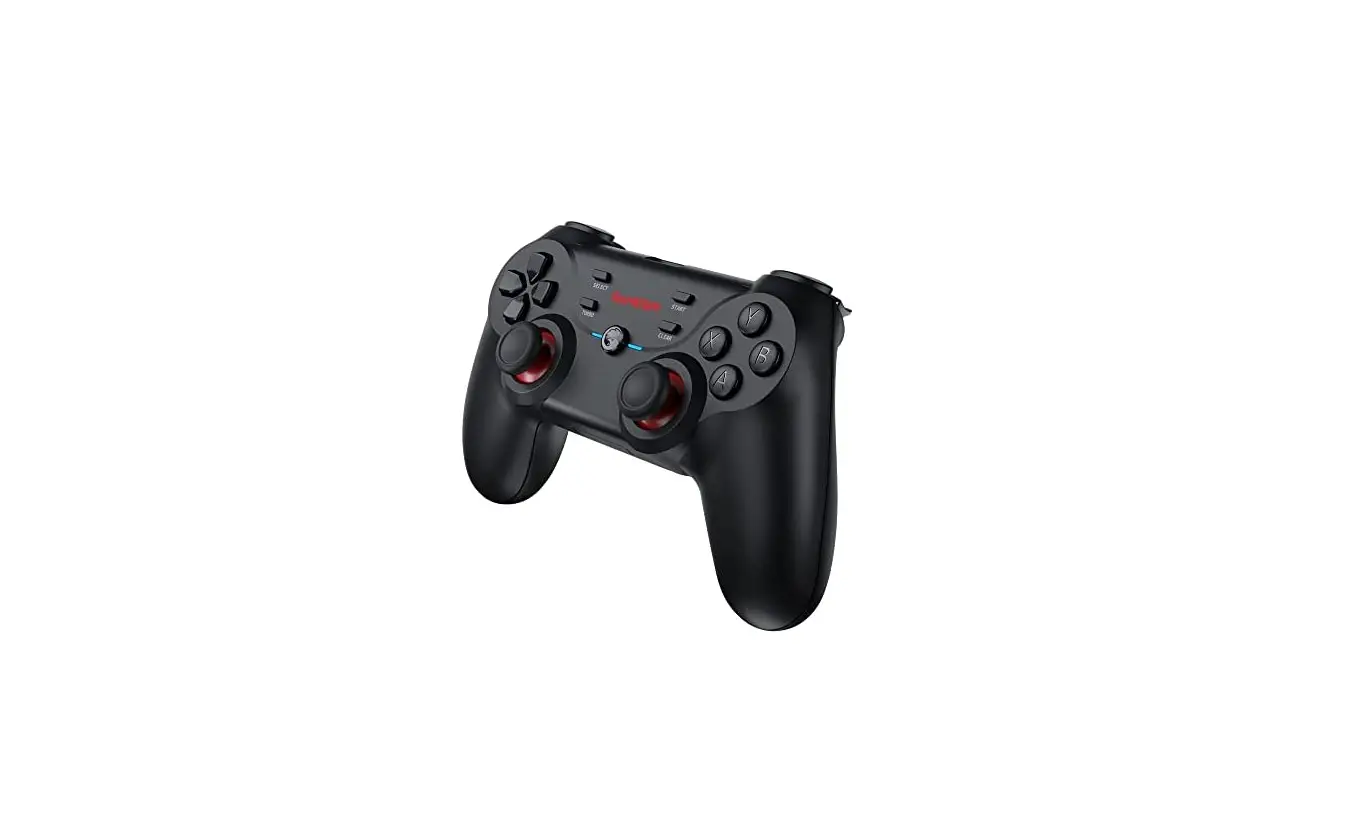
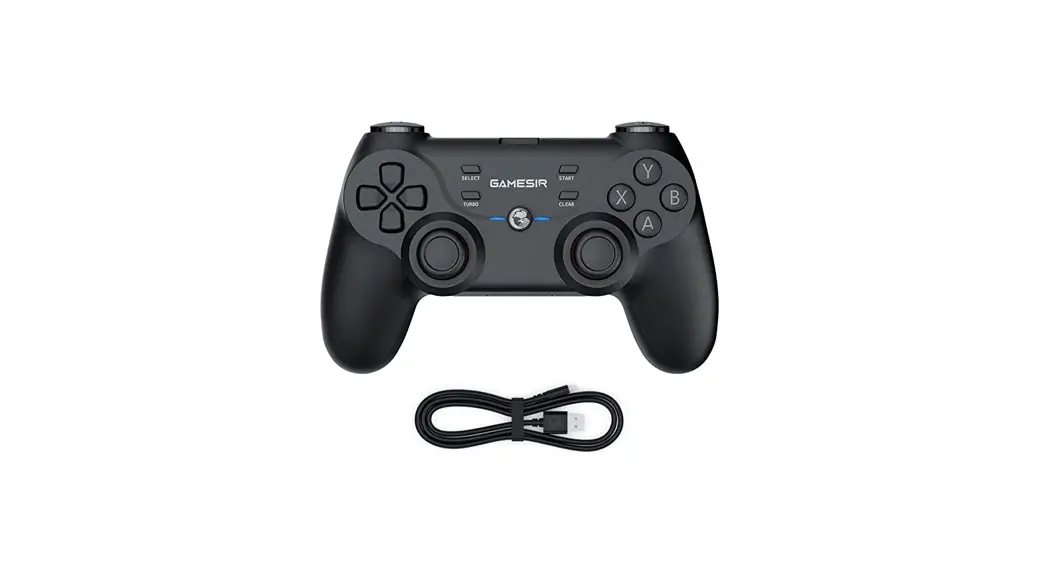
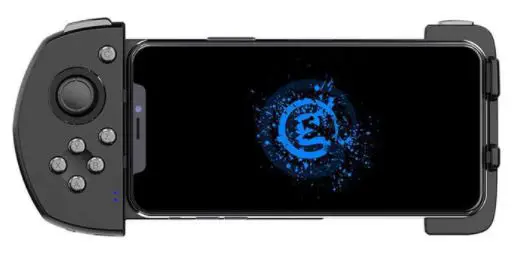
GameSir G6/G6s Mobile Gaming Touchroller
Micro-USB Cable
User Manual
SYSTEM REQUIREMENT
iOS 9.0 or later
REGISTRATION
Register your GameSir ID online at https://gamesir.hk/ to get real time information on your product’s warranty status and a series of exclusive benefits from GameSir.
YOUR BENEFITS
* 12-month replacement of the same model from the date you received it.
* Contact us for free online technical support
Website: https://gamesir.hk
E-mail: [email protected]
Hotline: +1-888-937-1733 (USA & Canada)
Service Hours: Sat.-Sun. 9:00 AM-6:00 PM PST
Mon.-Wed. 6:00 AM-6:00 PM PST
Thur.-Fri. 6:00 AM-3:00 PM PST
DEVICE LAYOUT
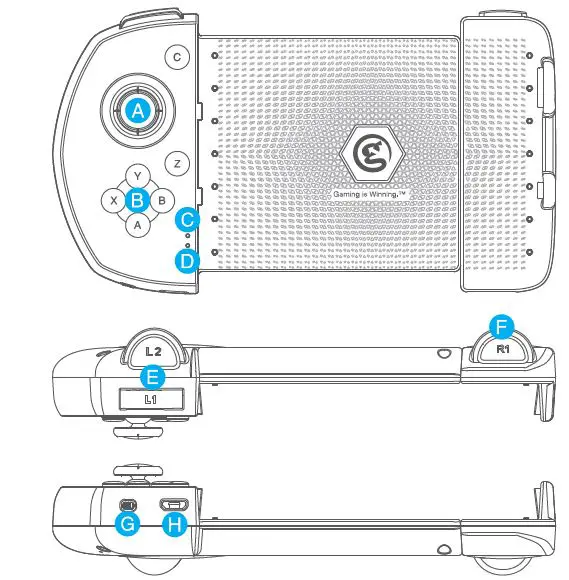
A. Joystick
B. ABXY Buttons
C. LED Mode Indicator Light
D. LED Power Indicator Light
E. L1/L2 Trigger Button
F. R1 Trigger Button
G, Power Button
H. Micro-USB Charging Port
G-Touch TECHNOLOGY
GameSir G6/G6s uses G-Touch technology that supports iOS native games. Download games from Apple App Store and you can play games after Bluetooth connection. Meanwhile, with the GameSir G-Crux app, you can customize buttons to your own preference to maximize in-game control.
CONNECTION
- Press the Y button and power button on GameSir G6 / G6s, the LED mode indicator light will flash in pink.
- Turn on Bluetooth on iOS device and connect to GameSir G6 / G6s. The pink LED mode indicator light will remain lit. The connection is complete.
- You only need to press the power button the next time, GameSir G6/G6s will automatically connect to the iOS device.
AUTOMATIC POWER OFF
- When GameSir G6/G6s is connected, it will automatically turn off if there is no operation for 5 minutes.
- When GameSir G6/G6s is in a low battery state, the LED power indicator light will flash in red.
- GameSir G6/G6s will automatically turn off when the available battery power is lower than the battery protection requirement.
POWER INDICATOR
- When GameSir G6/G6s is being charged, the LED power indicator light will flash in red.
- When GameSir G6/G6s is fully charged, the blue LED power indicator light will stay on.
JOYSTICK CORRECTION
When GameSir G6/G6s is turned on, press and hold L1+L2+C+ L3 buttons simultaneously for 3 seconds, the LED mode indicator light and power indicator light will flash alternately, indicating that it is in the joystick correction mode. Rotate the joystick 3-5 turns, then press L1+L2+C+L3 buttons simultaneously for 3 seconds to save the correction. The joystick correction is complete.
DELETE PAIRING DATA
When GameSir G6/G6s is turned on, press and hold C+Z buttons simultaneously for 3 seconds, the LED mode indicator light will flash quickly, indicating that the pairing data is deleted, you can connect to a new iOS device.
DUAL MOTOR VIBRATION
Dual motor vibration enhances game immersion and you can customize the intensity and duration of vibration with GameSir G-Crux app. Please note: Only GameSir G6s has dual motor vibration.
 小鸡手柄|Gamesir|盖世小鸡 - Gaming is Winning._小鸡手柄|Gamesir title_小鸡手柄|Gamesir|小鸡网
 GameSir | The Global Leading Game Peripheral Brand – GameSir Official Store